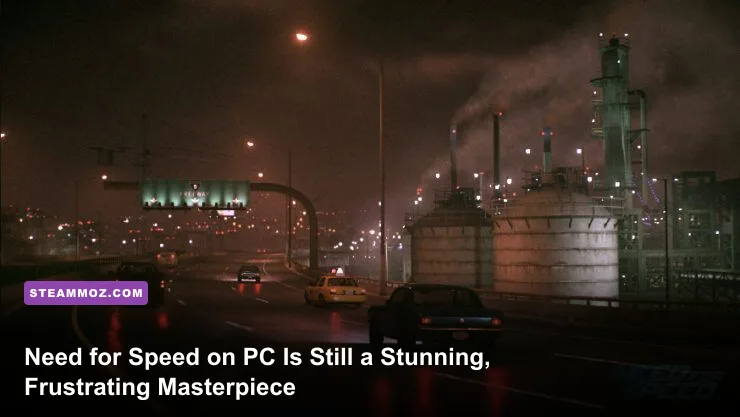
If you pick up Need for Speed on PC right now, you are getting one of the single most atmospheric, visually striking street racers ever coded—provided you know how to dial in its handling sliders and bypass its vanilla physics bugs. When Ghost Games launched their reboot on PC, it suffered from a bizarre hybrid drift-grip physics model and controversial always-online servers. Yet, looking back at the game today, it captures the moody, rain-soaked car culture of midnight street racing better than both Need for Speed Heat and Unbound. With community overhaul mods and rock-bottom Steam sale pricing, this flawed diamond has aged into an essential experience for arcade racing enthusiasts.
The Visual Benchmark That Modern Racers Still Can't Beat
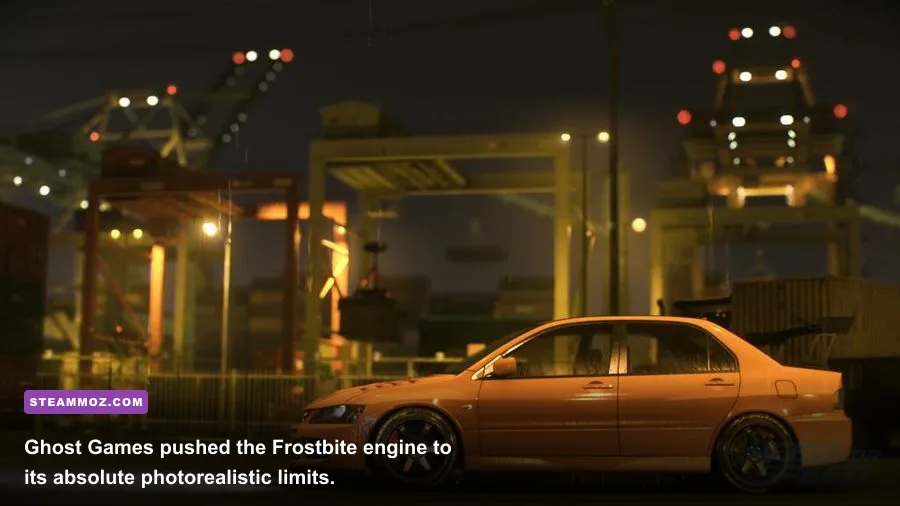
Boot up the PC version at native 4K with unlocked frame rates, and your jaw will hit the floorboard. Even after all these years, the game's lighting presentation looks more grounded and photorealistic than most modern racing titles. Ghost Games achieved this wizardry by locking the game into a perpetual cycle of dusk, midnight, and wet dawn across Ventura Bay. The Frostbite engine deploys heavy temporal anti-aliasing, physically based rendering (PBR), and photogrammetry-scanned asphalt that glistens beneath sodium-vapor streetlamps.
While newer titles rely on stylized cartoon flourishes or hyper-saturated daylight that exposes engine geometry, this reboot hides in the shadows and excels at material detail. Carbon fiber weaves show tactile depth, rainwater cascades across custom Liberty Walk widebody kits, and the dynamic film grain reproduces the grime of 2000s illegal street racing cinema. Running the title on modern hardware allows you to brute-force native resolutions without the muddy temporal blur that plagued original eighth-gen console editions. If you appreciate games that maximize visual mood—much like tuning graphical balance in our Far Cry 6 max FPS settings guide—Ventura Bay is a graphical showcase that still demands your attention.
Taming the Crab-Walk: Tuning the Infamous Handling Physics
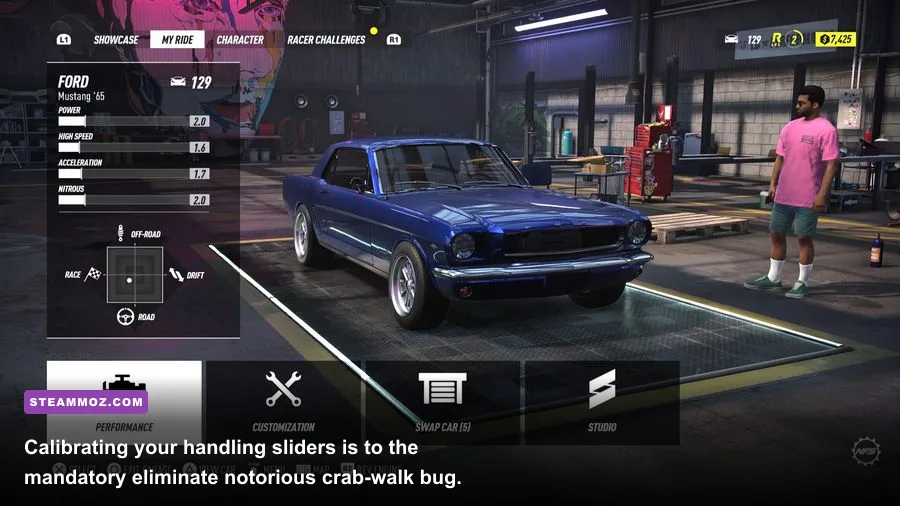
Let's address the elephant in the garage: the vanilla driving mechanics are erratic out of the box. Ghost Games attempted to merge Criterion's aggressive "Brake-to-Drift" mechanic with a traditional grip-based physics engine. Without manual intervention, cars suffer from the dreaded "crab-walk" anomaly—a bizarre glitch where the game engine gets confused between counter-steering and drift assist, snapping your vehicle violently toward guardrails.
You can largely cure this without third-party software simply by diving into the granular handling tuning sliders. The secret lies in disabling the automated assists that fight your inputs. Turning off Drift Stability Assist and Brake Drift Assist instantly returns primary steering authority to your hands, while tuning tire pressures widens your slip angle predictability.
| Handling Slider Setting | Default Value | Pro Grip Setup | Pro Drift Setup | Mechanical Impact |
|---|---|---|---|---|
| Drift Stability Assist | ON | OFF | OFF | Prevents the auto-steer lockup when transitioning weight |
| Brake Drift Assist | ON | OFF | ON | Stops the brakes from instantly forcing a sideways slide |
| Front Tire Pressure | Center (0) | +3 to +4 (High) | -2 to -3 (Low) | Increases front-end bite and turn-in responsiveness |
| Rear Tire Pressure | Center (0) | +4 to +5 (High) | -4 to -5 (Low) | Determines rear breakaway threshold under throttle |
| Steer Range | Center (0) | Wide (+3) | Wide (+4) | Eliminates sluggish steering deadzones on analog sticks |
| Differential | Locked (Drift) | Open (-3) | Locked (+4) | Controls wheel speed distribution across the drive axle |
By applying these adjustments, you transform a twitchy, erratic disaster into a responsive arcade racer. High-speed runs down the Crescent Ridge mountains become a rhythmic test of precision braking rather than a lottery against steering lockups.
The Garage, The Cars, and The Top Tier Machines
The progression curve respects your time. You aren't gifted hypercars within fifteen minutes like in modern open-world festival racers; you earn your rides through genuine cash grinds and street rep. The 51-car roster focuses heavily on tuner culture icons, domestic muscle, and European track machines. Detailed cosmetic parts from genuine aftermarket brands—like Rocket Bunny, Rauh-Welt Begriff (RWB), and Vorsteiner—give the customization a sense of authenticity that later games diluted.
However, car balance is delightfully broken. The 1973 Porsche 911 Carrera RSR 2.8 is an absolute pocket rocket that out-accelerates million-dollar hypercars due to an overtuned weight-to-power calculation in the engine swap code. If you want to dominate late-game sprint races like "A Legend's Wheels," building an RSR is your golden ticket.
| Vehicle Model | Tier Rating | Discipline Specialty | 0-60 MPH Potential | Handling Signature |
|---|---|---|---|---|
| Porsche 911 Carrera RSR (1973) | S-Tier (Meta) | Sprint & Circuit Racing | 1.80 seconds | Insane acceleration, glued to the asphalt |
| Nissan Skyline GT-R V-Spec (R34) | A-Tier | Grip / All-Rounder | 2.10 seconds | Predictable AWD stability through sweeping corners |
| Mazda RX-7 Spirit R (FD3S) | A-Tier | Touge & Gymkhana Drift | 2.35 seconds | Effortless weight transfer and smooth angle recovery |
| BMW M3 E46 (2006) | B-Tier | Street Racing / Nostalgia | 2.45 seconds | Heavy chassis feel, rewarding balanced cornering |
| Lamborghini Aventador LP 700-4 | B-Tier | High-Speed Highway Pulls | 1.95 seconds | Massive top speed, prone to understeer on hairpins |
If you enjoy climbing from a humble starter vehicle to a custom monster, this garage loop feels genuinely rewarding. For players who love min-maxing vehicle stats, it delivers that classic mid-2000s tuning joy that modern titles often skip over.
Always-Online Hazards and the Vital PC Modding Scene
The biggest threat hanging over the game has always been its persistent online requirement. You must maintain a connection to Electronic Arts servers even when running solo narrative missions. If your connection stutters or EA runs backend maintenance, you get kicked back to the title screen instantly. When troubleshooting connectivity hitches or frame pacing hiccups, the troubleshooting mindset is similar to clearing performance bottlenecks in our Elex PC crash and FPS recovery guide.
Fortunately, the PC community stepped in with essential modifications. The definitive way to experience the title today is by installing the community-crafted NFS 2015 Unite Mod via the Frosty Mod Manager. You can check technical mod specifications and engine tweak compatibility directly on the PCGamingWiki Need for Speed entry. Here is what the modding suite fixes:
- Complete Physics Overhaul: Replaces Ghost Games' artificial steering locks with linear, analog-accurate steering that completely eliminates the crab-walking glitch.
- Dynamic Lighting Engine: Removes the aggressive full-screen chromatic aberration and cleans up the heavy film grain pass for crisp visual clarity.
- Expanded Stance and Fitment: Unlocks track width, camber limits, and tire stretching sliders far beyond the restricted base game values.
- Engine Audio Remaster: Restores throaty backfires, twin-scroll turbo whistles, and realistic straight-cut transmission whines.
- Enhanced Cop AI: Beefs up Ventura Bay police interceptor aggression, making police pursuits genuinely intense instead of laughably easy to evade.
Running the game with Unite installed turns a 7/10 arcade racer into a solid 9/10 midnight racing simulator that handles with the fluidity of an authentic street-racer dream.
Optimal PC Graphics Settings and Performance Trade-offs
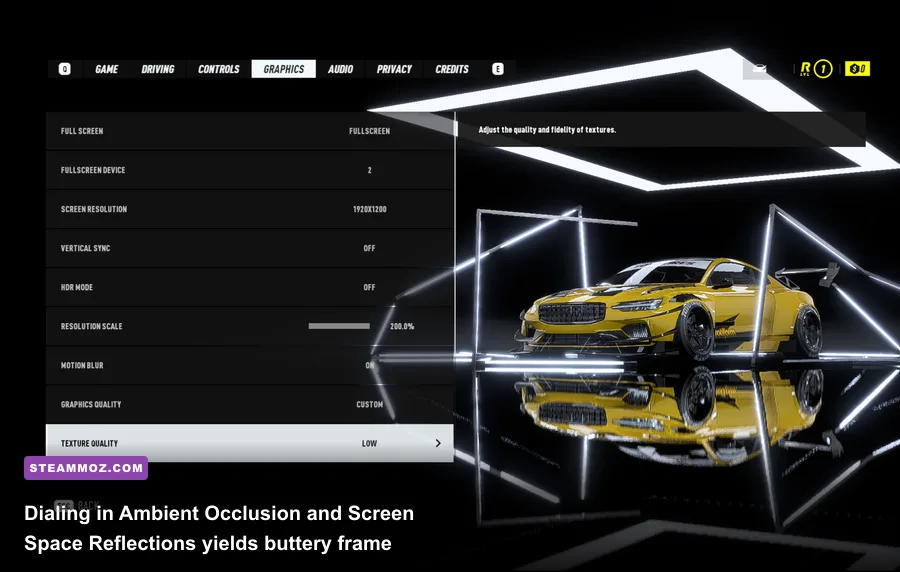
Because the PC build was released months after the console versions, it launched with an unlocked frame rate, manual transmission support, and comprehensive graphics presets. Dialing in your settings properly ensures pristine 120+ FPS gameplay with razor-sharp frame delivery, avoiding sudden drops during chaotic multi-car drift trains. Just like fine-tuning graphics in our Filament higher FPS optimization guide, specific settings deliver massive performance dividends without sacrificing visual fidelity.
To eliminate micro-stuttering and preserve the game's trademark rainy reflections, configure your graphics settings according to the following performance profile:
| Graphics Setting | Target Value | Performance Cost | Visual Impact & Optimization Notes |
|---|---|---|---|
| Ambient Occlusion | HBAO | Moderate (~6% FPS) | Essential for grounding car tires onto wet asphalt; avoid SSAO |
| Screen Space Reflections | Ultra / High | High (~12% FPS) | The core foundation of the game's aesthetic; do not drop below High |
| Motion Blur | OFF | Low (~2% FPS) | Disabling clears up heavy smear during high-speed mountain drifting |
| Antialiasing Post | TAA | Low (~3% FPS) | Suppresses shimmering on street wire fences and neon signs |
| Shadow Quality | Medium | Moderate (~7% FPS) | Saves substantial VRAM; night lighting masks soft shadow edges |
| Effects Quality | High | Low (~4% FPS) | Controls wet road spray, backfire flames, and tire smoke plumes |
If you encounter random physics hitches at ultra-high refresh rates, cap your frame rate at 120 FPS or 144 FPS through your GPU control panel. Running wild beyond 200 FPS can occasionally cause physics calculation desyncs on older Frostbite engine revisions, similar to the erratic pacing fixes covered in our EscapeVR crashing and low FPS guide and our Everspace 2 FPS stability breakdown.
The Final Verdict: Should You Buy It on Steam Today?
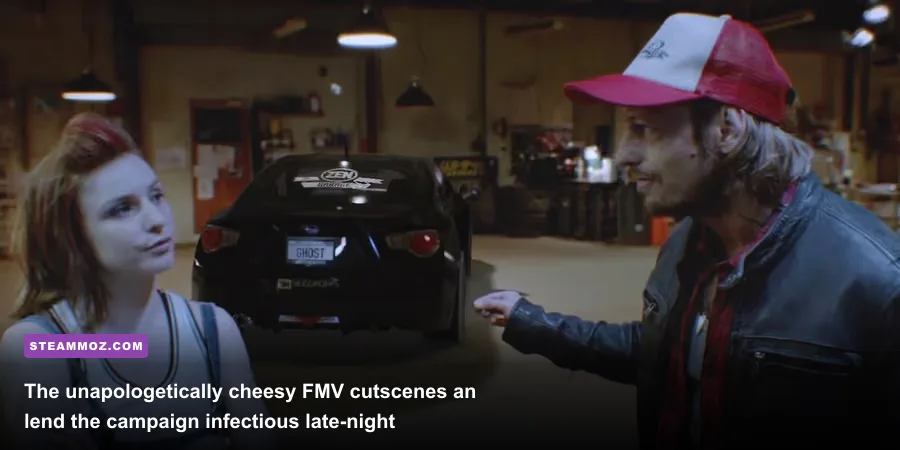
Despite its initial flaws, Need for Speed on PC remains absolutely worth playing. The campaign features campy, live-action first-person FMV cutscenes where real actors fist-bump your silent protagonist, share energy drinks, and introduce real-world automotive legends like Magnus Walker and Ken Block. It is unapologetically cheesy, yet it possesses a genuine passion for grassroots tuner lifestyle that sterile modern titles lack entirely.
During regular sales on the Need for Speed Steam store page, the Deluxe Edition drops to around $3 to $5. For the price of a takeout coffee, you get access to one of the prettiest night-racing sandboxes ever rendered, deep garage customization, and a thriving mod community that smooths out its rough edges. Adjust your handling sliders, load up a late-night synthwave playlist, and take a modified RX-7 screaming down the Ventura Bay expressways. You won't regret the trip.