
Human Fall Flat VR gets much easier once you stop treating Bob like a normal platforming character. Move slowly, keep one hand free, use both arms for climbing, and reset failed experiments early. These 10 practical tips cover the grab system, climbing, momentum, object handling, co-op communication, comfort settings, and the level-specific traps that catch new players.
The VR version keeps the series' deliberately wobbly physics, but the first-person perspective changes the way you read distance. A platform that looked obvious in third-person can be awkward when your hands, head, and body are all fighting for space. If you're just getting started, check the current platform details on the official Steam page and compare your setup with the latest information from No Brakes Games.
Master the hands before chasing the exit
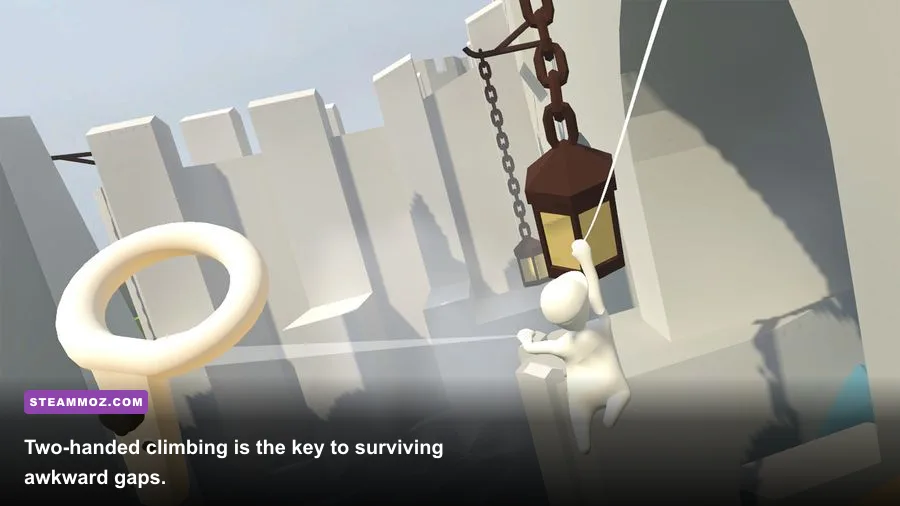
Your hands are the real movement system. The controller's grip input attaches your left or right hand to a surface, while the other hand can stabilize, pull, or reach for the next target. Don't hold both grips constantly. That makes Bob feel like a stuck coat hanger and leaves you unable to correct a bad swing.
1. Grab at chest height, not above your head
For a clean climb, face the ledge, raise one hand slightly above its edge, and grip when your palm is close to the surface. Then raise the second hand and release the first only after your body has moved upward. Alternating hands produces a controlled climb; yanking both hands at once usually sends you sideways.
2. Use your head as a distance gauge
VR depth can be deceptive. Before jumping, line up the target so its near edge sits roughly level with your chest or shoulders. If you can touch it with an outstretched hand, you may not need to jump at all. Reaching first is safer than committing Bob's entire body to a gap.
3. Pull your body, don't push the world
When hanging from a ledge, keep the grabbed hand fixed and move your torso toward it. A common beginner mistake is pushing forward with the thumbstick while gripping, which can make the hand slide or detach. Let the physics do the lifting, then use the stick for a small correction once your waist clears the edge.
| Situation | Best hand technique | Common mistake | Recovery |
|---|---|---|---|
| Low ledge | One-hand grab, then pull forward | Jumping too early | Release and re-grab from closer range |
| High ledge | Alternate both hands upward | Holding both grips continuously | Keep one hand free for alignment |
| Horizontal bar | Grab near the center | Grabbing the end and swinging wide | Release one hand before rotating |
| Moving platform | Grab, wait, then transfer | Leaping during acceleration | Drop to the last stable surface |

🎮 Human Fall Flat VR
Looking to experience this game? Grab your digital key directly on our store for $6.49.
View on Steammoz Store →Stop fighting the physics engine
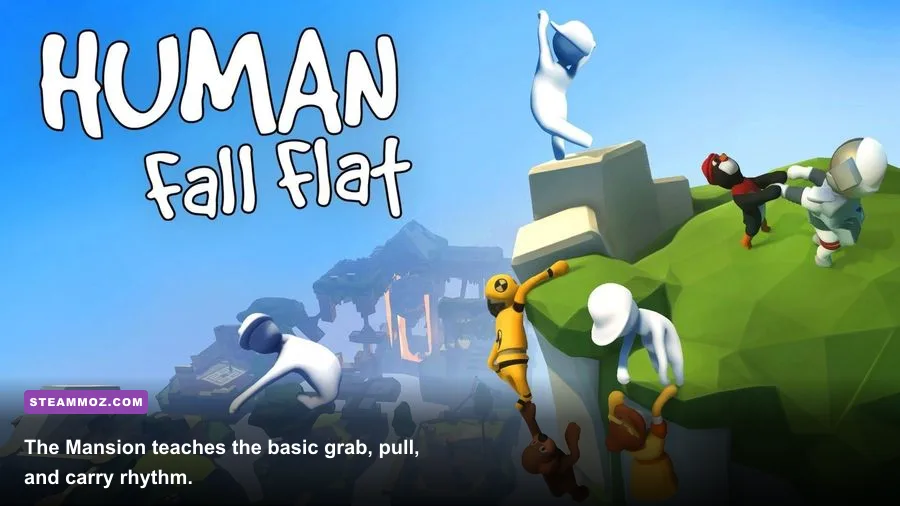
Human Fall Flat VR isn't measuring athletic skill. It's measuring whether you can create a stable setup. Heavy objects have momentum, ropes transmit force unpredictably, and narrow surfaces magnify every mistake. The fastest player is usually the one who performs fewer frantic actions.
4. Push from the center of mass
When moving a crate, place both hands around its middle rather than its top corner. Push with your arms while walking straight behind it. If it starts rotating, stop, let it settle, and grab two opposite sides to square it up. A spinning crate is rarely progress; it's usually energy being wasted.
5. Turn wheels and levers in short movements
Large circular wheels reward repeated, shallow rotations. Grab the rim, move your hand through a short arc, release, and repeat. Trying to perform one giant rotation can pull your shoulder off line and reverse the mechanism. For levers, stand beside the pivot and pull in the direction of the handle's travel rather than dragging it toward your chest.
6. Treat ropes as timing tools
On swinging sections, don't immediately jump when the rope reaches its highest point. Let it travel forward, then release as your body crosses the target's centerline. If you're short, you released too early or grabbed too high; if you overshoot, release later or use one hand to reduce rotation. The developer's Human Fall Flat page is useful for checking the game's level and feature information before troubleshooting a puzzle that may simply require a different physical approach.
Use the levels as a practical training course
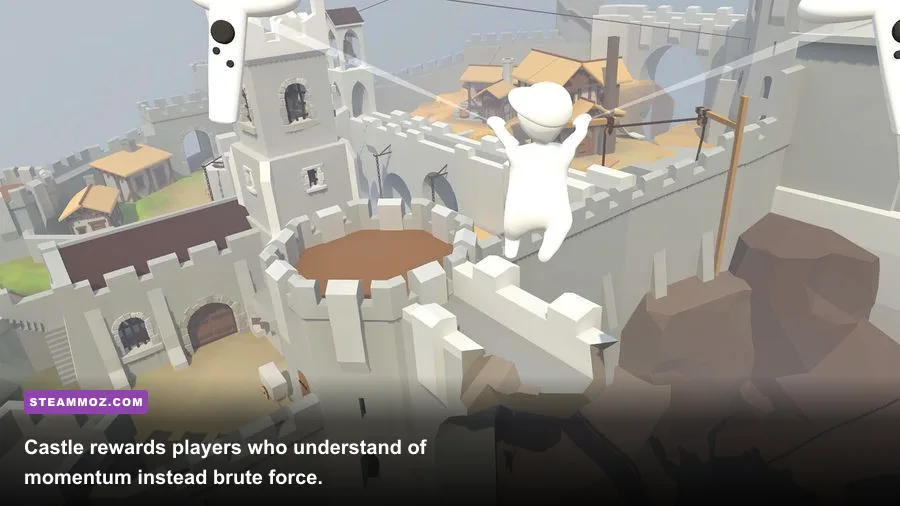
The early maps teach distinct skills, and replaying them with a specific goal is more productive than wandering. Mansion is your hand-control tutorial. Train teaches momentum and timing. Mountain introduces vertical climbing. Castle and Water demand more deliberate object positioning. Later maps such as Ice, Thermal, Golf, City, Factory, and Underwater combine those lessons rather than introducing a conventional combat difficulty curve.
7. Read every puzzle as three smaller problems
First identify the blocker: a gate, gap, lift, or unreachable platform. Next locate the power source: a lever, battery, crank, catapult, box, or movable plank. Finally ask what changes when the mechanism activates. This prevents the classic Human Fall Flat mistake of dragging the nearest object around without knowing what it needs to accomplish.
8. Build a stable route before moving the key object
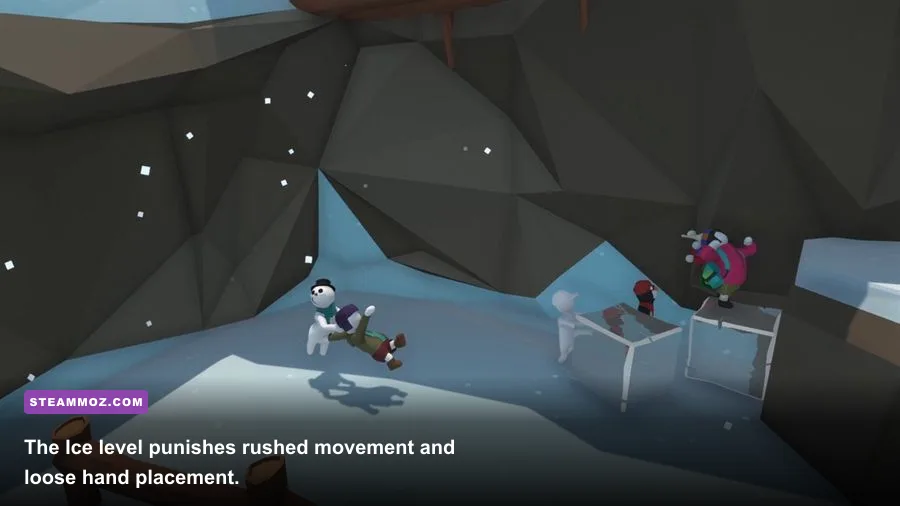
If a crate must cross a gap, inspect the destination first. Clear the landing area, park nearby planks, and find the safest place to stand. In Castle, for example, catapult puzzles become much less chaotic when you decide the launch direction and landing surface before loading the projectile. In Ice, test a slippery route with Bob's body before committing a box that may slide beyond reach.
| Level | Core lesson | Main danger | Reliable approach |
|---|---|---|---|
| Mansion | Grabbing and simple switches | Overreaching | Use short hand movements and reset often |
| Train | Momentum and moving platforms | Jumping during motion | Wait for a stable alignment before release |
| Mountain | Vertical climbing | Both hands detaching | Alternate grips and keep your torso close |
| Castle | Levers, catapults, and weight | Uncontrolled launch angles | Set the landing route before firing |
| Ice | Low-friction movement | Sliding past the objective | Use walls, edges, and deliberate grabs |
Make co-op teamwork feel intentional
Two players can solve a puzzle faster, but two uncoordinated players can turn one crate into a slapstick traffic accident. Pick jobs before touching anything: caller, mover, climber, or switch operator. The caller should describe the next action in one sentence, such as “hold the plank level” or “release on three.” That beats shouting vague directions while both players pull in opposite directions.
9. Anchor one player while the other climbs
For a difficult ledge, have one player hold a stable object or grab the lower edge while the other climbs. The anchor shouldn't keep walking; their role is to create a predictable point of tension. Once the climber is secure, they can pull the anchor up. This works especially well when a jump is technically possible but the landing space is too narrow for a clean leap.
Don't both grab the same small handle unless the puzzle clearly requires it. Shared objects amplify physics jitter, and a failed attempt can fling both players back to the checkpoint. If a solution becomes messy, let go, reposition, and approach it as a sequence rather than a tug-of-war.
Fix comfort and performance before they ruin the fun
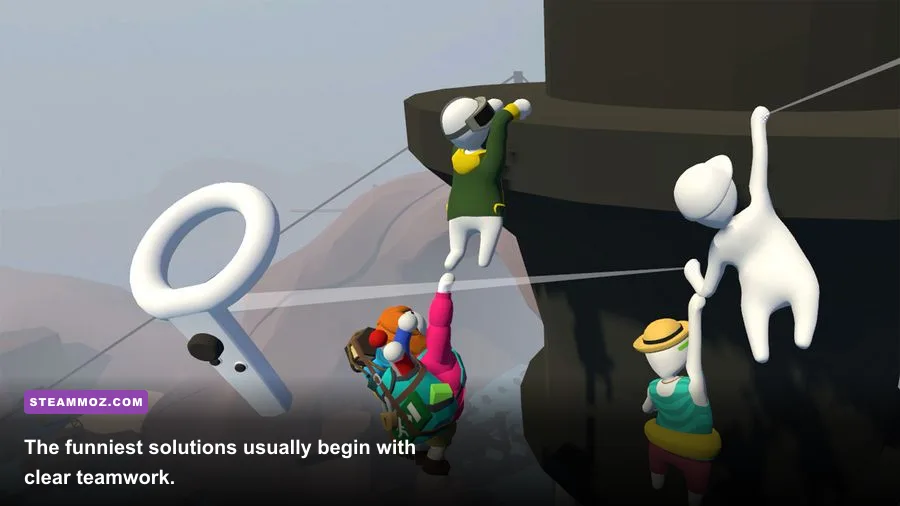
VR comfort is not a cosmetic concern in a game built around falling. Start with snap turning if smooth rotation makes you uneasy, use teleportation when available, and keep the play area clear enough for wide arm movements. Your physical guardian should extend beyond the space where you expect to swing both hands. A real-world chair, wall, or monitor is a much tougher obstacle than anything in Mansion.
10. Tune movement for control, not speed
High movement speed makes short corrections harder and increases the chance of walking past a ledge while reaching. Begin with a moderate locomotion speed, snap-turn increments you can comfortably read, and vignette or tunnel vision enabled if the game exposes those options. Once you can climb and align consistently, increase speed gradually. There is no reward for feeling sick five minutes sooner.
On PC VR, prioritize a stable frame rate over spectacle. Lower shadows, effects, and resolution scaling before sacrificing clarity entirely; seeing a ledge edge matters more than a distant texture. On Quest, close background apps, keep the lenses clean, and avoid playing with low battery if heat or performance becomes inconsistent. For broader PC troubleshooting habits, our guides to crashes and low FPS, PC performance fixes, and max-FPS settings cover the same useful basics: update drivers, close overlays, and test one setting at a time.
| Setting or habit | Beginner recommendation | Why it helps | When to change it |
|---|---|---|---|
| Turning | Snap turning | Reduces visual motion | Switch to smooth only when fully comfortable |
| Locomotion speed | Moderate | Improves ledge alignment | Raise it after consistent climbs |
| Vignette | Enabled if needed | Limits peripheral motion | Reduce gradually over several sessions |
| PC shadows | Medium or lower | Protects frame-rate stability | Raise them only after testing busy scenes |
| Play space | Clear arm's reach plus guardian | Prevents real-world collisions | Recheck after moving furniture |
Know when to reset instead of stubbornly improvising
Falling is part of the design, but not every fall deserves a rescue attempt. If Bob is wedged beneath an object, a rope is wrapped around multiple props, or the required crate has vanished into a bottomless gap, reset to the latest checkpoint. A reset is faster than spending three minutes trying to recreate a stable setup from a broken one.
Use the pause or reset option through the current VR interface rather than repeatedly throwing yourself into the same gap. Checkpoint placement varies by level, so before a risky stunt, notice where the game last saved your progress. The best players aren't fearless; they recognize bad states quickly.
Your first ten runs should look deliberately slow
The winning rhythm is simple: inspect, isolate the mechanism, move one object, and test the result. Keep one hand free, climb with alternating grips, push through an object's center, and communicate a single action at a time in co-op. Human Fall Flat VR rewards curiosity, but it rewards patience even more. Once those habits click, the wobble stops feeling like an obstacle and starts feeling like the game's best tool.