If Clanfolk keeps crashing or crawling below 30 FPS, the fastest route is to verify the installation, update your graphics driver, disable overlays and mods, then lower shadows, foliage, terrain detail, and resolution scaling. If performance only collapses in a large settlement, the real culprit is usually simulation load from villagers, animals, jobs, fires, stockpiles, and pathfinding rather than your graphics card.
Clanfolk is a deceptively demanding colony sim. Its hand-painted Scottish Highlands look gentle, but every clan member is constantly checking needs, hauling resources, finding beds, navigating rooms, tending animals, and reacting to weather and seasonal work. That means a new settlement can run beautifully while a mature one stutters during a busy morning. Use the fixes below in order, because they separate installation problems from the CPU-heavy simulation slowdown that graphics tweaks cannot completely solve.

Check Your PC Before Changing Clanfolk
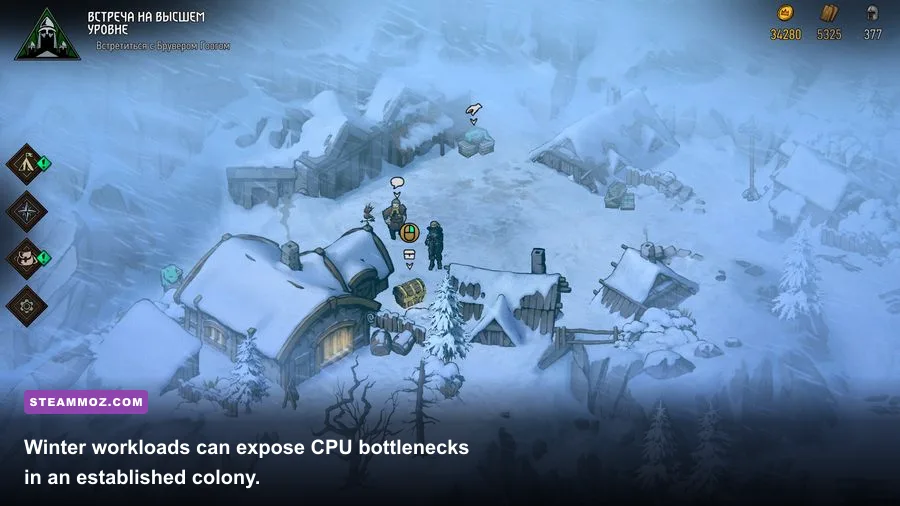
First, compare your hardware with the official Clanfolk Steam page. The listed minimum target is a 64-bit Windows PC with 8 GB of RAM, an Intel Core i5-7500 or AMD Ryzen 3 1200-class processor, and a GTX 1050 or Radeon RX 560-class graphics card. Those specifications are a floor, not a promise of smooth late-game performance. Clanfolk's simulation can become CPU-limited even when the game appears visually simple.
| Component | Minimum Target | Recommended for Large Colonies | What It Affects |
|---|---|---|---|
| Operating system | 64-bit Windows | Current Windows 10 or 11 build | Compatibility and driver support |
| Processor | Core i5-7500 / Ryzen 3 1200 class | Modern six-core CPU with strong single-thread speed | Villager logic, pathfinding, jobs, animals |
| Memory | 8 GB RAM | 16 GB RAM | Large saves, background apps, asset loading |
| Graphics card | GTX 1050 / RX 560 class | GTX 1660, RX 5600 XT, or better | Resolution, shadows, terrain, foliage |
| Storage | Hard drive can work | SSD with 10 GB or more free space | Load times, saves, texture streaming |
Close browsers, recording tools, RGB utilities, and launchers before testing. Open Task Manager while playing and watch CPU, GPU, RAM, and disk usage. GPU usage around 95–100% means visual settings are the likely bottleneck. GPU usage sitting below 70% while one CPU thread is saturated points to the simulation instead.
🎮 Clanfolk
Looking to experience this game? Grab your digital key directly on our store for $14.99.
View on Steammoz Store →Stop Clanfolk Crashes Before They Start
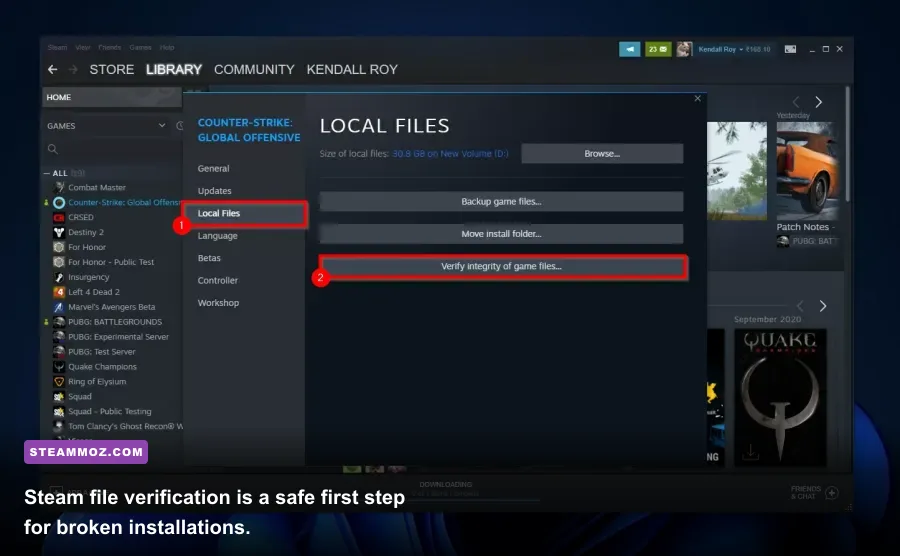
Begin with Steam's repair tools. Right-click Clanfolk in your library, choose Properties, open Installed Files, and select Verify integrity of game files. This replaces damaged or incomplete files without deleting your save folder. Let the process finish, restart Steam, and test a fresh settlement as well as your main save.
Use a clean launch test
Remove every unofficial mod, reshade, custom DLL, or experimental launch option. Clanfolk updates can make older mods crash during startup or when a save loads. Disable Steam Overlay, Discord Overlay, GeForce Experience recording, Xbox Game Bar, MSI Afterburner overlays, and similar hooks for one test session. If the crash disappears, re-enable them one at a time to identify the offender.
Update your NVIDIA or AMD driver with a clean installation, then reboot. Avoid stacking a new driver on top of a corrupted profile if the game began crashing immediately after a driver update. Windows Update should also be current, particularly on Windows 11 systems using older Intel or AMD chipset drivers.
Reset damaged local settings
If Clanfolk crashes before reaching the main menu, the graphics configuration may be invalid after a resolution or driver change. Close the game and back up your Clanfolk save directory first. Then look for the game's local configuration folder in Windows AppData or Documents, rename the configuration file or folder rather than deleting it, and launch again. Renaming lets you restore the old files if needed.
Do not delete saves casually. Back up the entire Clanfolk folder before changing files, and test whether only one settlement crashes. A single broken save can indicate a save-specific problem; every save crashing usually points to drivers, files, overlays, or configuration. The official Steam Community discussions are useful for checking whether a recent build has a known issue.
Use This Clanfolk FPS Settings Profile
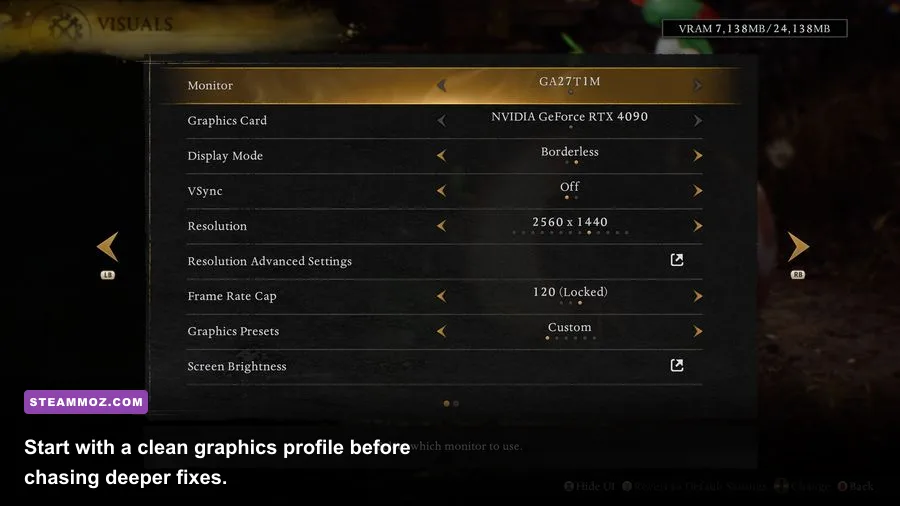
Once the game launches reliably, change one setting at a time and measure the same location. Pause the game, zoom to the same settlement view, unpause for 30 seconds, and compare the minimum FPS rather than the highest number. Clanfolk's camera can make an empty field look smooth while a dense workshop district exposes the real bottleneck.
| Setting | Recommended Value | FPS Impact | Visual Trade-Off |
|---|---|---|---|
| Display mode | Fullscreen or borderless fullscreen | Low to medium | Fullscreen can reduce desktop interference |
| Resolution | Native first; 1600x900 on weaker GPUs | Medium to high | Lower resolution softens the image |
| V-Sync | Off for testing; on if tearing bothers you | Low | Off can expose uneven frame pacing |
| Shadows | Low or medium | Medium to high | Less depth around buildings and objects |
| Terrain detail | Medium | Medium | Ground transitions look less rich |
| Foliage or vegetation | Low to medium | Medium | Fewer grass and plant details |
| Effects and particles | Medium | Low to medium | Fires and weather effects are simpler |
| Animation quality | Medium on older CPUs | Low to medium | Villager movement is less smooth |
For a GTX 1050-class card, use native 1080p only if GPU usage stays below its limit; otherwise try 1600x900, medium terrain, low shadows, and low foliage. A mid-range modern GPU can usually keep native resolution while reducing shadows first. Shadow quality often costs more than players expect, while lowering every texture-like option can make the game ugly without fixing a CPU-bound colony.
If the game includes a frame limiter, cap it slightly below your monitor's refresh rate—58 FPS on a 60Hz display or , 72 FPS on a 75Hz display—for steadier frame pacing. Don't force aggressive driver-level anti-aliasing or sharpening while troubleshooting. Test Clanfolk at its default profile before using NVIDIA Control Panel or AMD Adrenalin overrides.
Fix Late-Game Stutter by Reducing Simulation Load
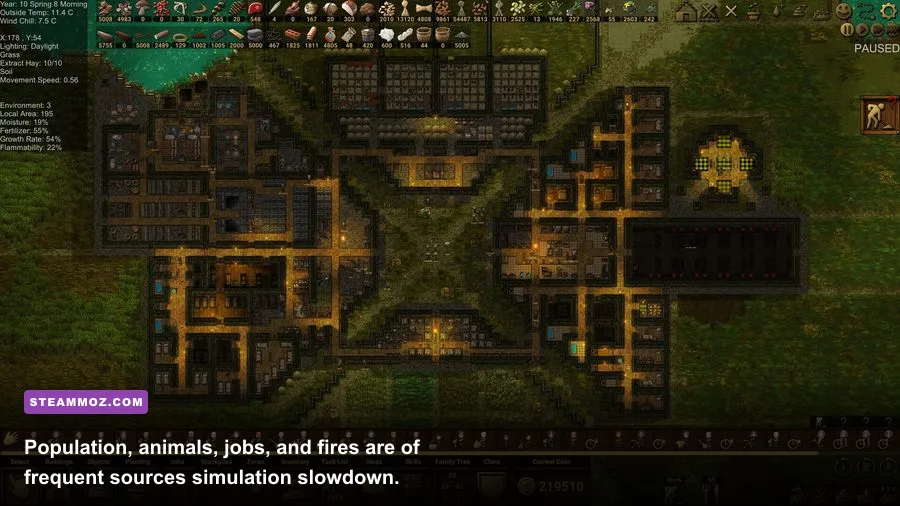
This is the section that matters most for established clans. A crowded settlement can stutter because every villager has work priorities, needs, equipment checks, routes, and building tasks. Animals add feeding, breeding, shelter, and movement calculations. Fires, food production, brewing, drying, hauling, and construction create chains of jobs that constantly update.
Find the expensive workload
Pause the game during a slowdown and inspect your clan. If FPS improves immediately after pausing, your GPU is probably not the primary issue. Cancel hundreds of unnecessary jobs, especially distant hauling tasks and construction orders you no longer need. Remove duplicate stockpile rules that make villagers carry materials across the map.
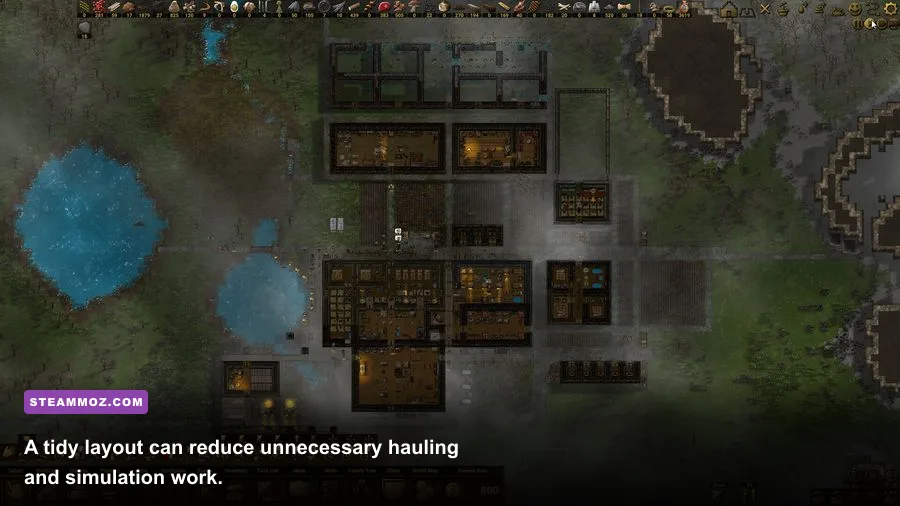
Keep storage close to production. Put logs near the woodcutter and building area, food near the kitchen and dining space, and animal feed near barns or shelters. A compact work district cuts walking time and reduces pathfinding churn. It also prevents a single new construction project from sending half the clan across the Highlands.
| Source of Slowdown | Warning Sign | Practical Fix | Expected Result |
|---|---|---|---|
| Too many villagers | FPS drops during morning schedules | Pause recruitment and avoid unnecessary beds | Lower daily simulation load |
| Large animal population | Stutter near barns and grazing areas | Keep only productive animals and improve shelter layout | Fewer movement and care checks |
| Uncontrolled hauling | Villagers cross the map for small items | Use nearby stockpiles and cancel obsolete orders | Shorter routes and fewer active jobs |
| Excessive fires | Heavy dips during cooking or heating periods | Consolidate rooms and avoid redundant heat sources | Less effects and work activity |
| Huge building queue | Slowdown begins after mass planning | Build in smaller batches and delete abandoned plans | Fewer reservation and path checks |
Don't judge performance only by the FPS counter. Watch simulation responsiveness: do villagers react late, does the clock hitch, or do speed controls feel delayed? Those symptoms indicate CPU scheduling pressure. Lowering resolution will not cure them. The best fix is a smaller active workload and a settlement layout that avoids needless travel.
Protect Saves and Test Every Fix Properly
Before experimenting, copy your saves to a separate folder. Keep at least one backup from before the crash began and avoid repeatedly overwriting the same manual save during testing. A clean test settlement is valuable because it tells you whether the game itself works or whether one colony has accumulated a problematic combination of jobs, buildings, animals, or mods.
Use a controlled checklist: launch with overlays disabled, load a backup, observe the same camera position for two minutes, then change one setting. Record average and minimum FPS, GPU usage, CPU usage, and whether the crash returns. If a crash happens only while saving, leave more free disk space, close background applications, and test a different save slot. If it happens when entering a specific settlement, report the save and reproduction steps through the MinMax Games official site or the game's Steam discussion board.
For broader PC troubleshooting, our guides to Citizen Sleeper 2 crash and FPS fixes, Deadlight Director's Cut PC fixes, and settings that turn stutter into smoother FPS cover the same driver, overlay, and frame-pacing problems in other PC games.
The Best Stable Clanfolk Setup
For most players, the reliable profile is current Windows, updated GPU drivers, verified Steam files, no overlays or outdated mods, fullscreen or borderless mode, native resolution, medium terrain, low-to-medium shadows, and low-to-medium foliage. Keep V-Sync off while diagnosing, then enable it if tearing is distracting. On a modest PC, reduce resolution before sacrificing every visual option.
The key distinction is simple: crashes usually need file, driver, overlay, mod, or configuration repairs; late-game low FPS usually needs workload management. Clanfolk's charm comes from watching a living settlement grow, but every extra villager, animal, fire, route, and queued building adds pressure. Build compactly, keep jobs deliberate, back up your saves, and measure changes in the same busy area. That approach fixes the problem instead of merely hiding it behind a lower resolution.
For the latest patches and developer notes, check the Clanfolk Steam news feed. Performance can shift between builds, so patch-specific reports are often more useful than forcing a dramatic graphics preset that your hardware never needed.