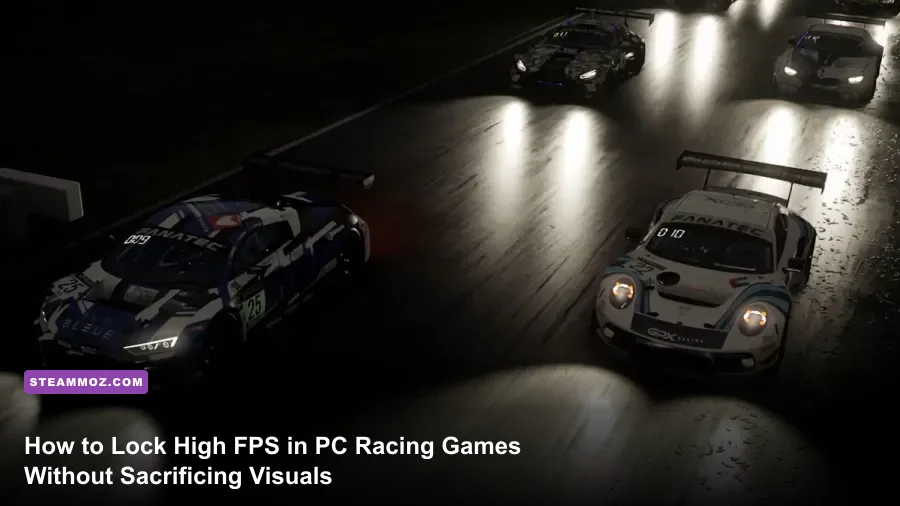
If you want maximum frame rates and butter-smooth motion in PC car games, immediately drop Screen-Space Reflections to Medium, lower Dynamic Shadows by one tier, cut Mirror Quality down, and lock Anisotropic Filtering to 16x. Racing games punish hardware fundamentally differently than tactical shooters or open-world RPGs. Raw average FPS means nothing if your 1% lows drop into the gutter when twenty cars hit the brakes at Monza's first chicane. A single 12-millisecond hitch mid-corner alters your perceived slip angle, breaks your counter-steering rhythm, and sends your rear bumper spinning straight into a concrete barrier. Dialing in a stable frametime delivery takes priority over pushing empty benchmark numbers.
Why Racing Games Punish Your GPU Differently Than Shooters
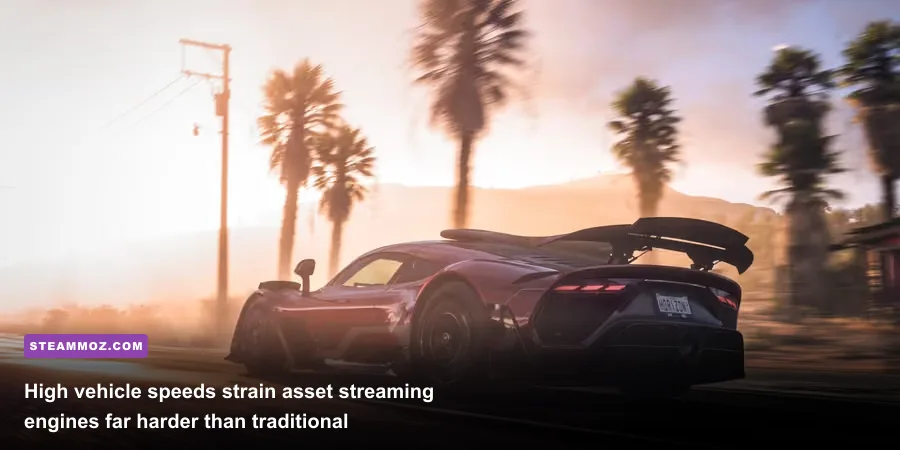
Most competitive shooters render small, static arenas where geometry loads once and stays in VRAM. Racing titles like Forza Horizon 5, Automobilista 2, and Assetto Corsa Competizione force your engine to stream high-density assets at upwards of 200 miles per hour. This rapid traversal constantly churns asset buffers, cycling terrain LODs (level of detail), roadside vegetation, and high-resolution asphalt textures while taxing your CPU with high draw-call volumes. Much like managing expansive render distances in our Far Cry 6 GOTY settings guide, open-road velocity will punish sloppy VRAM management faster than interior environments ever will.
Then you have dual-viewport rendering. When you race from the cockpit or hood camera with a functional rearview or side mirror, your GPU is effectively rendering the entire scene twice. That tiny piece of glass in the center of your screen processes opposing draw calls, separate shadow cascades, and independent reflection probes. Add in twenty-four multi-car grid formations throwing off volumetric tire smoke, dynamic water spray, and headlight bloom at night, and your raster pipeline gets battered on every front.

🎮 FORM
Looking to experience this game? Grab your digital key directly on our store for $14.99.
View on Steammoz Store →The Essential Setting-by-Setting Optimization Breakdown
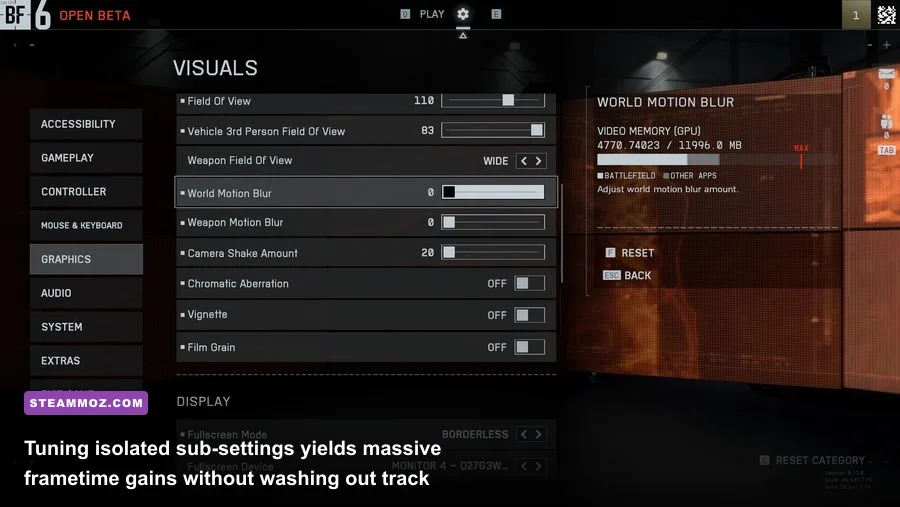
To maximize frames while maintaining absolute track clarity, you must isolate the performance killers that produce minimal visual return at high speeds. Ultra presets are universally inefficient in modern racers; developers tune these highest presets for photo modes rather than active driving.
| Graphic Setting | Recommended Value | FPS Impact | Visual & Tactical Impact |
|---|---|---|---|
| Screen Space Reflections (SSR) | Medium / Off | 12% – 18% Gain | Ultra SSR tracks puddle and hood bounces at huge GPU cost. Medium retains wet road sheen. |
| Shadow Quality / Resolution | High (Avoid Ultra/Extreme) | 8% – 14% Gain | Extreme cascades chew through render passes. High retains sharp chassis shadows under braking. |
| Rearview Mirror Quality | Medium / Low | 10% – 15% Gain | Reduces duplicate background draw calls. Keep car models visible to track overtaking rivals. |
| Volumetric Fog & Smoke | Medium | 9% – 13% Gain | Eliminates massive frame drops during pack starts, burnout smoke, and heavy rain spray. |
| Anisotropic Filtering | 16x | < 1% Gain | Zero real performance cost on modern GPUs; critical for keeping track surfaces sharp in the distance. |
| Car Geometry / Detail | Ultra / High | 3% – 5% Cost | Keep this cranked. Prevents jarring LOD pop-in on opponent vehicles ahead of your braking markers. |
| Environment / Track LOD | High | 6% – 9% Gain | Ultra renders roadside trees 1,000 meters out. High stabilizes high-speed streaming pipelines. |
| Motion Blur | Off (or Low / Wheel Only) | 2% – 4% Gain | Heavy full-screen blur degrades apex visibility. Use camera motion blur only for a sense of speed. |
Reflections represent the biggest trap. In games like F1 24, turning ray-traced reflections or maximum screen-space reflections on will crush mid-tier silicon. The visual difference between High SSR and Medium SSR when rocketing down the Kemmel Straight at 320 km/h is practically invisible to the human eye, but the performance delta frees up vital headroom for your monitor's refresh cycle. If your rig buckles under intense shader operations, applying balanced post-processing presets mirrors the gains demonstrated in our Filament Marmalade Edition FPS fix.
Eliminating Micro-Stutters: Frame Pacing and Input Latency
High average FPS is a vanity metric if your frametimes fluctuate between 7ms and 22ms. To execute precise trail-braking, your hands require predictable feedback that matches your visual refresh. Variable frametime induces micro-stutter, creating visual judder that desynchronizes your steering wheel inputs from the physics engine.
First, never run an uncapped framerate on a variable refresh rate (VRR) display. Follow the gold standard set by the Blur Busters G-Sync tuning guide: enable G-Sync or FreeSync, toggle V-Sync to "On" in your GPU control panel (never in-game), and lock your frame rate 3 to 4 FPS below your monitor's native refresh ceiling (e.g., lock at 141 FPS on a 144Hz panel, or 236 FPS on a 240Hz display). This keeps the pipeline strictly inside the VRR module's operation window, eliminating screen tearing without introducing the catastrophic input latency of standard double or triple buffering.
Second, activate NVIDIA Reflex or AMD Anti-Lag. In modern titles like EA Sports WRC, switching Reflex to "On + Boost" overrides aggressive CPU power-saving states and keeps GPU clocks pinned. This cuts pedal-to-pixel latency down to single-digit milliseconds, allowing you to catch snap oversteer the exact instant your rear tires lose adhesion.
Tailored Presets: From Handheld Rigs to High-Hz Sim Rigs
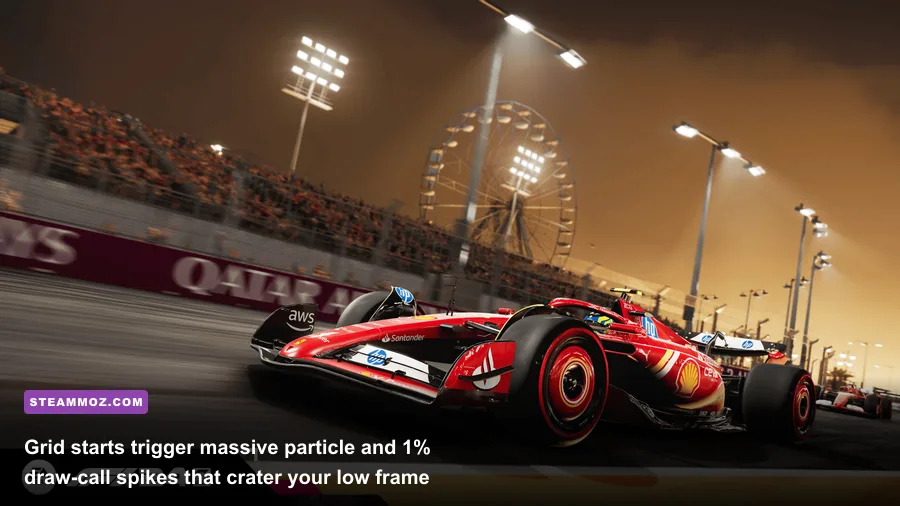
Hardware targets vary wildly between an enthusiast with a triple-screen sim rig and a casual driver tuning an entry-level laptop or handheld PC. One preset never fits all use cases, so configure your profiles around your hardware tier and display layout.
| Hardware Profile | Target Resolution & Refresh | Primary Settings Configuration | Frame Target & Upscaler Strategy |
|---|---|---|---|
| Esports Sim Rig (Triple 1440p / Ultrawide) | Triple 1440p / 49" 240Hz | Shadows Med, Mirrors Low, Car Detail Ultra, SSR Off | 144+ FPS Locked | DLSS / FSR Quality or Native + Reflex |
| Mainstream Enthusiast (RTX 4070 / RX 7800 XT) | 1440p / 144Hz – 165Hz | Shadows High, SSR Medium, Track Detail High, Textures Ultra | 120–140 FPS Locked | Native TAA or DLAA with Reflex |
| Budget / Entry Level (GTX 1660 / RTX 3050) | 1080p / 60Hz – 75Hz | Shadows Med, SSR Off, Crowd Low, Mirrors Low, Shaders Med | 60 FPS Rock Solid | FSR Balanced / DLSS Performance |
| Handheld / APU (Steam Deck / ROG Ally) | 720p / 800p / 1080p @ 45–60Hz | All Medium-Low, Motion Blur Off, Anisotropic 8x, Depth of Field Off | 45–60 FPS Cap | Dynamic Resolution Scaling enabled |
If you are pushing wide multi-monitor configurations, pay close attention to your field of view (FOV) and crowd rendering. Grandstands full of 3D animated spectators consume staggering amounts of CPU draw-call power. Setting "Crowd Quality" to Low or Off gives you an immediate 8% boost to your 1% low frames during the start-finish straight without changing anything on the racing surface itself.
Driver Tweaks and Background Bottlenecks That Ruin Frame Times
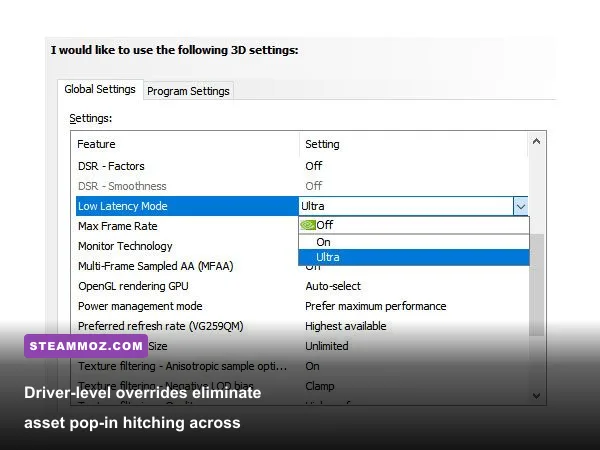
Even with fully optimized in-game menus, driver-level oversights can cause sudden stuttering when entering high-detail track zones. Sudden frame drops often stem from storage and cache bottlenecks rather than raw GPU limits, similar to the stability fixes we applied in our Elex PC crash and framerate guide.
Open the NVIDIA Control Panel or AMD Radeon Software and locate your Shader Cache Size. By default, Windows sets this to a conservative limit (often 1GB to 4GB). In high-speed racers where asset variety is immense, that small cache repeatedly purges and recompiles shaders on the fly, sparking micro-freezes. Increase your Shader Cache Size to 10GB (or unlimited). This ensures tracks like the Nürburgring Nordschleife retain pre-compiled shaders indefinitely across seasons and wet weather cycles.
Always verify that your racing titles are installed on an NVMe SSD with fast random read speeds. When running an open-world racer like Forza Horizon 5 at 250 miles per hour, mechanical drives or slow SATA SSDs trigger continuous streaming hitches as world segments fail to decompress in time. Resolving baseline hardware limits eliminates sudden engine lockups, which we also noted when tackling hardware bottlenecks in our Everspace 2 FPS stability tweaks and our run-through of EscapeVR low FPS fixes.
Finally, avoid DLSS Frame Generation if you play competitive racers with a direct-drive sim wheel. While Frame Generation inflates on-screen frame counts, it does not lower your control loop latency—and it can introduce slight frame pacing variations that feel unnatural through force-feedback steering shafts. Stick to raw rasterization or standard DLSS/FSR Super Resolution set to Quality, keep reflex toggles hot, and enjoy perfectly paced racing from lights out to the checkered flag.