Hacknet Complete Edition has exceptionally low PC requirements: the official minimum is a 1.6 GHz processor, 2 GB of RAM, an OpenGL 2.0-compatible graphics solution, Windows XP or newer, and roughly 500 MB of free storage. There is no demanding modern GPU requirement. For a smoother modern setup, aim for any recent dual-core CPU, 4 GB of RAM, an integrated GPU released within the last decade, and at least 1 GB of free space.
That makes Hacknet one of the safest PC games to buy for an old laptop, office computer, or compact mini-PC. The Complete Edition is a terminal-driven hacking thriller, not a 3D benchmark: most of the workload comes from rendering text, interface panels, animated network diagrams, and occasional visual effects. If your machine can comfortably run a web browser and basic 2D applications, it is very likely ready for Hacknet.
Below, you’ll find the official baseline, a realistic recommended target, operating-system notes, graphics expectations, and practical fixes for the few problems that can still appear. The game is available through the official Hacknet Steam page, while the developer’s Fractal Alligator website provides additional information about the studio and its games.

Hacknet Complete Edition minimum system requirements
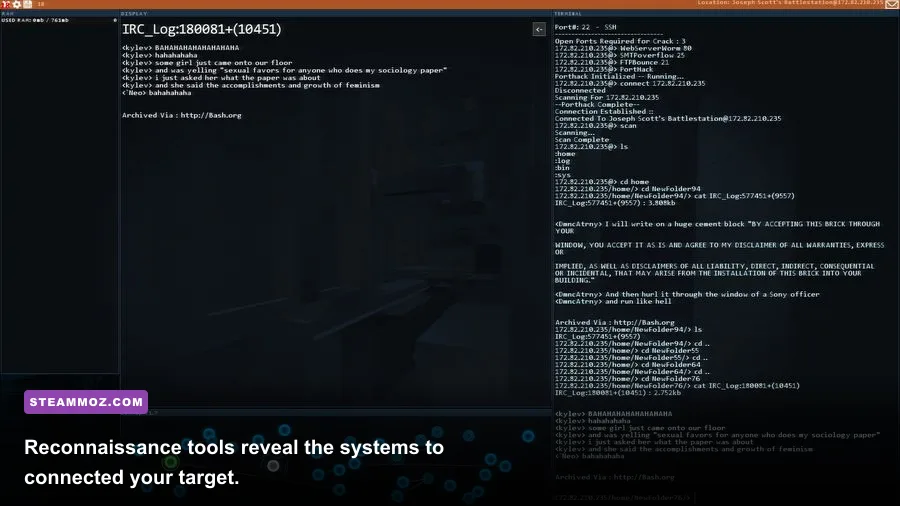
The requirements published for Hacknet are from a very different PC era, and that is good news. The game was designed around a command-line presentation and 2D interface rather than large 3D environments, high-resolution textures, or real-time lighting. You don’t need a gaming desktop, a dedicated graphics card, or a large installation drive.
| Component | Official minimum | What it means today |
|---|---|---|
| Operating system | Windows XP or later | Windows 10 and Windows 11 are the sensible targets |
| Processor | 1.6 GHz CPU | Any modern dual-core processor is comfortably faster |
| Memory | 2 GB RAM | 4 GB works, but 8 GB is preferable for Windows itself |
| Graphics | OpenGL 2.0-compatible graphics | Integrated graphics should be sufficient |
| Storage | 500 MB available space | Reserve at least 1 GB for installation and updates |
| DirectX | Not specified as a demanding requirement | Graphics API support matters more than GPU power |
The processor requirement is especially forgiving. A 1.6 GHz rating doesn’t describe every aspect of modern CPU performance, but Hacknet’s simulation and interface work are light enough that even low-voltage laptop chips should have plenty of headroom. An Intel Celeron, Pentium, Core 2 Duo, AMD Athlon, Ryzen 3, Apple Silicon Mac through compatibility support, or comparable chip can handle the game far beyond its stated baseline.
The 2 GB RAM requirement is technically low, but there’s an important catch: the operating system also needs memory. A Windows 10 machine with only 2 GB may launch Hacknet while feeling sluggish elsewhere, particularly if a browser, Discord, cloud storage, and antivirus scans are active. That’s why 4 GB is the practical floor and 8 GB is the comfortable recommendation.
🎮 Hacknet Complete Edition
Looking to experience this game? Grab your digital key directly on our store for $2.29.
View on Steammoz Store →Recommended PC specs for a smooth experience
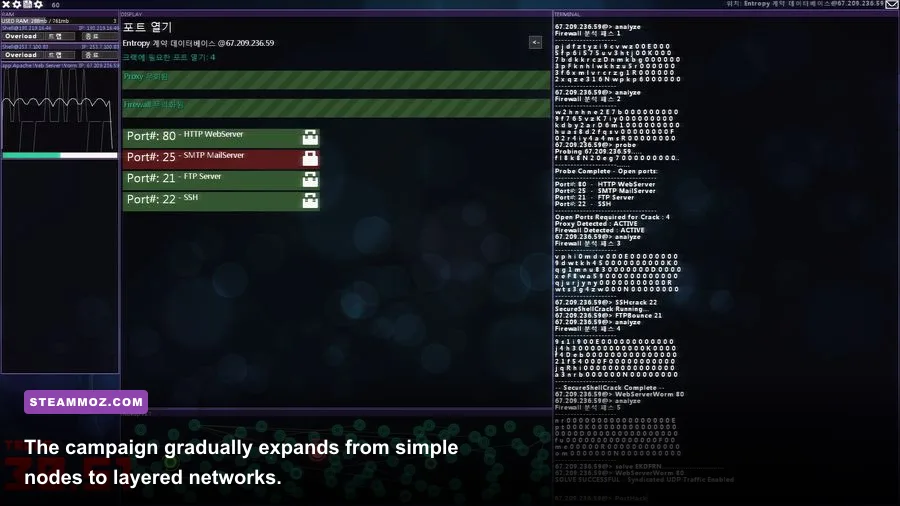
Hacknet does not publish a demanding modern recommended specification in the way a new 3D release might. The table below is therefore a practical recommendation, not an official second-tier requirement. It reflects what you should target if you want fast loading, stable windowed play, and enough system memory for background applications.
| Component | Practical recommended spec | Why it helps |
|---|---|---|
| Operating system | Windows 10 or Windows 11, 64-bit | Best compatibility with current drivers and Steam |
| Processor | Modern dual-core CPU at 2.0 GHz or faster | Provides ample overhead for the game and background tasks |
| Memory | 4 GB minimum; 8 GB preferred | Keeps Windows, Steam, browser tabs, and Hacknet responsive |
| Graphics | Intel UHD, AMD Radeon integrated graphics, or better | More than enough for the game’s 2D terminal presentation |
| Storage | 1 GB free on an SSD if possible | Leaves room for updates and produces quick launch times |
| Display | 1280x720 or higher | Improves readability of terminal text and dense interface panels |
The graphics recommendation looks almost comically modest next to modern PC games, but it is the right way to think about Hacknet. The key question is whether your graphics driver supports the required OpenGL feature level, not whether your GPU can render a blockbuster at ultra settings. Intel HD Graphics 4000-era hardware and newer integrated solutions should be more than capable, assuming current or functional drivers.
An SSD is not necessary, but it makes the overall experience nicer. Hacknet loads quickly from a hard drive already, yet an SSD removes almost every pause when starting the game, switching missions, or returning to a saved session. The difference won’t transform frame rate; it simply makes the campaign feel instant.
If you’re comparing this with other old or lightweight games, our guides to GRIS abilities and God’s Trigger performance tips cover similarly approachable PC experiences. Hacknet is even less demanding from a rendering perspective.
What hardware does Hacknet actually use?
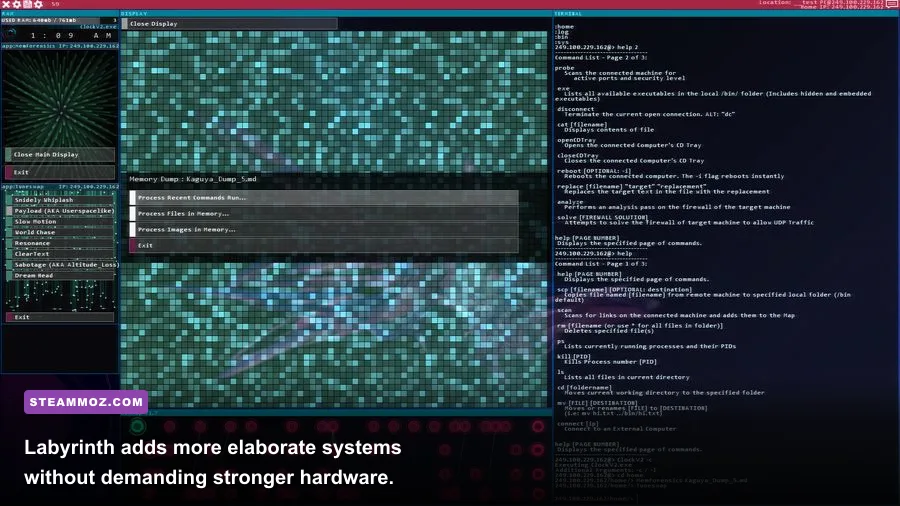
Hacknet’s fiction presents you as an operator navigating compromised systems, but the game’s technical workload is closer to a sophisticated 2D application than a conventional action game. You spend most of your time reading terminal output, entering commands, opening file trees, inspecting logs, and connecting nodes through the network map. There are no expansive 3D levels, physics systems, or crowds of animated characters for your PC to process.
CPU requirements
The CPU handles command processing, mission logic, UI updates, and the game’s simulation of network activity. You will not see meaningful gains from upgrading from a modern Core i3 to a Core i7. On old hardware, however, an underpowered or heavily throttled processor can cause delayed input, slow terminal output, or stutter when many interface elements are open.
That distinction matters on very old laptops. A nominal 1.6 GHz chip may be sufficient when plugged into the wall but become noticeably slower on battery-saving mode. If commands appear to register late, switch Windows to a balanced or high-performance power profile and connect the charger. You shouldn’t need to alter in-game settings to solve a CPU power issue.
GPU and OpenGL support
The official OpenGL 2.0 requirement is the most important compatibility detail. Integrated graphics are fine, but outdated or broken drivers can prevent the game from launching even when the hardware is fast enough. This is a classic example of compatibility being more important than raw performance.
Update the Intel, AMD, or Nvidia driver through the manufacturer or your laptop vendor before troubleshooting deeper. If you’re using a virtual machine, remote desktop session, or unusual Linux compatibility layer, OpenGL passthrough may be the real problem. Test Hacknet locally first, because remote sessions sometimes expose incomplete graphics support.
RAM and background applications
Hacknet itself uses very little memory compared with modern games. Your browser is often the bigger concern. A dozen Chromium tabs, video playback, Discord, and a game launcher can consume several gigabytes before Hacknet even starts. Close heavy applications if you’re playing on a 4 GB system, and avoid treating the minimum 2 GB figure as a comfortable Windows specification.
Hacknet graphics settings and expected performance
Hacknet is not a game where switching from ultra to low will suddenly double your frame rate. Its visuals are mostly text, windows, lines, icons, and restrained effects. On compatible hardware, you should generally expect a stable experience at your display’s native resolution. Settings are still worth understanding if you’re using an old laptop, unusual monitor scaling, or a system that reports graphical glitches.
| Setting or factor | Recommended value | Performance impact | Visual result |
|---|---|---|---|
| Resolution | Native monitor resolution | Very low | Sharpest text and cleanest interface |
| Fullscreen mode | Use fullscreen on older PCs | Low to moderate benefit | Can reduce desktop compositing overhead |
| Windowed mode | Use for multitasking | Usually negligible | Easier to reference notes or guides |
| Interface scaling | Choose the most readable option | Minimal | Prevents cramped terminal text |
| Visual effects | Keep enabled unless troubleshooting | Minimal | Preserves the intended hacker-movie atmosphere |
| V-sync or driver frame limit | Leave default unless tearing appears | Minimal | Can remove distracting horizontal tearing |
For a low-end profile, run the game fullscreen at 1280x720 or 1366x768, close unnecessary overlays, and use the native graphics driver rather than a compatibility wrapper. For a modern profile, use native resolution, windowed mode if you like taking notes, and keep the interface effects enabled. The visual difference between these profiles is subtle, while the readability difference can be significant on small laptop screens.
High-DPI displays deserve special attention. On a 1440p or 4K monitor, text can look tiny if Windows scaling and the game’s interface do not agree. Increase Windows display scaling first, then test the game’s own presentation options. Don’t lower the entire desktop resolution as your first move; that often makes text softer without fixing the underlying scale mismatch.
Windows, Linux, and Steam Deck compatibility

Windows is the simplest target because it matches the game’s original PC release environment. Windows 10 and 11 should be the priority even though the listed requirement reaches back to Windows XP. Older operating systems may satisfy the printed requirement but can introduce problems with Steam Client support, certificates, drivers, or modern display scaling.
Linux players should check the current Steam Community hub for recent compatibility reports rather than assuming that the old Windows requirement guarantees perfect native behavior. Proton can make Windows builds accessible, but results can vary with desktop environments, video drivers, and font rendering. Since Hacknet is lightweight, it is a good candidate for low-power Linux machines, but driver support still matters.
Steam Deck hardware is far beyond the game’s performance needs. The bigger question is control comfort and text readability. The Deck can run a title this light without stress, but a terminal-heavy game may feel better with a keyboard, trackpad, or external display. If you use desktop mode, confirm that the text size is comfortable before starting a long mission.
Mac users should verify the current store listing and their operating-system version before purchasing. Older 32-bit applications, discontinued graphics APIs, and newer Apple hardware can create compatibility differences that have nothing to do with performance. Again, Hacknet is easy to render; getting the correct executable and graphics layer is the part to verify.
How to fix Hacknet crashes, stutter, and launch problems
Because the game is so light, persistent stutter usually points to software, drivers, overlays, or power management rather than insufficient hardware. Work through these fixes in order rather than lowering every visual option.
- Verify the installation. In Steam, open Hacknet’s Properties, choose Installed Files, and select the option to verify integrity. This repairs missing or corrupted files after an interrupted update or storage error.
- Update the graphics driver. OpenGL failures often look like game crashes. Install a current driver from Intel, AMD, or Nvidia, then restart Windows before testing again.
- Disable overlays temporarily. Steam Overlay, Discord, Xbox Game Bar, recording software, and GPU monitoring tools can interfere with older games. Turn them off one at a time to identify the culprit.
- Test fullscreen and windowed modes. If fullscreen produces a black screen or flicker, launch windowed. If windowed mode stutters while dragging or switching applications, try fullscreen with desktop scaling left at its default.
- Use the correct power profile. On laptops, connect the charger and disable aggressive battery saver settings. A low-power CPU can make terminal response feel delayed even when the frame rate counter looks fine.
- Check security software. Antivirus tools occasionally quarantine files or block older executables. Add the Steam library folder as an exception only if you trust the installation and understand the security trade-off.
- Remove compatibility experiments. If you enabled forced compatibility modes, third-party wrappers, or unusual launch options, restore defaults. Hacknet generally needs less tweaking, not more.
Don’t expect a GPU upgrade to solve an OpenGL initialization error. A powerful card with a broken driver is still incompatible, while a modest integrated GPU with correct OpenGL support can run Hacknet smoothly. That is the central performance lesson for this game.
For broader PC troubleshooting, Steamoz also has targeted guides for crashes and low FPS, poor PC performance, and game launch fixes. The same habits apply here, even though Hacknet’s hardware demands are dramatically lower.
Can your PC run Hacknet Complete Edition?
Almost certainly. If your PC meets the official 1.6 GHz processor, 2 GB RAM, OpenGL 2.0, and 500 MB storage baseline, it should be able to launch Hacknet Complete Edition. A modern Windows laptop with integrated graphics will usually run it with enormous headroom, and an 8 GB system gives you more than enough room for Steam, a browser, notes, and the game at the same time.
The only caveat is that old listed requirements don’t guarantee modern software compatibility. Check your graphics driver, use a supported current operating system where possible, and verify the installation if Steam reports an error. Once those boxes are checked, focus on a readable resolution rather than chasing frame-rate improvements you won’t notice.
Hacknet’s low requirements are more than a curiosity: they make its dense, wonderfully paranoid terminal experience accessible on hardware that can’t handle most current releases. Whether you’re using an aging notebook or a new gaming PC, the recommended setup is simple—4 GB of RAM, modern integrated graphics, a dual-core CPU, and a small amount of free space. Everything beyond that is luxury.