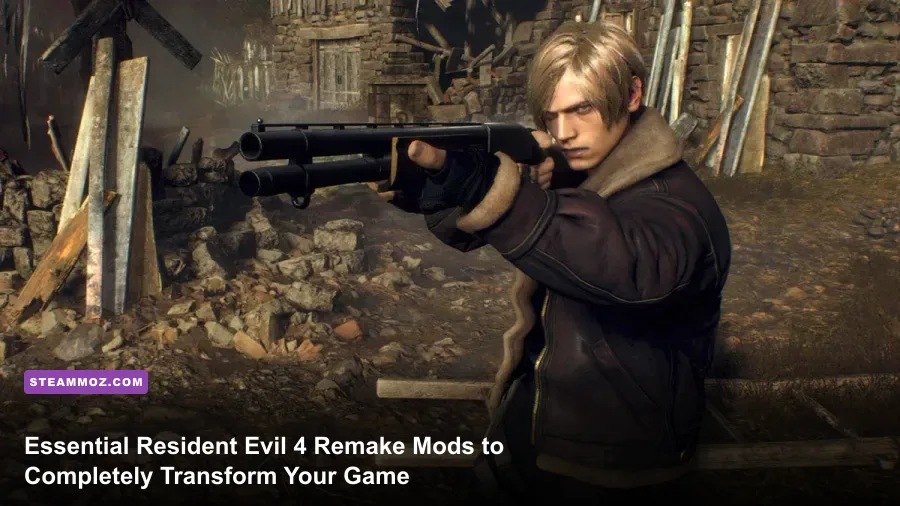
Capcom's reimagining of Leon S. Kennedy's Spanish detour is a technical marvel, but out of the box, the PC port carries unnecessary baggage: aggressive edge vignetting, sluggish field-of-view limits, heavy crosshair bloom, and glaring yellow paint slathered over every climbable surface. By installing a handpicked roster of essential community mods—led by Praydog's REFramework and the classic laser sight overhaul—you instantly strip away the visual noise, reclaim pin-point gunplay accuracy, and boost overall engine responsiveness. Modding doesn't dilute the tension; it refines the survival horror experience into the razor-sharp shooter it was meant to be.

The Engine Foundation: Fluffy Mod Manager and REFramework
Before touching weapon balances or visual overhauls, you need the twin pillars of RE Engine modding: Fluffy Mod Manager 5000 and Praydog's REFramework. Unlike older titles that forced you to overwrite game archives and pray for stability, the modern RE Engine unpacks via hook injection and virtual file mounting. If you have spent time troubleshooting unstable PC setups like in our ELEX PC fixes that stop crashes and rescue your FPS, you know how crucial clean file management is from day one.
Fluffy Mod Manager acts as your central sandbox. You drop zipped mod archives into the manager's dedicated folder, toggle them on or off with a single click, and launch the game without touching your vanilla Steam directory. Meanwhile, REFramework acts as the game's dynamic hook. By dropping a single dinput8.dll file into your root installation folder (accessible through your Resident Evil 4 Steam install directory), you gain an in-game overlay that fixes engine-level hitches, bypasses memory allocations, and provides an anchor for advanced scripting.
REFramework isn't just an enthusiast utility; it directly addresses the engine's baked-in temporal anti-aliasing ghosting and loose camera acceleration. Once installed, pressing Insert summons the debug menu, allowing you to configure custom FOV scaling beyond Capcom's cramped 75-degree slider, adjust free-look smoothness, and stabilize frametimes across chaotic village brawls.

🎮 FORM
Looking to experience this game? Grab your digital key directly on our store for $14.99.
View on Steammoz Store →S-Tier Quality-of-Life: Restoring True Combat Control
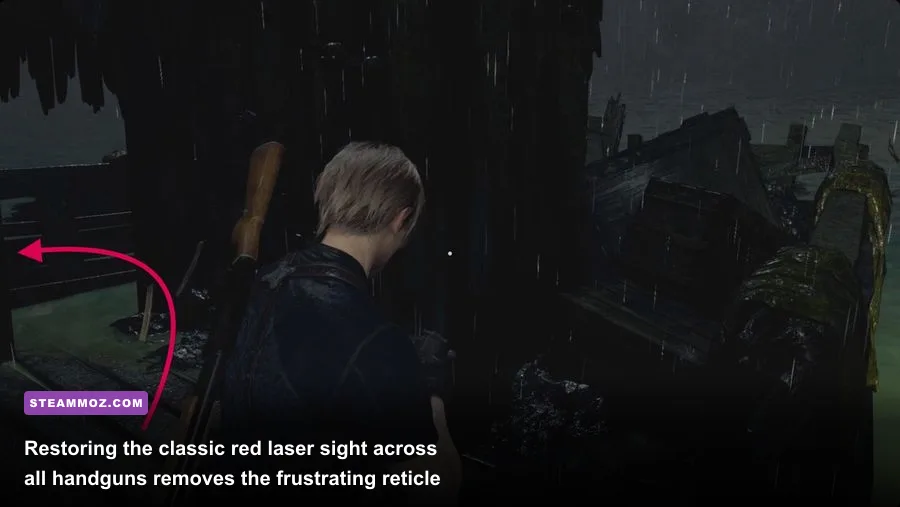
The biggest mechanical shift from the 2005 original to the remake is the switch from laser aiming to reticle bloom. In vanilla Resident Evil 4 Remake, standing still shrinks your crosshair to guarantee a critical hit on Ganados, while moving forces weapon spread to balloon outward. For veteran mercenaries, this artificial bloom feels jarringly floaty. Enter the Classic Aiming Laser Sight mod.
In the vanilla campaign, Capcom strictly gates laser sight attachments behind the Merchant's Spinel trade, and even then, only allows you to mount them on the starting SG-09 R and the Punisher. The Classic Laser Sight mod unlocks an authentic red beam across every sidearm in your arsenal—including the fan-favorite Red9, the rapid-fire Matilda, and the agile Blacktail. With the laser active, your bullet lands exactly where the dot rests, completely bypassing the bloom-recovery timer. This simple fix mirrors the satisfaction of high-tier shooter builds, reminiscent of optimizing gear in our Far Cry 3 Blood Dragon weapons ranked from S to C breakdown.
Pair the laser sight with the Loose Camera & FOV Mod. By default, Leon takes up roughly 35% of the screen width, obscuring flanking Zealots and pitchfork charges during close-quarters castle skirmishes. Expanding the field of view to 92 or 95 degrees widens situational awareness without warping your peripheral vision into an unnatural fish-eye bowl. If you frequently encounter micro-stutters when adjusting high-resolution render targets, reviewing our steps for EscapeVR The Basement crashing and low FPS fixes offers great perspective on managing pipeline bottlenecks.
Visual and Audio Purism: Stripping the Immersion Breakers
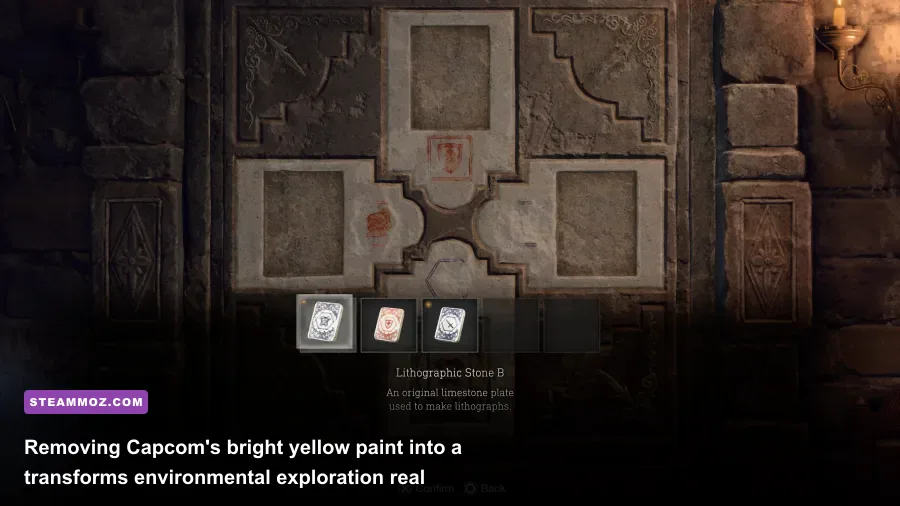
Capcom made strange visual design choices designed to guide casual players, but on PC, these hand-holding visual cues ruin the atmospheric dread. The most egregious offender is the garish yellow paint splashed across every climbable ladder, kickable door, and breakable loot crate. The No Yellow Paint (Immersive Breakables) mod strips these fluorescent textures completely, restoring natural wood grain, worn stone, and rusted metal surfaces.
Without yellow signposts screaming where to walk, you actually inspect El Pueblo's decayed farmhouses and the Castle's gothic masonry with real intent. You listen for the clinking of hidden medallions and scan shadowy corners for velvet vouchers manually. It transforms exploration from an interactive checklist into an authentic survival puzzle.
Next up is post-processing clarity. Vanilla RE4 Remake applies a heavy dark vignette around the edges of your display, paired with a permanent film grain layer and washed-out black levels. Installing the No Vignette and Natural Color Grading Mod through Praydog's REFramework GitHub repository cleans your screen instantly. It rescues shadow contrast on OLED panels and sharpens distant terrain textures without costing a single millisecond of render time. To see how post-processing adjustments radically impact framerates, check out our guide to Filament Marmalade Edition settings for higher FPS.
Finally, treat your ears to the Original 2005 Sound Effects Restoration Mod. While the remake's modern audio design is bone-chilling, nothing matches the nostalgia of the original inventory case clicks, the low thud of picking up handgun ammo, the metallic ring of a completed puzzle, and the menacing typewriter chimes in safe rooms. The mod seamlessly swaps the sound cues while leaving the terrifying vocal tracks of Ganados and Garradors fully intact.
Combat Overhauls: Pushing RE4 Beyond Professional Difficulty
Once you conquer Professional mode with an S+ rank, the base campaign's enemy AI patterns become predictable. You know exactly when a Plaga Guadaña will burst from a villager's neck, and you know how to bait a Chainsaw Ganado's lumbering horizontal swing. To reignite true survival panic, load up the Berserker Mod (Custom Balance & Difficulty).
Berserker doesn't just bump enemy health pools like lazy artificial difficulty sliders. Instead, it reworks Ganado behavior trees:
- Enemies sprint at full velocity even when holding heavy weapons like pitchforks and scythes.
- The recovery frames after Leon performs a melee roundhouse kick are tightened, demanding instant knife-parry follow-ups.
- Merchant upgrade pricing scales aggressively, forcing you to specialize in a specific build rather than maxing out every firearm.
- Enemies react far less to simple knee shots, making limb-targeting tactics dependent on critical ammunition rolls.
To survive under Berserker parameters, you must optimize your weapon upgrades with scientific precision. If you enjoy deep-diving into optimized performance builds like our look at Far Cry 6 GOTY Upgrade Pass settings for max FPS, you will appreciate how tightly Berserker tests your real-time resource economy.
Definitive Modding Tier List and Stability Guide
Not every mod uploaded to Nexus deserves a permanent spot in your load order. Some script hooks cause memory leaks during chapter transitions, while others conflict with the game's anti-tamper updates. Below is our definitive tier list ranking the absolute best RE4 Remake mods based on gameplay impact, stability, and visual fidelity.
| Mod Title | Category | Tier Rating | FPS Impact | Primary Benefit |
|---|---|---|---|---|
| REFramework (Praydog) | Core Engine Hook | S-Tier (Mandatory) | 0% (Negligible) | Enables Lua scripts, FOV adjustment, and eliminates TAA ghosting |
| Classic Aiming Laser Sight | Gameplay Mechanic | S-Tier (Essential) | 0% | Eliminates reticle bloom across all pistols without Spinel costs |
| No Yellow Paint Overhaul | Visual Immersion | S-Tier (Essential) | 0% | Strips ugly yellow markers from boxes, ladders, and ledges |
| No Vignette & Film Grain | Visual Clarity | A-Tier (Recommended) | +1-2% (Slight Gain) | Removes edge darkening and recovers true black levels on OLEDs |
| Original 2005 Sound Effects | Audio Overhaul | A-Tier (Recommended) | 0% | Restores classic typewriter, inventory, and item pickup cues |
| Berserker Difficulty Overhaul | Hardcore Gameplay | B-Tier (Situational) | 0-3% during swarms | Aggressive enemy behavior trees and reworked economy for vets |
| Minimalist / Immersive HUD | User Interface | B-Tier (Situational) | 0% | Hides health gauge and ammo counters until weapon is drawn |
Installing multiple mods simultaneously requires sensible load ordering to avoid engine crashes. The RE Engine reads modified assets based on package sorting rules. Follow this quick reference table to diagnose any conflicts before diving into your next playthrough:
| Issue Encountered | Likely Culprit | Recommended Fix |
|---|---|---|
| Game crashes on startup (black screen) | Outdated dinput8.dll after a Capcom patch |
Download latest nightly REFramework build from GitHub |
| Laser sight appears misaligned or invisible | Weapon reskin mod conflicting with attachment mesh | Set Laser Sight mod to lower priority in Fluffy Mod Manager |
| Purple / missing textures on breakable boxes | Conflicting texture overhauls overlapping No Yellow Paint | Re-read game archives in Fluffy Mod Manager and re-install mod |
| Stuttering during chapter loads | Script conflict between multiple HUD lua mods | Disable redundant Lua scripts inside REFramework overlay menu |
By loading up this tightly focused suite of enhancements, you strip away the hand-holding clutter, fix Capcom's restrictive camera boundaries, and restore pin-point laser precision to Leon's arsenal. Resident Evil 4 Remake is already an exceptional action-horror masterpiece, but with these community additions, it transforms into an unbeatable masterclass in tactical PC gunplay.