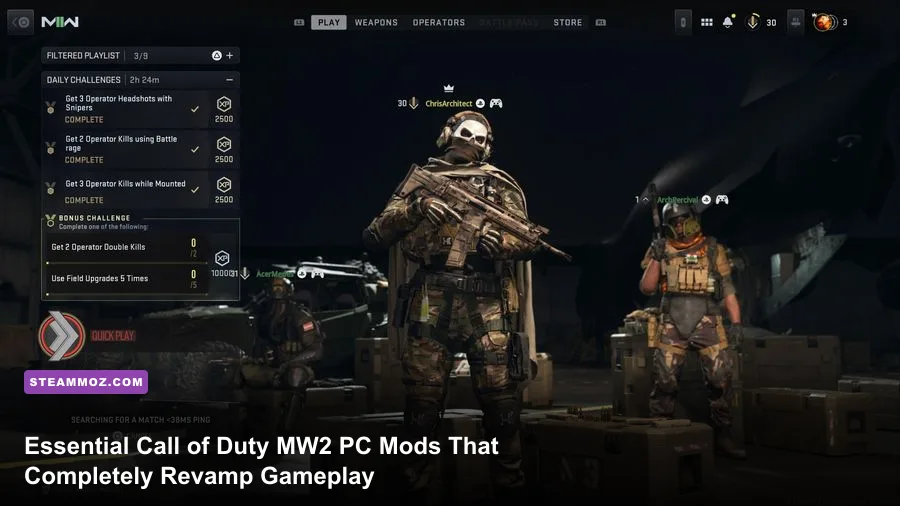
Loading up vanilla Call of Duty: Modern Warfare 2 (2009) on PC today is an exercise in frustration: you are greeted by locked 65-degree field-of-view tunnels, rampant Remote Code Execution (RCE) exploits on official matchmaking, broken mouse acceleration, and muddy 720p-era textures. To genuinely transform the experience into a responsive, safe, and visually stunning modern shooter, you must install custom community clients like AlterWare IW4x, tactical AI packages such as Bot Warfare, and calibrated texture and ReShade injectors. These essential mods eliminate decade-old engine quirks, bypass hazardous matchmaking, and elevate Infinity Ward's masterpiece to modern competitive PC standards.
1. AlterWare IW4x: The Essential Standalone Engine Overhaul
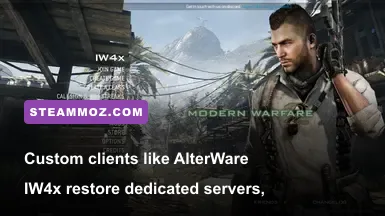
If you play vanilla MW2 on Steam without third-party protection, you leave your system vulnerable to malicious network exploits. AlterWare's IW4x fork is not just a mod—it is a complete, community-engineered client that rescues the game from abandonware status. IW4x decouples the game from broken Steam matchmaking, replacing it with an active dedicated server browser, custom anticheat, integrated security patches, native 120Hz/144Hz physics calculations, and full controller aim-assist support for modern gamepads.
Beyond security, IW4x overhauls the game's network framework. Vanilla MW2 used a peer-to-peer (P2P) "listen server" host migration system, notorious for giving the host zero ping while everyone else battled packet bursts. IW4x introduces true dedicated servers running at up to 1000Hz tick rates. It also fixes classic engine bugs, including weapon fire-rate discrepancies tied to frame rates, letting weapons like the FAMAS and P90 fire at their intended cycles regardless of your monitor's refresh speed. Much like tracking down PC fixes that stop crashes and rescue your FPS, running IW4x should be your immediate, mandatory first step before touching any other mod.
Installation is straightforward: extract the AlterWare launcher directly into your base game folder (sourced legitimately via Call of Duty: Modern Warfare 2 on Steam), execute the updater, and run the dedicated IW4x binary. You immediately gain access to custom weapon ports from Modern Warfare 3, cut maps like Crash and Strike, and a console that allows deep engine tuning on the fly.

🎮 FORM
Looking to experience this game? Grab your digital key directly on our store for $14.99.
View on Steammoz Store →2. Bot Warfare: Revitalizing Offline Play and Private Matches
One of the biggest issues facing classic multiplayer shooters is server population attrition. While custom clients boast populated servers during peak regional hours, niche game modes like Search and Destroy or Demolition on classic maps like Favela and Estate can sit empty. Enter Bot Warfare by INeedBot, an astonishingly sophisticated AI modification that populates multiplayer maps with responsive, tactical bot squads.
These are not dumb target dummies running in straight lines. Bot Warfare introduces custom A* pathfinding waypoints mapped across all vanilla and DLC maps. The bots actively use tactical equipment, cook frag grenades, pre-aim common sightlines, hunt down Care Packages, and call in Killstreaks—from the UAV up to the Tactical Nuke. You can calibrate their difficulty across five distinct skill profiles (Recruit, Regular, Hardened, Veteran, and Custom), altering their reaction times (from 150ms to 650ms), ADS trigger delays, and burst-fire control.
For players who prefer running cooperative warm-ups, testing custom recoil loadouts, or enjoying private lobbies with friends without facing 15-year veteran quick-scopers, Bot Warfare is indispensable. It hooks directly into IW4x or native mod directories via simple GSC scripts, requiring zero memory-patching or complex injection software.
3. Visual Remasters: Banishing the 2009 Visual Fog
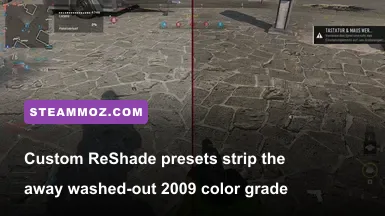
During the late 2000s, console performance constraints forced Infinity Ward to rely heavily on aggressive color grading filters, low-resolution 512x512 weapon textures, and heavily compressed normal maps. Today, on a 1440p or 4K panel, that presents as an oily, brownish-gray smear. You can modernize the presentation through curated texture packs and bespoke post-processing without ruining the iconic art direction.
Start by installing the MW2 Enhanced HD Texture Overhaul, available through repositories cataloged on PCGamingWiki MW2 guide and the Nexus Mods community. This replaces low-res environmental surfaces, character models, and weapon housings (such as the worn steel of the AK-47 and the composite receiver of the ACR) with 2K and 4K uncompressed assets. Combine this with a lightweight ReShade installation using custom Color Temperature and Tonemap shaders to strip out the mustard-tinted fog, revealing rich contrast, deep shadows, and true daylight color palettes across maps like Afghan and Highrise.
| Mod / Tool Name | Tier Rating | Category | Core Benefit | Performance Impact |
|---|---|---|---|---|
| AlterWare IW4x | S-Tier (Mandatory) | Standalone Client | RCE exploits patched, dedicated servers, native modern controller support | +15% FPS / Perfect Frame Pacing |
| Bot Warfare (INeedBot) | S-Tier | Gameplay Script (GSC) | Full AI bot matches with realistic tactical pathfinding and killstreak usage | Negligible (1-2% CPU overhead) |
| MW2 Enhanced Textures | A-Tier | Asset Replacer | Crisp 2K/4K surfaces, eliminating weapon blur and low-res terrain | VRAM usage increases from 1GB to 3.5GB |
| Custom ReShade LUT Profiler | B-Tier | Post-Processing | Removes the 2009 brownish-green color cast; dynamic ambient clarity | 3-7% FPS loss depending on ambient occlusion |
| MW 2019 Audio Port | A-Tier | Sound Overhaul | Replaces compressed 22kHz audio with punchy modern weapon Foley and firing sounds | Zero FPS penalty |
If you've spent time reviewing iconic weapon balancing and audio design, you know how crucial sound profile clarity is to competitive muscle memory. The MW 2019 Audio Port mod swaps out the dated, tinny audio banks of the classic M4A1 and Intervention with crisp acoustic bass and realistic outdoor reverb tails, instantly making gunfights feel weightier and more immersive.
4. Engine Tweaks: FOV, Raw Input, and High-Refresh Mechanics
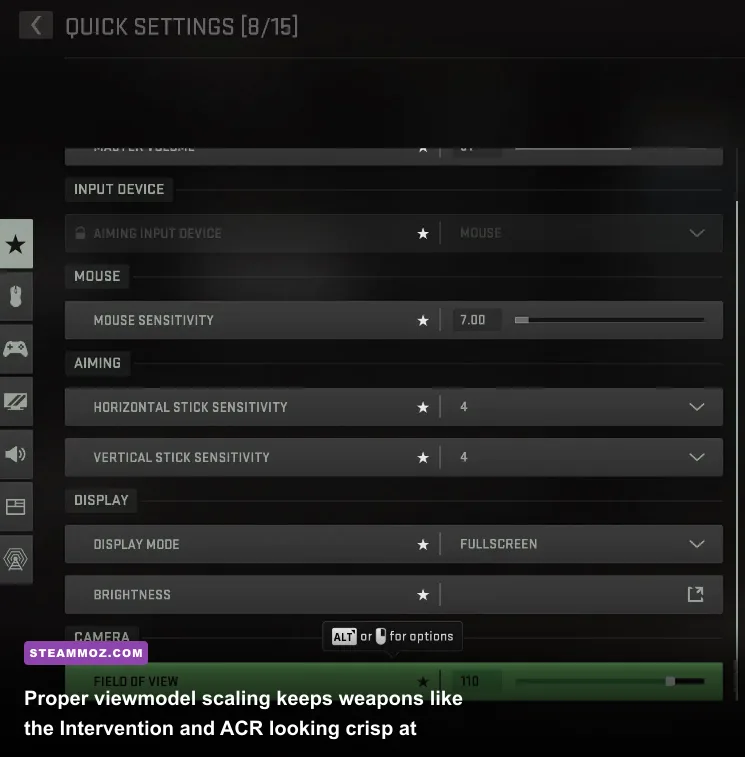
Vanilla MW2 locks your camera to a claustrophobic 65-degree horizontal Field of View (FOV). On a wide desktop monitor, this narrow viewport causes motion sickness and massive peripheral blind spots. However, simply forcing FOV changes via standard config edits often results in "gun clipping," where weapons stretch unnaturally or expose missing interior polygons at the bottom of your screen.
To eliminate this, use the standalone MW2 FOV and Viewmodel Scaler or run IW4x's built-in cg_fov and cg_fovViewmodel commands. Setting your world FOV to 95 or 105 while maintaining a viewmodel FOV between 65 and 70 delivers a broad panoramic sightline while keeping your hands, sights, and weapons scaled at authentic proportions. This avoids weapon model stretching on wide aspect ratios, ensuring red dot sights and ACOG scopes remain razor-sharp in your center frame.
Mouse input in the legacy version also suffers from mouse acceleration artifacts. The engine natively samples pointer coordinates through Windows desktop scales rather than raw direct input. The modern input DLL wrappers fix this, delivering genuine 1:1 raw mouse movement with sub-pixel precision. Much like tweaking profiles via display settings for max FPS, aligning your input latency with correct render queues makes snap-aiming second nature.
| Engine Variable / Setting | Vanilla Default | Optimized Modded Value | Competitive & Gameplay Impact |
|---|---|---|---|
| cg_fov | 65 | 90 - 105 | Expands peripheral vision; drastically reduces visual recoil perception |
| cg_fovViewmodel | 65 (Locked) | 68 - 72 | Prevents weapon clipping and distortion while maintaining realistic scale |
| com_maxfps | 85 / 0 (Unstable) | 125 / 250 | Locks physics ticks to classic Quake/id Tech jump heights and silent drops |
| m_rawinput | 0 (Off) | 1 (Active via DLL) | Eliminates desktop mouse smoothing and uneven diagonal acceleration |
| r_picmip | 1 (Compressed) | 0 (Uncompressed) | Forces maximum mipmap resolution across all world textures |
Be mindful of your frame capping. Modern high-refresh gaming panels run up to 240Hz or 360Hz. Due to how the IW 4.0 engine calculates velocity based on frame intervals, capping your frame rate specifically at 125, 250, or a stable multiple prevents collision jitter, eliminates micro-stuttering, and ensures sprint animations do not desync over long play sessions. Checking modern hardware baselines using a PC specs explained breakdown will show that even modest rigs can easily hold an uncapped 250 FPS on this vintage engine.
5. Safe Installation Protocols: Preventing Bans and Preserving Game Files
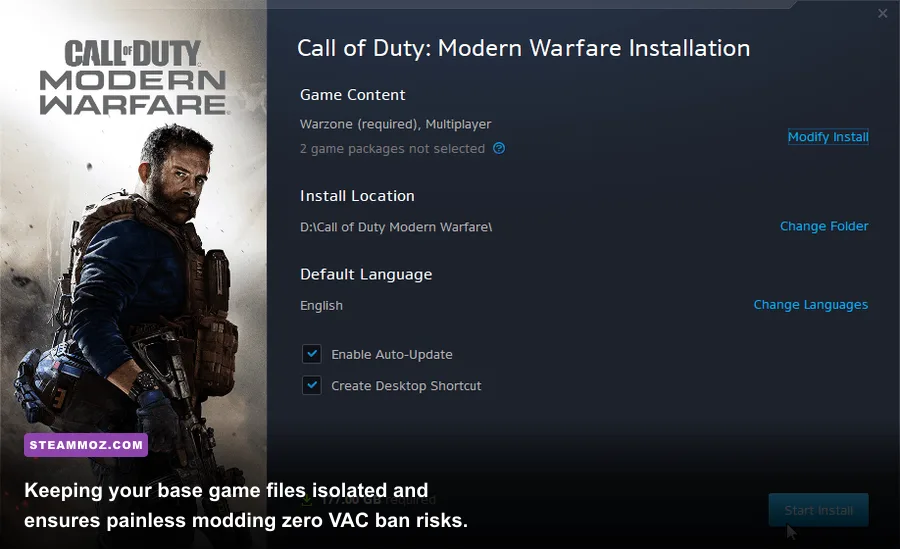
Before dropping downloaded files into your primary installation, you must protect your official Steam account status. Modifying original game executables inside your root directory can risk triggering an automated Valve Anti-Cheat (VAC) flag if you accidentally connect to official Steam servers.
Follow this clean, battle-tested folder protocol:
- Duplicate your directory: Navigate to
steamapps/common/Call of Duty Modern Warfare 2and copy the entire folder into a standalone directory (e.g.,Games/MW2_Modded). - Install clients to the copy: Drop AlterWare IW4x and your texture packs strictly inside this duplicated folder. IW4x launches independently without calling the Steam-hooked executable, guaranteeing complete isolation from VAC systems.
- Disable background overlay hooks: If you use diagnostic tools like RivaTuner Statistics Server or heavy screen recorders, add an exception for the modded client executable to avoid launch crashes, as detailed in our guide on crashing and low FPS fixes.
- Keep sound scripts modular: Place all custom audio and weapon skins in the
userrawdirectory rather than overwriting base.iwdgame archives. This lets you turn individual mods on or off without verifying game files on Steam.
Following this approach keeps your core files clean, your account safe, and your modded installation completely customizable. With AlterWare securing your connection, Bot Warfare keeping lobbies alive, and calibrated FOV and texture overhauls wiping away decade-old engine grit, Modern Warfare 2 on PC plays faster, crisper, and better than it ever did back in 2009.