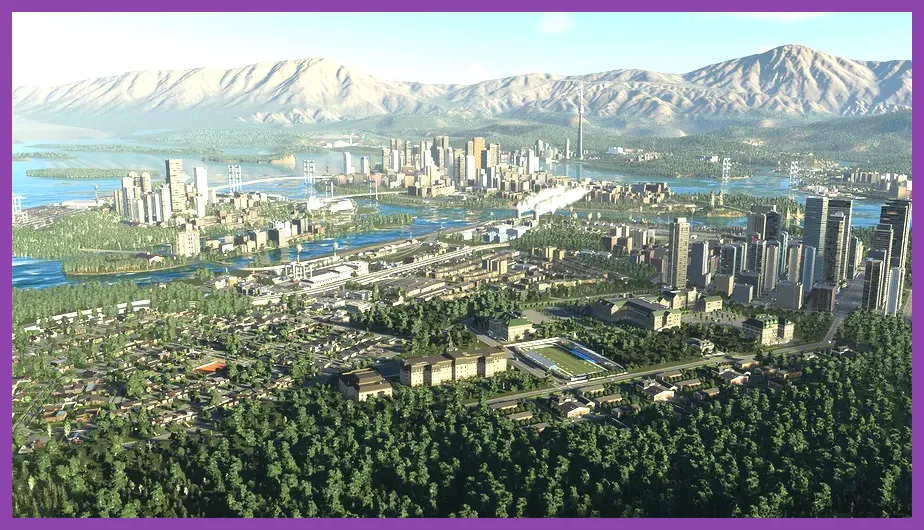
Running Colossal Order's massive city builder requires serious hardware horsepower, with the absolute minimum specifications demanding an Intel Core i7-6700K paired with an NVIDIA GeForce GTX 970, while the recommended setup scales up to an Intel Core i5-12600K and an NVIDIA GeForce RTX 3080 to maintain smooth frame rates in bustling metropolitan areas. When building massive urban sprawls, understanding your PC's bottlenecks is essential for keeping simulation ticks responsive and avoiding stuttering during high-speed traffic updates. For players tackling heavy management simulations, you might also want to check out our guide on Frostpunk 2 resource management strategies to master complex economic loops.
Analyzing Official Minimum System Requirements
The minimum hardware profile specified by developer Colossal Order and publisher Paradox Interactive targets a baseline 1080p resolution at 30 frames per second using low-to-medium graphical presets. If your rig matches or barely exceeds these baseline thresholds, you will need to heavily adjust your expectations regarding simulation tick rates once your city crosses the 100,000-citizen mark.
Review the official parameters listed on the Cities: Skylines II Steam page to verify your baseline components before downloading the roughly 60GB installation. Your system must run a 64-bit Windows 10 or Windows 11 operating system.
- OS: Windows 10 Home 64-bit
- Processor: Intel Core i7-6700K or AMD Ryzen 5 2600X
- Memory: 16 GB RAM
- Graphics: NVIDIA GeForce GTX 970 (4 GB) or AMD Radeon RX 480 (8 GB)
- Storage: 60 GB available space on an SSD
While mechanical hard drives are strictly unsupported due to asset streaming demands, utilizing a fast NVMe M.2 solid-state drive is heavily encouraged to prevent texture pop-in and stuttering when panning across massive zoning grids. If you enjoy optimizing heavy simulation overheads, take a look at our Metaphor ReFantazio leveling guide for tips on mastering complex progression systems.
Breaking Down Recommended Hardware Specifications
To experience the game the way the developers intended—targeting a stable 1080p or 1440p resolution at 60 frames per second with medium-to-high graphical settings—you need to step up your hardware game significantly. The recommended tier shifts the CPU requirement to modern multi-core architectures and demands significantly more VRAM from your graphics card.
- OS: Windows 10 Home 64-bit or Windows 11
- Processor: Intel Core i5-12600K or AMD Ryzen 7 5800X
- Memory: 16 GB RAM or higher
- Graphics: NVIDIA GeForce RTX 3080 (10 GB) or AMD Radeon RX 6800 XT (16 GB)
- Storage: 60 GB available space on an NVMe SSD
The jump from a GTX 970 to an RTX 3080 highlights how computationally expensive the game's rendering engine is, particularly when handling complex lighting models, dynamic weather systems, and massive fleets of individual vehicles navigating road networks. For portable gaming enthusiasts looking to push hardware boundaries, check out our guide on how to beat the final boss on Steam Deck OLED for optimization tricks on restricted hardware.
The CPU Bottleneck: Why Simulation Speed Matters
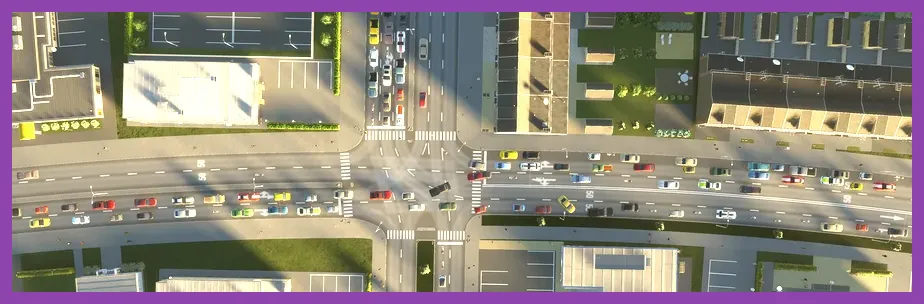
Unlike standard first-person shooters or action RPGs where the GPU bears the brunt of the workload, city-building simulation games are notoriously CPU-bound. Every single citizen, car, delivery truck, and piece of public transport is simulated individually using complex pathfinding algorithms, agent-based AI, and economic matrices.
When your city expands past 200,000 residents, your processor handles calculations for thousands of concurrent paths, zoning demands, water pipe flow vectors, and electricity grids every single second. Upgrading your CPU from a quad-core or older six-core processor to a modern chip with high single-core turbo frequencies—such as an Intel Core i7-13700K or AMD Ryzen 7 7800X3D—directly mitigates simulation lag and keeps your traffic flowing smoothly. For those balancing heavy system overheads across multiple platforms, our review of Destiny 2 tier list rankings details how performance optimization impacts high-stakes gameplay.
RAM and VRAM Demands in Cities Skylines 2
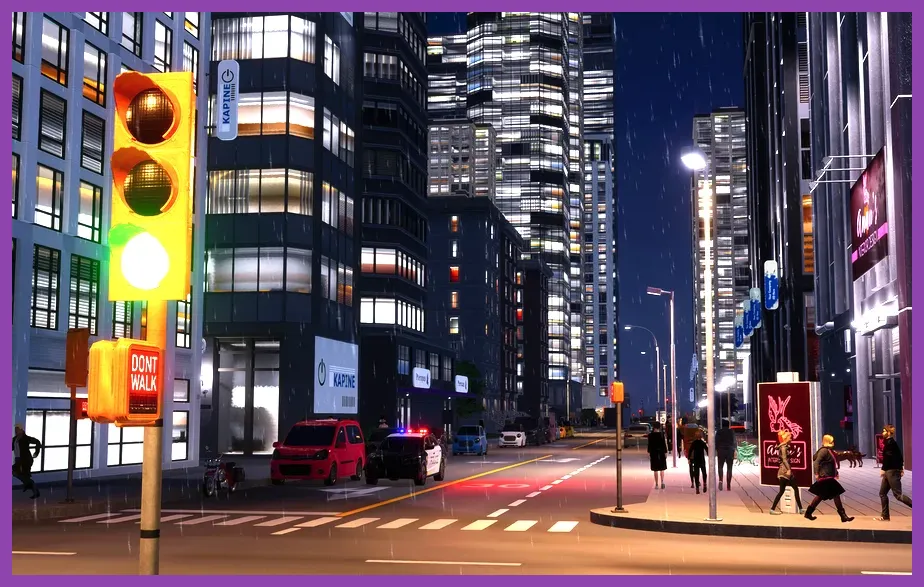
Memory capacity is another major stumbling block for players attempting to load large custom maps or heavy asset packs from the Paradox Mods platform. While 16 GB of RAM is listed as the minimum and recommended baseline, players constructing sprawling megacities frequently report memory utilization exceeding 20 GB to 24 GB of system RAM.
Furthermore, graphics card VRAM plays a massive role in visual fidelity. Textures for buildings, trees, vehicles, and road decals consume immense amounts of video memory. If your GPU lacks sufficient VRAM, the game engine will automatically offload assets to your system RAM via the PCI Express bus, causing severe frame drops and stuttering. Ensuring you have fast dual-channel RAM clocked at 3200MHz or higher is mandatory for maintaining a consistent frame pacing.
Best Graphical Settings for Maximum Performance
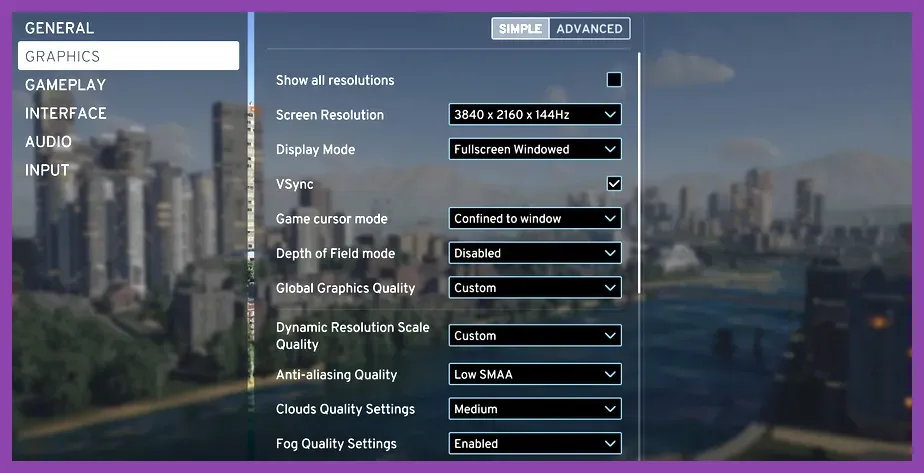
If your hardware falls somewhere between the minimum and recommended specs, tweaking specific in-game graphic settings can yield a massive boost to your frame rate without heavily compromising visual quality. Colossal Order provides an extensive graphics menu, but certain settings are notorious frame-killers.
Apply the following tuned profile to claw back precious frames:
- Resolution Scale: Set to 100% (Native) or 85% if using upscaling.
- Dynamic Resolution Scale: Disabled (keeps image sharpness consistent).
- Anti-Aliasing (TAA): Enabled (removes harsh stair-stepping on power lines and buildings).
- Level of Detail (LOD): Medium (reduces poly-count on distant buildings).
- Global Illumination Quality: Low or Medium (this setting is an extreme performance hog).
- Volumetric Clouds: Low or Disabled (yields up to a 20% frame rate increase).
- Fog and Weather Effects: Medium or Low.
- Depth of Field: Disabled (personal preference, but improves clarity).
- Motion Blur: Disabled.
By lowering volumetric clouds and global illumination, even mid-range cards like the NVIDIA GeForce RTX 3060 or AMD Radeon RX 6700 XT can comfortably achieve 50 to 60 frames per real-time second. For players diving into other genres requiring precise settings adjustments, our guide on how to respec skill points in Lords of the Fallen offers great mechanical insights.
Future-Proofing Your PC for Upcoming Expansions
As Colossal Order continues to release major expansions, asset packs, and engine patches, hardware requirements naturally trend upward. Future-proofing your gaming rig for the ultimate city-building experience means investing in hardware that can handle not just today's launch version, but tomorrow's massive regional expansions.
Prioritize upgrading to a minimum of 32 GB of DDR5 system RAM, pairing it with a robust CPU cooler to prevent thermal throttling during extended building sessions. Combined with a fast PCIe 4.0 NVMe SSD, this hardware configuration ensures your simulation runs at peak efficiency, allowing you to design, build, and manage your dream metropolis without hardware-induced bottlenecks dragging down your creative flow.