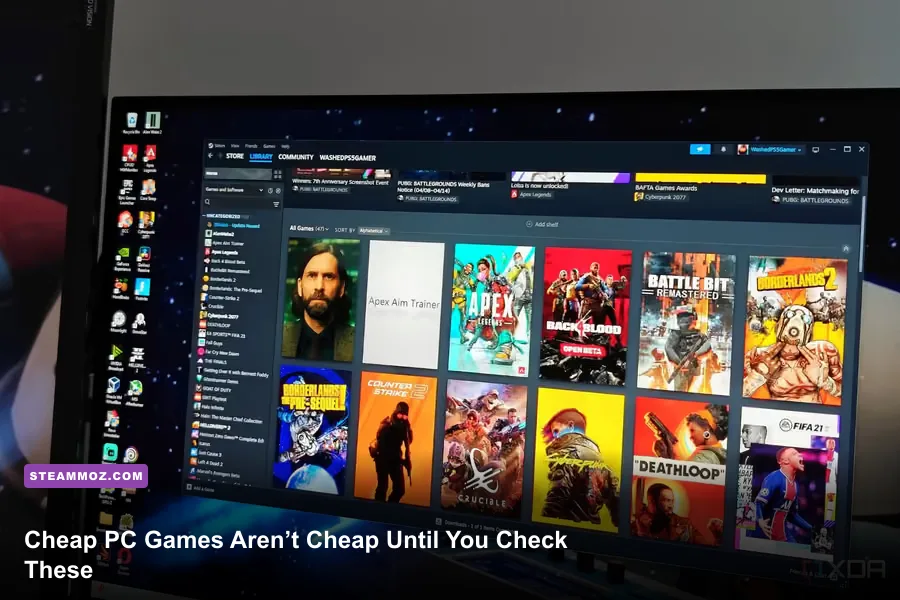
Before you start buying cheap PC games, check four things first: the real system requirements, the refund window, the game’s support for your controller and display, and whether its progression fits your available time. A $5 bargain can become a bad purchase if it stutters, lacks cloud saves, hides essential content behind DLC, or expects 40 hours before the fun begins. The good news is that Steam’s low-cost catalog is packed with superb games—provided you shop for the experience, not just the discount percentage.
This matters because cheap PC games are often older, early access, heavily modded, or built by small teams. That can mean incredible value, but it can also mean awkward launchers, incomplete settings menus, inconsistent ultrawide support, or updates that break saves. Here’s how to avoid the traps and find budget games that actually belong in your library.
Start With Hardware, Not the Sale Banner
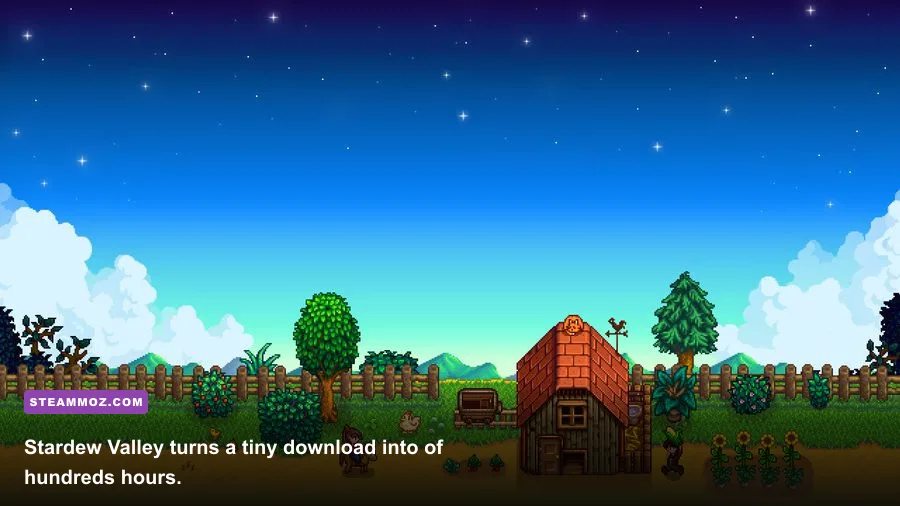
The first mistake is assuming that an inexpensive game will run on any laptop. Stardew Valley’s Steam page lists a 2 GHz processor, 2 GB of RAM, and 256 MB of video memory as its minimum target. That is extremely forgiving, but the situation changes with games such as Hades, whose minimum specification calls for 4 GB of RAM and a 1 GB VRAM-class GPU. A low price does not erase shader compilation, particle effects, or memory pressure.
Use the minimum specification as a boot-up floor, not a promise of smooth play. For a locked 60 frames per second, aim closer to the recommended column below. Integrated graphics can handle Portal 2 or Celeste comfortably, while a crowded Vampire Survivors run may still dip when hundreds of enemies and damage numbers fill the screen.
| Game | Listed Minimum Target | Practical 60 FPS Target | Watch Out For |
|---|---|---|---|
| Stardew Valley | 2 GB RAM, 256 MB video memory | Any modern dual-core laptop | Mods and multiplayer add memory load |
| Celeste | 2 GB RAM, Intel HD 3000-class graphics | Integrated graphics at native resolution | Timing suffers from unstable frame pacing |
| Portal 2 | 2 GB RAM, 128 MB graphics memory | Integrated graphics with a dual-core CPU | Older drivers can cause launch problems |
| Hades | 4 GB RAM, 1 GB VRAM | 8 GB RAM and a recent integrated GPU | Effects-heavy rooms expose weak GPUs |
| Vampire Survivors | 1 GB RAM, DirectX 11 support | Modern CPU with stable frame pacing | Late-run enemy density can cause dips |
Before installing, press Windows key plus R, type dxdiag, and check your processor, memory, and display adapter. Then compare the GPU rather than focusing only on storage space. A game requiring 2 GB of disk space can still run poorly if your integrated graphics driver is old. If a title is known for crashes, our ELEX crash and FPS fixes show the same basic lesson: verify files, update drivers, and test the game before committing to a long playthrough.
Know What Kind of Cheap Game You’re Buying
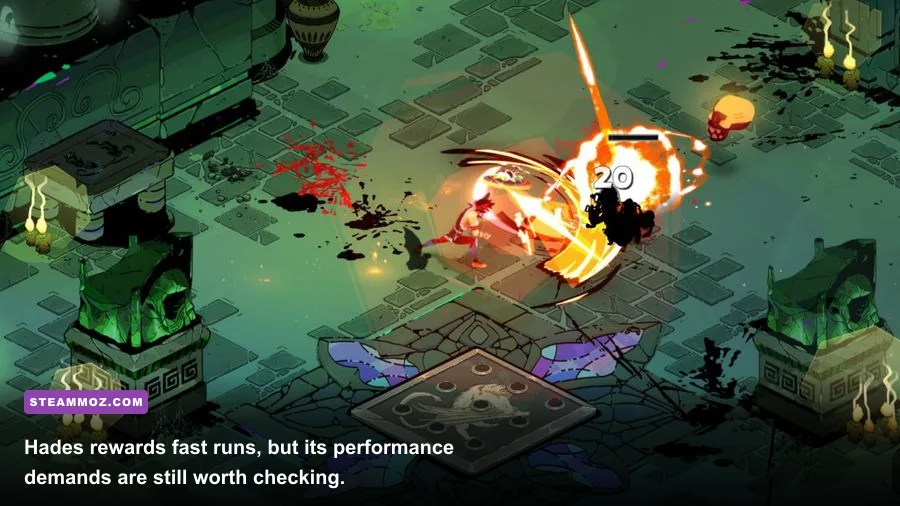
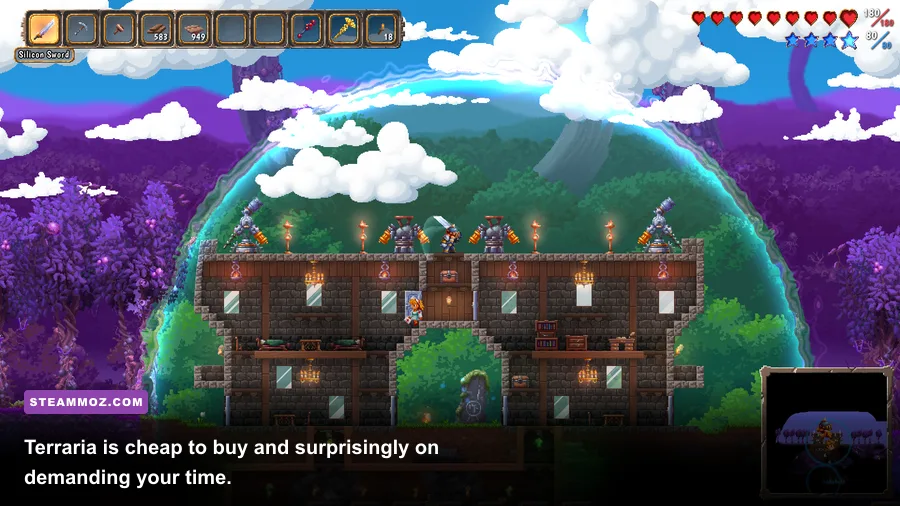
Budget games are not one category. A $3 arcade roguelite, a $10 100-hour sandbox, and a discounted story game make very different demands on your time. Hades gives you a complete escape attempt in roughly 20 to 40 minutes, while Terraria can swallow an entire weekend before you reach the Wall of Flesh. Stardew Valley uses an in-game calendar where each day lasts around 14 real-time minutes, so a single season takes roughly seven hours if you play efficiently.
That progression curve changes the value calculation. If you only have short evening sessions, Hades, Vampire Survivors, and Into the Breach are better fits than a sandbox that needs a wiki and several uninterrupted hours. If you want a long-term project, Terraria and Stardew Valley justify a higher sale price because their content is not just a campaign—it is a repeatable routine.
| Game Type | Strong Budget Pick | Typical Session | Progression Reality |
|---|---|---|---|
| Run-based action | Hades | 20–40 minutes | Death unlocks story, Mirror upgrades, and weapons |
| Precision platformer | Celeste | 10–30 minutes | Chapters are fixed, but B-Sides sharply raise difficulty |
| Life simulation | Stardew Valley | 30–90 minutes | Farming, relationships, mines, and seasons compete for time |
| Sandbox survival | Terraria | 1–4 hours | Bosses unlock ore tiers, NPCs, and new crafting options |
| Arcade survival | Vampire Survivors | 15–30 minutes | Permanent unlocks steadily expand weapons and characters |
Read the recent reviews for complaints about pacing, not just bugs. Players will usually tell you if the opening is slow, the inventory is clumsy, or the final third becomes grindy. Check the last 30 days separately from all-time reviews: a game can have a glowing historical score and a rough current build.
Refunds, DLC, and Early Access Can Change the Deal
Steam’s standard refund policy generally allows a refund within 14 days of purchase if you have played for less than two hours. Treat those two hours as a technical audition. Test resolution changes, controller input, audio, saves, and the busiest gameplay scenario before you start a second run or add mods. A game that crashes after 130 minutes is much harder to recover financially.
Also check whether the base version is genuinely complete. Hades is a finished single-player package, while an early access survival game may advertise a huge roadmap but only contain a fraction of its planned bosses. Early access is not automatically bad—I’ve found some of the best cheap PC games there—but buy it because the current build is fun, not because a future feature list sounds exciting.
DLC deserves the same scrutiny. Terraria and Stardew Valley offer substantial base experiences, while some strategy and simulation games divide major systems across expansions. Don’t buy a bundle just because the discount looks bigger. Check whether the extra content is cosmetic, a soundtrack, a genuine expansion, or a separate edition that duplicates the base license.
For DRM and launch behavior, visit the store’s system notes and community discussions. Offline play, cloud synchronization, and third-party accounts can matter more than a two-dollar saving. If you are buying an older title such as Far Cry 2, check our guide to its PC requirements before assuming compatibility with modern Windows.
Set Performance Before You Chase Pretty Graphics
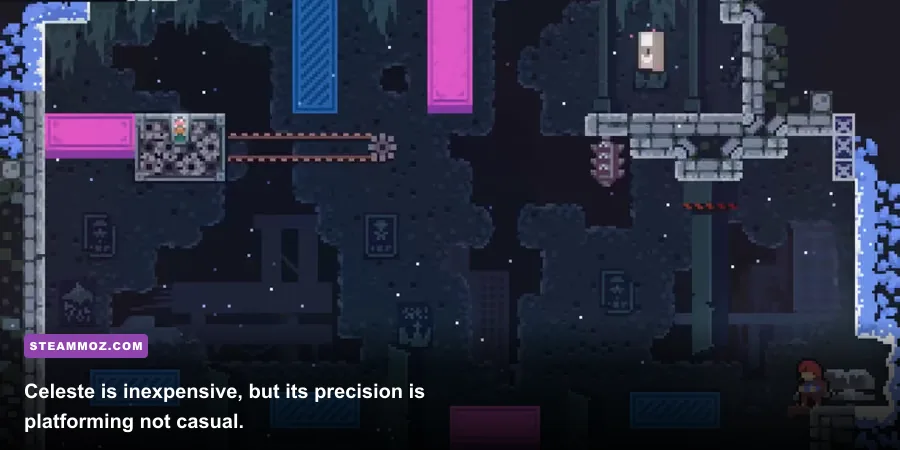
Cheap PC games often run best after five minutes of sensible tuning. Start at your monitor’s native resolution, disable motion blur, and cap the frame rate to a number your system can hold. A stable 60 FPS feels better than swings between 90 and 42, especially in Celeste, where a missed dash can come down to input timing. On a 60 Hz laptop, a 60 FPS cap is the sensible first test; on a 120 Hz display, try 120 only if frame pacing remains clean.
Lower shadows and post-processing before texture quality. Textures use VRAM, but shadows and screen-space effects often cost more GPU time. In Hades, reducing effects quality can make crowded rooms clearer without turning character art into mush. In Vampire Survivors, reduce damage-number clutter and visual effects if available; those options improve readability as much as performance.
| Setting | Recommended Starting Value | FPS Impact | Visual Trade-Off |
|---|---|---|---|
| Resolution | Native, then 900p or 720p | High | Lower values look softer but help weak GPUs |
| Shadows | Low or Medium | Medium to high | Fewer soft shadows and less depth |
| Textures | High if VRAM allows | Low to medium | Mostly affects surface detail |
| V-Sync | On for tearing, off for latency testing | Low | Can add input delay or cap output |
| Motion Blur | Off | Small | Sharper movement and easier target tracking |
| Frame Cap | 60 FPS or your monitor refresh | Stabilizes output | Less heat, fan noise, and frame-time fluctuation |
For more demanding games, compare settings with the same save and the same camera angle. Randomly testing an empty room tells you nothing about a boss arena. Our Far Cry 6 settings guide follows this approach, and the principle applies just as well to discounted indies.
Check Controls, Saves, and Accessibility Before You Commit
Controller support is a major dividing line. Celeste feels excellent on a gamepad because analog movement and a dedicated dash button make repeated attempts comfortable. Stardew Valley supports controllers, but inventory management and item placement can still feel quicker with a mouse. Portal 2 works well with keyboard and mouse, yet its local co-op benefits from two properly configured controllers.
Look for Steam Input support, remappable controls, text-size options, colorblind modes, subtitle controls, and screen-shake toggles. These are not luxury features. In Hades, reducing screen shake can keep enemy telegraphs visible during late escape attempts; in Vampire Survivors, disabling flashing effects can make long sessions much less tiring.
Save behavior matters just as much. Stardew Valley saves at the end of an in-game day, so quitting halfway through a mine run can erase progress. Hades uses room-by-room and run-state saving, while Celeste lets you replay completed chapters and individual checkpoints. Know the rule before experimenting with a difficult section.
Cloud saves are useful but not magic. Wait for Steam to finish synchronizing before switching devices, and keep a manual backup of important sandbox worlds. If your interest is cooperative progression, verify player limits and cross-play rather than trusting a multiplayer label. Terraria’s servers, characters, and worlds give you flexibility, but they also make backups your responsibility.
A Smarter Cheap-PC Shopping Checklist
Use this order whenever a game drops below your budget. First, read the minimum and recommended specifications, then search recent reviews for your exact GPU or laptop model. Second, confirm the genre loop: runs, seasons, chapters, or open-ended crafting. Third, test it inside the refund window. Fourth, check controller and accessibility support before downloading mods or buying DLC.
Finally, judge value by the quality of the first hour, not a theoretical number of hours. Portal 2 earns its place through tight puzzles and brilliant co-op. Celeste turns failure into a precise learning loop. Hades makes every death advance weapons, story, or the Mirror of Night. Those are better signs than a store page promising hundreds of hours.
For more targeted budget hunting, compare these ideas with our guides to Empires of the Undergrowth progression, Everspace weapon value, and Filament performance settings. The cheapest PC game is not the one with the lowest sticker price. It’s the one that launches cleanly, respects your time, runs smoothly, and keeps giving you a reason to return.