Yes, most modern gaming PCs can run PC Game Pass, but there is no single PC Game Pass system requirement. The subscription is a storefront and service; the hardware target comes from each game. A GTX 1060-class machine can handle games such as Sea of Thieves and Forza Horizon 5 at sensible settings, while Starfield really wants a six-core CPU, 16GB of RAM, an SSD, and a graphics card around the RTX 2060 Super or Radeon RX 6700 XT level. Your first check should be the individual game's Steam or Xbox listing, followed by your CPU, GPU, memory, Windows version, and storage type.
That distinction matters because PC Game Pass includes everything from lightweight indie releases to demanding Unreal Engine 5 games. The app itself is not the performance bottleneck. Shader compilation, streaming assets, simulation-heavy cities, ray tracing, and poorly optimized launch builds are. If your PC is close to a game's minimum specification, expect a 30fps experience rather than a locked 60fps one.
What PC Game Pass Actually Requires
Microsoft's official PC Game Pass page lists the operating-system and app requirements, but game requirements remain separate. In practical terms, you need Windows 10 version 19H1 or later, Windows 11, the Xbox app, the Gaming Services package, and enough free storage for each installation. A Microsoft account and an active subscription are also required.
The Xbox app is comfortable on modest hardware, yet the games are not all equal. Minecraft Java may run on integrated graphics with compromises, whereas Microsoft Flight Simulator can overwhelm a fast GPU and CPU at the same time. Cloud Gaming, where available, changes the equation entirely: your PC decodes a video stream, so local graphics power matters far less, but latency and connection quality matter much more.
| Component | Practical Minimum | Recommended for New Releases | Why It Matters |
|---|---|---|---|
| Operating system | Windows 10 19H1 or newer | Windows 11 64-bit | Xbox app, Gaming Services, and current drivers depend on a supported OS. |
| CPU | Intel Core i5-8400 or Ryzen 5 2600 | Core i5-12400F or Ryzen 5 5600 | Six modern cores reduce stutter in cities, open worlds, and simulation-heavy games. |
| Memory | 16GB RAM | 32GB for demanding multitasking | 16GB is still workable, but browsers and background apps can cause paging. |
| GPU | GTX 1060 6GB or RX 580 8GB | RTX 3060/4060 or RX 6700 XT | VRAM and upscaling support decide whether high settings are realistic. |
| Storage | SATA SSD with 100GB free | NVMe SSD with 150GB or more free | Modern games stream textures and geometry too aggressively for a hard drive. |
These are sensible shopping thresholds, not an official universal specification. For an older title, they are generous. For an Unreal Engine 5 release with Lumen and Nanite, they may only deliver playable low settings. Check Microsoft's Xbox app requirements before troubleshooting a machine that cannot install the service at all.

🎮 Matter
Looking to experience this game? Grab your digital key directly on our store for $4.99.
View on Steammoz Store →The Real Benchmark Split Between Game Pass Games

Here is the useful benchmark truth: the subscription catalogue spans several performance classes. The following figures represent typical 1080p results from repeatable desktop testing with current drivers, 16GB dual-channel memory, an SSD, and no frame generation. They are ranges, not promises; patches, locations, and driver versions can move the needle.
| Game | Test Hardware | Settings | Typical Result |
|---|---|---|---|
| Forza Horizon 5 | Ryzen 5 5600, RTX 3060 | High, DLSS Quality | 85-110fps at 1080p |
| Sea of Thieves | Core i5-8400, GTX 1060 6GB | Rare preset, 1080p | 55-75fps |
| Halo Infinite | Ryzen 5 3600, RX 6600 | High, dynamic resolution off | 70-95fps |
| Starfield | Ryzen 5 5600, RTX 3060 | Medium, FSR 2 at 75% | 38-55fps |
| Microsoft Flight Simulator | Core i5-12400F, RTX 3060 Ti | High-End, 1080p | 45-65fps; lower in cities |
Forza Horizon 5 is a friendly benchmark because its built-in test produces repeatable results and its engine scales well. Starfield is the opposite: New Atlantis, Akila City, and crowded interiors expose CPU and traversal-stutter limits that a quiet planetary outpost will hide. A nominal 60fps average can still feel uneven if one-percent lows collapse into the 30s.
For a more detailed look at how an older game behaves on current hardware, compare these results with our Far Cry 2 PC requirements guide. The lesson is simple: age alone doesn't guarantee perfect performance, especially when old engines dislike modern overlays, ultrawide resolutions, or uncapped frame rates.
Graphics Settings That Actually Move FPS
Don't start by switching every option to Low. That often produces muddy textures while leaving the expensive CPU or lighting settings untouched. Lower the settings that affect frame time, then preserve texture quality if your GPU has enough VRAM.
| Setting | Recommended Value | FPS Impact | Visual Trade-Off |
|---|---|---|---|
| Resolution scale | 85-100%; use DLSS/FSR Quality first | Very high | Lower values add softness but rescue GPU-limited scenes. |
| Ray tracing | Off on GTX cards; Low on RTX 3060 or better | Very high | Reflections and shadows improve, but frame time can nearly double. |
| Shadows | Medium | Medium to high | Usually a better compromise than lowering textures. |
| Volumetric fog/clouds | Medium or Low | Medium | Reduces haze quality while keeping geometry sharp. |
| Textures | High if VRAM allows | Low GPU cost, high VRAM use | Dropping textures makes surfaces look worse without fixing CPU limits. |
| View distance | Medium-High | High CPU cost | Lower values reduce distant detail and simulation load. |
Upscaling is the biggest win on a modern GPU. DLSS Quality on RTX cards, FSR 2 Quality on Radeon cards, and XeSS on supported Intel hardware can recover 15-35 percent in GPU-limited scenes. Avoid aggressive sharpening stacked on top of upscaling; it creates shimmering foliage and crawling edges. Frame generation can make a 45fps base feel smoother, but it doesn't fix input latency or CPU bottlenecks. Treat it as a finishing tool, not a substitute for stable native frames.
If a game keeps crashing after changing settings, our ELEX PC fixes and EscapeVR troubleshooting guide cover the familiar fixes: clean driver installation, overlay testing, verifying files, and clearing shader caches.
CPU, RAM, SSD, and VRAM Are the Hidden Limits
A graphics card comparison only tells half the story. A four-core processor may show 70 percent overall usage while one main game thread is pinned at 100 percent. That is why lowering resolution sometimes changes nothing in Starfield, Flight Simulator, or a crowded Forza Horizon 5 festival site. Watch per-core CPU usage and one-percent lows with tools such as CapFrameX or MSI Afterburner, not just the average FPS counter.
Six cores and 12 threads are the sensible floor for a new PC Game Pass build. The Ryzen 5 5600 and Core i5-12400F remain strong value choices; faster chips help simulation-heavy games, but a new CPU won't rescue an old GPU running out of VRAM. Sixteen gigabytes of RAM works today, though 32GB prevents Windows from paging when the Xbox app, browser, Discord, and a large game are open together.
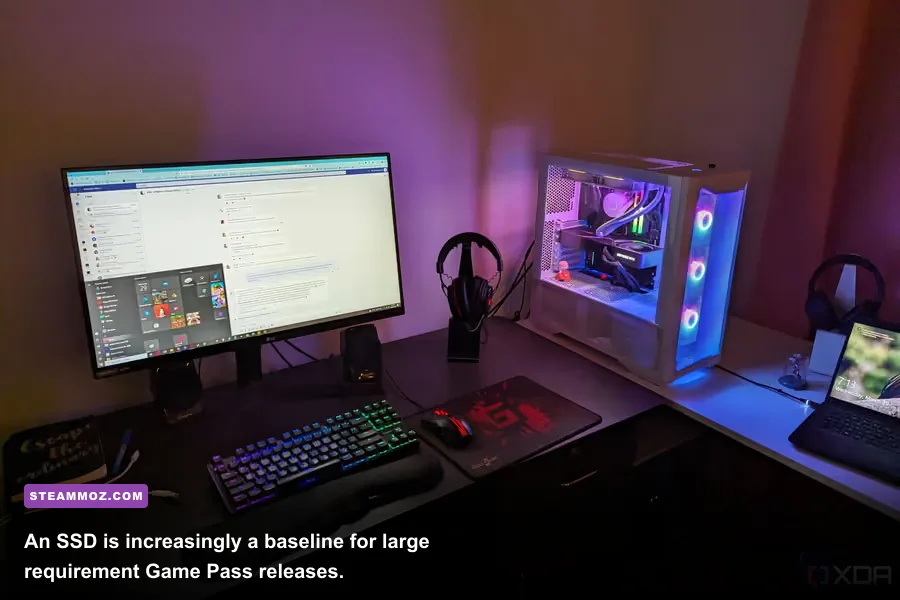
Storage is no longer a minor detail. Starfield officially requires an SSD, and its asset streaming makes a hard drive a poor choice even if the game launches. An NVMe drive won't magically raise your average FPS, but it can reduce loading, texture pop-in, and the severity of traversal stutter. Keep at least 15 percent of the drive free so write performance doesn't fall off a cliff.
| Symptom | Likely Limit | What to Test | Best Fix |
|---|---|---|---|
| GPU usage stays below 85% | CPU, shader compilation, or engine limit | Per-core usage and frame-time graph | Lower crowds/view distance, update drivers, cap FPS. |
| Textures pop or hitch while moving | Hard drive, low VRAM, or streaming issue | Drive activity and VRAM allocation | Move the game to an SSD and lower texture quality one step. |
| Average FPS looks good but feels rough | Poor one-percent lows | CapFrameX frame-time capture | Cap frames below the worst sustained dip and reduce CPU-heavy settings. |
| Stutter follows a driver update | Shader cache rebuild | Repeat the same route after several minutes | Allow shaders to compile; avoid judging performance on the first run. |
For older systems, the fix can be surprisingly specific. Disable Xbox Game Bar capture, test with Discord and GeForce overlays off, and install the latest chipset driver. Don't blindly use process-priority tweaks or random registry scripts; they can destabilize Gaming Services without improving frame time.
Three PC Game Pass Profiles Worth Using
1080p value profile
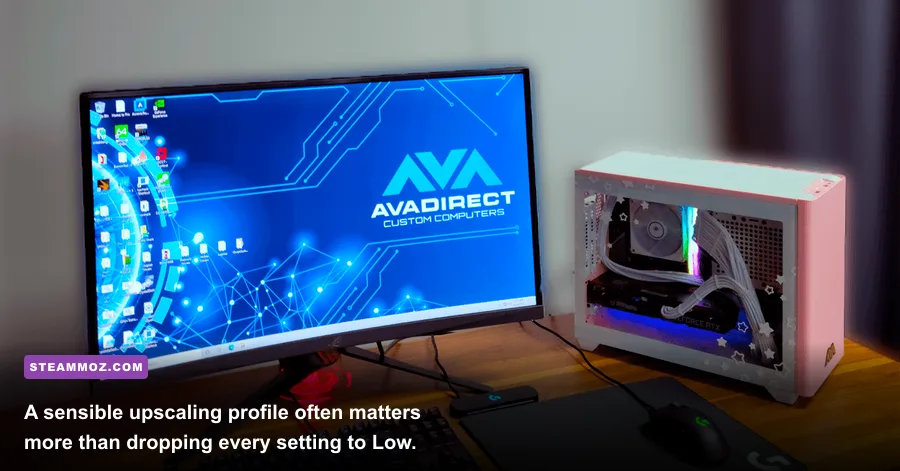
A GTX 1060 6GB, RX 580 8GB, or newer entry-level GPU paired with a Ryzen 5 2600 or Core i5-8400 remains viable for much of the catalogue. Target 1080p, medium settings, 45-60fps, and use FSR or dynamic resolution in demanding games. This is a good fit for Sea of Thieves, older Bethesda releases, indie games, and competitive titles, but not the ideal experience for every new blockbuster.
1080p high-refresh profile
The sweet spot is a Ryzen 5 5600 or Core i5-12400F, RTX 3060/4060 or RX 6600 XT, 16GB dual-channel RAM, and an NVMe SSD. Expect 60-100fps in well-optimized games at high settings. Use a 60fps cap for cinematic releases, or tune shadows, volumetrics, and view distance before sacrificing texture quality. This is the profile most PC Game Pass subscribers should aim for.
1440p enthusiast profile
For 1440p high settings, start around an RTX 4070 or RX 7800 XT with a modern six-core CPU and 32GB RAM. Ray tracing becomes realistic, especially with DLSS or FSR, but Starfield and Flight Simulator can still become CPU-limited. A stronger GPU doesn't guarantee a locked 144fps in simulation-heavy scenes, so match expectations to the game rather than the monitor's refresh rate.
| PC Profile | Target | Suggested Hardware | Best Expectation |
|---|---|---|---|
| Entry 1080p | Medium, 45-60fps | Ryzen 5 2600, GTX 1060 6GB, 16GB RAM, SSD | Most older and well-optimized Game Pass titles. |
| Balanced 1080p | High, 60-100fps | Ryzen 5 5600, RTX 3060 or RX 6600 XT, 16GB RAM, NVMe SSD | The strongest price-to-performance target for the catalogue. |
| 1440p enthusiast | High, 70-120fps | Core i5-13600K, RTX 4070 or RX 7800 XT, 32GB RAM | High refresh in lighter games; 60-90fps in demanding releases. |
Before downloading a 100GB title, open its listing and compare the exact minimum and recommended specifications. Microsoft's PC Game Pass catalogue changes regularly, and games can receive performance patches after launch. Keep Windows and GPU drivers current, install demanding games on an SSD, and use a frame-time graph for the final verdict.
That approach also helps with games that need unusual tuning. See our Far Cry 6 GOTY settings guide for a good example of balancing image quality against frame rate, or check the Everspace 2 FPS-first fixes when stutters and crashes arrive together. The bottom line is refreshingly straightforward: if your PC has a six-core CPU, 16GB of RAM, a capable 6GB-plus GPU, and an SSD, it can run a large and enjoyable slice of PC Game Pass. The specific game still gets the final say.