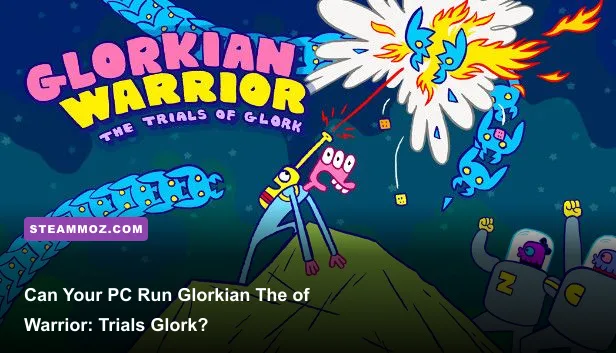
Yes, almost any modern Windows PC can run Glorkian Warrior: The Trials of Glork. The Steam-listed minimum is only a 1 GHz processor, 1 GB of RAM, OpenGL 2.0-compatible graphics, and roughly 200 MB of free storage. There’s no meaningful high-end recommended tier because this is a lightweight 2D arcade shooter, not a demanding 3D production. If your computer can handle a web browser and basic indie games, it should have no trouble running Glork’s alien-blasting adventure.
That low barrier is part of the game’s charm. Glorkian Warrior is built around quick restarts, vertical shooting, goofy hand-drawn creatures, and increasingly chaotic projectile patterns. Its performance ceiling is modest, but that doesn’t mean every PC experience is identical. Older laptops can still run into fullscreen scaling, controller detection, refresh-rate, or compatibility quirks. Here’s the practical breakdown of the Glorkian Warrior: The Trials of Glork system requirements, plus the settings that matter when you want clean controls and stable gameplay.
Glorkian Warrior PC system requirements explained
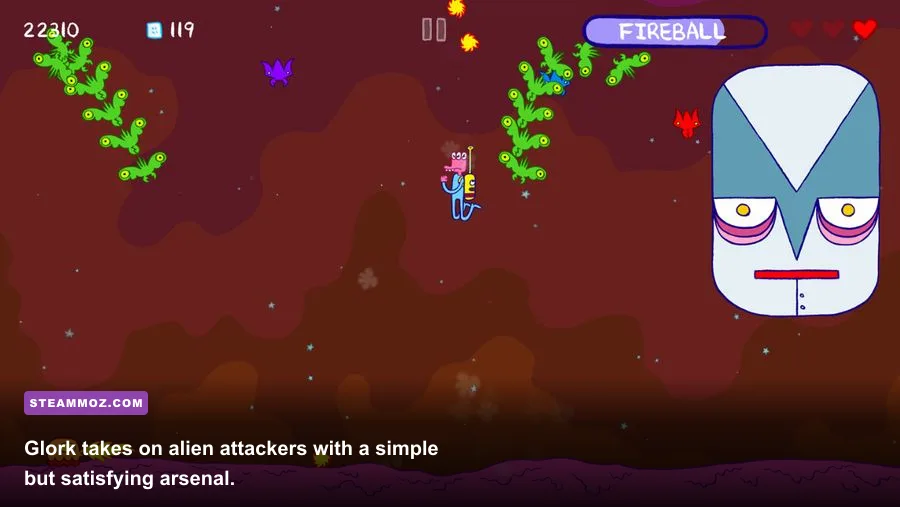
The official PC requirements are exceptionally light by modern standards. Steam lists Windows XP or later, a 1 GHz processor, 1 GB of memory, OpenGL 2.0-compatible graphics, and approximately 200 MB of available storage. Those specifications reflect the game’s actual design: fixed 2D playfields, relatively small assets, simple effects, and no large open-world streaming.
The important detail is the graphics requirement. Glorkian Warrior doesn’t ask for a dedicated gaming GPU. OpenGL 2.0 support is an old baseline that integrated graphics on virtually any recent Intel, AMD, or Nvidia system should exceed. Even many office laptops from the early 2010s are technically better equipped than the listed minimum.
| Component | Minimum requirement | Practical modern equivalent |
|---|---|---|
| Operating system | Windows XP or later | Windows 10 or Windows 11 |
| Processor | 1 GHz CPU | Any dual-core Intel, AMD, or Apple-era Windows system with compatibility support |
| Memory | 1 GB RAM | 4 GB or more for comfortable multitasking |
| Graphics | OpenGL 2.0-compatible graphics | Integrated Intel UHD, Radeon, or comparable graphics |
| Storage | About 200 MB available | Keep at least 1 GB free for installation overhead and saves |
Storage is effectively a non-issue. The game is tiny beside modern releases that consume 50 GB or more, and installing it on an SSD won’t transform frame rates. An SSD may reduce launch or transition delays slightly, but the CPU and GPU workload is already so low that you shouldn’t buy hardware specifically for this game.
For comparison, the hardware conversation is completely different from something like Breathedge’s system requirements, where 3D rendering and larger environments make the graphics card much more important. Glorkian Warrior belongs in the same easy-to-run category as many classic arcade and browser-inspired PC games.

🎮 Glorkian Warrior: The Trials of Glork
Looking to experience this game? Grab your digital key directly on our store for $1.59.
View on Steammoz Store →Minimum versus recommended specs
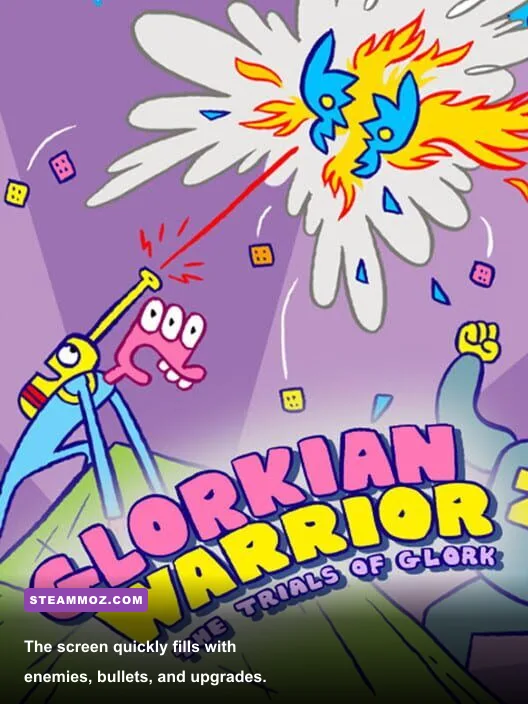
Glorkian Warrior: The Trials of Glork does not need a conventional minimum-versus-recommended split. The published Steam requirement is already so low that a separate recommended specification adds little useful information. A recent integrated GPU and any modern entry-level processor will be dramatically faster than the hardware target the game was designed around.
Still, there’s a practical distinction between “the game launches” and “the game feels perfect.” The minimum specification can describe a machine that opens the game, but a very old PC may struggle with the operating system, background processes, display scaling, or driver compatibility. The real recommendation is simply a supported Windows computer with current graphics drivers and enough free memory to avoid aggressive system swapping.
| Use case | CPU and RAM target | Graphics target | Expected result |
|---|---|---|---|
| Absolute minimum | 1 GHz CPU, 1 GB RAM | OpenGL 2.0 support | Playable if drivers and OS compatibility cooperate |
| Comfortable laptop setup | Dual-core CPU, 4 GB RAM | Modern integrated graphics | Stable play with room for background apps |
| Modern gaming PC | Any current Core, Ryzen, or equivalent CPU | Any dedicated or integrated GPU | Performance headroom far beyond the game’s needs |
| Low-power mini PC | Recent low-voltage processor, 4 GB RAM | Intel UHD or Radeon integrated graphics | Excellent fit for small-screen arcade play |
There is no practical benefit to chasing a powerful graphics card here. A modern RTX or Radeon card will spend most of its time barely working. If you’re choosing between a faster GPU and a better controller for Glork’s twitchy movement, the controller is the more meaningful upgrade.
One caveat: the old Windows requirement doesn’t guarantee perfect behavior on every current configuration. Older games can occasionally behave strangely with high-DPI scaling, unusual ultrawide resolutions, or aggressive fullscreen optimization. If you see a black screen or a window that opens at an awkward size, start with borderless or windowed mode, update the GPU driver, and verify the game files through Steam.
What performance should you expect?
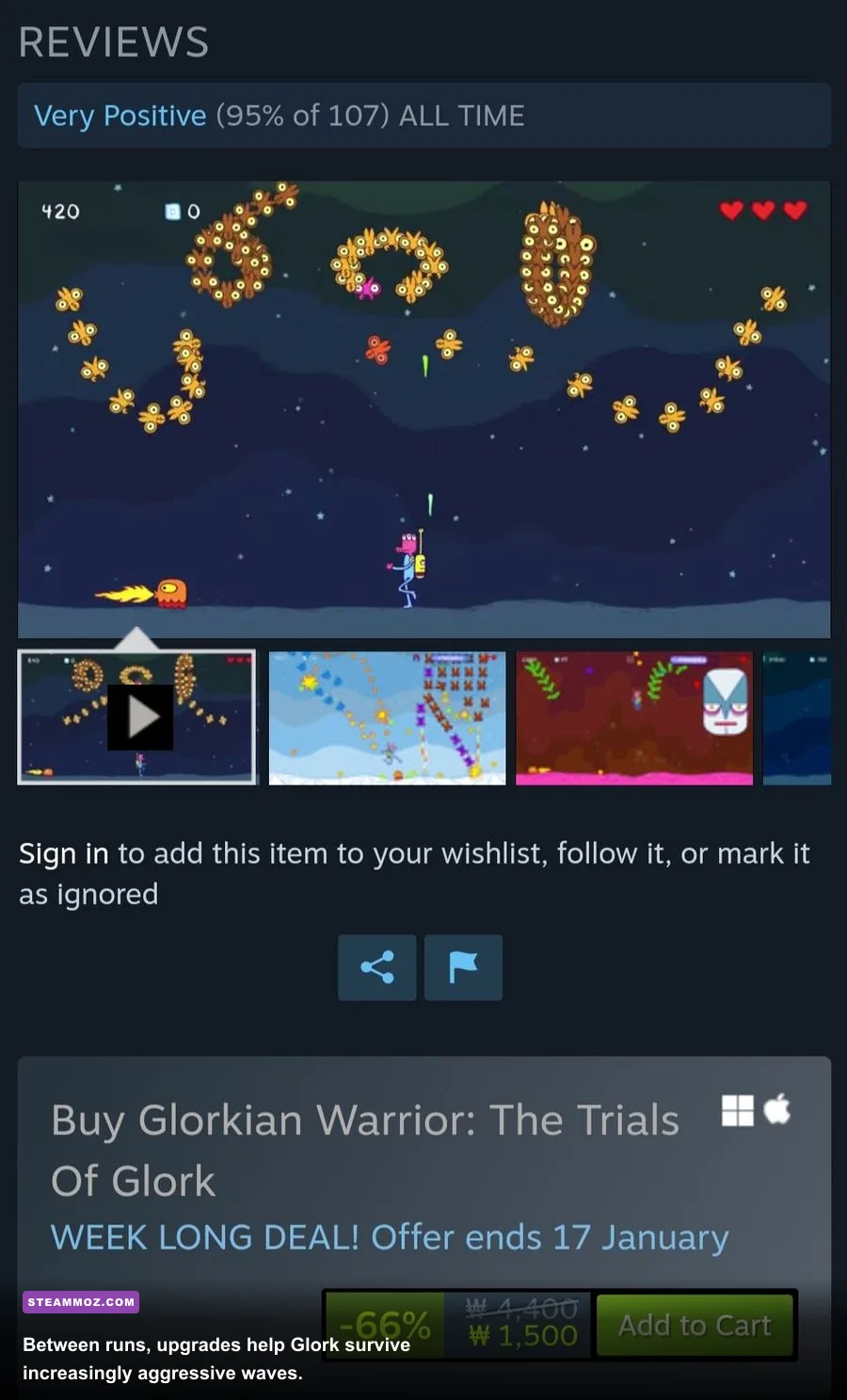
On suitable hardware, the target should be a stable 60 frames per second, and many systems will run the game far beyond that. However, Glorkian Warrior is an arcade shooter where responsiveness matters more than a giant frame-rate number. Smooth input, predictable scrolling, and a display without scaling artifacts are the real goals.
The game’s combat loop is deceptively busy. Glork moves horizontally while enemies descend, projectiles cross the screen, and pickups appear amid the clutter. During a calm opening wave, nearly any machine will feel perfect. The useful stress test comes later, when several enemy groups and effects occupy the playfield at once. If a laptop remains responsive during those dense moments, it has more than enough power.
| Graphics or display choice | Recommended value | Performance impact | Visual and control note |
|---|---|---|---|
| Resolution | Native display resolution | Very low | Usually gives the cleanest image and avoids blurry scaling |
| Fullscreen | Use fullscreen on older laptops | Low | Can reduce desktop compositing overhead |
| Windowed mode | Use for multitasking or troubleshooting | Low | Helpful if fullscreen produces a black screen |
| V-sync | Enable if tearing appears | Minimal | Improves presentation, though it can add slight input latency |
| Display scaling | Keep system scaling consistent | Minimal GPU impact | Prevents soft sprites and misaligned menus |
Don’t obsess over ultra-high refresh rates. A 120 Hz or 144 Hz monitor may make scrolling look smoother, but it won’t turn Glorkian Warrior into a fundamentally different game. If you notice tearing, enable synchronization first. If input feels sluggish, test it off and use the monitor’s adaptive-sync option if available.
The most useful performance comparison is with other 2D titles. Our Arcade Spirits PC fixes guide covers the sort of compatibility problems that can affect lightweight games even when their hardware requirements are tiny. The same basic logic applies here: confirm the correct display mode, remove unnecessary overlays, and test your controller before blaming the GPU.
Best settings for old laptops and handheld PCs
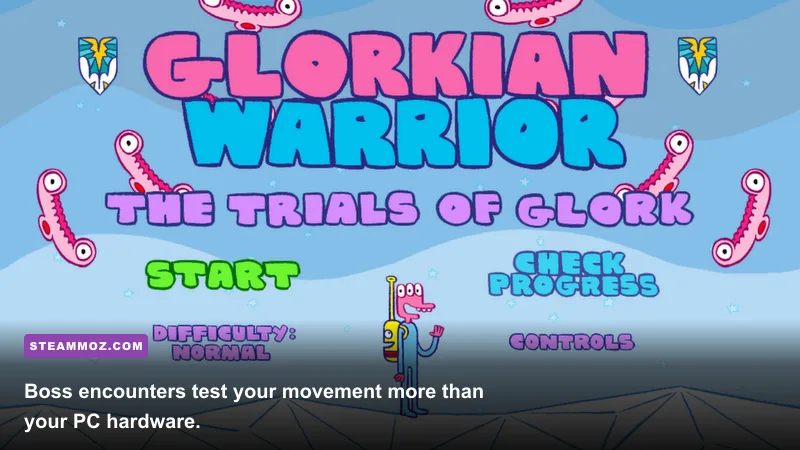
Glorkian Warrior is a strong fit for old laptops, compact desktops, and low-power handheld PCs, but the best setup depends more on controls than on rendering quality. The game’s visual style is intentionally simple, so lowering resolution won’t produce the dramatic performance gains you’d see in a 3D shooter. Instead, prioritize a stable display mode and a comfortable control layout.
For an old Windows laptop
Start in fullscreen at the panel’s native resolution. Close browser tabs, screen recorders, and storefront overlays if you’re using a machine close to the 1 GB memory minimum. If the game refuses to display correctly, switch to windowed mode, disable high-DPI scaling for the executable through Windows compatibility settings, and relaunch.
Keep the laptop plugged in when possible. Battery-saving profiles can reduce CPU clock speeds even though the game itself is easy to run. That throttling may not cause a visible frame-rate collapse, but it can make input feel inconsistent when the system changes power states during a run.
For a Steam Deck or similar handheld
The hardware is vastly more powerful than necessary, so use the profile that feels best rather than the one that saves the most power. A 60 Hz cap is sensible, and a moderate brightness setting will save more battery than chasing a lower internal resolution. Map movement and firing to controls that let you make quick horizontal corrections without covering the action with your thumb.
Controller behavior is worth testing before a serious run. The game’s simple movement makes a keyboard perfectly viable, but analog input can feel more natural on a handheld. If the game doesn’t recognize your preferred pad immediately, try Steam Input, then test every button in a safe early wave.
For a low-end mini PC
Use a wired or low-latency wireless controller, set the game to native resolution, and leave the GPU profile alone. Modern integrated graphics are not the bottleneck. If performance appears uneven, check whether the mini PC is connected to a television using a display mode with heavy post-processing. Game Mode on the TV can reduce latency more noticeably than any in-game setting.
How the hardware affects Glork’s arcade combat
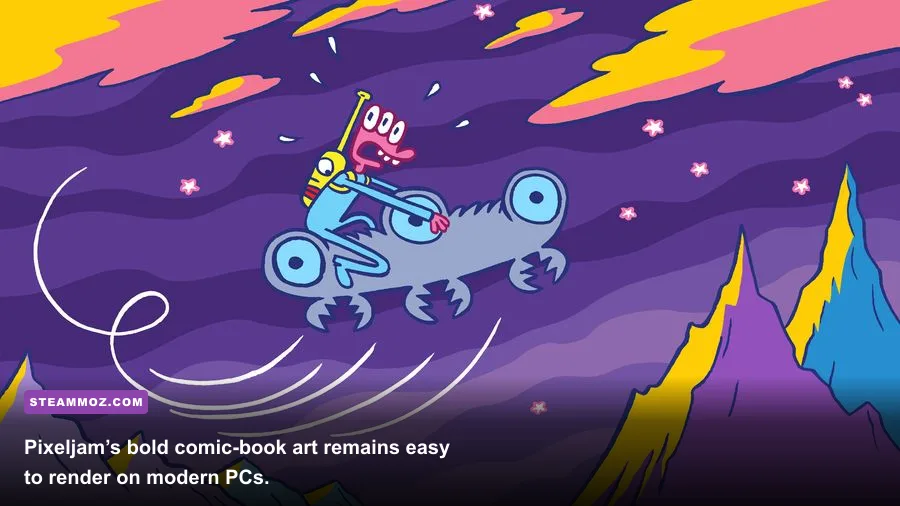
Hardware won’t change Glork’s weapon damage, enemy health, or upgrade progression. It changes how reliably you can read the patterns and react to them. That distinction matters because the game’s challenge comes from spatial awareness: keeping Glork in a safe lane, tracking incoming shots, collecting useful drops, and maintaining pressure on targets before the screen becomes crowded.
A missed frame during a quiet section is harmless. A hitch while a projectile crosses Glork’s position is not. That’s why stable frame pacing is more important than chasing a headline FPS number. A locked 60 FPS with consistent input is preferable to a fluctuating 200 FPS that occasionally stutters when Windows decides to display a notification or an overlay.
Use the game’s early stages as a diagnostic run. Watch for three symptoms: input arriving late, animation speed appearing inconsistent, or the display briefly freezing when several objects appear. If none of those happen during a dense wave, your PC is performing exactly as it needs to.
| Symptom | Likely cause | First fix to try | Why it helps |
|---|---|---|---|
| Black screen at launch | Fullscreen or scaling conflict | Switch to windowed mode and update drivers | Bypasses incompatible display initialization |
| Controller not detected | Input mapping conflict | Enable Steam Input | Translates the controller to a supported layout |
| Visible tearing | Frame delivery out of sync | Enable V-sync or adaptive sync | Matches rendered frames to the display refresh |
| Brief stutters | Overlays or background tasks | Close overlays and unnecessary applications | Reduces interruptions on older CPUs and laptops |
| Blurry image | Non-native scaling | Use the display’s native resolution | Prevents stretched sprite edges and soft text |
This is also where the game differs from more demanding releases covered in our smooth 60 FPS settings guide. In a modern 3D game, you balance shadows, textures, volumetrics, and upscaling. In Glorkian Warrior, those knobs largely don’t exist. Your optimization strategy is mostly about compatibility, display timing, and input latency.
What to check before buying or installing
Check the official Steam listing first, especially if you’re running an unusual operating system or planning to play through a compatibility layer. The published requirements are tiny, but storefront compatibility information can change as operating systems and platform support evolve.
It’s also worth visiting Pixeljam’s official website for developer information and checking Adult Swim Games’ official game hub for publisher details. These are more reliable sources than random download sites, which may list incorrect system requirements or outdated builds.
Before launching, make sure you have the following:
- At least 200 MB of free storage, with extra room for Steam files and local saves.
- Updated graphics drivers with OpenGL support enabled.
- A display mode that doesn’t force extreme scaling or unusual ultrawide resolutions.
- A tested keyboard or controller with movement and firing mapped comfortably.
- Background overlays disabled if an old PC shows stutters or launch problems.
For a broader look at diagnosing older PC games, our Drizzlepath Genie PC requirements guide offers a useful comparison: modest system requirements can still demand sensible driver and resolution troubleshooting. And if you want another compact game that rewards careful setup, see our Cthuloot graphics settings guide.
The bottom line: if your Windows PC was released within the last decade, it almost certainly exceeds the Glorkian Warrior minimum and practical recommended specs. The game needs no dedicated GPU, no large storage investment, and no elaborate graphics tuning. Install it, choose a stable display mode, confirm your controls, and focus on the real challenge: surviving the next ridiculous wave of alien fire.