Breathedge runs on surprisingly modest hardware: the official minimum is an Intel Core i3-3220, 8GB of RAM, and a GTX 660 2GB or Radeon HD 7870 2GB, while the recommended target is an i5-4590 with 8GB RAM and a GTX 970 4GB or Radeon R9 290 4GB. A modern four-core CPU, 8GB of memory, and a dedicated GPU with 4GB VRAM will make the colorful space-survival adventure much more comfortable at 1080p.
That matters because Breathedge looks deceptively light. Its cartoon art style is clean rather than photorealistic, but the game still renders wide-open debris fields, wrecked stations, particles, lighting effects, animated objects, and a ridiculous amount of floating junk. If your PC only barely clears the minimum, you'll be able to play, but you'll want to target 30 fps and lower a few expensive effects rather than blindly selecting a preset.
Breathedge minimum and recommended PC specs
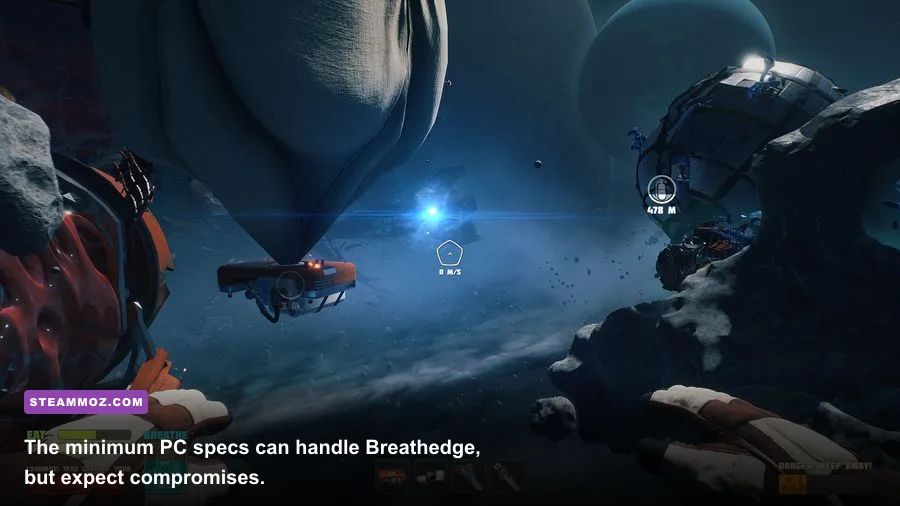
The official Breathedge Steam listing separates its requirements into minimum and recommended tiers. Both ask for 8GB of RAM and roughly 7GB of free storage, which is refreshingly reasonable beside current 100GB installations. The graphics cards, however, are from an older generation, so modern entry-level GPUs should have no trouble matching them.
| Component | Minimum | Recommended |
|---|---|---|
| Operating system | Windows 7/8/10 64-bit | Windows 7/8/10 64-bit |
| Processor | Intel Core i3-3220 | Intel Core i5-4590 |
| Memory | 8GB RAM | 8GB RAM |
| Graphics card | GeForce GTX 660 2GB or Radeon HD 7870 2GB | GeForce GTX 970 4GB or Radeon R9 290 4GB |
| DirectX | Version 11 | Version 11 |
| Storage | 7GB available space | 7GB available space |
These are official-era requirements, not a promise of a locked frame rate on every machine. Windows 11 may run the game through backward compatibility, but it isn't the operating system named by the original listing. Keep your graphics driver current, install the game on an SSD if possible, and leave at least 10GB free so updates and shader caches don't fight for space.
What the minimum spec really means
The i3-3220 is a dual-core, four-thread Ivy Bridge processor, and the GTX 660 is a 2GB Kepler card. Together, they represent a playable baseline rather than a 60-fps guarantee. You'll likely need 1080p low or medium settings, reduced shadows, and a 30-fps cap in the busiest wreckage areas. A system with integrated Intel HD graphics should not be considered equivalent just because it has 8GB of RAM; the GPU requirement is the serious gatekeeper.

🎮 Breathedge
Looking to experience this game? Grab your digital key directly on our store for $6.24.
View on Steammoz Store →Can your current gaming PC run Breathedge?
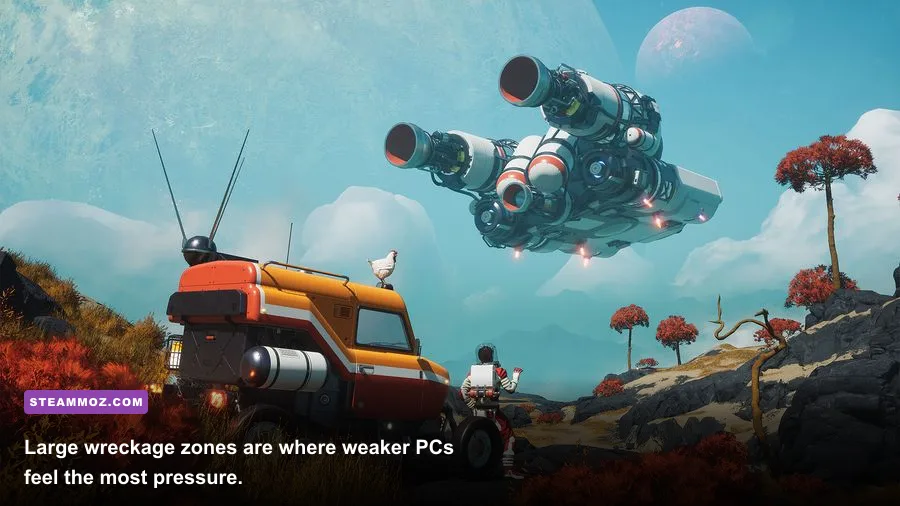
If your PC has a modern CPU and any recent dedicated graphics card, the answer is almost certainly yes. A GTX 1650, GTX 1060, RX 570, or newer card sits comfortably above the listed minimum. An RTX 3050, RX 6600, or better should have enough headroom for high settings at 1080p, assuming the rest of the system is healthy.
The most useful comparison isn't just the GPU name. VRAM, CPU age, and frame-time consistency all matter. Breathedge spends much of its time in open space, so camera movement can expose stutter that an average-FPS counter hides. A five-year-old six-core CPU may feel smoother than an older high-clock dual-core chip even when both graphics cards produce similar averages.
| PC tier | Typical hardware | Practical target | Expected experience |
|---|---|---|---|
| Minimum-era | i3-3220, GTX 660, 8GB RAM | 1080p Low, 30 fps | Playable, but heavy debris scenes may dip |
| Comfortable 1080p | Modern i5/Ryzen 5, GTX 1650 or RX 570 | 1080p Medium-High, 45-60 fps | Smooth exploration with occasional traversal dips |
| Recommended-plus | i5-4590 or newer, GTX 970/R9 290 | 1080p High, 60 fps target | Strong performance with room for visual effects |
| Modern enthusiast | Recent six-core CPU, RTX 3060/RX 6600 or better | 1440p High, 60 fps | Excellent headroom; resolution becomes the main cost |
Don't confuse the recommended specification with a 1440p or ultrawide recommendation. The GTX 970 and R9 290 were fundamentally 1080p-class cards. They can push more pixels in a light scene, but wide open-space views and higher shadow quality will eat that headroom quickly. For context, the same principle applies to other demanding PC games covered in our Dishonored PC requirements breakdown.
The best Breathedge graphics settings for stable FPS
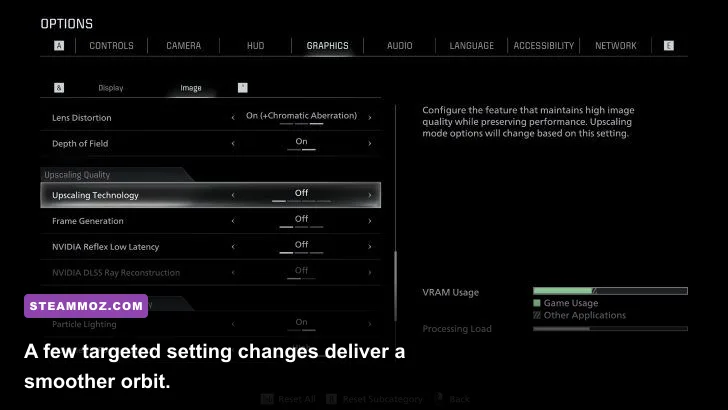
Start with the High preset on a PC around the recommended tier, then adjust individual options. If you're using minimum hardware, begin at Low, set 1080p, and increase one option at a time. The goal is stable frame pacing while you manage oxygen, temperature, food, and radiation—not a prettier screenshot followed by a missed docking window.
| Setting | Recommended value | FPS impact | Visual trade-off |
|---|---|---|---|
| Resolution | Native 1080p; use 900p/720p if needed | Very high | Lower resolution is the fastest rescue for GPU-limited PCs |
| Overall quality | Medium on minimum, High on recommended | Medium | Convenient baseline, but individual tuning is better |
| Shadows | Low or Medium | High | Softens station and debris shadows; usually worth the frames |
| Textures | High if VRAM allows; Medium with 2GB | Low to medium | Mostly affects surface detail, not geometry |
| Effects and particles | Medium | Medium to high | Reduces visual clutter during busy space scenes |
| Anti-aliasing | Medium or the lowest clean option | Medium | Lower values create shimmer around wreckage edges |
| VSync | On for 60Hz displays; off with VRR | None to low | Prevents tearing, though it can add latency on weak systems |
Shadows and effects are the first settings I'd reduce. Textures usually cost VRAM rather than raw GPU power, so a 4GB card can keep them high while a 2GB GTX 660 should stay at medium to avoid hitching. If your average FPS looks fine but movement feels uneven, test VSync, cap the frame rate to 30 or 60, and close overlays from browsers, recording software, and launchers.
CPU, RAM, and storage upgrades that actually help
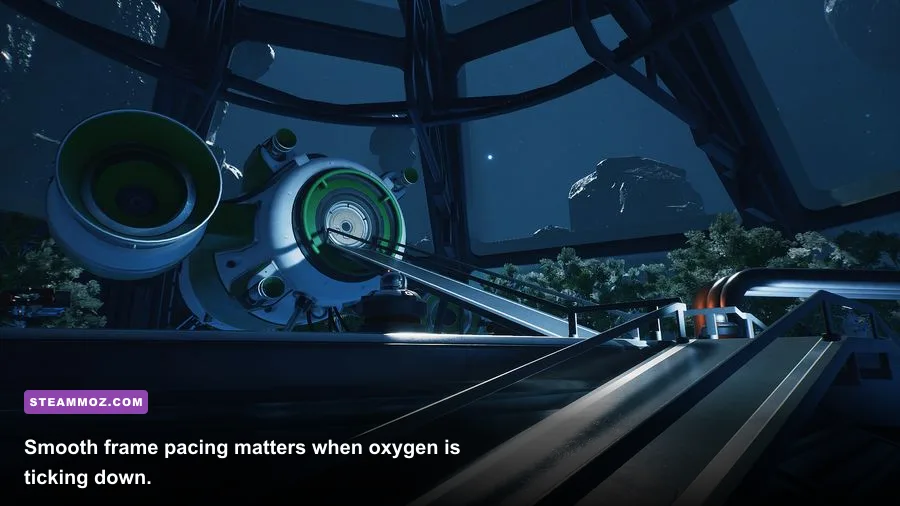
RAM: 8GB is enough for the official target, but 16GB is the sensible modern setup. It won't magically double FPS; instead, it gives Windows and background apps breathing room and can reduce hitching when assets load. This is especially useful on a laptop where browser tabs and manufacturer utilities quietly consume memory.
CPU: Breathedge isn't a competitive shooter, so you don't need a monster processor. Still, a modern four-core or six-core CPU improves minimum frame rates and asset streaming. The old i3-3220 minimum can launch the game, but its two physical cores leave less room for the operating system and background tasks. If the GPU usage keeps dropping while the game stutters, the processor or storage device may be the culprit.
GPU: Upgrade the graphics card first if you play below 60 percent GPU utilization at low settings? No—check that carefully. If GPU usage is near 99 percent and lowering resolution raises FPS, you're GPU-limited. If usage is low while one CPU core is saturated, you're CPU-limited. That simple test prevents buying the wrong component.
Storage: The game only asks for 7GB, but an SSD is still preferable. It can make loading and scene transitions feel less abrupt, though it won't transform a 30-fps system into a 60-fps one. Keep the installation away from a nearly full mechanical drive, and verify files through Steam if textures or objects load incorrectly.
If you enjoy tuning older hardware, our graphics settings performance guide covers the same useful diagnostic habit: change one setting, measure the result, and avoid relying on presets alone.
Why Breathedge can stutter despite good average FPS
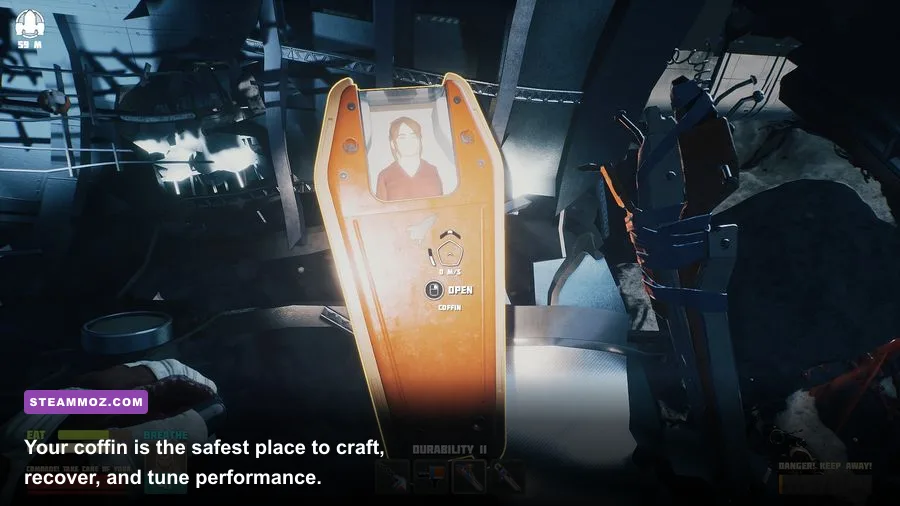
Spacewalks are unusually sensitive to frame pacing. You're constantly rotating around large objects, approaching stations, and crossing areas packed with floating debris. A benchmark average of 60 fps can still feel rough if frame times spike to 40 or 50 milliseconds during traversal. That's why a locked 30 fps profile can feel better than an unstable 45-70 fps range on minimum hardware.
Watch for three different problems. GPU saturation appears as high GPU usage and improves when you lower resolution, shadows, or effects. CPU limitation appears when one or more CPU threads stay busy while GPU usage falls; reduce background applications and use a sensible frame cap. Streaming hitching often improves after moving the game to an SSD, closing overlays, and leaving more free disk space.
Also remember that survival pressure can make technical problems feel worse. Running out of oxygen while the game hitches near a station is not just an FPS annoyance. Keep a route back to your coffin, carry the resources needed for oxygen equipment, and avoid testing new graphics settings during a dangerous expedition. Our Subnautica 2 locations guide has a similar lesson for exploration-heavy survival games: navigation and preparation matter as much as raw hardware.
A practical Breathedge PC setup checklist
Before launching, update your GPU driver and confirm that Windows is using the dedicated graphics card if you're on a gaming laptop. Plug the laptop into power, select the performance profile, and disable aggressive battery-saving modes. Then use this order:
- Set the display to your monitor's native resolution and choose the Low or High preset that matches your hardware tier.
- Play for several minutes outside the coffin, especially around large wreckage and station structures.
- If FPS is low everywhere, lower resolution first. If only busy scenes dip, lower shadows and effects.
- Keep textures as high as your VRAM allows, because they usually preserve visual quality better than expensive lighting changes.
- Enable VSync or a frame cap if frame pacing feels uneven; use a stable 30 fps target on minimum-era PCs.
- Close overlays and background downloads, then retest the same route rather than judging performance from a different scene.
For most players, the sweet spot is 1080p High on a GTX 970-class or newer GPU, with 16GB RAM and an SSD. Minimum-spec owners shouldn't be discouraged: Breathedge remains playable on old hardware if you accept 30 fps, trim shadows and effects, and prioritize consistency. Check the RedRuins Softworks website and the game's official Breathedge site for developer information, then let your own frame-time test—not a preset label—decide the final settings.