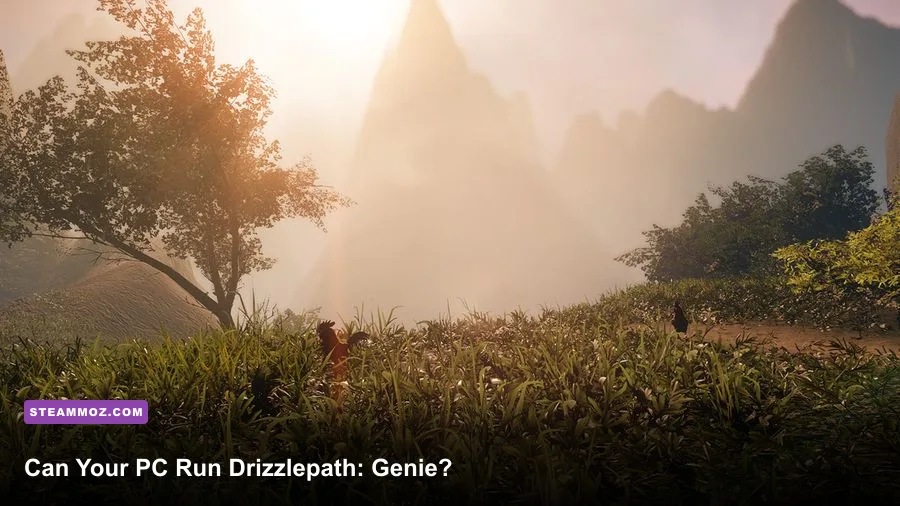
Drizzlepath: Genie is an easy game to run by modern standards, but its official PC requirements still matter if you're using an older laptop or integrated graphics. Steam lists Windows 7, a dual-core Intel i3-class processor, 4 GB of RAM, and a DirectX 11 graphics card such as the GeForce GTX 460 or Radeon HD 6850 as the minimum target. For a smoother 1080p experience, aim for an Intel i5-class CPU, 8 GB of memory, and a GTX 970 or Radeon R9 390-level GPU. You’ll also want roughly 5 GB of free storage, although leaving extra room for Windows, shader caches, and updates is the smarter move.
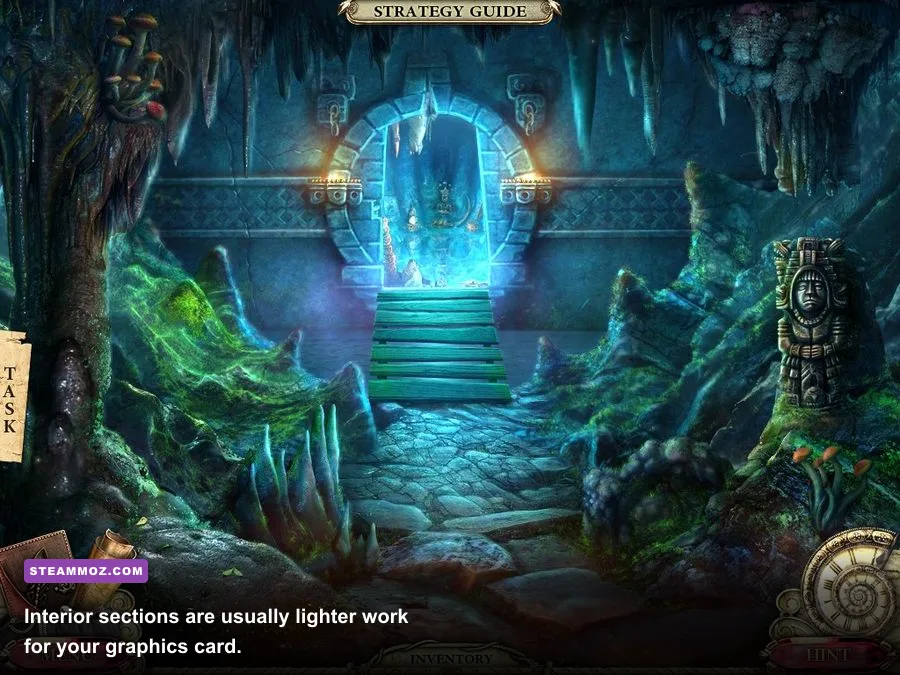
That hardware is hardly intimidating in 2026, yet Drizzlepath: Genie isn’t a flat-color retro game. Tonguç Bodur’s walking simulator leans on Unreal Engine 4 lighting, atmospheric fog, reflective water, foliage, and large outdoor views. Those effects create the game’s mood, but they also explain why an old office PC can feel fine in a cave and suddenly stumble beside a waterfall.
Drizzlepath: Genie minimum and recommended specs
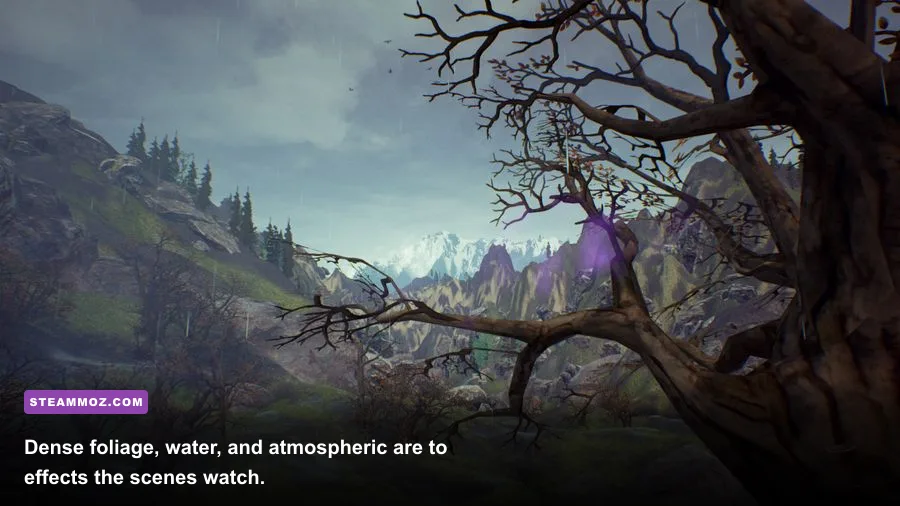
The table below separates the published baseline from a more comfortable target. The minimum column is about launching and playing the game; it should not be read as a promise of locked 60 fps at 1080p with every visual option pushed high. The recommended column is the safer choice for a stable, attractive playthrough.
| Component | Minimum PC specs | Recommended PC specs | What it means in practice |
|---|---|---|---|
| Operating system | Windows 7 | Windows 10 | Modern 64-bit Windows is preferable for drivers and compatibility. |
| Processor | Intel Core i3-class CPU, around 2.4 GHz | Intel Core i5-class CPU, around 3.0 GHz | Four physical cores give outdoor scenes more breathing room. |
| Memory | 4 GB RAM | 8 GB RAM | 4 GB may work, but background apps can cause hitching. |
| Graphics card | NVIDIA GeForce GTX 460 or AMD Radeon HD 6850 | NVIDIA GeForce GTX 970 or AMD Radeon R9 390 | The GPU is the key part for foliage, shadows, fog, and reflections. |
| Graphics API | DirectX 11 | DirectX 11 | Use a current driver with DX11 support. |
| Storage | About 5 GB available | About 5 GB available | An SSD helps loading and reduces the annoyance of asset streaming. |
There’s an important distinction between the GTX 460 minimum and GTX 970 recommendation. The GTX 460 is a 2010-era card with much less shader power and memory bandwidth. It tells you the game is accessible, not that it will deliver a flawless high-refresh experience. The GTX 970 is still old by current standards, but it offers a much healthier margin for 1080p, especially when the camera faces thick vegetation, distant terrain, and layered lighting.
On the AMD side, the Radeon HD 6850 is similarly a launch-and-play baseline. A Radeon R9 390 has considerably more raw performance and memory, making it a better match for the recommended profile. If your card sits between those generations—something like a GTX 750 Ti, GTX 950, RX 460, or GTX 1050—expect to tune shadows, foliage, and resolution rather than blindly selecting Ultra.

🎮 Drizzlepath: Genie
Looking to experience this game? Grab your digital key directly on our store for $1.99.
View on Steammoz Store →What hardware does Drizzlepath: Genie really need?
The processor requirement looks modest because this is a walking simulator without combat AI, physics-heavy enemies, or a busy simulation layer. You won’t be managing a settlement or fighting a crowd of NPCs. Most of the CPU workload comes from world streaming, animation, audio, draw-call preparation, and keeping Unreal Engine’s outdoor scene moving as you walk.
An older two-core i3 can meet the minimum on paper, but CPU age matters. A modern low-power Core i3, Ryzen 3, or recent laptop processor can outperform an old desktop i5 even if the names look less impressive. For the smoothest experience, four modern cores are the practical sweet spot. Six cores won’t transform the game, but they can prevent background tasks from turning a calm exploration session into a stuttery one.
RAM is more straightforward. The listed 4 GB minimum is enough only if Windows has room to breathe. On a machine with 4 GB total system memory, close browsers, launchers, recording software, and RGB utilities before starting the game. Eight gigabytes is the sensible floor today, while 16 GB is ideal if you multitask or run the game from a laptop that shares memory with integrated graphics.
That last point is crucial for notebooks. Integrated graphics such as Intel HD 520, UHD 620, or older Radeon Vega solutions may launch the game, but they don’t match the dedicated cards named in the official requirements. Shared memory also reduces the amount available to Windows. If you’re using integrated graphics, start at 1280x720 or 1600x900, select Low, and accept that 30 fps may be the realistic target in the heaviest outdoor views.
Storage capacity isn’t the challenge. The install is small compared with modern releases, so almost any gaming drive has enough space. An SSD still helps because Unreal Engine games can stream textures and environment data as you move. It won’t increase your average fps, but it can make loading transitions and traversal hitches less irritating. Keep at least 10 GB free beyond the installation rather than filling the drive to the last megabyte.
| PC tier | Example hardware | Starting resolution | Expected target |
|---|---|---|---|
| Minimum-era desktop | Core i3, 4 GB RAM, GTX 460 or HD 6850 | 1280x720 | 30 fps with Low settings and reduced shadows |
| Older gaming PC | Core i5, 8 GB RAM, GTX 750 Ti or GTX 950 | 1600x900 | 30-60 fps with medium settings |
| Recommended target | Core i5, 8 GB RAM, GTX 970 or R9 390 | 1920x1080 | 60 fps in most scenes with sensible High settings |
| Modern mainstream PC | Recent Core i3/Ryzen 3 or better, 16 GB RAM, GTX 1660 or RX 580 and above | 1920x1080 | Comfortable 60 fps with room for higher quality |
Best Drizzlepath: Genie settings for smooth 60 fps
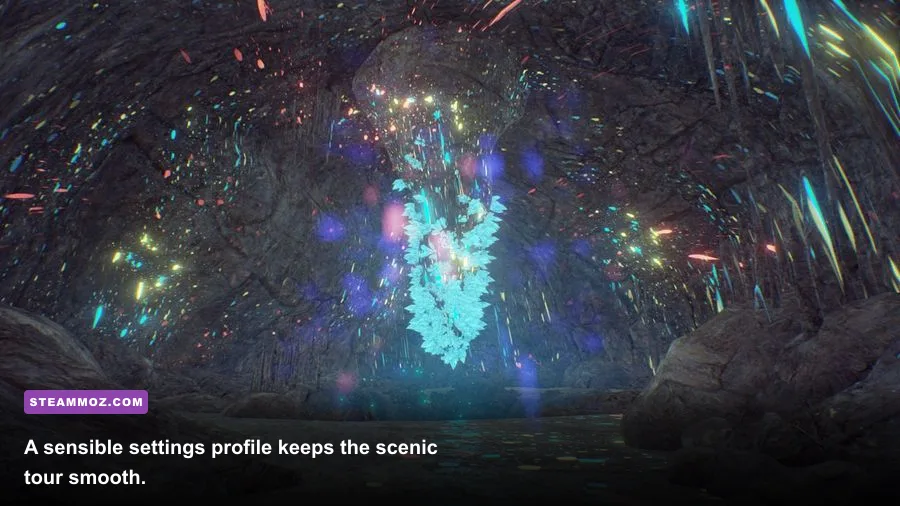
Start with the game’s native resolution and work downward only when necessary. Resolution has the biggest direct effect on GPU load, so dropping from 1920x1080 to 1600x900 is usually more effective than randomly changing five minor options. If your monitor is 1440p, render at 1080p first; the game’s scenery benefits from consistency more than from a resolution your graphics card can’t sustain.
Shadows are the first quality setting I’d reduce on a borderline GPU. Dynamic shadows are expensive in an environment filled with trees, rocks, and uneven ground because the engine has to calculate how light falls across a lot of geometry. Medium shadows preserve depth around paths and cliffs without demanding the same workload as High.
Foliage quality is the next big lever. Dense grass and vegetation add thousands of visible objects, and the performance hit grows when you look across an open valley. On the minimum GPU, use Low. On a GTX 970-class card, Medium or High is reasonable at 1080p, but don’t chase a tiny visual improvement if it causes camera movement to hitch.
Post-processing and ambient occlusion help sell the dreamy atmosphere, especially in misty areas, but they’re less important than stable frame pacing. Keep post-processing at Medium on older cards. Ambient occlusion can remain enabled if the frame rate is healthy; disable it when dark foliage scenes cause drops. Motion blur is a personal choice, not a performance fix—turn it off for a cleaner image while walking and looking around.
| Setting | Recommended value | Performance impact | Visual trade-off |
|---|---|---|---|
| Resolution | 1920x1080; 1600x900 on weak GPUs | Very high | Lower resolution softens the image but quickly reduces GPU load. |
| Overall quality | Medium for minimum-era cards; High for GTX 970-class cards | High | Balances several effects without overcommitting to shadows. |
| Shadows | Low or Medium | High | Lower values flatten contact shadows but improve outdoor consistency. |
| Foliage | Medium | High | Reduces vegetation density and distant scene complexity. |
| Post-processing | Medium | Medium | Preserves fog and color grading without the heaviest effects. |
| Ambient occlusion | On if stable; Off for weak GPUs | Medium | Off makes rocks and corners look flatter. |
| Anti-aliasing | Medium or the default temporal option | Low to medium | Lower settings reveal more jagged foliage edges. |
| Motion blur | Off | Negligible | Sharper camera movement during exploration. |
| V-sync | On for a fixed 60 Hz display | Low | Prevents tearing but may add latency or expose dips. |
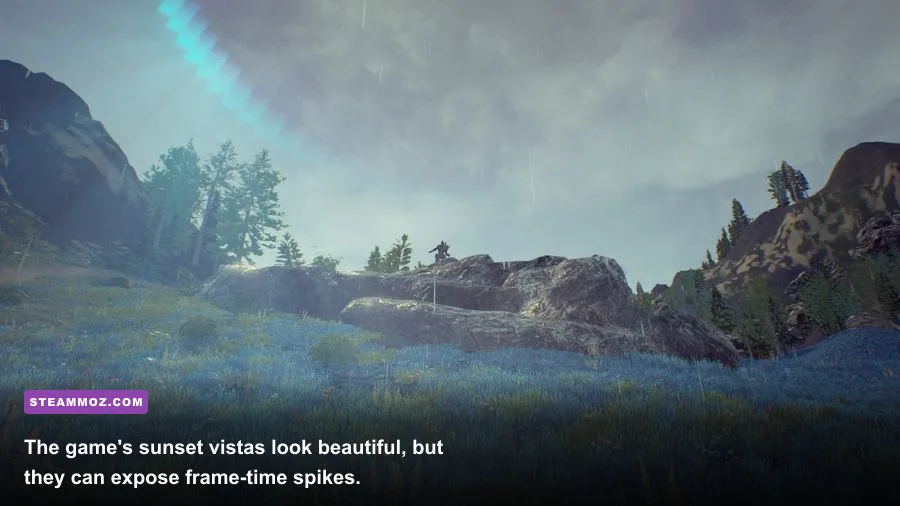
Don’t judge performance from the opening view alone. Walk toward water, rotate the camera across a broad vista, and pass through the thickest vegetation you can find. Those moments are the real test. A frame counter that says 60 while staring at a rock tells you almost nothing about how the game behaves in a wide landscape.
How to fix stutter, crashes, and low fps
Before blaming the game, install the latest graphics driver available for your GPU and reboot after the update. Drizzlepath: Genie targets DirectX 11, so a clean, current driver is more useful than forcing experimental launch options. Verify the installation through Steam if the game crashes during startup or refuses to load a scene.
Fullscreen mode is worth testing against borderless or windowed mode. Exclusive fullscreen can give an older system more predictable frame pacing, while borderless is more convenient for switching applications. If one mode produces a strange resolution, black screen, or unstable frame rate, try the other rather than stacking random launch commands.
Keep the frame rate realistic. A stable 30 fps is better than a graph that jumps between 35 and 70 fps as you turn toward the valley. If the game has no useful frame limiter, use your GPU control panel to cap it near 30 or 60 fps. Capping below the monitor’s maximum refresh rate can also reduce tearing when V-sync behaves poorly.
Thermal throttling is another common culprit on laptops. Drizzlepath: Genie may not look technically aggressive, but a GPU running hot can lower its clock speed after several minutes. Play while plugged in, use the laptop’s performance mode, clear blocked vents, and watch temperatures with a trusted monitor. If fps begins strong and collapses later, heat or power limits are more likely than a suddenly broken game file.
For integrated graphics, lower texture quality only after resolution, shadows, and foliage. Textures mostly consume video memory; they don’t always deliver the largest frame-rate gain. Shadows and scene density are the settings that usually matter first. Also disable overlays from Steam, Discord, recording tools, and GPU utilities if you’re troubleshooting crashes or unexplained hitching.
The official Drizzlepath: Genie Steam page is the best place to confirm the current listing, compatibility notes, and updates. You can also check Steam Community discussions for reports tied to specific GPUs. For broader Unreal Engine troubleshooting, the official Unreal Engine support hub is a useful reference, although many fixes will still be game-specific.
Is Drizzlepath: Genie demanding on PC?
No—not by modern gaming standards. The official minimum hardware is now extremely old, and a current integrated GPU may outperform the GTX 460 or Radeon HD 6850 named in the baseline. The catch is that “can run” and “looks great at 60 fps” are different goals. The game’s broad outdoor scenes, fog, foliage, and shadow work can still punish weak or thermally constrained hardware.
If your PC has 8 GB of RAM, a modern four-core processor, and a GTX 1050, RX 560, GTX 1650, or comparable GPU, you’re in a comfortable position. Use 1080p Medium, raise textures and post-processing if performance allows, and lower foliage or shadows first when you encounter drops. A GTX 970, RX 580, or anything faster should handle the recommended-style experience without much drama.
Systems around the minimum should treat 720p and 30 fps as the starting point. That isn’t a failure; it’s the correct trade-off for a slow-paced exploration game where responsiveness matters less than consistency. The atmosphere survives reduced shadows. It survives less foliage. It doesn’t survive constant hitching every time you turn toward a new vista.
Before buying, compare your PC directly against the table rather than relying on a vague “gaming laptop” label. Check the exact GPU model, installed RAM, and processor generation. If your hardware clears the recommended target, Drizzlepath: Genie should be a low-maintenance scenic walk. If it only meets minimum, use the performance profile above and test the heaviest outdoor areas during Steam’s refund window.
For more PC-focused tuning advice, our guides to Breathedge system requirements, Cthuloot graphics settings, and Arcade Spirits PC fixes cover the same practical approach: find the settings that affect frame time, keep the profile stable, and don’t confuse an impressive benchmark screenshot with a smooth game.
Bottom line: Drizzlepath: Genie’s minimum PC requirements are forgiving, while the GTX 970/R9 390 recommended tier gives you the headroom for attractive 1080p exploration. Prioritize shadows, foliage, and frame pacing, and even an older gaming PC can deliver the quiet, atmospheric journey the game is built around.