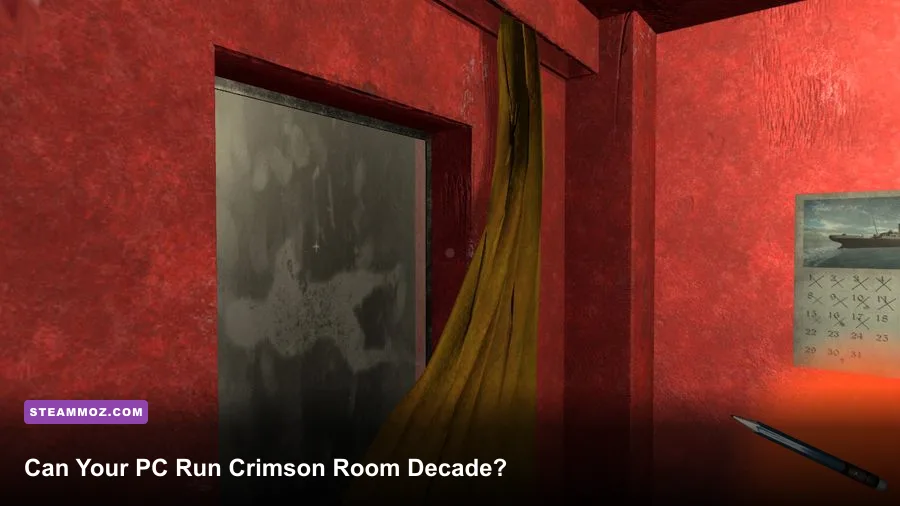
Yes, almost any modern Windows gaming PC can run Crimson Room Decade. The official Steam listing asks for only a 2.4 GHz dual-core processor, 2 GB of RAM, and a GeForce 8800 GT-class graphics card at minimum. The recommended target is still modest: a 2.4 GHz Intel Core 2 Quad, 4 GB of memory, and a GeForce GTX 660-class GPU. In practical terms, the game is dramatically easier to run than most current releases, and even recent Intel UHD, Iris Xe, or AMD Radeon integrated graphics should have plenty of headroom.
That low barrier makes sense. Crimson Room Decade is a compact first-person escape-room adventure built around examining objects, combining clues, and solving mechanisms rather than rendering huge outdoor worlds. There are no sprawling crowds, ray-traced reflections, destructible environments, or high-speed combat systems hammering your hardware. The real challenge is spotting the clue you missed—not finding a graphics card powerful enough to render it.
Crimson Room Decade minimum PC requirements
The minimum Crimson Room Decade system requirements date back to the kind of PC that was already considered entry-level when the game launched. Steam lists Windows 7, a 2.4 GHz dual-core CPU, 2 GB of RAM, a GeForce 8800 GT, DirectX 9.0c, and roughly 1 GB of available storage. These numbers are useful as a compatibility floor, but they shouldn't be read as a modern performance target.
A GeForce 8800 GT is ancient by today’s standards. It launched with 512 MB of video memory in many configurations and supported DirectX 10-era rendering. Any dedicated GPU released in the last decade is substantially faster. The same goes for processors: a current Core i3, Ryzen 3, or even a recent low-power laptop CPU has vastly better single-threaded performance than the old dual-core chips named in the listing.
| Component | Minimum requirement | What it means today |
|---|---|---|
| Operating system | Windows 7 | Windows 10 or Windows 11 is the safer modern choice |
| Processor | 2.4 GHz dual-core CPU | Any recent Core i3, Ryzen 3, or comparable laptop CPU should exceed it |
| Memory | 2 GB RAM | 4 GB is workable for the game; 8 GB is better for the whole system |
| Graphics | GeForce 8800 GT | Recent integrated graphics should be faster |
| Graphics API | DirectX 9.0c | Supported by virtually all modern Windows GPUs |
| Storage | About 1 GB available space | Leave extra room for Steam files and Windows updates |
The one part worth treating cautiously is the operating system line. Windows 7 is the historical minimum, but it is no longer supported by Microsoft. If you're installing the game today, Windows 10 or Windows 11 is the sensible baseline. Before buying, check the current official Steam page for Crimson Room Decade, since storefront requirements and compatibility notes can change.

🎮 CRIMSON ROOM DECADE
Looking to experience this game? Grab your digital key directly on our store for $1.99.
View on Steammoz Store →Recommended specs for smooth 1080p play
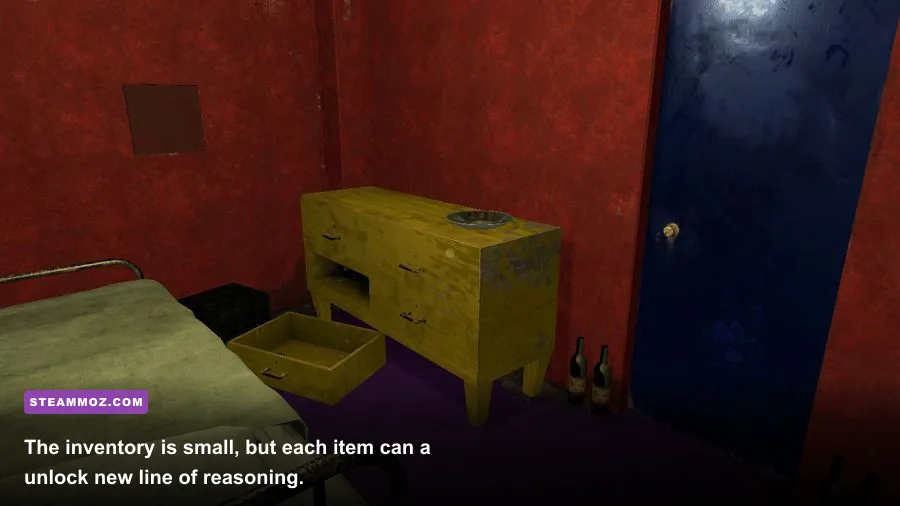
The recommended specification raises the CPU to a 2.4 GHz Intel Core 2 Quad, memory to 4 GB, and graphics to a GeForce GTX 660. Those parts are also old now, so a modern PC meeting even the minimum requirements for everyday Windows use will generally clear this bar comfortably.
Don't mistake the GTX 660 recommendation for a demand for a dedicated gaming GPU. The game’s visual workload is light, and its scenes are confined to relatively small indoor spaces. A laptop with Intel UHD Graphics 620, Intel Iris Xe, AMD Vega 6, or Radeon 680M should be a much better match than the listed GTX 660 in raw feature support and efficiency. The important distinction is that integrated graphics borrow system memory, so having 8 GB—or preferably 16 GB—helps the operating system stay responsive.
| PC profile | CPU and GPU example | RAM | Expected experience |
|---|---|---|---|
| Minimum-era desktop | 2.4 GHz dual-core plus GeForce 8800 GT | 2 GB | Playable if the hardware and drivers are healthy |
| Recommended-era desktop | Core 2 Quad plus GeForce GTX 660 | 4 GB | Comfortable play at conventional HD settings |
| Modern office laptop | Core i3 or Ryzen 3 with integrated graphics | 8 GB | Strong fit for 720p or 1080p play |
| Modern gaming PC | Any current Core i5 or Ryzen 5 with a discrete GPU | 16 GB | Massive overhead; resolution is rarely a concern |
For perspective, the official Steam Community hub is a better place to investigate unusual launch or controller problems than to hunt for performance upgrades. If a recent PC struggles, the cause is more likely to be a driver issue, an odd compatibility setting, background software, or a display-resolution problem than insufficient horsepower.
How demanding is Crimson Room Decade in practice?

Crimson Room Decade is a low-demand game, but “easy to run” doesn't mean every setup behaves identically. Older escape-room titles sometimes use dated fullscreen behavior, fixed rendering paths, or legacy input handling. A modern monitor can expose those quirks even when the game itself is rendering effortlessly.
On a current PC, the best expectation is stable performance at 1080p and above. However, the game is designed around examining small visual details, so resolution matters more for readability than frame rate. Playing at 720p may improve compatibility on an older laptop, but it can also make tiny symbols, keyholes, and edges harder to inspect. If your display is 1440p or 4K, native resolution is fine if the game presents it correctly; otherwise, 1080p with clean scaling is usually the more comfortable compromise.
Frame-rate chasing also has limited value here. There is no twitch combat and no competitive advantage to 144 or 240 frames per second. A stable 60 FPS is the practical sweet spot. If the title offers a frame-rate option, use 60 first and only experiment with higher values if the presentation remains smooth. Consistency matters more than a large counter number when you're slowly panning around a room looking for a hidden interaction.
Best graphics settings for weak and modern PCs

Crimson Room Decade doesn't need an elaborate optimization ritual. Start with the native resolution of your display, enable fullscreen if windowed mode introduces stutter, and leave texture quality at its highest available option. The environments are small, so texture memory pressure should be negligible on any GPU that can launch the game.
If you're using a very old machine, lower resolution before aggressively cutting image quality. A smaller render target reduces the workload across the entire pipeline, while reduced texture quality can make clue surfaces and object edges less clear. For puzzle games, clarity is part of performance: if a tiny visual detail becomes muddy, you may spend ten minutes blaming the puzzle for what is really a poor image.
| Setting or adjustment | Recommended value | Performance impact | Visual trade-off |
|---|---|---|---|
| Resolution | 1920×1080, or native display resolution | Highest overall GPU impact | Lower values make clues less readable |
| Fullscreen mode | Enabled if windowed mode stutters | Usually small; may improve presentation | Alt-tab behavior can be less convenient |
| Texture quality | High or maximum | Very small on modern GPUs | Lower settings can soften object details |
| Shadows | Medium or High | Potentially the largest setting-level hit | Lower values flatten the room’s lighting |
| Anti-aliasing | Enabled, if available | Small on modern hardware | Off produces jagged furniture and item edges |
| Frame rate | 60 FPS cap, if supported | Reduces unnecessary GPU usage | No meaningful gameplay drawback |
If you're troubleshooting a weak laptop, close browser tabs, Discord overlays, recording software, and RGB utilities before launching. These programs won't normally matter on a gaming desktop, but a machine with 4 GB of RAM can lose a surprising amount of responsiveness to background processes. Steam’s official troubleshooting guidance is also worth checking if the game fails to start or repeatedly crashes.
What matters more than GPU power?
For this particular game, input, display scaling, and stability matter more than raw graphics power. Crimson Room Decade asks you to inspect objects from close range, move the camera carefully, and recognize relationships between clues. A trackpad can work, but a standard mouse gives you finer control when rotating the view or clicking a narrow interaction point.
Display scaling is another quiet trouble spot. Windows may apply 125% or 150% scaling on a high-density laptop panel, while an older game expects a conventional 100% desktop layout. If menus or interaction prompts appear unusually small, blurry, or misaligned, test borderless or windowed mode first. You can also try the executable’s compatibility properties and high-DPI override options, but change one setting at a time so you know which fix helped.
Keep your graphics driver current, but don't assume a driver update will magically increase performance. On a game this light, the update is mainly about compatibility. If the title launches to a black screen, verify the installation through Steam, disable overlays, and test a different display mode. Those steps are more relevant than buying hardware. Steamoz’s guides to stopping crashes and low FPS and recovering performance on PC cover the same troubleshooting habits in more detail.
Will it run on a laptop or handheld PC?
Yes, with a few sensible expectations. A modern Windows laptop is the easiest target because its CPU and integrated graphics are far beyond the official minimum. Battery life may be the bigger concern, so use a 30 or 60 FPS cap if the game exposes one, lower the display refresh rate to 60 Hz, and avoid running unnecessary launchers in the background.
Handheld PCs should also be capable of running Crimson Room Decade, although controller support and text readability deserve attention. The game was designed primarily around mouse-and-keyboard interaction, so the controls may feel less natural on a portable device than a native gamepad-first title. A small screen can also make subtle room clues harder to see. If possible, increase the handheld’s resolution, use a comfortable zoom level, and keep a mouse nearby for precise object inspection.
Steam Deck compatibility is not something the old Windows system-requirement table can guarantee. The Steam store’s current compatibility information and recent player reports are more useful than the minimum GPU line. For other titles with handheld-specific quirks, our higher-FPS settings guide shows the same general approach: prioritize stable frame pacing, sensible power limits, and readable image quality rather than maximum settings.
The verdict on Crimson Room Decade PC specs
The short version is simple: if your PC can run a modern web browser and ordinary Windows software, it probably has enough power for Crimson Room Decade. The official minimum asks for a 2.4 GHz dual-core processor, 2 GB RAM, and a GeForce 8800 GT; the recommended profile asks for a Core 2 Quad, 4 GB RAM, and a GeForce GTX 660. Those are low requirements even among budget computers.
For the best experience, aim for Windows 10 or Windows 11, 8 GB of system memory, a stable 1080p display, and a mouse. You don't need a new gaming GPU, a high-end processor, or an SSD with massive free space. An SSD can shorten loading and improve general system responsiveness, but it won't transform frame rate because the game isn't storage-bound in the first place.
If you encounter problems, treat them as compatibility issues first: verify the Steam files, disable overlays, switch fullscreen modes, check display scaling, and update the graphics driver. Don't spend money on upgrades until those basics are exhausted. Crimson Room Decade’s hardware demand is refreshingly tiny, leaving you free to focus on the thing that actually tests your patience—the puzzle you’ve been staring at for twenty minutes without noticing the answer sitting in plain sight.
For the latest availability, supported platforms, and community troubleshooting, use the Crimson Room Decade Steam listing and the developer’s official room6 page. And if you enjoy compact puzzle adventures after escaping the red room, Steamoz’s coverage of In Stars and Time is a strong next stop.