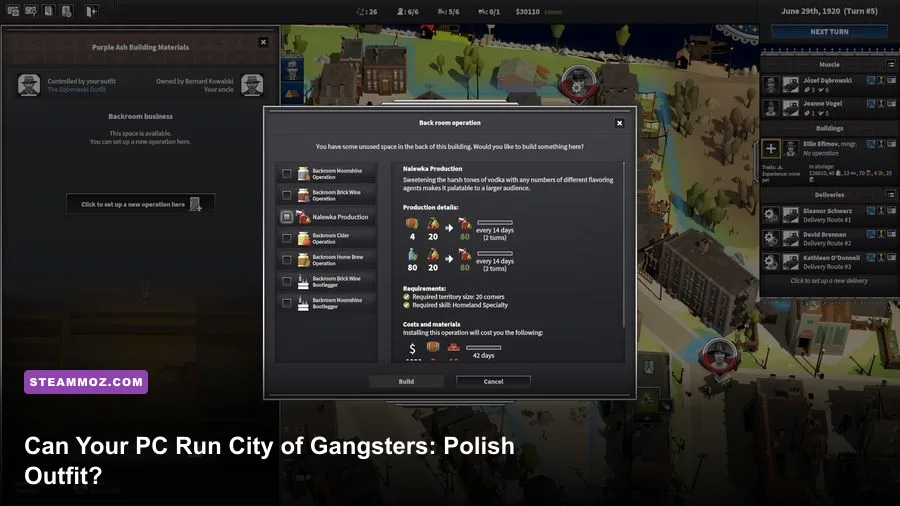
City of Gangsters: The Polish Outfit is a fairly approachable PC game to run: the official baseline calls for 8GB of RAM, a GTX 960 or Radeon R9 380 with 4GB of VRAM, and a Core i5-4590 or Ryzen 3 1200. For a smoother late-game city, aim closer to the recommended 16GB RAM, Core i7-7700 or Ryzen 5 2600, and GTX 1070 or Radeon RX Vega 56. The Polish Outfit is downloadable content for the same strategy framework, so it doesn't introduce a separate heavyweight graphics requirement.
That distinction matters. This isn't a modern shooter throwing ray tracing, volumetric fog, and hundreds of animated characters at your hardware. City of Gangsters is a management strategy game built around a detailed city map, supply chains, production buildings, contacts, rackets, and turn-based decision pressure. Your biggest performance concern is usually a sprawling late-game operation, not a dramatic opening scene. A budget gaming PC can handle it, but the recommended tier gives you much more breathing room once your empire covers half the map.
Before buying, cross-check the live listing on the official Steam page for City of Gangsters. Publishers can revise requirements, and your own background apps, laptop power limits, and driver state can matter just as much as the printed GPU name.
City of Gangsters: The Polish Outfit system requirements
The minimum specification is aimed at playing the game at sensible desktop settings, not necessarily guaranteeing a locked high refresh-rate experience in a huge save. The listed GTX 960 and R9 380 are older 4GB graphics cards, while the processor requirement reflects the game's reliance on simulation and interface responsiveness more than raw 3D spectacle.
Here are the published PC targets players should use as their starting point:
| Component | Minimum | Recommended |
|---|---|---|
| Operating system | Windows 10 64-bit | Windows 10 64-bit |
| Processor | Intel Core i5-4590 or AMD Ryzen 3 1200 | Intel Core i7-7700 or AMD Ryzen 5 2600 |
| Memory | 8GB RAM | 16GB RAM |
| Graphics | NVIDIA GeForce GTX 960 4GB or AMD Radeon R9 380 4GB | NVIDIA GeForce GTX 1070 8GB or AMD Radeon RX Vega 56 8GB |
| DirectX | DirectX 11 | DirectX 11 |
| Storage | 3GB available space | 3GB available space |
What the minimum CPU actually means
The Core i5-4590 is a four-core Haswell chip, and the Ryzen 3 1200 is a first-generation four-core processor. Neither is modern, but both are perfectly reasonable reference points for a turn-based city builder. If your processor is newer than these chips and has four real cores, you are probably in good shape. A modern laptop CPU with aggressive power limits can still behave differently, though; thin notebooks may reduce clock speeds after extended sessions.
The CPU becomes more important as your operation grows. Every new distillery, speakeasy, warehouse, crew member, contact, and delivery route adds another moving piece to the simulation. You won't see a dramatic cinematic slowdown. Instead, turns may take longer to resolve, clicks can feel less immediate, and the map may pause briefly while the game calculates competing factions and production chains.
Why 8GB RAM works, but 16GB is the safer target
Eight gigabytes is enough for the game itself on a clean Windows installation. It becomes less comfortable if you keep a browser with dozens of tabs open, stream video, run Discord, and leave a second game launcher active. City of Gangsters encourages long sessions, and large saves naturally create more objects for the game to keep available.
Sixteen gigabytes won't magically double frame rate, but it reduces the chance of Windows paging data to a slow drive. That matters when you're switching between the city map, production menus, character screens, and an external browser guide. RAM is also the easiest recommended-spec upgrade to justify if your current machine has only 8GB.
Storage and operating system checks
The official listing asks for only 3GB of free storage, so capacity isn't a serious barrier. Install it on an SSD if you have one anyway. An SSD won't transform the game's graphics, but it can shorten launch, save, and reload times, particularly when you maintain several campaign files.
The requirement is a 64-bit Windows 10 installation. Windows 11 systems generally meet that baseline, but keep Windows, chipset drivers, and your graphics driver current. If the game refuses to launch, check that your installation isn't running through an unusual compatibility layer before blaming the GPU.

🎮 City of Gangsters: The Polish Outfit
Looking to experience this game? Grab your digital key directly on our store for $0.99.
View on Steammoz Store →How demanding is Polish Outfit in real gameplay?
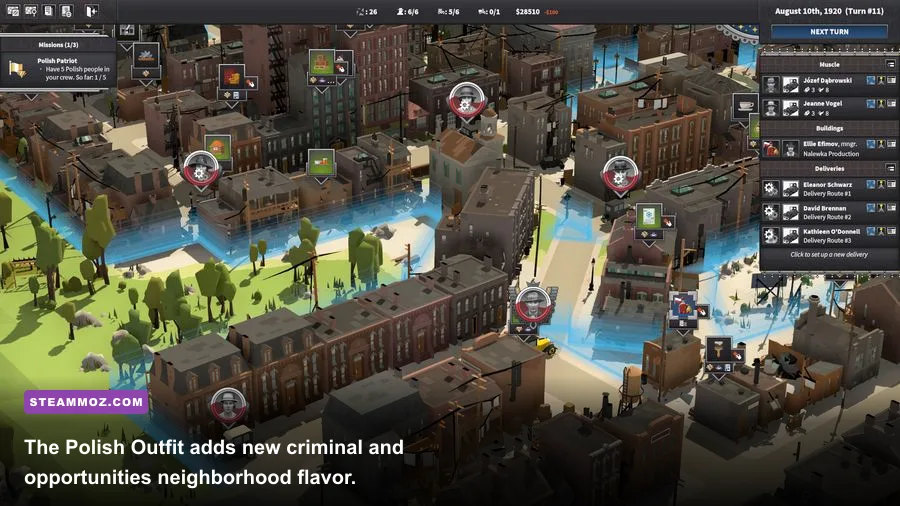
The Polish Outfit doesn't turn City of Gangsters into a GPU stress test. Its visual identity still comes from a stylized overhead city, readable icons, building models, road layouts, and menus. A GTX 960-class card should be able to render the game at 1080p without trouble when paired with a processor that meets the minimum requirement.
The more interesting performance question is scale. Early in a campaign, you may control a compact neighborhood with a handful of production sites and a few delivery routes. Later, your criminal network can span many blocks, with several businesses converting ingredients into alcohol, cigarettes, or other profitable goods while rival organizations and law enforcement continue their own activity. The map isn't technically spectacular, but the simulation has more bookkeeping to perform.
| PC tier | Expected experience | Best target | Main limitation |
|---|---|---|---|
| Below minimum | May launch, but stability and turn responsiveness are uncertain | 720p or low settings | Old dual-core CPUs, integrated graphics, and 4GB RAM |
| Minimum tier | Comfortable campaign play with sensible settings | 1080p around 30-60 FPS | Large late-game saves can stress the CPU |
| Recommended tier | Smooth map navigation and stronger headroom | 1080p at high settings and high frame rates | Simulation speed still depends on save complexity |
| Modern mid-range PC | Very comfortable play with fast loading and multitasking | 1080p or 1440p high | Little practical concern beyond software issues |
GPU performance versus simulation performance
Don't read the recommended GTX 1070 as a sign that the game requires the same hardware as a current AAA release. The GTX 1070 is simply the official upper target, and it offers plenty of graphics headroom for this art style. If you own a newer GTX 1660, RTX 2060, RX 5600 XT, or equivalent card, the graphics side should be comfortable.
A faster GPU can't fix a CPU-bound late game. If the interface feels sluggish while the frame counter remains high, your problem is likely simulation processing, a background task, or a crowded save rather than texture quality. Close unnecessary applications, use a balanced or high-performance power profile, and watch CPU utilization while the game resolves a turn.
What the Polish Outfit DLC changes
The DLC's relevance is mostly content, not rendering technology. You get a new outfit and its associated flavor within the existing City of Gangsters structure, so the hardware question remains tied to the base game's published specification. In practice, any extra businesses, characters, or campaign activity can contribute to the same late-game simulation load as the base content, but there is no separate 4K texture pack or ray-tracing mode demanding a new class of GPU.
That makes this expansion a good fit for older gaming desktops. If your machine runs the base game near the recommended profile, it should be well positioned for the Polish Outfit. Check the official Polish Outfit Steam listing for current ownership and DLC details before purchasing.
Best graphics settings for a weaker PC
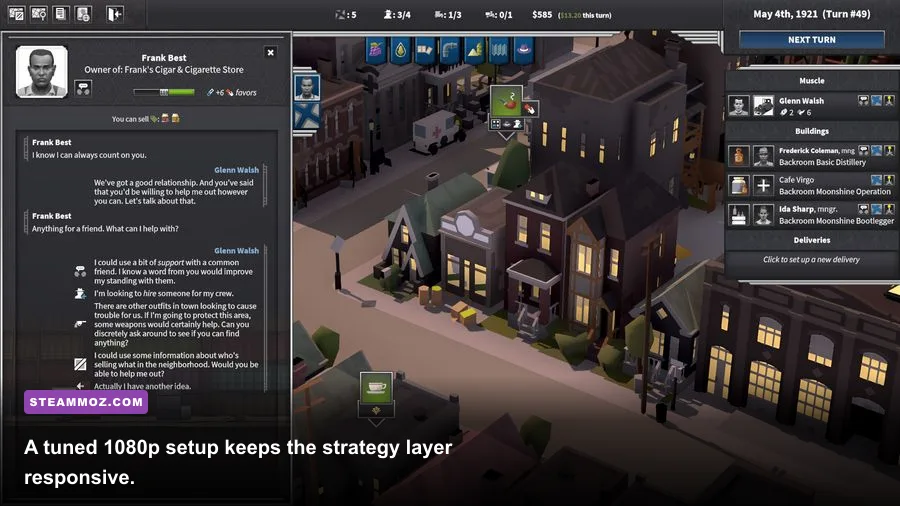
Start with the game's native resolution rather than immediately dropping every option. City of Gangsters is text-heavy, and shrinking a 1080p display to 720p can make menus, labels, and map details harder to read. If your GPU is near the GTX 960 baseline, keep 1080p and reduce the settings that affect scene complexity or post-processing first.
| Setting or profile | Recommended value | FPS impact | Visual trade-off |
|---|---|---|---|
| Display resolution | Native 1080p | High impact if reduced | Preserves readable text and map labels |
| Overall quality | Medium on minimum hardware; High on recommended PCs | Medium | Balances building detail and interface clarity |
| Shadows | Low or Medium on older GPUs | Low to medium | Less depth around buildings and streets |
| Effects and post-processing | Medium | Medium | Reduces decorative visual effects |
| Anti-aliasing | Medium or the game's default | Low to medium | Smoother edges with modest GPU cost |
| Frame-rate cap | 60 FPS, or match your monitor | Improves consistency | Prevents wasted GPU power and heat |
| VSync | On if tearing appears | Potential latency cost | Cleaner map scrolling without tearing |
A practical minimum-spec profile
On a system close to the minimum, use 1080p, Medium overall quality, Low shadows, Medium anti-aliasing, and a 60 FPS cap. If you still see stutter, lower effects before resolution. The game is viewed from above, so the visual difference between high and medium effects is usually less noticeable than blurry text caused by a lower output resolution.
Keep background recording tools under control as well. Xbox Game Bar capture, browser video, RGB utilities, and overlay software can all steal a little memory or introduce uneven frame pacing. Disable overlays one at a time rather than changing ten things at once; that way you'll know which fix actually helped.
A recommended-spec profile
With a GTX 1070-class GPU and a modern six-core processor, use native 1080p or 1440p, High quality, Medium or High shadows, the default anti-aliasing, and a frame cap matched to your display. A 60 FPS cap is still sensible for a management game because it keeps power draw and fan noise down without sacrificing control responsiveness.
If you prefer ultrawide or 4K, test the city map while zooming, panning, and opening several management panels. Resolution affects the GPU more directly than the simulation, so a strong graphics card can handle it, but tiny interface elements may become the real problem. Use Windows display scaling or the game's interface options if available rather than accepting unreadable text.
For comparison, the troubleshooting mindset is similar to our ELEX PC fixes guide: isolate overlays, power settings, drivers, and resolution changes instead of randomly lowering every option. Older hardware often needs better configuration, not a total visual sacrifice.
Can your PC run City of Gangsters comfortably?
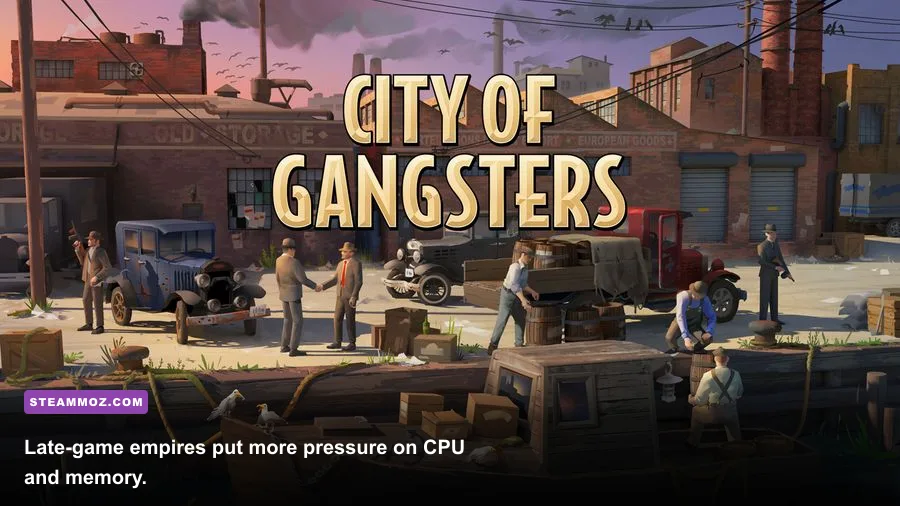
If your system matches the minimum specification, the answer is yes—with realistic expectations. You should be able to play the campaign at 1080p using medium settings, but don't judge performance only by the opening turns. Let a save develop, add several production chains, and move around the busiest sections of the map. That's where CPU behavior and memory headroom become more meaningful.
If your PC meets the recommended specification, you're comfortably covered for the intended experience. The GTX 1070 and RX Vega 56 are substantially more graphics power than this art style needs, while the i7-7700 and Ryzen 5 2600 provide the extra processing capacity that helps when your empire gets complicated. A newer mainstream PC will have little difficulty unless a driver, overlay, corrupted file, or thermal issue gets in the way.
| Hardware situation | Verdict | What to do |
|---|---|---|
| 8GB RAM, GTX 960/R9 380, i5-4590/Ryzen 3 1200 | Meets minimum | Use medium settings and close background apps |
| 16GB RAM, GTX 1070/RX Vega 56, i7-7700/Ryzen 5 2600 | Meets recommended | Use high settings and test 1080p or 1440p |
| Integrated graphics with 8GB RAM | Uncertain | Check actual GPU performance and use a refund-safe test window |
| 4GB RAM or older dual-core CPU | Below the listed baseline | Upgrade memory or expect stutter and longer turn processing |
| Modern six-core PC with SSD | Excellent fit | Prioritize readable resolution and a stable frame cap |
The upgrades that matter most
If you're upgrading specifically for this game, go for 16GB of dual-channel RAM first if your PC only has 8GB. Next, look at the processor if late-game responsiveness is your concern. A graphics-card upgrade is worthwhile for a higher-resolution monitor, but it shouldn't be your first purchase solely for City of Gangsters.
An SSD is a quality-of-life upgrade rather than a frame-rate upgrade. It helps with loading and saves, while a clean startup environment helps prevent memory pressure. Laptop users should play while plugged in, select the performance GPU in Windows Graphics settings, and check that the system isn't throttling due to heat.
How to verify a problem before blaming the requirements
First, confirm that the game files are intact through Steam. Then update the GPU driver, restart the PC, and test without overlays. Watch whether the issue happens during map scrolling, while opening menus, or only when ending a turn. Visual hitching points toward graphics settings or drivers; a pause during turn resolution points more toward CPU and simulation load.
Also keep separate saves. A damaged or unusually complex save can create symptoms that don't appear in a new campaign. If a new game runs smoothly but one empire stutters badly, the hardware may be fine. Report reproducible problems through the SomaSim official website or the game's Steam discussion and support channels, including your CPU, GPU, RAM, operating system, save size, and exact trigger.
Players who enjoy digging into system tuning can also compare the approach in our Harvey's New Eyes PC requirements guide and Far Cry 2 PC specs breakdown. The principle is the same: compare your full machine against the requirement, not just the graphics card on its own.
Final verdict
City of Gangsters: The Polish Outfit is easy to run by modern PC standards. The minimum target is accessible to older gaming desktops, and the recommended hardware is now comfortably mid-range or better. Aim for 8GB RAM and a GTX 960-class GPU to get started, but choose 16GB RAM and a newer six-core processor if you plan to spend dozens of hours building an enormous criminal network.
The Polish Outfit itself doesn't demand a special hardware upgrade. Buy it for the new content, not for a graphics overhaul. With a sensible 1080p profile, an SSD, current drivers, and background apps under control, even an aging gaming PC should let you focus on the important questions: which neighborhood to control, which production chain to protect, and whether your next shipment is worth the police heat.
For more strategy and management coverage, browse our related Empires of the Undergrowth guide. For the official game overview, features, and current updates, use the City of Gangsters Steam store page as the final authority on platform support and requirements.