
Yes, most modern car games will run comfortably on a six-core gaming PC with 16GB of RAM and a GTX 1660-class graphics card, but that answer changes dramatically between a closed-circuit racer and an open-world simulator. For 1080p at 60 FPS, aim for a Ryzen 5 3600 or Core i5-10400F, 16GB dual-channel memory, and a GTX 1660 Super, RTX 2060, RX 5600 XT, or faster GPU. For 1440p ultra, 100-plus FPS, VR, or a triple-screen cockpit, you are looking at an RTX 3060 Ti or RX 6700 XT minimum and a modern six-core CPU with strong single-thread performance.
The awkward phrase Car Game PC usually means one of two things: you want to know whether your computer can run PC car games, or you are searching for the requirements of a specific racing title. There is no major PC release officially called simply Car Game PC, so this guide uses the real workloads behind that search: Forza Horizon 5, BeamNG.drive, Assetto Corsa Competizione, and Assetto Corsa.
The Short Answer: Match Your PC to the Racing Game
Do not judge a car game by its screenshots alone. A beautifully rendered single-car time trial can run smoothly on modest hardware, while 24 AI opponents, wet reflections, dynamic shadows, visible pit crews, and a large open world can cut performance in half. The GPU draws the image, but the CPU still has to simulate vehicles, tyre behavior, collision meshes, traffic, and opponent decisions every frame.
| Game Workload | Practical 1080p Target | Likely Bottleneck | Who It Suits |
|---|---|---|---|
| Assetto Corsa | GTX 1060 / RX 580, 16GB RAM, four fast CPU cores | GPU in VR or with heavy mod packs | Older budget PCs and entry-level wheels |
| Forza Horizon 5 | GTX 1660 Super / RX 5600 XT, 16GB RAM, six-core CPU | GPU in ultra; VRAM at high resolution | Open-world driving at a stable 60 FPS |
| BeamNG.drive | GTX 1660, 16GB RAM, Ryzen 5 3600 or equivalent | CPU with traffic and multiple vehicles | Players who want soft-body crash physics |
| Assetto Corsa Competizione | RTX 2060 / RX 5600 XT, 16GB RAM, six-core CPU | GPU in rain and CPU in full grids | Serious GT racing and online leagues |
| Triple-screen or VR racing | RTX 3060 Ti / RX 6700 XT, 32GB RAM recommended | GPU memory and frame-time spikes | Dedicated sim rigs and high refresh displays |
Those are practical targets, not publisher minimums. Minimum requirements often mean a game launches at 720p or 30 FPS with reduced detail. That is technically playable, but it is not the same as a clean racing experience. In a competitive racer, a steady 60 FPS gives you more useful visual timing than an unstable 90 FPS that drops to 45 whenever a pack of cars enters turn one.
Official Requirements Versus the Hardware You Actually Need
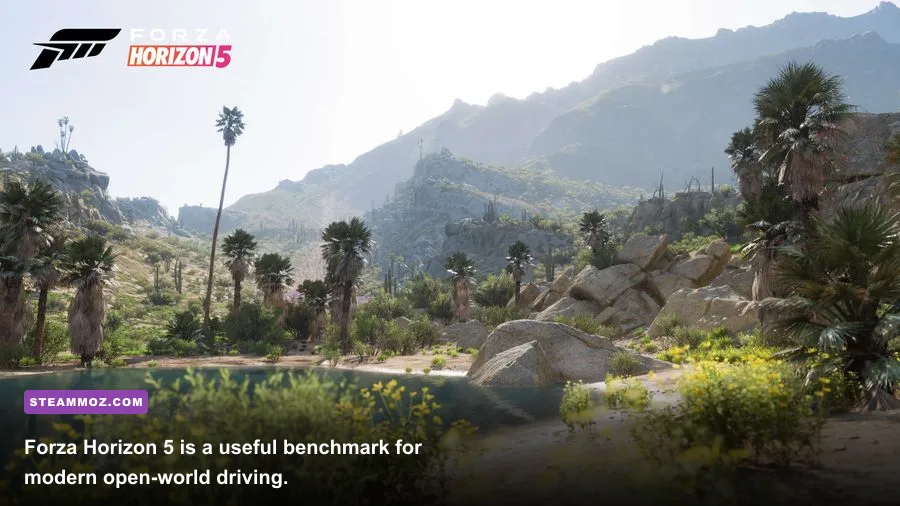
Forza Horizon 5 is a good example of why the spec sheet needs context. Its official minimum targets include an Intel Core i5-4460 or AMD Ryzen 3 1200, 8GB of RAM, and a GTX 970 or RX 470. The recommended tier moves to a Core i5-8400 or Ryzen 5 1500X, 16GB of memory, and a GTX 1070 or RX 590. Those numbers are useful, but a used GTX 970 system should not be expected to deliver 1440p ultra or a locked 120 FPS.
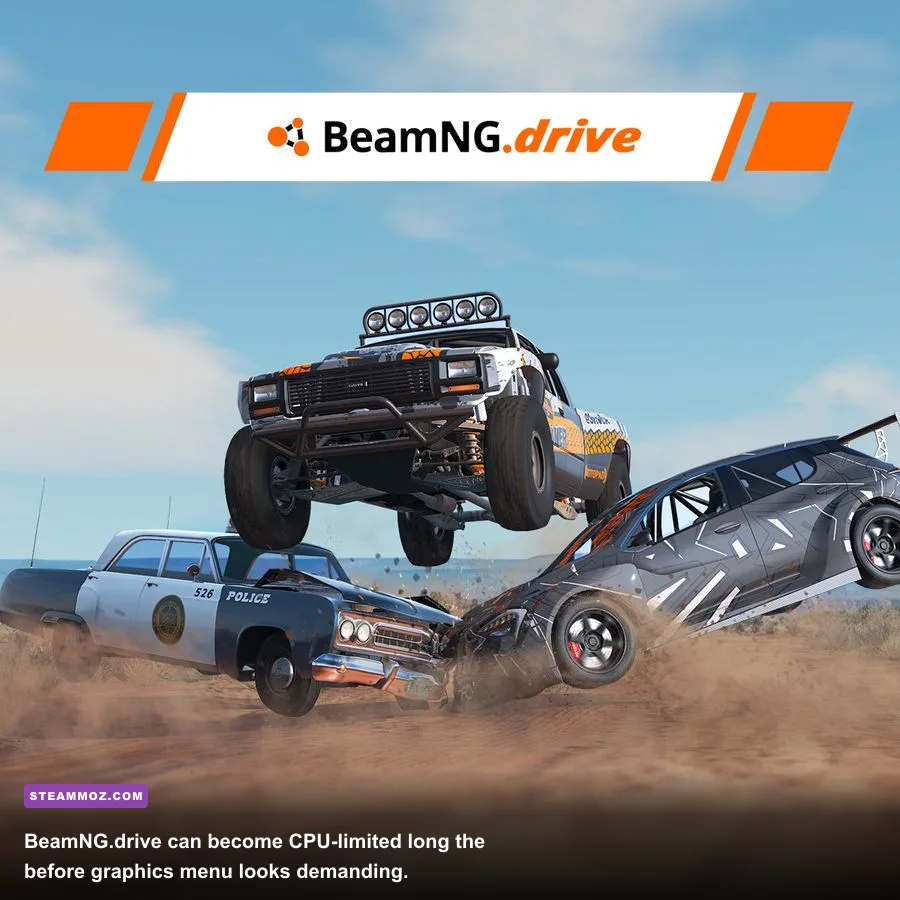
BeamNG.drive is more demanding on the processor because its signature soft-body physics model simulates deformation and mechanical forces across multiple vehicles. Its official recommendations have historically pointed toward a modern six-core CPU, 16GB RAM, and a GTX 1060-class GPU. In practice, 16GB is enough for ordinary solo driving, but 32GB becomes sensible when you load dense maps, traffic mods, multiplayer scenarios, or several vehicles.
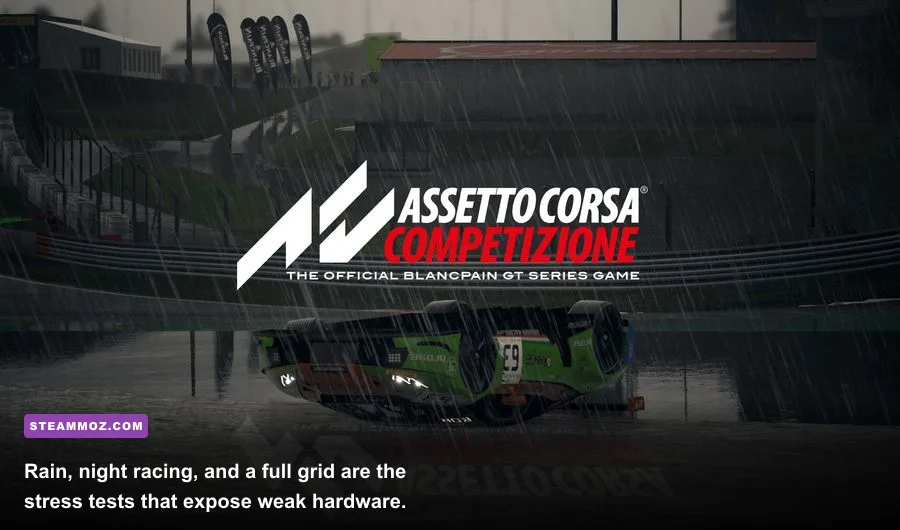
Assetto Corsa Competizione also punishes weak systems in very specific situations. A solo dry race at Imola is much easier than a full grid at night in heavy rain. Reflections, mirror rendering, volumetric effects, and opponent visibility create sharp frame-time spikes. Check the current requirements on the official ACC Steam page before buying, because updates can change the balance between minimum and recommended hardware.
| Component | Entry-Level 1080p | Recommended 1080p | 1440p or High Refresh |
|---|---|---|---|
| CPU | Core i5-8400 / Ryzen 5 2600 | Core i5-10400F / Ryzen 5 3600 | Core i5-12400F / Ryzen 5 5600 or better |
| GPU | GTX 1060 6GB / RX 580 8GB | GTX 1660 Super / RTX 2060 / RX 5600 XT | RTX 3060 Ti / RX 6700 XT or better |
| Memory | 16GB dual-channel | 16GB dual-channel | 32GB for mods, VR, or large open worlds |
| Storage | SATA SSD | NVMe SSD preferred | NVMe SSD with at least 100GB free |
| Operating System | Windows 10 64-bit | Windows 10 or Windows 11 64-bit | Fully updated Windows 11 is preferable |
Also remember that a laptop GTX 1660 Ti is not automatically identical to a desktop GTX 1660 Super. Power limits, cooling, and clock speed matter. The same goes for mobile RTX chips. Before trusting a component name, check the exact laptop model, its wattage, and whether the system is plugged in during gameplay.
For official compatibility details, use the Forza Support site, BeamNG support documentation, and the current Steam listings rather than an old screenshot of a requirements box.
Real Benchmark Truth at 1080p and 1440p
The most useful benchmark is not the average FPS number. Look at the one-percent low, frame-time consistency, and the exact scenario used. A 90 FPS average during an empty practice lap tells you very little about a 20-car race with rain, mirrors, and spectators enabled.
On a balanced desktop with a Ryzen 5 3600, 16GB dual-channel DDR4, and a GTX 1660 Super, Forza Horizon 5 generally lands around 60 FPS at 1080p high, with dips into the low-to-mid 50s in busy scenes depending on the area and driver version. Medium settings can push the experience toward a smoother 70-85 FPS range. At 1440p high, the same card is closer to the 40-55 FPS zone, where an adaptive-sync display becomes valuable.
BeamNG.drive can sit above 60 FPS with one vehicle on a GTX 1660-class card, but that number becomes meaningless once the CPU is asked to simulate traffic. Four to eight vehicles can turn a fast six-core processor into the limiting factor, even if GPU utilization falls below 80 percent. Spawned traffic, vehicle complexity, and map density matter more than simply lowering resolution.
ACC is the harshest test in this group. At 1080p medium-high, an RTX 2060-class GPU can usually target 60 FPS in ordinary conditions, but rain, night lighting, and a full grid can produce lows in the 40s. Dropping resolution does not fix a CPU bottleneck, and turning down textures will not solve a frame-time spike caused by mirrors or opponent visibility.
| Hardware Profile | Forza Horizon 5 1080p | BeamNG Solo 1080p | ACC Full Grid 1080p |
|---|---|---|---|
| GTX 1060 6GB, older quad-core | 45-60 FPS, medium | 45-70 FPS, one car | 30-45 FPS, reduced grid |
| GTX 1660 Super, Ryzen 5 3600 | 60-85 FPS, high | 60+ FPS solo; CPU-limited with traffic | 45-65 FPS, medium-high |
| RTX 3060 Ti, Ryzen 5 5600 | 85-120 FPS, ultra/high | 80+ FPS solo; traffic remains CPU-heavy | 65-95 FPS, high |
| RTX 4070, Core i5-12400F | 120+ FPS at 1440p high | 100+ FPS solo, map dependent | 80-120 FPS, high; rain lowers lows |
These ranges should be read as realistic planning numbers, not laboratory guarantees. Game patches, track choice, mods, memory speed, thermal throttling, and driver versions can move results substantially. If your benchmark average looks fine but the car feels jerky, enable a frame-time graph with MSI Afterburner or CapFrameX. A flat 60 FPS cap often feels better than an uncapped 78 FPS average with repeated drops.
Which Graphics Settings Actually Cost FPS?
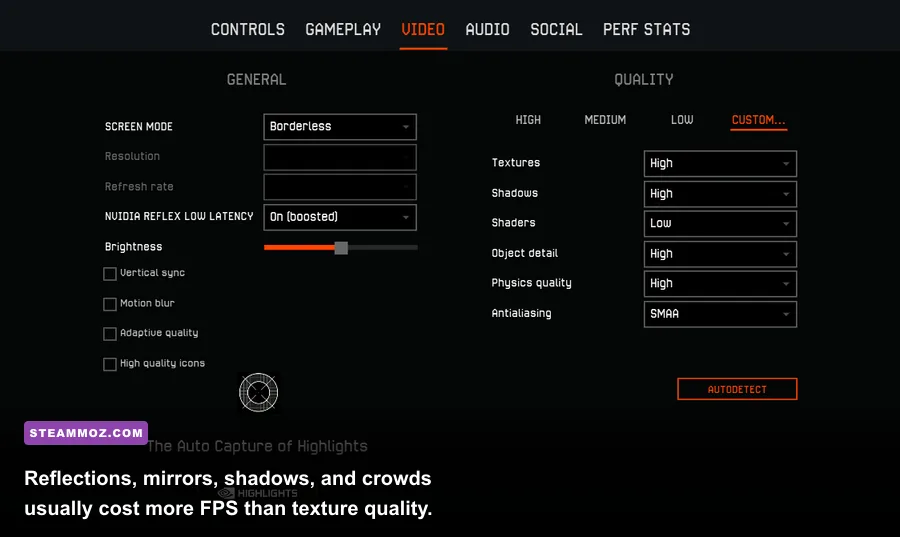
Racing games hide their biggest performance drains behind settings that look harmless. Reflections are particularly expensive because the game may render the track, cars, buildings, and lighting again for the road surface, bodywork, or mirrors. Mirrors can be even more punishing in ACC because they show a live scene at a separate resolution.
| Setting | Recommended Value | Typical FPS Impact | Visual Trade-Off |
|---|---|---|---|
| Resolution scale | 100%; use 90% only if needed | Very high | Lower values soften the entire image |
| Reflections | Medium | High | Fewer convincing car and road reflections |
| Mirrors | Medium or reduced resolution | High in simulators | Rear view loses clarity, but cockpit remains sharp |
| Shadows | High, not ultra | Medium-high | Lower settings make trackside objects look flatter |
| Car and world detail | High | Medium | Lower geometry is visible near barriers and crowds |
| MSAA or anti-aliasing | Medium; use TAA where available | Medium-high | Lower values reveal jagged fencing and wires |
| Textures | High if VRAM allows | Low to medium | Mostly affects surface detail, not raw geometry |
| Motion blur | Off for competitive play | Small | Cleaner braking points and less visual smear |
| Crowd and particle effects | Medium | Low to medium | Fewer spectators, dust effects, and smoke details |
Use textures differently from reflections. If your GPU has 8GB of VRAM, keep textures high and reduce reflections first. Lowering textures can introduce muddy sponsor logos and road surfaces without solving the real bottleneck. On a 4GB card, however, ultra textures and high-resolution car packs can cause stutter when new areas stream into memory.
Forza Horizon 5 players should start with the built-in benchmark, then test a busy city route rather than a quiet dirt road. ACC players should test the exact weather and grid size they care about. BeamNG players need a saved scenario with their usual number of vehicles. A settings profile that works in a solo lap may collapse in a traffic-heavy West Coast USA session.
If you are fighting crashes as well as low FPS, our PC crash and FPS troubleshooting guide covers driver cleanup, overlays, and configuration resets. For older systems, the advice in our older PC specifications guide is also useful: check the whole platform, not just the graphics card.
CPU, RAM, SSD, and Wheel Setup Bottlenecks
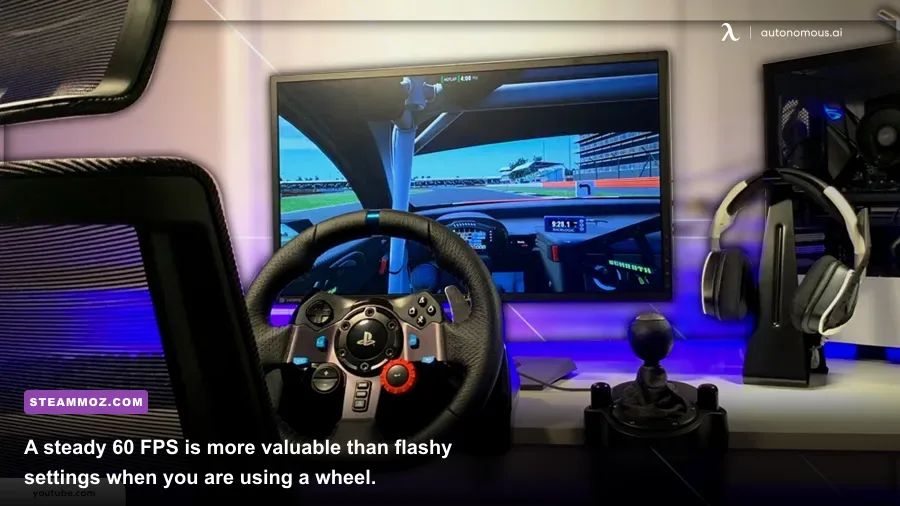
Six CPU cores are the sensible floor for current racing games, but core count alone does not tell the story. BeamNG.drive and ACC care about per-core speed and frame-time consistency. A newer Core i3-12100F can feel more responsive than an older eight-core FX processor because its individual cores complete simulation work faster. In BeamNG, this is the difference between smooth steering and a physics slowdown when several cars crash at once.
Run memory in dual-channel mode. One 16GB stick can leave a Ryzen system with lower bandwidth and worse one-percent lows than two 8GB sticks. Confirm the configuration in Task Manager or CPU-Z, then enable XMP or EXPO in the motherboard firmware if your kit supports it. Stability matters more than chasing an aggressive memory overclock; a crash halfway through an online race is not a performance victory.
An SSD is close to mandatory for the modern open-world racer experience. It does not magically increase average FPS, but it reduces asset-streaming pauses, shortens loading times, and helps prevent texture pop-in. Keep at least 15 percent of the drive free, install the game on the fastest healthy drive available, and avoid filling a budget SATA SSD to its final few gigabytes.
Wheels add another layer. Force feedback runs through software and USB, while VR or triple-screen output multiplies the number of pixels the GPU must render. At 2560×1440, the GPU draws roughly 1.8 times as many pixels as 1920×1080. A 5760×1080 triple-screen setup draws three times the horizontal image area. That is why a card that handles 1080p ultra may need medium settings or upscaling for a cockpit rig.
| Target Experience | CPU | GPU | Memory and Display Advice |
|---|---|---|---|
| 1080p, 60 FPS, single screen | Ryzen 5 2600 or Core i5-8400 | GTX 1060 6GB or RX 580 | 16GB dual-channel, SSD |
| 1080p, 100-144 FPS | Ryzen 5 5600 or Core i5-12400F | RTX 3060 / RX 6600 XT | 16GB, adaptive sync monitor |
| 1440p, high settings | Ryzen 5 5600X or Core i5-12400F | RTX 3060 Ti / RX 6700 XT | 16GB; 32GB for mods |
| VR or triple screen | Ryzen 5 7600 or Core i5-13600K | RTX 4070 / RX 7800 XT or better | 32GB RAM and fast NVMe SSD |
Do not ignore temperatures. A dusty laptop can lose enough clock speed to turn a stable 60 FPS into stutter. Watch CPU and GPU temperatures while driving, not while sitting in the menu. If GPU usage is near 99 percent, lower resolution scale, reflections, and anti-aliasing. If one CPU core is saturated while GPU usage drops, lower traffic, opponent count, simulation detail, or mirror quality instead.
The Best Upgrade Path for Your Money
Start with diagnosis, not shopping. Use the game's benchmark or a repeatable 60-second drive, record average FPS and one-percent lows, and monitor CPU usage per core, GPU usage, VRAM, system RAM, and temperatures. This tells you whether your next upgrade should be a graphics card, memory kit, processor, or simply an SSD.
If the GPU is the problem
Move from a GTX 1060 or RX 580 to a GTX 1660 Super, RX 6600, or RTX 2060 for a meaningful 1080p improvement. The RTX 3060 Ti and RX 6700 XT are stronger 1440p choices. Pay attention to VRAM: 8GB is a healthier target for high-resolution textures and modern tracks than 4GB. Used hardware can be excellent value, but check temperatures, warranty status, power connectors, and whether the card has been heavily mined.
If the CPU is the problem
BeamNG and full-grid ACC sessions benefit from a platform upgrade. On AM4, a Ryzen 5 5600 is a strong value step from older Ryzen chips, while a Ryzen 7 5700X adds useful headroom for background applications. Intel owners should check motherboard compatibility before buying a faster processor. A CPU upgrade will not help much if your GPU is already rendering at 99 percent, so confirm the bottleneck first.
If stutter is the problem
Install 16GB as two matching modules, move the game to an SSD, update the graphics driver, disable unnecessary overlays, and cap FPS just below your display's refresh rate. For a 60Hz monitor, try 60 FPS or 58-59 with adaptive sync. For a 144Hz monitor, 90 or 120 FPS can be a better target than an unstable 144. Consistent frame pacing makes steering inputs and braking markers easier to read.
Older racing games can still be fantastic on modest hardware. Assetto Corsa remains remarkably flexible, especially with sensible Content Manager settings, while older arcade racers often need more attention paid to controller dead zones than to graphics quality. If you are troubleshooting another demanding PC title, Steamoz's crashing and low-FPS fixes explain the same useful process of separating software errors from hardware limits.
The final verdict is simple: a GTX 1660 Super, 16GB dual-channel RAM, an SSD, and a Ryzen 5 3600-class processor are enough to make most car games enjoyable at 1080p. Step up to an RTX 3060 Ti or RX 6700 XT for 1440p, and choose 32GB RAM plus a modern CPU for BeamNG traffic, VR, mods, or triple screens. Check the exact game's official requirements, benchmark the scenario you actually play, and tune reflections before sacrificing texture quality. That is the real answer to Can your PC run car game PC?—not whether the launcher opens, but whether the car stays predictable when the race gets busy.
For more performance-focused PC coverage, see our max-FPS settings guide and the higher-FPS settings breakdown. The principles are the same: measure the demanding scene, find the actual bottleneck, then lower the settings that attack that bottleneck.