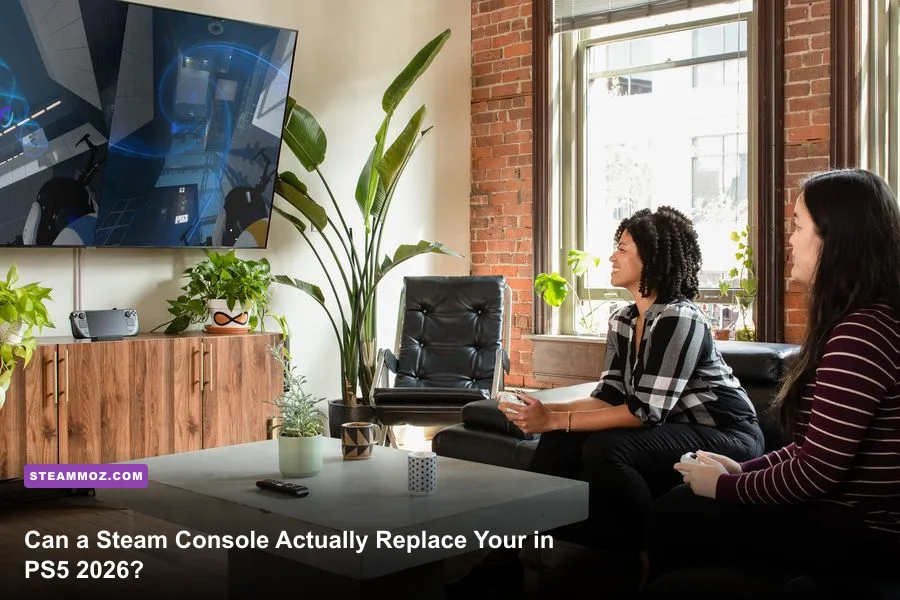
If you want zero online multiplayer subscription fees, instant access to thousands of discounted backlog titles, and seamless cloud synchronization between your desk and your couch, a dedicated Steam console setup is completely worth the money in 2026. Grabbing a 512GB or 1TB Steam Deck OLED alongside an official dock—or deploying a dedicated mini-PC running an optimized SteamOS distribution like Bazzite—lands between $399 and $650. In return, you eliminate the recurring $80-to-$160 annual tax demanded by traditional console networks while unlocking over 14,000 verified titles directly from your media center.
However, that value proposition hinges on managing your expectations. A Steam console will not magically deliver native 4K at 120 frames per second on unoptimized Unreal Engine 5 blockbusters. If you understand how Proton translation layers function and how to leverage modern upscaling, this ecosystem transforms how you digest games in your living room.
The True Cost: Hardware Tiers, Hidden Accessories, and Pricing Math
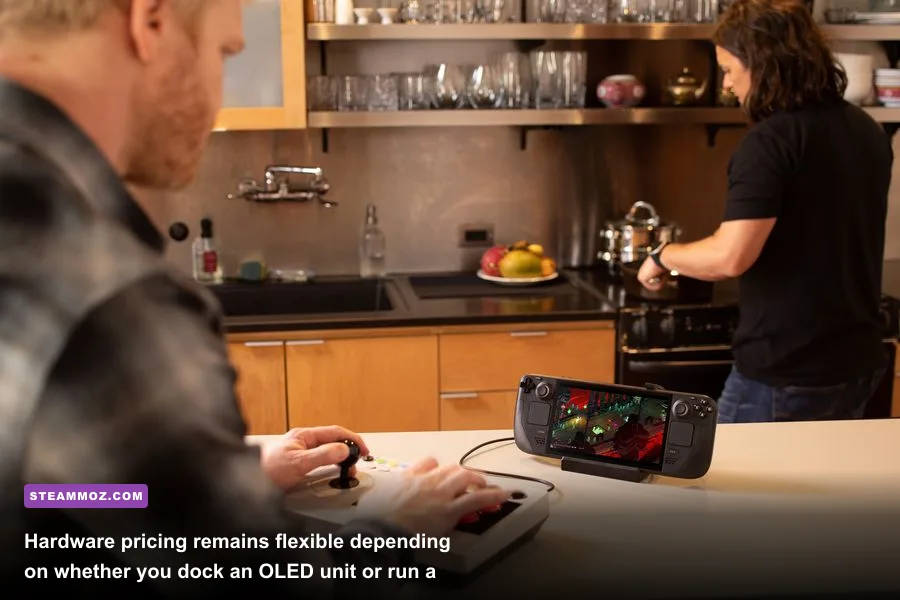
Assessing the cost of a Steam console setup in 2026 requires looking past standard retail packaging. Valve does not market a single monolithic plastic box labeled "Steam Console" in retail aisles. Instead, the console experience splits into two primary avenues: the official docked handheld ecosystem and dedicated custom-built micro-consoles powered by the official Steam Deck hardware portal or open-source Linux gaming distributions.
For most players, the gateway remains the Steam Deck OLED docked to an external display. The 512GB base OLED retails at $549, while the anti-glare 1TB variant sits at $649. Pairing either with an official docking station ($79) or a reputable third-party dual-DisplayPort dock ($35 to $50) yields a functional living room machine. Add a dedicated Bluetooth controller—such as a Sony DualSense or an 8BitDo Ultimate Wireless pad—and your initial cash outlay ranges from $630 to $770.
If you prefer raw living room horsepower over portable flexibility, compact small-form-factor (SFF) desktop units powered by AMD Ryzen 7 7840U or 8840HS APUs have flooded the market. Flashing these machines with open-source console operating systems like the Bazzite Linux project creates a plug-and-play console clone boasting RDNA 3 compute units that push past the handheld Deck's 15-watt thermal limit.
| Console Profile / Hardware Route | Upfront Investment | Target TV Resolution | Expected Frame Pacing | Best Suited Player |
|---|---|---|---|---|
| Base Handheld Docked (LCD Refurb / 256GB) | $349 - $420 | 720p - 900p (Upscaled to 1080p) | Locked 30 FPS / Occasional 40Hz | Budget gamers, retro emulation, indie obsessives |
| Steam Deck OLED Docked (512GB / 1TB) | $549 - $720 | 1080p (Dynamic FSR to 1440p) | Rock-solid 30 to 60 FPS | Hybrid couch players wanting total portability |
| Custom SteamOS Mini-PC (RDNA 3 / 32GB RAM) | $580 - $850 | 1080p Native / 1440p Balanced FSR | Smooth 60 FPS in modern titles | Dedicated living-room purists skipping traditional consoles |
| PlayStation 5 Slim (Traditional Benchmark) | $499 + ($80/yr PS+) | Dynamic 1440p - 4K Checkerboard | Fluid 60 FPS Performance modes | Plug-and-play gamers demanding high-fidelity AAA exclusives |
When you calculate total cost of ownership across a standard four-year lifecycle, the financial math swings dramatically toward Steam. Traditional consoles demand recurring network fees simply to access multiplayer servers. Over four years, PlayStation Plus Essential or Xbox Game Pass Core adds $320 to $480 to your receipt. With Steam, peer-to-peer and dedicated multiplayer remain completely free forever. You invest upfront in the silicon, and your wallet closes immediately thereafter.
Games List and Compatibility: What Actually Runs Flawlessly?
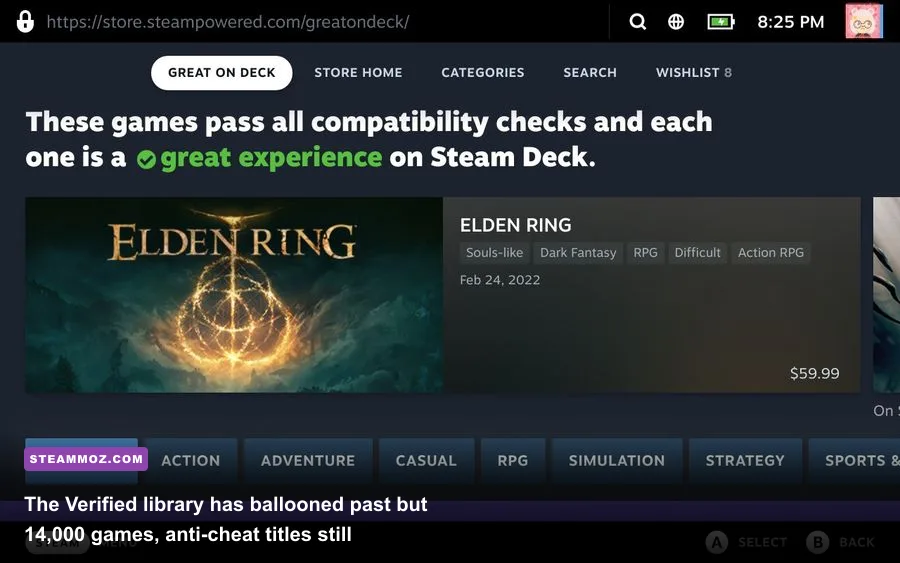
Hardware is nothing without software, and the Steam catalog dwarfs every home console library in history. Thanks to rapid advancements in Valve's Proton translation layer, Linux gaming compatibility has erased the friction that once plagued living room PC projects. Over 14,000 games currently hold official "Verified" or "Playable" status, covering two decades of critically acclaimed releases.
Single-player blockbusters, modern indie masterpieces, and mid-tier AA games shine exceptionally well in Big Picture mode. You can jump from sprawling turn-based RPGs like Baldur's Gate 3 straight into frantic roguelikes such as Hades II or Balatro without touching a keyboard or mouse. If you run into stability hiccups on deep-space dogfights or heavy particle renders, tweaking your render scale using our Everspace 2 FPS stability fixes keeps the framerate rock solid on television panels.
Checking compatibility across your personal library takes seconds via the ProtonDB community database, where crowdsourced reports grade game performance across different hardware profiles. The experience mirrors a native console dash: cloud saves sync from your main gaming rig automatically, controller layouts download dynamically via Steam Input, and system updates install cleanly during idle hours.
The only major roadblock remains third-party kernel-level anti-cheat software. Modern competitive shooters like Valorant, Call of Duty: Warzone, and Rainbow Six Siege refuse to boot under Proton due to intrusive Windows-only kernel drivers. If your gaming diet consists solely of grinding the latest seasonal battle pass with friends in Ricochet-protected lobbies, a Steam console will frustrate you. Conversely, competitive titles utilizing Linux-compatible server-side anti-cheat—such as Apex Legends, Overwatch 2, and fighting games like the ones highlighted in our Fatal Fury City of the Wolves PC specs guide—run out of the box with zero workarounds.
Living Room Performance: Real Benchmarks Across 1080p and Upscaled 4K
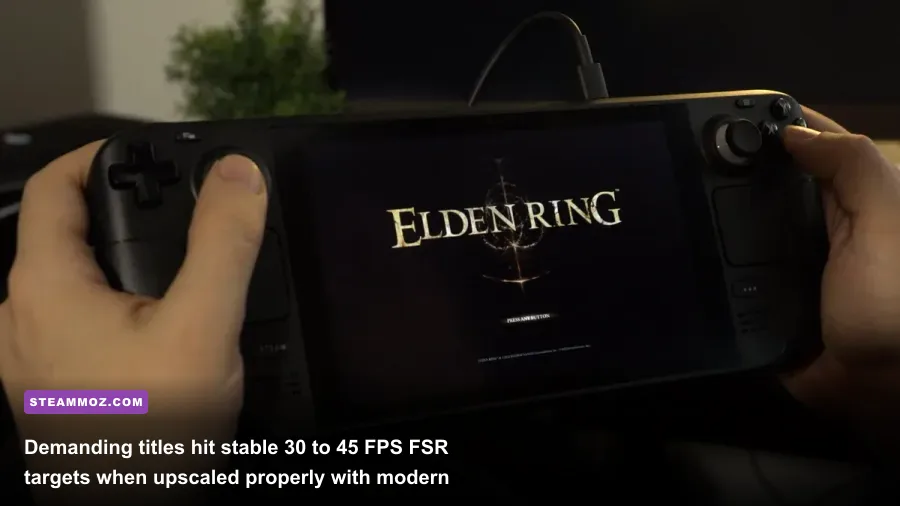
Connecting a Steam device to a modern 55-inch or 65-inch 4K living room panel exposes the limits of lower-wattage silicon if you run games blindly at native 3840x2160. To achieve a smooth, console-grade experience on modern TVs, you must rely on intelligent scaling. SteamOS integrates system-wide upscaling tools, including integer scaling and AMD FidelityFX Super Resolution technology, directly into the quick-access overlay.
By setting your game's internal render target to 900p or 1080p and letting the system upscaler project the image cleanly onto your 4K television, you maintain responsive frame times without turning textures into blurry sludge. Demanding open-world environments benefit heavily from precise visual adjustments, much like the methods detailed in our Far Cry 6 max FPS optimization guide.
| Tested Game Title | Internal Target Resolution | System Upscaling / FSR Profile | Target Frame Rate | Visual Stability on 4K TV |
|---|---|---|---|---|
| Elden Ring | 900p (Medium Settings) | System FSR Sharpness 3 | Locked 35 - 40 FPS | Crisp geometry; frame pacing is completely stable |
| Cyberpunk 2077 (2.0+) | 800p (Steam Deck Preset) | In-Engine FSR 2.1 (Balanced) | 30 - 32 FPS Solid | Acceptable vehicle driving; minor ghosting in crowds |
| Hades II | 1080p Native (High) | Linear / Native Passthrough | Locked 60 FPS | Flawless, razor-sharp vector artwork and particle clarity |
| Baldur's Gate 3 (Act 3) | 900p (Low/Medium Mix) | FSR 2.2 (Performance) | 26 - 32 FPS | Noticeable drops in Lower City; perfectly playable for turn-based combat |
| Forza Horizon 5 | 1080p (Medium Preset) | Native 1080p with MSAA 2x | 45 - 50 FPS | Excellent sense of speed; fluid motion handling |
When running complex retro-style engines or older sprawling RPGs, you may encounter frame drops caused by legacy code rather than raw hardware bottlenecks. Applying community fixes like those outlined in our Elex PC crash and FPS solutions resolves CPU hitching and restores frame pacing on your big screen. For stylish, resource-friendly indie titles, performance runs circles around traditional hardware; as we saw when testing Filament Marmalade Edition frame rates, low-overhead gems easily max out 60Hz and 120Hz display refresh caps without generating fan noise.
The Hidden Value: Steam Sales vs Console Subscriptions
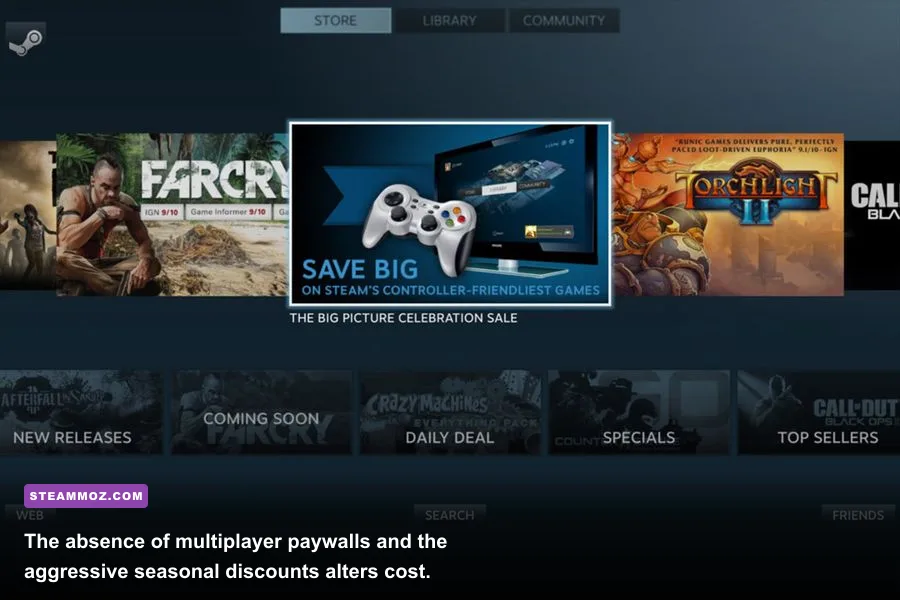
The most compelling argument for putting a Steam console underneath your television is the sheer financial efficiency of software acquisition. On closed platforms like PlayStation Network or Xbox Live, digital games remain tethered to publisher-controlled price floors. Digital storefront sales occur, but they rarely match the deep, aggressive price slashes characteristic of Steam seasonal sales.
During major Steam sales (Spring, Summer, Autumn, and Winter), award-winning triple-A games that released twelve to eighteen months prior regularly drop by 50% to 75%. Games that languish at $40 or $50 on console digital storefronts routinely hit $9.99 to $14.99 on Steam. If you purchase eight to ten mid-tier or AAA games per year, your software savings will easily surpass $200 annually compared to buying those same titles on a PlayStation 5 or Xbox Series X.
Beyond retail pricing, open architecture unlocks the world of community mods, fan translations, and emulation. Installing tools like EmuDeck requires only a flash drive and ten minutes of desktop mode tinkering. Once configured, your Steam console effortlessly runs retro platforms from the 16-bit era up through sixth-generation home consoles, pulling cover art, manuals, and custom control configurations directly into your main living room UI.
There is also the matter of cross-progression and device freedom. When you purchase a game on Steam, you own that license across every machine you log into. If you play on your living room couch, pause your game, and move to your high-end gaming desktop in the home office, your save state picks up instantaneously via Steam Cloud. You are never forced to buy separate "console" and "handheld" iterations of the same release.
Final Verdict: Who Should Buy It and Who Should Skip?
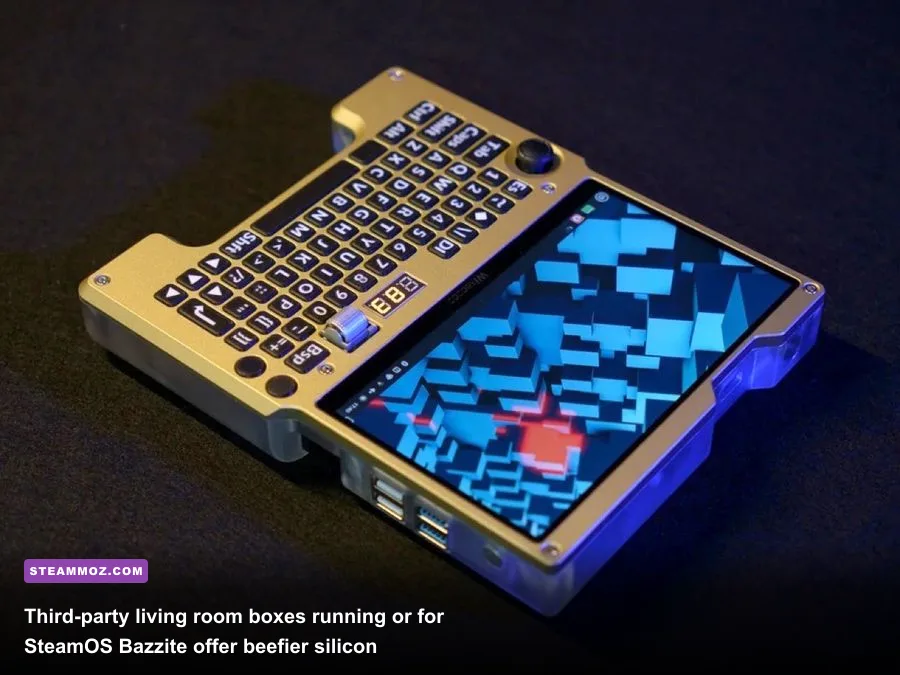
Whether a Steam console is worth your hard-earned cash in 2026 comes down to the specific gaming itch you need scratched. It is not an identical drop-in replacement for players who treat their console like an appliance and expect pristine 4K 60FPS sports broadcasts and cinematic Sony first-party graphical showcases.
You Should Buy a Steam Console If:
- You hate recurring subscription tolls: You refuse to pay $80 or more every year just to play peer-to-peer multiplayer with your friends.
- You have a massive existing Steam library: Turning hundreds of previously purchased PC titles into an instant living room entertainment hub delivers unrivaled day-one value.
- You appreciate indies, RPGs, and retro gems: Turn-based combat, sprawling isometric adventures, narrative deckbuilders, and retro emulation shine brighter on this hardware than anywhere else.
- You value hardware flexibility: You want a machine that functions as an open computer, capable of streaming from a beefier primary PC via Moonlight or running alternative storefronts like GOG and itch.io.
You Should Skip a Steam Console If:
- You only play kernel-level anti-cheat shooters: If 90% of your playtime belongs to Valorant, Call of Duty: Warzone, or Fortnite, Proton's incompatibility will leave you locked out without tedious dual-boot configurations.
- You demand zero-tinker, plug-and-play simplicity: If adjusting an in-game resolution slider, tweaking an FSR profile, or selecting an alternate Proton version feels like a chore, stick with the curated walls of a traditional home console.
- You want native 4K HDR eye candy on a massive OLED: Compact APUs cannot match the raw compute power of a 200-watt home console. If cutting-edge ray tracing and native 4K frame rates are non-negotiable, buy a PS5 Pro or construct a full-tower living room PC.
For everyone else, the Steam console ecosystem represents the most liberated, consumer-friendly, and cost-effective gaming investment available in 2026. It cuts the corporate cords of console ecosystems, protects your digital ownership, and delivers the immense breadth of PC gaming directly to your favorite living room chair.