Finding titles that run smoothly on integrated graphics and aging hardware without sacrificing multiplayer fun is entirely achievable in 2026. The best cooperative games for low end PC setups balance lightweight rendering engines with deep, replayable mechanics, allowing players with older Intel HD graphics, AMD Vega iGPUs, or legacy GPUs like the GTX 750 Ti to enjoy seamless framerates above 60 FPS. Whether you are managing resource chains, clearing pixelated dungeons, or dodging frantic bullet-hell waves with friends, these hand-picked titles deliver optimal performance and high-tier cooperative engagement.
1. Terraria
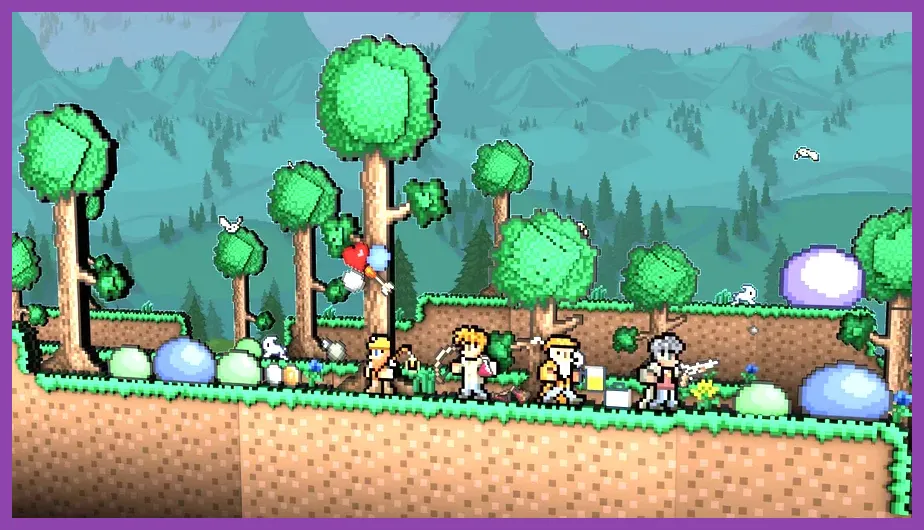
Topping our performance-focused tier list is Terraria on Steam, a 2D sandbox masterclass that runs effortlessly on virtually any machine manufactured in the last fifteen years. Featuring minimal system requirements—requiring only 2.5 GB of storage, 4 GB of RAM, and basic 128 MB video memory—this title scales down its graphic processing load while offering hundreds of hours of exploration, crafting, and boss progression. When setting up a session for low-end hardware, navigate to the in-game settings and set your frame skip to 'Subtle' or 'On' to stabilize stuttering during heavy blood moon events or when fighting late-game bosses like the Moon Lord.
For players optimizing their setup, ensure your lighting mode is set to 'Retro' or 'Trippy' if your CPU struggles with dynamic lighting calculations during encounters with the Eye of Cthulhu or Wall of Flesh. Managing your world size to 'Small' further reduces memory overhead, preventing hitching when exploring underground jungle shrines or traversing the cavern layer. Pair this experience with other optimization strategies found in our guide on storage size reduction tips to keep your legacy drive operating at peak speeds. Terraria supports seamless Steam multiplayer integration, allowing you to host directly through your friends list without renting external server hardware.
2. Don't Starve Together
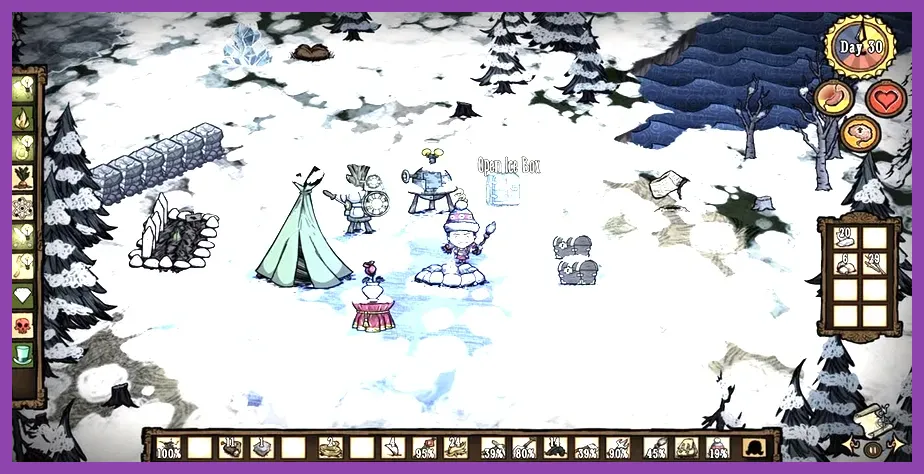
Standing as the gold standard for survival crafting on modest hardware, Don't Starve Together utilizes an optimized 2D hand-drawn art style over a 3D grid, keeping hardware demands remarkably low. Requiring just a dual-core 2.0 GHz processor and 4 GB of RAM, this title lets you and up to five friends endure harsh seasonal cycles, battle the Deerclops, and farm nightmare fuel without triggering thermal throttling on older laptops. To maximize performance, disable ambient occlusion and vertical sync in the graphics menu, which immediately relieves strain on integrated graphics processors.
Cooperating effectively on low-end hardware means minimizing unnecessary visual clutter on screen during peak base-building phases. Designate specific players to manage the Ice Box and Crock Pot rotations while others gather twigs, cut grass, and flint in the deciduous forest biomes. If you enjoy managing resources and expanding economies under tight constraints, you might also appreciate the macro strategies detailed in our Frostpunk 2 resource farming guide, which shares similar top-down survival management principles. Keep your graphics drivers updated, even on older cards, to ensure rendering pipelines handle procedural world generation smoothly.
3. Risk of Rain (Classic)
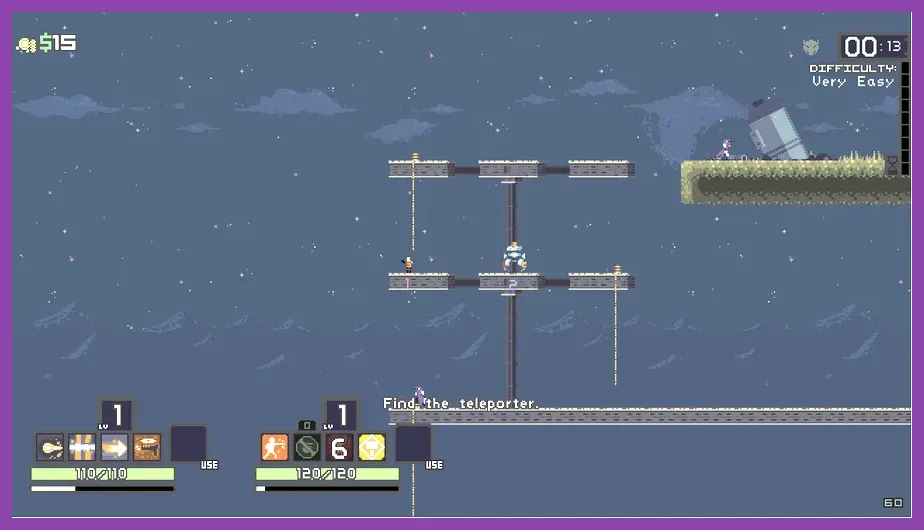
Before the franchise transitioned to full 3D rendering, the original Risk of Rain on Steam established a masterclass in chaotic, platformer-roguelike cooperative action that runs flawlessly on obsolete hardware. With its lightweight sprite-based engine, this title easily maintains a locked 60 FPS even when the difficulty timer scales up and the screen floods with dozens of Lemurians, Wisp enemies, and elite bosses. Players must coordinate item sharing—such as distributing Infusion health boosts and AtG Missile procs—to survive the final ascent through the UES Contact Light.
Because the game calculates item stacking modifiers dynamically for every connected player, network latency can occasionally mimic frame drops if your host connection is unstable. Always utilize direct peer-to-peer Steam invites rather than public matchmaking servers to minimize packet loss. For fans of intense action loops and progression grinding, this cooperative dynamic mirrors the cooperative intensity found in titles like Left 4 Dead 2 weapon acquisition loops, where teamwork dictates survival against overwhelming odds. Adjust your sound channel count in the audio settings to 16 if your older CPU struggles with simultaneous multi-channel audio mixing during intense combat clusters.
4. Left 4 Dead 2
Despite releasing over a decade ago, Left 4 Dead 2 remains an absolute pinnacle of cooperative first-person shooting, benefiting from Valve's highly scalable Source engine. Running smoothly on systems equipped with legacy dual-core processors and integrated graphics chips, it delivers crisp 60+ FPS performance when you lower shader details to medium and disable anti-aliasing. Navigating campaigns like Dark Carnival or Hard Rain with four players requires tight spatial awareness, callouts for Boomer vomit, and synchronized reloads when a Tank breaches your defensive choke point.
To squeeze maximum performance out of older rigs, open the developer console and input the command mat_queue_mode 2 to force multi-threaded rendering, which distributes CPU processing overhead more evenly across older cores. Additionally, lowering the paged pool memory allocation in your launch options prevents stuttering during intense horde rushes. If you are looking to master cooperative shooter progression mechanics and item optimizations elsewhere in your library, explore our comprehensive breakdown on farming bloodpoints efficiently in Dead by Daylight. Proper communication and map knowledge remain your best tools for surviving Expert difficulty without modern hardware backing you up.
5. Age of Empires II: Definitive Edition (Performance Mode)
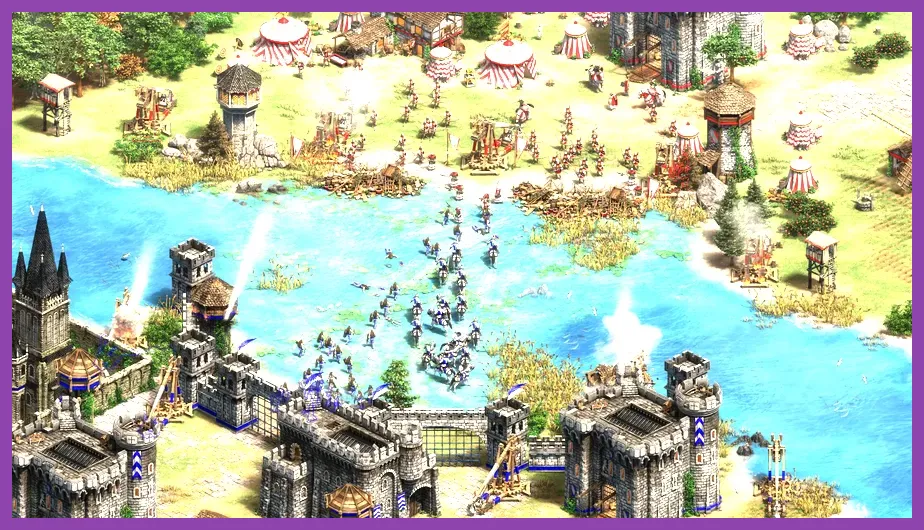
While the Definitive Edition of Age of Empires II features upgraded textures, it includes a dedicated 'Low Graphics' performance setting and an option to disable high-resolution asset packs, making it surprisingly viable for cooperative skirmishes against AI or ranked team matches on older laptops. By capping your simulation speed, turning off bloom, and reducing terrain shader quality, players can command armies of Paladins and Arbalesters without experiencing crippling input lag during massive Castle Age clashes.
Cooperating in team matches requires dividing economic responsibilities—such as one player booming into heavy cavalry while their ally defends with castle drop towers and monk healing chains. Utilize the game's integrated market to trade surplus stone and gold dynamically with your teammates to maintain tempo during prolonged imperial age stalemates. For players who love deep progression tracking and character build optimization across various genres, check out our guide on Honkai Star Rail priority skills for tactical inspiration. Keeping your unit pathfinding settings optimized in the game menu also reduces CPU path-calculation overhead during large-scale army movements.
Hardware Optimization Checklist for Low-End Coop Gaming
Before launching any cooperative session on an aging PC, executing a few basic maintenance steps can yield significant performance gains. First, ensure your laptop or desktop is plugged into a dedicated power source rather than running on battery saver mode, as power throttling severely limits integrated GPU clock speeds. Second, clean out temporary system caches and close background web browser tabs that consume valuable RAM required for multiplayer state synchronization.
Finally, always verify game cache integrity via Steam to eliminate corrupted asset files that can cause random stuttering during peak multiplayer action. By combining these hardware best practices with lightweight, highly optimized cooperative titles, you can enjoy a frictionless gaming experience without investing in expensive hardware upgrades.