Ever stared at a half‑filled storage bar on your phone and thought, “I wish I could download another game without wiping my photo gallery”? You’re not alone. Modern Android gamers love big, sprawling worlds, but the reality of a 32 GB or 64 GB device (plus the inevitable OS bloat) means you have to be picky. The good news? There’s a treasure trove of high‑quality titles that sit comfortably under the 500 MB ceiling, delivering massive fun without hogging precious megabytes. Below, we break down why size matters, showcase the absolute best under‑500 MB gems, and give you pro‑tips to keep your device lean and mean.
Why Size Matters on Android
Most budget‑friendly Android phones ship with limited internal storage, and even flagship devices are quickly eaten up by OS updates, photos, and videos. When you try to install a 2‑GB game, you might find yourself forced to delete cherished memories or skip that new update. Additionally, many carriers impose data caps, meaning a 200‑MB download can feel like a marathon on a 2‑GB monthly plan. Smaller games load faster, use less RAM, and generally run smoother on low‑end chipsets, giving you a buttery experience without the dreaded “App stopped unexpectedly” messages.
Storage constraints on budget phones
Phones in the $150‑$250 range often come with 32 GB of total storage, of which the system takes up 12‑15 GB. That leaves a slim margin for apps, especially games that love to bundle high‑resolution textures and voice‑overs. Choosing sub‑500 MB titles ensures you can keep a healthy library of games, music, and podcasts without constantly playing “storage roulette”.
Data caps and download times
Even on Wi‑Fi, a large download can take ages on a congested network. A 400 MB game at 5 Mbps takes roughly 11 minutes, while a 2‑GB download can linger for nearly an hour. Smaller packages mean you can snag a fresh title on the go, hop on a public hotspot, and be in the game before your coffee cools.
Top Picks: Under 500 MB and Absolutely Worth It
We scoured the Play Store, filtered by size, and tested each game for performance, replay value, and overall polish. Here’s the definitive shortlist, ordered by genre variety so you can pick exactly what mood you’re in.
- Stardew Valley – 300 MB. A farming sim that feels like a cozy weekend retreat.
- Dead Cells – 350 MB. Roguelike‑action with fluid combat and gorgeous pixel art.
- Grimvalor – 200 MB. Fast‑paced hack‑and‑slash RPG that runs on almost any device.
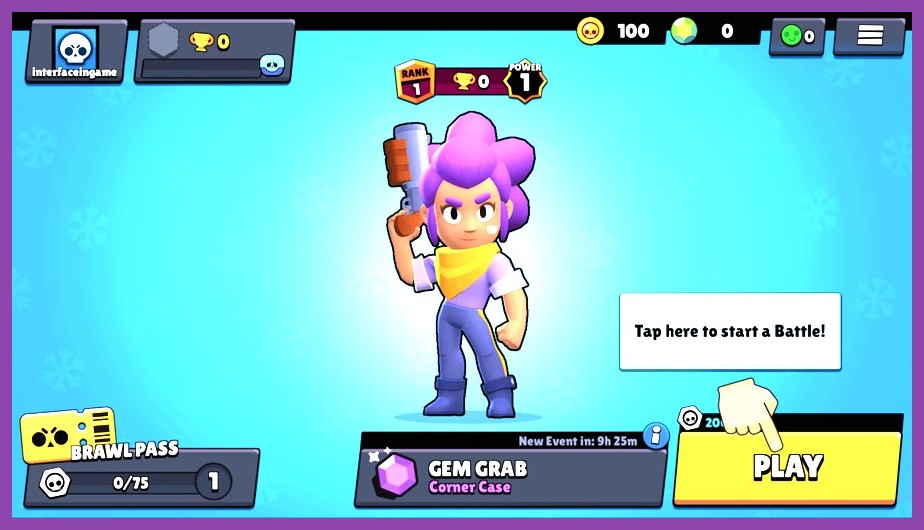
- Brawl Stars – 150 MB. Short‑burst multiplayer battles perfect for quick sessions.
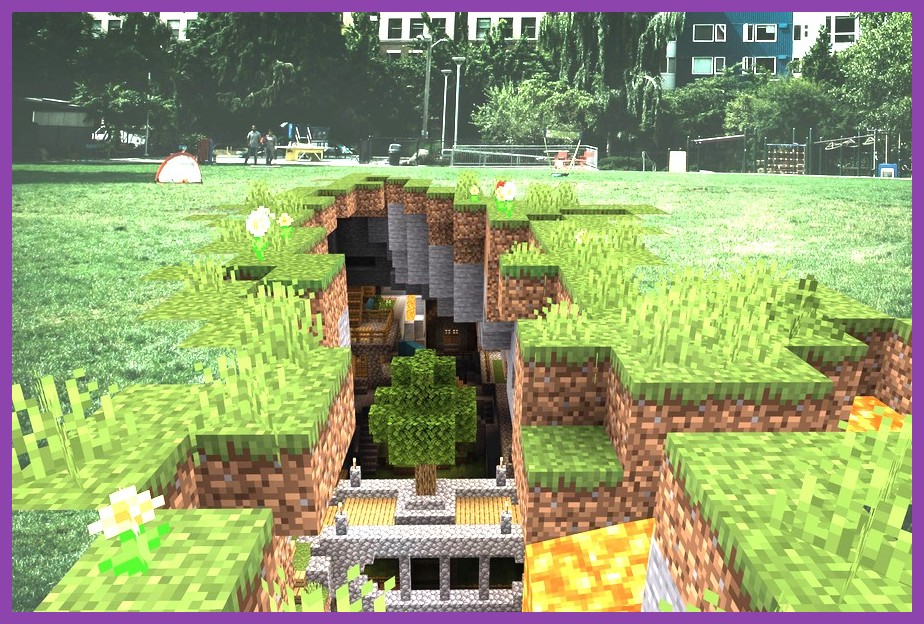
- Minecraft (Pocket Edition) – 120 MB (initial install). The sandbox classic, expandable with mods.
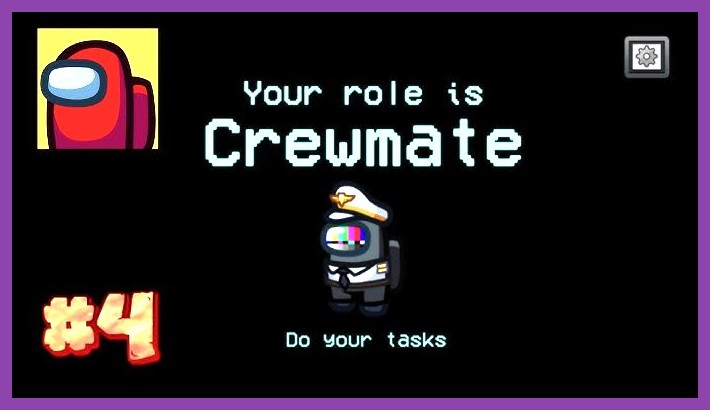
- Among Us – 180 MB. Social deduction that’s become a cultural phenomenon.
All of these titles are under 500 MB, offer offline or minimal‑online play, and have received consistent updates that keep the experience fresh. Below we deep‑dive into the top three to show why they deserve a spot on your device.
Deep Dive: Stardew Valley (≈300 MB)
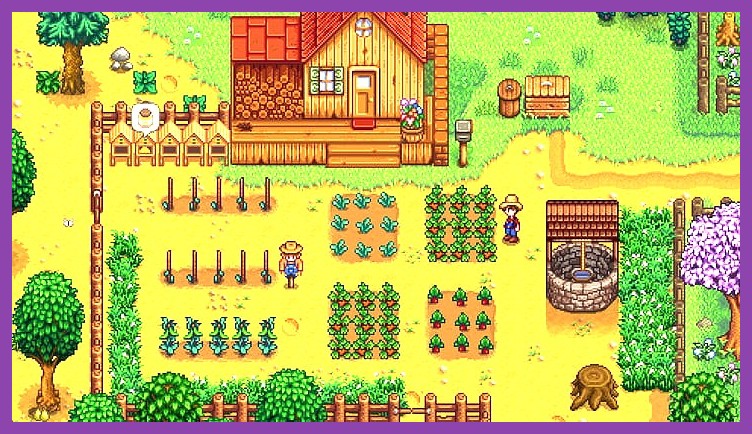
Stardew Valley on Google Play is the quintessential low‑storage champion. Despite its modest footprint, the game packs a full year’s worth of farming, fishing, mining, and relationship building into a pixel‑perfect world. The art style is deliberately simple, which keeps the APK size low while still delivering a vibrant, living farm.
Gameplay & features
From planting crops to exploring the cavernous mines, every activity feels rewarding. Seasonal events, community center bundles, and a deep crafting system keep you engaged for hundreds of hours. The game also supports controller input, making it a great couch‑gaming experience on Android TV.
Why it shines on small storage
The developers opted for 2‑D sprites and procedural music, both of which are lightweight. Updates are delivered as incremental patches, meaning you rarely need to redownload the entire game. Even with a full farm, your device’s storage usage stays well below the 500 MB threshold.
Deep Dive: Dead Cells (≈350 MB)
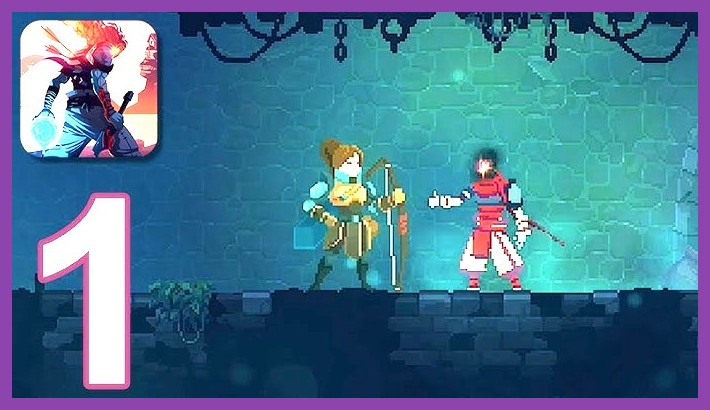
Dead Cells on Google Play brings console‑grade action to phones without demanding a premium device. The game’s rogue‑like structure means each run is unique, encouraging replayability without inflating the file size.
Roguelike action that never gets stale
Fast reflexes, tight controls, and a massive weapon variety keep the combat fresh. The art direction uses hand‑drawn sprites combined with modern lighting effects, delivering a visually striking experience that still fits under 500 MB.
Performance on low‑end devices
Dead Cells runs at 30 fps on most mid‑range phones and offers a “Battery Saver” mode that drops the frame rate to conserve power. The game’s memory footprint is modest, meaning you can jump straight into a run after a quick launch.
Deep Dive: Grimvalor (≈200 MB)
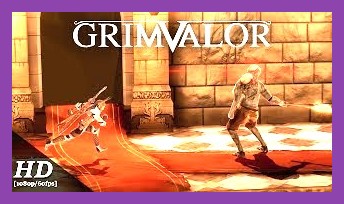
Grimvalor on Google Play is a dark fantasy action RPG that feels like a console title squeezed into a tiny APK. With responsive touch controls and a compelling storyline, it’s perfect for commuters who want a deep experience without the download time.
Hack‑and‑slash thrills
Combo‑heavy combat, skill trees, and epic boss fights give you a sense of progression. The game’s environments are richly detailed yet optimized with texture atlases that keep the file size low.
Why it’s a storage‑friendly powerhouse
Grimvalor uses a modular asset system, allowing the developers to push new content as small DLCs rather than a massive overhaul. This approach means the base install stays under 200 MB, leaving plenty of room for your other apps.
How to Find & Install Small Games Quickly
Google Play’s default filter doesn’t let you sort by size, but you can use a simple trick: add size:small to the search bar, or use third‑party sites like APKPure that let you filter by file size. Once you’ve found a title, make sure to clear your cache and uninstall unused apps to free up space before installing.
Pro tip: Use “Lite” versions
Many popular games release “Lite” or “Go” editions that strip down graphics for a smaller footprint. While not always as feature‑rich, they’re perfect for on‑the‑go sessions.
Tips to Keep Your Android Light and Fast
Even after you’ve installed a handful of sub‑500 MB games, your device can still feel sluggish if you don’t maintain it. Here are a few quick habits:
- Move games to an SD card (if supported) to free up internal space.
- Enable “Auto‑clear cache” in Settings → Storage.
- Use a game booster app to close background processes before launching a title.
- Regularly check for app updates that might reduce size; developers often compress assets over time.
Best Free‑to‑Play Options Under 500 MB
Not everyone wants to spend money, and the free‑to‑play market is surprisingly rich in tiny titles. Brawl Stars offers quick 3‑minute battles, while Among Us delivers social intrigue with just 180 MB. Both games are ad‑supported but provide generous in‑app purchases that never feel mandatory.
Why free‑to‑play can be a smart choice
Because the entry barrier is low, you can try multiple titles without committing storage or cash. If you love a game, you can later purchase a premium version or DLC that still respects the size limit.
Wrapping Up: Fill Your Library, Not Your Storage
Size doesn’t have to dictate fun. With titles like Stardew Valley, Dead Cells, and Grimvalor at your fingertips, you can enjoy deep, engaging experiences without sacrificing photos, music, or that next‑gen app you’ve been eyeing. Keep an eye on Play Store size filters, clear out old caches, and let your Android run light and fast. Happy gaming!