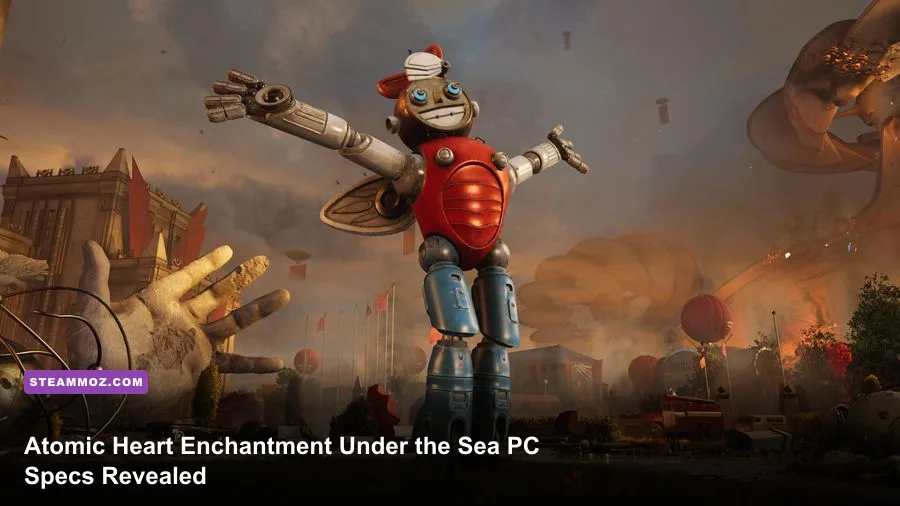
Atomic Heart: Enchantment Under the Sea does not demand a radically different PC from the base game, but you should treat its recommended spec as the practical target. You can get into the underwater expansion with an Intel Core i5-4460 or AMD Ryzen 5 1600, 8GB of RAM, and a GeForce GTX 960 4GB or Radeon R9 380. For a smoother 1080p experience, aim for an Intel Core i7-3770 or Ryzen 7 2700X, 16GB of memory, and a GeForce GTX 1080 or Radeon RX Vega 64. You also need a 64-bit Windows 10 or newer installation, DirectX 12, and roughly 90GB of free storage for Atomic Heart and its expansion.
Those numbers come with an important reality check: the minimum specification is a launch requirement, not a promise of locked 60 frames per second. The GTX 960-class target is best understood as a 1080p low-settings, roughly 30fps starting point. The recommended tier is much more comfortable, but crowded underwater spaces, volumetric effects, reflections, and traversal streaming can still punish older CPUs or systems running from a hard drive.
Before downloading, compare your machine with the official Atomic Heart Steam listing and check the expansion's ownership requirements. Enchantment Under the Sea is DLC, so it doesn't replace the base game. If your PC already handles the main campaign at a stable 60fps, it should be in good shape for the new chapter after a sensible settings pass.

Atomic Heart Enchantment Under the Sea minimum requirements
The minimum configuration is deliberately modest by modern AAA standards, but the individual parts matter. The listed Intel Core i5-4460 is a four-core Haswell processor from 2014, while the Ryzen 5 1600 gives you six cores and twelve threads. Either can launch the game, yet the Ryzen chip has more breathing room when Windows background tasks, shader compilation, and the expansion's environment streaming overlap.
| Component | Minimum specification | What it realistically means |
|---|---|---|
| Operating system | Windows 10 64-bit | Use a fully updated 64-bit installation; older 32-bit systems are not supported. |
| Processor | Intel Core i5-4460 or AMD Ryzen 5 1600 | Playable entry point, but expect heavier frame-time spikes in busy areas. |
| Memory | 8GB RAM | Enough to start, though 16GB is safer for modern Windows multitasking. |
| Graphics card | GeForce GTX 960 4GB or Radeon R9 380 | Target 1080p Low and around 30fps rather than a guaranteed 60fps. |
| Graphics API | DirectX 12 | Your GPU and driver must support DX12 feature requirements. |
| Storage | Approximately 90GB available | Install on an SSD if possible; leave extra space for patches and shader caches. |
The 4GB video-memory requirement is particularly important. A card with only 2GB may technically run some scenes after aggressive texture reductions, but it is outside the listed target and more likely to suffer texture pop-in, hitching, or failed launches. Don't confuse system RAM with VRAM: 8GB of desktop memory cannot compensate for an undersized graphics card.
What performance should you expect at minimum?
Use the Low preset, 1920x1080 resolution, motion blur off, and an upscaler if your build supports one. A 30fps cap can make a borderline system feel more consistent than chasing an unstable 45-60fps range. The visual cost is most obvious in material detail, shadows, foliage, and reflections, while lowering those settings usually hurts the image less than dropping the internal resolution too far.
There is also a storage warning hiding behind the numbers. A mechanical hard drive may satisfy the capacity requirement, but it can worsen door transitions, elevator rides, and movement through the DLC's connected facilities. An SSD won't increase your GPU's average frame rate, yet it can reduce streaming stalls and make traversal feel dramatically cleaner.
🎮 Atomic Heart - Enchantment Under the Sea
Looking to experience this game? Grab your digital key directly on our store for $6.99.
View on Steammoz Store →Recommended PC specs for the underwater expansion
The recommended target moves to an Intel Core i7-3770 or AMD Ryzen 7 2700X, 16GB RAM, and a GTX 1080 or Radeon RX Vega 64. These are older enthusiast parts today, but the graphics tier still tells you something useful: Atomic Heart's high-quality lighting and effects can be expensive even without ray tracing. A newer RTX 3060, RTX 4060, RX 6700, or similar card should be a sensible modern equivalent, provided your CPU and memory are not holding it back.
| Component | Recommended specification | Modern practical target |
|---|---|---|
| Operating system | Windows 10 64-bit | Windows 10 or Windows 11 64-bit with current chipset and GPU drivers. |
| Processor | Intel Core i7-3770 or AMD Ryzen 7 2700X | Six modern cores or better gives more consistent frame pacing in traversal. |
| Memory | 16GB RAM | 16GB is the comfortable floor; 32GB helps if you stream or multitask. |
| Graphics card | GeForce GTX 1080 or Radeon RX Vega 64 | Strong 1080p High hardware and a reasonable 1440p starting point. |
| Storage | Approximately 90GB | NVMe SSD preferred for faster loading and fewer streaming interruptions. |
Don't read “recommended” as “1440p ultra with ray tracing.” The listed GTX 1080 has no hardware ray-tracing acceleration, and the Vega 64 belongs to the same older performance generation. If you want 1440p, begin at High rather than Ultra, then test a demanding interior scene before raising reflections or volumetrics. If you want 60fps with ray-traced effects, a newer RTX or Radeon card with upscaling support is the safer buy.
CPU age matters more than many players expect. Atomic Heart's combat arenas, physics objects, enemy AI, and streaming work can produce short CPU-bound dips even when the GPU appears underused. The PC crash and FPS fixes in our ELEX guide cover the same basic diagnostic habit: watch GPU utilization, frame time, and temperatures separately instead of assuming every hitch is a graphics-card problem.
Best graphics settings for stable 60fps
Start with the High preset on recommended hardware, then adjust one option at a time. Presets are useful starting points, not sacred rules. Atomic Heart can look excellent after lowering a few costly settings while keeping textures and geometry high. The goal is consistent frame pacing during combat, not a benchmark screenshot in an empty corridor.
| Setting | Recommended value | FPS impact | Visual trade-off |
|---|---|---|---|
| Resolution | Native 1080p or 1440p | Very high | Keep native resolution when possible; use upscaling before major texture cuts. |
| Texture quality | High with 6GB+ VRAM | Low to medium | Improves surfaces and props; reduce it if VRAM is full. |
| Shadow quality | Medium or High | Medium to high | Medium often saves frames with a small loss in contact definition. |
| Volumetric effects | Medium | Medium to high | Fog and underwater atmosphere become less dense, but clarity improves. |
| Reflections | Medium | Medium | Lower values reduce expensive reflective surfaces and water detail. |
| Ambient occlusion | High or Medium | Low to medium | Keep High if your GPU has room; it adds depth around objects and corners. |
| Motion blur | Off | Negligible | Sharper camera movement and easier visibility during fast encounters. |
| Ray tracing | Off unless using a recent RTX/Radeon GPU | Very high | Reflections and lighting improve, but frame rate can fall sharply. |
| Upscaling | Quality mode | Large gain | Usually the best way to recover performance while preserving detail. |
DLSS, FSR, and resolution scaling
Upscaling is the first tool to try when your average frame rate is close but not quite at target. Quality mode renders internally below native resolution and reconstructs the image, creating a much better result than simply selecting a lower resolution. Balanced mode can help at 1440p or 4K, but it may soften thin cables, railings, and distant environmental detail in the underwater areas.
Use the available option that matches your GPU. NVIDIA RTX owners should test DLSS Quality first. Radeon and older cards can try FSR, while systems without a suitable temporal upscaler can use the game's resolution scale carefully. Sharpening can recover some clarity, but overdoing it produces noisy edges around the polymer effects and bright lighting.
Ray tracing is the easiest setting to blame for poor performance, and usually the correct one to disable. It can look impressive in reflective laboratories, yet stable rasterized lighting at 60fps is a much better trade for combat. If you enable it, pair it with Quality upscaling, reduce reflections, and cap the frame rate so GPU spikes don't turn every encounter into a stutter test.
How Enchantment Under the Sea affects performance
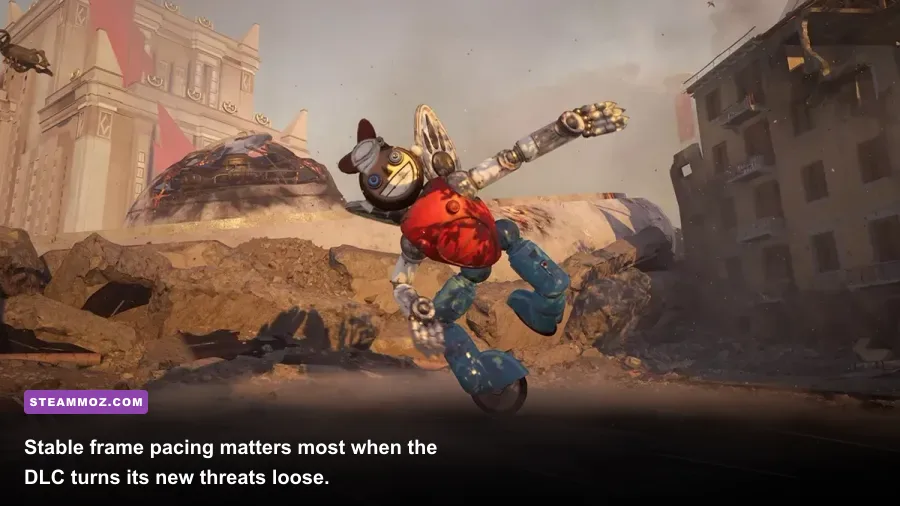
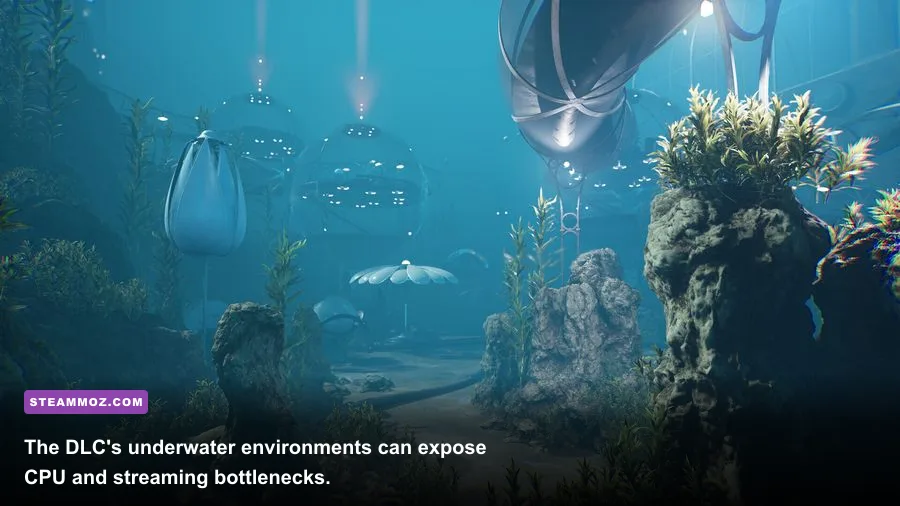
The expansion's underwater setting can stress a PC differently from the base game's open facilities. Dense atmospheric effects, reflective surfaces, animated water, and large interior spaces increase the amount of work done per frame. That doesn't automatically mean the DLC has higher published requirements, but it does mean a machine that barely holds its target in the opening areas may dip once the visual effects intensify.
Keep an eye on one-percent lows rather than average FPS. A counter showing 75fps is not useful if movement regularly drops to 35fps for a fraction of a second. Cap your frame rate below the normal ceiling—58fps on a 60Hz display or 72fps on a 75Hz panel—and let the GPU maintain headroom. Variable refresh rate also helps smooth small dips, but it cannot hide severe shader stutter or a CPU that is maxed out.
Practical troubleshooting before you lower everything
- Install the latest GPU driver with a clean installation if a major driver update has recently arrived.
- Verify the game files through Steam after an interrupted patch or unexplained crash.
- Move the installation from an HDD to an SSD and keep at least 10-15 percent free space on that drive.
- Close browser tabs, recording tools, RGB utilities, and overlays while testing frame pacing.
- Let shader compilation finish when the game provides that process; repeatedly skipping it can cause traversal hitching.
- Check CPU and GPU temperatures. Thermal throttling can look exactly like weak hardware.
- Disable ray tracing before reducing resolution, then lower volumetrics and shadows.
For broader PC troubleshooting, our Everspace 2 crashing and FPS guide has a useful “fix stability first” approach. The same logic applies here: remove overlays, verify files, update drivers, and reproduce the problem before changing five settings at once.
Is your PC ready for Atomic Heart's DLC?
If your PC lands at the minimum specification, you can likely play Enchantment Under the Sea, but plan around 1080p Low, a 30fps cap, and reduced volumetric effects. An 8GB system may also need a clean background environment. It is playable territory, not the ideal experience for a fast first-person shooter where a sudden frame-time spike can make an enemy attack feel unfair.
Recommended hardware is the better baseline for 1080p High at 60fps. For 1440p, prioritize a modern graphics card with at least 8GB of VRAM, 16GB system RAM, and an SSD. For 4K or ray tracing, move beyond the old GTX 1080/Vega 64 class and expect to rely on DLSS or FSR. The Far Cry 6 settings guide makes a similar point: resolution and ray-traced effects are usually the largest performance levers, while carefully reducing shadows and volumetrics often preserves the game's look.
| PC profile | Suggested target | Starting settings | Expected experience |
|---|---|---|---|
| Minimum-class PC | 1080p, 30fps | Low preset, medium textures if VRAM allows, RT off | Playable, but traversal and combat dips are possible. |
| Mainstream 1080p PC | 1080p, 60fps | High preset, medium reflections and volumetrics, upscaling Quality | The best balance for most players. |
| Strong 1440p PC | 1440p, 60fps | High settings, reduced shadows, Quality or Balanced upscaling | Sharper image with occasional demanding-scene dips. |
| High-end ray-tracing PC | 1440p or 4K, 60fps | RT selectively enabled, DLSS/FSR Quality, reflections tuned down | Best visuals, but still needs careful frame-time testing. |
Don't forget that the expansion requires the base game and adds to your installation footprint. Check the official Mundfish website for update information, and use the Steam client to confirm the exact current download size before clearing space. Published requirements can stay unchanged while patches alter shader behavior, loading times, or individual scene performance.
The final verdict on the PC requirements
Atomic Heart: Enchantment Under the Sea is accessible on older gaming PCs, but the minimum specification should be treated as a survival line. The sweet spot is 16GB RAM, an SSD, a modern six-core processor, and a GPU around the RTX 3060 or RX 6600 XT class for 1080p. That combination gives you enough headroom to keep textures attractive, reflections sensible, and frame pacing stable without turning every visual effect off.
Before buying, compare your components against the table rather than relying on a single “can it run?” badge. A GTX 1080 with a weak dual-core CPU, or 16GB RAM paired with a 2GB graphics card, will not behave like a balanced recommended PC. Check VRAM, CPU utilization, storage type, and one-percent lows. If your system passes those checks, disable ray tracing first, use Quality upscaling, cap your frame rate, and then enjoy the dive.
Players who want more practical PC advice can also browse Steamoz's PC requirements breakdown for Far Cry 2 and our “Can you run it?” hardware guide. For Atomic Heart specifically, the short answer is clear: minimum hardware can launch the underwater adventure, recommended hardware makes it comfortable, and an SSD plus 16GB of RAM will do more for the experience than blindly chasing Ultra settings.