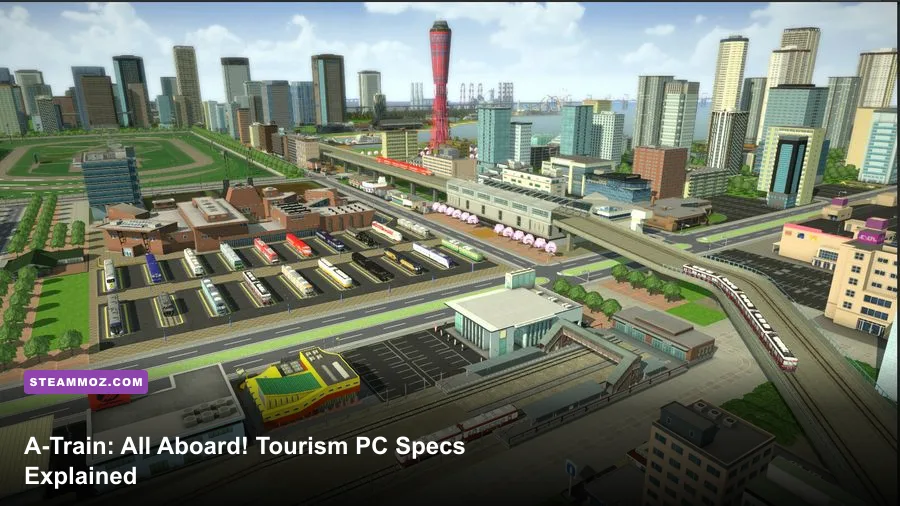
If you want to play A-Train: All Aboard! Tourism comfortably on PC, aim for at least an Intel Core i5-6500, 8GB of RAM, and a GeForce GTX 750 Ti or Radeon R7 370 with 2GB of VRAM. The recommended target is an Intel Core i7-8700, 16GB of RAM, and a GeForce GTX 1060 6GB or Radeon RX 580 8GB. You’ll also need a 64-bit Windows installation, DirectX 11 support, and roughly 20GB of free storage.
Those numbers are the official baseline, but a city-building and railway-management game can behave very differently from a linear action title. A-Train’s early maps are relatively easy to run; the real test arrives after you’ve built multiple rail lines, expanded station districts, added buses and trams, and filled the skyline with commercial and residential development. At that point, CPU simulation load, memory capacity, and camera settings matter just as much as the graphics card.
This guide breaks down the A-Train: All Aboard! Tourism system requirements, explains what each component is doing, and gives you practical settings for minimum-spec, mid-range, and modern gaming PCs. For comparison, our guides to Harvey’s New Eyes PC requirements and Far Cry 2’s PC specs show how much lighter older, more linear games can be.
The official A-Train Tourism requirements
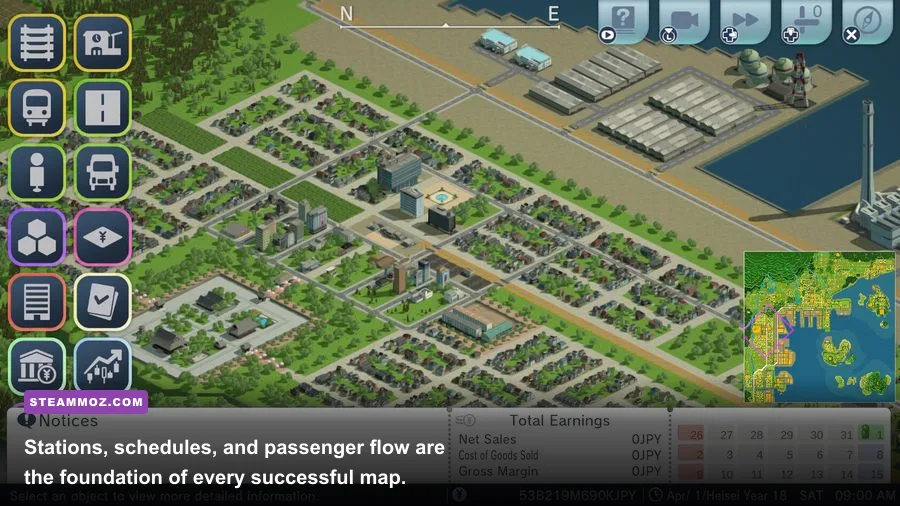
The official Steam listing separates the game into a fairly modest minimum configuration and a much more comfortable recommended configuration. The minimum specification should get the game running, but it shouldn’t be confused with a guarantee of perfectly smooth performance in a huge, mature city. Simulation games often scale upward in complexity as the player develops the map, and A-Train is no exception.
| Component | Minimum | Recommended |
|---|---|---|
| Operating system | Windows 10 64-bit | Windows 10 64-bit |
| Processor | Intel Core i5-6500 | Intel Core i7-8700 |
| Memory | 8GB RAM | 16GB RAM |
| Graphics | GeForce GTX 750 Ti 2GB or Radeon R7 370 2GB | GeForce GTX 1060 6GB or Radeon RX 580 8GB |
| DirectX | Version 11 | Version 11 |
| Storage | About 20GB available | About 20GB available |
There’s no separate ultra specification in the published requirements, and the listing doesn’t promise a particular resolution or frame rate. That matters because “recommended” usually means a sensible target for normal play, not necessarily maximum settings at 4K. If you’re buying or upgrading specifically for A-Train, treat the i7-8700 and GTX 1060 combination as a solid 1080p reference point rather than a high-end modern standard.
For the most current installation information, check the official Steam page for A-Train: All Aboard! Tourism. The developer’s ARTDINK website is also worth checking if a future patch changes compatibility details.

🎮 A-Train: All Aboard! Tourism
Looking to experience this game? Grab your digital key directly on our store for $29.99.
View on Steammoz Store →Can a low-end or older PC run it?
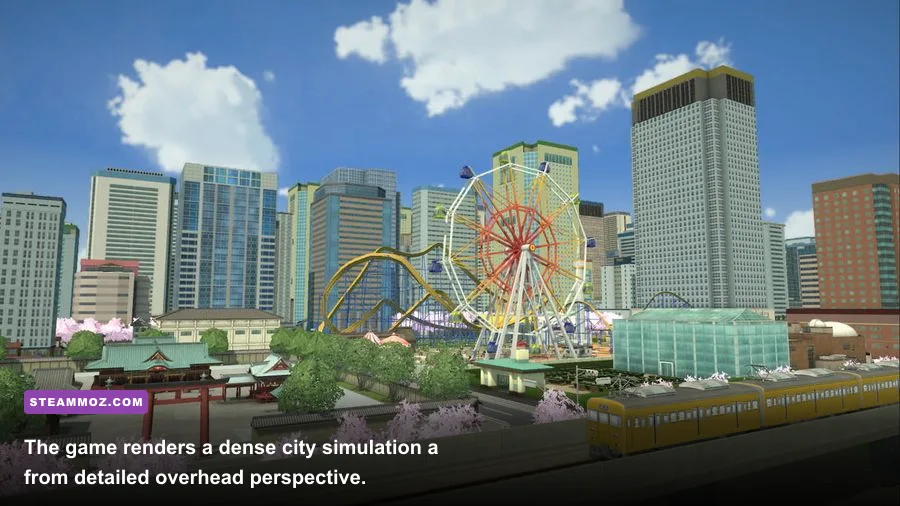
Yes, provided your system is close to the minimum specification and you’re realistic about resolution and late-game density. A GTX 750 Ti is an old graphics card now, but A-Train is not built around cinematic lighting, enormous shader effects, or fast twitch combat. Its main workload is the continuously updating city simulation: trains move, passengers travel, companies earn money, buildings develop, and the game recalculates the consequences.
That means an older quad-core processor can be more important than people expect. The Core i5-6500 has four physical cores and is adequate for starting scenarios, but it has less headroom than the six-core, twelve-thread Core i7-8700 listed as recommended. If your frame rate begins well and collapses after several in-game years, the processor and simulation workload are likely suspects rather than the GPU alone.
Eight gigabytes of RAM is technically enough, but it leaves little breathing room for Windows, Steam, browser tabs, overlays, and background tools. With 8GB, close Chrome and other memory-heavy applications before loading a large save. Sixteen gigabytes is the safer target because it reduces paging and gives the game more space when a map becomes crowded.
On a minimum-spec machine, start at 1920x1080 only if the GPU can maintain acceptable performance. Otherwise, 1600x900 or 1280x720 is a perfectly reasonable compromise for a management game. Lowering resolution helps the GTX 750 Ti, but it won’t completely solve CPU-side slowdowns caused by a packed city. If the camera stutters while the GPU is lightly loaded, reducing visual detail won’t fix the underlying simulation bottleneck.
| Hardware situation | Practical profile | What to expect |
|---|---|---|
| Near minimum | 900p or 1080p, low-to-medium detail | Good for small and medium cities; late-game dips are possible |
| Modern entry-level PC | 1080p, medium-to-high detail | Comfortable normal play with occasional simulation-heavy dips |
| Recommended-class PC | 1080p, high detail | Strong headroom for larger maps and denser development |
| Modern mid-range PC | 1440p, high detail | Excellent image quality; CPU load still matters in huge cities |
Don’t judge performance only from the tutorial or the first scenario. A-Train’s demanding moments tend to appear after you connect several districts and begin operating multiple transport types. A save with a compact central station, several branch lines, and dense development is a much better stress test than an empty starting map.
What matters most: CPU, GPU, RAM, or storage?
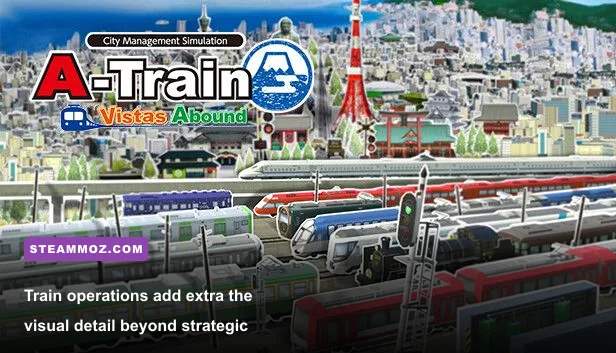
CPU: This is usually the most important component once your network grows. The game is constantly handling schedules, route activity, economic calculations, passenger movement, construction, and city development. A strong modern six-core processor should have no trouble with normal scenarios, while an old four-core CPU may show slowdowns during busy periods. Higher clock speed and stronger per-core performance are especially valuable for simulation-heavy moments.
GPU: The graphics card controls the visual side of the workload: drawing buildings, tracks, vehicles, terrain, shadows, and the detailed city view. The minimum GTX 750 Ti and R7 370 are enough to establish a playable floor, while the GTX 1060 and RX 580 provide a more comfortable 1080p target. You don’t need a cutting-edge RTX card unless you’re pairing the game with a high-resolution monitor or want substantial headroom for other games.
RAM: Eight gigabytes meets the listed minimum, but 16GB is the sensible choice. Large saves, browser windows, recording software, and overlays can push an 8GB machine into virtual memory. That often feels like hitching or pauses rather than a consistently low average frame rate. RAM speed is useful, but capacity is the first priority here.
Storage: The game asks for around 20GB of free space. An SSD won’t magically increase the simulation speed, but it can reduce launch and save-loading times and make the overall experience feel less sluggish. Keep extra free space available on the drive rather than filling it to the last gigabyte. Storage speed becomes particularly noticeable when switching between large saves.
| Component | Why A-Train uses it | Upgrade priority | Warning sign |
|---|---|---|---|
| CPU | Runs schedules, economy, passengers, and city simulation | Highest for late-game cities | GPU usage low while frame time rises |
| GPU | Renders terrain, buildings, trains, shadows, and camera views | High for resolution and detail | GPU usage near 100% at your chosen resolution |
| RAM | Stores the game, save data, operating system, and background apps | Move to 16GB if possible | Disk activity and stutter during map changes |
| SSD | Improves loading and save access | Helpful, not a frame-rate fix | Long loading or save times |
Use an overlay such as Steam’s performance display or Windows Task Manager to identify the real bottleneck. If GPU usage is maxed out, lower resolution, shadows, and view distance. If the GPU is sitting at 50 percent while the game slows during busy schedules, the CPU or simulation thread is likely limiting performance.
Best graphics settings for smooth performance
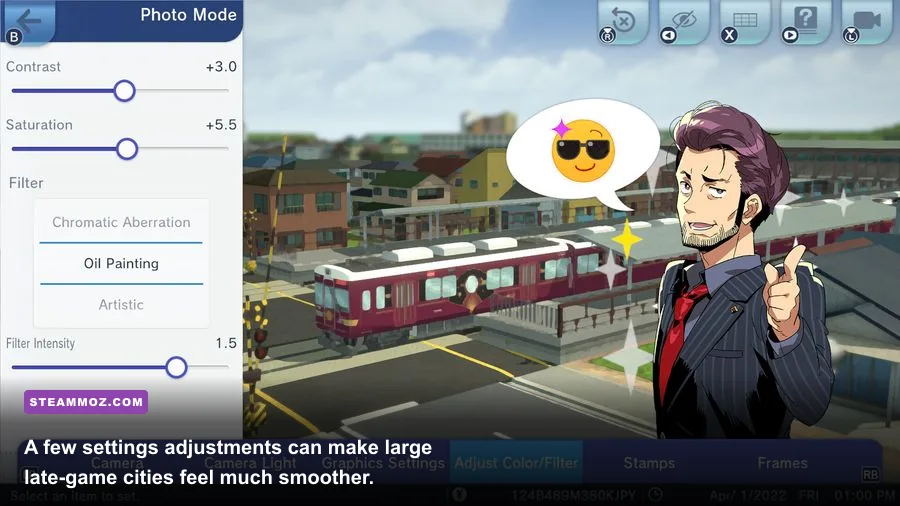
A-Train rewards a restrained settings approach. The goal isn’t to make every building sparkle; it’s to keep the camera responsive while you inspect stations, manage routes, and watch the city develop. Start with the game’s native resolution, then adjust the most expensive settings one at a time. Changing everything simultaneously makes it impossible to know which option actually helped.
| Setting or adjustment | Recommended value | Performance impact | Visual trade-off |
|---|---|---|---|
| Resolution | 1080p; use 900p on weak GPUs | High | Lower resolution is softer but highly effective |
| Shadows | Medium on minimum; high on recommended | Medium to high | Lower settings reduce depth around buildings and tracks |
| View distance | Medium on older PCs | Medium | Far-off scenery and structures appear less clearly |
| Anti-aliasing | Medium or the second-highest option | Low to medium | Track edges may look slightly less smooth |
| Effects and post-processing | Medium | Low to medium | Small reduction in atmosphere and contrast |
| Texture quality | High if VRAM allows; medium on 2GB cards | Low to medium | Buildings and terrain lose fine detail at lower levels |
| Frame-rate cap | Match your monitor or use 60fps | Can reduce heat and spikes | No meaningful visual loss during management play |
On the GTX 750 Ti or R7 370, reduce shadows and view distance before sacrificing texture quality. Those older cards have limited VRAM, so medium textures are safer if you see severe hitching while rotating the camera. On the GTX 1060 or RX 580, high textures and 1080p should be reasonable, although the recommended cards still won’t prevent CPU-related slowdowns in exceptionally dense cities.
Windowed borderless mode is convenient for checking spreadsheets, guides, or route notes, but exclusive fullscreen can sometimes provide more consistent frame pacing. Disable unnecessary overlays if you’re troubleshooting stutter. Steam, Discord, GPU recording tools, and browser hardware acceleration can all compete for resources on an 8GB system.
A locked 30fps is also a valid choice on older hardware. A city simulation doesn’t demand the instant response of a shooter, and a stable frame rate usually feels better than a fluctuating 35-55fps. If your monitor supports variable refresh, enable it and cap slightly below the panel’s maximum where appropriate.
Late-game performance and troubleshooting tips
The biggest performance trap is assuming that a new GPU will solve every slowdown. More tracks, more trains, more passengers, and more buildings mean more work for the simulation. Pause the game and compare GPU and CPU usage during a slowdown. If pausing immediately restores smooth camera movement, the simulation is the likely cause. If the camera remains slow while paused, graphics settings or driver behavior deserve closer attention.
Keep your graphics driver current, verify the installation through Steam, and install the game on an SSD when possible. If the game crashes on launch, confirm that Windows is 64-bit, DirectX components are available, and your graphics driver supports DirectX 11. Avoid aggressive overclocks while testing; an unstable CPU or RAM profile can look like a game bug.
Save management matters too. Keep several rotating manual saves instead of relying on a single file. This won’t raise frame rate, but it protects a long-running city from a corrupted save or an unwanted planning decision. Large simulation games are much more enjoyable when you can experiment without risking years of progress.
For broader PC troubleshooting ideas, Steamoz’s ELEX crash and FPS fixes and EscapeVR performance guide cover useful steps such as clean driver installs, background-process checks, and verifying game files.
Recommended upgrade path
If your current PC is below minimum, prioritize a 64-bit operating system and a four-core-or-better CPU before chasing a premium graphics card. Moving from 8GB to 16GB of RAM is one of the least expensive ways to make a system feel more comfortable. After that, target a card around the GTX 1060 or RX 580 level for dependable 1080p play.
If you already meet the recommended specification, don’t upgrade automatically. Test a large save first. A modern six-core processor, 16GB of RAM, and a graphics card with at least 6GB of VRAM should provide a strong experience at 1080p, while newer mid-range hardware can handle 1440p with the usual caveat: a sprawling, highly developed city can still become CPU-limited.
Players who enjoy transport management may also like Steamoz’s Empires of the Undergrowth progression guide and our Everspace 2 hidden locations guide for more systems-heavy PC gaming advice.
The verdict on A-Train Tourism PC specs
A-Train: All Aboard! Tourism is surprisingly approachable on older gaming PCs, but the minimum specification is best viewed as a starting line. The GTX 750 Ti or R7 370 can handle the visual workload, and 8GB of RAM is enough to launch and play, yet dense late-game maps put pressure on the processor and available memory.
For the best balance, use a PC with a modern six-core CPU, 16GB of RAM, an SSD, and graphics performance around the GTX 1060 or RX 580 class. At 1080p, that combination should give you the headroom to build ambitious rail networks without immediately compromising every visual setting. Keep shadows and view distance under control, watch CPU usage during major slowdowns, and judge performance using a developed city rather than an empty scenario.
In short, you don’t need an expensive enthusiast rig to enjoy A-Train’s railway empire. You do need to respect what the game is simulating. The more ambitious your transport network becomes, the more valuable CPU headroom and 16GB of RAM will be. Plan for that future city, and the journey from a quiet station to a sprawling tourism machine should remain smooth enough to enjoy.