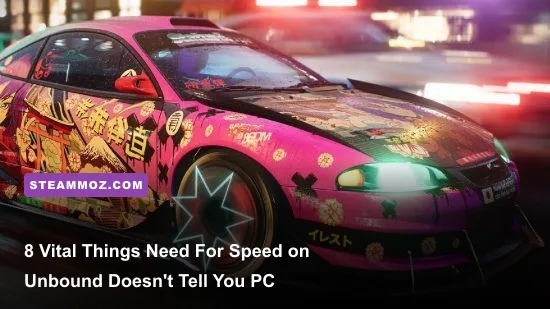
Need for Speed Unbound is not the forgiving arcade racer you might expect from Criterion Games. If you head into Lakeshore City treating it like NFS Heat, you will find yourself bankrupt, stranded without a car fast enough to qualify for Saturday's Grand, and raging at brutal rubber-banding AI. Unbound replaces the casual open-world grind with a strict high-stakes calendar economy, completely reworks the vehicle handling physics around an unforgiving Burst Nitrous system, and demands specific PC configuration tweaks to stop Frostbite engine stuttering dead in its tracks. Before you drop your hard-earned cash on your first buy-in race, here is every critical mechanic, hidden tuning trick, and technical fix you need to survive.
Master the Calendar Economy or Face Complete Bankruptcy
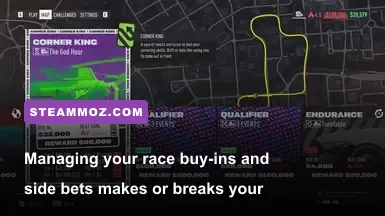
The single most shocking realization for new players is that Lakeshore City runs on a ruthless ticking clock. The campaign is broken down into four distinct in-game weeks, culminating in a mandatory Qualifier event every Saturday night. To enter that Saturday showdown, you must meet two non-negotiable prerequisites: an exorbitant cash buy-in and a car upgraded to a designated class tier (Tier A for Week 1, Tier A+ for Week 2, Tier S for Week 3, and Tier S+ for the Grand). If Saturday arrives and you lack the cash or the required car rating, the game resets your calendar back to Friday morning. You do not get a game over, but you will be trapped in a punishing time loop until your bank account recovers.
Every in-game day is split strictly into two phases: Day and Night. Entering a Meetup and running races moves the clock forward, while driving back into a safe house banks your earnings and flips Day into Night (or Night into the next Day). Here is the brutal catch: every single race requires an entry fee, and if you get busted by the cops during a session, you forfeit every single cent of unbanked cash earned during that cycle. If you enter three races during the day, rack up $18,000 in winnings, and get cornered by Lakeshore PD on your way to the garage, you lose that entire $18,000 outright. Much like managing critical resources in tactical progression games, disciplined bankroll management is the difference between staying competitive and spinning your wheels.
To avoid bankruptcy, follow the 3x Buy-In Rule. Never commit to an event unless your current bankroll holds at least three times the entry fee. Furthermore, leverage the Side Bet mechanic aggressively against AI drivers you know you can smoke. In the pre-race lobby, target drivers placed in the lower middle bracket whose vehicle performance index sits 10 to 15 points below yours. Milking rival racers for an extra $1,500 to $2,500 every single heat compounds quickly over a seven-day cycle, creating the exact financial cushion you need to fund high-tier engine parts.
The Handling Physics Have Changed: Why Grip Beats Drift
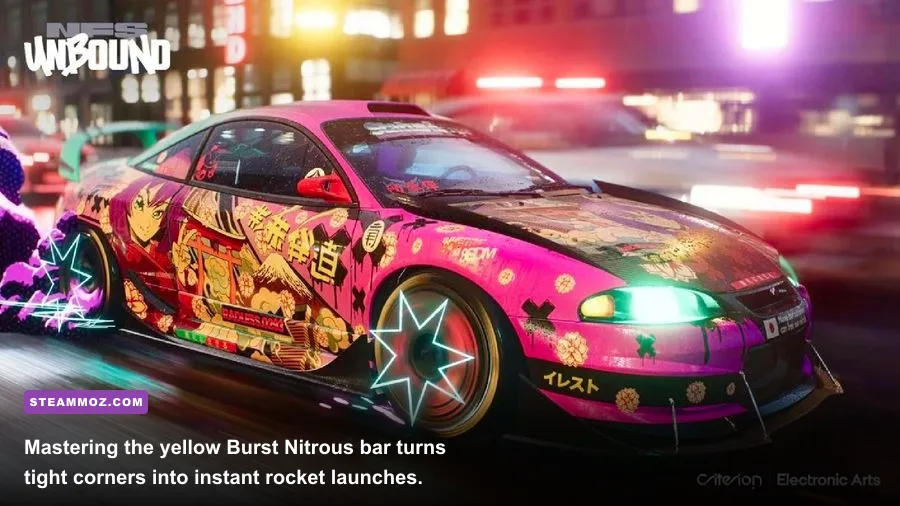
For nearly a decade, the Need for Speed franchise conditioned players to tap the brake, kick the back end out, and slide sideways through every single turn at 140 mph. If you attempt that in Need for Speed Unbound on Steam, you will lose every competitive race in Tier A and above. Drifting scrub off massive amounts of terminal velocity, leaving you vulnerable to the AI slingshotting past you on corner exit. Unbound's revamped physics model rewards pure mechanical Grip, driven by the revolutionary Burst Nitrous gauge.
Unlike your standard blue nitrous bar, which fills slowly over time and offers modest linear acceleration, Burst Nitrous manifests as bright yellow bars that stack in three distinct segments. You generate Burst Nitrous through proactive driving actions: shaving apexes cleanly, drafting directly behind rivals, narrowly avoiding oncoming traffic, and sticking high-traction turns without breaking tire grip. Once you build up one or more yellow segments, tapping the nitrous button unleashes an instantaneous, violent surge of raw kinetic energy. This does not just increase your top speed; it completely overrides the vehicle's physics engine, pulling you instantly out of lateral slides, snapping your chassis straight, and propelling you down the straightaway like an artillery shell.
| Handling Setup | Corner Entry Speed | Apex Velocity Retention | Burst Nitrous Generation | Optimal Class Tier |
|---|---|---|---|---|
| Full Grip (100%) | Moderate (Requires early braking) | Extremely High (90-95% retained) | Rapid via clean apex tracking | Tier A, S, S+ (Track Circuits) |
| Hybrid (60% Grip / 40% Drift) | High (Forgiving slip angles) | Moderate (75-80% retained) | Balanced via slipstream & slides | Tier B, Tier A (Street Sweepers) |
| Full Drift (100%) | Very High (Aggressive brake-to-turn) | Low (50-65% retained) | Massive on continuous slides | Takeover Events & Drift Zones Only |
To maximize this mechanic, head straight into your vehicle's Handling Tuning menu inside the garage. Push the Handling slider as far toward Grip as your installed suspension and differential allow. Set Steering Sensitivity to around 60-70% for sharp input response, crank Downforce toward High to anchor the rear tires into high-speed sweepers, and critically: turn Traction Control OFF. Leaving Traction Control on cuts engine throttle the moment your chassis senses weight transfer, neutering your corner exits. Build your car for maximum mechanical grip, trail-brake into turns, clip the inner curb cleanly, and detonate your yellow Burst Nitrous the millisecond your front wheels point straight.
Heat Level Management: Escaping the Undercover Lakeshore Cops
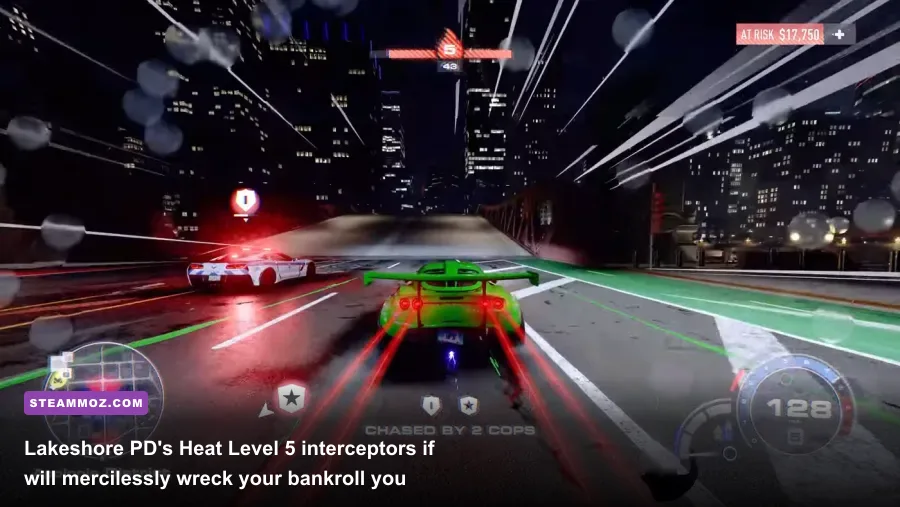
In Unbound, Heat is not just an annoying police pursuit mechanic—it is a persistent hazard that follows you across the entire city map. As you complete high-paying daytime events, your Heat rating climbs from Level 1 up to Level 5. When the sun sets, your Heat level does not reset to zero. It carries over directly into the night phase, meaning if you finish your daytime shift at Heat 4, the very first nighttime race you run will kick off with undercover Dodge Chargers and heavyweight Ford F-150 Raptors already patrolling the intersections outside your exit.
To survive Lakeshore's ruthless police AI, you must understand unit mechanics. Heat 1 and 2 feature standard Dodge Charger Cruisers and AWD Patrol units; they are lightweight, easily pit-maneuvered, and cannot keep up with high-end Tier A cars. At Heat 3, the Undercover Camaros deploy. These slick interceptors display no radar icon on your mini-map until you are virtually on top of them, and they excel at cutting through side alleys to blindside you. Heat 4 unleashes the heavy A.S.A.P. Raptors, which hit with devastating kinetic force and deploy spike strips across chokepoints. At Heat 5, you face the Corvette Grand Sport Interceptors and police helicopters. The Corvettes match your top speed and possess relentless rubber-banding acceleration.
Do not try to out-muscle cops in flat-out straight highway runs; Lakeshore's police cruisers have artificially inflated top speeds designed to catch you. Instead, exploit their pathfinding vulnerabilities:
- The Storm Drains and Metro Tunnels: Dive into the subterranean train tunnels cutting through downtown Lakeshore. Police AI frequently glitches on elevated rail platforms and cannot pursue you into enclosed rail arteries.
- The Engine Kill Mechanic: If a helicopter spotter or cruiser is circling overhead while you are in search mode, pull under a bridge or parking deck, come to a complete stop, and hold the engine kill button (default
Bon controller,Gon keyboard). Cutting your ignition turns your car completely dark, slashing police visual detection radius by roughly 75%. - Auxiliary Upgrades: As soon as you unlock Auxiliary garage slots, install the Undercover Racer module (doubles the time it takes for police to spot you) alongside Damage Increase or Repair Kit.
Similar to accumulating wealth steadily in high-yield progression games, your primary objective is cashing in cleanly rather than engaging in prolonged, vanity pursuits that put your wallet in jeopardy.
Crucial PC Graphics Settings: Taming the Frostbite Engine Stutter
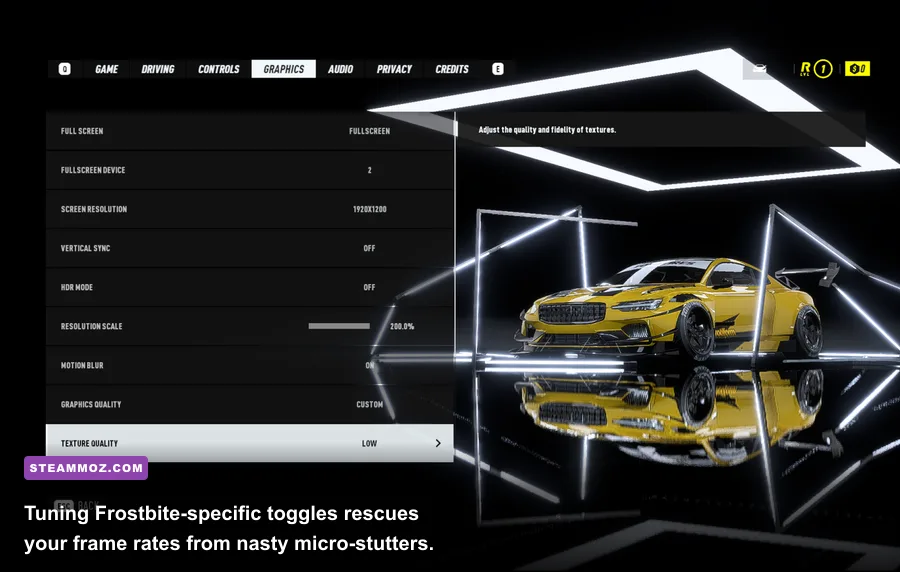
The PC port of Need for Speed Unbound runs on EA's proprietary Frostbite engine, delivering stunning photorealistic environments juxtaposed against stylized, cel-shaded graffiti effects. However, Frostbite is notorious for two specific PC ailments: heavy shader-compilation stutters upon initial launch and aggressive CPU thread bottlenecks. If you dive in with maximum ultra presets on a multi-core machine, expect erratic 1% low frame rates and agonizing micro-stutters during high-speed nitrous blasts.
Before launching the game for a long session, open your graphics driver control panel (NVIDIA Control Panel or AMD Radeon Software) and set your Shader Cache Size to 10GB or Unlimited. The default 1GB shader cache in Windows frequently causes Frostbite to purge and recompile shaders dynamically while loading high-density street assets, triggering jarring frame drops. If you have tackled persistent engine anomalies before using PC stability and crash fixes, you know that stabilizing backend shader assets is vital for smooth frame delivery.
| Graphic Setting | Recommended Value | FPS Performance Impact | Visual Impact & Tactical Recommendation |
|---|---|---|---|
| Screen Space Reflections | High (Avoid Ultra) | Very High (-14% to -18%) | Ultra renders micro-puddles at full res with negligible visual gains; High saves massive GPU overhead. |
| Shadow Quality | Medium or High | High (-10% to -12%) | Ultra computes soft contact shadows across distant foliage; dropping to High locks frametimes. |
| Motion Blur | Completely OFF | Low (-2% to -4%) | Blurs critical corner braking markers and apex references during high-velocity night driving. |
| Texture Filtering | Ultra (16x Anisotropic) | Negligible (<1%) | Virtually zero GPU performance penalty on modern VRAM; keeps road lane markers crisp. |
| Upscaling (DLSS / FSR 2) | Quality Mode | Massive Positive (+25% to +35%) | Essential for eliminating edge shimmering on graffiti smoke effects while stabilizing 1% lows. |
For fine-tuning your machine's hardware headroom just like you would when applying targeted PC graphics configurations or dialling in framerate optimization settings, disabling dynamic resolution scaling is mandatory. Unbound's dynamic resolution scaling produces inconsistent input lag across controller steering wheels and gamepads. Lock your internal resolution scaling to 100%, enable DLSS or FSR in "Quality" mode, and cap your frame rate via your driver at 3 FPS below your monitor's native G-Sync/FreeSync refresh ceiling. Refer to technical documentation on the Need for Speed Unbound PCGamingWiki page if you run into rare multi-monitor display aspect errors.
Starter Car Choices and Early Engine Swaps That Actually Pay Off
During the opening prologue, you drive high-tier supercars, but the moment the story's real narrative kicks in, you are stripped of your garage and forced to pick one of three modest starter chassis from Yaz's shop: the 1969 Dodge Charger R/T, the 1998 Nissan Silvia K's (S14), or the 1971 Nissan Fairlady 240ZG.
Ignore the raw muscle appeal of the Dodge Charger. While it boasts formidable straight-line torque, its chassis weight and atrocious understeer will turn Week 1's tight, technical street circuits into absolute misery. The Fairlady 240ZG is nimble, but its baseline acceleration curve leaves you trailing during the opening drag from the starting grid. The uncontested champion for your Week 1 campaign is the Nissan Silvia K's (S14). It features an exceptionally balanced 51/49 weight distribution, adapts effortlessly to a full-grip handling bias, and has cheap, accessible suspension packages.
However, the single biggest beginner trap in Unbound is buying new cars too early. Do not save up $150,000 to purchase a shiny Tier A chassis from the dealership. Instead, exploit the Engine Swap mechanics detailed on the official Criterion Games Need for Speed portal. Swapping the stock powerplant in your starter Silvia with a higher-displacement V6 or turbocharged inline-four yields astronomical horsepower gains without inflating your vehicle's overall tier rating beyond your current competitive bracket.
Keep a sharp eye on your vehicle's performance index ceiling:
- Tier B Cap: Index 159
- Tier A Cap: Index 209
- Tier A+ Cap: Index 269
- Tier S Cap: Index 329
- Tier S+ Cap: Index 400+
If an upgrade nudges your Tier B car to 160, the game forces that vehicle into Tier A races where it will get completely destroyed by dedicated 209-rated machines. Carefully balance your forced induction, ECU, and tire compounds to sit at exactly index 159 for Tier B or index 209 for Tier A. Maximizing your power curve while stopping right at the edge of the tier cap guarantees you will consistently dominate meetups, secure first-place payouts, and cruise toward the Grand without ever facing sudden poverty.
If you experience any sudden desktop crashes during intense loading sequences between garage upgrades, check out our guide on troubleshooting frame drops and PC crashes to ensure your virtual memory paging file is configured properly. Lakeshore City is unforgiving, but with the right grip build, disciplined bankroll habits, and dialed-in Frostbite settings, you'll be running the streets on your own terms.