
If you inject unauthorized DLLs or modified PAK archives into your game directory, Rare's Easy Anti-Cheat integration will permanently slap your Microsoft account with a Redbeard ban before your anchor even drops. The secret to truly "modding" your voyage lies in an external ecosystem: verified companion overlays, non-invasive audio compressors, widescreen viewport tweaks, and launch parameter optimizations. These authorized tools eliminate the title's most infuriating quality-of-life bottlenecks, helping you spot silent ladder-boarders, decode cryptic riddles in seconds, and keep your framerates locked during chaotic Reaper broadsides.
Interactive Navigation Overlays: The Rare Thief Companion and Game Bar Suites
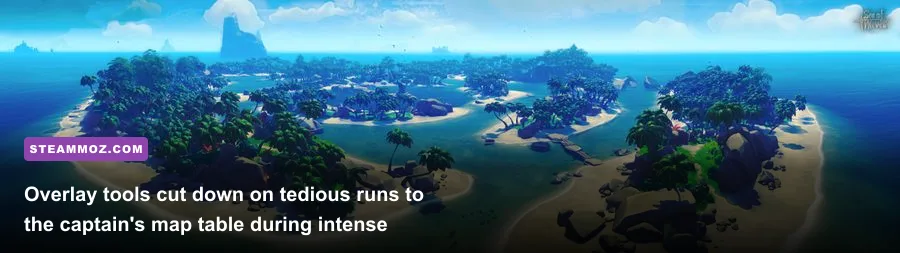
Navigating the High Seas with a default setup forces an exhausting routine: leave the helm, sprint below deck on your Sloop or down two decks on a Galleon, squint at the parchment map table, memorize the heading, sprint back up, and adjust the wheel. If you are solo-slipping through a Devil's Roar volcanic squall, those five seconds below deck will routinely sink your ship. Integrating the Rare Thief Companion overlay via the Windows Game Bar (Win+G) or running it on a secondary monitor completely eliminates that downtime.
This overlay acts as a dynamic live-mapping system. It features searchable databases for every single Riddle quest in the game, marking the exact landmark rocks, cave paintings, and skeleton thrones down to the footstep count. When an X-Marks-The-Spot voyage lands you on giant, multi-layered islands like Old Faithful Isle or Plunder Valley, manually matching tree clusters against a parchment map wastes 20 minutes of sailing time. The overlay allows you to cross-reference topological contours instantly. Much like our breakdown of Everspace 2 secret locations and hidden rewards, having precision mapping cuts down blind exploration, letting you focus on the actual loot payout.
Beyond riddles, these companion suites map out live storm paths based on server clock ticks, active Skeleton Fort beacons, and Megalodon spawn conditions. It delivers every tactical advantage of a mini-map mod without hooking into the game client's code or breaching the Sea of Thieves Terms of Service.
🎮 FORM
Looking to experience this game? Grab your digital key directly on our store for $14.99.
View on Steammoz Store →Audio Compression and Loudness Normalization: The Real Competitive Advantage
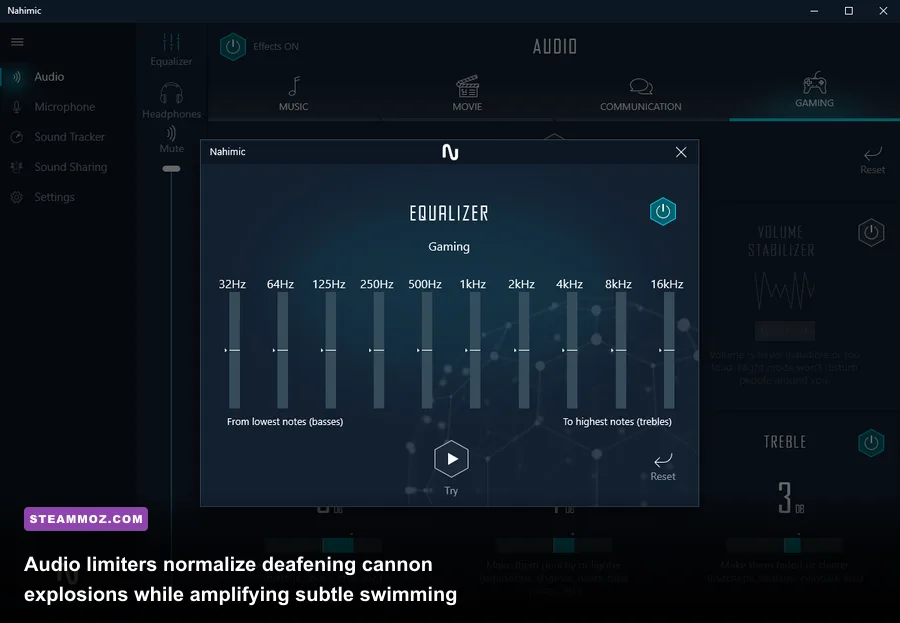
The audio design in Sea of Thieves is stunningly cinematic, but from a competitive standpoint, its dynamic range balance is a disaster. A point-blank cannon broadside or a point-blank gunpowder barrel detonation can peak past 95 dB, while the sound of a swimming boarder grabbing your ship's side ladder registers around a faint 25 to 30 dB. If you keep your volume at a safe level to protect your eardrums from screaming Megalodons, you will miss the subtle "splash" sound that signals a double-gunning tucker climbing aboard your ship.
You do not need a risky game-file sound mod to fix this. You need an external hardware-level or software-level audio limiter. The most lightweight, essential tool in any veteran pirate's arsenal is Sound Lock (or a calibrated compressor inside Voicemeeter Banana). Sound Lock places a hard decibel ceiling on your master Windows audio output without distorting lower volumes.
| Audio Tool / Technique | Recommended Output Limit | Target In-Game Sound Cue | Competitive Advantage |
|---|---|---|---|
| Sound Lock (Dynamic Ceiling) | 35% - 40% Master Cap | Ladder-grab splash & silent swimming | Crank Windows volume to 100% to hear footsteps without blowing out eardrums during broadsides. |
| Voicemeeter Compressor | Ratio 4:1 / Attack 15ms | Blunderbuss cocking & weapon swaps | Normalizes mid-range combat sounds; prevents ear fatigue over 4-hour loot-stacking sessions. |
| Windows Sonic / Atmos for Headphones | Spatial Sound: Active | Underwater directional swimming angle | Pinpoints whether a tucking boarder is climbing port or starboard ladder within 5 degrees. |
| EqualizerAPO High-Pass Filter | Cut frequencies below 80Hz | Creaking ship hull vs. mermaid splash | Removes low-end ocean rumble to highlight player interaction cues on your boat. |
By locking the maximum volume, you can crank your Windows master sound up to 90%. When a cannon fires, the limiter clamps down the blast to a manageable volume. Meanwhile, that faint "slurp" of a mermaid spawning nearby or the subtle scrape of boots on the wood planking echoes through your headset like a fire alarm. If you are serious about defending your crew from tuckers, this single audio adjustment transforms your situational awareness more than any cosmetic skin ever could.
Display Tweaks and FOV Optimization: Breaking Past the 90-Degree Cap
One of the biggest gripes PC players have had since launch is Rare's rigid 90-degree Field of View (FOV) slider limit. In tight, close-quarters deck battles inside the captain's quarters or down in the sloop's hold, 90 FOV creates tunnel vision. Enemy blunderbuss players hopping over your head slip completely out of your peripheral vision, forcing frantically wild mouse sweeps. If you come from competitive shooters with broader views, navigating this setup feels like looking through binoculars.
In earlier seasons, players used third-party memory injectors to force 120 FOV. Today, doing that triggers Easy Anti-Cheat's binary integrity scans and earns you a swift ban. However, you can achieve substantial peripheral gains 100% legitimately by taking advantage of custom aspect ratio rendering. If you are running a standard 16:9 1080p or 1440p monitor, you can use NVIDIA Control Panel or AMD Radeon Software to establish custom ultra-wide resolutions (such as 2560x1080 or 3840x1600 letterboxed on a 16:9 panel).
Because the game engine natively calculates horizontal FOV based on aspect ratio, switching to a 21:9 or 32:9 format mathematically expands your actual horizontal peripheral viewing angle well beyond the native 90-degree threshold. You gain crucial vision over your ship's deck railings while steering, letting you watch your blind spots without touching prohibited files. If your frame rates dip when driving higher custom display resolutions, our tips on PC fixes that rescue your FPS and adjusting render scaling will ensure your combat remains silky smooth.
Tactical Companion Tools Tier List: What's Safe vs. What Triggers Bans
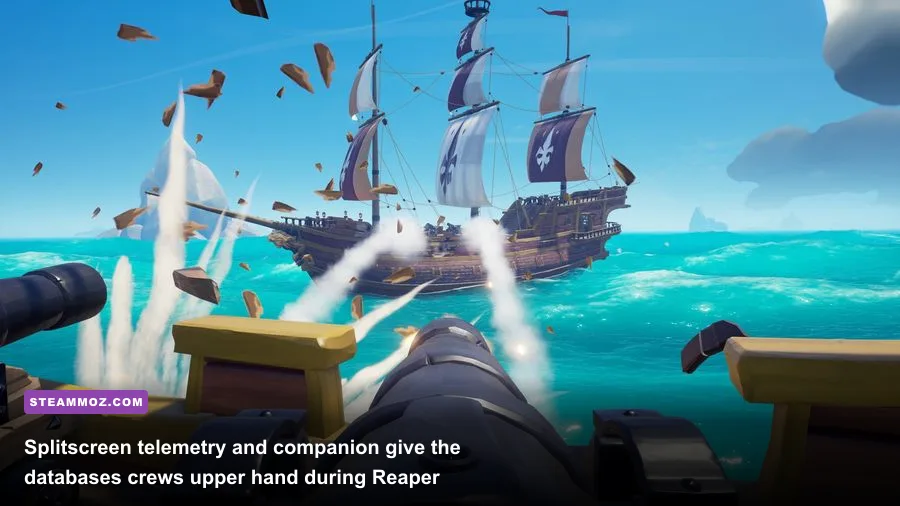
The community is flooded with third-party utilities, but line between a helpful utility and a bannable exploit is razor-thin. If a program reads the game's active RAM addresses, modifies the .pak game archives, or intercepts network packets between your client and Azure servers, it is an exploit. If it operates purely as an external overlay, uses public APIs, or adjusts system-level processing, it is safe. Much like evaluating gear setups in our ranked weapon guide, picking the right external software loadout keeps you effective without compromising your account.
| Tool / Modification Name | Category Tier | Safety Rating | Primary Function / Benefit |
|---|---|---|---|
| Rare Thief Companion | S-Tier (Essential) | 100% Safe (Overlay/Web) | Riddle solver, interactive map, dynamic event tracker, and animal guide. |
| Sound Lock (Decibel Limiter) | S-Tier (Essential) | 100% Safe (System-Level) | Protects hearing while amplifying quiet audio cues like ladder boarding. |
| Merfolk's Larder | A-Tier (Recommended) | 100% Safe (Web-Based) | Cooking timers, ledger tracker, fishing spot index, and currency calcs. |
| Custom Ultrawide Res (NVIDIA/AMD) | A-Tier (Recommended) | 100% Safe (Display Driver) | Unlocks a true wider horizontal field of view without touching game files. |
| Steam Launch Direct3D Flags | B-Tier (Situational) | 100% Safe (Steam Client) | Forces DirectX 11/12 execution paths to eliminate frametime stutter. |
| DLL-Injected 120 FOV Changers | F-Tier (Prohibited) | Instant Ban (EAC Flag) | Hooks into game memory; detected by anti-cheat systems immediately. |
Merfolk's Larder deserves special mention alongside Rare Thief. When you are min-maxing the Hunter's Call faction, overcooking a Trophy Shadow Stormfish by two seconds destroys 75% of its gold and reputation value. Merfolk's Larder provides exact, audible cooking timers mapped specifically to the meat type (Fish, Pork/Chicken, Monster Meat, Trophy Fish). It keeps you from staring at the stove skillet when you should be watching the horizon for enemy Reaper sails.
Performance Tweaks: Squeezing Maximum Stability from the High Seas
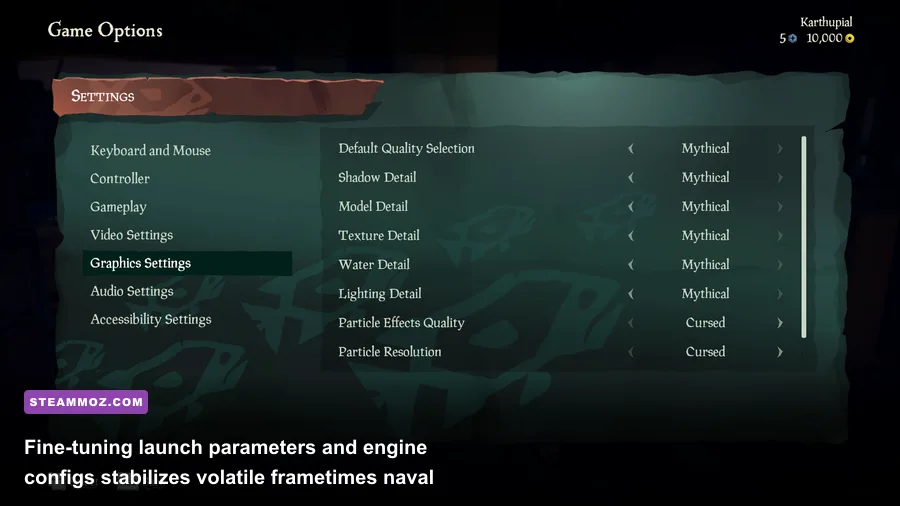
Nothing ruins a hard-fought naval exchange like stuttering frame rates when multiple ships drop cursed cannonballs simultaneously. While diving into configuration files is common in PC gaming, modifying protected values inside Sea of Thieves can cause the game client to fail its startup hash check. Instead, the most reliable optimization comes from targeting the runtime pipeline via the Sea of Thieves on Steam launch properties.
Right-click the game in your Steam Library, head to Properties > General > Launch Options, and consider entering:
-dx11 -high -useallavailablecoresWhile the game has introduced experimental DirectX 12 support, DX12 can cause intermittent micro-stuttering and asset streaming lag on older graphics cards during sudden weather shifts like heavy storms. Forcing -dx11 hands control back to an older, battle-tested shader pipeline that delivers rock-solid frametimes, especially during fast turns at the helm. If you're looking for similar fine-tuning tricks across your PC library, take a look at our guide on dialing in settings for maximum FPS as well as our troubleshooting steps for squeezing higher framerates out of your hardware.
Next, dive into the in-game Video Settings and tune your shadows and water detail. While maxing out water detail makes the waves look incredible, dropping Water Detail from "Mythical" to "Rare" nets you an immediate 12% to 18% framerate boost without making the ocean surface harder to read. Most importantly, keep Particle Effects set to "Cursed" (Low) if you frequently run into PvP battles. High particle counts fill your screen with heavy black gunpowder smoke whenever cannons fire, blinding you to incoming deck shots. Lower particle quality clears that smoke away faster, letting you track your cannon arcs and spot enemy deck movement with total clarity.
Mastering Sea of Thieves does not mean risking your pirate's legacy on shady cheats. By setting up an external interactive map, leveling out your audio mix with a decibel limiter, widening your aspect ratio, and locking down your frame pacing, you get all the real benefits of an upgraded game client without any ban risk. Set up these external tools, dial in your audio ceiling, and take control of your voyages with confidence.