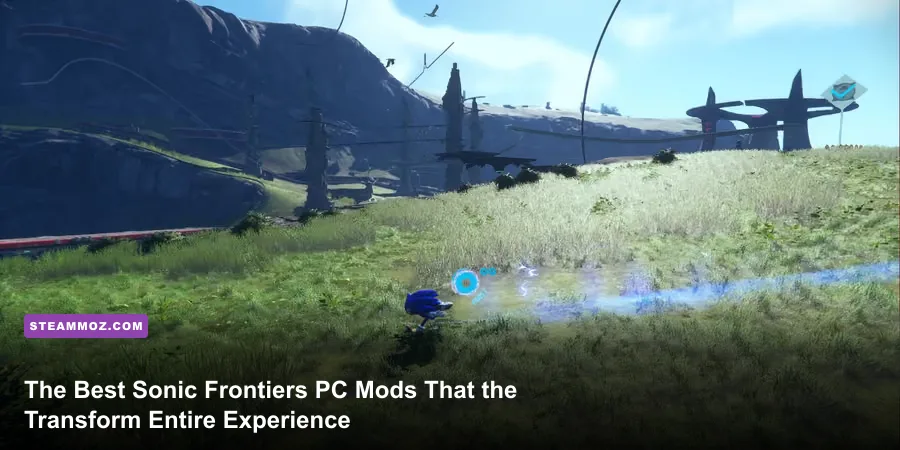
Sonic Frontiers laid down the boldest open-zone foundation the franchise has ever seen, but its vanilla PC build launched with frustrating technical compromises. Aggressive asset pop-in, arbitrary momentum caps on hills, stiff Cyberspace physics, and a hyperactive lock-on camera constantly pulled players out of the flow state. Fortunately, the passionate Sonic hacking and modding community built an array of game-changing modifications that smooth out every rough edge. By installing the right community mods through HedgeModManager, you can transform Frontiers into the blistering, responsive high-speed platformer it was always destined to be.

Getting Started: HedgeModManager and Essential Prerequisites
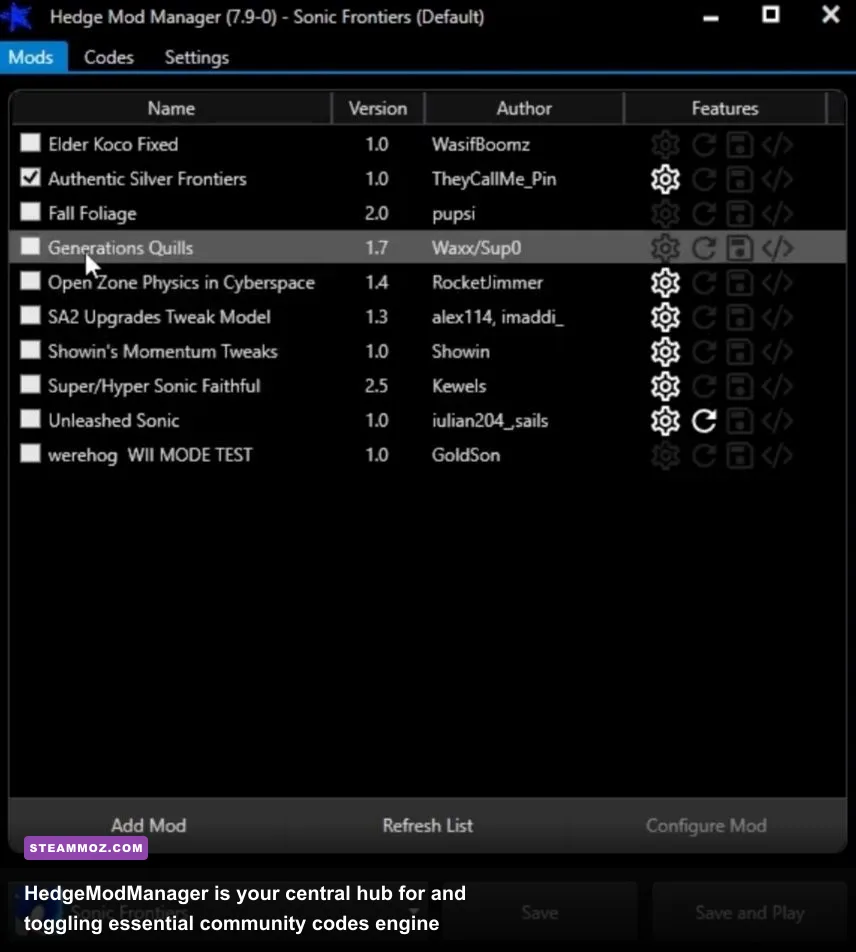
Before installing asset overhauls or physics revamps, you must install the foundational modding tool for modern PC Sonic titles: HedgeModManager (HMM). Unlike games that rely on messy manual file overwrites in the installation root, Sonic Frontiers runs its modifications via custom code injection and runtime redirection. HMM creates a clean sandbox layer, ensuring your base Steam installation files on Sonic Frontiers on Steam remain untouched.
Setting up HedgeModManager requires only a few minutes. Download the latest installer, point it toward your SonicFrontiers.exe inside your Steam directory, and permit it to install the custom dinput8.dll loader. This hook redirects file-read instructions to a dedicated mods folder. If you play on Steam Deck or Linux via Proton, you can achieve the exact same functionality by adding WINEDLLOVERRIDES="dinput8=n,b" %command% to your Steam Launch Options. For players accustomed to troubleshooting deep engine hooks, this setup is far smoother than dealing with general ELEX PC fixes that stop crashes and rescue your FPS, thanks to HMM's self-contained design.
Once inside HMM, you will encounter two primary systems: the Mods tab (which unpacks custom models, textures, sound libraries, and level edits) and the Codes tab. The Codes tab leverages memory patches written by community veterans like Skyth and Ahremic. These memory tweaks modify native game logic in real-time. Before touching a single cosmetic skin, your first move should always be visiting the Codes tab to download the community database. Features like disabling letterboxing in cutscenes, high-refresh-rate UI scaling, and physics decoupling start right here.

🎮 FORM
Looking to experience this game? Grab your digital key directly on our store for $14.99.
View on Steammoz Store →Physics and Movement Overhauls: Fixing Sonic's Momentum
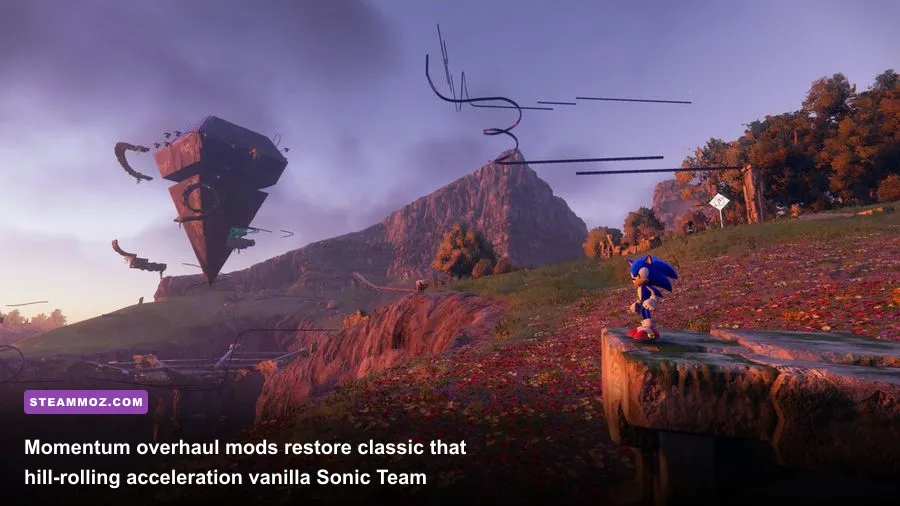
The single biggest critique leveled at vanilla Sonic Frontiers was its rigid, artificial movement logic. In the base game, running down a 70-degree cliff face on Kronos Island yielded almost the exact same forward velocity as running across a flat plain. Sonic Team hard-coded an aggressive deceleration clamp that penalized downhill running and instantly terminated vertical launch velocity the moment you pressed the jump button out of a boost. The community solved this with groundbreaking physics overhauls that restore rolling momentum reminiscent of Sonic Adventure 2 and Sonic Utopia.
The premier mod in this category is the Better Momentum Mod (often paired with the Physics Tweaker Suite available on GameBanana's Sonic Frontiers Section). This modification recalibrates Sonic's internal velocity curves. Downhill inclines dynamically accelerate your ground speed past normal boost limits, converting gravitational pull into sheer forward momentum. More importantly, it removes the artificial velocity cap when transitioning from a high-speed Cyloop or Drop Dash into an air launch. Launching off an angled ramp while boosting now catapults Sonic across massive island chasms rather than dropping him into a pre-baked downward trajectory.
The mod also tackles combat movement fluidity. In the vanilla release, initiating moves like Phantom Rush or Wild Rush locked Sonic into lengthy animation recoveries, breaking the rhythm of navigation. With balanced physics tweaks, animation recovery frames scale dynamically with your current combo meter, enabling lightning-fast cancel windows. Much like tuning combat rotations in character-driven games, having responsive cancels elevates high-tier battles. For those who enjoy fast-paced mechanics seen in our Dragon Ball Z Kakarot fast leveling and progression breakdown, freeing Sonic's combat kit turns repetitive Guardian skirmishes into stylish character-action arenas.
Visual Fidelity and Pop-in Solutions: Cleaning Up the Starfall Islands
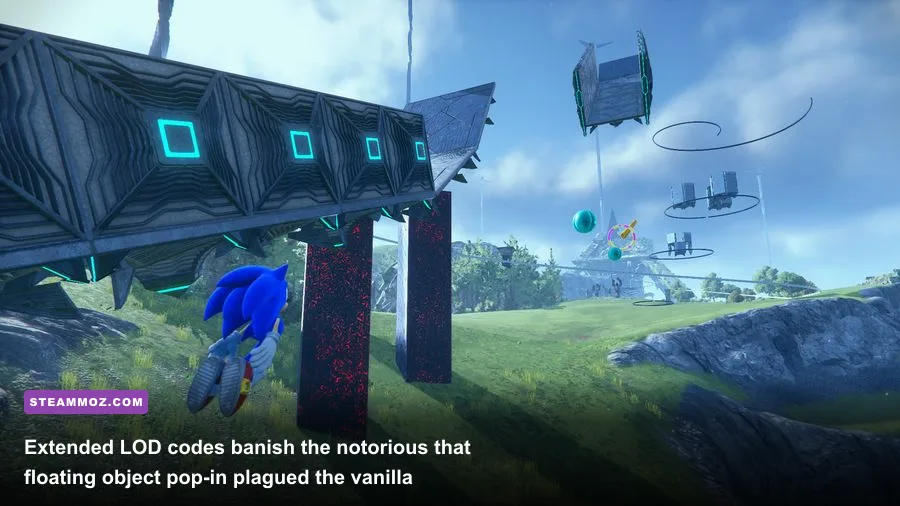
The visual presentation of the Starfall Islands is breathtaking from an art direction standpoint, but it is hobbled by aggressive level-of-detail (LOD) pop-in. In the vanilla game, grind rails, booster rings, springs, and floating platforms vanish into thin air just 40 to 60 meters away from the camera. This aggressive asset culling was implemented to ensure parity with low-powered consoles, but on a capable gaming PC, having metal rails suddenly blink into existence right before your eyes destroys immersion.
To eliminate this, you need the Extended Object Draw Distance code suite. Rather than tweaking a basic visual setting in the options menu, this code edits the memory tables governing Sonic Frontiers' Hedgehog Engine 2 asset-streaming system. By expanding the LOD radius multiplier from 1.0x to 3.0x or 5.0x, floating platforms and rails remain fully rendered from kilometers away. Running along the crags of Chaos Island while seeing every distant rail network sprawling across the horizon completely changes how the open zone feels.
Pushing asset render distances does increase draw calls on your CPU and GPU. If you run into frame-pacing micro-stutters after cranking render distances, tweaking your background rendering configurations—similar to methods detailed in our guide on Far Cry 6 settings for maximum PC frame rates—will help smooth out your frame delivery. Check out the baseline hardware impact of visual mods below:
| Visual Enhancement Mod / Code | Default Game Behavior | Modded Implementation | Performance Cost |
|---|---|---|---|
| Extended Object Draw Distance | LOD culls assets within 50 meters | Pushes asset streaming out to 250m+ | Medium (CPU Draw Calls) |
| Island Lighting & Fog Restoration | Washed-out desaturated tint on Kronos | Balanced dynamic contrast & atmospheric depth | Very Low (<1% FPS) |
| Ultrawide (21:9 / 32:9) Fixer | Black pillarboxes on cutscenes and UI | True Hor+ scaling across all resolutions | Negligible |
| Disable Motion Blur Ghosting | Aggressive temporal blur trails | Clean per-object blur with crisp edges | Positive (+2-3% FPS) |
| Uncapped Physics Frame Delta | Physics tied strictly to 60 FPS | Smooth collision handling up to 144Hz+ | Low to Medium (GPU bound) |
Beyond draw distance, you should grab the Restored Lighting & Weather Presets mod. This visual package corrects the overly aggressive grey post-processing filter on Kronos and Ouranos Islands. It introduces vibrant atmospheric scattering, enhances the contrast of rainstorms, and makes the neon glow of ancient ruins pop against the dark soil of the islands.
Cyberspace Stage Transformations and Camera Tweaks
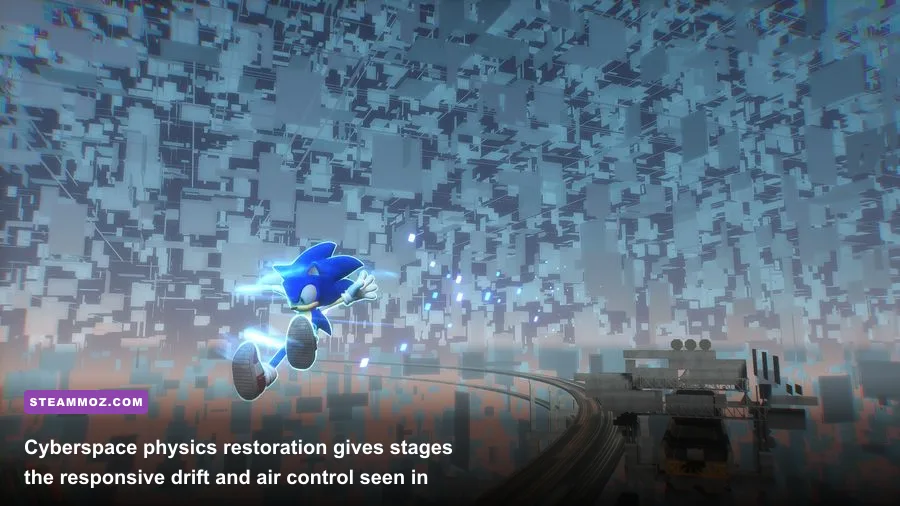
Cyberspace levels serve as high-speed obstacle courses contrasting the vast Starfall Islands, yet their vanilla incarnation caused major friction among fans. The issue stemmed from control disparity: Sonic Team used an isolated, heavily clamped physics script for Cyberspace that differed drastically from the open zones. Sonic suffered from massive steering deadzones, sluggish analog response, and an inflexible jump arc that made precision platforming feel imprecise and unresponsive—particularly in legendary speedrun stages like Cyberspace 1-2.
Installing the Generations Cyberspace Restoration mod fixes this immediately. This overhaul rips out the stiff turning caps and integrates the fluid, high-responsiveness directional controls of Sonic Generations. Sonic gains instant lateral mobility while boosting, the mid-air drift mechanic handles with scalpel-like precision, and your jump height correctly scales with forward momentum instead of locking onto a flat, pre-determined arc. Beating S-Rank times suddenly shifts from battling stiff controls to demonstrating genuine speedrunning finesse.
Complementing this is the essential Dynamic Camera Tweaker. In the unmodded game, the camera constantly attempts to wrest control away from the player. When navigating narrow pathways, triggering automated boost pads, or fighting towering Guardians like Squid and Asura, the camera pulls back violently or locks onto rigid, cinematic angles. The camera overhaul mod widens the default Field of View (FOV) from a cramped 65 degrees up to a comfortable 85-90 degrees, pulls the anchor point slightly higher behind Sonic's shoulders, and disables forced cinematic locks during open-world combat. If you have ever grappled with bad camera logic or frame rate drops in other titles, as discussed in our analysis of Filament settings for higher FPS and smooth rendering, you know how critical a stable viewing angle is during intense gameplay.
The Essential Sonic Frontiers Mod Matrix

To avoid mod conflicts and unstable memory crashes, you need a balanced, well-organized load order within HedgeModManager. Community mods modify different data tables—ranging from app.orc game variables to complex animation sets and Pac files. Loading conflicting mods in the wrong order can result in broken animations, missing audio, or crash-to-desktop errors when fast-traveling between islands. For wider engine-level crash troubleshooting tips, our breakdown of Everspace 2 crashing fixes and GPU stability provides great context on managing memory-intensive modifications.
To help you craft the perfect loadout, here is our battle-tested priority matrix. This loadout preserves game stability while maximizing visual fidelity, movement responsiveness, and combat depth:
| Priority Order | Mod / Code Name | Target System | Why It Is Mandatory |
|---|---|---|---|
| 1 (Top Priority) | Physics & Momentum Tweaker Suite | Core Movement Engine | Restores slope physics, jump velocity carryover, and uncapped boost speed. |
| 2 | Generations Cyberspace Controls | Cyberspace Stages | Eliminates turning deadzones and restores responsive analog drifting in mini-levels. |
| 3 | Extended Object Draw Distance (3x) | Hedgehog Engine 2 LOD | Removes immersion-breaking asset and grind rail pop-in across all islands. |
| 4 | Dynamic Unlocked FOV Camera | Player Viewport | Broadens peripheral vision and prevents disorienting snap-zooms in Titan fights. |
| 5 | True HDR & Island Lighting Fix | Post-Processing Shaders | Removes washed-out grey haze, adding lush color grading and atmospheric depth. |
| 6 (Lowest Priority) | Hi-Res UI & Clean Combat HUD | User Interface Overlay | Cleans up button prompts and minimizes intrusive screen clutter during combat. |
When stacking these mods, always place your global physics and movement controllers at the top of your HMM load order. These packages rewrite underlying code rules that cosmetic and environmental mods must conform to. Keep texture replacements, cosmetic skins, and HUD re-skins at the bottom of the stack so they don't accidentally overwrite critical script tables.
With this suite engaged, Sonic Frontiers shifts from an ambitious but uneven experimental title into the definitive modern Sonic experience on PC. You gain complete control over your momentum, your eyes are treated to panoramic views devoid of jarring pop-in, and Cyberspace stages control like the franchise's finest 3D entries. Take ten minutes to set up HedgeModManager, configure these essential codes, and experience the Starfall Islands the way they were truly meant to be played.