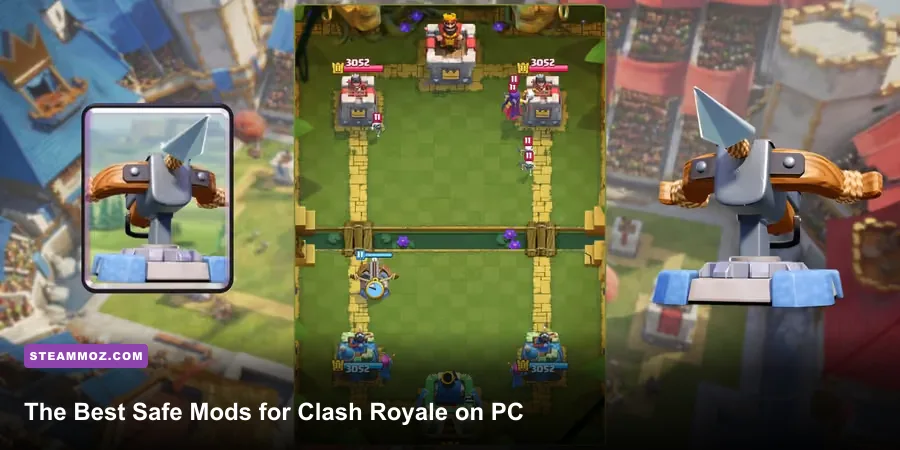
The best way to transform Clash Royale on PC isn't installing a hacked client. It's building a safe competitive setup around the official game: Google Play Games for PC, disciplined keymapping, a clean 60 FPS configuration, replay analysis, and carefully chosen deck-tracking tools. Those upgrades make placement more precise and decision-making faster without risking a ban, corrupted files, or a stolen Supercell ID.
That distinction matters. Clash Royale is a live-service game built around server-side matchmaking, card levels, tower damage, and real-time elixir decisions. Any “mod” that unlocks gems, reveals opponents' cards, changes attack speed, automates placements, or manipulates matchmaking is cheating, not customization. Supercell's Terms of Service prohibit unauthorized software and can lead to account suspension or permanent closure.
What Counts as a Safe Clash Royale PC Mod?
For this game, the useful “mods” are support tools rather than altered game files. A safe setup changes how you interact with the official client, not what the server calculates. Google Play Games for PC is the cleanest starting point where Clash Royale is available in your region. It gives you an official Windows environment, predictable window sizing, and keyboard support without asking you to download a suspicious APK.
Emulators such as BlueStacks, LDPlayer, or Nox can be convenient, but they deserve more caution. Their legality and compatibility can vary by title, region, and current Supercell policy. Never use a modified emulator build, macro recorder, auto-clicker, script injector, or “private server.” Even a harmless-looking automation feature can trigger anti-cheat checks or violate the account rules.
| Tool or Mod Type | What It Changes | Risk Level | Best Use |
|---|---|---|---|
| Google Play Games for PC | Official PC access and input support | Low | Primary Windows setup |
| Keyboard keymapping | Maps hotkeys to card selection or screen regions | Low to medium | Faster manual placement |
| Replay and deck tracker | Organizes battle history and card information | Medium | Post-match analysis |
| Macro or auto-click script | Automates repeated inputs | High | Do not use |
| Unlimited-gems or private-server APK | Attempts to alter progression or game state | Extreme | Never install |
Before installing anything, check the official Clash Royale support hub and the current Google Play Games for PC page. A tool that needs your Supercell ID password, disables Windows security, or promises free gems is an immediate red flag.

🎮 FORM
Looking to experience this game? Grab your digital key directly on our store for $14.99.
View on Steammoz Store →The Best PC Control Setup for Precise Placement
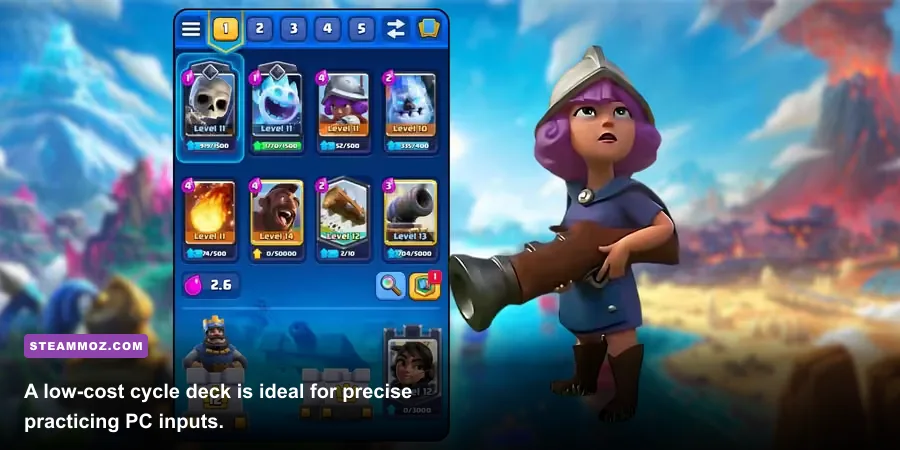
Keyboard control is valuable because Clash Royale is fundamentally a placement game. A late Skeletons drop, missed Zap, or badly centered Tornado can lose a tower before you have time to recover. Start with a simple five-slot layout that mirrors the card bar. Map keys such as 1, 2, 3, 4 to the first four cards, with Space reserved for the fifth slot only if your emulator supports it reliably. The critical rule is that a key should select a card, not automatically deploy it.
You still need to click or manually target the arena. That preserves the game's skill requirement and avoids automation. Keep the mouse near the center of the battlefield, use a stable window size, and don't resize the client between matches. Changing the arena scale can shift your muscle memory, especially when placing a building one tile from the river.
Practice these placements in a friendly battle or training environment before entering ranked play:
- King Tower activation: Pull a Hog Rider or Balloon toward the King Tower with Tornado, then confirm the activation before spending more elixir.
- Building placement: Place Cannon or Tesla four tiles from the river and centered between lanes so it attracts Hog Rider, Giant, or Battle Ram.
- Spell timing: Use The Log to clip Goblin Barrel or push back a bridge attack, but avoid firing it just because the card is available.
- Defensive drops: Keep Skeletons, Ice Spirit, or Goblins available for kiting rather than cycling them blindly at the bridge.
Disable macros, rapid-fire mouse profiles, and scripts that read the screen. Even if they only perform a card click, they create inputs a human isn't producing and can compromise your account.
Deck Tools That Improve Decisions Instead of Cheating
The strongest legal advantage is information you earn from your own matches. Clash Royale's eight-card deck, four-card hand, and roughly 2.8-second elixir generation rate create a trackable cycle. A deck tracker can help you record what the opponent has played, but it should never inject commands into the game or reveal hidden information. If an overlay violates the game's rules or asks for account credentials, skip it.
For manual tracking, write down the opponent's win condition, building, small spell, and heavy spell after the first rotation. Against a Hog Rider cycle deck, for example, count the cards after Hog Rider appears. Once four other cards have been played, Hog Rider can return to hand. That tells you when your own building or Tornado must be ready. The same principle applies to Graveyard, Royal Hogs, Goblin Drill, and Balloon.
| Deck Archetype | Typical Win Condition | Core Defensive Check | PC Practice Focus |
|---|---|---|---|
| Hog Rider cycle | Hog Rider | Cannon, Tesla, Tornado | One-tile building pulls and fast spell cycling |
| Log bait | Goblin Barrel | The Log, Arrows, Barbarian Barrel | Spell tracking and avoiding panic Log usage |
| Giant beatdown | Giant with support | Inferno Tower, Mini P.E.K.K.A, ranged DPS | Separating tank from support troops |
| Graveyard control | Graveyard | Poison, Tornado, splash damage | Counting defensive answers before counterpushes |
| Bridge spam | Bandit, Battle Ram, Ram Rider | Cheap buildings and swarm units | Reaction speed at the bridge |
Sites such as RoyaleAPI can help compare deck usage and inspect battle history, but treat third-party statistics as a reference rather than a promise of victory. Card balance changes regularly. A deck that dominated one season may become mediocre after a damage, hit-speed, or radius adjustment.
Graphics and FPS Settings That Actually Matter
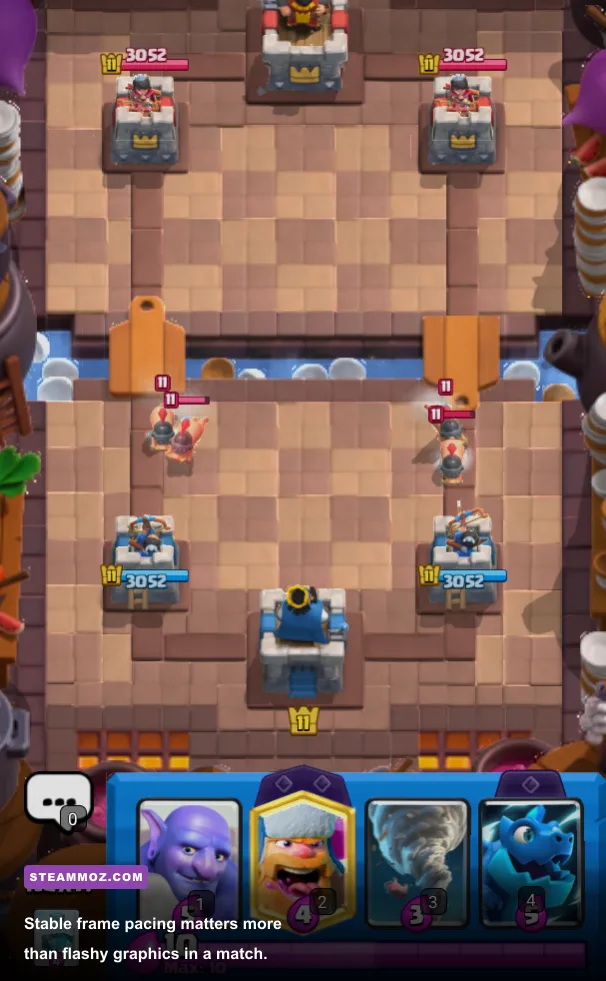
Clash Royale isn't a demanding 3D game, so the target is stable frame pacing rather than maximum visual quality. At 60 FPS, a frame lasts about 16.7 milliseconds. That gives you a cleaner read on a Goblin Barrel's travel, a Prince charge, or the exact moment a Sparky finishes charging. A fluctuating 30-to-60 FPS experience feels worse than a locked 30 FPS profile because input timing becomes inconsistent.
| Setting | Recommended Value | FPS Impact | Visual or Competitive Note |
|---|---|---|---|
| Frame rate | 60 FPS if stable | Medium | Best target for readable animations and input timing |
| Resolution | Native monitor resolution | Low to medium | Lower it only if the emulator stutters |
| Window mode | Fixed window or borderless | Low | Avoid resizing during play |
| Anti-aliasing | Default or off | Low | Minimal benefit in a small arena view |
| Background FPS | 30 FPS or lower | Positive | Leaves CPU resources for other apps |
| Virtualization | Enabled in BIOS when required | Positive | Improves Android virtualization performance |
Close browser tabs, capture software, and overlays while testing. If the game stutters when a notification appears, disable Windows notifications and set the emulator process to a normal or above-normal priority. Don't force extreme CPU affinity settings; they can make scheduling less stable. If another PC game is also suffering from crashes or frame drops, our guides to ELEX PC fixes and low-FPS troubleshooting cover the same useful Windows checks.
How to Turn Replay Review Into a Real Upgrade
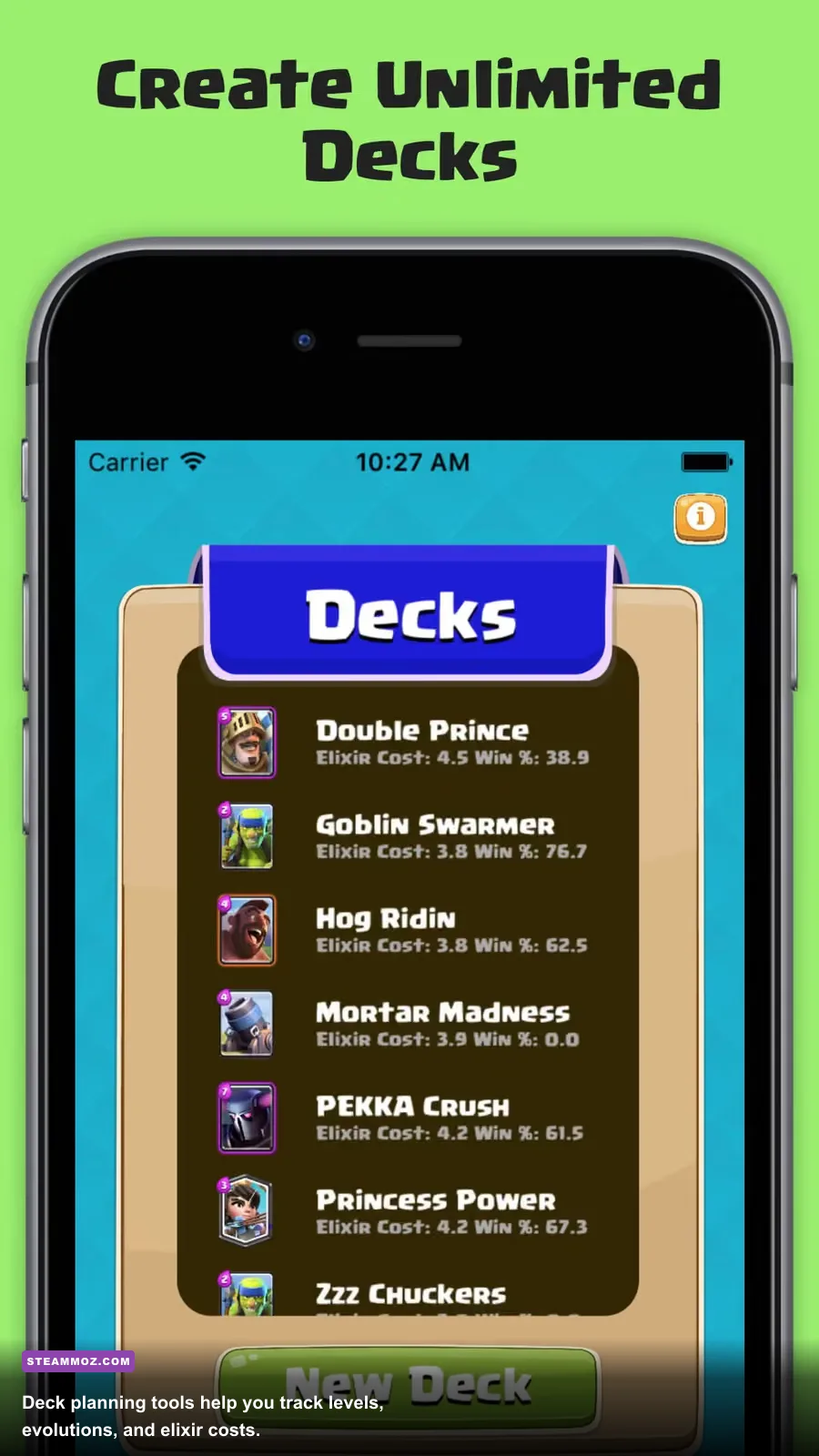
Tools don't fix a bad elixir trade; review does. After each close loss, watch the replay once without pausing, then a second time with a specific question: where did the match stop being recoverable? Mark the first moment you spent more elixir than necessary, defended the wrong lane, or revealed a key spell too early.
Use a simple three-column note: opponent card, your response, and better response. If a Mini P.E.K.K.A deletes your win condition, don't automatically conclude that the deck is bad. Ask whether you could have forced the counter out with a cheap unit, then attacked the opposite lane. If Poison removes your Goblin Gang and Princess together, change the spacing rather than throwing away the entire archetype.
Pay special attention to elixir leak. At ten elixir, every second spent waiting costs potential generation. That doesn't mean you should cycle a card recklessly; it means you should have a plan for the next rotation. A clean PC setup makes these decisions easier because your controls aren't fighting you.
Keep your account secure while experimenting. Use only the official Supercell ID login flow, enable account protection where available, and never paste credentials into a deck tracker or emulator prompt. For broader performance habits, our guides to PC settings for higher FPS and stable frame-rate tuning offer useful background.
The PC Mod Loadout Worth Using
The winning setup is deliberately boring: official PC access, manual keymapping, a locked frame rate, replay notes, and a reputable statistics site used after matches. That combination improves consistency without touching card damage, elixir generation, matchmaking, or hidden information. It also survives balance updates far better than a hacked client.
| Priority | Recommended Upgrade | Why It Helps | Warning |
|---|---|---|---|
| S-Tier | Stable 60 FPS and fixed window size | Improves timing, readability, and placement consistency | Don't chase 60 FPS if it constantly fluctuates |
| S-Tier | Manual five-slot keymapping | Reduces hand travel while preserving fair input | Never bind automatic deployment |
| A-Tier | Replay notes and battle-log tracking | Builds matchup knowledge and cycle awareness | Review your mistakes, not only opponents' decks |
| A-Tier | RoyaleAPI-style statistics reference | Helps identify current archetypes and card trends | Stats don't replace matchup practice |
| F-Tier | Macros, scripts, modified APKs, private servers | Offers unfair automation or altered progression | Ban, malware, and account-theft risk |
So, are these really mods? Technically, most are configuration tools and analysis aids. In practice, they're the only upgrades worth trusting in Clash Royale on PC. The goal isn't to make the game play itself. It's to remove needless friction so every win comes from better timing, sharper cycle tracking, and smarter elixir management.