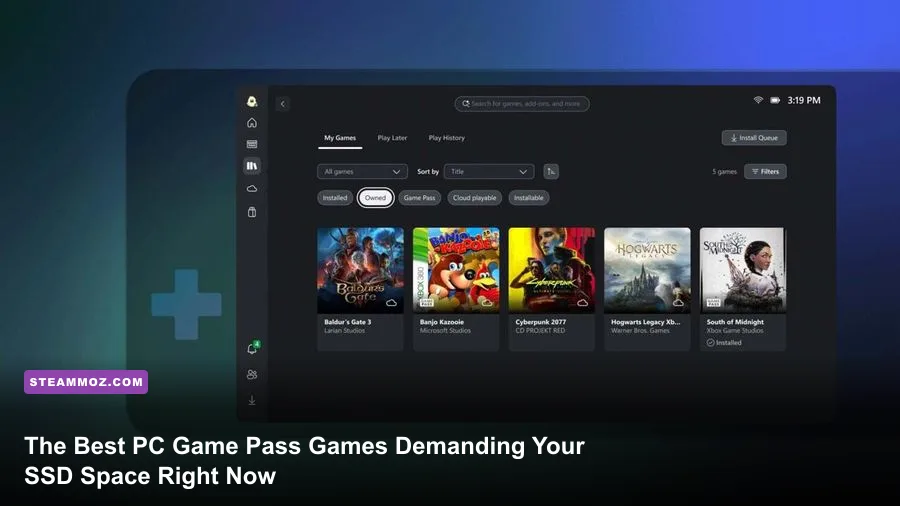
Right now, the absolute best titles you should install from PC Game Pass are Lies of P for soulslike junkies, Remnant II for high-octane co-op shooting, and Crusader Kings III if you crave bottomless sandbox strategy. Don't waste your bandwidth mindlessly queuing up 100GB titles that fizzle out after two hours. Microsoft's subscription houses over 400 PC offerings, but only a dedicated fraction justifies your precious NVMe write cycles and provides clean, hitch-free PC performance out of the box.
The Heavyweights: Action and Soulslike Masterpieces Demanding Your NVMe Drive
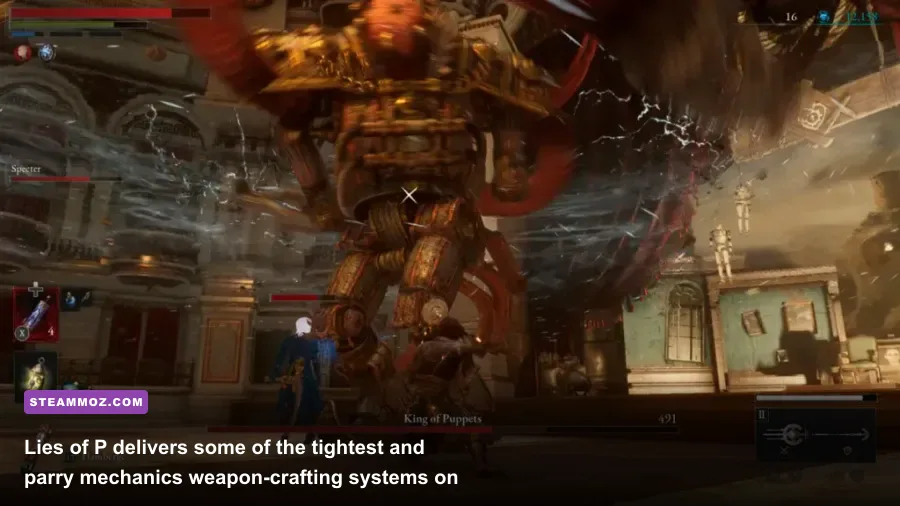
If you're looking for razor-sharp combat mechanics that rival FromSoftware's finest work, Lies of P is the crown jewel of the service. You play as Geppetto's puppet slicing through the Belle Époque nightmare of Krat. What sets it apart on PC is its astonishingly good Unreal Engine 4 optimization. It locks onto ultra-wide resolutions and pushes buttery framerates without shader compilation stutters. The gameplay thrives on a strict parry window: you have roughly 10 frames to execute a Perfect Guard, making its deflect curve tighter than Sekiro. Its weapon assembly mechanic lets you detach blades and handles to mix-and-match movesets with physical damage scalings. Pair a heavy Motivity handle like the Pipe Wrench with a slashing blade, and you get devastating Fable Art bursts that stagger boss health pools in seconds.
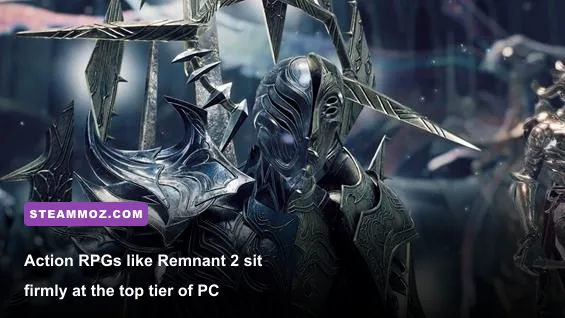
Sitting right alongside it is Remnant II, Gunfire Games' procedural co-op masterpiece. Often dubbed "Dark Souls with guns," this game treats gear synergies like a math major's playground. Running a Gunslinger archetype main with a Hunter secondary lets you melt world bosses on Apocalypse difficulty through pure crit stacking. The Dreadwalker mod on the Nightfall long gun grants active life-steal while turning your weapon fully automatic with infinite ammo for 10 seconds. On PC, Remnant II uses Unreal Engine 5's Nanite geometry heavily, so make sure to enable DLSS or FSR with balanced scaling to preserve a clean 60+ FPS when swarms collapse on you in Losomn.
For open-cockpit sci-fi lovers, Everspace 2 trades linear corridors for massive planetary vistas and seamless space dogfighting. You manage shield depletion, weapon heat dissipation, and inertia drift while juggling laser loadouts. If you're tackling high-end star systems, you'll need the right arsenal; check out our breakdown on the Everspace weapons worth your credits to avoid sinking scarce credits into underperforming blasters. Exploring secret sectors is equally profitable, which you can map out efficiently through this Everspace 2 secret locations and hidden rewards guide before jumping into hostile outposts.
The Definitive PC Game Pass Tier List: Current Must-Plays Ranked
Not every title on the service delivers equal value. Some suffer from poor mouse-and-keyboard implementations or broken UWP frame pacing, while others run like bespoke PC software. We tested current downloads across mid-range and high-end rigs to rank these heavy hitters by performance, mechanical depth, and total gameplay value.
| Game Title | Genre | Install Footprint | PC Optimization Rating | Tier Rating |
|---|---|---|---|---|
| Lies of P | Action Soulslike | ~35 GB | Flawless (High raster, zero stutter) | S-Tier |
| Remnant II | Action Shooter RPG | ~72 GB | Moderate (Requires DLSS/FSR upscaling) | S-Tier |
| Crusader Kings III | Grand Strategy RPG | ~10 GB | Excellent (CPU-bound late game) | S-Tier |
| Warhammer 40k: Darktide | Co-op Horde Shooter | ~60 GB | Heavy (Demands Frame Gen / High RAM) | A-Tier |
| Sea of Stars | Turn-Based JRPG | ~4 GB | Flawless (Runs on any toaster) | S-Tier |
| Far Cry 6 | Open-World FPS | ~90 GB | Good (VRAM sensitive with HD textures) | B-Tier |
| Cocoon | Isometric Puzzle | ~3 GB | Flawless (Native high refresh rate) | A-Tier |
S-Tier selections run smoothly across varied hardware without requiring third-party configuration files, and they respect your inputs with raw mouse polling and uncompressed audio. A-Tier games are phenomenal gameplay experiences that demand capable GPUs or careful in-game tinkering to stabilize frames. B-Tier offerings, while mechanically entertaining, carry massive download sizes or publisher launcher overhead that dilutes the pickup-and-play convenience of the platform.
Strategy, Shooters, and Deep Progression Systems
If your favorite loop involves numbers going up, talent trees expanding, and swarms of enemies disintegrating, PC Game Pass shines brightest. The service hosts some of the most mechanically demanding tactical games ever built for desktop platforms.
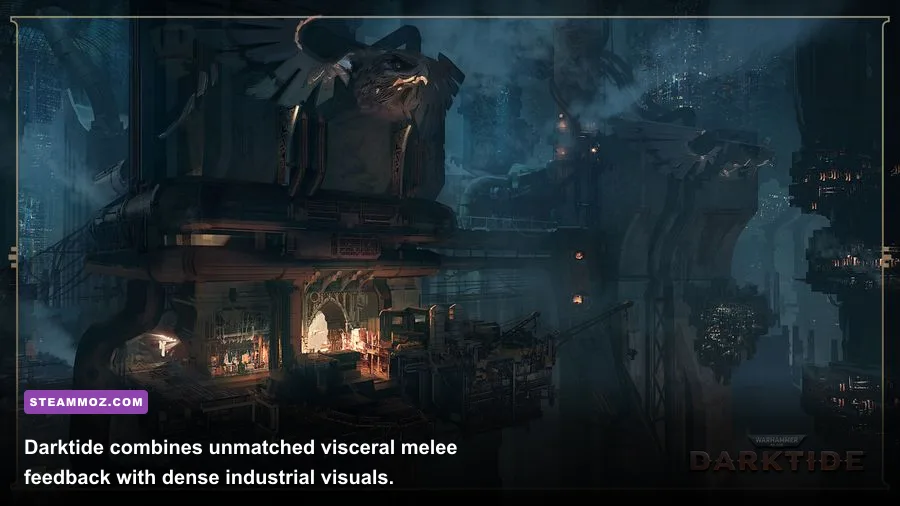
First up is Warhammer 40,000: Darktide. Following massive class overhauls, Fatshark's four-player co-op shooter has evolved into an essential horde slaughterhouse. Fighting through the bowels of Hive City Tertium feels punchy, desperate, and metallic. If you roll a Zealot Preacher, stacking the Inexorable Judgment keystone feeds you up to 20% increased attack speed and sprint boosts as you dodge enemy fire. The combat loop hinges on managing Toughness bleed-through: taking a melee swipe when your Toughness bar isn't 100% full causes direct chip damage to your real health. To stabilize frame pacing during high-density horde spawns on Damnation difficulty, drop Volumetric Fog to 'Medium' and disable Ray Traced Reflections; this will claw back up to 35% of your baseline raster performance.
If you prefer brain-burning geopolitical chaos over revving a chainsword, Crusader Kings III is the most addictive sandbox on the service. You aren't playing a nation; you are steering a genetic bloodline through centuries of feudal instability, poisonings, and religious schisms. Starting in the 867 AD bookmark as an Irish count or a Norse jarl lets you master the stress mechanic—every time you act against your character's personality traits (like executing a prisoner while possessing the 'Compassionate' trait), your stress spikes. If it maxes out, your character might suffer a nervous breakdown, develop alcoholism, or accidentally burn down their own castle library.
For open-world chaos, Ubisoft's Yara setting in Far Cry 6 is available via Game Pass through the integrated Ubisoft Connect launcher. While the narrative treads familiar ground, its guerrilla arsenal crafting offers wild build diversity. If you're diving into Yara's sprawling jungle outpost raids, check out our guide to Far Cry 6's best beginner build to get early access to silenced resolver weapons and armor piercing rounds. Should you notice annoying micro-stuttering while driving vehicles through Esperanza, dial in your hardware using these tested Far Cry 6 settings for max FPS to keep combat buttery smooth.
Lightweight Indie Gems That Respect Your Time and Storage
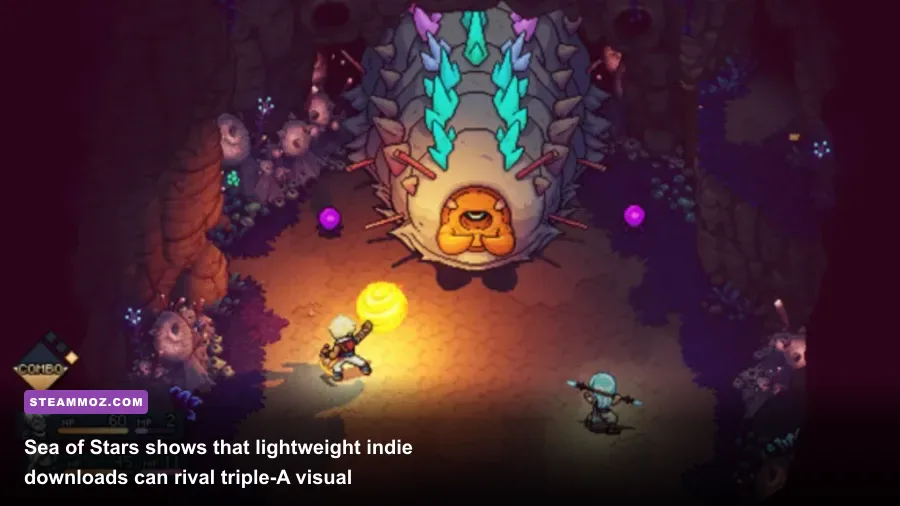
Triple-A blockbusters get the marketing billboards, but boutique indie titles represent the true heart of PC Game Pass. You can download three or four of these modern classics in under ten minutes without clearing out your hard drive.
Sea of Stars is an absolute triumph of 2D turn-based design. Developed by Sabotage Studio, it uses modern dynamic lighting combined with classic 16-bit sprite work. Its battle system completely bins traditional turn-based auto-piloting by employing timed hits (tapping your action button right as an attack lands boosts outgoing damage by roughly 20% while reducing incoming hurt). More importantly, the 'Locks' system displays elemental weaknesses above enemy heads during charge-up animations. By deploying Valere's Moonerang or Zale's Sunball to match those icons, you break enemy spells before they can unleash devastating party-wiping attacks.
Then you have Cocoon, masterminded by Jeppe Carlsen, the lead gameplay designer behind Limbo and Inside. You carry entire worlds contained inside glass orbs on your back. Leaping into an orb transports you inside its biome, while using that same orb outside acts as a battery power source to operate alien machinery. It features zero spoken dialogue, zero written text tutorials, and pristine graphical clarity running at unbounded desktop framerates. The visual and spatial puzzle logic here makes you feel like an absolute genius without ever stalling your momentum.
When you're configuring low-overhead puzzle games or platformers for budget rigs or handheld gaming PCs running the Windows Xbox app, getting settings right is key. Similar to tweaking titles like we outlined in our Filament Marmalade Edition settings for higher FPS guide, locking your refresh rate and keeping anti-aliasing to lightweight FXAA keeps battery drain low and internal temperatures ice cold.
Squeezing Stability and Max Frames from the Windows Xbox App
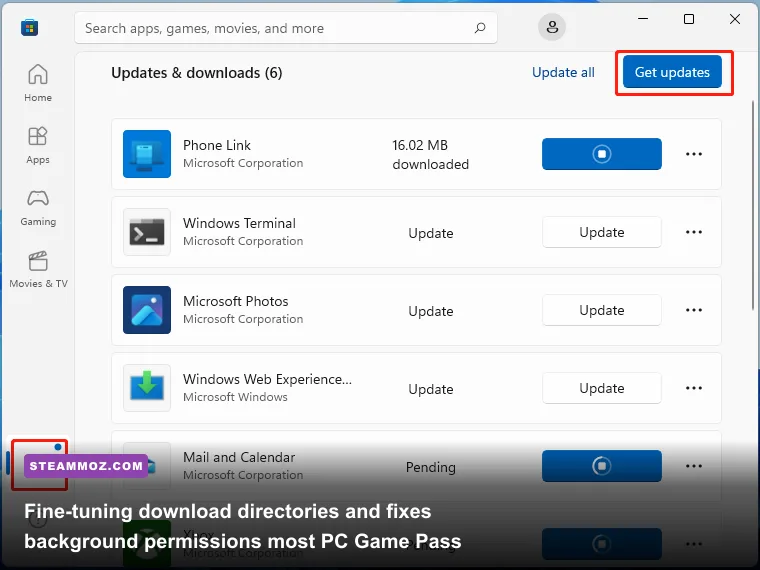
The PC Game Pass catalog is unmatched in raw value, but the Windows Xbox App itself can occasionally test your patience. Between arbitrary file permissions, sandboxed virtual drives, and Gaming Services installation hangs, PC enthusiasts often run into snags that Steam users rarely face. A few minor tweaks will make your Game Pass experience substantially smoother.
| Common Issue | Underlying Cause | Target Fix | Expected Result |
|---|---|---|---|
| Download Stalls at 0% | Windows Gaming Services queue lockup | Run PowerShell: get-appxpackage *gaming* | remove-appxpackage, restart & reinstall |
Restores full uncapped bandwidth |
| No Mod / Config Access | Sandboxed WindowsApps permissions | Go to Xbox App Settings > General > Change folder to C:\XboxGames |
Unlocks local game files and INI tweaking |
| Micro-Stuttering in Menus | Xbox Game Bar background capture polling | Disable Windows Settings > Gaming > Captures > Record in the background | Cuts background CPU overhead by 5-10% |
| Sudden Launch Crashes | Corrupted Cloud Save sync handshake | Verify and Repair via 3 dots > Manage > Files | Repairs missing executables without re-download |
The first adjustment you must make is changing your default installation directory. Older versions of the Xbox app locked your game folders behind encrypted WindowsApps containers, preventing players from tweaking graphics configuration files, injecting custom ReShade profiles, or swapping out DLSS `.dll` versions. Modern versions let you specify a custom folder like C:\XboxGames. Use it! This lets you access configuration `.ini` files to disable forced motion blur or bypass hardware checks in stubborn titles.
If you ever run into hard desktop crashes when booting demanding Game Pass titles, the root issue often traces back to VSync sync conflicts between Windows 11 Auto HDR and the Xbox overlay. Just like resolving crashing loops covered in our Elex PC fixes that stop crashes and rescue your FPS, always toggle off full-screen optimizations on the game's root `.exe`, enforce your frame cap directly inside the Nvidia Control Panel or AMD Adrenalin software rather than in-game, and disable Windows Game Bar background capture. Stay plugged into Microsoft's official Xbox Game Pass news hub to keep track of mid-month additions and departing games, and clear out space on your drive: the current PC lineup has never been this potent.