If you're still playing vanilla car games on PC, you are experiencing less than half of what your hardware can actually pull off. Out of the box, standard releases like Assetto Corsa on Steam or even the physics marvel BeamNG.drive on Steam look dated, suffer from static lighting, lock your field of view behind rigid cameras, and mute critical tire telemetry. The right mods don't just add a handful of shiny supercars—they rebuild render pipelines, inject dynamic weather engines, linearize force feedback response curves, and fundamentally overhaul vehicle physics from the chassis up.
The S-Tier Foundation: Tools That Rebuild the Game Engine
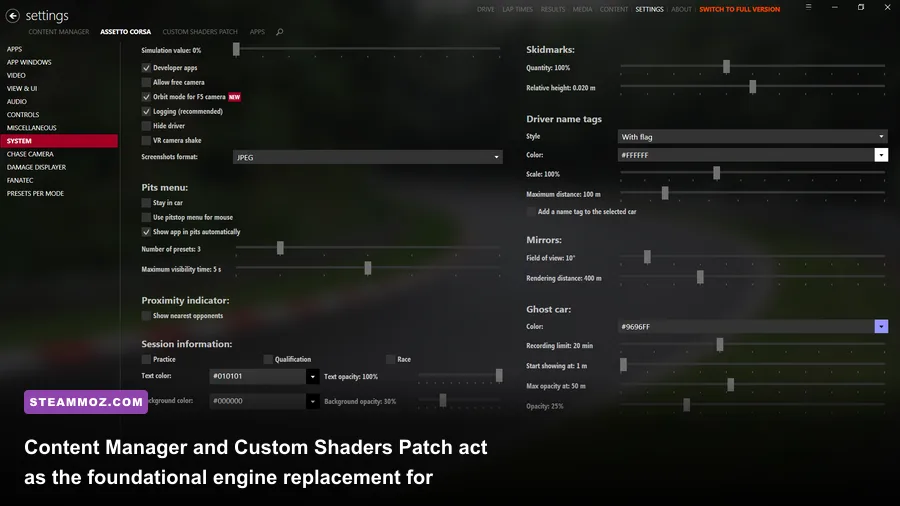
Before installing fancy paint jobs or laser-scanned tracks, you need the master tools that hijack the base game's executable. In the world of PC driving titles, nothing comes close to the combination of Content Manager (CM) and Custom Shaders Patch (CSP). Developed independently of the original studio, this duo turns a 2014-era driving sim into a cutting-edge technical showcase that rivals modern Unreal Engine releases.
Content Manager completely replaces the sluggish default menu launcher with a blazing-fast UI loaded with telemetry analysis, server browsers, track day organizers, and integrated mod management. Meanwhile, x4fab's Custom Shaders Patch rewrites how the engine draws frames. CSP activates dynamic light sources (giving every brake rotor, headlight, and backfire real-world illumination properties), tire deformation, real-time mirrors, and RainFX—which produces hyper-realistic rain droplets that whip across your windshield based on aero speed and wiper physics.
To set this up correctly, skip the manual archive drops. Open Content Manager, drag your CSP zip file straight into the window, and enable it inside the Settings > Custom Shaders Patch panel. If you are tuning graphics on mid-range hardware, checking our advice on optimizing settings for higher frame rates will help you strike the sweet spot between shader quality and locked render times.

🎮 FORM
Looking to experience this game? Grab your digital key directly on our store for $14.99.
View on Steammoz Store →Weather and Lighting Overhauls: Transforming Visuals from 2014 to Modern Standards
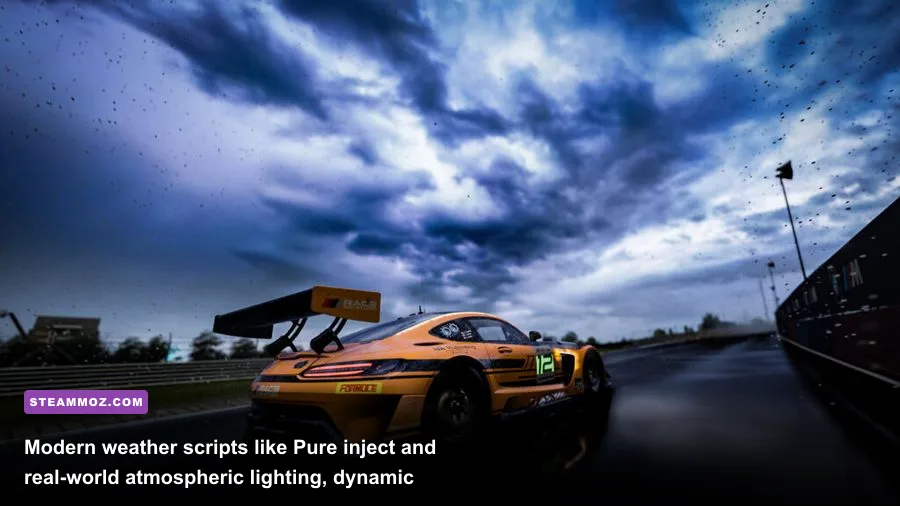
Vanilla driving games rely on pre-baked, static skyboxes that give roadways a sterile, plastic sheen. Installing Peter Boese's Pure (the modern evolution of Sol) completely replaces that flat lighting model with a physically driven, real-time atmospheric scattering engine. Pure calculates cloud density, ambient moisture, sun angles, and HDR exposure dynamically, giving tarmac realistic surface dampness and true-to-life twilight transitions.
The difference behind the wheel is staggering. Instead of a uniform gray horizon, afternoon runs down the Nürburgring Nordschleife feature blinding solar glare filtering through the trees, cast shadows that adapt to cloud movement, and realistic horizon hazing. Pure also integrates seamlessly with 3D grass patches and dynamic track surfaces, meaning track temperature shifts naturally as cloud cover rolls over the circuit, directly affecting your tire grip levels.
Running high-tier weather scripts alongside post-processing filters (PPFilters) like C13 Aegis or Natural Mod does introduce visual overhead. To prevent hitching when heavy volumetric fog or rain drops in, keep your CSP reflections set to Two Faces per Frame rather than rendering all six faces continuously. If you run into stability issues during visual mod installation, reviewing these proven crash fixes and performance rescue tips will keep your runtime rock solid.
| Mod / Tool Name | Target Game | Mod Category | Tier Rating | Performance Impact | Core Benefit |
|---|---|---|---|---|---|
| Content Manager + CSP | Assetto Corsa | Engine Extender | S-Tier (Essential) | Low to Medium (5-12% FPS) | Adds dynamic rain, lighting engine, modern UI, and physics hooks |
| Pure (by Peter Boese) | Assetto Corsa | Atmosphere / Skybox | S-Tier (Essential) | Medium (8-15% FPS) | Photorealistic dynamic skyboxes, volumetric clouds, true HDR |
| WheelCheck & LUT Generator | Universal PC Sims | Force Feedback / FFB | S-Tier (Essential) | None (0% FPS) | Linearizes steering motor response, wipes out deadzones |
| BeamMP | BeamNG.drive | Multiplayer Framework | A-Tier (Must-Have) | Low (Network Bound) | Synchronized soft-body physics multiplayer cruising & chases |
| NeckFX (CSP Module) | Assetto Corsa | Camera Dynamics | A-Tier (Must-Have) | None (0% FPS) | Realistic driver head tracking into apexes and under braking forces |
| Reshade with RTGI Shaders | Universal PC Sims | Post-Processing | B-Tier (Situational) | Very High (25-40% FPS) | Screen-space ray tracing reflections and ambient occlusion |
Physics and Force Feedback: Restoring Realistic Road Feel
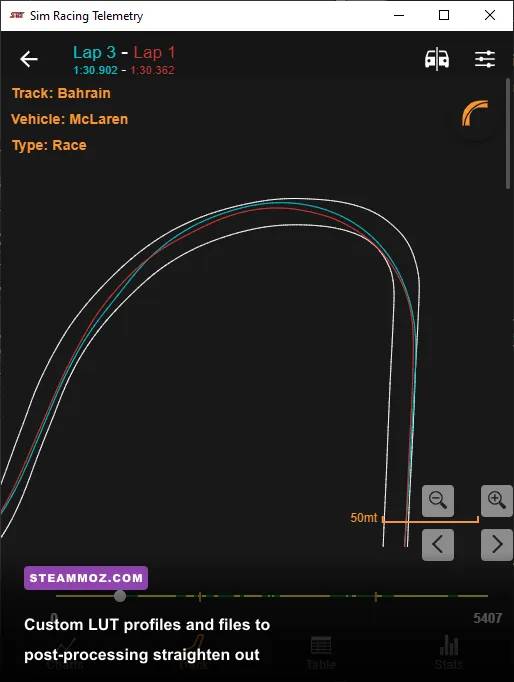
Most steering wheels—especially gear-driven and belt-driven hardware like the Logitech G29/G923 or Thrustmaster T300RS—suffer from non-linear torque curves and noticeable center deadzones. Your wheelbase motor doesn't deliver force 1:1 against what the simulator's physics thread is computing. That is where WheelCheck and the LUT Generator for AC become mandatory downloads.
WheelCheck sends incremental test current directly into your steering motor, logging the precise minimum force required to move the rim and mapping your hardware's unique rotational friction. Feeding that output log into the LUT Generator creates an inverted response curve. When the game sends a 2% steering rack signal, the LUT boosts the initial electrical current past your motor's deadband resistance, delivering instant tire slip alerts directly into your hands.
Pair this setup with Extended Physics (a framework built into CSP and maintained by modding communities on Overtake.gg) to unlock multi-point chassis flex and dynamic tire wall scrub. You will instantly feel the exact millisecond front-end grip washes out into understeer, letting you catch snap oversteer slides before your car spins into the barrier. Just make sure your PC meets proper simulator tolerances by comparing your setup against our PC hardware specs and requirements breakdown.
BeamNG Crash Sandbox: Essential Multiplayer and Damage Expansions
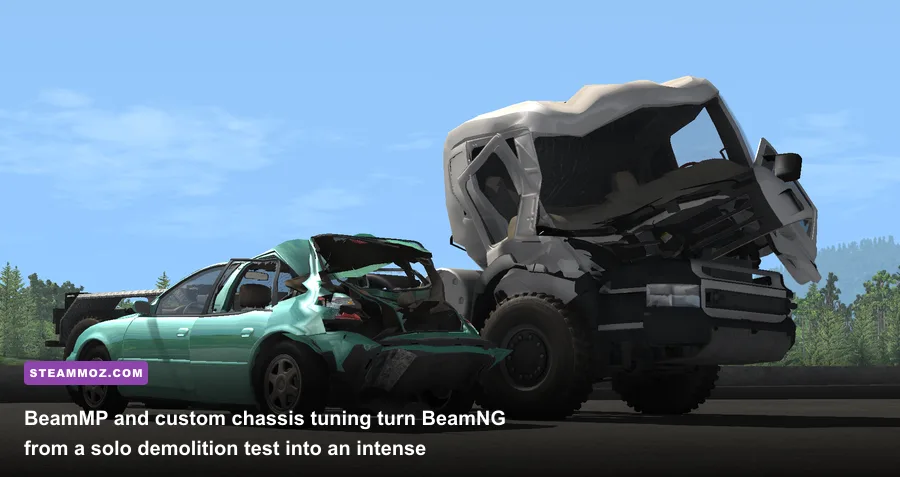
BeamNG.drive holds the crown for soft-body physics, but running isolated crash tests on default grids gets old fast. The game's defining mod is BeamMP, a lightweight community multiplayer client that synchronizes real-time soft-body destruction, vehicle states, and part loss across online servers with shockingly low latency.
Cruising open-world maps like West Coast USA with a pack of tuned street cars or evading player-controlled police interceptors turns BeamNG into the ultimate physics-driven sandbox. Every fender crunch, radiator puncture, and suspension shear is calculated on your local CPU cores and echoed cleanly across the network.
Beyond multiplayer, install deep mechanical expansion mods like Meo's 454 Drag Block & Parts Pack and CJD Special Tunes. These packs dive straight into the game's Jbeam file architecture, unlocking custom turbocharger wastegate pressures, adjustable limited-slip differential ramp angles, and standalone ECU flash curves. Instead of swapping simple visual aero parts, you are adjusting physical boost thresholds and gear mesh ratios that can literally tear your driveshaft apart if tuned incorrectly.
Driver Immersion: Dynamic Cameras and Acoustic Overhauls
High-end simulation falls flat if your in-game cockpit feels glued to the car chassis. In real-world racing, a driver's head tilts toward the apex of a turn and snaps forward under heavy threshold braking. In Assetto Corsa, you can unlock this sensation without buying VR headsets by enabling NeckFX inside CSP's settings. NeckFX acts as a virtual neck model, dynamically panning your camera into corners based on steering input, yaw rate, and G-force load spikes.
To dial in NeckFX for maximum realism without inducing motion sickness, use these tuned profile values inside the CSP NeckFX tab:
- Look Ahead: 25% (subtle apex tracking that guides your eyes naturally through tight hairpins)
- Longitudinal G-Force Damping: 40% (cushions head snap under ABS activation and downshifts)
- Lateral Roll Velocity: 15% (simulates head tilt against centrifugal forces during sustained high-speed sweepers)
- Horizon Lock: 70% (keeps track orientation steady so you don't lose your peripheral apex marker)
Audio is the other half of immersion that vanilla files neglect. Stock engine recordings frequently sound muffled and flat. Downloading engine audio replacements from creators like Fonso or GabeIS300 injects multi-channel audio captured via real chassis-mounted dynamic mics. You'll hear real wastegate flutters, straight-cut gearbox whine, gravel pinging against naked carbon wheel arches, and unburnt fuel exploding through the exhaust headers on aggressive throttle lift-off.
Tuning Graphic Shaders to Lock Down Maximum Framerates
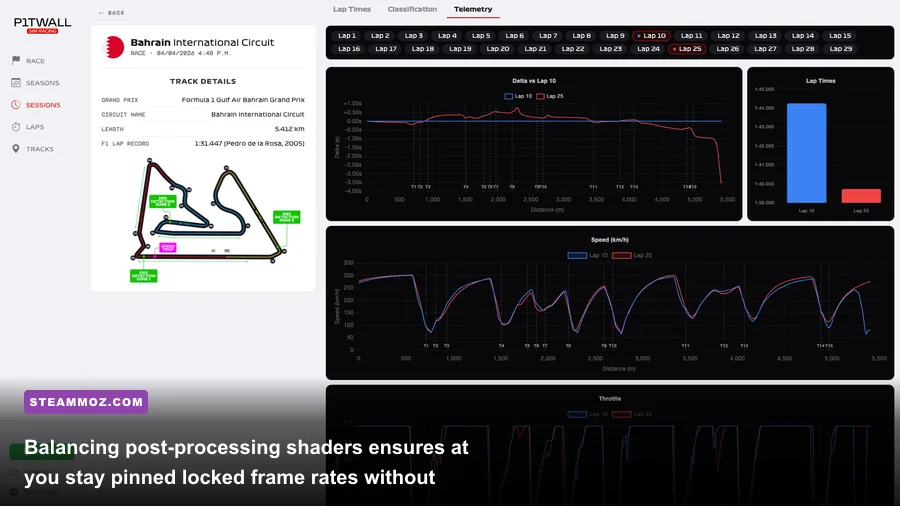
Stacking extra visual passes like screen-space local reflections (SSLR), ambient shadows, motion blur, and rain physics will hammer your graphics card hard if you leave every slider maxed out. To keep your frame times below 11.1ms (vital for a locked 90 FPS in VR or high-refresh triple monitors), you need to trim the invisible shader hogs that drain GPU rasterization power without improving clarity.
Use the optimization table below to configure CSP's Extra FX and Graphic Adjustments modules for clean visual fidelity and locked performance:
| Setting Location | Baseline Stock Value | Pro-Tuned Value | FPS Cost vs. Gain | Visual Impact & Reason |
|---|---|---|---|---|
| Extra FX: Temporal Anti-Aliasing (TAA) | Off / Simple FXAA | TAA Active + Sharpness 15% | -4 to -6 FPS | Eliminates pixel jitter on chainlink fences and barriers completely |
| Extra FX: Local Reflections (SSLR) | Hi-Z Full Resolution | Old / Medium (Custom tracing) | +12 to +18 FPS | Retains puddle reflections while cutting massive compute buffer overhead |
| Lighting FX: Dynamic Headlights | 100% Range / All Cars | Wide Angle / Limit to 12 Cars | +8 to +14 FPS | Prevents severe FPS drops during night grid starts with 24+ cars |
| Smart Mirror: Render Resolution | 1024x512 / Two Eyes | 512x256 / Single Pass | +6 to +9 FPS | Mirrors stay crisp while halving double-draw scene passes |
| Particles FX: New Smoke Physics | High Density / Traced | Standard / Soft Collisions | +10 FPS during drifts | Drift tandems stay completely smooth without tire smoke dropouts |
If you still notice micro-stuttering during multi-car race starts, your GPU memory might be choking on 4K uncompressed skin textures. Head over to Content Manager's tools tab and use the integrated Texture Compressor to convert loose PNG and BMP files into DDS (BC7) format, freeing up several gigabytes of VRAM instantly. For broader techniques on resolving hardware frame-rate bottlenecks across your PC library, review our walkthrough on fine-tuning graphics settings for higher frame rates.
By establishing a bulletproof foundation with Content Manager and CSP, layering on Pure's atmospheric weather, recalibrating your steering rack with a custom LUT curve, and locking in tuned shader profiles, you elevate your PC driving experience from a standard arcade session into an astonishingly realistic, tire-screaming simulator that looks and feels extraordinary.