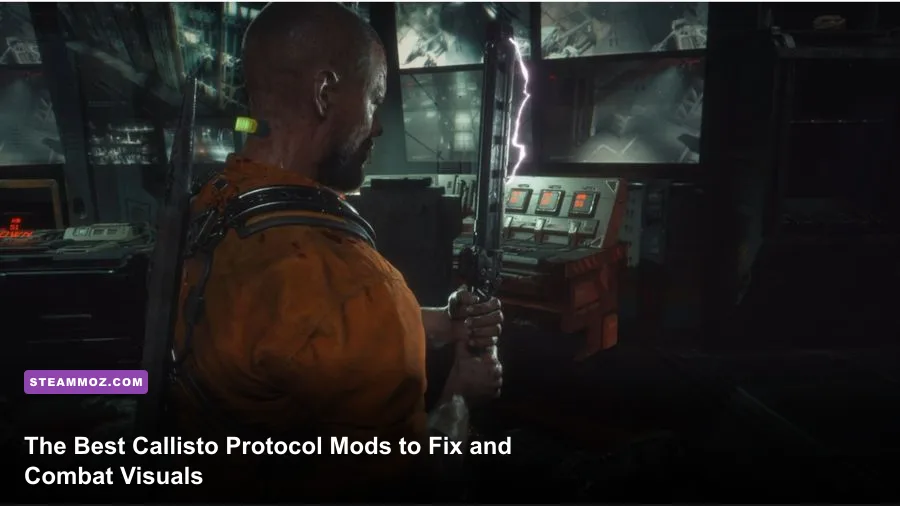
Striking Distance Studios delivered one of the most graphically jaw-dropping horror titles on modern hardware, but when you jump into The Callisto Protocol on Steam, you quickly discover that Black Iron Prison is held back by technical friction. Between the claustrophobic default camera that plants Jacob Lee directly in front of your crosshair, launch-era traversal stutter on Unreal Engine 4, and elevated black levels that turn terrifying shadows into washed-out grey soup, the vanilla experience frequently undermines its own brilliance. Transforming this game from an awkward corridor brawler into the elite sci-fi terror experience it was meant to be requires a targeted lineup of community mods: Flawless Widescreen for field-of-view correction, tailored Engine.ini overrides to stabilize frametimes, custom ReShade shaders for true ink-black contrast, and instant startup skips to throw you right into the bloodbath.
The Essential Mod Tier List for Black Iron Prison
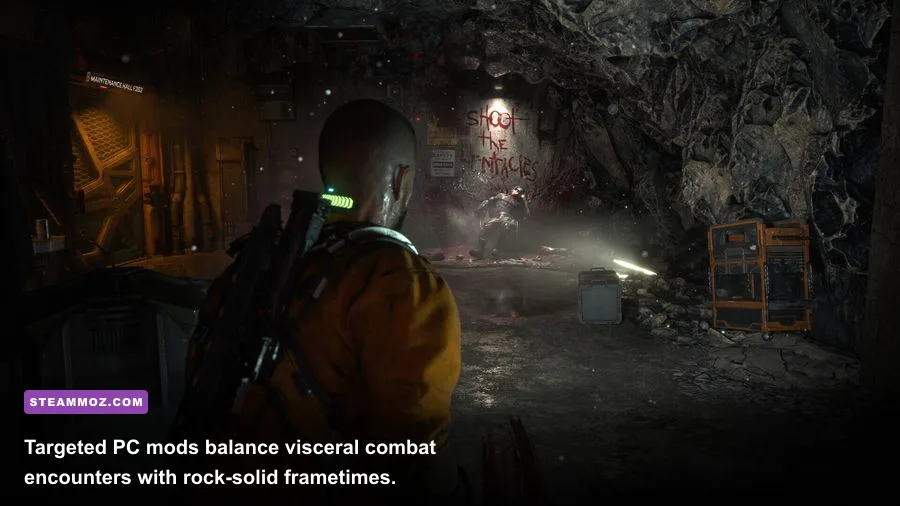
Because The Callisto Protocol runs on a locked-down build of Unreal Engine 4.27 without official Steam Workshop support, modding relies heavily on external memory injectors, file replacements, and configuration file overrides. You don't need a bloated 50-mod load order to radically elevate your playthrough. Instead, focusing on the highest-impact fixes transforms how the game feels under your fingers, especially when managing multiple Biophages in cramped corridors or lining up a kinetic throw with the GRP glove.
Just like resolving stability roadblocks in other demanding PC titles—much like hunting down Elex PC fixes that stop crashes and rescue your FPS—targeting the specific bottlenecks of the engine yields immediate results. Below is the battle-tested hierarchy of essential modifications currently available for the Steam release.
| Tier Rating | Mod / Tool Name | Core Function | Installation Type | Performance Impact |
|---|---|---|---|---|
| S-Tier | Flawless Widescreen (TCP Plugin) | Expands horizontal FOV; pulls camera back from Jacob's shoulder | External Runtime Injection | Zero FPS drop; massive peripheral clarity |
| S-Tier | Custom Engine.ini PSO & Streaming Fix | Forces texture preloading and eliminates traversal hitching | File Edit (Config Folder) | Smooths frametimes; stabilizes 1% lows |
| A-Tier | True Black HDR/SDR ReShade Profile | Removes washed-out grey fog; corrects black floor and tonemapping | ReShade DLL Injection | 1–3 FPS cost depending on ambient shaders |
| A-Tier | Skip Intro Videos Override | Bypasses unskippable Krafton, SDS, and AMD splash screens | Manual File Replacement | Zero impact; saves 30 seconds per boot |
| B-Tier | Universal Unreal Engine 4 Unlocker (UUU) | Provides free-cam, HUD toggles, and custom FOV slider locking | DLL Injector | Negligible; primary use for photography and debugging |
| B-Tier | Disable Chromatic Aberration & Film Grain | Strips aggressive blur and lens distortion filters | Config Override | Slight clarity boost; minor +1% FPS gain |

🎮 FORM
Looking to experience this game? Grab your digital key directly on our store for $14.99.
View on Steammoz Store →Eliminating Claustrophobia: Flawless Widescreen and Custom FOV Overhauls
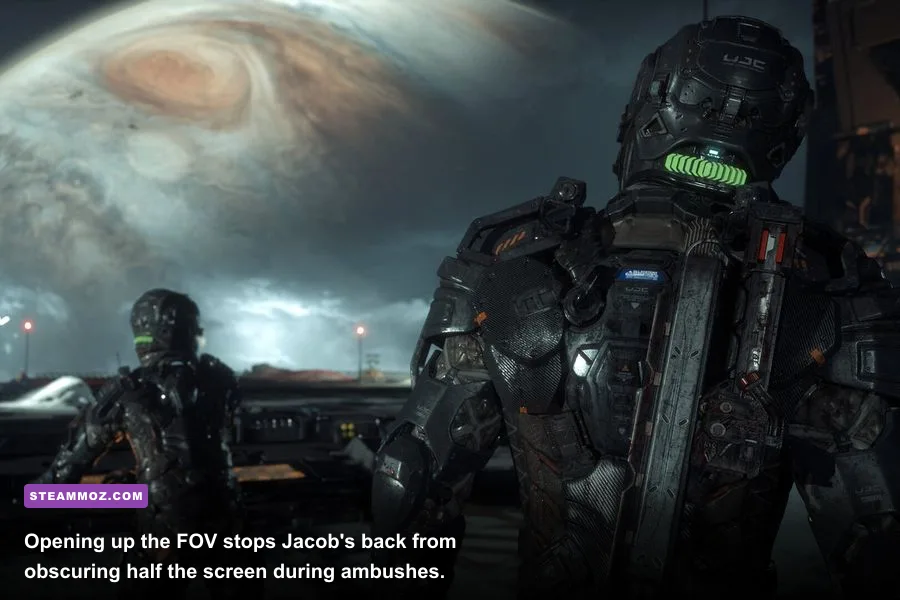
The single biggest gameplay flaw in The Callisto Protocol’s vanilla presentation is its suffocating camera placement. Jacob Lee occupies nearly 45% of the horizontal screen real estate. When a Spitter Biophage flanks you from the shadows or a mutated grunt rushes your blind side, you physically cannot see the enemy winding up an attack telegraph. This isn't tension—it's artificial visual impairment.
The definitive fix is running Flawless Widescreen alongside your Steam copy. While originally designed for multi-monitor setups, the built-in Callisto Protocol plugin allows you to scale the Field of View slider up by +15% to +30% on standard 16:9 and 21:9 monitors without breaking Jacob's neck-mounted C-R-P health gauge alignment. Pushing your FOV from the default calculated ~70° up to a crisp 90° completely changes the rhythm of melee combat.
With an expanded viewing cone, you can track enemy lunges while executing Stun Baton combos, line up precision dismemberment shots on limbs with your Hand Cannon, and position yourself against environmental hazards like wall-mounted grinders without wrestling your mouse. It also completely cures the motion sickness many players experience during heavy dodging sequences.
Engine.ini Performance Tweaks to Eradicate Traversal Stutter
Even after multiple post-launch patches, The Callisto Protocol's implementation of Unreal Engine 4 struggles with streaming boundaries when transitioning between the sewer networks, the Colony, and the surface exterior of Callisto. Much like tackling memory pressure in open-world space flight where you have to fix the FPS first in Everspace 2, smoothing out PC frametime spikes requires taking manual control of engine parameters.
Head to your Windows local app directory at %LOCALAPPDATA%\TheCallistoProtocol\Saved\Config\WindowsNoEditor\ and open Engine.ini with any text editor. Appending targeted streaming and rendering parameters directly instructs the engine to allocate larger VRAM pools for texture caching, completely ending the mid-corridor frame drops that plague intense sprint sequences.
| Engine Config Parameter | Vanilla Value | Optimized Mod Value | Practical In-Game Result |
|---|---|---|---|
r.CreateShadersOnLoad |
0 | 1 | Pre-compiles shaders ahead of time; eliminates combat hitches |
r.Streaming.PoolSize |
0 (Dynamic) | 4096 (for 8GB VRAM) / 6144 (for 12GB+ VRAM) | Stops low-res texture pop-in during fast room transitions |
r.Streaming.FullyLoadUsedTextures |
0 | 1 | Forces active level assets into memory before encounters begin |
r.DepthOfFieldQuality |
2 | 0 | Removes muddy background bokeh blur; sharpens dark vistas |
r.SceneColorFringeQuality |
1 | 0 | Disables color fringing/chromatic aberration for cleaner pixels |
r.Tonemapper.GrainQuantization |
1 | 0 | Removes harsh digital noise overlay in dark utility rooms |
Applying these adjustments creates a stable frame delivery curve, letting you lock your refresh rate whether you're navigating steam-filled crawlspaces or enduring the brutal Two-Head boss battles. If you routinely tune graphics pipelines for high-end fidelity, as seen in our breakdown of settings for max FPS in Far Cry 6, you'll immediately appreciate how cleanly Unreal Engine 4 responds once its internal streaming throttle is removed.
Perfecting Black Levels: Atmospheric ReShade and Lighting Overhauls
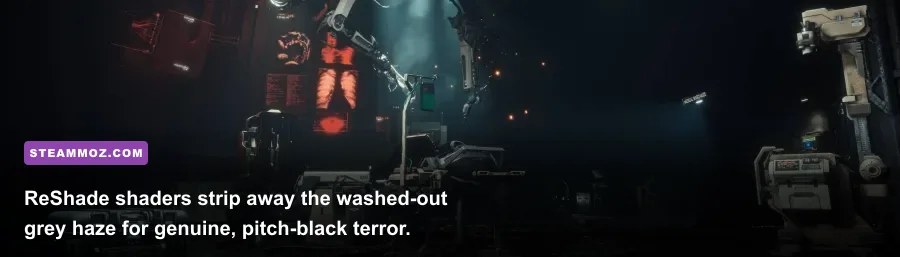
The art direction inside Black Iron Prison is dripping with industrial horror, but the stock color grading suffers from an elevated black floor. Instead of pitch-black utility corridors where your tactical weapon light cuts through suffocating gloom, shadows often display as a muted charcoal or milky green-grey. This ruins what should be terrifying encounters with the subterranean blind mutants.
By pairing ReShade with custom atmospheric presets like True Black Horror or Atmospheric Iron, you can recalibrate the SDR and HDR curves. By selectively activating qUINT_solar.fx or calibrated Levels.fx, you drop the black point down to absolute zero while keeping specular reflections on Jacob's metallic armor and pools of spilled Biophage viscera razor-sharp.
When tuning your ReShade setup, follow this specific shader stack to avoid crushed highlights:
- Levels / Curves: Set the black input limit to 14–16 to pull shadows down without sacrificing environmental details on wall consoles.
- LumaSharpen: Set to an ultra-conservative 0.35 value. The Callisto Protocol already features heavy native TAA sharpening; overdoing this causes jagged white outlines on chain-link fences and ventilation grates.
- Vibrance / Tonemap: Pull saturation down by -0.05 on the green channel to eliminate the weird sickly green cast over the medical bay corridors.
The result is a transformative leap in mood. Every room feels dangerous, turning simple battery-swapping puzzles and GRP ammo scavenges into tension-soaked dread where your flashlight actually matters.
Quality-of-Life Must-Haves: Intro Skips and Combat Camera Fixes
Nothing saps your desire to jump back into a brutal Maximum Security difficulty run quite like sitting through unskippable publisher splash videos every single time the game boots. Fixing this is effortless: navigate to your Steam installation directory under TheCallistoProtocol\Content\Movies and locate the splash screen video files (such as Startup_Krafton.bk2 and Startup_AMD.bk2). You can either rename them with a .bak extension or replace them with 0-byte dummy files.
Furthermore, running into hardware instability or strange rendering issues is a frequent hazard of deep modding, much like dealing with crashing and low FPS fixes in EscapeVR. If you run into unexpected lockups after tweaking UE4 binaries, verifying file integrity through your Steam Library will instantly restore any missing root files without wiping your custom Engine.ini or save data.
For players who want absolute photographic precision or wish to experiment with dynamic camera angles, injecting Otis_Inf's Universal Unreal Engine 4 Unlocker gives you total control over the viewport. You can freeze gameplay mid-dismemberment, detach the camera for incredible high-resolution captures of character models, and lock your custom FOV persistently across cinematic cutscenes where the engine normally forces jarring aspect ratio crops. You can read up on deep system quirks over on the PCGamingWiki The Callisto Protocol guide to ensure flawless compatibility across future mini-patches.
Layering these essential community fixes together solves the core gameplay frustrations that dragged down the game's launch reviews. By opening up your peripheral vision, anchoring your frametimes with clean memory streaming, and delivering deep, terrifying contrast, you finally get the uncompromising sci-fi survival horror masterclass your PC hardware deserves.