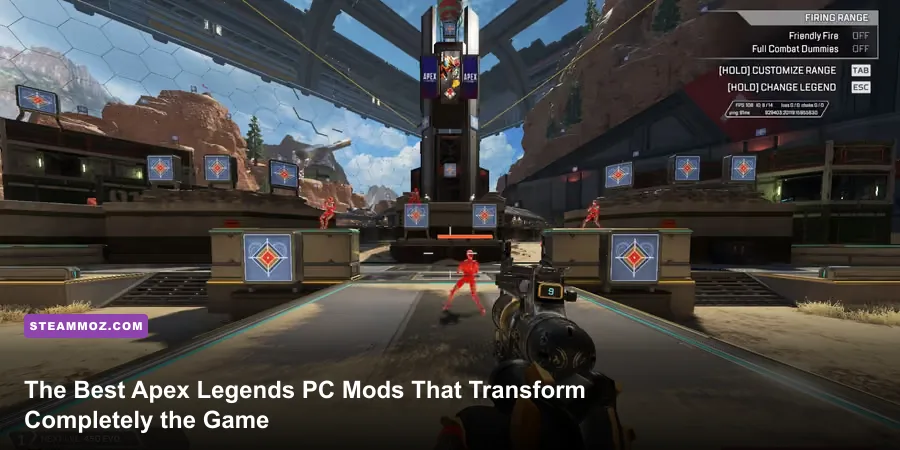
Modding Apex Legends on Steam isn't like dropping graphic packs into an offline RPG. Because Respawn Entertainment protects its battle royale with kernel-level Easy Anti-Cheat (EAC), injecting rogue DLL files or altering encrypted VPK archives directly within retail lobbies will earn your EA account an immediate perma-ban. Yet, the dedicated competitive PC community has built an exceptional suite of external tools, custom Source engine scripts, non-hooking visual layers, and full-blown standalone sandboxes. From R5Reloaded's dedicated custom servers to advanced audio flattening software, here are the absolute best essential mods and engine-level tweaks that will genuinely transform your Apex Legends experience without putting your account in jeopardy.
R5Reloaded: The Holy Grail of Apex Legends Custom Modding
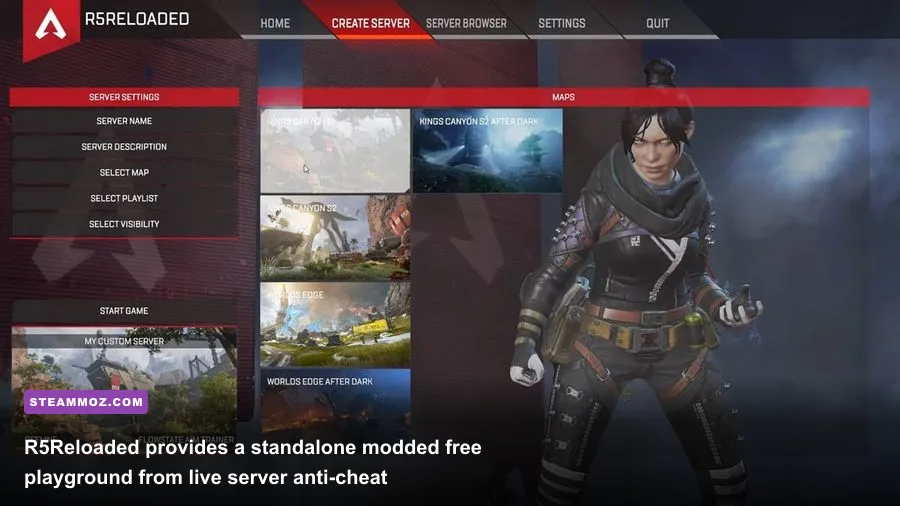
If you have ever wished Apex Legends had a proper sandbox mode, an infinite 1v1 dueling arena, or community-created maps, R5Reloaded is the game's ultimate mod project. Developed by an ambitious collective of reverse-engineers, the R5Reloaded GitHub repository hosts an entirely standalone build of Apex Legends based on a modified Season 3 engine fork. Because it runs on its own dedicated binaries completely severed from official EA servers, EAC is completely disengaged, opening up total freedom to alter physics, weapons, player abilities, and world geometry.
The centerpiece of R5Reloaded is the Flowstate Aim Trainer mod. Unlike generic aim software that merely mimics tracking spheres, Flowstate recreates 1:1 Apex engine physics—including weapon recoil values, bullet drop, slide-hopping velocities, and character hitbox animations. You can practice beam tracking against a strafing, tap-strafing Wraith bot armed with a purple shield Flatline, or rehearse superglides off every ledge on Kings Canyon and World's Edge with frame-perfect input telemetry displayed right on your screen.
Beyond solitary training, R5Reloaded supports custom dedicated servers hosting community game modes: classic deathmatches on Fragment East, sniper-only Arenas, custom weapon variations (such as automatic Krabers or grapple hooks with zero cooldown), and classic movement mechanics that predate Respawn's subsequent nerfs. It is the premier training ground for apex predators looking to master their mechanics before queuing into the real thing.

🎮 FORM
Looking to experience this game? Grab your digital key directly on our store for $14.99.
View on Steammoz Store →Autoexec and Engine Scripting: Squeezing Pure Source Performance
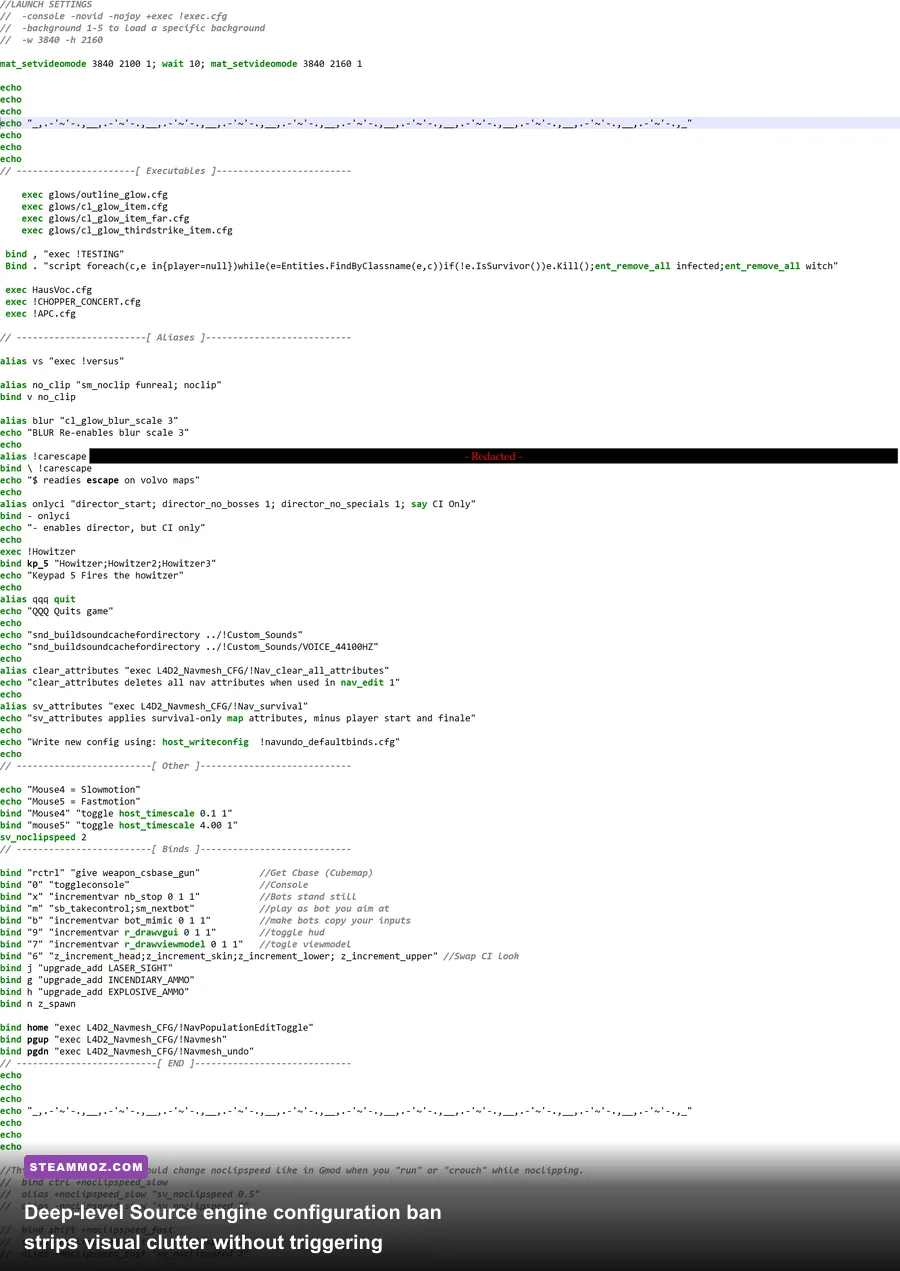
Because Apex Legends runs on a heavily customized version of Valve’s venerable Source engine, the game's native configuration files represent one of the most powerful, fully permitted modding vectors available. By creating a custom autoexec.cfg inside your game directory, you bypass the restrictive graphical options found in the in-game menus, optimizing frametimes and clearing combat visual noise that costs you gunfights.
Aggressive engine-level configurations shave off rendering overhead by trimming background particle effects, dynamic ragdoll cascades, and ambient map foliage. When you're locked in a frantic final ring with Bangalore smokes popping and Gibraltar bombardments landing, sudden frame drops can destroy your input latency. Much like fine-tuning graphical pipelines for maximum frame rates, stripping unnecessary visual fat stabilizes your frame delivery when it matters most.
| Console Command / Script Tweak | Functionality & Visual Effect | Performance / Input Impact | Competitive Advantage |
|---|---|---|---|
fps_max 0 (or matching refresh rate) | Removes engine-level 144 FPS soft lock on Steam | Lowers frame time variance significantly | Provides smooth 240Hz/360Hz tracking clarity |
cl_ragdoll_maxcount 0 | Instantly deletes eliminated player bodies | Eliminates sudden GPU frame-time spikes | Keeps line of sight clean inside tight buildings |
mat_compressedtextures 1 | Forces aggressive texture packing in VRAM | Reduces asset streaming hitches on 6GB GPUs | Maintains rock-solid frame pacing during hot drops |
m_rawinput 1 | Bypasses Windows mouse acceleration layers | Direct 1:1 hardware polling translation | Flawless muscle memory consistency |
cl_showfps 4 | Displays real-time FPS and frame-render timings | Zero performance overhead HUD element | Instantly exposes rendering bottlenecks in matches |
To deploy these engine tweaks, navigate to your local directory (Apex Legends/cfg/), create a plaintext document named autoexec.cfg, and paste your desired parameters. Then, head to Steam or the EA App, open your launch properties, and add +exec autoexec to ensure the engine initializes the script upon boot. If you encounter initialization stutters, our guide on resolving persistent stuttering issues covers comparable pipeline optimizations.
External Crosshair Overlays: Perfecting Your Hipfire Tracking
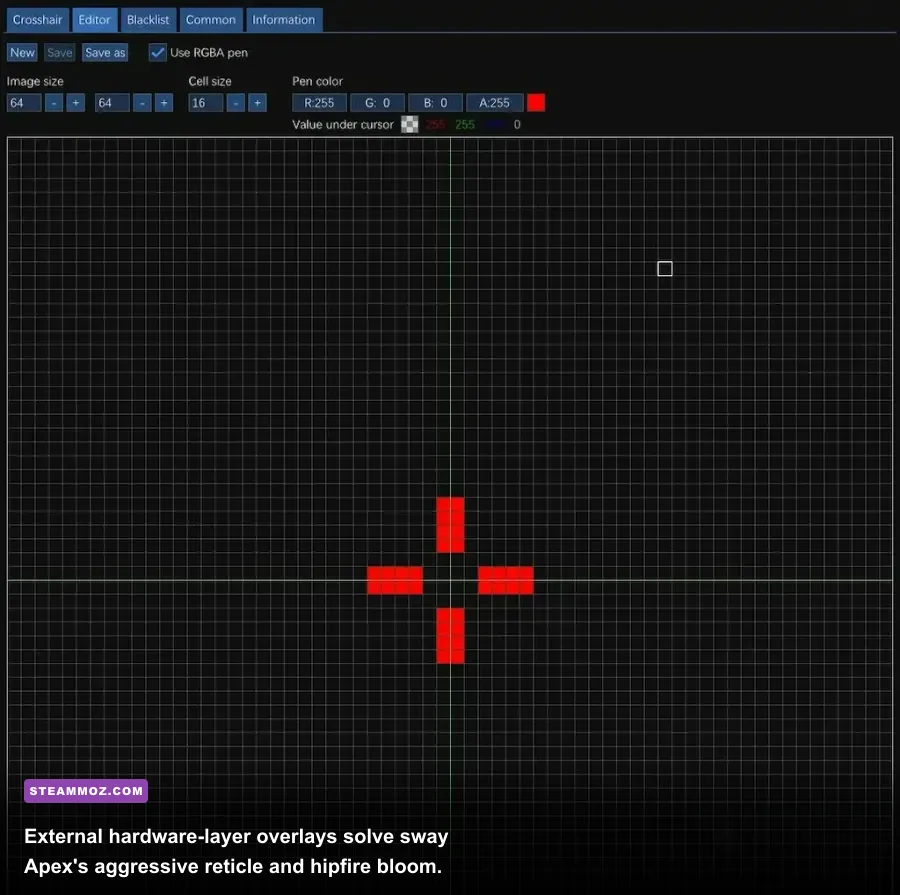
One of the most frustrating design quirks in Apex Legends is dynamic reticle bloom and visual camera bounce. When firing weapons like the VK-47 Flatline, R-99, or Havoc from the hip, your weapon model physically kicks and sways across the screen, causing the center-screen crosshair to bloom outward and drift off-target. While the actual bullets still exit primarily relative to the direct physical center of your display monitor, the visual misdirection throws off micro-adjustments.
Enter external, non-hooking crosshair overlays such as Crosshair V2 or HUD Sight. Unlike illicit internal hacks that inject into memory addresses, these programs operate as transparent desktop overlays rendered strictly at the OS or GPU hardware layer. They place an unyielding, high-contrast neon dot or micro-cross right at your monitor’s dead-center coordinate.
With a static overlay active, you instantly realize how deceptive iron sights and dynamic reticles can be while executing tap-strafes or mantle jumps. You no longer track where the bouncing gun model is pointing; you track where your screen center is placed on the enemy’s chest. For weapons with brutal recoil ramps like the Devotion or the initial kick of the CAR SMG, this subtle modification bridges the gap between chaotic spraying and laser-tight tracking.
Acoustic Tuning: Footstep Equalization and Dynamic Audio Flatteners
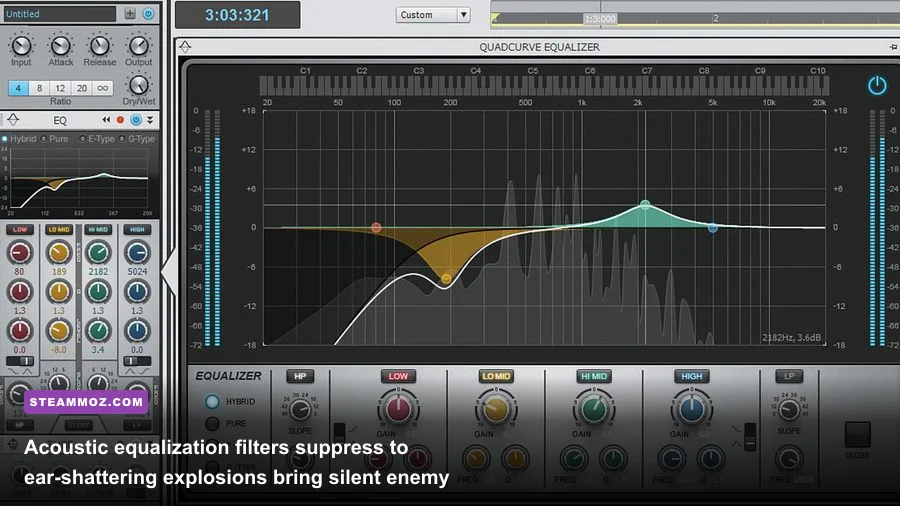
Apex Legends has a notorious history with spatial sound design. Between roaring ambient ring sirens, deafening teammate ultimate abilities, and echoing gunshots from 400 meters away, crucial audio channels frequently choke. Critical audio cues like a silent Horizon dropping behind you or a Pathfinder swinging across high ground often get drowned out in the default sound mix.
Modifying the audio engine isn't done through game files—it's done through system-level acoustic DSP filtering using open-source tools like Equalizer APO paired with the Peace GUI, or advanced parametric software like SteelSeries Sonar. By applying targeted equalization filters to your PC’s output channels, you selectively sculpt the soundscape to favor critical mechanical cues.
| Frequency Band (Hz) | Target In-Game Sound Category | EQ Adjustment (dB) | Tactical Purpose |
|---|---|---|---|
| 60 Hz – 120 Hz | Explosions, Ring Hum, Gun Rumble | -4.0 dB to -6.0 dB | Prevents auditory masking from chaotic artillery strikes |
| 250 Hz – 500 Hz | Low-mid atmospheric noise & ambient wind | -2.5 dB | Clears mud from indoor soundscapes (e.g., bunker halls) |
| 1,000 Hz – 2,500 Hz | Shield crack chimes & reload mechanical clicks | +2.0 dB | Gives immediate confirmation when enemy armor breaks |
| 3,500 Hz – 6,000 Hz | Enemy footstep scuffs, sliding on metal, ziplines | +4.5 dB | Dramatically heightens close-range positional awareness |
When you compress the overall dynamic range, quiet footsteps are naturally elevated toward audibility while thunderous Kraber shots are clamped before they blast your eardrums. If sound drivers generate system-level hitches when running audio-shaping filters in the background, refer to our methods for troubleshooting crash-prone PC engines to maintain clean background thread scheduling.
Custom Keybind Rebinding and Input Virtualization
Modern competitive Apex requires mastery over complex movement exploits: tap-strafing, wall-bouncing, supergliding, and directional redirects. While Respawn has clamped down on automated external macros that chain together impossible sequence inputs on a single button press, legal in-game bind re-routing remains essential for high-level mechanical play.
Source engine architecture permits binding multiple commands to single physical inputs inside your settings.cfg. The definitive example is binding your jump command to mwheeldown and your forward movement (+forward) to mwheelup. Because spinning a mouse scroll wheel sends dozens of discrete input commands within a single millisecond, scrolling forward while executing a sideways air strafe grants instantaneous vector redirection—the foundational engine mechanic behind the tap-strafe.
Combining clean input remapping with framerate stabilizers helps execute the notoriously tight superglide technique. Because supergliding requires pressing jump and crouch within a microscopic 1-to-2 frame window at the apex of a mantle, irregular frametimes make consistency impossible. By eliminating background micro-stutters through our tips for eliminating frame time spikes, your mechanical execution becomes predictable across every match.
Modding Apex Safely: EAC Whitelists vs. Ban Triggers
Before installing any third-party tool for EA's official Apex Legends portal, you must understand where anti-cheat boundaries are drawn. Easy Anti-Cheat monitors active running processes, checking for direct memory read/write hooks (such as injecting DLLs into r5apex.exe) and unauthorized alterations to packed game assets. Running modifications that cross that line will trigger automated flags that ban your hardware ID.
Safe modifications operate exclusively in one of three environments:
- Isolated Environments: Tools like R5Reloaded run their own independent executable files and interact with zero official servers, bypassing EAC entirely.
- Native Engine Convars: Scripts placed in the
/cfg/folder simply communicate with Source engine parameters that Respawn explicitly left accessible to user configuration. - OS-Level Overlays & Audio Filters: Desktop crosshairs, Equalizer APO, and Discord overlays operate strictly as secondary desktop surfaces without interacting with the game's executable memory addresses.
If you keep your enhancements confined to external hardware overlays, audio EQ curves, native launch parameters, and dedicated practice clients like R5Reloaded, you gain every possible competitive advantage without risking your account standing. Master these tools, and you will transform your mechanical prowess across the Outlands.