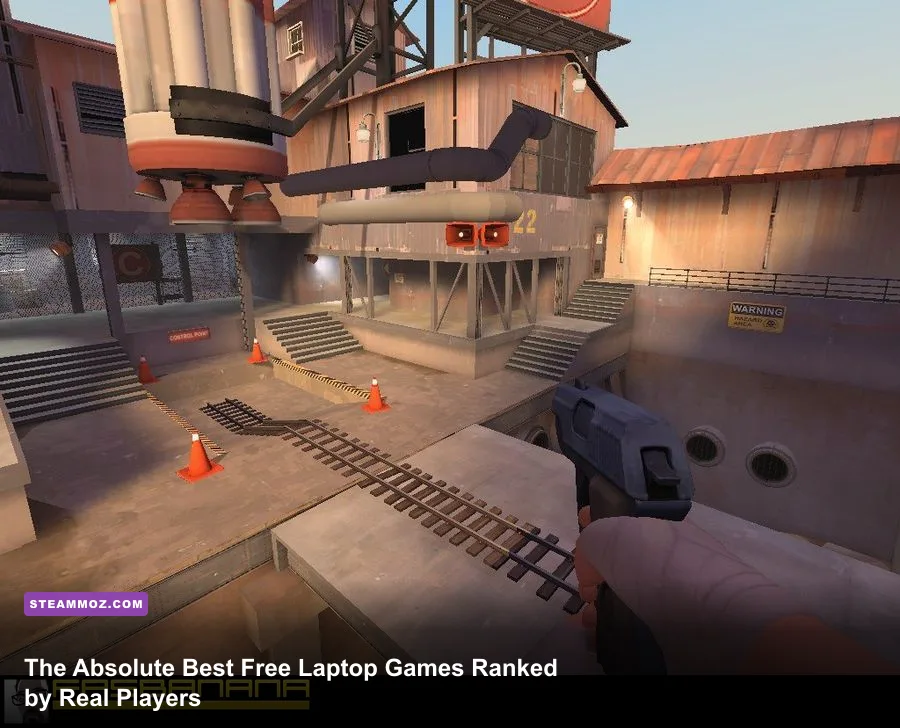
If you are gaming on a thin-and-light ultrabook with an Intel UHD 620 or a budget AMD Ryzen APU, your gaming options are far wider than you think. Veteran PC gamers agree that the best free laptop games deliver deep progression, endless replayability, and rock-solid 60 FPS performance without boiling your CPU or draining your battery in thirty minutes. Titles like Team Fortress 2, Old School RuneScape, Warframe, and Brawlhalla stand tall at the top of player rankings because their optimized code bases treat modest hardware with respect.
The Community Tier List: Best Free Laptop Games Ranked
Player consensus changes based on one critical factor: how well a title balances gameplay loop depth against thermal efficiency. Laptops deal with tight thermal envelopes where CPU and GPU share the same heat pipes. A title that pins your CPU to 100% will throttle your clock speeds down to single digits within twenty minutes. The games ranked below have been vetted by millions of players specifically for their smooth frame delivery, wide hardware compatibility, and fair zero-dollar business models.
| Game | Community Tier | Target Framerate | Minimum iGPU Requirement | Battery & Thermal Load |
|---|---|---|---|---|
| Old School RuneScape | S-Tier | 50–60 FPS (Fixed) | Intel HD Graphics 3000 | Ultralight (4–6+ Hours) |
| Team Fortress 2 | S-Tier | 60–120 FPS | Intel UHD 620 / Radeon Vega 3 | Moderate (2–3 Hours) |
| Brawlhalla | S-Tier | Locked 60 FPS | Intel HD Graphics 4000 | Light (3–4 Hours) |
| HoloCure - Save the Fans! | A-Tier | 60 FPS | Intel HD Graphics 4400 | Light (3–4 Hours) |
| Warframe | A-Tier | 45–60 FPS | Intel Iris Xe / Radeon 660M | Heavy (1.5–2 Hours) |
| Trackmania (Starter Access) | A-Tier | 60 FPS | Intel UHD 630 / Vega 6 | Moderate (2–2.5 Hours) |
| Path of Exile | B-Tier | 35–60 FPS | Radeon Vega 8 / Iris Xe | Extreme (1–1.5 Hours) |
| Counter-Strike 2 | B-Tier | 45–60 FPS (720p FSR) | AMD Radeon 680M / GTX 1050 Mobile | Extreme (1–1.5 Hours) |
Much like checking vintage hardware specs in our breakdown of Far Cry 2 PC specs, understanding engine age and API overhead explains why these games perform so consistently on restricted mobile architectures.
🎮 1bitHeart
Looking to experience this game? Grab your digital key directly on our store for $2.99.
View on Steammoz Store →S-Tier Champions: The Unkillable Low-Spec Workhorses
The top tier belongs to games that run on virtually anything manufactured in the last twelve years while offering masterclass game design. Leading the pack is Team Fortress 2, Valve's legendary class-based shooter. Powered by the resilient Source Engine, TF2 offloads much of its rendering pipeline directly to your CPU's single-core clock. If you drop in modern performance configs like mastercomfig (selecting the Medium or Low preset) and disable ragdolls, an everyday dual-core laptop can maintain 80+ frames per second during 24-player Payload firefights on Badwater and Upward.
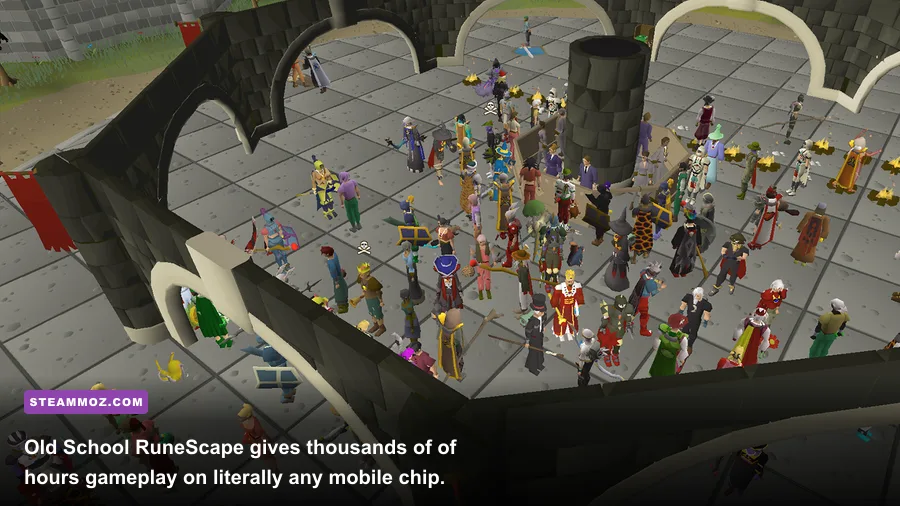
Sharing the top spot is Old School RuneScape (OSRS). OSRS is the undisputed king of battery longevity. Because its base tick-rate runs on a steady 0.6-second cadence and the original renderer processes via software rather than raw GPU calls, you can sit in an airport for four hours without a wall plug. For laptop players, running the community-standard RuneLite client provides access to the 'GPU' or '117HD' plugins. Toggling the lightweight GPU plugin moves rendering off the CPU onto your integrated graphics chip, instantly smoothing framerates to a fluid 60 FPS while keeping temperatures under 60°C.
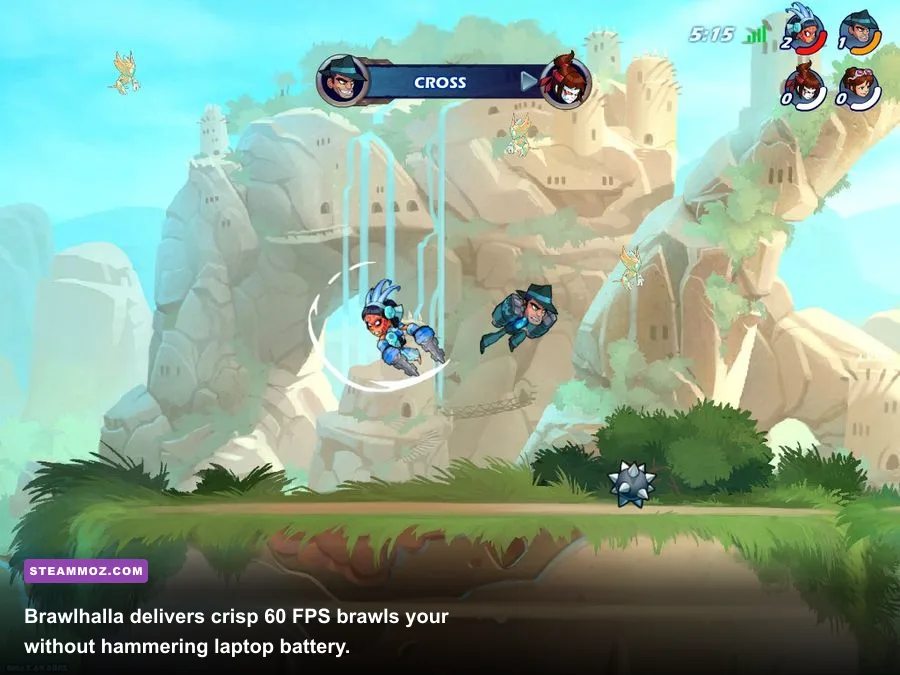
Rounding out the S-Tier is Blue Mammoth Games' platform fighter, Brawlhalla. This fighting game runs on Adobe AIR/C++ hybrid code that demands next to nothing from your hardware. With zero complex 3D shaders, Brawlhalla delivers locked 60 FPS with pixel-perfect hitboxes on display panels running at 1080p, whether you are running an 8th-gen Core i3 or a modern Ryzen 7. Input delay is exceptionally low, making it the premier competitive title to run on a coffee-shop trackpad or travel controller.
A-Tier Contenders: High-Octane Action with Smart Scalability
A-Tier games boast visual flair, high density, and complex physics loops, yet feature brilliant scalability options that allow integrated mobile chips to thrive. The standout triumph here is Digital Extremes' Warframe. Warframe looks like a demanding PS5-era shooter, but its proprietary Evolution Engine is one of the most optimized pieces of software ever developed for the PC platform.
By switching the Warframe rendering engine to Classic Mode, capping resolution scaling to Dynamic (targeting 60 FPS), and dropping Volumetric Lighting down to Low, even modest Intel Iris Xe chips hold 50 to 60 FPS while bullet-jumping through enemy-packed Grineer Galleons. The game features an immense amount of content—dozens of Warframes, thousands of weapon combinations, open-world zones like the Plains of Eidolon, and deep story quests—all free of predatory paywalls. When thermal throttling threatens your session, implementing stability strategies like those seen in our Elex PC crash and FPS rescue guide can save your hardware from mid-mission shutdowns.
Sitting alongside Warframe is Nadeo's Trackmania. Trackmania offers pristine time-trial racing mechanics where precision inputs dictate leaderboards. The free 'Starter Access' gives you 25 official campaign tracks every season alongside rotating player-created tracks. Nadeo's engine offers a granular performance profile: drop screen space reflections and shader quality to 'Fast', and the game glides effortlessly at high framerates on virtually any modern APU.
The Indie Surprise: HoloCure - Save the Fans!
Do not let the pixel-art anime aesthetic fool you: HoloCure - Save the Fans! is one of the most mechanically rewarding reverse-bullet-hell games on Steam. Built with staggering polish, HoloCure takes the addictive formula of Vampire Survivors and turns up the build diversity with distinct character weapons, awakenings, and unique items. Because it is completely free with zero microtransactions, it has earned an overwhelmingly positive rating from hundreds of thousands of players. It draws negligible power, making it the perfect title when your laptop battery is dipping below 30%.
B-Tier Heavyweights: Demanding Depth Requiring Strict Tuning
B-Tier titles feature unmatched gameplay depth and competitive prestige, but they push laptop silicon to its absolute limits. These games demand careful in-game optimization and compromise to maintain playable frame rates.
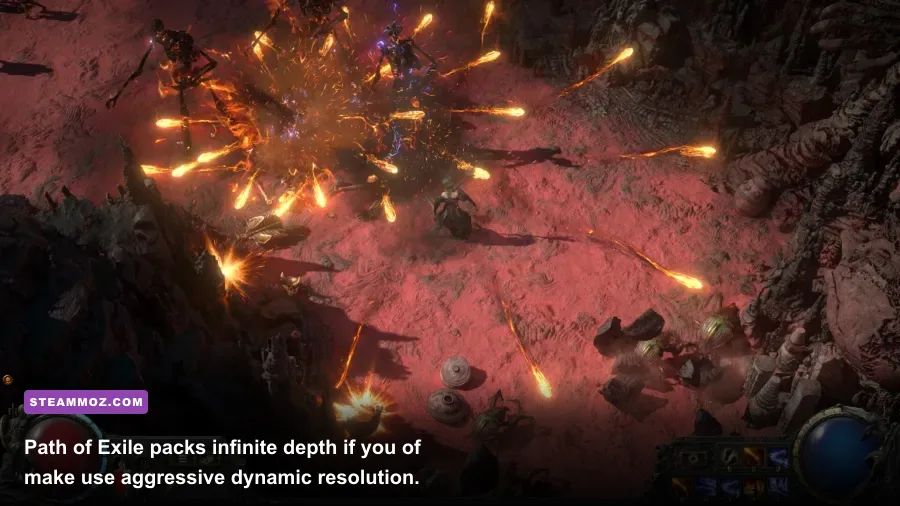
First is Grinding Gear Games' action-RPG leviathan, Path of Exile. With its legendary passive skill tree containing over 1,300 nodes and thousands of skill-gem synergies, it offers unmatched ARPG depth. However, Path of Exile is notorious for crushing hardware during high-density endgame mapping. Hundreds of damage calculations, status ailments, and particle-heavy ground effects occur simultaneously every millisecond.
To run Path of Exile reliably on a laptop iGPU, you must configure its settings with surgical care:
- Renderer: Switch to DirectX 12 or Vulkan. Vulkan significantly reduces CPU draw-call spikes compared to legacy DX11.
- Dynamic Resolution: Set Target Framerate to 45 or 60 FPS. When the screen fills with Juiced Map monsters, the game dynamically drops internal resolution to prevent frame drops.
- Sound Channels: Lower sound channels from 'High' to 'Medium' or 'Low'. Path of Exile processes software audio queues through CPU threads; lowering this setting frees up clock cycles for frame rendering.
Second is Valve's Counter-Strike 2. While its predecessor (CS:GO) was the undisputed king of budget laptop shooters, the transition to Source 2 brought volumetric smoke, physically based lighting, and advanced sub-tick networking that heavily loads mobile hardware. On integrated chips like the Radeon 680M or Intel Arc graphics, CS2 requires 720p or 1080p with FidelityFX Super Resolution (FSR) set to 'Performance' or 'Balanced'. You will sacrifice distant visual clarity, but you gain the stable 60 FPS cadence required to hold crosshairs at bomb site choke points.
Universal Laptop Optimization: Squeezing 60 FPS from Any iGPU
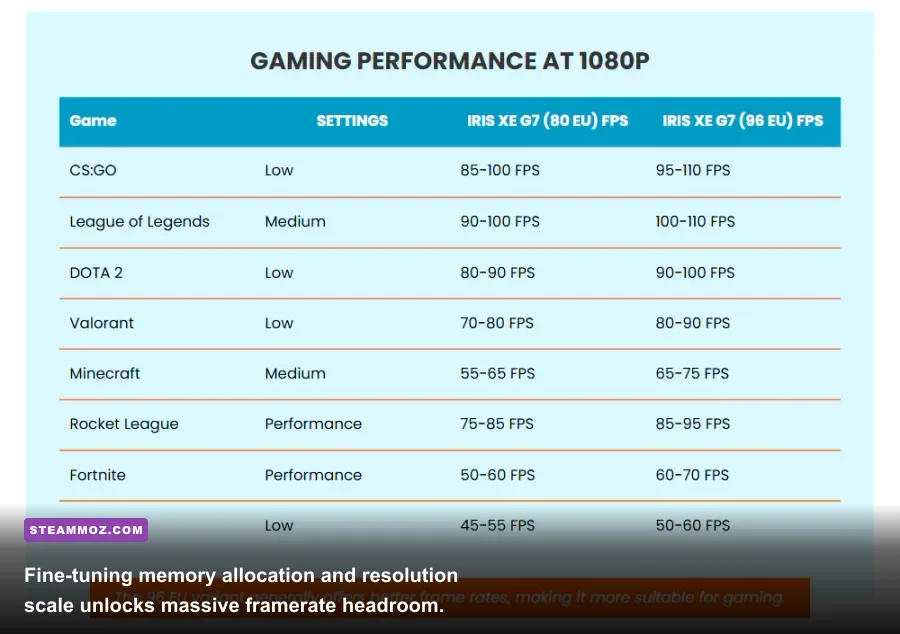
Running games on a mobile machine requires a fundamentally different mindset than tuning a desktop rig. Your laptop shares power and thermal limits between the CPU and the integrated GPU. If your CPU gets too hot, the motherboard firmware cuts wattage to both components, causing violent FPS drops and stutter. Applying careful settings tweaks—much like the targeted adjustments detailed in our Filament Marmalade Edition settings for higher FPS—keeps internal temps low and frame pacing smooth.
| Graphic Setting | Recommended Value | Average FPS Impact | Visual Impact & Optimization Reason |
|---|---|---|---|
| Resolution Scale / FSR | 70%–85% (Balanced) | +25% to +40% | Massive drop in pixel-fill workload on small laptop screens. |
| Shadow Quality | Low / Off | +15% to +20% | Cuts GPU dynamic buffer passes and shadow map rendering. |
| Volumetric Fog / Lighting | Disabled / Low | +12% to +18% | Removes intense ray-marching math that cripples mobile iGPUs. |
| Anti-Aliasing | FXAA or SMAA Low | +8% to +12% | Avoid MSAA/TAA blur; low-cost post-process AA preserves frame times. |
| Ambient Occlusion | Off | +10% to +15% | Eliminates screen-space shading calculations around object geometry. |
| Particle Density | Low | +10% to +25% (Spikes) | Prevents brutal framerate tanks when explosions and spells erupt. |
The Dual-Channel RAM Factor
The single biggest hardware limitation for any laptop running on an integrated GPU is memory bandwidth. Discrete graphics cards boast ultra-fast dedicated VRAM (like GDDR6 running on a 128-bit or 256-bit bus). An integrated GPU, by contrast, must share your system's system memory (RAM).
If your laptop ships with a single stick of 8GB or 16GB RAM, your system operates in single-channel mode (a 64-bit wide bus). By simply installing a second identical RAM stick to enable dual-channel mode (a 128-bit wide bus), you double the memory bandwidth available to your integrated graphics. In games like Warframe and Team Fortress 2, upgrading from single-channel to dual-channel memory consistently yields a 30% to 50% increase in average frame rates and completely eradicates 1% low stuttering.
Managing Power Profiles and Thermal Throttle Headroom
Never game on your laptop while leaving Windows on the default 'Balanced' battery slider. Plug your charger in and ensure your device manufacturer utility (such as Lenovo Vantage, ASUS Armoury Crate, or Dell Command) is set to 'Performance' or 'Cool' mode depending on your local ambient temperature. Contrary to intuition, selecting an aggressive fan curve in 'Cool' mode often preserves higher sustained frame rates because it prevents the processor from reaching the 85°C thermal boundary where throttling kicks in.
If you encounter random application freezes or driver timeouts while pushing low-spec hardware to its limits, review the stability fixes outlined in our EscapeVR crashing and low FPS guide to ensure your virtual memory pagefile and DirectX runtimes are properly configured. When you combine modern upscaling tools, dialed-in visual presets, and community-refined low-spec configs, your everyday laptop transforms into an exceptional free-to-play gaming powerhouse that requires zero upfront spend.