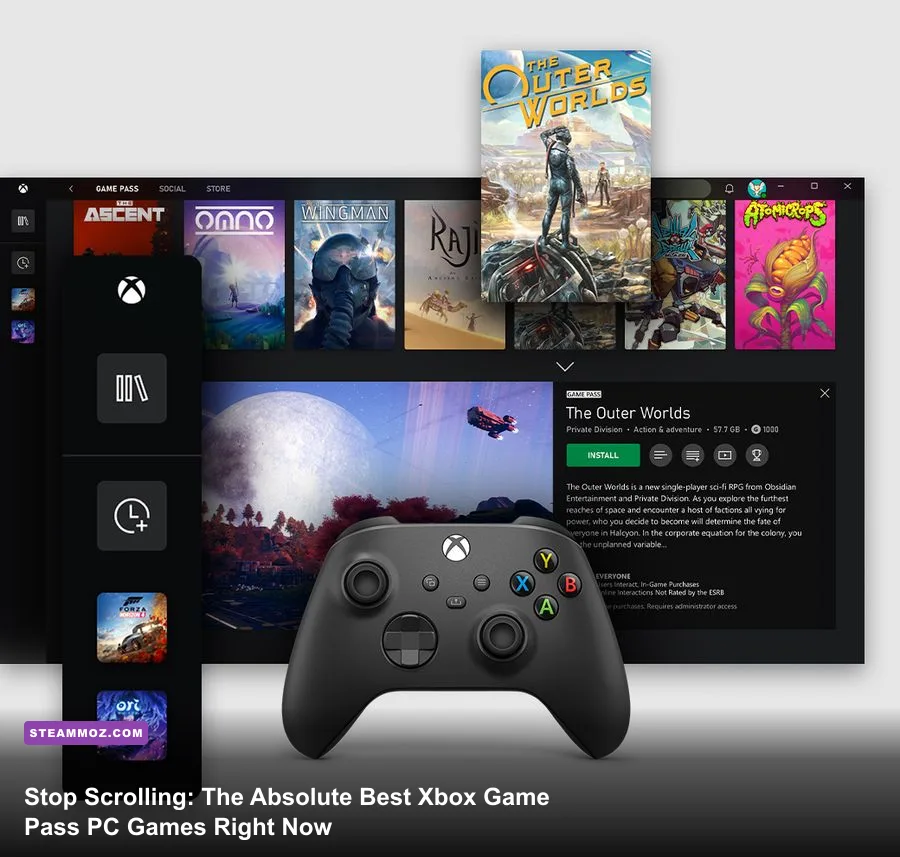
Skip the endless catalog doom-scrolling: if you have an active Xbox PC Game Pass subscription today, the three non-negotiable downloads that justify your subscription are Lies of P, Everspace 2, and Forza Horizon 5. These titles don't just offer incredible mechanics—they run circles around sloppy console ports with genuine high-refresh-rate PC support, ultra-wide compatibility, and granular visual tweaking. While hundreds of games crowd the service, a select few deliver the deep progression curves, razor-sharp input responsiveness, and technical stability that PC gamers demand.
The Undisputed S-Tier: Heavyweights You Need Installed Today
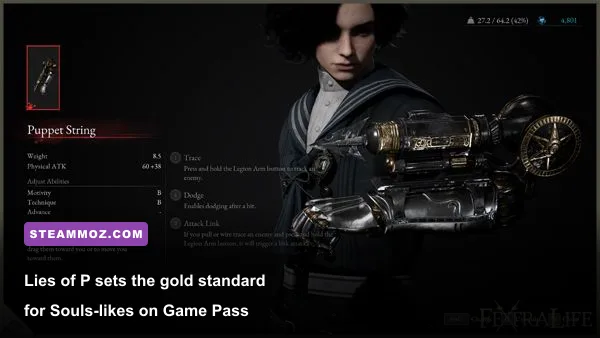
Leading the pack is Round8 Studio's Lies of P. Many developers have tried to clone the brutal FromSoftware formula, but almost all stumble on hitboxes and input latency. Lies of P nails them. The game runs on a heavily customized Unreal Engine 4 pipeline that holds a rock-solid 144 FPS even on mid-tier hardware like the RTX 3060. Its combat hinges on a tight Perfect Guard window—roughly 10 to 12 active frames at 60 FPS—demanding absolute precision. When you deflect an overhead hammer strike from a scrapped mechanical boss, the metallic clatter and instant stagger buildup feel tactile. You balance your Legion Arm variants—such as the high-impact Falcon Eyes artillery launcher or the hyper-armor Aegis shield—with specialized P-Organ Quartz upgrades like Link Dodge and Retain Guard Regain. It's easily the sharpest action-RPG on the service.
Next up is Rockfish Games' space-faring looter-shooter, Everspace 2. If you've ever wanted the tactical loot hunt of Diablo combined with 6DOF (six degrees of freedom) space combat, this is your dream come true. You blast through star systems, customize agile Interceptors or tanky Gunships, and hunt down hidden loot caches across expansive planetary wreckage. If you get hooked hunting down top-tier ship components, make sure you explore our Everspace 2 secret locations and hidden rewards guide to snatch end-game modules early. Just keep an eye on your hardware temps during massive fleet engagements; if your rig stutters under heavy particle effects, check out our guide on Everspace 2 crashing fixes and FPS recovery to lock down smooth frame pacing.
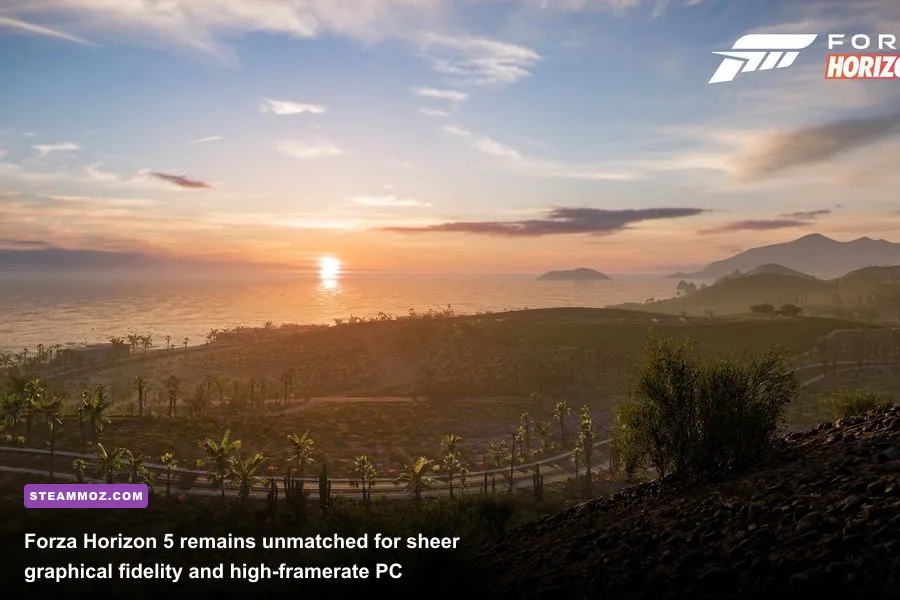
Finally, Playground Games' Forza Horizon 5 remains the definitive PC showcase for racing enthusiasts. Built from the ground up to utilize variable rate shading, full native 21:9 and 32:9 ultra-wide support, and uncapped framerates, it pushes your GPU hard without falling apart. The driving physics strike that rare, exquisite sweet spot between arcade accessibility and simulation weight, especially once you jump into AWD tuning setups to conquer the technical hairpins of the Gran Caldera volcano.
PC Game Pass Definitive Tier List: Mechanics, Targets, and Specs
To help you prioritize storage drive space—because nobody wants to waste 120GB of bandwidth on a sluggish title—we have ranked the elite performers currently active on the PC Game Pass roster based on gameplay loop depth, frame optimization, and technical stability.
| Game Title | Genre | Tier | Target Framerate / Res | Standout Gameplay Mechanic |
|---|---|---|---|---|
| Lies of P | Action RPG / Souls-like | S-Tier | 120+ FPS @ 1440p | Frame-perfect weapon deflects and P-Organ Quartz skill trees |
| Forza Horizon 5 | Open-World Racing | S-Tier | 100+ FPS @ 4K Ultra | Differential/camber fine-tuning and massive EventLab custom tracks |
| Everspace 2 | Space Action RPG | S-Tier | 120+ FPS @ 1440p | 6DOF dogfighting, primary weapon synergies, and planetary exploration |
| Age of Empires IV | RTS | S-Tier | 144 FPS @ Native Res | Asymmetric civilization mechanics, cavalry charges, and siege warfare |
| Persona 3 Reload | JRPG / Turn-Based | A-Tier | 120 FPS @ 4K | Theurgy ultimate abilities, Arcana fusion paths, and Tartarus dungeon crawls |
| Remnant II | Third-Person Shooter / RPG | A-Tier | 80-90 FPS @ 1440p (DLSS/FSR) | Dual-archetype skill combinations and procedurally generated campaign tiles |
| Sea of Stars | Turn-Based Retro RPG | A-Tier | Capped 60/120 FPS @ Any Res | Turn lock-breaking systems and rhythmic attack/defend timing prompts |
Tuning your graphical pipeline makes a massive difference in these fast-paced games. If you're coming over from massive open-world shooters and enjoy dialing in balance between graphical fidelity and frame response, take notes from our breakdown on Far Cry 6 settings for max FPS, where adjusting shadow cascades and volumetric fog delivers huge performance gains without destroying visual clarity.
Deep Strategy and Mouse-Driven Epics Perfect for PC
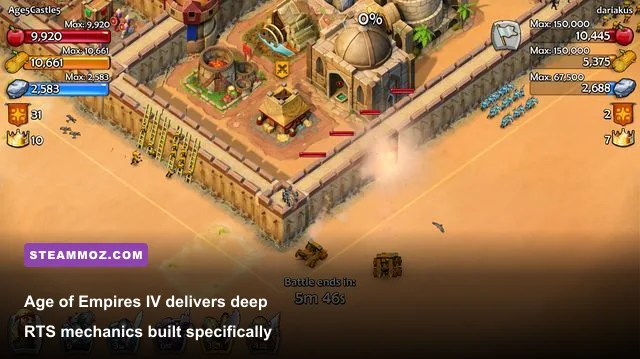
While consoles require awkward radial menus and thumbstick panning, PC Game Pass shines brightest when you boot up titles tailor-made for high-DPI mice and mechanical switches. At the apex of competitive strategy stands Age of Empires IV from World's Edge and Relic Entertainment.
Unlike classic remasters, AoE IV rethinks competitive real-time strategy with asymmetric civ design. Play as the English, and your economy revolves around longbow enclosures and defensive network buffs. Switch to the Mongol horde, and you have no static base at all—you pack up your entire Town Center onto horse carts and relocate to choke your opponent's gold deposits. The PC version features lightning-fast grid hotkeys, smooth zoom scaling that won't cripple your CPU render threads, and snappy queue management that lets high-APM (actions per minute) players dominate multiplayer ladders.
On the turn-based side, Atlus knocked it out of the park with Persona 3 Reload. Rebuilt in Unreal Engine, this definitive remake strips away the clunky menu lag of previous ports. Navigating the sprawling 264 floors of Tartarus is a pure tactical joy. Combat relies on exploiting physical affinities (Slash, Strike, Pierce) and elemental weaknesses to trigger All-Out Attacks. With the addition of the new Theurgy mechanic—devastating ultimate skills that charge by fulfilling specific tactical criteria in battle—combat moves at an electric clip. It runs effortlessly at 120 FPS, making its anime-inspired interface one of the slickest things you'll ever lay eyes on.
Indie Masterclasses That Won't Melt Your GPU
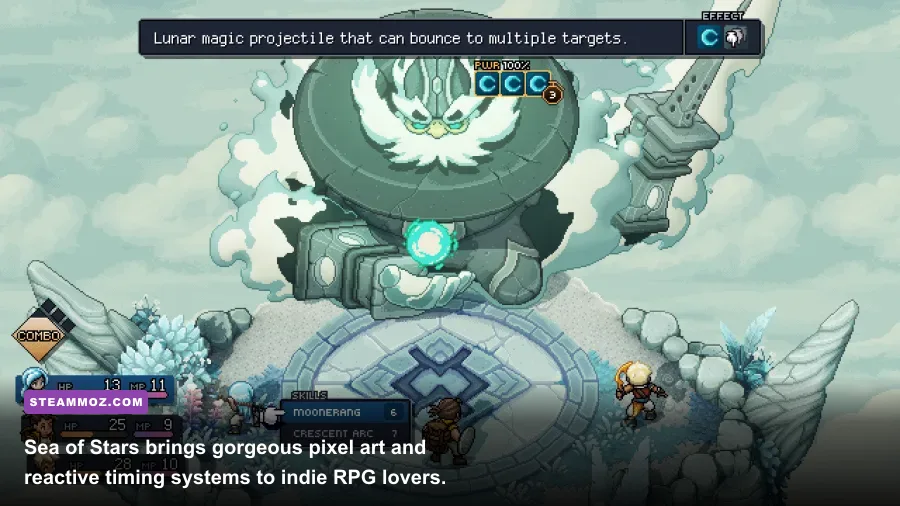
You don't need a monstrous liquid-cooled rig drawing 600 watts from the wall to get immense value out of PC Game Pass. The indie catalog hosts several of the tightest gameplay loops released in recent years. If you're stuck on a thin-and-light laptop or an older GTX-era desktop, Sabotage Studio's Sea of Stars is a masterclass in classic 16-bit RPG craftsmanship.
Instead of mindlessly holding down the confirm button to burn through combat, Sea of Stars keeps your hands engaged through reactive timing prompts. Tapping your action button right as Valere strikes with her staff or as Zale's Sunball lands boosts your damage output significantly. More importantly, the "Locks" system forces you to plan ahead. When an elite foe prepares a devastating ultimate spell, a series of damage-type icons appears over their head. Break all the locks before their countdown ends using combo skills like the bouncing Moonarang, and you cancel their turn entirely. It provides all the tactical depth of a tabletop strategy game wrapped in jaw-dropping dynamic 2D lighting.
For players dealing with older hardware who want seamless performance across indie puzzle titles, exploring our optimization guide for Filament higher FPS settings shows just how much performance you can unlock by dialing back complex ambient occlusion buffers on lower-tier GPUs.
Optimizing the Xbox PC App: Tweaks for Maximum Framerates and Modding
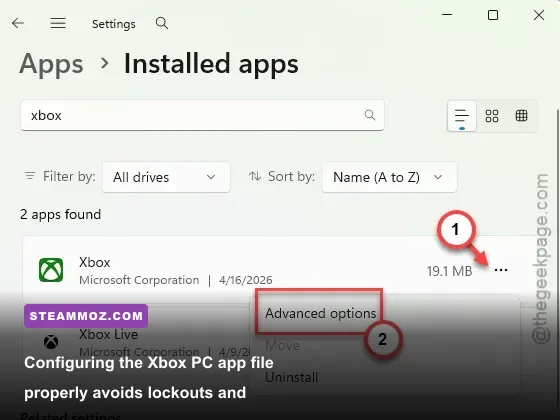
Let's be blunt: the Windows Xbox App has historically tested gamers' patience with encrypted directories, failed downloads, and random background throttling. However, with recent platform updates, Microsoft finally introduced custom installation folders, allowing you to install games into unrestricted directories like C:\Games instead of the locked-down WindowsApps folder. This tweak is mandatory if you want to apply custom Reshade profiles, modify configuration .ini files, or install community mods.
| Setting / System Tweak | Default Value | Recommended PC Value | Performance / Usability Benefit |
|---|---|---|---|
| Xbox App Install Path | Hidden WindowsApps | Custom Directory (e.g., D:\XboxGames) | Unlocks direct file access for modding, engine fixes, and custom textures |
| Windows Game Bar Captures | Enabled (Background Record) | Disabled | Reclaims 3-7% CPU overhead and stops micro-stuttering in CPU-bound games |
| Hardware-Accelerated GPU Scheduling (HAGS) | Off (Default on older installs) | On (Windows Settings -> Display) | Required for DLSS 3 Frame Generation in titles like Lies of P and Remnant II |
| Delivery Optimization Bandwidth | Dynamic / Throttled | Absolute Bandwidth (100% Uncapped) | Eliminates download speed throttles on 100GB+ downloads like Forza |
Encountering random crashes or sudden framerate drops during sprawling open-world RPG sessions is never fun. If you've ever dealt with stubborn stability problems in Eurojank RPGs or unoptimized ports, the triage routines in our ELEX PC crash fixes guide—such as forcing DirectX shader cache rebuilds and purging corrupted virtual memory pagefiles—work wonders for temperamental Game Pass installations as well.
Final Verdict: How to Build Your Active Game Pass Rotation
The beauty of PC Game Pass lies in its breadth, but taking full advantage means avoiding catalog paralysis. Don't hoard fifteen massive games on your NVMe drive only to bounce between their opening menus. Build a focused three-tier active rotation: install one high-stakes mechanical challenge like Lies of P for focused sessions, one sprawling pick-up-and-play title like Forza Horizon 5 or Everspace 2 when you want pure adrenaline, and a low-stress, turn-based journey like Sea of Stars for casual evenings. With this lineup active on your desktop, you are extracting every penny of value from your subscription while playing the absolute best gaming experiences modern PC hardware has to offer.