
If you head into the PC version of Capcom's reimagined masterpiece expecting the exact same muscle memory from the 2005 classic to carry you through, you will burn through your ammo and watch the "You Are Dead" screen within fifteen minutes. Resident Evil 4 Remake on Steam does not just give Leon S. Kennedy a visual facelift; it completely rewires enemy artificial intelligence, overhauls precision aiming physics, introduces a fragile weapon durability economy, and ties your survival directly to dynamic difficulty scaling that punishes careless hoarding. Surviving rural Spain requires unlearning bad habits, dialing in your RE Engine display settings, and mastering a brand-new mechanical toolkit before you fire your first shot.
Master the Knife Economy and Parry Windows Early
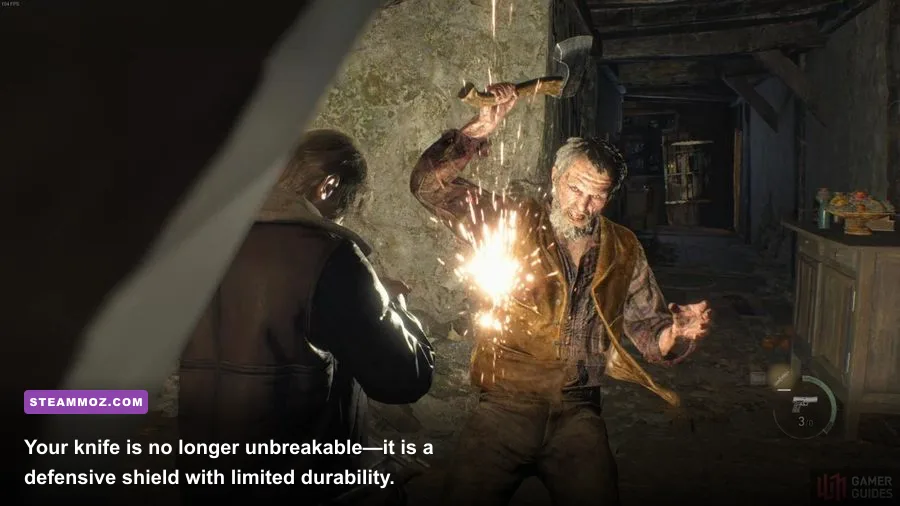
Your knife is no longer an infinite-use fallback weapon you swipe at downed enemies to conserve 9mm handguns rounds. In the remake, Leon's Combat Knife features a dedicated durability gauge that depletes whenever you parry attacks, break free from grabs, execute stealth assassinations, or finish off writhing Ganados before they mutate. If that meter empties, your knife snaps, stripping away your primary defensive buffer until you visit the Merchant to repair it for a hefty sum of pesetas.
Parrying is the single most critical mechanic in the entire game. Tapping the parry key (Spacebar on keyboard or Left Bumper on a controller) right as an attack lands deflects axes, scythes, pitchforks, thrown projectiles, and even the chainsaw roar of Dr. Salvador. A standard parry knocks the incoming attack aside, but a Frame-Perfect Parry staggers the attacker instantly, leaving them wide open for Leon's signature melee follow-up. Keep a sharp eye out for discarded Kitchen Knives and Boot Knives scattered throughout the environment; treat them as disposable consumables so your upgraded Combat Knife stays intact for life-or-death boss encounters.
Whenever an enemy collapses to the floor and begins violently flailing with snapping bones, sprint over and hit the prompt to perform a grounded knife execution immediately. This destroys the corpse before a violent, blade-wielding Plaga parasite can burst from their neck. Spending a fraction of knife durability here prevents you from dumping an entire shotgun magazine into a high-tier mutated monstrosity seconds later.

🎮 Resident Evil 4 Remake
Looking to experience this game? Grab your digital key directly on our store for $9.99.
View on Steammoz Store →Tame the RE Engine: Optimal Steam Settings for High FPS
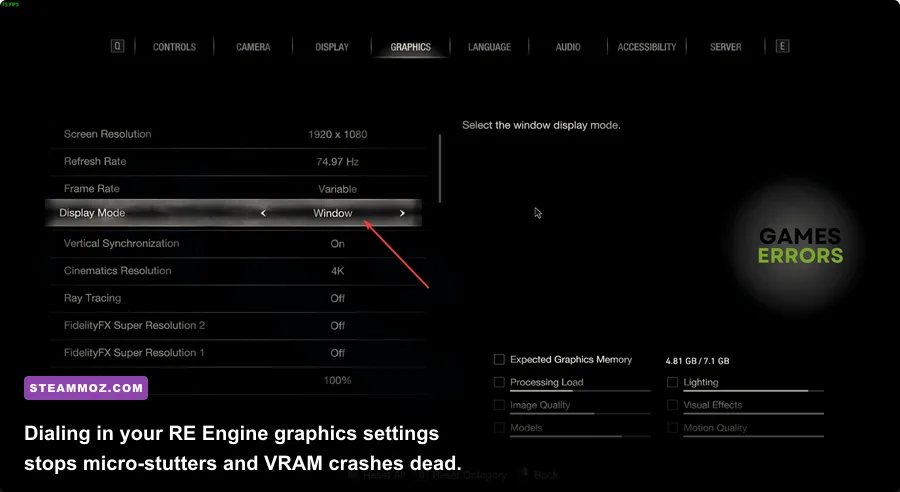
Capcom's proprietary RE Engine produces breathtaking character models and environmental grit, but the PC port features several deceptive graphics settings that chew up video memory and cause violent micro-stuttering. If your VRAM allocation bar turns bright orange or red in the options menu, the game will suffer sudden frame-rate drops during heavy village mob sequences. Much like troubleshooting stuttering and sudden performance dips in heavy open-world games, getting ahead of these resource bottlenecks ensures responsive input when every parry frame counts.
The biggest performance thief by a wide margin is the Hair Strands feature. While it renders individual strands of Leon's floppy fringe with realistic physics, enabling it carries a brutal 15% to 22% frame-rate penalty across mid-range GPUs like the RTX 3060 and RX 6700 XT. Turn Hair Strands off completely. Similarly, Screen Space Reflections combined with Ray Tracing can create severe frame-time pacing issues in rain-slicked areas. If you are tuning your rig similarly to how you would approach optimizing settings for stable frame rates in modern shooters, prioritize high texture quality and responsive controls over ray-traced shadows.
| Graphic Setting | Optimal Value | FPS Impact | Visual Impact & Practical Advice |
|---|---|---|---|
| Hair Strands | Off | High (~18% Drop) | Negligible difference in combat; massive boost to minimum frame rates. |
| Ray Tracing | Off | High (~15-20% Drop) | RE Engine lighting is pre-baked exceptionally well; disables stutter. |
| Texture Quality | High (2GB to 4GB) | Low (VRAM Dependent) | Keep within your GPU's physical VRAM limit to avoid asset pop-in. |
| Shadow Quality | High | Medium (~6% Drop) | Maintains crisp silhouettes; dropping to Mid softens enemy edges. |
| Mesh Quality | Max | Very Low (~2% Drop) | Eliminates visible geometric pop-in on enemy models as they charge. |
| FidelityFX Super Res 2 | Quality / Off | Moderate Gain (+15-25%) | Use Quality mode at 1440p/4K; run native at 1080p to avoid ghosting. |
For PC keyboard and mouse enthusiasts, disable Mouse Acceleration inside the Camera Settings menu immediately. The port maps a subtle artificial dead-zone curve by default to emulate analog sticks. Setting Camera Acceleration to None gives you a raw 1:1 mouse input curve that turns headshot snaps into an effortless reflex.
Understand Dynamic Difficulty: Why Ammo Hoarding Backfires
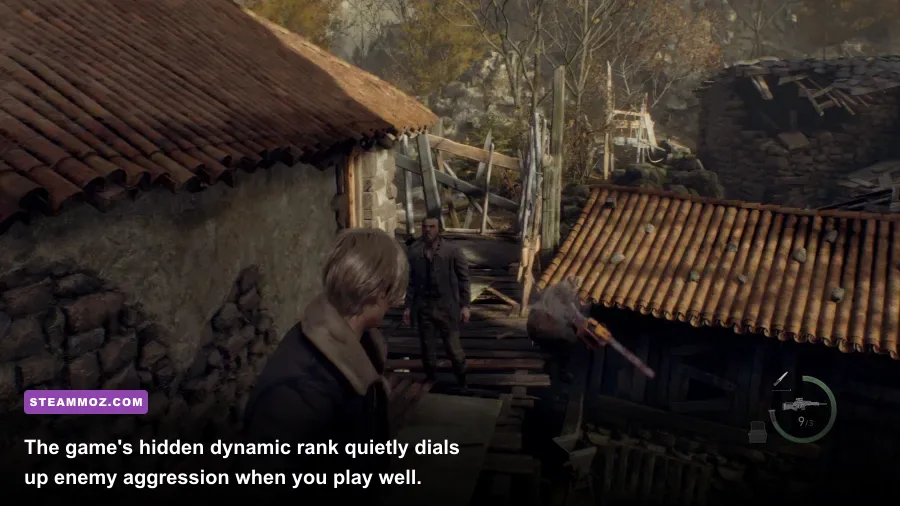
Just like its predecessors, the remake utilizes a behind-the-scenes dynamic difficulty mechanic known internally as the Difficulty Adjustment (DA) or Game Rank system. On Standard and Hardcore difficulties, the game continuously tracks your performance across a hidden scale from Rank 1 to Rank 11 according to data documented on the Resident Evil Wiki. Land consecutive headshots, dodge lethal hits, and hoard hundreds of rounds in your case, and the AI quietly ratchets the rank upward.
At high dynamic ranks, Ganados run faster, surround your blind spots aggressively, resist weapon staggers, and hit significantly harder. More importantly, the game's dynamic drop engine dials back resource generation. Break wooden barrels while your inventory is bulging with ammo, and you will receive small bags of pesetas instead of valuable gunpowder or shotgun shells. Conversely, if you take heavy damage, miss shots, or find yourself scraping the bottom of your magazine, the game lowers the rank, loosening enemy aggression and dropping hand-crafted resource crates right when you need them most.
Don't be afraid to expend your heavy munitions on large crowds. Hoarding 40 shotgun shells and three stacks of rifle rounds actually makes the game harder for yourself by baiting the dynamic difficulty engine into throwing its most aggressive, hyper-responsive enemy waves at you.
Never Sell Raw Treasures: The Gem Inset Multiplier Math
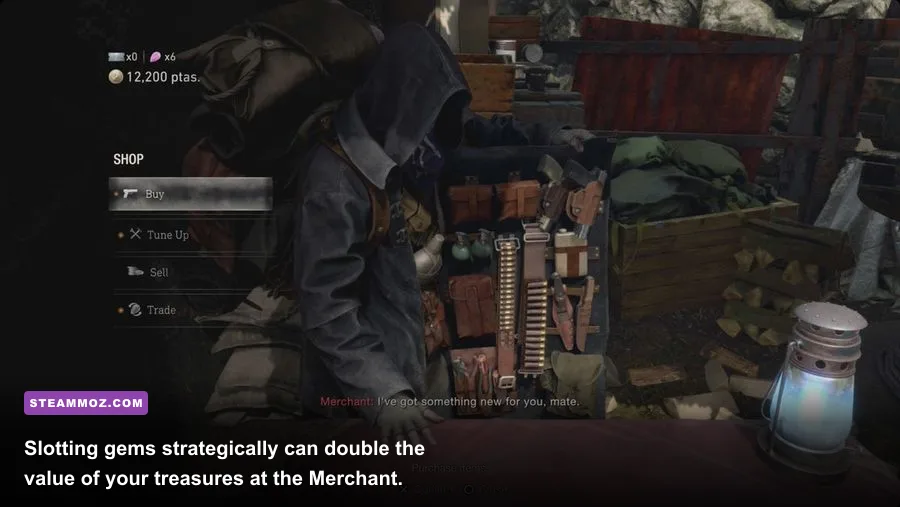
The mysterious Merchant returns to sell weapons, tuning services, and inventory expansions, but funding your arsenal demands financial discipline. Throughout chapters, you will uncover valuable artifacts like Chalices, Flaggons, Masks, and Crowns featuring empty circular and square gem sockets. Selling these relics in their base state throws away tens of thousands of pesetas.
Slotting precious gems—Rubies, Sapphires, Yellow Diamonds, Emeralds, Alexandrites, and Beryls—into these treasures activates secret combination multipliers that vastly increase the payout. Rather than inserting whatever gem you have on hand, stockpile your jewels until you can fulfill specific synergy requirements. Just as you would carefully budget your resources when building a viable character in tactical setups like a beginner loadout build, managing your jewelry payouts sets up your late-game survivability.
| Socket Synergy Type | Color Combination Pattern | Multiplier Bonus | Example Strategic Target |
|---|---|---|---|
| Duo (2 Sockets) | 2 of the Same Color | 1.2x Payout | Flagon with 2 Rubies |
| Duo (2 Sockets) | 2 Different Colors | 1.1x Payout | Flagon with 1 Ruby, 1 Sapphire |
| Trio (3 Sockets) | 3 of the Same Color | 1.3x Payout | Golden Lynx with 3 Yellow Diamonds |
| Trio (3 Sockets) | 3 Different Colors | 1.2x Payout | Golden Lynx with Red, Blue, Yellow |
| Quartet (4 Sockets) | 4 of the Same Color | 1.5x Payout | Necklace with 4 Rubies |
| Quartet (4 Sockets) | 4 Different Colors | 1.3x Payout | Necklace with 4 distinct gem varieties |
| Five Colors (5 Sockets) | 5 Completely Distinct Colors | 1.8x Payout | Elegant Crown with 5 distinct shades |
| Quintet (5 Sockets) | 5 of the Same Color | 2.0x Payout | Elegant Crown with 5 matching gems |
Pay special attention to the Elegant Crown found in later chapters. Slotting it with five gems of different colors or five gems of identical color pushes its final appraisal value beyond 100,000 pesetas, unlocking the "Astute Appraiser" achievement and instantly funding end-game weapon upgrades.
Combat Fundamentals: Hitboxes, Staggers, and Crowd Control

Ammo conservation in Resident Evil 4 is achieved by treating your firearms as setup tools rather than pure damage dealers. Shooting a charging Ganado squarely in the face causes them to clutch their head in pain; shooting them in the kneecap forces them onto one knee. Both conditions trigger an on-screen contextual melee prompt when Leon moves into close proximity.
Understanding which stagger you trigger dictates your battlefield control:
- Roundhouse Kick (Headshot Stagger): Leon unleashes a massive, 360-degree spinning heel kick. While it deals moderate damage to the target, its true utility lies in its colossal knockback radius. It sends surrounding enemies flying backward like bowling pins, granting you breathing room and knocking down pursuers.
- Suplex (Kneecap Stagger): When an enemy drops to their knees—especially the zealous cultists in the Castle—circling behind or directly facing them triggers an overhead German Suplex. This maneuver deals massive single-target damage, frequently pops heads clean off without mutating, and grants complete invulnerability frames during the throwing animation.
Never underestimate the utility of the Flash Grenade. In addition to stunning entire rooms of standard enemies, flash explosions trigger an instant-kill mechanic on any exposed Plaga parasite. When an enemy's head splits open into a writhing mass of scythe-like appendages, do not waste rifle cartridges or shotgun shells. Toss a single flash grenade; the intense UV burst causes every exposed parasite on screen to instantly disintegrate.
Weapon Investment Strategy: Don't Spread Your Pesetas Thin
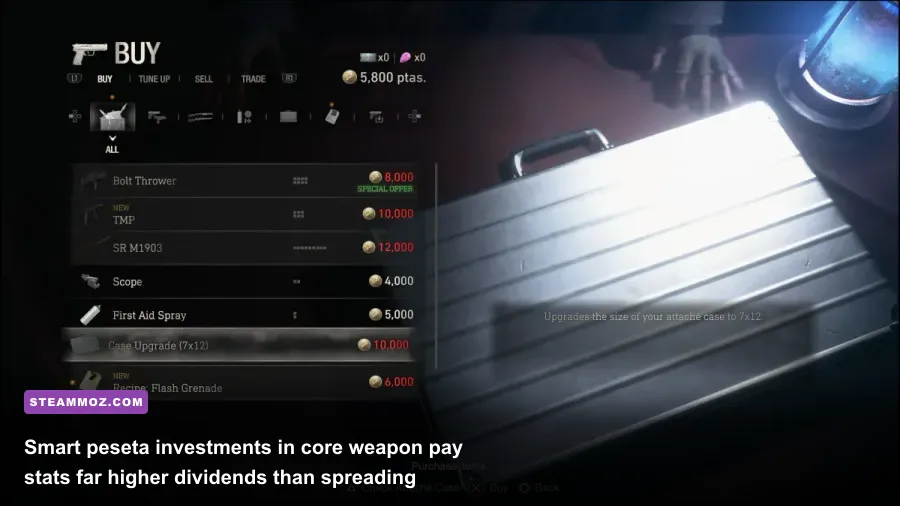
The Merchant will tempt you with a steady stream of shiny new firepower across every chapter, but trying to keep every weapon class upgraded equally is a surefire recipe for bankruptcy. Much like evaluating an armory tier list in games like Far Cry 3 Blood Dragon weapons ranked by sheer utility, picking clear standouts and maxing their core attributes yields drastically higher returns than rotating half-tuned guns.
Leon's starting pistol, the SG-09 R, looks unassuming, but it accepts the precision Laser Sight attachment (purchased with Spinels earned from Merchant Blue Request notes). When fully upgraded, its Exclusive Perk multiplies your critical hit rate by a massive 5x, causing basic headshots to explode enemy skulls with shocking frequency. If you prefer raw, staggering power over finesse, the heavy-hitting Red9 hits like a freight train, though its wider reticle bloom demands the detachable stock to steady your aim.
For shotguns, hold your funds until the Riot Gun unlocks in Chapter 6. While the starter W-870 has a wide cone suitable for early crowd control, the Riot Gun boasts a surgical, tight spread pattern that channels devastating kinetic force directly into weak spots at medium range. Pour your early cash into knife durability, suitcase inventory expansions, and your primary shotgun's raw power. You can learn more about official weapon specs and future balance patches directly on Capcom's official website.
Finally, hoard your Spinels. Never exchange this pink side-quest currency for common crafting materials or small bags of gold. Save your Spinels exclusively for Treasure Maps (which reveal every hidden cache per zone), the Handgun Laser Sight, high-tier weapon stocks, and ultimately the Exclusive Upgrade Ticket, which lets you bypass hundreds of thousands of pesetas in prerequisite tune-up costs on your hardest-hitting weapons.