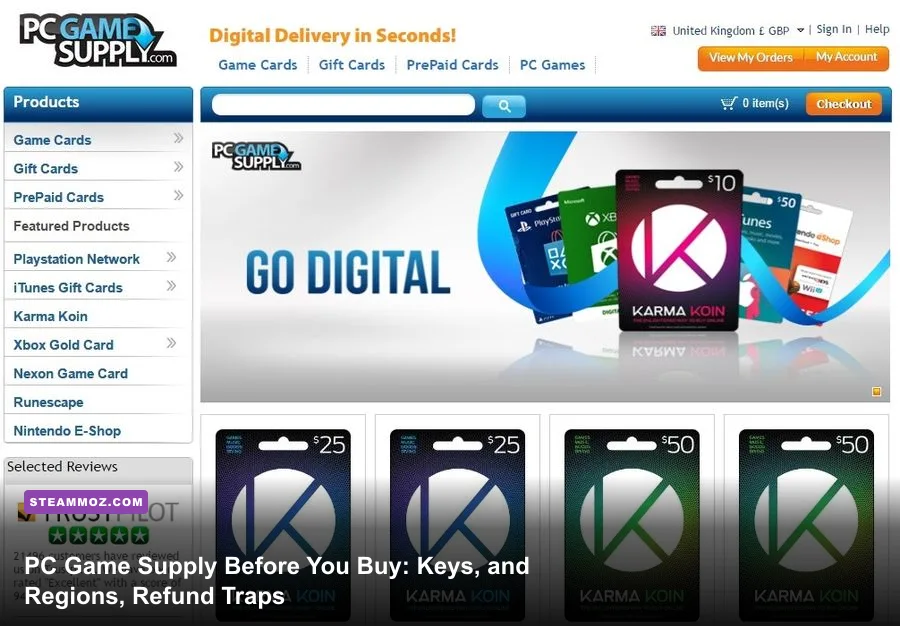
PC Game Supply is a digital-code retailer, not a game you download and launch by itself. Before buying, check the exact product type, activation platform, country or currency restriction, delivery method, and refund policy. A Steam Wallet code, a Steam game key, a PlayStation card, and a PC download are completely different purchases, even when they appear beside each other in the same store.
That distinction is the key to avoiding the most frustrating outcome: paying for a code that cannot be redeemed on your account. PC Game Supply can be useful when you need a digital gift card or a hard-to-find top-up, but you should treat every listing like a contract. Read the platform label, inspect the region wording, verify the denomination, and only then pay.
PC Game Supply Is a Storefront, Not a PC Game
The first thing to understand is what PC Game Supply actually sells. Its catalog commonly includes digital currency and prepaid products for services such as Steam, PlayStation Network, Xbox, Nintendo, Blizzard, Riot Games, Roblox, and other publishers or platforms. The code usually adds credit to an existing account; it does not necessarily grant ownership of a particular PC game.
That matters because “PC” in a product title can be easy to misread. A listing may be intended for Steam on PC, while another may be a wallet code that works only in a specific country. Some products are delivered as a code, while others may require account information or use a different fulfillment process. Never assume that a product is a Steam key simply because the page contains a PC gaming image.
Before checkout, identify four fields:
- Product: Is it a full game key, wallet credit, subscription, expansion, or in-game currency?
- Platform: Does the code activate on Steam, Epic Games Store, Ubisoft Connect, EA app, Battle.net, or a console network?
- Region: Does it specify the United States, Europe, the United Kingdom, Canada, Australia, or worldwide use?
- Delivery: Will the code appear instantly on-screen, arrive by email, or require manual review?
For a Steam game key, compare the listing with the game’s official Steam store page. Check whether the game supports your operating system, whether it requires a third-party launcher, and whether the edition includes the DLC you expect. If you are buying currency, go directly to the relevant service’s redemption instructions first. Steam’s official product-key support page is a useful reference for activation problems.
Read the Region and Currency Rules Before Paying
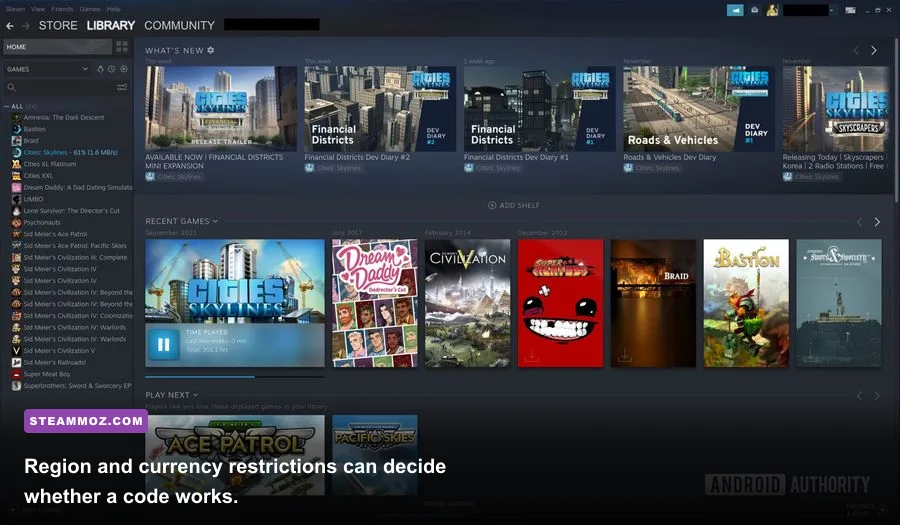
Region locking is the biggest PC Game Supply trap for first-time buyers. A $20 Steam Wallet code bought in one currency may not redeem on an account registered in another country. The same problem can affect PlayStation, Xbox, Nintendo, Riot Points, and publisher-specific cards. A code being cheaper in another region does not make it portable.
Look for wording such as “US only,” “EU,” “UK,” “global,” “LATAM,” or a currency symbol. Do not interpret “worldwide” casually: it may describe the retailer’s ability to sell the item, not a guarantee that every account can redeem it. Your platform account’s country, store currency, and payment region can all matter.
| Product Type | What You Receive | Main Restriction | Best Pre-Purchase Check |
|---|---|---|---|
| Steam Wallet Code | Account balance | Country or currency region | Match the code region to your Steam account |
| Steam Game Key | Game license | Platform and activation region | Confirm Steam activation and edition |
| Riot Points | League of Legends or Riot currency | Riot account region | Check the game server and account shard |
| Console Gift Card | PlayStation, Xbox, or Nintendo balance | Console account country | Match country and currency exactly |
| Subscription Code | Time-limited service access | Platform, account, and term length | Check auto-renewal and eligibility wording |
Currency conversion also changes the real value. A displayed price may exclude taxes, card-processing costs, or exchange fees. Your bank can apply a foreign-transaction charge even if the retailer shows a familiar currency. Compare the final checkout total, not the headline price.
If a code is intended for a friend, confirm the friend’s account country before purchasing. Gift cards are especially unforgiving because the recipient may be unable to transfer the balance to another account. Sending a screenshot of the product page is not enough; send the precise region and denomination as well.
Know How Delivery, Activation, and Account Security Work
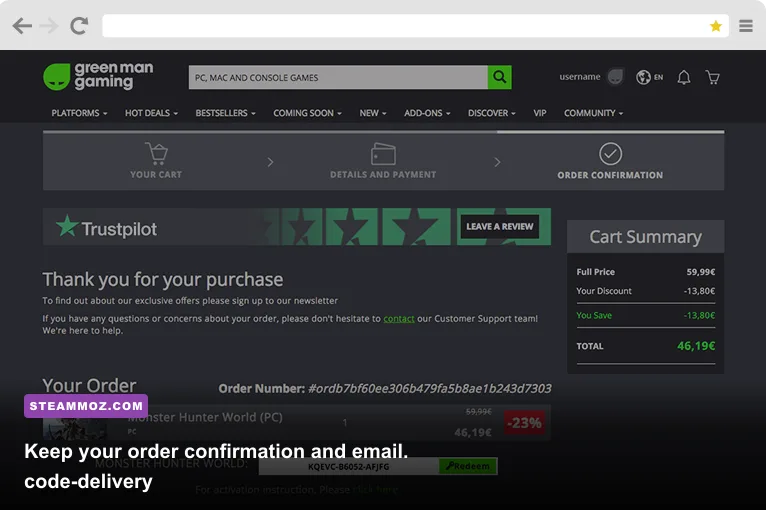
Digital delivery does not always mean instant delivery. Many orders are automated, but fraud checks can delay a code, particularly on a first purchase, an unusually large order, or a payment method that triggers verification. Use an email address you can access and keep the order number, payment receipt, and delivery message until the code has been redeemed successfully.
For a normal Steam key, open the Steam desktop client, choose Games, select Activate a Product on Steam, accept the agreement, and enter the code. Wallet credit uses a different redemption route through your Steam account’s wallet page. A game key and a wallet code are not interchangeable, so entering the wrong type in the wrong field can create needless confusion.
Never send your Steam password, two-factor authentication code, or full account recovery information to a retailer through chat or email. A legitimate code seller should not need your platform password to deliver a standard key. If a page asks you to disable two-factor authentication, install remote-access software, or paste a login token, stop immediately.
Use a unique password for the retailer account and enable two-factor authentication if the option exists. Pay with a method that gives you a clear transaction record. Avoid purchasing through a public Wi-Fi network, and do not save card details on a device shared with other people.
A code can also be “used” without being stolen. If you reveal it in a public screenshot, send it to the wrong person, or leave it visible in a shared inbox, someone else may redeem it first. Treat an unused digital code like cash. Once redeemed, it is generally tied to the account that claimed it.
For PC troubleshooting after activation, Steamoz’s guides on crash fixes and FPS recovery and low-FPS troubleshooting are useful starting points. They will not repair an invalid key, but they can separate a licensing problem from a performance problem.
Check the Game, Edition, and PC Requirements First
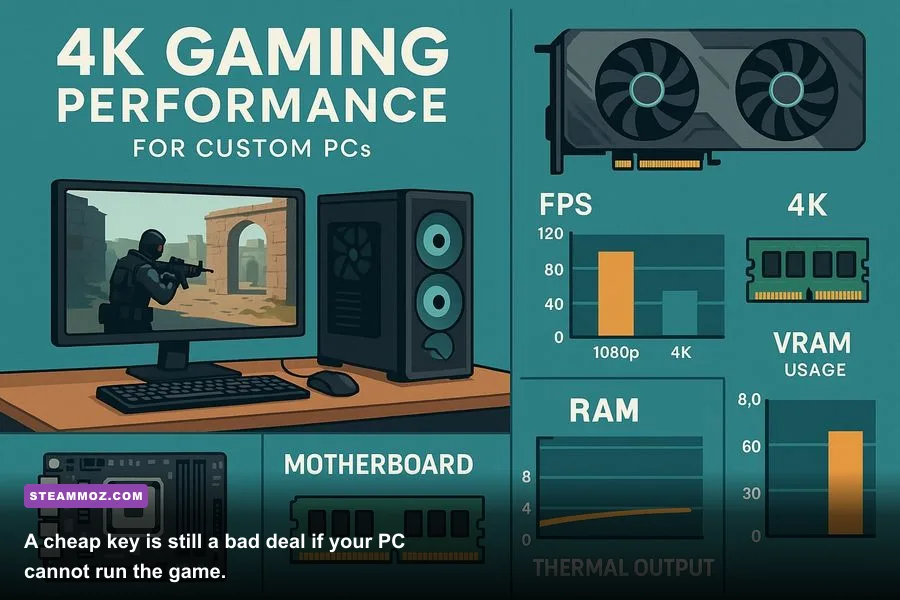
A valid key does not guarantee a good purchase. Before buying a PC game through a third-party digital retailer, check the official store listing for the correct edition and minimum specifications. “Deluxe,” “Gold,” “Complete,” and “Game of the Year” versions can include different season passes, cosmetic packs, or expansions. A cheaper standard edition may be the wrong deal if you planned to play the DLC with friends.
Pay close attention to launcher requirements. Some Steam listings require an additional Ubisoft Connect, EA app, Rockstar Games Launcher, or publisher account. That extra account can affect family sharing, offline play, controller support, and where the game’s cloud saves live. If the product says “key activation required on publisher platform,” do not expect it to appear in your Steam library.
| Check | Why It Matters | Red Flag | Safe Action |
|---|---|---|---|
| Operating system | Some older titles lack current Windows support | Only an old OS is listed | Read recent user reports and official notes |
| CPU and GPU | Minimum specs may target 30 FPS at low settings | Your hardware barely meets minimum | Search for tested performance on your GPU |
| RAM and storage | Open-world games can stream large assets | Mechanical drive or low free space | Reserve SSD space and check patch size |
| Launcher | Activation and saves may depend on another account | Platform is unclear | Confirm the exact activation client |
| Online requirement | Some single-player games still require sign-in | Offline mode is not documented | Read the official feature and DRM notes |
Performance expectations deserve a reality check. Minimum system requirements usually describe the lowest supported experience, not a locked 60 frames per second. If your PC only matches the minimum GPU, expect to reduce shadows, volumetric effects, reflections, and crowd density before touching texture quality. Texture resolution mainly depends on VRAM, while shadows and volumetrics often punish the GPU every frame.
Also check whether the game includes Steam Cloud, controller support, achievements, and multiplayer cross-play. These features can matter more than a small discount. For older releases, Steamoz’s PC specifications breakdown shows why compatibility details can matter even when a game looks easy to run.
Compare the Real Price With Safer Buying Options
The cheapest sticker price is not automatically the best value. Add taxes, payment fees, currency conversion, and the risk of a non-refundable code. Then compare the result with the official Steam sale price, the publisher’s store, authorized retailers, and subscription services. A two-dollar saving is not worth weeks of support messages if the region is wrong.
For wallet credit, calculate exactly how much you need. Buying a $50 card for a $41.99 purchase leaves balance behind, while buying multiple small cards may create extra fees. For a game key, compare like for like: standard versus deluxe edition, base game versus bundle, and a Steam key versus a publisher launcher key.
| Buying Route | Typical Advantage | Risk to Check | Best Use |
|---|---|---|---|
| Official platform store | Clear ownership and support | Higher list price outside sales | Major releases and disputed purchases |
| PC Game Supply code | Convenient digital delivery or gift credit | Region, delivery, and refund conditions | Matching a precisely verified code |
| Authorized retailer | Frequent discounts with recognized support | Different activation clients | Sale shopping when platform is explicit |
| Subscription service | Large rotating library | Access ends if the subscription lapses | Trying several games cheaply |
| Physical PC release | Sometimes includes collectible extras | May still contain a digital key | Collectors and gift purchases |
Watch for unusually deep discounts on brand-new games. A low price can be legitimate, but it deserves extra scrutiny when the listing is vague about region, edition, or activation platform. Avoid listings that promise account access instead of a redeemable code. Buying someone else’s account can violate platform rules and leave you without the game after a password or ownership dispute.
Do not confuse a “preorder,” “early access,” or “beta access” product with the finished release. Check the release date, included bonuses, and whether the code is delivered immediately or only near launch. If you are shopping for a friend, verify whether the recipient can redeem the product in their country before you click pay.
What to Do When a Code Fails
Do not repeatedly guess at activation screens. First, capture the exact error message and confirm that you are using the right client. “Invalid product key” can mean a mistyped character, an already redeemed code, a region mismatch, or a key intended for another platform. “Duplicate key” usually indicates previous redemption, while a regional error points toward account-country incompatibility.
A clean troubleshooting sequence
- Stop sharing the code. Keep it private while the issue is investigated.
- Check every character. Copy and paste carefully, then remove accidental spaces. Some codes use similar characters such as 0, O, 1, and I.
- Confirm the platform. A Steam key cannot be redeemed in the Epic Games Launcher, and a wallet code is not a game license.
- Check your account region. Compare the product’s country or currency with the account that is signed in.
- Check order status. Make sure the payment was completed and the retailer marked the code as delivered.
- Contact the seller quickly. Include the order number, product name, time of purchase, and error message, but never send your password.
- Use platform support when appropriate. The platform can confirm whether a code was redeemed, although it may not issue a refund for a third-party purchase.
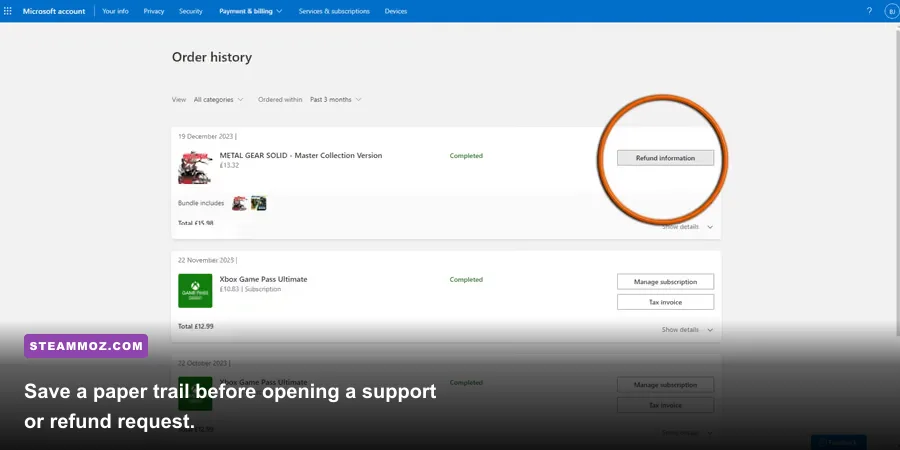
Take screenshots of the listing before it changes, including the product title, region label, edition, price, and refund terms. Keep the payment receipt and support conversation. This evidence makes a real difference if the delivered product does not match the advertised one.
Refund rules are the part buyers skip until it is too late. Digital products may become non-refundable once the code is revealed, even if you never activate it. Some sellers can investigate an unused code, but they may refuse a return after disclosure. Read the policy before opening the code, especially if you bought the wrong platform or region by mistake.
If your goal is simply to find an inexpensive game, Steamoz’s value-focused upgrade guide and edition and content breakdowns can help you decide what is actually worth paying for. The smartest discount is the one that delivers the game you intended to buy.
The Safest PC Game Supply Buying Checklist
Use this checklist immediately before checkout:
- Confirm whether the product is a game key, wallet code, subscription, DLC pack, or in-game currency.
- Match the activation platform to the launcher installed on your PC.
- Verify country, region, and currency against the recipient’s account.
- Compare the edition, DLC, preorder status, and release date.
- Check the final price after taxes, fees, and currency conversion.
- Read delivery timing and refund terms before revealing the code.
- Confirm your PC meets the recommended specifications, not just minimum requirements.
- Use a secure payment method and protect your account credentials.
- Save the receipt, order number, listing details, and delivery email.
- Redeem the code promptly, then verify that the game or balance appears correctly.
PC Game Supply is easiest to use when you remove the guesswork. Match the product to the exact platform, match the region to the account, and judge the final cost against an official sale rather than a dramatic headline discount. If all three checks pass, digital delivery can be quick and convenient. If any one of them is unclear, pause before paying; a deal that cannot be redeemed is not a deal at all.