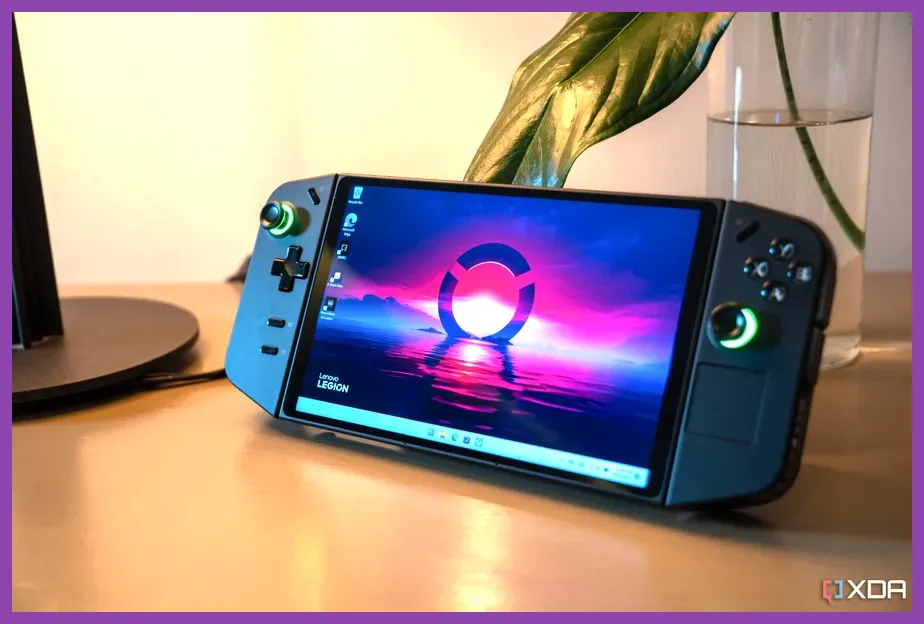
Transforming your handheld into the ultimate portable powerhouse requires an aggressive mix of hardware modifications, aggressive software tuning, and granular power profile optimizations. The definitive Lenovo Legion Go endgame build pushes the Z1 Extreme chip past its factory limits, unlocks true 1600p spatial scaling using AMD Radeon Super Resolution, and stabilizes frame times across demanding titles like S.T.A.L.K.E.R. 2: Heart of Chornobyl and heavy open-world sandboxes. If you are looking to squeeze every single frame out of your hardware while maintaining thermal safety, this comprehensive engineering blueprint covers every manual registry tweak, BIOS adjustment, and physical upgrade needed to achieve true endgame status.
Hardware Upgrades and Physical Modifications
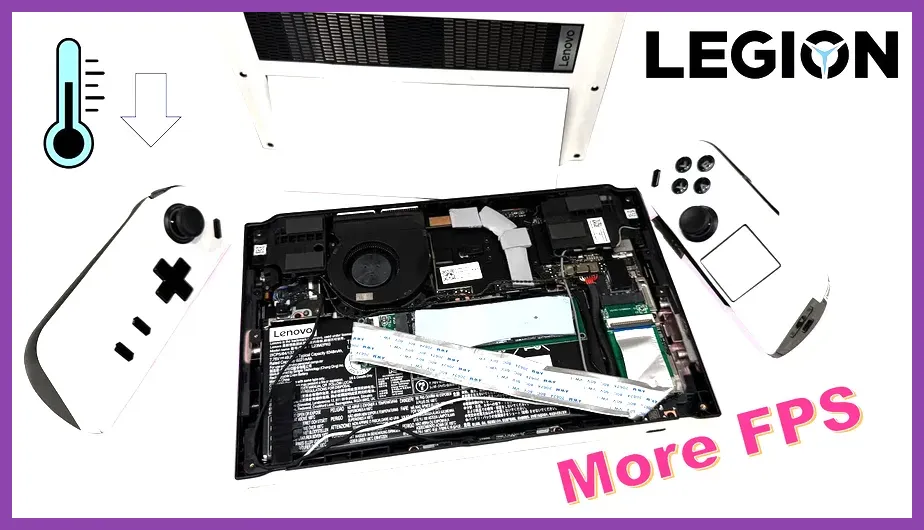
Achieving a true endgame setup starts beneath the chassis. The factory thermal solution on the Legion Go handles stock 20W TDP loads adequately, but pushing the device into sustained 30W+ custom profiles requires hardware intervention. Start by replacing the stock thermal paste with Honeywell PTM7950 phase-change thermal pad material. This drastically reduces hotspot temperatures on the AMD Ryzen Z1 Extreme APU by 4 to 7 degrees Celsius under full load, effectively eliminating thermal throttling during prolonged gaming sessions.
Next, address storage bottlenecks by upgrading the internal M.2 2242 NVMe SSD to a high-speed 2280 drive using a specialized right-angle adapter bracket. Pairing your Legion Go with a 2TB or 4TB PCIe Gen 4 drive like the Samsung 990 Pro ensures instantaneous asset streaming for titles that previously suffered from micro-stutters. For more hardware tweaking insights, check out this Stalker 2 secret locations and stashes guide to test your newly upgraded device loading times in dense environments.
Custom BIOS and TDP Power Management Profiles
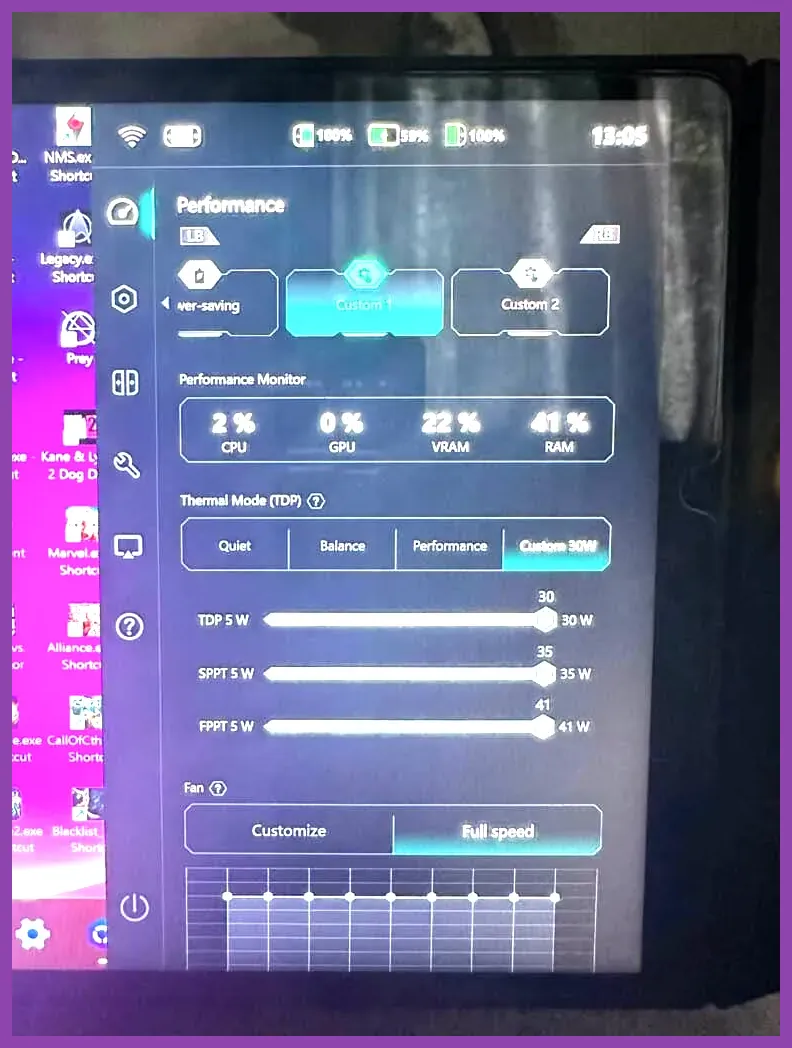
The standard Legion Space software profiles restrict the Z1 Extreme chip to conservative thermal envelopes. To bypass this, flash the latest community-vetted BIOS version that unlocks advanced memory clock configurations and custom TDP sliders. Set your Manual Mode power profile in Legion Space to a sustained 30W STT (Skin Temperature Tracking) override with a 35W boost limit for 120 seconds. This provides the exact burst power needed during heavy shader compilation phases without instantly overwhelming the single exhaust fan.
Memory allocation is another critical pillar of your endgame profile. Navigate into your BIOS settings and increase the UMA Frame Buffer Size from the default 4GB or Auto setting to a dedicated 8GB configuration. This prevents high-texture video memory overflow crashes when running modern AAA titles at native resolutions or utilizing aggressive upscaling matrices. For additional optimization steps tailored toward lower-spec environments, reference our guide on Stardew Valley 16 best settings for max fps to understand baseline frame pacing fundamentals.
Windows 11 Operating System Debloating and Services
Windows 11 is notoriously heavy on background resource consumption, which directly cannibalizes the limited RAM and CPU threads available on a handheld device. To build an optimal gaming environment, run a comprehensive debloat script to remove telemetry services, Xbox Game Bar background daemons, OneDrive synchronization, and Copilot integrations. Disable Virtualization-Based Security (VBS) and Core Isolation Memory Integrity within Windows Defender settings; this single modification yields a guaranteed 5% to 12% boost in 1% and 0.1% low framerates across almost every game engine.
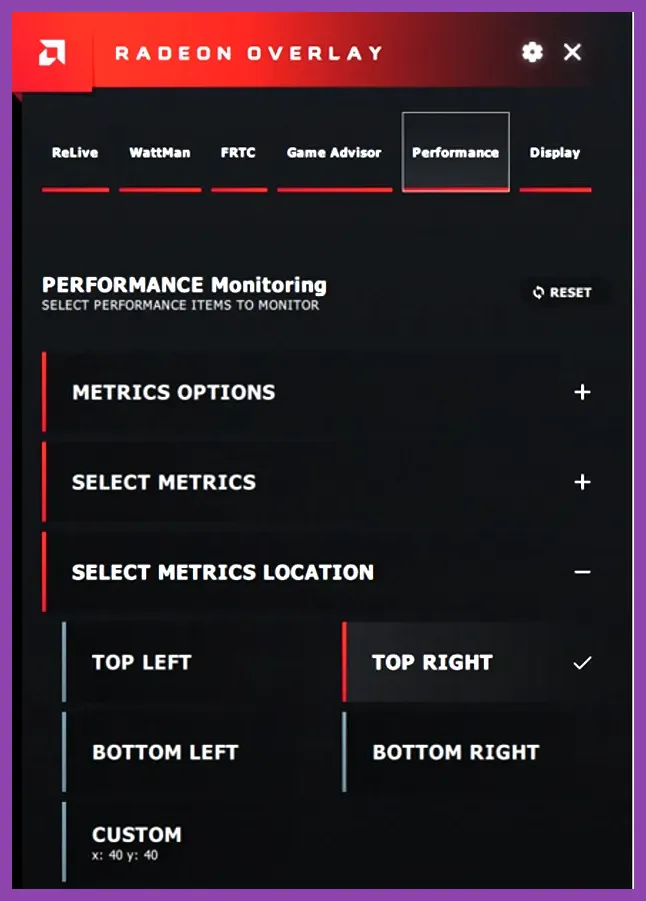
Furthermore, configure handheld companion software like Handheld Companion or Handheld Daemon to replace Legion Space if you desire granular controller mapping, gyro-aim customization, and real-time on-screen display (OSD) performance telemetry. Managing your core operating system overhead ensures that every available clock cycle is dedicated entirely to rendering your game. If you enjoy optimizing complex loadouts and inventory systems, take a look at the tactical setups detailed in our PUBG Mobile best endgame build and loadout guide.
AMD Radeon Software and Display Scaling Configurations
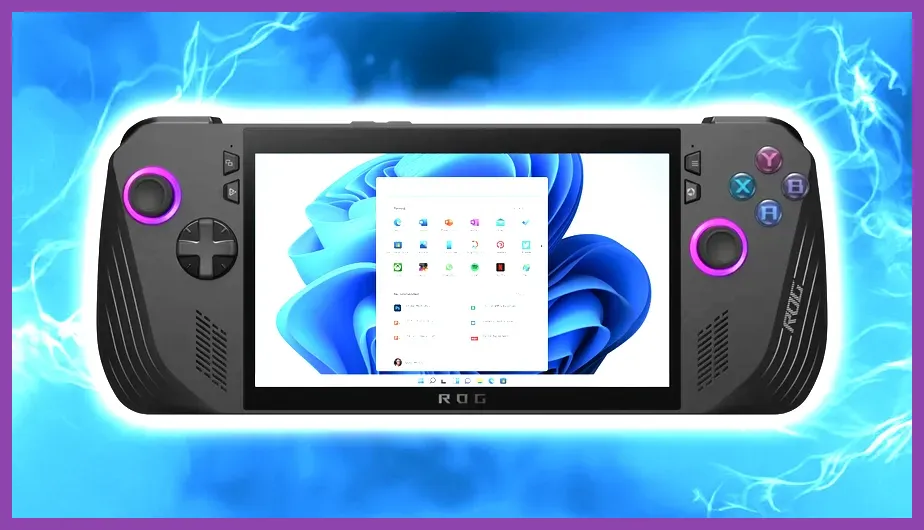
The Legion Go features a gorgeous 8.8-inch 2560x1600 portrait-oriented IPS display natively designed for productivity, which introduces unique scaling challenges for gaming. To achieve the sharpest possible image without tanking your frame rate, utilize AMD Radeon Software Adrenalin Edition to configure Radeon Super Resolution (RSR) or Lossless Scaling. Set your in-game resolution to 1280x800 or 800p, enable RSR globally, and let the hardware upscale the image to the panel's native resolution with minimal latency overhead.
In addition to spatial scaling, activate AMD Anti-Lag, Radeon Boost, and Chill settings within the Adrenalin driver panel to tightly control frame delivery. Lock your maximum refresh rate to 60Hz or 120Hz depending on the title's baseline demands, and leverage RivaTuner Statistics Server (RTSS) to enforce a hard frame limit that matches your lowest recorded 1% lows. This guarantees butter-smooth motion clarity during frantic combat sequences. For players exploring sprawling fantasy environments, check out the character optimizations highlighted in our Sea of Stars best endgame build guide.
Advanced Controller Calibration and Ergonomic Tweaks
The TrueMode detachable controllers on the Legion Go offer incredible versatility, but out-of-the-box analog stick deadzones can feel loose and imprecise for competitive shooters or precision platformers. Access the Legion Space controller calibration menu and reduce the deadzones down to 0% or 2% while applying a custom linear response curve. This eliminates input lag and ensures instantaneous tactile feedback during high-intensity encounters.
For FPS mode enthusiasts, utilize the included magnetic controller base to lock the right controller into vertical mouse mode, and adjust the optical sensor sensitivity via the dedicated hardware switch on the bottom of the grip. Setting the polling rate to 500Hz in the device configuration utility ensures mouse movements translate instantly to screen inputs without jitter. If you like experimenting with unique character classes and specialized gear progression, explore our breakdown on the Rimworld how to unlock all secret characters guide for inspiration on maximizing hidden game mechanics.
Connecting an eGPU for Ultimate Desktop Performance
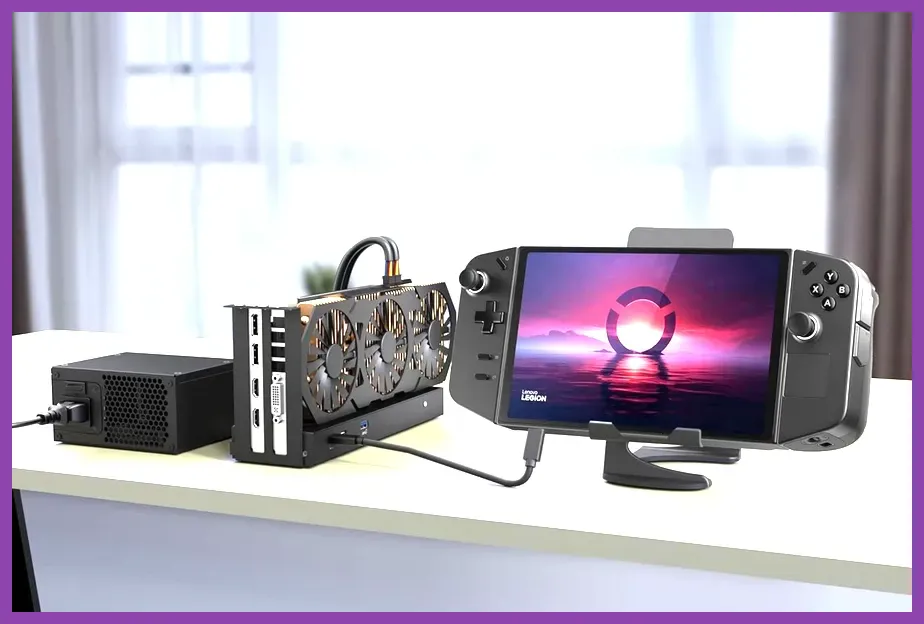
When you are ready to transition your portable handheld into a full-fledged desktop rig, the USB4 Type-C ports on the top and bottom of the Legion Go allow for high-bandwidth external GPU (eGPU) connectivity. Pair your device with an enclosure housing an NVIDIA GeForce RTX 4070 or AMD Radeon RX 7800 XT to completely bypass the thermal and electrical limitations of the integrated Z1 Extreme APU. This setup feeds external monitors at native 4K resolution with ray tracing fully enabled.
When docked in an eGPU configuration, ensure you adjust your Windows power plan to Ultimate Performance, connect a dedicated external power supply to the handheld, and force games to run exclusively on the discrete desktop graphics card via Windows graphics settings. This final hardware tier bridges the gap between ultra-portable handheld gaming and uncompromised desktop fidelity. For further reading on high-tier gear optimization and competitive setups, consult our deep dive into the Roblox best loadout for ranked play.