
Just Cause 4 needs at least 8GB of RAM, a GTX 760 or Radeon R9 270, and a Core i5-2400 or FX-6300, while the recommended target rises to 16GB RAM, a GTX 1070 or Vega 56, and a Core i7-4770 or Ryzen 5 1600. You’ll also need 59GB of storage and a 64-bit version of Windows. Those are the official numbers, but the real story is more nuanced: 1080p at 60 fps is achievable on modern mid-range hardware, while tornadoes, packed bases, and large explosions can expose CPU and frame-time weaknesses.
This guide breaks down the Just Cause 4 system requirements, explains what each part means in practical terms, and gives you a graphics profile that prioritizes smooth traversal over flashy settings that barely improve image quality. If you’re comparing it with other demanding PC releases, our guides to smooth FPS settings and fixing choppy PC performance cover the same frame-time problems from a different angle.
Just Cause 4 minimum and recommended PC specs
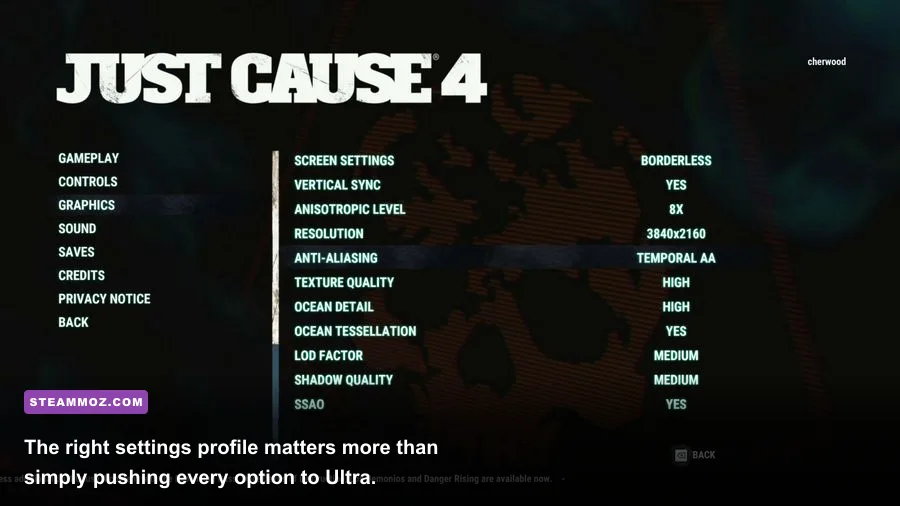
A quick warning before the table: the minimum specification is a launch-era floor, not a promise of 1080p High performance. It is designed to get the game running on older hardware. The recommended specification is a much more useful baseline for an open-world experience, but even it won’t guarantee a locked 60 fps in every weather event or military outpost.
| Component | Minimum | Recommended | What it means today |
|---|---|---|---|
| Operating system | Windows 7 SP1 64-bit | Windows 10 64-bit | Use a fully updated 64-bit Windows installation |
| Processor | Intel Core i5-2400 3.1GHz or AMD FX-6300 3.5GHz | Intel Core i7-4770 3.4GHz or AMD Ryzen 5 1600 3.2GHz | Modern six-core CPUs offer better consistency than the old minimum chips |
| Memory | 8GB RAM | 16GB RAM | 16GB is the sensible target for open-world multitasking |
| Graphics card | Nvidia GeForce GTX 760 2GB or AMD Radeon R9 270 2GB | Nvidia GeForce GTX 1070 6GB or AMD Vega 56 8GB | 4GB or more of VRAM is preferable for higher textures |
| Storage | 59GB available | 59GB available | An SSD improves loading and reduces asset-streaming irritation |
The Core i5-2400 and FX-6300 are four- and six-core processors from a much older generation. They may launch the game, but their weaker single-thread performance can cause hitching when Solís streams traffic, wildlife, destructible objects, and weather effects. A newer Core i3 with strong per-core speed can feel smoother than an old i7, so don’t judge your system by the badge alone.
On the GPU side, the GTX 760 and R9 270 are only comfortable at lower settings and sensible resolutions. Their 2GB VRAM limit is the bigger concern. Texture quality, shadows, and volumetric effects can push memory usage hard, especially at 1440p. The GTX 1070 and Vega 56 remain much better targets because their larger memory pools give the engine room for high-quality assets.
🎮 Just Cause 4: Danger Rising
Looking to experience this game? Grab your digital key directly on our store for $5.99.
View on Steammoz Store →What hardware does Just Cause 4 really need?
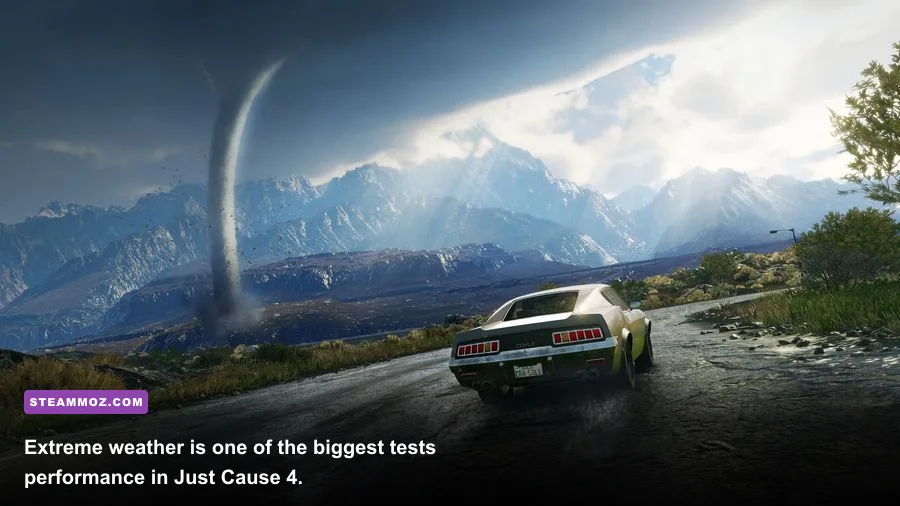
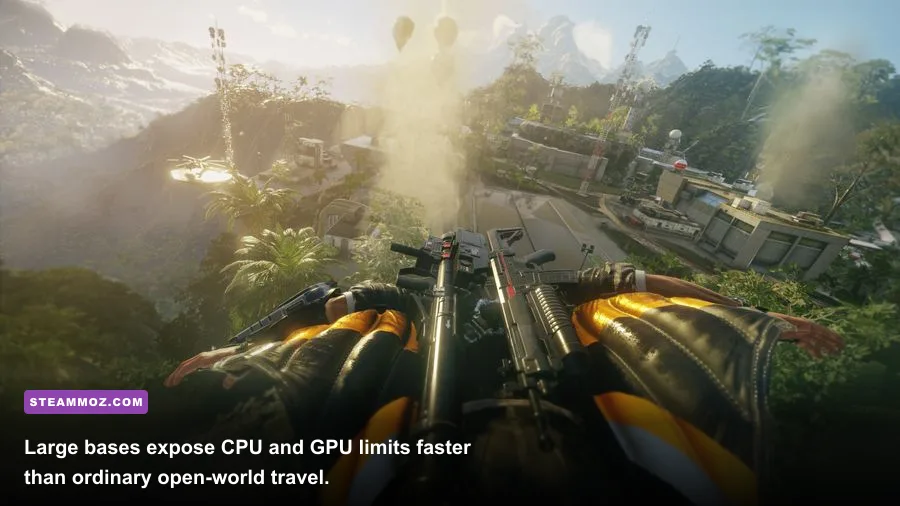
The official requirements don’t tell you which component causes the most trouble. In practice, Just Cause 4 is both GPU-heavy and CPU-sensitive, depending on what Rico Rodriguez is doing. Quiet travel across Solís is comparatively easy. A crowded settlement with vehicles, tethered objects, fire, debris, and a weather event is a completely different workload.
CPU: frame-time stability matters more than average FPS
The processor handles world simulation, traffic, AI, destruction logic, and the constant physics calculations behind the grappler. That’s why a system can report an average of 60 fps yet feel rough during a base assault. The average hides the one-percent lows that appear when multiple vehicles collide or a storm rolls through.
A modern six-core CPU such as a Ryzen 5 5600, Core i5-12400F, or better is comfortably above the recommended-era target. You don’t need a flagship processor, but you do want strong single-thread performance and enough cores to keep background tasks from stealing time. Close browser tabs, recording tools, and launchers if you’re using an older quad-core chip.
GPU and VRAM: the 2GB trap
The GTX 760’s 2GB VRAM is technically enough for the minimum specification, but it leaves little room for high textures or higher resolutions. If your card has 4GB, you can usually raise textures without immediately hitting memory pressure. A 6GB card such as the GTX 1060 6GB, GTX 1660 Super, RTX 2060, or RX 5600 XT is a much more comfortable 1080p choice.
At 1440p, the GTX 1070-class recommendation is still sensible, though modern cards like the RTX 3060 or RX 6600 XT give you more efficient performance. Ray tracing is not part of Just Cause 4’s graphics feature set, so you’re paying for raster performance, VRAM, and stable drivers rather than special lighting hardware.
RAM and storage
8GB will run the game, but 16GB is the practical minimum for a modern Windows PC. With 8GB, background applications can force extra asset swapping, making traversal feel less consistent. The game’s 59GB installation also deserves free breathing room; leave at least 10 to 15GB beyond the listed requirement for updates and Windows overhead.
An SSD won’t magically increase your average frame rate, but it can shorten loads and make world streaming less annoying. If you’re moving from a hard drive, the improvement is obvious during fast travel and after restarting a failed mission. Our PC specs and smooth-FPS guide explains why storage and frame pacing should be treated as separate performance concerns.
Best Just Cause 4 settings for 1080p and 60 fps
Start with the recommended preset, then adjust the settings that have the largest effect on frame time. Don’t blindly select Ultra. Just Cause 4’s most expensive options often involve shadows, reflections, volumetric effects, and anti-aliasing rather than textures. Lowering those can recover performance while leaving the game looking surprisingly close to the maximum preset.
| Setting | Recommended value | FPS impact | Visual trade-off |
|---|---|---|---|
| Resolution | 1920x1080 | Very high | The biggest performance lever; use resolution scaling before destroying image quality elsewhere |
| Texture quality | High if VRAM allows | Low to medium | High textures improve surfaces and vehicles; lower them on 2GB cards |
| Shadow quality | Medium or High | High | Lower settings soften shadows but can recover demanding outdoor frames |
| Water detail | High | Medium | Noticeable near coasts, rivers, and flooded areas |
| LOD and world detail | High | Medium to high | Lower values reduce distant detail and object density |
| Volumetric effects | Medium | High during storms | Storm clouds and atmospheric effects lose some density |
| Screen-space reflections | Medium or Low | Medium | Reflections become less accurate on wet surfaces and vehicles |
| Anti-aliasing | Medium or High | Medium | Lower values create more shimmer on foliage and wires |
| Motion blur | Off | Small | Sharper camera movement and clearer combat visibility |
| V-Sync | Off with a VRR display | Variable | Use FreeSync or G-Sync where available to control tearing |
For a GTX 760 or R9 270, use 1080p Low-to-Medium, medium textures only if VRAM permits, and cap expectations around 30 to 45 fps. A GTX 1060 6GB or RX 580 can target 1080p Medium-to-High. The recommended GTX 1070 or Vega 56 should handle 1080p High much more confidently, although tornado sequences may still dip below a perfect 60.
Use an in-game or driver-level frame cap if your frame rate swings wildly between 45 and 75 fps. A consistent 45 or 50 fps usually feels better than an uncapped presentation with sudden drops. If your monitor supports variable refresh, set the cap a few frames below its maximum refresh rate and let the display handle the rest.
Why storms and destruction cause performance dips
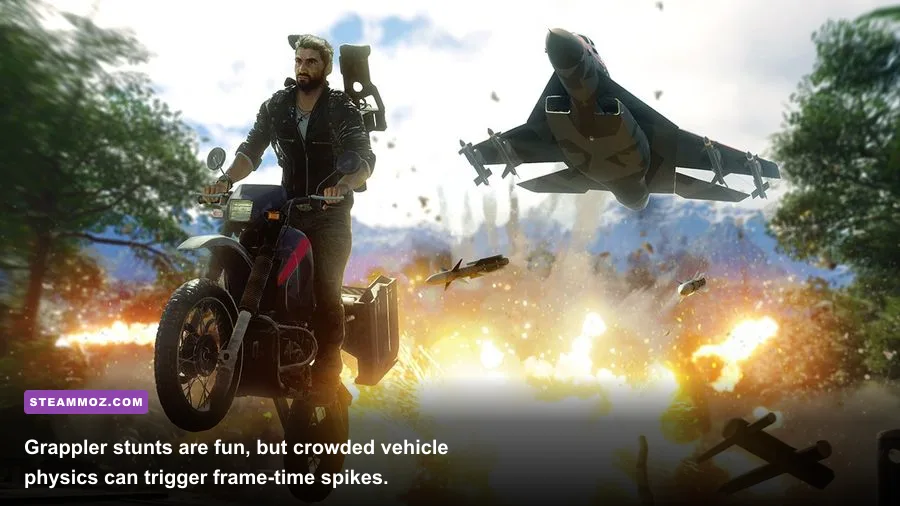
Just Cause 4’s signature spectacle is also its hardest benchmark. The game can throw wind, debris, smoke, vehicles, fire, enemies, and tethered props into the same scene. A quiet road tells you almost nothing about performance. Test your settings near a busy base, a city such as Nueva Voz, or one of the game’s major weather zones.
Storm effects hit the GPU through volumetric rendering and atmospheric layers, while destruction and vehicle chaos put pressure on the CPU. If lowering resolution produces almost no improvement during a huge explosion, you’re probably CPU-limited. If resolution scaling immediately restores performance, the GPU is the bottleneck.
There’s also a practical gameplay reason to value frame-time consistency. Rico’s wingsuit, parachute, and grappler all demand quick camera corrections. Stutters during a wingsuit dive can send you into a cliff; a brief hitch during a grapple swing can make a precise landing feel needlessly slippery. Smoothness isn’t just cosmetic in a movement-heavy sandbox.
A simple bottleneck test
- Run the game at your normal resolution and record the frame rate in a busy base.
- Lower resolution scaling or output resolution by roughly 20 percent.
- If performance jumps substantially, reduce GPU-heavy options such as shadows, volumetrics, and reflections.
- If performance barely changes, lower world detail, close background programs, and check CPU temperatures and usage.
- Repeat the test during a storm or large explosion, not only during ordinary driving.
Keep an eye on temperatures too. A CPU or GPU that runs acceptably for ten minutes but throttles after a longer session can create mysterious late-game drops. Updating graphics drivers, verifying the installation through the Just Cause 4 Steam page, and disabling unnecessary overlays are low-effort fixes worth trying before deeper troubleshooting.
Recommended upgrade paths for older PCs
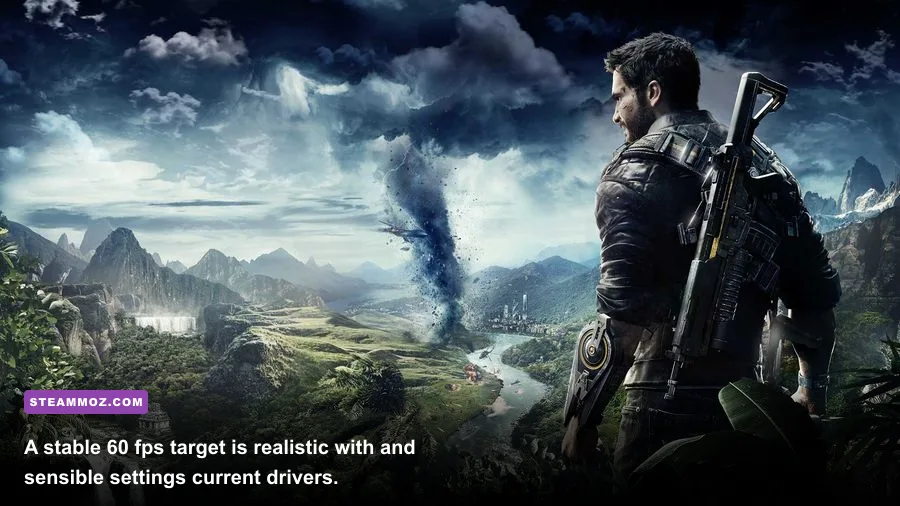
If your computer only meets the minimum, upgrade in the order that matches your bottleneck. Don’t automatically buy a graphics card if the real issue is an old FX processor or 8GB of system memory. Just Cause 4’s open-world simulation rewards balanced hardware more than a single spectacular component.
| Current problem | Best upgrade | Expected benefit | What not to expect |
|---|---|---|---|
| 2GB VRAM and texture stutter | GPU with 6GB or more VRAM | Higher textures and fewer memory-related hitches | It won’t fix CPU-limited base assaults |
| Old i5, FX-series CPU, or frequent one-percent drops | Modern six-core CPU and platform | Better simulation, traversal, and crowded-scene consistency | Average GPU-limited FPS may barely change |
| 8GB system RAM | 16GB dual-channel memory | Less background-task pressure and smoother streaming | RAM alone won’t transform Low settings into Ultra |
| Hard drive loading | SATA or NVMe SSD | Faster loads and less irritating asset streaming | Usually little change to average FPS |
| 1080p target at 1440p | GPU around RTX 3060 or RX 6600 XT class | More headroom for higher resolution | Storms can still create occasional dips |
If you’re building specifically for this game today, a sensible budget target is a modern six-core processor, 16GB dual-channel RAM, an SSD, and a graphics card with at least 6GB of VRAM. That combination is comfortably above the published requirements without wasting money on hardware Just Cause 4 cannot meaningfully use.
For more PC tuning ideas, compare the approach in our open-world performance coverage and the hardware-focused settings advice in our Just Cause 3 weapons feature. The same rule applies here: stable frame pacing beats a screenshot-friendly Ultra preset.
Final verdict on the Just Cause 4 requirements
The official minimum specs will launch Just Cause 4, but they’re best treated as a 1080p Low starting point. For a genuinely comfortable experience, aim for 16GB RAM, a modern six-core CPU, an SSD, and a GPU with 6GB or more VRAM. The GTX 1070 and Vega 56 recommendation remains a useful performance marker, though newer mid-range cards deliver similar or better results with lower power use.
Set expectations around the game’s biggest spectacle. Even a well-equipped PC can dip when Solís throws a tornado, a military convoy, burning wreckage, and grappler physics into one frame. That isn’t a sign your system is failing; it’s the cost of the game’s most ambitious scenes. Tune shadows and volumetrics first, keep textures high when your VRAM allows, and cap the frame rate for consistency.
Before buying or troubleshooting, check Square Enix support and the official Avalanche Studios game page for current information. With balanced hardware and the right settings, Just Cause 4 still delivers exactly what its best moments promise: huge storms, ridiculous stunts, and a sandbox that rarely runs out of ways to explode.