Drizzlepath: Glass is an easy PC game to run by modern standards, but its official minimum specification is aimed at 720p-class hardware rather than a locked 60 fps at 1080p. You should be comfortable with an older quad-core processor, 4GB of RAM, and a GTX 460-class graphics card at minimum; for a smoother 1080p experience, target an Intel Core i5 or AMD Ryzen 5, 8GB of memory, and a GTX 970/Radeon RX 480-class GPU. The game also needs roughly 5GB of available storage.
That distinction matters because Drizzlepath: Glass is a walking-simulator adventure built around broad mountain vistas, mist, lighting, foliage, and reflective surfaces. It doesn't have combat systems or crowded cities hammering your processor, but it does lean heavily on the GPU when the camera opens onto a large valley. If you're checking whether a laptop or older desktop can handle it, the short version is encouraging: integrated graphics may struggle, while almost any dedicated gaming GPU from the last decade should have a workable path to 1080p.
Drizzlepath: Glass minimum and recommended requirements
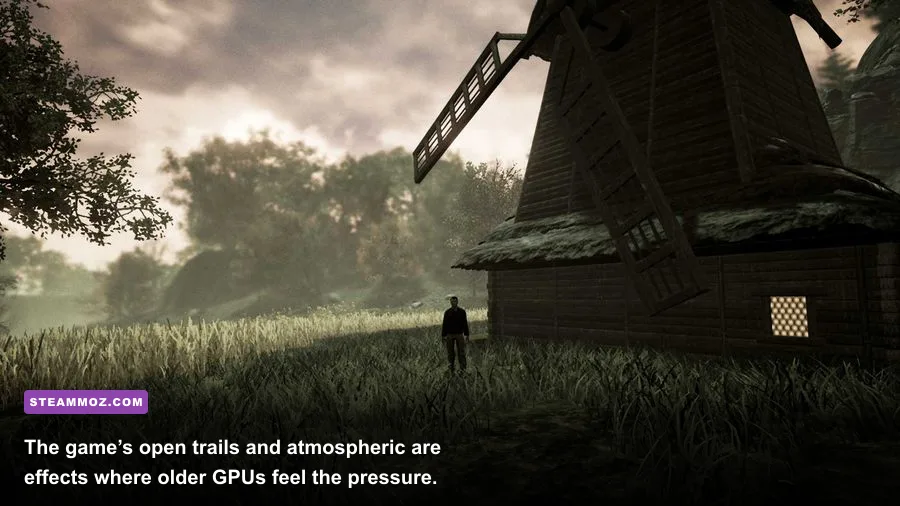
The figures below reflect the game's Steam system-requirement listing. The minimum tier is enough to launch and explore the world, but it shouldn't be interpreted as a promise of high settings or perfectly consistent performance. Unreal Engine titles from this period often have heavier outdoor scenes than their simple walking mechanics suggest.
| Component | Minimum | Recommended | What it means in practice |
|---|---|---|---|
| Operating system | Windows 7 64-bit | Windows 10 64-bit | Windows 10 or newer is the safer choice for drivers and compatibility. |
| Processor | Intel Core 2 Duo-class CPU | Intel Core i5-class CPU | Modern dual- and quad-core processors easily clear the bar. |
| Memory | 4GB RAM | 8GB RAM | 8GB avoids background-app stutter and gives Unreal more breathing room. |
| Graphics | GeForce GTX 460-class GPU | GeForce GTX 970-class GPU | Dedicated VRAM matters more than raw system memory here. |
| DirectX | DirectX 11 | DirectX 11 | Use a current driver with DirectX 11 support. |
| Storage | About 5GB available | About 5GB available | An SSD improves loading and reduces texture-streaming pauses. |
There is one important wrinkle: the Steam page's processor wording is older than the hardware most players use today. A recent entry-level laptop CPU can be substantially faster than the listed minimum, but that doesn't automatically mean its integrated GPU is fast enough. For Drizzlepath: Glass, graphics hardware is the first component to check. A system with 16GB RAM and Intel UHD graphics may perform worse than a machine with 8GB RAM and a used GTX 1050 Ti.
Before buying, compare your machine against the official Steam store listing. Requirements can occasionally be updated, and the store page remains the final reference for supported operating systems.

🎮 Drizzlepath: Glass
Looking to experience this game? Grab your digital key directly on our store for $1.99.
View on Steammoz Store →What the minimum specification can actually deliver
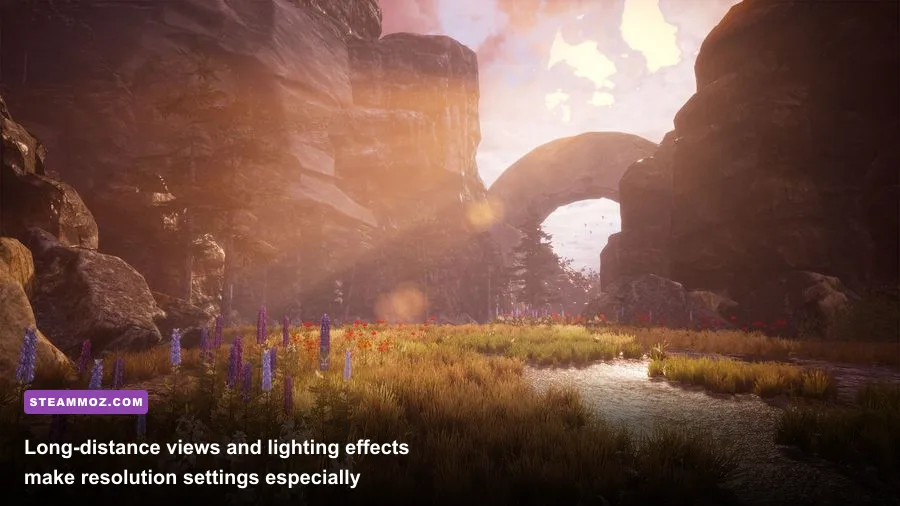
A GTX 460 or a similar card can run the game, but expect to make compromises. The minimum GPU is from 2010, and its 1GB-class VRAM configuration is a long way from the memory available on modern cards. At 1280x720, Low settings should be the starting point. Medium may be possible in quieter sections, but wide views, heavy fog, and areas with dense vegetation can pull frame rates down sharply.
The CPU requirement is less intimidating. Drizzlepath: Glass is not simulating dozens of characters, complex physics chains, or a constantly changing world state. A Core 2 Duo-class processor can handle the basic workload, although an old two-core chip may produce uneven frame pacing if Windows is busy with updates, browser tabs, or recording software. Close background applications before testing rather than judging the game from a cluttered desktop.
On minimum hardware, use 30 fps as the realistic target. A locked 30 fps feels far better than a fluctuating 45-60 fps if your display and frame pacing cooperate. If you're seeing sudden dips, lower resolution before stripping every visual option to its lowest value. A clean 900p or 720p image with medium textures usually looks better than a blurry 1080p presentation with everything disabled.
Storage speed won't increase average frame rate, but it can improve the feel of transitions and asset loading. An SSD is not required, yet it is strongly preferable. If the game is installed on a nearly full mechanical hard drive, pauses while entering new sections can look like performance problems even when your GPU is coping well.
The recommended PC target for 1080p
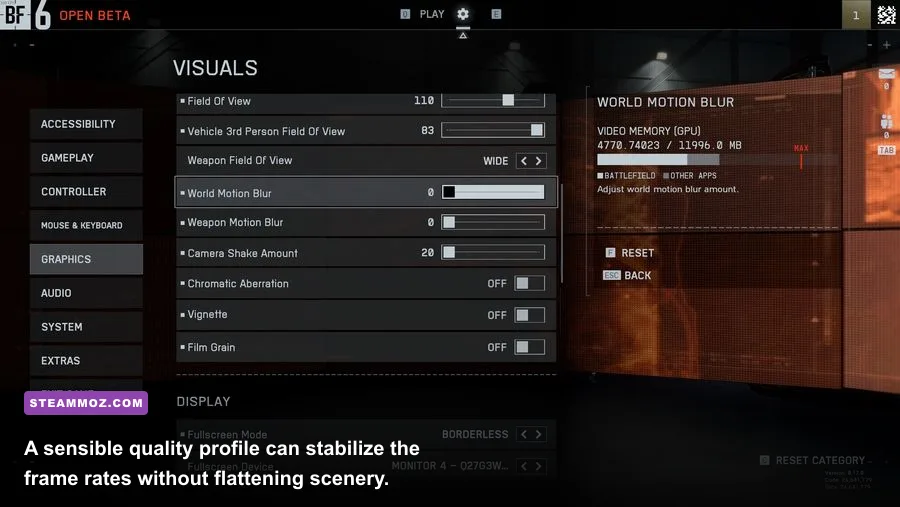
The recommended specification is a much more useful target for players who want the landscapes to look as intended. A Core i5-class CPU, 8GB RAM, and GTX 970-class graphics card should be enough for 1080p with medium-to-high quality, assuming the rest of the system is healthy. Newer equivalents such as a Ryzen 5 paired with a GTX 1660, RX 580, RTX 2060, or better give you additional headroom for higher resolutions.
Don't read “recommended” as “4K-ready.” The GTX 970's 4GB VRAM was respectable when the game launched, but 4K multiplies the number of pixels the GPU must render. At 1440p, a GTX 970-class card may need a mixture of medium and high settings. At 4K, reduce shadows and effects first, and expect a 30 fps target unless your hardware is considerably newer.
| Target | Suggested hardware | Starting resolution | Expected approach |
|---|---|---|---|
| 720p / 30 fps | GTX 460-class GPU, 4GB RAM | 1280x720 | Low preset, medium textures if VRAM allows. |
| 1080p / 30-60 fps | GTX 750 Ti to GTX 1050 Ti | 1920x1080 | Low-to-medium settings with reduced shadows. |
| 1080p / 60 fps | GTX 970, RX 480, or newer | 1920x1080 | Medium-high settings; tune fog and shadows if needed. |
| 1440p / 60 fps | GTX 1660 Super, RX 5600 XT, or newer | 2560x1440 | High settings with shadows adjusted for consistency. |
| 4K / 60 fps | RTX 3060 Ti, RX 6700 XT, or faster | 3840x2160 | High settings are possible, but outdoor scenes remain demanding. |
As with other atmospheric Unreal Engine games, the recommended tier is mostly about keeping the camera movement smooth while preserving distant scenery. Our advice for older cards is similar to the approach in Steamoz's Everdream Valley settings guide: establish a frame-rate target first, then spend your performance budget on the settings you notice most while moving through the world.
Best graphics settings for Drizzlepath: Glass
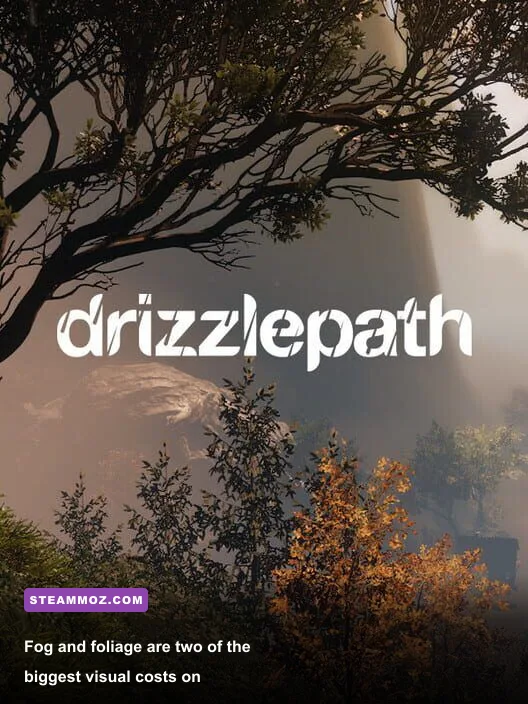
Start with the game's preset, then tune the expensive options individually. The most valuable visual setting is usually texture quality, provided your graphics card has enough VRAM. Textures affect surface clarity rather than the number of pixels being rendered, so dropping them from High to Medium often delivers a smaller visual loss than lowering resolution or disabling atmospheric effects.
| Setting | Recommended value | FPS impact | Visual trade-off |
|---|---|---|---|
| Resolution | Native 1080p, or 900p on older GPUs | Very high | Lowering it improves performance immediately but softens the image. |
| Texture quality | High with 4GB+ VRAM; Medium below that | Low to medium | Lower values reduce rock and ground detail. |
| Shadow quality | Medium | High | Lower settings simplify tree and terrain shadows. |
| Effects quality | Medium or High | Medium to high | Controls the moodiest fog, bloom, and environmental effects. |
| Post-processing | Medium | Medium | Lower values reduce bloom and cinematic softness. |
| View distance | High if GPU headroom exists | Medium | Reducing it makes distant scenery pop in sooner. |
| Anti-aliasing | Medium or High | Medium | Lower settings produce shimmer on foliage and distant edges. |
Shadows are the first setting I'd reduce on a GTX 970-class card. Drizzlepath: Glass repeatedly places the player in environments where sunlight, rocks, grass, and terrain all cast or receive shadows. High shadow quality can consume a surprising amount of GPU time for a feature you notice less than texture detail.
Effects and post-processing are next. Fog is part of the game's identity, so don't immediately turn every atmospheric option off. Medium effects often preserve the intended mood while avoiding the worst frame-time spikes. If motion feels smeary, disable motion blur if the menu provides the option; it won't raise average fps much, but it makes camera movement easier to read.
How to troubleshoot low FPS and stutter
Test performance in more than one location. A quiet trail can run smoothly while a viewpoint overlooking a valley exposes the real GPU limit. Walk the same route for several minutes after changing one setting at a time. That gives shaders and assets time to load and prevents a temporary hitch from being mistaken for a permanent frame-rate problem.
First, update your graphics driver and verify the installation through Steam. Then check that the game is using the dedicated GPU rather than integrated graphics. On laptops, connect the power adapter, select the high-performance Windows power profile, and assign the game's executable to the discrete GPU in Windows Graphics settings or your Nvidia/AMD control panel.
If frame rate is low everywhere, reduce resolution and shadows. If average fps looks acceptable but movement still feels uneven, cap the game to 30 or 60 fps using your driver panel and test V-Sync. A stable cap can eliminate the distracting oscillation between rendering speeds. Variable refresh-rate monitors should use their normal adaptive-sync mode, with a cap a few frames below the panel's maximum refresh rate.
Stutter that appears when entering new scenery is often asset or shader compilation behavior rather than a lack of raw GPU power. Installing the game on an SSD, keeping at least 10-15 percent free space on the drive, and closing overlays can help. Disable unnecessary recording tools and browser hardware acceleration while diagnosing the issue. For a broader checklist, Steamoz's PC crash and low-FPS fixes covers the same driver, overlay, and installation checks.
Is Drizzlepath: Glass worth installing on an older PC?
Yes, provided you have a dedicated GPU close to or above the GTX 460 minimum. The game is a particularly good fit for an older gaming desktop that no longer handles modern open-world releases, because its CPU workload is modest and its storage footprint is tiny. A GTX 1050 Ti, RX 570, or newer should make 1080p tuning straightforward, while a GTX 970-class card remains a sensible sweet spot for high-quality play.
Integrated graphics are the uncertain case. Recent Radeon 680M, 780M, and Intel Arc integrated solutions may be capable with carefully chosen settings, but older Intel HD and UHD chips shouldn't be treated as guaranteed. Start at 720p, select Low, and avoid judging performance from the first few seconds after loading. If the frame rate remains unstable in open viewpoints, the limitation is likely the GPU rather than RAM.
For context, the game is much less demanding than many current releases discussed in our older-PC requirements coverage, though its outdoor visuals make it more sensitive to graphics settings than a menu-driven indie title. The developer's own official site is also worth checking for information about Tonguç Bodur's wider catalog and atmospheric exploration games.
The final recommendation is simple: treat 4GB RAM and a GTX 460 as a launch floor, not a comfort zone. For a genuinely smooth Drizzlepath: Glass experience, use 8GB RAM, an SSD, a modern four- or six-core CPU, and at least a GTX 970/RX 480-class GPU. Set a firm 30 or 60 fps target, keep textures higher than shadows when VRAM allows, and lower resolution before destroying the fog and lighting that give the journey its personality.
If you enjoy quiet exploration rather than combat-heavy progression, the game's relaxed pace is a welcome change of tempo. Just remember that “walking simulator” doesn't mean “zero GPU load.” In Drizzlepath: Glass, the mountain is the benchmark.
For purchase details, supported languages, controller information, and the latest platform notes, consult the official Drizzlepath: Glass Steam page and the developer's Steam developer catalog.