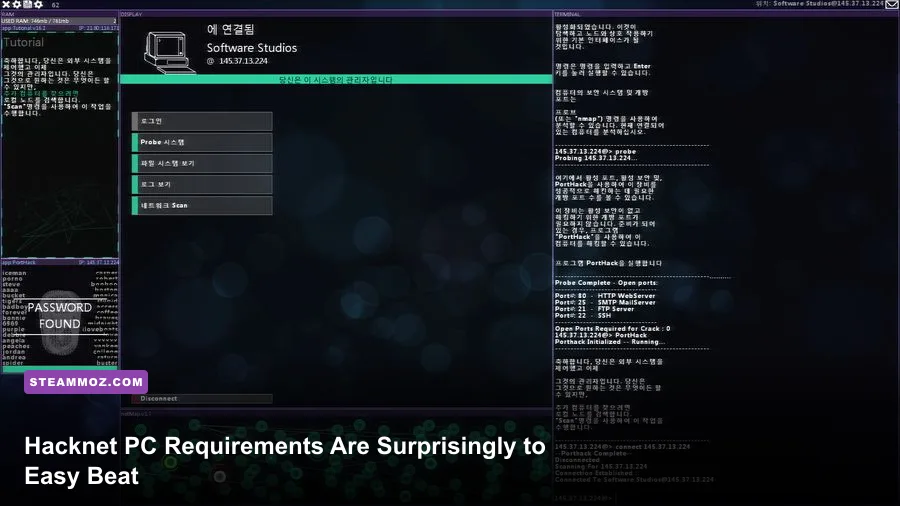
Hacknet has exceptionally low PC requirements. The official Steam listing asks for just a 1.4 GHz processor, 1 GB of RAM, an OpenGL 2.0-compatible graphics chip, and roughly 1 GB of storage on Windows. There’s no modern recommended specification published because the game is built around a lightweight terminal interface rather than 3D rendering. In practical terms, almost any Windows laptop or desktop from the last 15 years should run Hacknet comfortably, while an SSD, 4 GB or more of RAM, and updated graphics drivers are the sensible targets if you want the smoothest experience.
That low barrier doesn’t mean the game is technically careless. Hacknet streams a deliberately simple interface, command output, file systems, audio cues, and mission scripting instead of pushing a graphics card with dense worlds or real-time lighting. The real question isn’t whether your gaming PC can run it. It’s whether an old office laptop, a school notebook, or a tiny integrated-graphics machine can launch the game reliably without driver or operating-system headaches.
This guide separates the official minimum requirements from a practical recommended setup, explains what each component actually affects, and covers the small fixes that matter more than buying new hardware. If you’re checking another older PC game, our guide to Dreamscape PC requirements follows the same useful minimum-versus-real-world approach.
Hacknet minimum system requirements
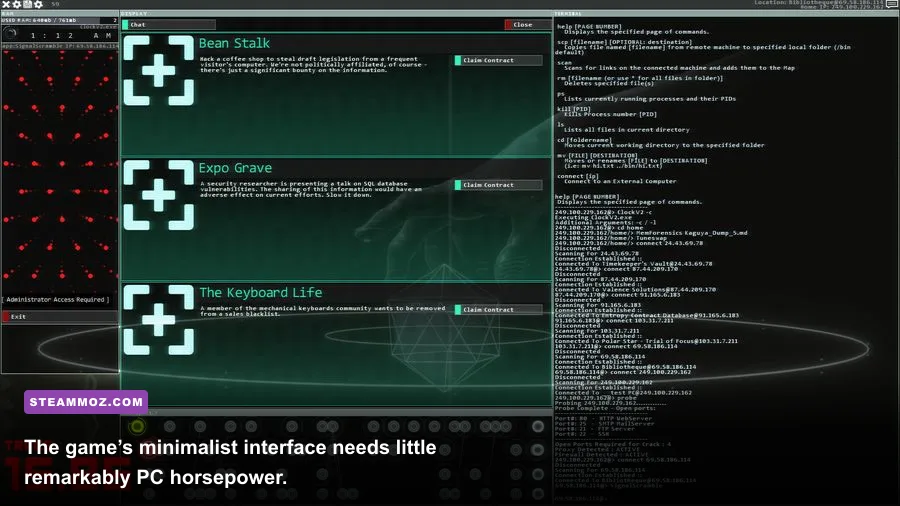
Hacknet’s minimum specification is unusually modest by current PC standards. The Windows version supports older operating systems and asks for only 1 GB of system memory. Its graphics requirement is listed as OpenGL 2.0 compatibility, which covers many integrated GPUs that would be completely unsuitable for contemporary 3D releases.
| Component | Official minimum | What it means in practice |
|---|---|---|
| Operating system | Windows XP, Vista, 7, or 8 listed on Steam | Modern Windows installations generally provide a safer compatibility environment |
| Processor | 1.4 GHz CPU | Almost any desktop or laptop CPU from the last decade exceeds this |
| Memory | 1 GB RAM | 4 GB is a more comfortable floor once Windows and background apps are included |
| Graphics | OpenGL 2.0-compatible graphics | Integrated Intel, AMD, or basic Nvidia graphics should be sufficient |
| Storage | About 1 GB available space | Leave extra room for Steam files, saves, and the operating system |
The processor number is the least useful figure to compare directly today. A 1.4 GHz clock speed doesn’t describe architecture, core count, boost behavior, or efficiency, and modern CPUs often operate well above it. Even low-power Intel Celeron, Pentium, Core, and AMD Athlon chips usually clear the requirement with room to spare.
The 1 GB RAM requirement deserves more caution. Hacknet itself may need very little memory, but Windows, Steam, browser tabs, antivirus software, and cloud-sync tools consume RAM before the game starts. A machine with only 2 GB total memory may technically launch Hacknet and still feel unpleasantly sluggish. If the computer has 4 GB, close heavy browser tabs before playing. With 8 GB, memory pressure should not be a concern at all.
OpenGL 2.0 is also an old standard, but compatibility can depend on drivers. A graphics chip may support the feature while its installed driver does not expose it correctly. That’s why an updated Intel, AMD, or Nvidia driver can fix a launch problem that appears to be a missing GPU upgrade.

🎮 Hacknet
Looking to experience this game? Grab your digital key directly on our store for $1.49.
View on Steammoz Store →Recommended PC specs for Hacknet
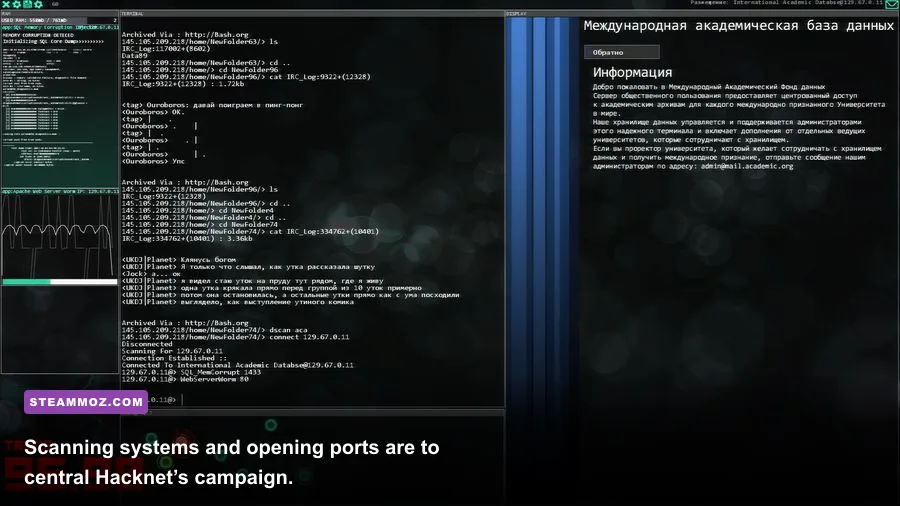
There is no separate, demanding recommended configuration on Hacknet’s Steam page, so the table below is a practical target rather than an official publisher specification. It reflects what you should aim for if you want the game to launch quickly, switch between Hacknet and reference material comfortably, and avoid wasting time troubleshooting an aging machine.
| Component | Practical recommendation | Why it helps |
|---|---|---|
| Operating system | Windows 10 or Windows 11, fully updated | Better driver support, security, and Steam compatibility |
| Processor | Dual-core 2.0 GHz or newer | Provides ample headroom for background apps and mission scripting |
| Memory | 4 GB RAM minimum; 8 GB preferred | Keeps Windows and browser reference tabs responsive |
| Graphics | Integrated graphics with current drivers | Hacknet doesn’t need a dedicated gaming GPU |
| Storage | 1 GB free; SSD preferred | Fastens launch and save operations, though capacity is tiny |
A dual-core processor is already overkill for the core simulation. Hacknet doesn’t calculate crowds, physics-heavy combat, enormous open worlds, or advanced shader effects. The game’s workload is closer to a compact productivity application with audiovisual presentation layered on top. CPU usage should generally remain low, even while you’re jumping between nodes, reading mission emails, and running commands.
An SSD won’t increase Hacknet’s frame rate in any meaningful way. There usually isn’t enough visual complexity for storage speed to change rendering performance. It can make the game feel snappier when launching through Steam, loading a campaign, or returning from another application, but it’s a convenience upgrade rather than a requirement.
Likewise, a dedicated GPU is unnecessary. An integrated Intel UHD, Intel HD, AMD Radeon integrated chip, or similarly basic graphics adapter should handle the game. A modern gaming card such as a GeForce RTX or Radeon RX will spend most of its time doing almost nothing. Don’t buy a graphics card for Hacknet; if the game has trouble, investigate drivers, compatibility mode, display scaling, or corrupted files first.
For context, the official Hacknet Steam page remains the best place to confirm the currently listed platform requirements. The game was developed by Team Fractal Alligator, and its design intentionally prioritizes text, sound, and interaction over visual spectacle.
What affects Hacknet performance the most?
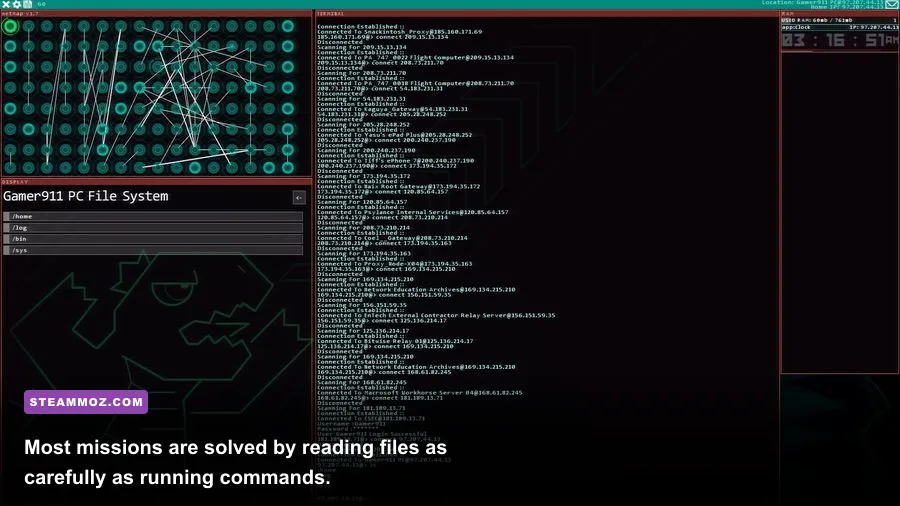
Hacknet isn’t a game where you tune shadows, texture quality, or ray tracing. Its performance profile is much simpler. The main variables are whether your system can render the interface correctly, whether the display is being scaled cleanly, and whether other software is competing for memory or CPU time.
| Factor | Performance impact | Best action | Visual or gameplay result |
|---|---|---|---|
| Display resolution | Low | Use your monitor’s native resolution first | Sharper terminal text and cleaner interface scaling |
| Windowed versus fullscreen | Low to moderate on old systems | Try fullscreen if windowed mode stutters | More consistent presentation and fewer desktop distractions |
| Background applications | Moderate on 2 GB systems | Close browsers, launchers, and video software | Faster input response and fewer pauses |
| Graphics drivers | High when broken or outdated | Install the latest stable driver for your GPU | Fewer black screens, crashes, and OpenGL errors |
| Steam overlay | Usually low | Disable it only if you see freezes or display conflicts | Can remove overlay-related hitching on older machines |
| SSD versus hard drive | Low | Use an SSD if available, but don’t upgrade solely for Hacknet | Quicker launches rather than higher FPS |
Resolution and text clarity
Resolution matters more for readability than frame rate. Hacknet’s terminal windows are packed with small text, command output, file names, and mission clues. Running below your panel’s native resolution can make that text look soft, while operating-system display scaling may make parts of the interface appear oversized or slightly misaligned.
If the game looks blurry, test native resolution first. Then check Windows display scaling and experiment with fullscreen or borderless behavior. The goal isn’t a higher FPS counter; it’s a terminal that remains readable when you’re scanning long output from nmap, searching logs, or comparing filenames under pressure.
Background programs and input lag
On a modern PC, background applications won’t matter. On a 2 GB laptop, they absolutely can. A browser with several video-heavy tabs, a cloud backup process, or a full antivirus scan can create stutters that feel like a game problem. Close unnecessary software before launching, especially if command input feels delayed.
Hacknet is built around typing, so small interruptions are more noticeable than they would be in a turn-based strategy game. If the interface pauses while you enter a command, check Task Manager for memory saturation and disk activity before blaming the graphics adapter.
For broader advice on getting older games stable, Steamoz’s guide to PC fixes for crashes and low FPS covers the same driver, fullscreen, and file-verification checks that can help here.
Can an old laptop run Hacknet?
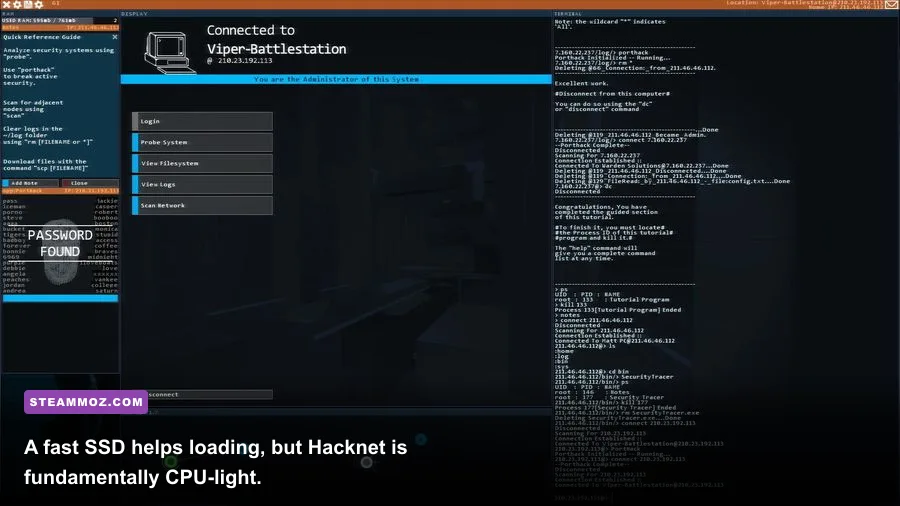
Yes, provided it can run Steam and has a working OpenGL 2.0-capable driver. Hacknet is one of the safer games to try on an aging office laptop because it doesn’t depend on dedicated graphics memory, high shader throughput, or a large CPU cache. A business notebook with an older Core i3, 4 GB of RAM, and Intel integrated graphics should be comfortably above the practical target.
The riskier machines are not necessarily the oldest ones. Very old operating systems may have trouble with current Steam support, while extremely inexpensive modern Chromebooks may not support the Windows version without extra compatibility steps. Check the operating system before comparing processor speeds. A machine with a fast ARM-based chip isn’t automatically compatible with a Windows PC release.
| PC type | Expected result | Likely limitation |
|---|---|---|
| Modern gaming desktop | Runs effortlessly | None beyond occasional driver or overlay conflicts |
| Recent office laptop | Runs comfortably | Use current integrated-graphics drivers |
| Older Core 2 Duo-era PC | Usually playable | Steam and operating-system compatibility may matter more than power |
| 2 GB RAM netbook | May launch, but not ideal | Windows background processes can cause pauses |
| Chromebook or unsupported platform | Not guaranteed natively | Operating-system and compatibility-layer support must be checked first |
On a weak laptop, set Windows power mode to Best performance while plugged in. This can stop an aggressive battery profile from throttling the processor. Don’t expect a dramatic FPS increase; the benefit is more consistent responsiveness while the game, Steam, and other desktop tools are active.
Also check the laptop’s thermal condition. Dust-clogged vents and a failing fan can make even a light game stutter if the CPU repeatedly drops its clock speed. Cleaning the vents and using the laptop on a hard surface is more useful than lowering graphics settings Hacknet barely has.
Hacknet launch fixes and optimization tips
If your computer clears the requirements but Hacknet won’t launch, start with the boring fixes. They work more often than dramatic system changes. Restart Steam, verify the game files, install pending Windows updates, and update the graphics driver directly from Intel, AMD, or Nvidia. Avoid downloading random DLL files from unofficial websites; that’s a poor trade for a game about computer security.
Verify the installation
In Steam, open your Library, right-click Hacknet, choose Properties, open Installed Files, and select Verify integrity of game files. This replaces damaged or missing files without deleting your save data in normal circumstances. It’s the first step after a crash that appears immediately after an update or unexpected shutdown.
Test display modes
If you see a black screen, a frozen window, or a display that appears off-center, switch between fullscreen and windowed mode. Multi-monitor setups, unusual ultrawide resolutions, and Windows scaling can expose presentation bugs that have nothing to do with raw performance. Temporarily disconnecting a second monitor can also reveal whether the issue is display negotiation rather than the game itself.
Check overlays and security software
Steam Overlay, Discord Overlay, recording tools, and aggressive endpoint security can interfere with older games. Disable them one at a time rather than turning everything off permanently. If Hacknet launches normally after an overlay is disabled, you’ve found a conflict without sacrificing your whole security setup.
Some antivirus tools may inspect the game’s file activity because Hacknet uses fictional hacking commands and creates or reads mission-related data. That doesn’t mean the game is malicious. If security software quarantines a legitimate file, confirm the file through Steam verification and use your antivirus vendor’s documented exclusion process only when you trust the installation.
For another example of sensible troubleshooting on an older PC release, see Steamoz’s Assassin’s Creed Brotherhood settings guide. The hardware is very different, but the principles—drivers, resolution, background applications, and testing one change at a time—hold up.
Does Hacknet Labyrinths need stronger hardware?
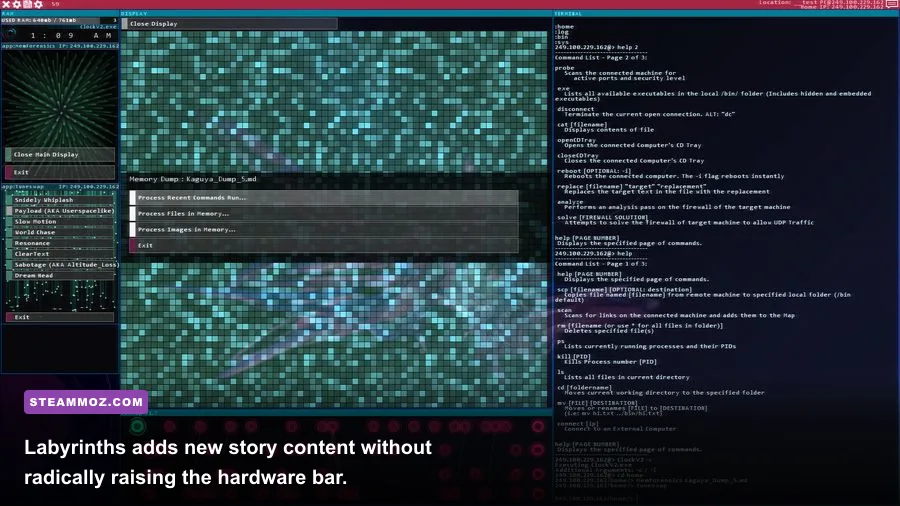
Hacknet Labyrinths adds a substantial set of missions, new characters, and the Entropy storyline, but it doesn’t transform the game into a demanding 3D release. The expansion still uses the same terminal-driven presentation and remains comfortably within the original game’s lightweight performance profile. If your PC runs the base campaign, it should be able to run Labyrinths too.
The extra content can increase the amount of text, file inspection, and scripted activity you deal with during a session, but that isn’t the same as a major hardware burden. You won’t suddenly need a dedicated GPU or a high-end processor. Storage is still tiny compared with modern games, though leave room for Steam updates and the rest of your operating system rather than treating the listed 1 GB as a complete disk-space plan.
Labyrinths also makes the case for using a comfortable display setup. Mission files, logs, and command responses reward careful reading, and a cramped low-resolution screen can make the experience more tiring. A second monitor is optional, but it’s useful if you like keeping a guide, notes, or a text editor open while playing. Don’t use external walkthroughs to skip the puzzles, though; Hacknet’s best moments come from noticing a username, timestamp, or overlooked file yourself.
The official Team Fractal Alligator website is worth checking for developer information, while the Hacknet Labyrinths Steam page provides the expansion’s current store details. Requirements and compatibility can change slightly with platform updates, so use those sources if your installation behaves differently from the setup described here.
Bottom line: the real Hacknet PC target
Hacknet is easy to run but rewarding to play on a comfortable machine. The official minimum is a 1.4 GHz processor, 1 GB of RAM, OpenGL 2.0 graphics, and around 1 GB of storage. A practical recommendation is Windows 10 or 11, a dual-core CPU, 4 GB of RAM at minimum, 8 GB preferred, current integrated graphics drivers, and an SSD if you already have one.
Those extra recommendations are about the surrounding Windows experience, not the game’s rendering demands. You’re buying headroom for Steam, browser tabs, security tools, and display scaling. A dedicated graphics card is wasted on this particular job, and upgrading from a hard drive to an SSD won’t magically raise Hacknet’s frame rate.
If your laptop struggles, prioritize driver updates, enough free memory, a clean power profile, and readable native resolution. Verify the files before reinstalling. Disable overlays only when testing a suspected conflict. Once the terminal appears and the first mission starts, hardware stops being the challenge. Hacknet’s real test is whether you can follow the evidence, understand the command chain, and keep your nerve when a supposedly simple connection suddenly gets complicated.