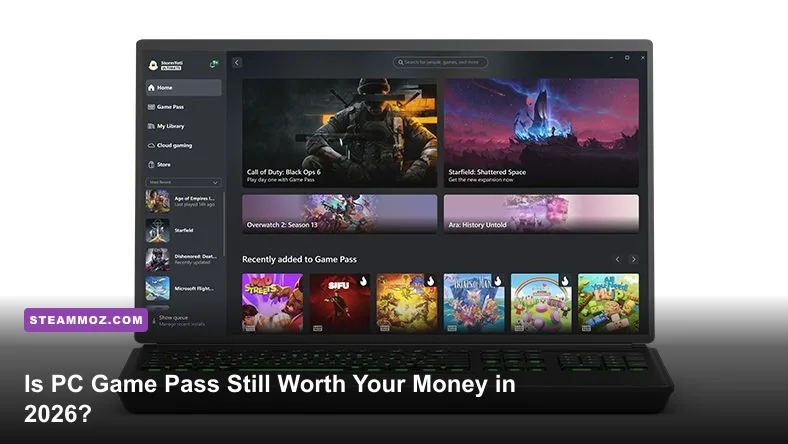
If you play at least three major releases a year and dabble in indie discoveries between marquee campaigns, PC Game Pass remains comfortably worth your money. Even following Microsoft's subscription price revisions and structural restructuring, the math heavily favors active players over traditional storefront purchasers. For $11.99 a month, the service delivers day-one access to Microsoft's colossal first-party stable—bolstered by Activision Blizzard, Bethesda, and Obsidian—alongside an integrated EA Play catalog and a constantly rotating roster of high-concept indie hits. However, if your gaming routine revolves around endless multiplayer grinds like Counter-Strike 2, Dota 2, or Valorant, paying an annual subscription for hundreds of titles you'll never boot up represents pure financial waste.
The Real Cost of PC Game Pass: Tier Breakdown and Hidden Math
Subscription pricing across the entertainment landscape has crept steadily upward, and Microsoft's gaming division hasn't been immune to inflation. PC Game Pass currently sits at $11.99 per month, distinguishing itself from the pricier Xbox Game Pass Ultimate tier, which runs $19.99 monthly. The critical distinction for dedicated keyboard-and-mouse enthusiasts is that PC Game Pass does not charge you a premium for cloud streaming hardware you don't use or console multiplayer access you don't need. When evaluating pure desktop performance, the PC tier delivers identical software libraries to Ultimate without the console tax.
On an annualized basis, an active PC Game Pass membership tallies up to $143.88 before local taxes. Contrast that against standard retail industry trends. With contemporary AAA releases standardizing at $69.99 to $79.99 for baseline editions, purchasing just two premier titles outright on digital platforms like the Steam Storefront essentially offsets your annual subscription fee. If you pick up three major titles throughout a twelve-month cycle, you are playing every subsequent game in the 400-plus title vault entirely on Microsoft's dime.
To see how the numbers stack up across tiers, consider the direct breakdown of what each subscription delivers to desktop systems:
| Subscription Plan | Monthly Cost | Annual Spend | Day-One First-Party Access | EA Play Integration | Cloud Streaming Included |
|---|---|---|---|---|---|
| PC Game Pass (Standalone) | $11.99 | $143.88 | Full Day-One Access | Included (Standard) | No |
| Game Pass Ultimate | $19.99 | $239.88 | Full Day-One Access | Included (Console + PC) | Yes (1080p/60fps Cloud) |
| Retail Ownership (3 AAA Titles) | Variable | $209.97 – $239.97 | Permanent License | None | None |
The standard PC tier avoids the bloat. You skip the console perks, forgo cloud latency trade-offs, and receive native desktop execution. When comparing raw software acquisition against buying individual keys, the standalone tier is arguably the leanest, most targeted product Microsoft currently offers.
The Day-One Blockbuster Vault: Heavyweight Value or Overhyped Filler?
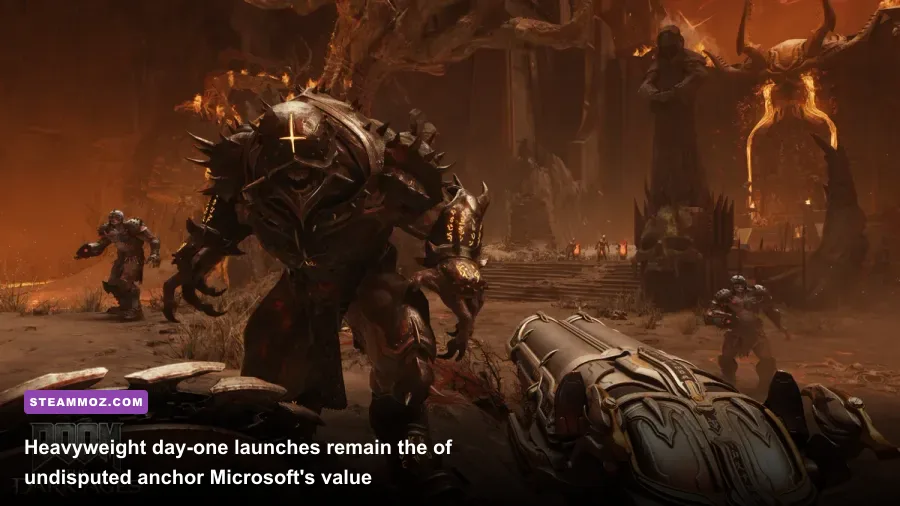
The defining competitive weapon of Xbox PC Game Pass has always been day-one availability for major studio releases. In previous years, critics rightly pointed out barren release schedules punctuated by lengthy delays. Today, the portfolio integration of ZeniMax and Activision Blizzard has transformed that release calendar into an unrelenting assembly line of high-budget software.
Consider the heavyweight pipeline. The arrival of Call of Duty: Black Ops 6 and subsequent franchise installments directly on the service instantly upended traditional market math. For millions of PC gamers who routinely spent $70 every autumn purely to run through a six-hour cinematic campaign and test the multiplayer waters for two months, paying $24 for two months of access completely eliminates the financial sting. Add in Bethesda's ongoing cadence of updates, machine-heavy epics like Doom: The Dark Ages, Obsidian's deep role-playing sandbox Avowed, and Playground Games' ambitious reimagining of Fable, and the day-one roster alone delivers undeniable raw value.
Yet, AAA production values do not always guarantee flawless execution out of the box. Many sprawling open-world releases arrive demanding significant post-launch patching and performance optimization. When high-profile releases demand heavy hardware troubleshooting, tweaking your display and rendering balance is mandatory. If you are diving into massive action sandboxes, adjusting engine toggles using Far Cry 6 goty upgrade pass settings for max fps provides a reliable blueprint for taming demanding graphical engines across modern Game Pass drops.
Similarly, vast open-ended space sims and narrative adventures require substantial time investments to feel rewarding. If you spent dozens of hours tracking down rare loot caches using our Everspace 2 secret locations and hidden rewards guide, you know that deep, complex PC games require commitment. Game Pass allows you to sample these massive 80-hour space epics and tactical RPGs without suffering buyer's remorse if the core loop doesn't click after five hours.
The Silent MVPs: Strategy Havens, Indie Gold, and EA Play
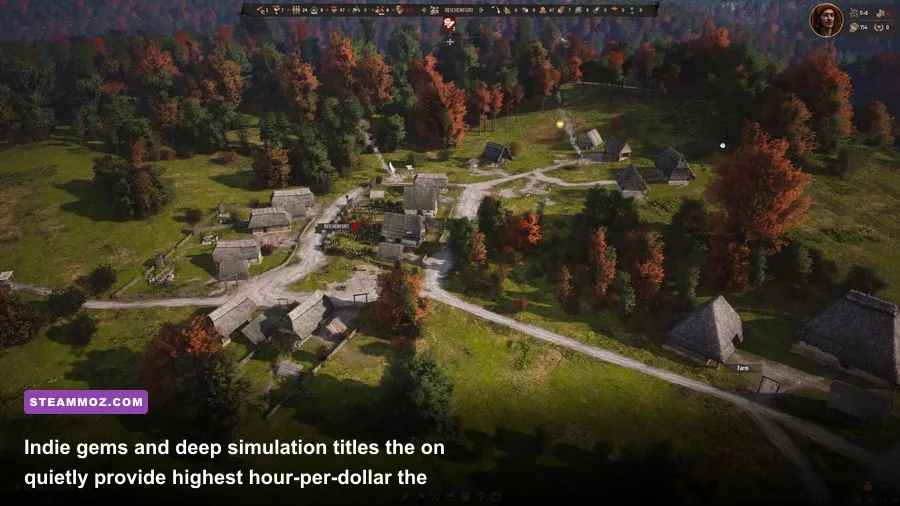
While marketing billboards spotlight hyper-violent shooters and sprawling high-fantasy blockbusters, the real soul of PC Game Pass lives in its mid-budget, indie, and desktop-first strategy offerings. Unlike console environments where gamepad navigation often constrains complex interfaces, the PC catalog is stacked with deep simulations, grand strategy epics, and intricate city builders that thrive exclusively under mouse-and-keyboard precision.
Smash hits like Slavic Magic's Manor Lords, 11 bit studios' punishing Frostpunk 2, and Cities: Skylines II illustrate Microsoft's aggressive pursuit of the classic PC demographic. These aren't titles you sprint through in a weekend; they are systems-heavy masterclasses where players lose hundreds of hours optimizing supply chains, drafting civic policies, and balancing medieval economies. Fans of meticulous resource loops and colony survival who study guides like our Empires of the Undergrowth fast leveling and gold farming guide will find endless nourishment in Game Pass's simulation stable.
Furthermore, standard PC Game Pass includes a baseline subscription to EA Play at no supplemental charge. That single inclusion injects dozens of premium titles into your library, ranging from Star Wars Jedi: Survivor and the terrifying, atmosphere-drenched Dead Space remake to the full back catalog of Mass Effect Legendary Edition, Battlefield, and yearly sports entries. Rather than shelling out separate subscription fees across fragmented corporate apps, EA's library merges neatly into your desktop rotation.
The indie curation is equally formidable. Groundbreaking rogue-likes, experimental puzzle titles, and atmospheric narrative adventures cycle through the service on a monthly basis. Titles such as Cocoon, Sea of Stars, Lies of P, and Slay the Spire represent some of the highest-rated games of modern times. For gamers who crave artistic variety beyond the homogenized design formulas of modern big-budget publishers, the indie roster consistently justifies the monthly billing.
The Technical Bottlenecks: Windows App Woes, Modding Limits, and Bloat
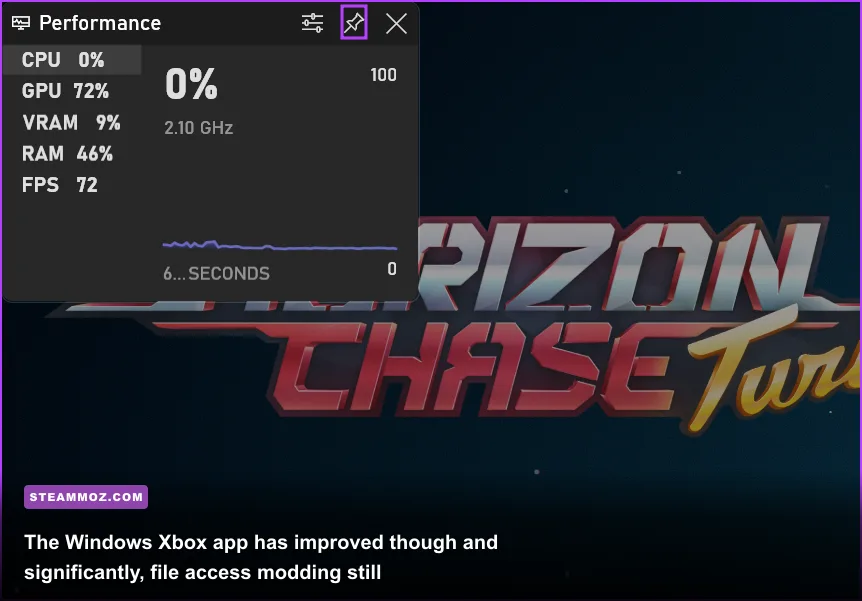
To evaluate PC Game Pass honestly, one must confront its technical baggage. The service does not run in a frictionless vacuum like Steam; it operates tethered to the Windows Xbox App. While Microsoft has made admirable strides rebuilding the platform from the disastrous Universal Windows Platform (UWP) days, the desktop launcher remains inferior to Valve's gold-standard client.
The primary issue centers on filesystem architecture and modding freedom. Long-time PC enthusiasts treat modding as an essential pillar of the platform. If you enjoy dropping custom textures, unofficial bug patches, script extenders, or balance overhauls into your game directory via Nexus Mods, Game Pass will occasionally frustrate you. Microsoft allows users to access root installation folders for many titles now, but select games remain locked behind encrypted virtual disk layers or lack compatibility with community-made script loaders like SKSE or UE4SS.
Technical troubleshooting can also present headaches. Installation errors, download throttling, phantom storage consumption where deleted games leave orphaned data behind, and sync conflicts between the cloud and local drives still rear their heads. When unoptimized games run into technical hitches or engine stutter, desktop players often have to implement manual workarounds, akin to using Elex PC fixes that stop crashes and rescue your fps. On Steam, applying community launch commands or verifying local file caches takes two clicks; on the Xbox app, you may find yourself restarting gaming services through Windows PowerShell just to coax a patch into downloading.
Storage management is another major consideration. With modern installations regularly commanding 100GB to 150GB of NVMe SSD real estate, keeping multiple Game Pass behemoths installed simultaneously requires serious hardware investment. Hardware requirements across recent additions have spiked sharply. Before diving into modern fighting games or fast-paced action titles on the service, reviewing baseline hardware expectations—such as those detailed in our breakdown of Fatal Fury City of the Wolves PC specs explained—is crucial to avoiding unplayable frame rates on aging hardware.
The Math Breakdown: Which PC Gamers Actually Profit?
Subscription services rely on a proven psychological trick: gym-membership syndrome. They profit when you pay month after month while forgetting to actually utilize the product. To determine whether PC Game Pass genuinely serves your personal gaming habits, you have to assess your gameplay patterns honestly.
Let's map real player profiles against subscription economics:
| Gamer Profile | Annual Gaming Habits | Outright Purchase Cost | PC Game Pass Cost | Financial Verdict |
|---|---|---|---|---|
| The Campaign Tourist | Plays 4–6 single-player narrative releases per year, finishes them once, never revisits. | $280 – $420 | $143.88 (Full Year) | Massive Value: Saves over $200 annually while playing everything on release day. |
| The Tactical Specialist | Plays 1–2 live-service games exclusively (e.g., Apex Legends, Warzone, FFXIV). | $0 – $70 (F2P / Sub) | $143.88 | Terrible Value: You are subsidizing games you never touch. Cancel immediately. |
| The Indie Explorer | Devours 15–20 small-to-mid-budget indie titles, roguelikes, and puzzle adventures yearly. | $300 – $400 | $143.88 | Exceptional Value: Massive library access with zero risk on weird experimental games. |
| The Binge-and-Drop Player | Subscribes for 1–2 months specifically to clear big releases, then cancels subscription. | $140 (2 AAA games) | $23.98 – $35.97 | God-Tier Efficiency: Maximizes dollar-per-hour entertainment ratio. |
The table above clarifies the sweet spot. If you identify as "The Campaign Tourist" or "The Indie Explorer," PC Game Pass is a financial no-brainer. You access hundreds of dollars worth of fresh software for roughly a dozen dollars a month. Conversely, "The Tactical Specialist" who lives exclusively in competitive multiplayer ecosystems is throwing money into an incinerator.
The most devastatingly effective strategy is the "Binge-and-Drop." Nothing obligates you to maintain an active rolling billing cycle twelve months out of the year. When Microsoft drops a massive autumn release slate—say, an Obsidian RPG alongside a new Call of Duty and an ID Software shooter—you can pay $11.99 in October, play through every campaign across sixty days of frantic gaming, and cancel the subscription in December having spent less than $25. You sacrifice long-term ownership, but if you rarely replay single-player campaigns once the credits roll, permanent ownership is merely an expensive digital trophy.
The Ownership Dilemma: Renting Your Games vs Steam Permanence
The lingering hesitation for seasoned desktop players boils down to one fundamental principle: digital ownership versus software leasing. On Steam or GOG, buying a game grants a functional license that lives in your permanent digital library indefinitely. You can revisit The Witcher 3 or Half-Life 2 a decade later, download it effortlessly, and enjoy cloud saves waiting for you. On Game Pass, you are renting access to an ever-shifting catalog.
First-party Xbox and Bethesda titles generally remain on the service permanently, but third-party partnerships are strictly transactional. Games signed under temporary publishing contracts routinely depart the service after twelve or twenty-four months. If you sink forty hours into a massive Japanese RPG or an intricate survival sandbox and your life gets busy, that title might vanish from Game Pass before you find time to finish the final act. When a third-party title leaves, your only options are purchasing it outright to retain access or abandoning your progress entirely.
Furthermore, cloud save files created within the Windows Xbox ecosystem do not always cross over cleanly to Steam versions without manual file conversion gymnastics. If you start a 100-hour playthrough on Game Pass and later buy the game during a Steam Winter Sale, migrating your save folder frequently involves searching hidden AppData directories, renaming encrypted hex strings, or using third-party conversion scripts. It is an annoying hurdle that reminds you that you are playing inside Microsoft's walled garden.
Final Verdict: Should You Subscribe?
Despite minor app frustrations and catalog churn, PC Game Pass stands as the most player-friendly subscription service in the modern gaming landscape. While rival console services have increased subscription rates while restricting top-tier releases to rolling multi-year delays, Microsoft continues to funnel multi-million-dollar first-party productions straight to desktop subscribers on day one.
If you are a curious, multi-genre gamer who loves exploring single-player campaigns, testing inventive indie concepts, and experiencing the newest industry blockbusters without committing $70 every time, PC Game Pass is an undeniable bargain. Even if you only activate your account periodically through the savvy "Binge-and-Drop" method, the value proposition easily outclasses traditional retail purchasing. Unless your gaming time belongs exclusively to a single live-service title, PC Game Pass deserves a regular spot on your desktop SSD.