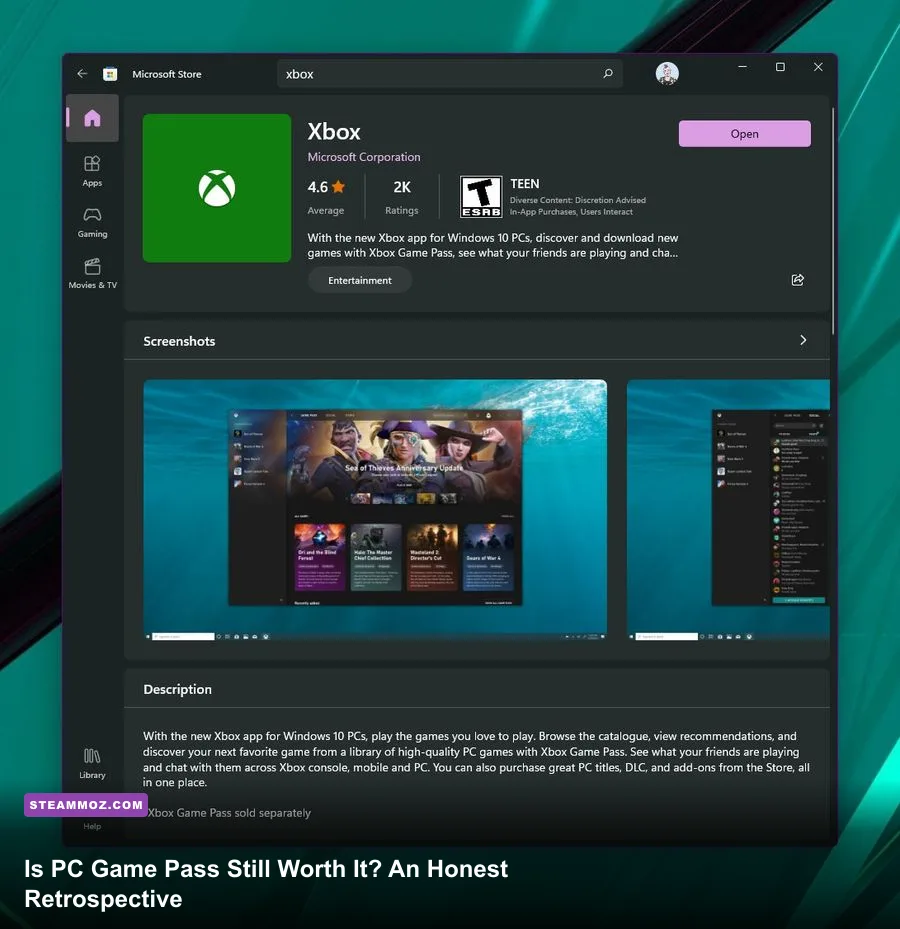
If you burn through at least three major releases a year and treat games like interactive media rather than permanent digital heirlooms, PC Game Pass remains the single most cost-effective investment in PC gaming. Sitting at $11.99 per month for the standalone PC tier, Microsoft’s subscription costs roughly $144 annually—meaning two full-price $70 day-one blockbusters pay for your entire year of access. However, if your enjoyment hinges on extensive community modding, seamless portable play on SteamOS, or keeping a curated, permanent digital bookshelf on Steam, the service presents friction points that will test your patience.
The Financial Equation: Subscription Math Versus the $70 Standard
To understand whether PC Game Pass holds water today, you have to break down how game purchasing economics have mutated. With baseline prices for major releases firmly locked at $69.99 across publishers, buying just two flagship titles outright demands a $140 commitment before tax. Factor in deluxe editions or season passes, and you easily cross $200 for a couple of weekend obsessions. In contrast, an entire calendar year of PC Game Pass runs at $143.88. If you play day-one juggernauts like Call of Duty: Black Ops 6, Avowed, or Indiana Jones and the Great Circle, you break even almost immediately.
Yet evaluating the platform solely by raw retail price comparison ignores how people actually engage with their backlogs. Gamers fall across a wide spectrum of consumption habits. If you are the type who dives into a new release, completes the campaign in twenty hours, and never looks back, purchasing games at full retail is essentially burning cash. Conversely, if you sink 400 hours a year exclusively into titles like Counter-Strike 2, Path of Exile, or heavily modded survival games, a recurring monthly sub is an absolute waste of money.
| Player Profile | Annual Spend: Retail Buying | Annual Spend: PC Game Pass | Calculated Value Verdict |
|---|---|---|---|
| The Day-One Binger (4+ AAA games/year) | $280 – $360 | $143.88 | Massive Savings (Save $135+) |
| The Mid-Tier Explorer (2 AAA + 6 indies) | $240 – $290 | $143.88 | High Value (Save $95+) |
| The Patient Gamer (Sales & Bundles) | $80 – $120 | $143.88 | Marginal Loss / Neutral |
| The Forever-Game Specialist (1-2 Live-Service games) | $0 – $60 | $143.88 | Poor Investment (Cancel sub) |
The calculation also benefits from the inclusion of the EA Play standard tier bundled into the PC subscription at no additional charge. That integration grants instant access to sports staples, legacy Dead Space releases, and modern shooters without forcing a separate transaction. If you find yourself auditing your yearly gaming spend, checking system requirements for incoming drops like we do in our Fatal Fury City of the Wolves PC specs guide helps gauge whether your rig can actually capitalize on these stacked download lists.
The First-Party Pipeline: Delivering on Acquisition Promises
For years, the loudest critique leveled at Microsoft was that Game Pass felt like an endless buffet of appetizers with no main course. We suffered through barren quarters populated solely by quirky mid-tier platformers and simulation games while big first-party blockbusters suffered indefinite delays. Following the completed integration of ZeniMax Media and Activision Blizzard, the content pipeline finally resembles an uninterrupted torrent of high-profile releases.
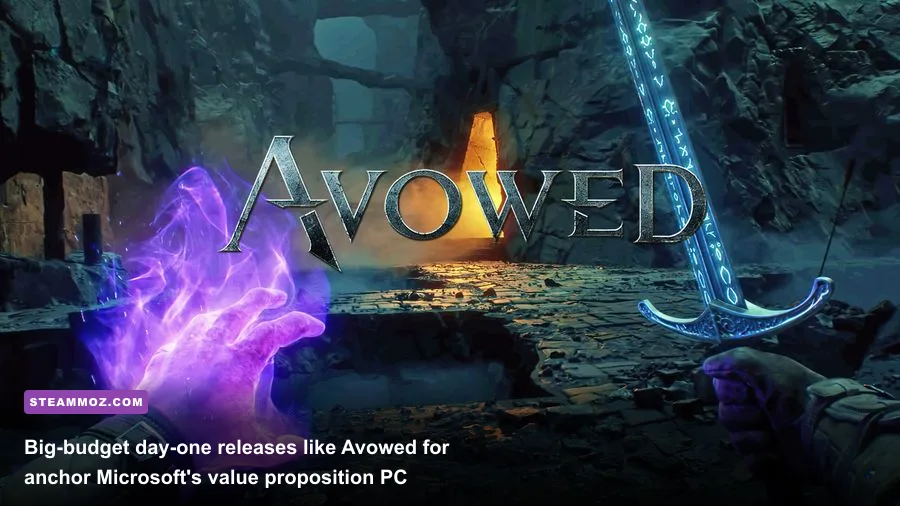
First-party releases arrive without delay on day one. Subscribers aren't left waiting for ports or staggered rollouts when flagship role-playing games launch. Taking Obsidian's fantasy RPG Avowed as a benchmark, subscribers can boot up an expansive combat system blending elemental magic, dual-pistol loadouts, and tactical companion commands without handing over seventy dollars upfront. Similarly, id Software’s blistering combat loops in titles like Doom: The Dark Ages demonstrate that the service delivers raw technical showcases designed to push modern graphics cards to their limits.
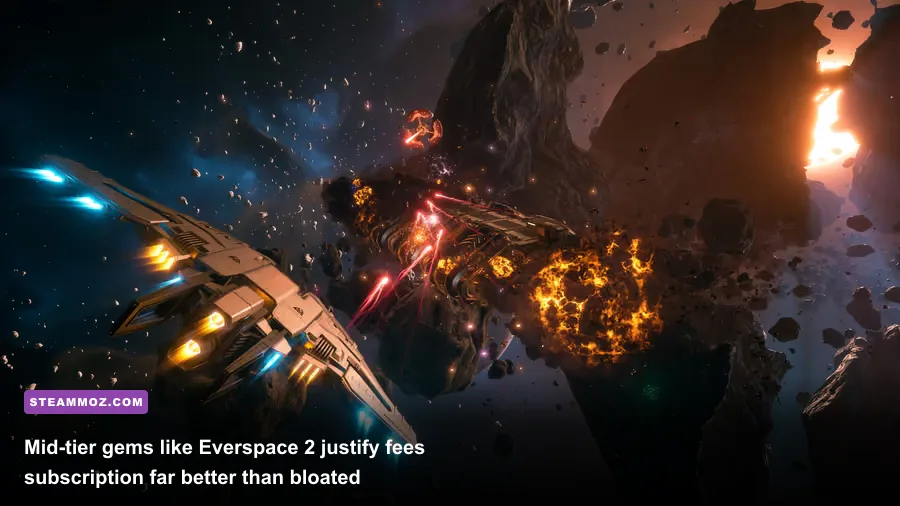
Beyond blockbuster shooters, the library’s breadth across deep tactical experiences is staggering. High-stakes flight sims, grand strategy titles from Paradox Interactive, and sprawling space explorations thrive on the platform. If you love deep space adventures, checking out our Everspace 2 secret locations guide or our breakdown of the Everspace deluxe upgrade weapons illustrates the sheer depth of space dogfighting combat you can play directly through the catalog without paying full entry price.
The Software Experience: The Xbox PC App’s Lingering Pain Points
Content is king, but delivery infrastructure remains the kingdom's crumbling gate. To give an honest verdict on PC Game Pass, one must dissect the software you are forced to use every day: the Windows Xbox App. While Microsoft has made undeniable strides away from the catastrophic universal Windows platform (UWP) architecture of the late 2010s, the current desktop client remains noticeably clunky compared to Steam’s rock-solid responsiveness.
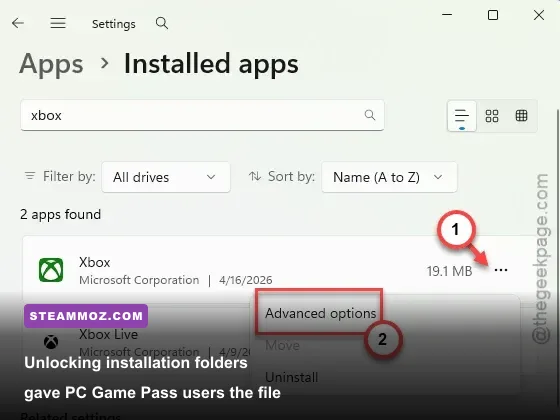
Historically, the Xbox app locked your installations inside an encrypted, hyper-restricted WindowsApps folder that prohibited user access, blocked basic troubleshooting, and prevented external performance overlays. Thankfully, the app now allows you to specify custom installation directories and access raw game files. You can verify game integrity, modify select configuration files, and move installs between separate solid-state drives without breaking directory pathways.
However, edge cases still plague the experience. Download throttling is an intermittent phantom; an unthrottled gigabit fiber connection that downloads games on Steam at 110 MB/s will occasionally choke at 15 MB/s inside the Xbox app for no discernible reason. Cloud sync conflicts can trigger vague errors, and cleaning up registry ghosts after an interrupted install occasionally requires manually poking around system services. When troubleshooting PC instability or low frame output across games, as we detail in our ELEX PC fixes that stop crashes and our Filament Marmalade Edition settings guide, software layers shouldn't be the root cause of the headache—yet the Xbox app occasionally manages to be exactly that.
Modding Limitations and Technical Performance Headwinds
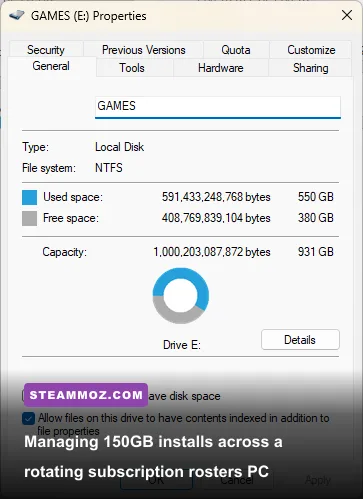
If your PC gaming identity centers on deep modding scenes, community patches, and memory injectors, PC Game Pass will often leave you frustrated. While simple file swaps—like dropping a custom .ini config or replacing texture assets—now work on enabled games, complex script extenders and external memory hooks frequently fail entirely on Game Pass executables due to lingering administrative packaging layers.
Take massive open-world RPGs from Bethesda. On Steam, a title like The Elder Scrolls V: Skyrim or Starfield supports full script extenders (such as SKSE or SFSE), custom DLL engine patches, custom memory allocations, and automated management via Mod Organizer 2. On the Game Pass versions, modified execution wrappers usually fail to launch because the game's executable operates within a signed Microsoft container. If a game's longevity for you depends on hundreds of script-heavy community mods, the Game Pass version is strictly an inferior product to its Steam counterpart.
| Key Technical Feature | PC Game Pass Platform | Steam Native Platform | Practical Impact on Players |
|---|---|---|---|
| Executable (.exe) Hooking | Restricted / Packaged | Fully Unrestricted | Blocks script extenders and certain trainers |
| Folder Access & File Swaps | Supported (Optional toggle) | Supported by default | Basic texture mods and configs work on both |
| Shader Compilation & Overlays | Occasionally disrupts RTSS/Reshade | Seamless third-party hooks | Game Pass requires special overlay hooks |
| Cloud Saves & Cross-Device | Xbox Network Auto-Sync | Steam Cloud System | Xbox permits cross-play with Xbox consoles |
| Handheld Compatibility | Native Windows devices only | Native on SteamOS / Linux | Game Pass requires Windows on Steam Deck |
Performance overhead is another variable that demands close scrutiny. While the games run on identical DirectX 12 or Vulkan backends, background services like the Windows Gaming Services daemon occasionally introduce hitching or overlay conflicts. In fast-paced shooters or graphically dense open worlds, dialling in settings for pure frame pacing is vital. Much like optimizing render profiles in our Far Cry 6 GOTY settings for max FPS breakdown, running Game Pass titles smoothly requires ensuring the Xbox Game Bar isn't aggressively competing with your hardware telemetry overlays.
The Handheld Conundrum: Windows Portables vs. SteamOS
The explosive rise of handheld PC gaming has fundamentally altered how players digest their game catalogs. In this arena, your evaluation of PC Game Pass hinges almost entirely on your hardware choice. If you game primarily on a Valve Steam Deck, PC Game Pass is an awkward, resistant beast. Because Microsoft does not offer a native Linux client for the Xbox app, running Game Pass on SteamOS forces you to use workarounds like dual-booting Windows off an internal SSD partition, or settling for cloud streaming via Microsoft Edge.
Cloud streaming has made noticeable strides—offering lower input latency and cleaner 1080p video streams via dedicated server blades—but it cannot replace native compute power when you are on an airplane, commuting, or enduring spotty hotel Wi-Fi. Latency-sensitive titles, rhythm games, and twitch-reaction shooters feel noticeably disconnected over cloud connections.
Conversely, if you game on native Windows handhelds like the ASUS ROG Ally, Lenovo Legion Go, or MSI Claw, PC Game Pass feels like an absolute superpower. You boot directly into Windows 11, fire up the Xbox app, download high-profile indie adventures or full AAA games straight to your microSD card, and play natively without software hurdles. For Windows handheld owners, Game Pass transforms the device into a bottomless portable arcade that justifies its subscription price within the first month of ownership.
Catalog Churn and the Psychology of "Rental Anxiety"
A frequently neglected aspect of any digital media subscription is its psychological impact on how you consume art. PC Game Pass operates on an unyielding rotation schedule: third-party games enter the service, stay for roughly twelve to eighteen months, and then leave. Microsoft routinely announces titles exiting the catalog on the 15th and the final day of each month, giving subscribers a roughly two-week warning window.
For concise, narrative-driven indies that clock in under ten hours, this rotation window is trivial. You can easily polish off an exceptional weekend adventure before the license expiration hits. But for gargantuan, 100-hour role-playing epics, survival sandboxes, or complex grand strategy games, this departure cadence introduces subtle "rental anxiety." There is nothing more frustrating than putting fifty hours into a sprawling JRPG, stepping away for a month due to real-life responsibilities, and returning to find the game gone from your library—forcing you to either buy it outright at a 20% member discount or abandon your save state entirely.
Furthermore, transferring save files from a Game Pass installation over to a purchased Steam copy is rarely straightforward. While some titles store raw, unencrypted .sav files in standard AppData directories, others obfuscate save files within cryptic string-named containers tied to your Xbox Live UID. Tools like the community-made Game Pass Save Extractor help bridge this gap, but everyday players should not have to run open-source command scripts just to migrate their own game saves to a different storefront.
The Final Verdict: Who Should Subscribe, and Who Should Walk Away?
When you strip away corporate marketing and look at the daily reality of the service, PC Game Pass is neither the unblemished savior of gaming nor an anti-consumer trap. It is a hyper-specialized tool that yields tremendous returns if your gaming habits match its design philosophy.
You should subscribe if:
- You eagerly anticipate and play at least two or three tentpole first-party releases from Xbox, Bethesda, and Activision Blizzard every year.
- You love sampling wide varieties of mid-tier indies, puzzle games, and experimental titles without feeling guilty about wasting money on games you drop after three hours.
- You own a Windows-based handheld console like the ROG Ally or Legion Go and want a huge library of native offline games ready to download anywhere.
- You prefer paying a predictable, flat monthly service fee rather than continually spending $70 per single-player experience.
You should skip (or cancel) if:
- Your gaming setup revolves around a Linux-based Steam Deck without a Windows partition.
- You rely heavily on complex community modding tools, script extenders, custom trainers, and deep file injection frameworks.
- You suffer from backlog anxiety and resent feeling pressured to finish massive 80-hour RPGs before they cycle out of the catalog.
- You spend the majority of your calendar year locked into one or two live-service games, competitive shooters, or MMOs that don't need a monthly subscription catalog anyway.
Ultimately, PC Game Pass remains the best financial deal in the digital PC ecosystem—provided you treat it as an interactive rental buffet rather than your primary home for lifelong game ownership. Subscribe during packed release windows, clear the games that command your interest, and never hesitate to hit pause on your billing cycle the moment your backlog shifts elsewhere.