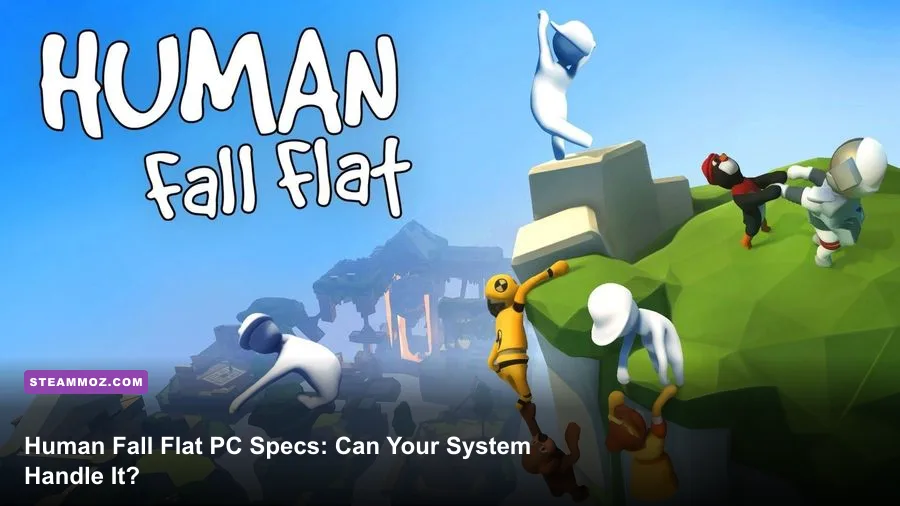
Human Fall Flat runs on remarkably old gaming PCs, but the recommended hardware matters if you want stable 60fps physics, smooth local co-op, and fewer dips on busy maps. The official minimum is a 64-bit Windows system with an Intel Core 2 Duo E6750 or AMD equivalent, 4GB of RAM, and a GeForce GT 740 or Radeon R7 250. For a safer modern target, aim for an Intel Core 2 Quad Q9450-class processor, 8GB of memory, and a GeForce GTX 970-class graphics card.
That gap looks strange at first. Human Fall Flat has soft, cartoon-like visuals rather than photorealistic environments, so it’s easy to assume almost any laptop can run it. The catch is the physics. Every dangling arm, movable crate, swinging platform, rope, button, and floppy character has to be simulated while the game renders the world and synchronizes other players. The GPU requirements are modest; the CPU and frame-time stability are more important than the store page’s minimum numbers suggest.
This guide breaks down the official Human Fall Flat system requirements, explains what those parts mean in real play, and gives practical graphics profiles for old desktops, integrated graphics, and modern gaming PCs. For the latest platform details, check the game’s official Steam page and the developer’s Human Fall Flat information page.
Human Fall Flat minimum and recommended PC requirements
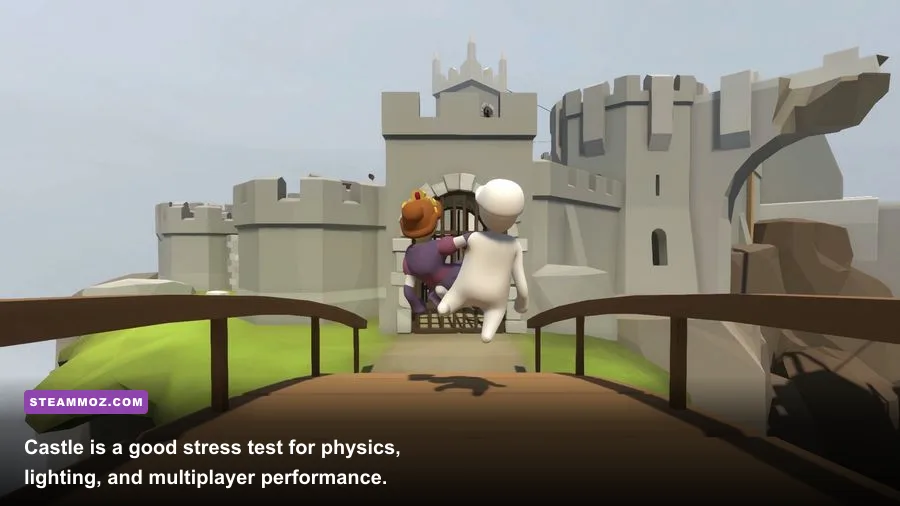
The minimum specification is enough to launch and play the game, but “minimum” shouldn’t be confused with a guaranteed 60fps experience. The Core 2 Duo E6750 dates from 2006, and the GT 740 is an entry-level card from the same broad era. That hardware can handle the game at modest settings, especially in solo play, yet CPU-heavy moments and large multiplayer sessions can expose its age quickly.
| Component | Minimum | Recommended | What It Means |
|---|---|---|---|
| Operating system | Windows 7 64-bit | Windows 7 64-bit or newer | A 64-bit OS is required; Windows 10 or 11 is the sensible modern choice. |
| Processor | Intel Core 2 Duo E6750 2.66GHz or AMD equivalent | Intel Core 2 Quad Q9450 2.6GHz or AMD equivalent | Extra CPU cores help with physics, background tasks, and multiplayer. |
| Memory | 4GB RAM | 8GB RAM | 4GB works, but 8GB leaves room for Windows, voice chat, and browsers. |
| Graphics card | GeForce GT 740 or Radeon R7 250 | GeForce GTX 970 or Radeon RX 480-class hardware | The recommended tier gives much more headroom at 1080p. |
| DirectX | Version 11 | Version 11 | Make sure the driver and operating system expose DirectX 11 support. |
| Storage | About 2GB available | About 2GB available | Keep additional space free for updates and Workshop content. |
| Network | Broadband internet for online play | Broadband internet with stable latency | Bandwidth is modest, but unstable Wi-Fi can make co-op feel broken. |
The official recommended graphics card is generous by current standards. A GTX 970 or comparable RX 480 is dramatically faster than the minimum GT 740, so newer entry-level cards such as a GTX 1650, RX 6400, Arc A380, or integrated Radeon 680M should have no trouble at 1080p. The processor recommendation is more revealing: the game benefits from additional cores because the simulation workload can become uneven when several players grab and throw objects at once.
Storage is not a serious barrier. The base installation is small, but don’t treat the listed 2GB as a complete modern PC budget. Windows updates, graphics drivers, shader caches, and downloaded Workshop levels all need room. A few extra gigabytes on an SSD also make level loading and map switching feel less sluggish than a nearly full mechanical hard drive.

🎮 Human Fall Flat
Looking to experience this game? Grab your digital key directly on our store for $5.99.
View on Steammoz Store →What the minimum specs feel like in real gameplay

On hardware close to the minimum, solo levels are generally the easiest workload. Early stages such as Mansion and Train tend to be manageable because they use relatively contained spaces and a limited number of interacting objects. You can expect playable performance at 720p or 900p with low-to-medium visual settings, but the important metric is frame time rather than a headline average FPS.
Physics-heavy sections are where the official minimum starts to show its age. A single crate is easy. A pile of crates, a moving crane, several ropes, and two or three players all pulling in different directions can produce short CPU spikes. Those spikes feel like a hitch when you’re trying to jump onto a narrow ledge, even if an FPS counter claims the average is still acceptable.
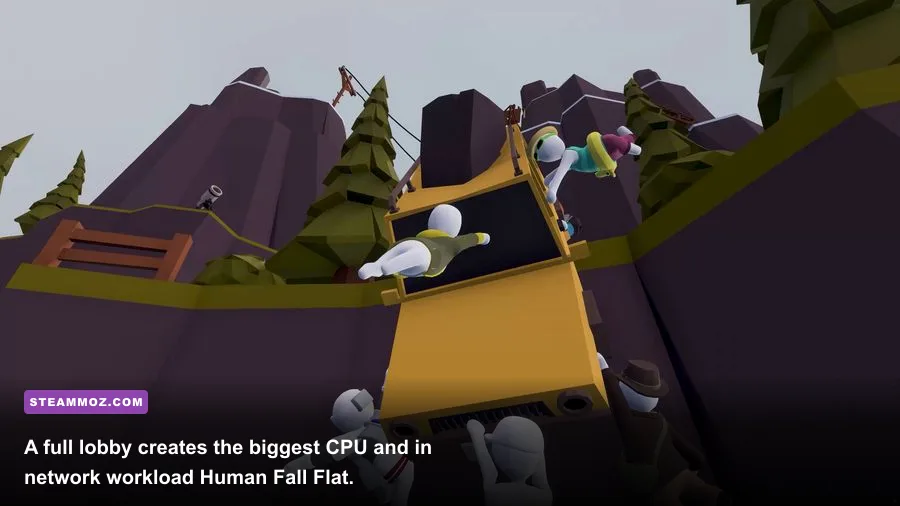
Online co-op adds another variable. Human Fall Flat supports large multiplayer sessions, and a crowded lobby can create more simulated objects and more player movement to synchronize. A weak processor may not simply lower the average frame rate; it can make input feel inconsistent during chaotic moments. That’s especially annoying because the game’s intentionally floppy controls already demand careful timing.
| Hardware Profile | Resolution | Suggested Preset | Likely Experience |
|---|---|---|---|
| Core 2 Duo plus GT 740 | 1280×720 | Low, reduced shadows | Playable solo; expect dips during physics-heavy co-op scenes. |
| Modern laptop integrated graphics | 1920×1080 | Low or medium | Usually smooth with sensible resolution scaling and updated drivers. |
| GTX 1050 Ti or RX 570 | 1920×1080 | Medium to high | Comfortable 60fps in most standard levels. |
| GTX 970 or RX 480 | 1920×1080 | High | Matches the official recommended target with useful headroom. |
| Modern mid-range GPU | 2560×1440 | High or ultra-equivalent | High refresh performance is realistic, though CPU limits can remain. |
These are practical expectations rather than a promise for every PC. Drivers, cooling, laptop power limits, background applications, and the exact level can all change results. If your machine is close to minimum, use a wired controller or a low-latency wireless connection where possible. A smoother input path won’t raise FPS, but it makes the game’s deliberately awkward movement far easier to read.
Players troubleshooting other PC games may also find useful habits in Steamoz’s low-FPS and crash-fix guide and the practical settings advice in our graphics settings performance guide.
Best Human Fall Flat graphics settings for low-end PCs
Human Fall Flat doesn’t offer an enormous graphics menu, which is good news. You don’t need to spend an hour tweaking obscure effects to improve performance. Start with resolution, shadows, anti-aliasing, and any quality slider that affects scene detail. The goal on low-end hardware is to protect frame-time consistency, not to make the game look as sharp as a competitive shooter.
| Setting | Low-End Recommendation | FPS Impact | Visual Trade-Off |
|---|---|---|---|
| Resolution | 1280×720 or 1600×900 | Very high | Lower image sharpness, but the biggest performance gain. |
| Resolution scale | 80–90% if available | High | Slight softness is preferable to severe stutter. |
| Shadows | Low | Medium to high | Edges look flatter, especially around characters and platforms. |
| Anti-aliasing | Low or off | Medium | More jagged geometry at a distance. |
| Texture quality | Medium if VRAM allows | Low | Textures remain clearer without heavily taxing the GPU. |
| Effects and post-processing | Low or medium | Low to medium | Less atmospheric polish and fewer expensive visual effects. |
| Frame limit | 60fps | Improves consistency | Prevents unnecessary workload and heat on older hardware. |
| V-Sync | Off for testing; on if tearing is distracting | Variable | Off lowers latency; on can reduce visible tearing. |
Start by lowering shadows rather than textures. Shadows can create a surprising amount of work across large outdoor areas, while medium textures often look nearly identical to high textures during normal play. If you’re using integrated graphics, reduce resolution before sacrificing every other setting. A clean 900p image at stable frame rates usually feels better than 1080p with constant hitching.
Cap the game at 60fps if your monitor is 60Hz. An uncapped frame rate can make an older CPU and GPU run flat-out for little benefit, raising temperatures and encouraging inconsistent clocks. If you own a 120Hz or 144Hz display, test 90fps or 120fps only after confirming the processor can sustain it in an eight-player lobby. A high refresh target is useful, but physics stability matters more than chasing a number.
A balanced 1080p profile
For a GTX 1650, RX 570, GTX 1060, or similar card, use 1920×1080, medium-to-high shadows, medium anti-aliasing, high textures, and a 60fps cap. This profile keeps the colorful environments intact while leaving enough GPU overhead for map transitions and busy scenes. If dips persist, lower shadows first, then anti-aliasing.
A competitive-feeling performance profile
For players who care more about responsive grabbing and jumping than visual polish, use 1080p, low shadows, low anti-aliasing, medium textures, and a 60fps cap. The game isn’t competitive in the traditional esports sense, but stable frame pacing makes precision tasks—such as swinging from a rope or catching a ledge—less frustrating.
Why the CPU matters more than you expect

Human Fall Flat’s signature is its physics, and physics workloads can be CPU-sensitive. The game isn’t rendering hundreds of enemies with complex artificial intelligence, but it is constantly calculating collisions, joints, rigid bodies, ropes, and player interactions. When your character’s arms flop around a lever or several objects collide at once, the processor has to keep those systems synchronized.
This is why upgrading from a very old dual-core processor can feel more transformative than changing a budget graphics card. A modern four-core or six-core CPU with decent single-thread performance gives the simulation more breathing room. You don’t need a flagship chip; an older Ryzen 5, Core i5-8400, or newer entry-level desktop processor is already far beyond the official minimum.
RAM is less dramatic but still important. The game lists 4GB as minimum and 8GB as recommended. Four gigabytes can work on a clean system, but Windows itself, Discord, a browser, capture software, and a launcher can consume most of that budget. Once the system begins using the page file, level loading and alt-tabbing become noticeably rougher. Eight gigabytes is the practical floor for a comfortable modern setup; 16GB is ideal if you multitask or play heavily modded Workshop content.
| Upgrade | When It Helps Most | Expected Benefit | Priority |
|---|---|---|---|
| Replace old dual-core CPU | Stutters during co-op or object-heavy puzzles | Better frame-time consistency and smoother physics | High |
| Increase RAM from 4GB to 8GB | Slow alt-tab, background apps, page-file activity | Fewer system-level hitches | High |
| Upgrade GT 740-class GPU | 1080p play, high settings, weak visual performance | Higher resolution and steadier GPU frame rates | Medium to high |
| Install on SSD | Long loads or a nearly full hard drive | Quicker loading and smoother map transitions | Medium |
| Improve internet connection | Rubber-banding or delayed online interactions | More reliable multiplayer sessions | Situational |
Don’t confuse network lag with local performance. If the whole scene pauses, the game may be struggling on your PC. If other players snap backward, objects react late, or the lobby repeatedly disconnects, investigate Wi-Fi quality, router congestion, and host stability. A wired connection is the simplest first test, but it can’t fix a CPU that’s already overloaded.
Multiplayer, Workshop maps, and performance traps

Standard levels are usually easier to run than elaborate community creations. Steam Workshop maps can contain dense scenery, repeated props, complicated moving machinery, or oversized areas that keep more objects active at once. The visual style may still look simple, but object count is the hidden cost. A map packed with interactive pieces can stress the CPU even when the GPU usage appears low.
Full multiplayer sessions are another stress test. Human Fall Flat is at its funniest when everyone is making the wrong decision simultaneously, but eight players grabbing the same object can produce the worst frame-time spikes on older processors. If performance collapses only in crowded rooms, try hosting with fewer players, close background applications, and lower shadows. If the problem follows the host, have the player with the strongest CPU create the lobby.
Keep your graphics driver current, but don’t assume a driver update will magically solve every hitch. Verify the game files through Steam after crashes, remove unnecessary overlays, and avoid recording software that aggressively hooks into the game. Discord overlay, GPU capture tools, and browser video playback can all consume enough CPU or memory to matter on a minimum-spec machine.
For broader PC troubleshooting habits, Steamoz’s crash and stutter fixes are useful beyond that specific simulator. Our guide to turning stutters into smoother gameplay also covers the same useful basics: monitor temperatures, cap frame rates, update drivers, and change one setting at a time.
How to check whether your PC is ready
First, confirm that Windows is running in 64-bit mode. Open Settings, choose System, then About, and check the system type. Next, compare your processor, installed RAM, and graphics adapter against the requirement table above. Remember that a laptop’s advertised GPU name can be misleading: a low-power mobile chip may perform very differently from its desktop counterpart.
Before launching, close browsers with dozens of tabs, game launchers you aren’t using, and recording tools. Start with 1080p medium settings if your PC is newer than the recommended specification. If you’re near minimum, begin at 720p low and work upward. Watch both FPS and frame-time graphs if your monitoring software supports them. A stable 45fps can feel better than an unstable 60fps that repeatedly drops to 20.
Test three situations rather than one quiet room: a normal solo level, a section with several movable objects, and a multiplayer lobby. If solo play is smooth but co-op stutters, the processor or network is the likely culprit. If GPU usage sits at 99 percent and lowering resolution helps, the graphics card is limiting performance. If GPU usage is low while frame time spikes, the CPU, background software, or the level’s simulation is more likely responsible.
| Symptom | Likely Cause | First Fix to Try | Long-Term Solution |
|---|---|---|---|
| Low FPS everywhere | GPU below the recommended tier | Lower resolution and shadows | Upgrade the graphics card or use a stronger PC. |
| Stutters during object chaos | Old or overloaded CPU | Cap FPS and close background apps | Move to a newer four-core or six-core processor. |
| Slow loading and alt-tab | 4GB RAM or hard drive bottleneck | Close browsers and free storage | Upgrade to 8GB or 16GB RAM and an SSD. |
| Rubber-banding online | Unstable connection or host | Use Ethernet and restart the router | Improve network reliability or change host. |
| Crashes after Workshop installs | Problematic custom content | Disable recent Workshop maps | Keep only trusted, updated community levels. |
Steam’s official troubleshooting resources can help with installation and file problems, while the Human Fall Flat Steam community is useful for identifying map-specific bugs. For updates and patch information, follow the developer’s official social channel.
The final verdict on Human Fall Flat PC requirements
Human Fall Flat is accessible on old hardware, but the best experience requires more than simply meeting the GT 740 and Core 2 Duo minimum. A machine with 8GB of RAM, a modern four-core processor, and a GTX 970-level GPU will handle 1080p comfortably, while almost any current gaming PC can push higher resolutions without trouble.
If your PC only meets the minimum, don’t write the game off. Use 720p, lower shadows, cap the frame rate, and test solo play before inviting a full lobby. The game’s low visual complexity means a careful settings profile can rescue surprisingly weak systems. The main warning is physics-related stutter: a stable simulation is more valuable here than ultra image quality.
For most players shopping for a practical target, 8GB RAM, a recent Core i3 or Ryzen 3-class CPU, and a GTX 1650 or RX 570-class GPU are plenty for smooth 1080p play. If you plan to host large co-op sessions or explore demanding Workshop maps, prioritize CPU performance and 16GB of RAM before chasing a more powerful graphics card. That combination keeps the floppy chaos funny instead of frustrating.