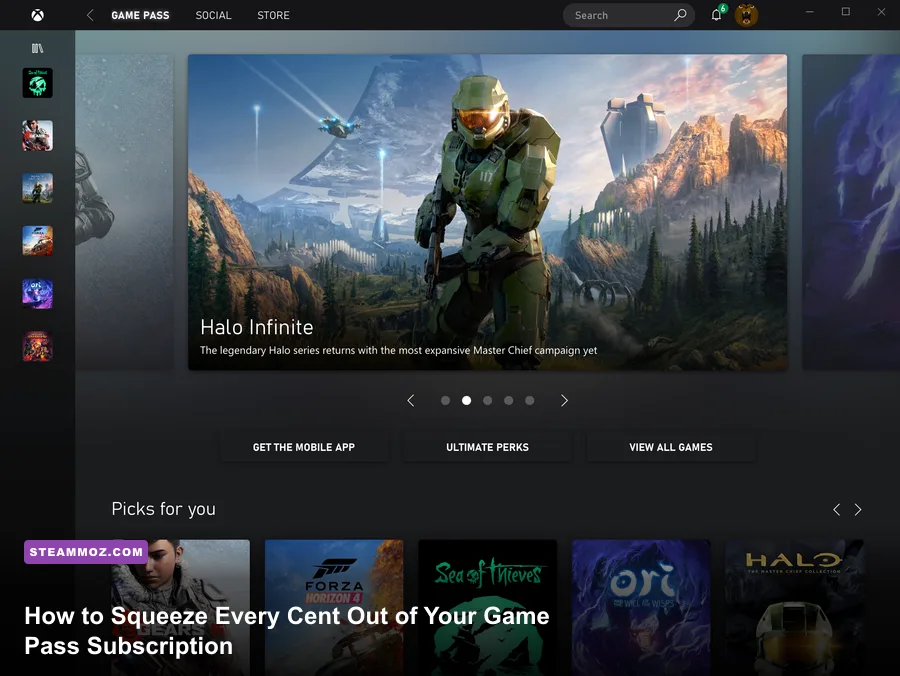
Most subscribers treat Xbox Game Pass like an interactive streaming service: you scroll the endless grid for twenty minutes, download a massive 100GB blockbuster, play through the prologue, and forget about it while your credit card gets charged every month. If you are only downloading headline first-party launches, you are leaving more than half the value of your subscription on the table. Maximizing Game Pass requires unlocking restricted PC game directories for modding, chaining automated Microsoft Rewards to effectively zero out your recurring bill, bypassing default cloud streaming bitrates, and leveraging partner integrations that players routinely overlook.
Tame the PC Xbox App and Unlock Full Modding Permissions
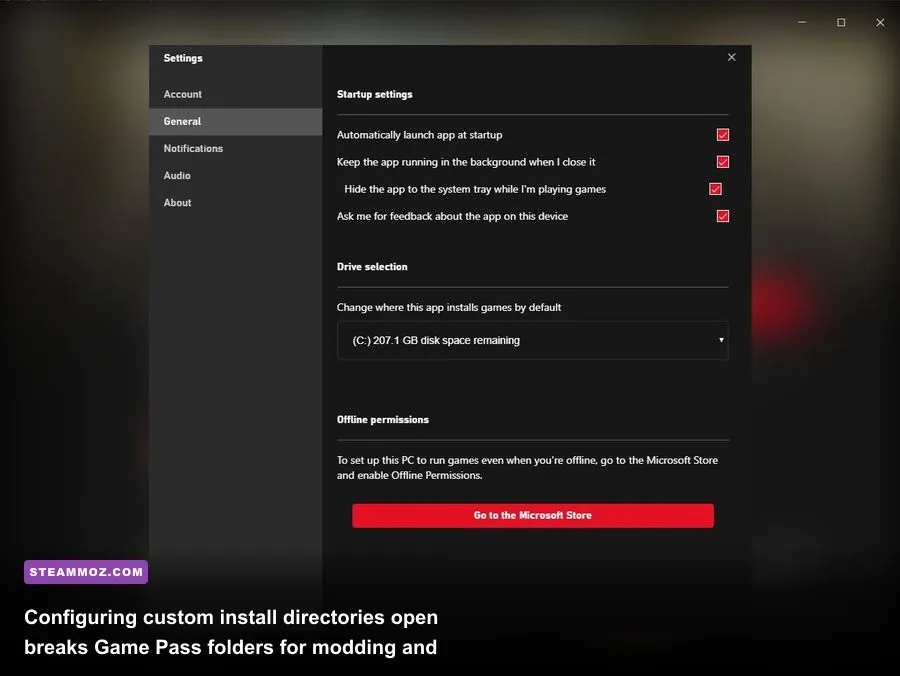
The Windows Xbox app has a long, frustrating history with strict UWP (Universal Windows Platform) file containers. Historically, Microsoft locked installations behind hidden, cryptically encrypted WindowsApps system folders, locking out reshades, community bug-fixing patches, custom configuration files, and loose-file mod managers. If you wanted to install community fixes for expansive action titles or space epics like Everspace 2, the operating system treated you like a hostile intruder on your own NVMe drive.
Microsoft finally overhauled this system, but millions of users never converted their existing installations to the modern standard. Open the desktop PC Game Pass app, click your gamer profile icon in the top-left corner, jump into Settings > Install Options, and inspect your target directories. Check the box to enable custom installation locations. Instead of routing blindly to a protected root directory, assign your games to an open, user-accessible path such as D:\XboxGames\.
For games already downloaded, right-click their title in your left-hand sidebar, select Manage > Files > Browse, and verify that you can see standard executable files (.exe), raw asset packages, and subfolders. This step is mandatory if you intend to run custom engine tweaks, inject DLSS/FSR overrides, or resolve performance hiccups. When games crash or suffer from stuttering frame pacing—issues detailed in our Everspace 2 crashing and FPS fix breakdown—having direct access to your Engine.ini or launch binaries is the only way to apply proper stability fixes without waiting for an official Microsoft Store patch.
Farm Microsoft Rewards for an Infinite Free Subscription
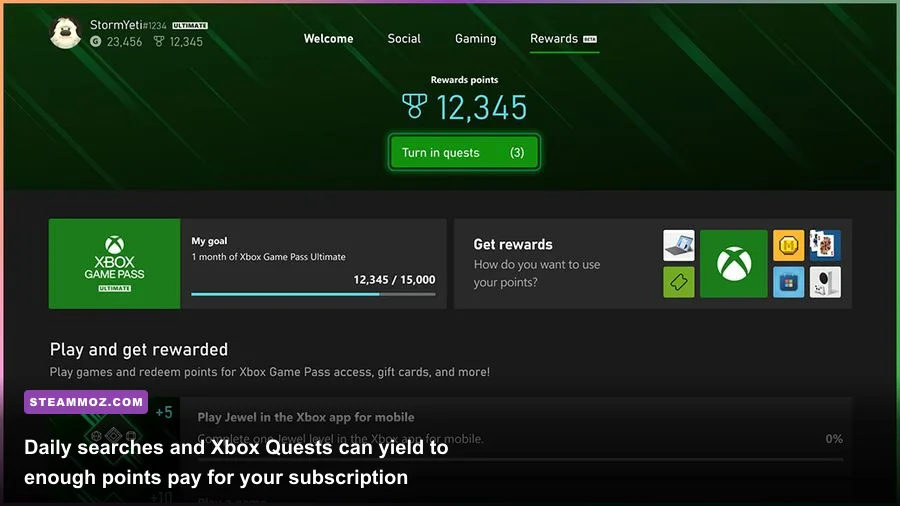
The single most powerful trick in the entire ecosystem is turning the Microsoft Rewards infrastructure into an automated payment machine. Many players ignore the Rewards widget entirely, assuming it dispenses meaningless sweepstakes entries. In reality, consistent users harvest between 11,000 and 14,000 Rewards points each calendar month with under three minutes of daily routine—more than enough to trigger the 10,500-to-12,000 point auto-redeem threshold for a free monthly code of PC Game Pass or an Xbox Game Pass Ultimate extension.
Points originate from three primary vectors: desktop searches via the Edge browser, mobile searches via the Bing app, and the Xbox App Quests ecosystem. By configuring your browser homepage to Microsoft Start and running routine daily searches, you generate roughly 150 to 250 points daily. Stacking this with the dedicated Game Pass quests—launching a Game Pass title daily, completing weekly multi-game assignments, and unlocking monthly achievement milestones—injects a massive surplus into your wallet balance.
| Point Generation Activity | Daily / Weekly Payout | Realistic Monthly Total | Time Investment Required |
|---|---|---|---|
| PC & Mobile Edge/Bing Searches | 150 - 250 points / day | 5,500 - 7,500 points | 90 seconds per day |
| Daily Xbox App Mobile & PC Check-in | 30 - 100 points / day | 1,500 - 2,500 points | 30 seconds per day |
| Game Pass Quests (Play Game, Earn Achievements) | 50 - 250 points / week | 1,200 - 2,000 points | Passive during normal play |
| Monthly Quest Milestones & Streaks | 500 - 1,000 points / month | 500 - 1,000 points | Passive across full month |
Navigate directly to the Microsoft Rewards dashboard, click on the "Auto-redeem" tab, and designate Game Pass as your preferred monthly reward. Once enabled, the platform automatically buys your renewal voucher code the instant your balance clears the mark on the first day of the month, completely removing the real-money charge from your bank account.
Supercharge Xbox Cloud Gaming with Better xCloud and Browser Tweaks
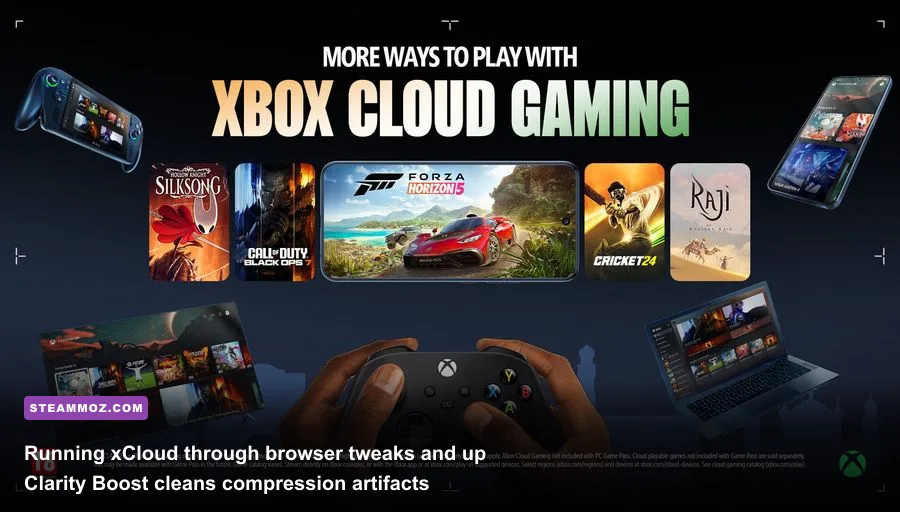
Xbox Cloud Gaming (xCloud) remains one of the premier perks of Game Pass Ultimate, yet the out-of-the-box user experience on desktop apps is often disappointing. The official Windows Xbox app caps xCloud streams at an uncomfortably low video bitrate (~15 Mbps) using an aggressive, muddy H.264 compression codec that turns fast-moving grass, smoke, and complex textures into visual soup. Latency spikes and micro-stutters make timing-critical parries and twitch shooters feel sluggish.
To eliminate this, stop streaming through the native desktop app and switch directly to a Chromium-based browser—such as Microsoft Edge or Google Chrome—combined with the open-source community script Better xCloud via Tampermonkey. This lightweight userscript completely opens the underlying WebRTC video pipeline. Through the Better xCloud interface, you can force the stream codec to VP9 or AV1, override the rendering resolution to a clean 1080p stream at higher bitrates (up to 30 Mbps), and bypass regional servers to manually select low-ping data centers.
If you prefer running purely vanilla Edge, you must still turn on Clarity Boost. When streaming through Edge, click the three dots in the top-left stream control bar and toggle Clarity Boost on. This applies a real-time spatial upscaling and sharpening filter directly over the video canvas. Fine text in deep RPG interfaces, distant geometry in shooters, and dark puzzle environments—similar to the lighting challenges highlighted in our Filament settings and performance guide—become clean, sharp, and playable without requiring local high-end GPU power.
Harvest Hidden Perks, Partner Passes, and Third-Party Subscriptions
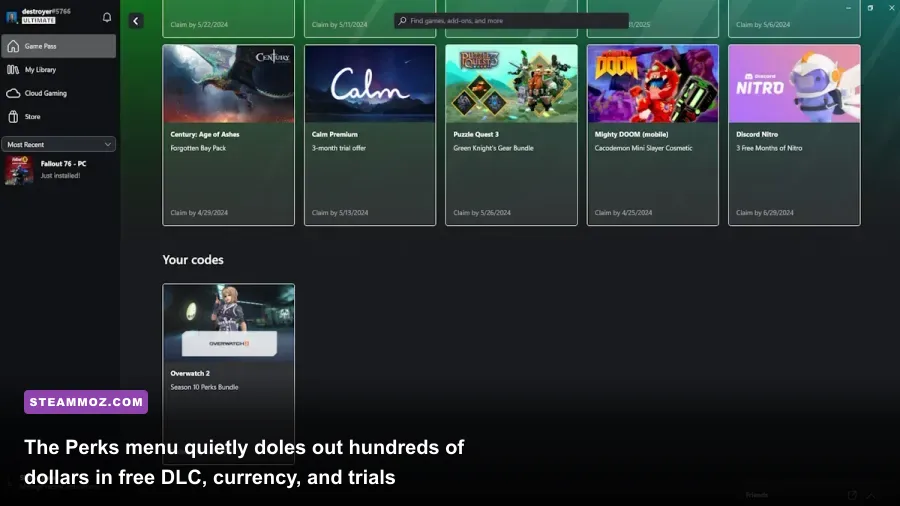
A staggering percentage of Game Pass Ultimate subscribers never open the "Perks" gallery. Tucked away under a dedicated icon on your console dashboard, mobile app, and PC client, this section functions as a revolving gift card station containing millions of dollars in licensing agreements that Microsoft already purchased for you.
The Perks library regularly distributes free trials to external media platforms alongside high-value in-game loot. We frequently see 3-month trials of Discord Nitro, Apple Music, Spotify Premium, and Crunchyroll Premium. If you already pay out-of-pocket for these standalone subscriptions, rotating these promo vouchers can recoup the full price of your Game Pass subscription on its own. For live-service fans, the tab continually rotates cosmetic bundles, character unlocks, and premium currencies for major titles like Overwatch 2, Sea of Thieves, Apex Legends, and Warframe.
Equally critical is linking your external third-party launchers. Game Pass Ultimate includes complete membership to EA Play, which provides 10-hour full-game trials of new releases alongside unfettered access to back catalogs like Dead Space Remake, Star Wars Jedi: Survivor, and the Mass Effect Legendary Edition. Make sure to link your EA account inside your Xbox profile so these libraries automatically cross-populate. The same applies to Ubisoft Connect: linking accounts unlocks heavy hitters like Far Cry 6, where you can pair subscription access with tailored strategies like our Far Cry 6 beginner loadout guide and optimize visual overhead using our Far Cry 6 performance settings pass.
Beating the Churn: Strategic Backlog Rotation and The 20% Rule
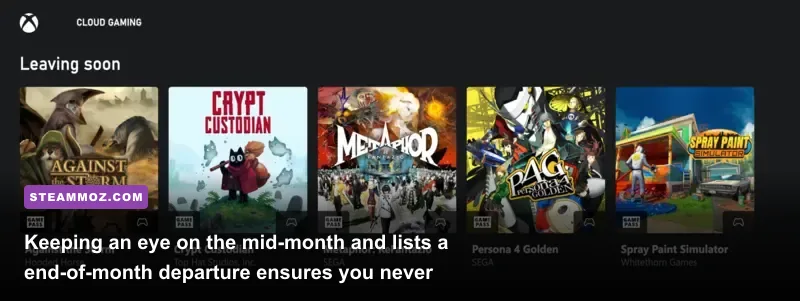
Third-party games operate on licensing contracts that typically last 12 to 18 months on the service. If you play games reactively, you will inevitably run into the heartbreak of a massive 70-hour RPG abruptly disappearing right as you reach the third act. Beating the Game Pass churn requires understanding Microsoft's operational calendar and building a proactive playthrough strategy.
Microsoft announces departures in two predictable, bi-weekly waves: the first drop occurs on the 15th of each month, and the second drop arrives on the final calendar day. The moment the "Leaving Soon" banner updates, you have a roughly two-week countdown before license revocation. When a game enters this window, evaluate its campaign length immediately via completion registries. If an acclaimed indie title takes 8 to 10 hours, prioritize it immediately over sprawling live-service titles that remain permanently tied to first-party studios.
| Game Pass Subscription Tier | Best Suited For | Key Underlying Advantage | Optimization Strategy |
|---|---|---|---|
| PC Game Pass | Desktop & Laptop Enthusiasts | Full EA Play, native modding access, uncapped FPS | Custom folder routing, .ini tweaking, low cost |
| Game Pass Core | Budget Console Multiplayer | Online console access, curated 25+ game pool | Stacking codes for Ultimate conversion ratios |
| Game Pass Ultimate | Multi-device / Cloud Power Users | xCloud, EA Play, Day-One first-party releases, Perks | Better xCloud scripts, claim monthly media perks |
If you realize you cannot beat a departing game before its deadline, do not panic and pay full retail. Game Pass subscribers receive an automatic 20% discount on any game currently in the catalog, alongside a 10% discount on associated DLC expansions. Furthermore, that 20% platform discount stacks directly with active seasonal publisher sales on the Xbox and Windows digital storefronts. If a classic action RPG or AA gem like ELEX hits a deep promotional sale right before departing, stacking your subscriber discount allows you to buy permanent ownership for pennies on the dollar, carrying over every single hour of your cloud-synced save data uninterrupted.
Finally, leverage the Xbox Mobile App's remote installation engine for games you do not even own yet. The app lets you trigger pre-downloads of upcoming day-one releases before your active license or pre-load officially unlocks, completely bypassing launch-day server congestion and letting you jump straight into the action the second the servers go live.