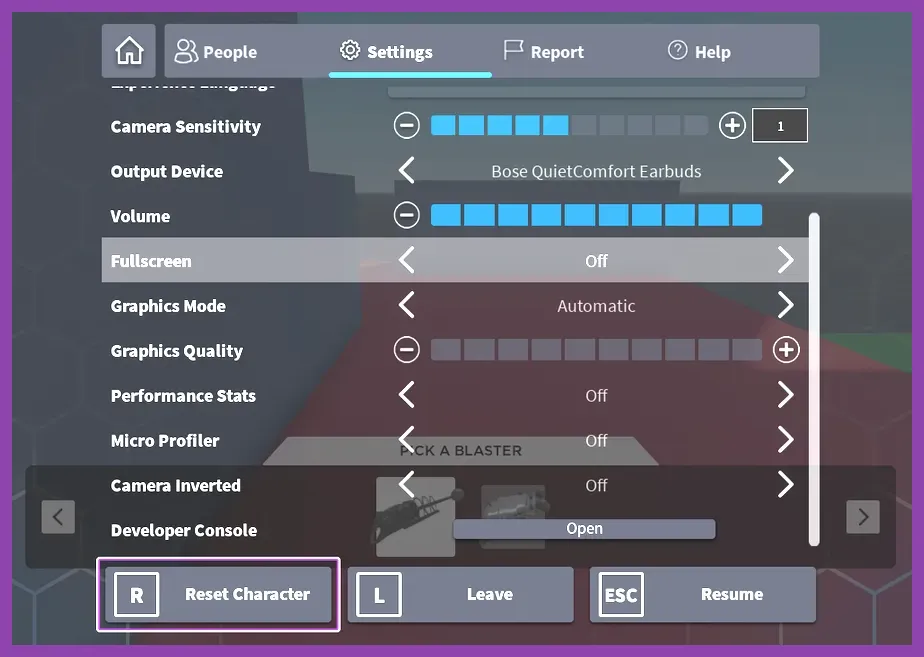
Because Roblox is a vast meta-platform hosting thousands of distinct user-created experiences rather than a single unified game, there is no single global button to respec your skill points. Instead, how you reset your abilities, stats, or talent trees depends entirely on the specific game you are playing—such as Blox Fruits, Deepwoken, Shindo Life, or Peroxide. Most complex Roblox RPGs require you to either interact with a specific NPC, use an in-game currency like fragments or gold, or spend Robux in the developer's gamepass shop to completely clear and reallocate your hard-earned stat and skill distributions.
Understanding How Skill Respec Works Across Roblox Experiences
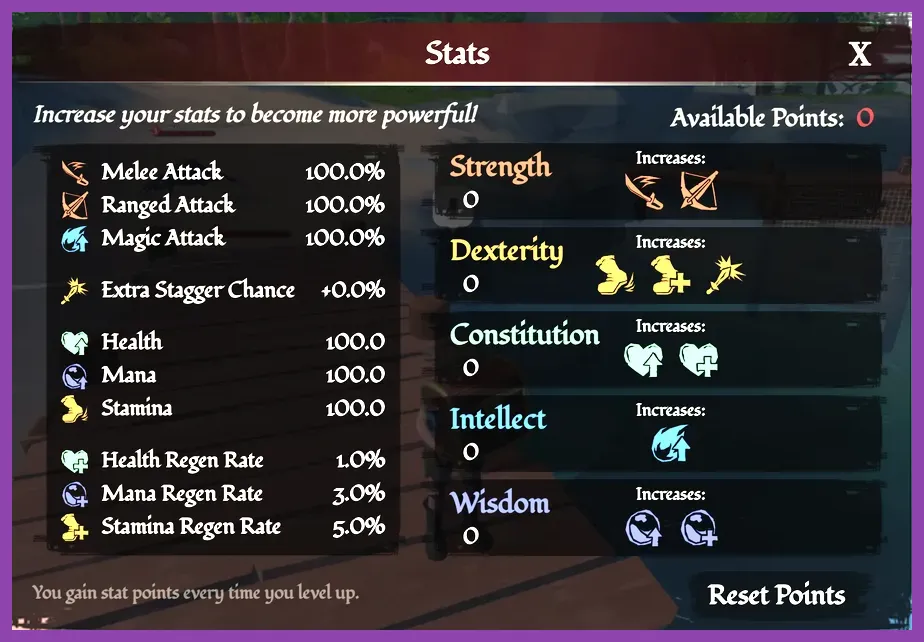
When diving into a new Roblox experience, you quickly realize that platform-wide settings do not dictate character progression. Each game developer scripts their own database systems to handle player levels, skill trees, stat points, and attribute resets. Before you blindly pump points into generic melee damage, health regeneration, or elemental magic, you need to understand the underlying economy of that specific universe. For a broader look at competitive optimization, check out our guide on the best loadout for ranked Roblox matches.
Most combat-heavy anime and fantasy games on the platform fall into three distinct respec categories:
- NPC-Based Resets: Finding a hidden or town-center non-player character who will wipe your stats in exchange for in-game currency (e.g., Fragments, Beli, Yen, or Silver).
- Item-Based Resets: Consuming a rare drop item, such as a Stat Reset Tome, Fragment, or Respec Potion, which is usually obtained by defeating raid bosses or completing daily quests.
- Robux Gamepass Resets: Paying real-world currency directly to the developer via the game's official store interface to instantly clear your skill tree permanently or multiple times.
Always inspect the game's official Trello board, Wiki, or Discord community before spending points haphazardly. Knowing whether a respec is cheap or brutally expensive will save you dozens of hours of grinding.
How to Respec in Blox Fruits
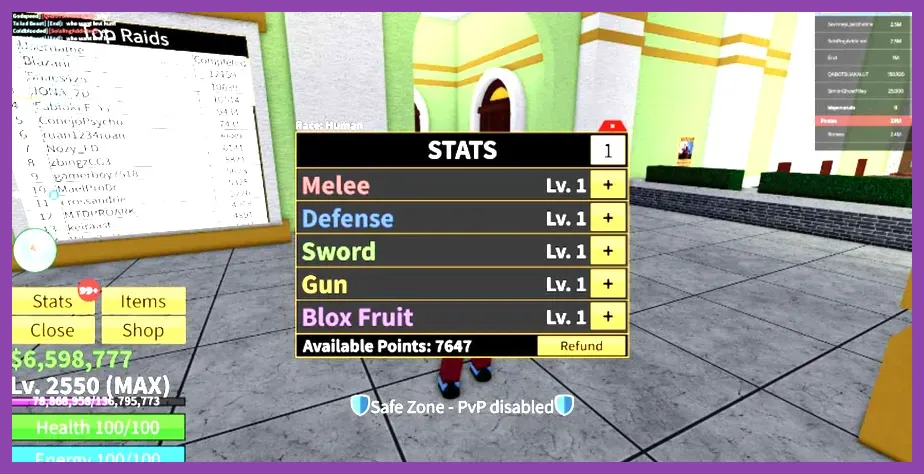
Blox Fruits is one of the most popular anime RPGs on Roblox, and figuring out how to redistribute your stats in Melee, Defense, Sword, Gun, and Blox Fruit is crucial as you transition from the First Sea to the Second and Third Seas. If you misallocate your points—such as spreading them too evenly across all stats instead of focusing on defense and one damage type—your farming speed will drop drastically.
To reset your stats in Blox Fruits, you have two primary methods:
- The Plokster NPC: Travel to the Green Zone (Second Sea) or the Floating Turtle / Port Town (Third Sea) and locate the NPC named Plokster. Speaking to him allows you to reset your stats in exchange for 2,500 Fragments or by spending 75 Robux. Note that Fragments are earned by completing Sea Raids, defeating Darkbeard, or conquering the Factory.
- Redemption Codes: Occasionally, the developers (Gamer Robot) release official stat reset codes during updates or shutdowns. You can enter these codes into the Twitter/gift bird icon on the left side of your screen to instantly clear your stats without spending Fragments or Robux.
For more character progression tips across different platforms, you might enjoy exploring our comprehensive RimWorld tier list for characters or checking out the Stardew Valley system requirements for smooth PC gaming setups.
Respecifying Stats and Talents in Deepwoken
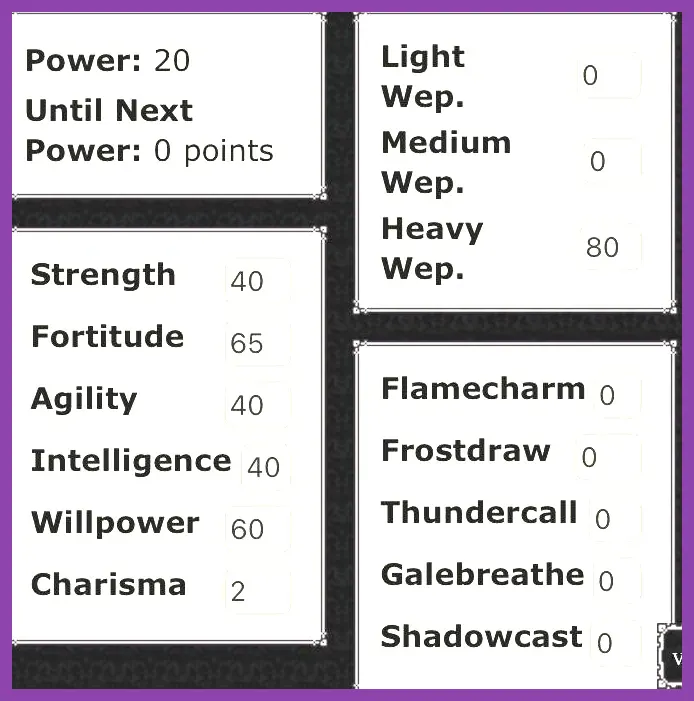
Deepwoken is notoriously punishing, and its progression system revolves around permanent death, mantras, and shrine attunement rather than a simple menu button. If you want to change your attribute investments or shift your build archetype away from flamecharm or galebreath, you cannot simply click a reset button. Instead, Deepwoken utilizes specialized in-game locations and shrines.
The most famous mechanism for managing your build adjustments is the Shrine of Order. Located deep within the Luminant, visiting this shrine allows you to balance your stat point investments, optimize your point distribution, and prevent wasted attribute thresholds. However, using shrines requires careful planning because lowering certain stats can accidentally lock you out of essential high-tier talents, weapon requirements, and mantras.
When planning a high-end character build, always cross-reference your attribute goals with community calculators. Poor stat allocation can ruin a Level 20 character, forcing you to wipe and start fresh. If you love deep progression systems and micro-managing stats, you may also appreciate our guide on S.T.A.L.K.E.R. 2 best secret locations and stashes.
Using Robux and Gamepasses for Instant Skill Resets
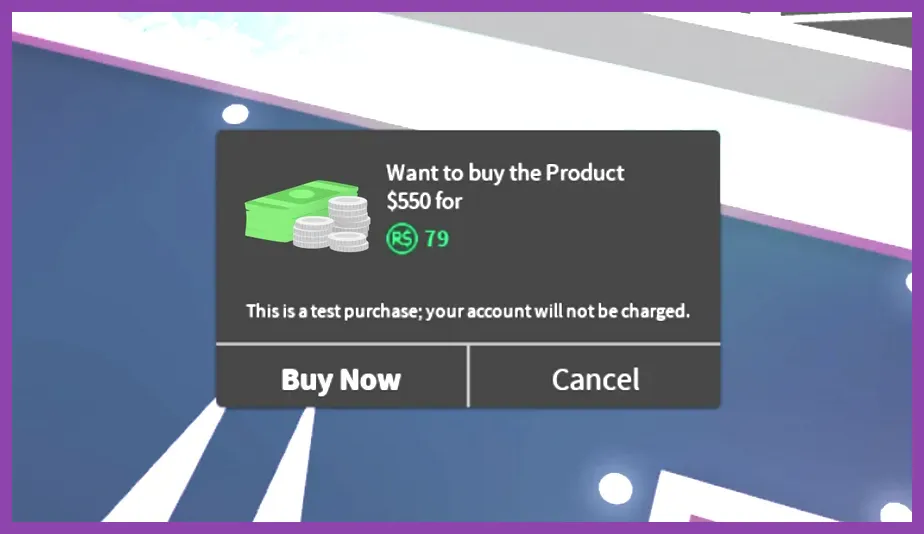
For players who prefer an immediate solution and have spare Robux, almost every major RPG on the Roblox platform features a dedicated "Stat Reset" or "Skill Tree Clear" option directly inside its in-game shop menu. Developers rely on this monetization method to support ongoing server costs and content updates.
When you open the shop tab (usually represented by a shopping cart or coin icon on the HUD), look for items labeled:
- Stat Reset (Typically priced between 50 to 150 Robux)
- Skill Tree Wipe
- Infinite / Permanent Stat Resets (A higher-tier gamepass that lets you respec an unlimited number of times)
Before pulling out your wallet, always check if the game offers free alternative methods. Many games provide a one-time free respec when major combat balance patches drop, or allow you to earn reset tokens through daily login streaks and seasonal events. If you are balancing your mobile device performance while playing heavy Roblox experiences, take a look at our Stardew Valley mobile defensive setup guide for tips on optimizing mobile gaming sessions.
Avoiding Common Mistakes When Resetting Skill Trees
Impulse-respecifying your character without a concrete endgame build in mind is the fastest way to waste valuable in-game currency or rare drop items. Before you wipe your stats in any Roblox game, take a moment to evaluate your current gear, weapon scaling requirements, and leveling goals.
Keep these golden rules in mind before hitting that confirm reset button:
- Check Weapon Scaling: Ensure you actually own the weapon or fruit you want to build around *before* dumping all your stats into it. Putting 500 points into Swords when your best weapon is a Level 1 starter blade will tank your damage output.
- Preserve Defensive Thresholds: Never neglect health and defense stats in favor of pure glass-cannon offense unless you are running with an organized squad that can tank boss agro for you.
- Consult Official Sources: Always check the developer's official community links—such as the official Roblox Website or the game's official developer documentation—to verify that recent patches haven't nerfed your intended build into oblivion.
By taking a methodical approach to skill tree management and understanding the specific mechanics of your chosen Roblox experience, you can effortlessly adapt your playstyle, conquer endgame bosses, and dominate player-versus-player servers without wasting your hard-earned resources.