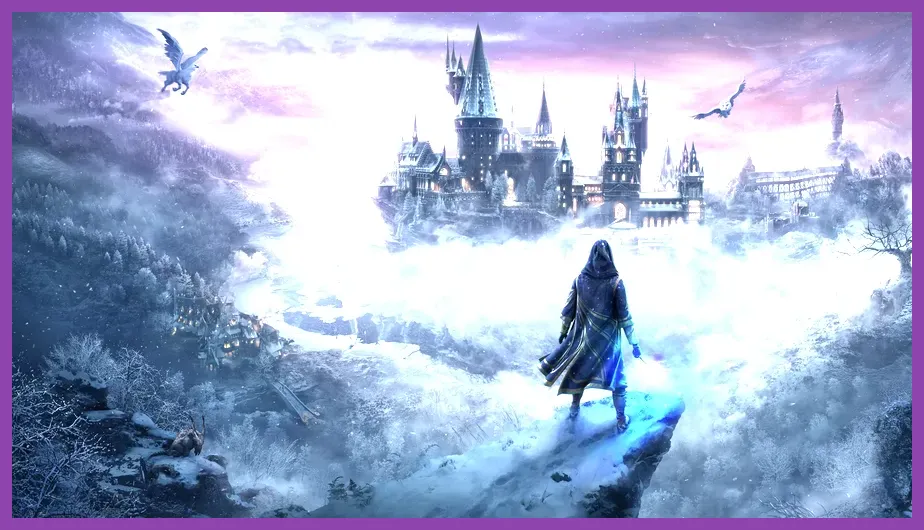
To run Hogwarts Legacy smoothly on PC, your system needs at least an Intel Core i5-6600 or AMD Ryzen 5 1400 processor, paired with an NVIDIA GeForce GTX 960 (4GB) or AMD Radeon RX 570 (4GB), alongside 16GB of RAM. Avalanche Software and Portkey Games designed an expansive, seamless open world spanning the Scottish Highlands, Hogsmeade, and the intricate corridors of Hogwarts Castle, but rendering this magical realm demands careful hardware planning. If you want to dive into mastering ancient magic without stuttering framerates, balancing your graphical presets against your specific GPU and CPU capabilities is critical.
Hogwarts Legacy Minimum System Requirements for 720p 30 FPS Low Settings
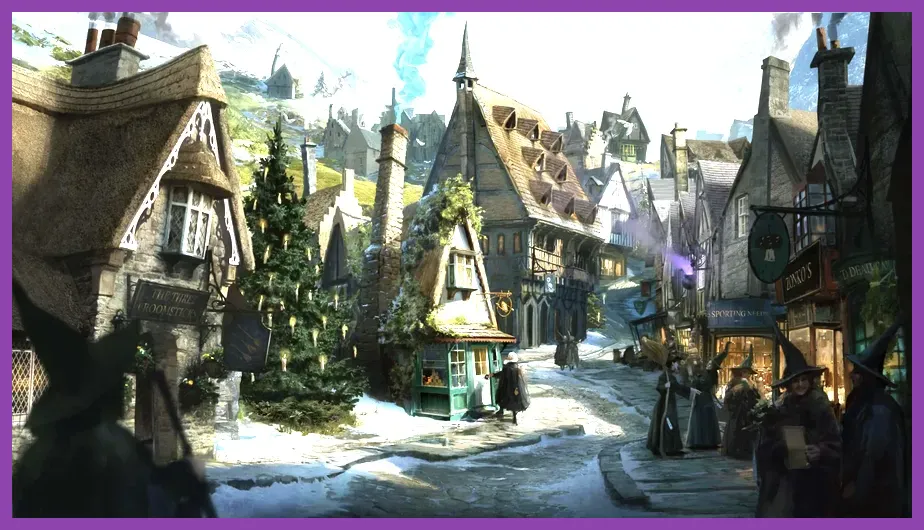
Getting the game to boot and run at a stable 30 frames per second on 720p Low settings requires meeting the baseline hardware profile established by the developers. While modern gaming rigs easily surpass these thresholds, older hardware can still handle the journey if configured correctly. Before downloading the massive open-world adventure from the Hogwarts Legacy Steam Page, verify your hardware matches or exceeds these precise baseline specifications.
The minimum official hardware specifications mandated for low-tier performance include:
- OS: 64-bit Windows 10
- CPU (Processor): Intel Core i5-6600 (3.3 GHz) or AMD Ryzen 5 1400 (3.2 GHz)
- RAM: 16 GB
- GPU (Graphics Card): NVIDIA GeForce GTX 960 (4GB) or AMD Radeon RX 570 (4GB)
- DirectX: Version 12
- Storage: 85 GB available space (SSD strongly recommended, HDD supported)
Running the game on an older mechanical hard drive (HDD) will inevitably cause severe asset-streaming stutter, particularly when flying on a Highwing hippogriff over the Forbidden Forest or rapidly loading into the bustling courtyards of the Astronomy Tower. Make sure your operating system is cleanly updated, and check out our resource on optimizing massive open-world titles to ensure your storage drive operates at peak read speeds.
Recommended System Requirements for 1080p 60 FPS High Settings
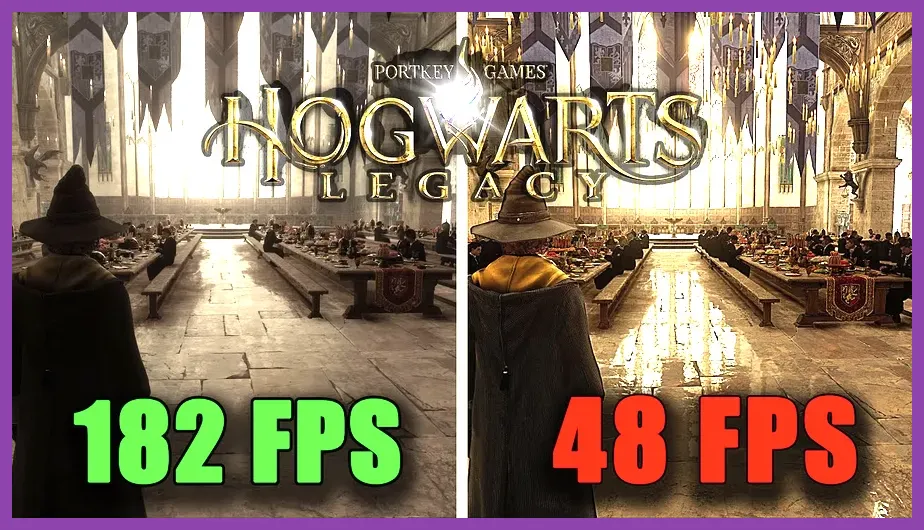
To experience the wizarding world the way developers intended—with crisp textures, realistic lighting inside the Great Hall, and fluid spell-casting duels against Dark Wizards and Ashwinder executioners—you need the recommended tier hardware profile. This tier targets smooth 1080p resolution at 60 frames per second using high graphical presets, completely eliminating the distracting frame drops that plague lower-end configurations.
The recommended hardware specification profile includes:
- OS: 64-bit Windows 10
- CPU (Processor): Intel Core i7-8700 (3.2 GHz) or AMD Ryzen 5 3600 (3.6 GHz)
- RAM: 16 GB
- GPU (Graphics Card): NVIDIA GeForce GTX 1080 Ti (11GB), AMD Radeon RX 5700 XT (8GB), or Intel Arc A770
- DirectX: Version 12
- Storage: 85 GB available space (SSD required)
At this tier, you will notice significant visual fidelity upgrades when exploring complex environments like the Room of Requirement or navigating the shifting staircases of the Grand Staircase tower. For players looking into broader role-playing experiences with high system demands, you can also explore our deep dive on comprehensive RPG performance benchmarks to gauge how modern hardware handles heavy open-world asset streaming.
Ultra and 4K Ray Tracing System Requirements
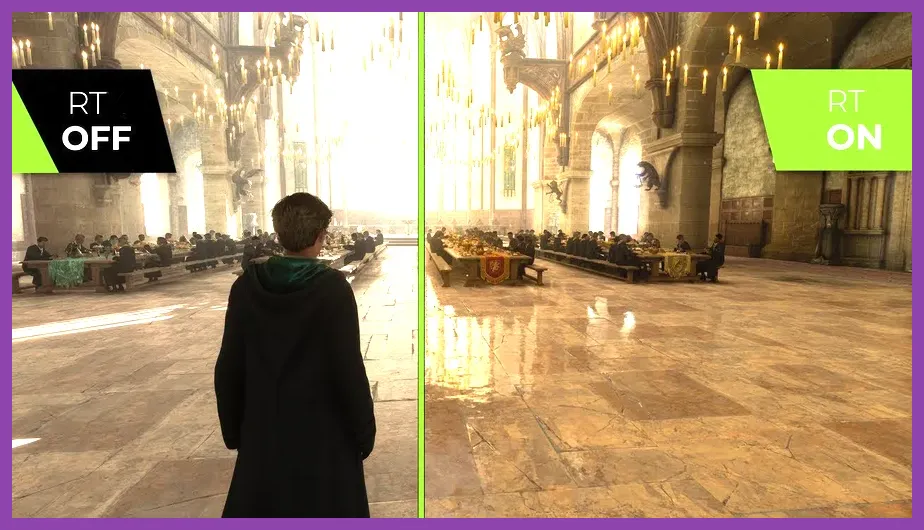
Pushing Hogwarts Legacy to its absolute visual ceiling with 4K resolution, ultra settings, and advanced ray tracing reflections requires bleeding-edge hardware. Ray tracing introduces hyper-realistic shadows, ambient occlusion, and reflective puddles in the rain-slicked stone pathways of Hogsmeade, but it comes at a massive cost to your frame rate unless paired with powerful upscaling technologies like NVIDIA DLSS or AMD FSR.
The Ultra and 4K Ray Tracing specifications demand:
- Ultra Preset (1440p / 60 FPS): Intel Core i7-10700K or AMD Ryzen 5 5600X, 32 GB RAM, NVIDIA GeForce RTX 2080 Ti or AMD Radeon RX 6800 XT
- Ultra 4K Preset (4K / 60 FPS): Intel Core i7-10700K or AMD Ryzen 5 5600X, 32 GB RAM, NVIDIA GeForce RTX 3090 or AMD Radeon RX 7900 XT
- Ray Tracing Preset: Intel Core i7-12700K or AMD Ryzen 7 5800X, 32 GB RAM, NVIDIA GeForce RTX 4090 or AMD Radeon RX 7900 XTX
When running these extreme settings, monitoring your VRAM usage is critical. Hogwarts Legacy is notorious for consuming massive amounts of video memory, especially when texture pools are set to Ultra. If you enjoy tweaking graphics settings and squeezing maximum performance out of demanding game engines, you might find our guide on advanced system tweaking and resource management exceptionally helpful for stabilizing your rig.
Best PC Graphics Settings for Maximum Performance
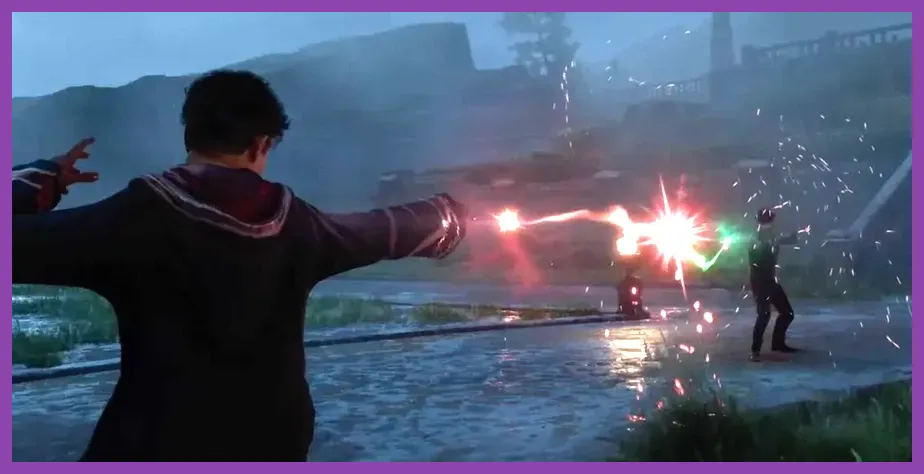
Even if your PC comfortably clears the recommended hardware requirements, Hogwarts Legacy can experience occasional micro-stutters due to how the Unreal Engine 4 handles shader compilation in open-world environments. Tuning specific graphical settings can dramatically boost your average frame rate without sacrificing visual quality during high-intensity combat sequences against trolls or pookas.
Apply these optimized graphic settings for the best balance between performance and visual fidelity:
- Window Mode: Fullscreen (Borderless Windowed can introduce input lag)
- Upscale Type: NVIDIA DLSS, AMD FSR 2, or Intel XeSS (Set to "Quality" mode for 1080p/1440p, or "Balanced" for 4K)
- Vsync: Off (Enable G-Sync or FreeSync on your monitor instead)
- Framerate: Uncapped (or locked to match your display refresh rate)
- Ray Tracing: Off (Unless you own an RTX 4080/4090 and utilize DLSS Frame Generation)
- Shadow Quality: High (Ultra shadows introduce steep performance penalties with minimal visual gain)
- Effects Quality: High
- Material Quality: High
- Fog Quality: Medium (Lowering fog drastically improves outdoor performance in the Highlands)
- Population Density: Medium (Helps reduce CPU bottlenecks in crowded areas like Hogsmeade square)
- Ray Tracing Reflections, Shadows, and View Distance: Off
By adjusting Population Density and Fog Quality, you take immense strain off your CPU during intense exploration. For more tips on optimizing game engines and hardware efficiency across different genres, check out our guide on hardware resource management in fast-paced titles.
Understanding Storage and RAM Bottlenecks in Hogwarts Legacy
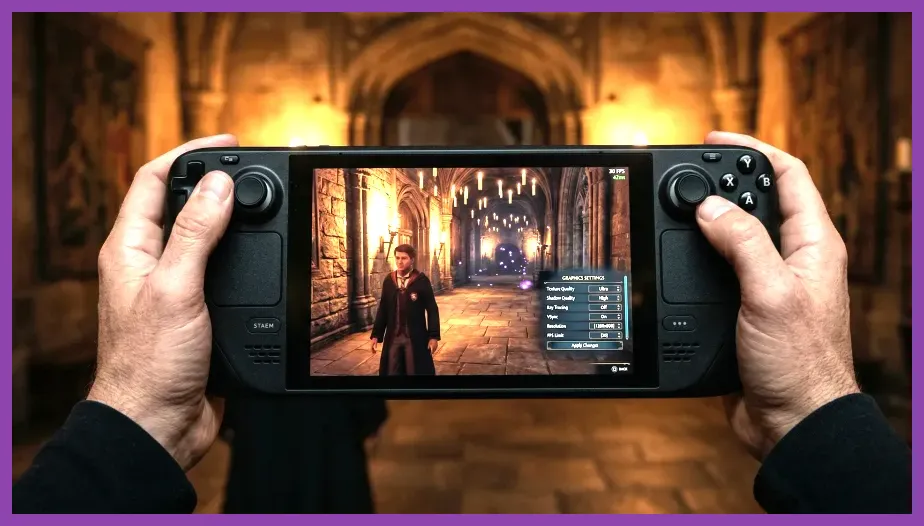
One of the most common issues players face when installing Hogwarts Legacy is extreme stuttering and sudden game freezes, even when running high-end graphics cards like the RTX 3070 or RX 6700 XT. This is almost always caused by RAM or storage bottlenecks rather than GPU limitations. Because the game streams massive amounts of world data dynamically as you fly on a broomstick or sprint through the Restricted Section of the library, having sufficient memory bandwidth is non-negotiable.
If you only have 8GB of RAM installed on your system, upgrading to 16GB or 32GB should be your top priority. Furthermore, installing the game on an NVMe M.2 SSD instead of a standard SATA SSD or traditional hard drive completely eliminates texture pop-in and loading screen delays. To ensure your overall gaming setup remains optimized for modern titles released by publishers like Warner Bros. Games, keeping your background applications closed and monitoring your pagefile allocation will keep your frame rates rock solid.
Preparing Your Rig for Future Magical Updates
As developer support continues and community modders introduce massive overhaul projects—ranging from immersive lighting shaders to complex gameplay adjustments—keeping your PC hardware up to date ensures you won't miss out on future content drops or community expansions. Whether you are battling Ranrok's loyalists at the final repository or quietly tending to magical beasts in your vivarium, having a well-optimized system lets you fully immerse yourself in the wizarding world without technical distractions.
For players who enjoy exploring diverse gaming platforms and want to expand their library with optimized titles, browse through our curated collection of articles, including early progression guides and challenging boss strategy breakdowns to elevate your overall gaming expertise across every genre.