
Gone Viral should run comfortably on most gaming PCs from the last decade. The practical floor is a 64-bit Windows system with 8GB of RAM, a quad-core Intel Core i5 or comparable AMD processor, and a graphics card around the GeForce GTX 670 or Radeon R9 280 class. For a smoother experience in hectic runs, aim for 16GB of RAM, a newer six-core CPU, and a GTX 970, GTX 1060, Radeon RX 580, or better. An SSD is also worth using because it helps reduce loading friction between runs.
The game’s stylized presentation is not especially demanding in an empty room. The pressure arrives when several enemies, projectiles, effects, and physics interactions fill the screen at once. That is why a PC that technically meets the minimum can still feel uneven if it has only 8GB of memory, an old laptop processor, or integrated graphics. Here’s the useful breakdown before you buy or start tweaking.
Gone Viral minimum and recommended PC requirements
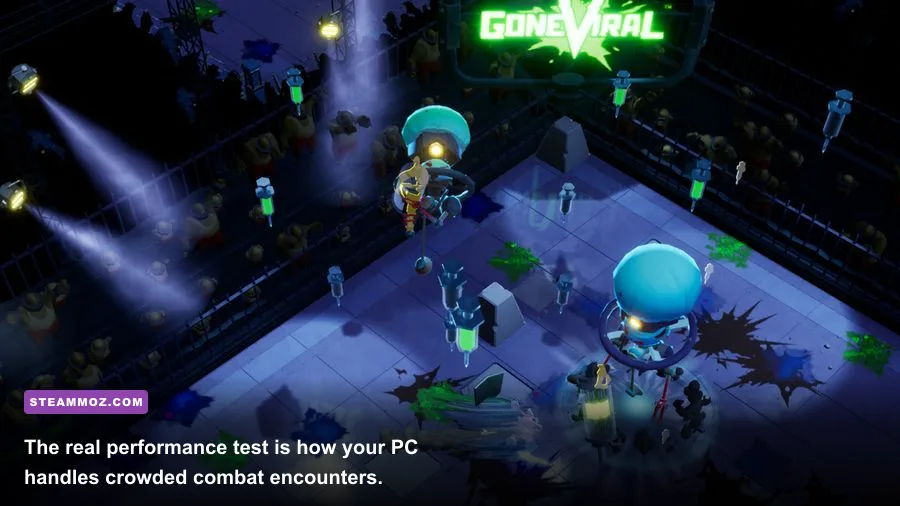
The figures below reflect the hardware class associated with the game’s Steam listing and provide a realistic target for current PC players. Minimum hardware should be treated as a 30-FPS starting point rather than a promise of locked performance during the busiest combat sequences. Recommended hardware gives you considerably more room for stable frame pacing and higher resolution.
| Component | Minimum | Recommended | What it means in practice |
|---|---|---|---|
| Operating system | 64-bit Windows 7 or newer | 64-bit Windows 10 or newer | Windows 10 or 11 is the safer choice for drivers and overlays |
| Processor | Intel Core i5-2500K or AMD FX-8350 | Intel Core i7-4770K or comparable Ryzen processor | CPU speed matters when enemy counts and effects rise |
| Memory | 8GB RAM | 16GB RAM | 16GB reduces stutter when Steam, browsers, and recording tools are open |
| Graphics card | GeForce GTX 670 or Radeon R9 280 class | GeForce GTX 970 or Radeon RX 580 class | Modern equivalents perform better and receive healthier driver support |
| DirectX | DirectX 11 | DirectX 11 or newer | Any supported Windows 10/11 gaming GPU should be covered |
| Storage | At least 5GB available | At least 5GB, preferably on an SSD | An SSD improves launch and reload times, not average FPS |
Those older desktop GPUs are a useful reference point, but don’t compare names blindly. A GTX 1650, GTX 1060, RX 570, or RX 580 is generally a more comfortable modern purchase than the minimum-era cards because the architecture, driver support, and memory behavior are friendlier. Integrated graphics are a different story. Recent Radeon 680M, 780M, and Intel Arc integrated solutions may be playable at reduced settings, while older Intel UHD graphics should be considered below the intended target.
If your PC sits close to minimum, close unnecessary browser tabs, disable recording software, and install the game on an SSD if possible. Those changes won’t transform a weak GPU, but they can eliminate the little pauses that make a fast run feel rough. For comparison, our Breathedge PC requirements guide explains why storage and memory can matter just as much as the headline GPU.

🎮 Gone Viral
Looking to experience this game? Grab your digital key directly on our store for $3.99.
View on Steammoz Store →What hardware do you need for 1080p gaming?

For 1080p, the most sensible target is a GTX 1060 6GB, GTX 1650 Super, GTX 1660, RX 570, or RX 580 paired with a reasonably modern four- or six-core processor. That class of machine should handle the game at high settings in ordinary encounters, although you may still see dips when every visual effect and enemy wave arrives together.
A locked 60 FPS target is more useful than an unstable 100 FPS average. Gone Viral’s combat is quick enough that uneven frame delivery can make aiming and movement feel worse even when the counter reports a high number. If your display supports FreeSync or G-Sync, enable it and cap the game a few frames below the panel’s maximum refresh rate. For a 60Hz display, cap at 60 FPS; for 144Hz, try 120 or 141 FPS depending on your system’s consistency.
CPU buyers should pay attention to minimum frame rates rather than just the graphics card. A six-core Ryzen 5 or Core i5 from the last several generations is a strong match. Very old quad-core chips can launch the game successfully but struggle when background simulation, enemy logic, and effects stack up. This is especially noticeable on compact laptops that throttle after several minutes of play.
Need a quick reality check for another game? Our Drizzlepath: Genie requirements guide shows how to separate a game’s listed minimum from a genuinely comfortable PC target.
Best Gone Viral graphics settings for stable performance
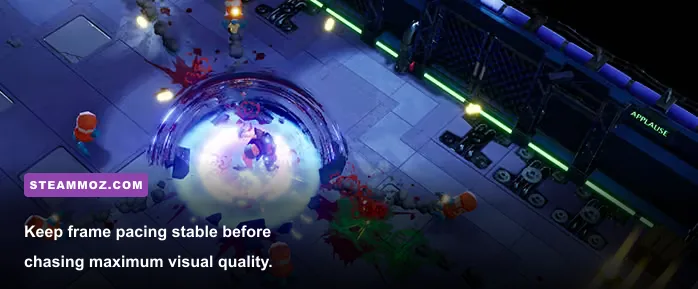
Start with the High preset, then adjust the settings that affect frame time most heavily. Don’t immediately drop every option to Low. Gone Viral’s stylized art can look noticeably flatter when effects and shadows are stripped away, while a couple of targeted reductions usually deliver the same performance benefit with a much better image.
| Setting | Recommended value | FPS impact | Visual trade-off |
|---|---|---|---|
| Display resolution | Native 1080p | Very high | Lower to 900p or 720p only when the GPU is consistently saturated |
| Resolution scale | 100% | Very high | 90% is a good emergency compromise; lower values soften edges |
| Shadows | Medium | High | Medium keeps depth while reducing expensive shadow updates |
| Effects quality | Medium or High | High during large fights | Lowering it reduces particles and combat clutter |
| Post-processing | Medium | Medium | Lower values reduce bloom and other finishing effects |
| Anti-aliasing | High or the default option | Medium | Reduce one step before lowering resolution |
| Texture quality | High if VRAM allows | Low to medium | Mostly affects surface sharpness, not raw frame rate |
| Motion blur | Off | Negligible | Cleaner target visibility during quick turns |
| Frame limit | 60 FPS or display refresh target | Improves consistency | A cap can prevent unnecessary GPU heat and noisy fan behavior |
The first setting to change on a weak GPU is resolution scale, but use it carefully. Going from 100% to 90% often looks acceptable at 1080p. Dropping straight to 70% makes the entire image soft and can make distant threats harder to read. If GPU usage is low while FPS is poor, lowering resolution won’t solve the problem; reduce shadows and effects only after checking whether the CPU is the bottleneck.
For a low-end profile, use 900p or 1080p with 90% scale, Low shadows, Medium effects, Low post-processing, and a 60-FPS cap. A balanced profile can keep native 1080p, High textures, Medium shadows, Medium effects, and standard anti-aliasing. High-end PCs can raise shadows and effects, but there’s little reason to sacrifice stable frame pacing for settings that are difficult to notice during a frantic run.
Can a laptop or Steam Deck run Gone Viral?
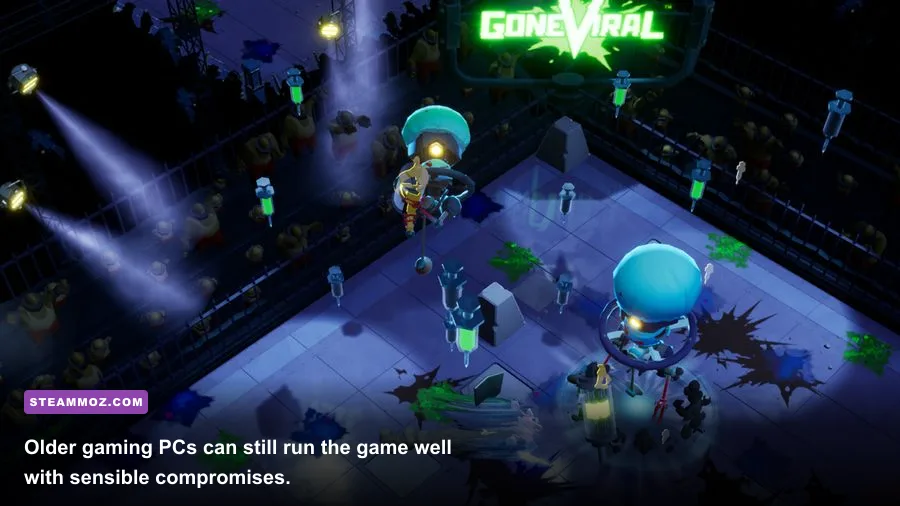
A gaming laptop with a GTX 1650, RTX 2050, RTX 3050, RX 5500M, or newer should be a solid 1080p machine. Plug the laptop into power, select its performance mode, and make sure the game is using the discrete GPU rather than integrated graphics. Windows occasionally assigns older or indie games to the low-power graphics chip, which can create mysteriously poor performance.
Thermal throttling is the main laptop trap. If the game starts smoothly and becomes stuttery after ten or fifteen minutes, watch CPU and GPU temperatures rather than blaming the requirements. Raise the rear of the laptop, clear blocked vents, and use a sensible 60-FPS cap. The goal is sustained performance across a complete session, not a spectacular benchmark during the first minute.
Steam Deck performance depends on the current Proton and game build, so treat it as a configuration experiment rather than a guaranteed official target. A reasonable starting point is 1280×800, a 40-FPS cap, medium effects, low or medium shadows, and motion blur disabled. If frame pacing remains inconsistent, use 30 FPS instead of chasing 40. The Deck’s APU shares system memory, so closing background downloads and avoiding excessive overlays is worthwhile.
For more handheld-friendly tuning habits, our Disney Epic Mickey: Rebrushed settings guide covers the same basic principles: cap intelligently, reduce expensive effects first, and protect frame pacing.
How to check your PC before buying Gone Viral
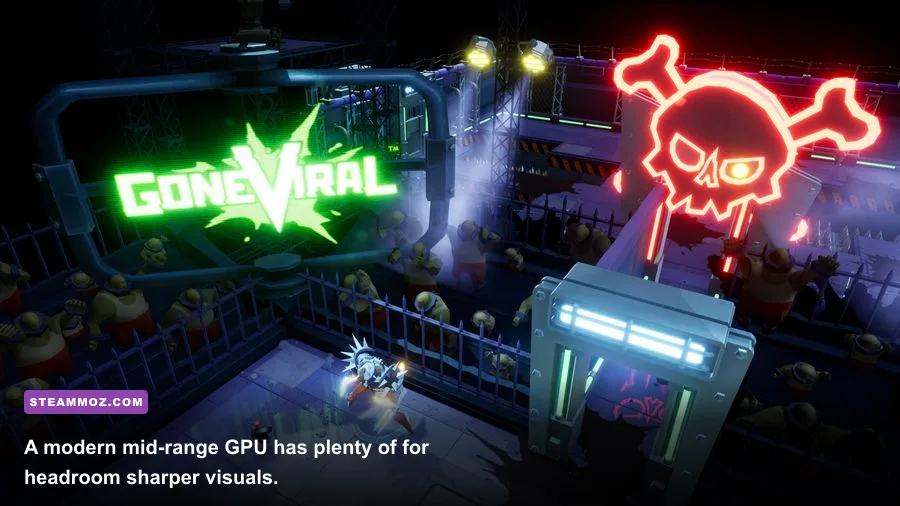
On Windows, press Win + R, type dxdiag, and check the Processor, Memory, and Display tabs. You can also open Task Manager, select Performance, and record your CPU model, installed RAM, GPU, and VRAM. Compare those details with the table above rather than relying on a retailer’s vague claim that a laptop is “gaming ready.”
Steam’s official listing is the final authority for any updated requirements or compatibility changes, so check the Gone Viral Steam listing before purchasing. The Steam Community search can also reveal current reports about crashes, controller behavior, Proton performance, and unusual hardware combinations. For developer announcements, keep an eye on the Skullbot Games official website.
If your machine clears the minimum CPU and GPU targets but has only 8GB of RAM, upgrading to 16GB is the first practical improvement. If it has 16GB but still struggles, check GPU usage: 95–100% usage means lower resolution, shadows, or effects; low GPU usage alongside bad FPS points toward the processor, thermals, or background software. That simple check prevents a lot of wasted upgrades.
Bottom line: Gone Viral is approachable for older gaming desktops, but the recommended tier is the right target if you want smooth 1080p play without constant tweaking. A GTX 1060-class GPU, a modern six-core CPU, 16GB of RAM, and an SSD give you the headroom to enjoy the game’s chaotic runs rather than fighting your settings menu. If you’re comparing requirements across small PC releases, our Glorkian Warrior PC performance guide offers another useful example of why listed minimums and comfortable hardware targets aren’t the same thing.