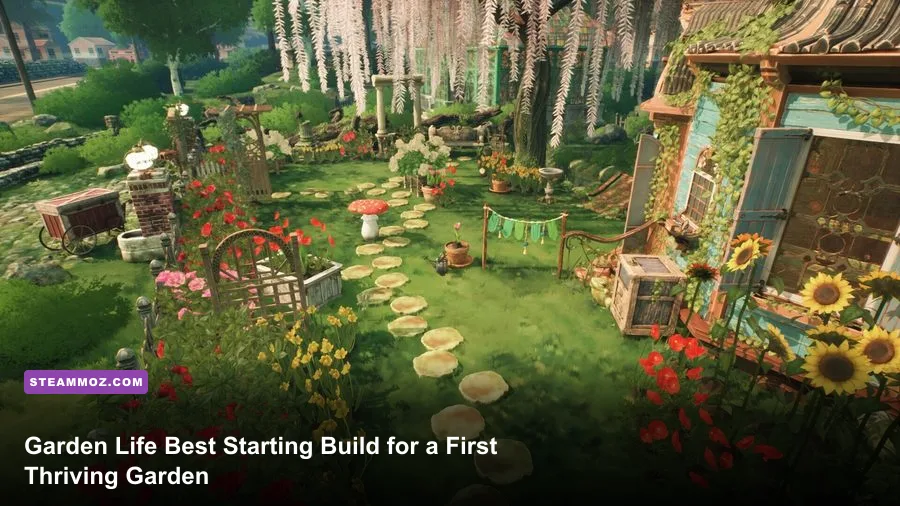
The best Garden Life starting build is a compact, low-maintenance mixed garden: begin with a small number of flower and vegetable varieties, leave clear walking space, spend early rewards on practical tools and plant capacity, and delay ambitious decoration until your daily care routine is under control. Garden Life: A Cozy Simulator has no combat classes, character stats, or damage rotation, so the word build means your planting plan, plot layout, upgrade order, and care routine.
That distinction matters in the Supporter Edition. The extra edition content does not turn the game into an RPG with stronger equipment or exclusive overpowered plants. Your first real advantage comes from reducing wasted movement and learning how each plant responds to water, pruning, and attention. This guide builds a reliable first garden for the campaign, then shows how to expand it without creating a tangled chore list.

🎮 Get Garden Life - Supporter Edition
Ready to dive in? Grab your copy today for just $2.99.
Check OfferThe Best First-Garden Build at a Glance
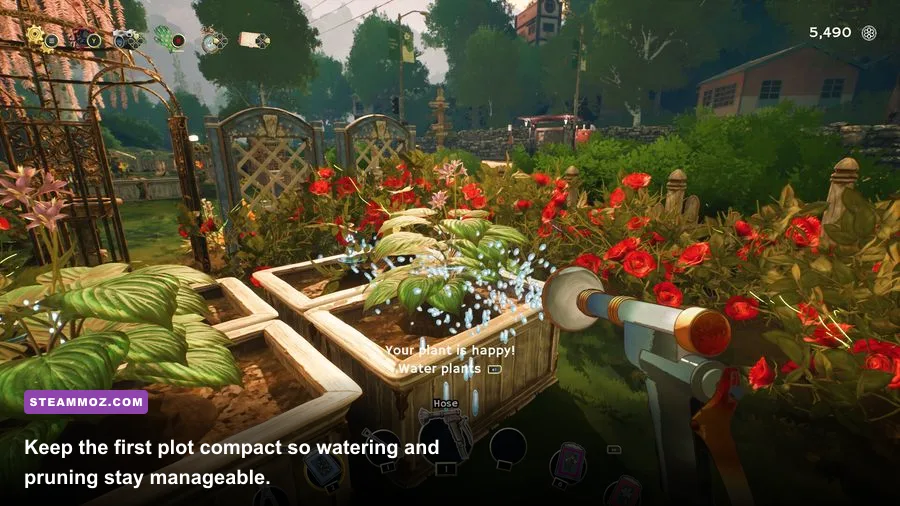
Start with a compact rectangular growing area near your house, keep one central path open, and plant in small groups rather than filling every available patch. A strong opening mix is one or two vegetable types, several easy-to-read flowering plants, and enough empty soil to respond to campaign requests. You are not trying to create a botanical masterpiece on day one. You are building a garden that can be reached, watered, pruned, and inspected quickly.
| Build Element | Recommended Start | Why It Works | Common Mistake |
|---|---|---|---|
| Layout | Compact beds with a central path | Shortens every care trip | Planting against every edge |
| Plant mix | Flowers plus one or two vegetables | Supports varied objectives | Buying every unlocked plant |
| Spending | Tools, capacity, and useful access first | Improves the whole garden | Decorating before establishing a routine |
| Expansion | Add one small section at a time | Keeps care workload readable | Opening all space immediately |
The central path is the key piece. It is not dead space; it is a movement upgrade. Every extra second spent circling a crowded bed is repeated whenever a plant needs water or pruning. Leave enough room to approach each plant from a comfortable angle, and place decorative objects around the outside of the productive area. This simple rule remains useful long after the tutorial.
🎮 En Garde
Looking to experience this game? Grab your digital key directly on our store for $19.99.
View on Steammoz Store →What to Plant First and Why
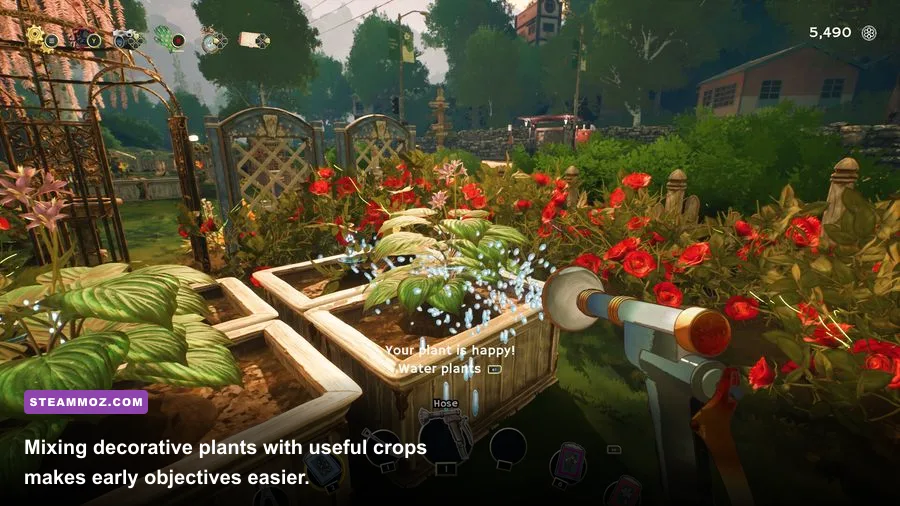
Garden Life gives you a broad catalogue of flowers, shrubs, herbs, and vegetables, but variety is not automatically efficiency. Early on, choose plants that let you practice the full care loop without making the garden visually confusing. Flowers are excellent for learning growth stages and pruning because their changing shape is easy to notice. Vegetables add useful variety to requests and give your plot a practical identity.
Do not treat a plant as permanently lost because it looks untidy. Inspect it before reacting. Some plants need watering, while others need pruning or a different kind of attention. The tool prompt and the plant’s visual condition tell you what to do. If you blindly water everything, you waste time and can miss the actual care action the plant is requesting.
A sensible opening mix
- Flowers: plant several of the same variety together so you can compare their growth stages and learn their appearance quickly.
- Vegetables: keep one small crop group for objectives and a second only when you have enough room to maintain it comfortably.
- Decorative shrubs: use them to frame the garden later, not as the first purchase if they consume space needed for active plants.
- Empty soil: reserve some space for new requests. A flexible patch is more valuable than a completely full garden.
Grouping has two benefits. First, it makes visual diagnosis easier: a cluster of similar plants lets you spot the one that is lagging behind. Second, it prevents your first garden from becoming a scavenger hunt. Put plants with similar care demands near one another when possible, but do not obsess over a hidden compatibility system. Garden Life is primarily about observation and routine rather than min-maxed soil statistics.
For a useful second opinion on the value of starting small, compare this approach with the deliberate opening plans in Steamoz’s beginner build guide coverage. The games are wildly different, but the principle is the same: establish a dependable core before chasing every option.
Your Early Upgrade and Spending Order
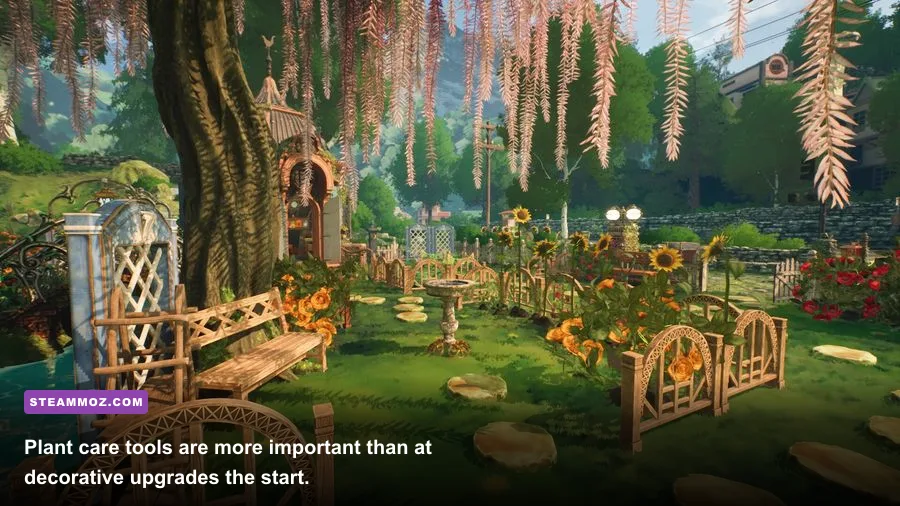
Your first rewards should improve access to the garden rather than its appearance. Prioritize anything that increases how many plants you can manage, makes planting and care less awkward, or opens useful areas for the next objective. Garden Life does not present a traditional skill tree with named combat skills, so avoid looking for a secret damage-style build. The progression comes from new plants, available spaces, tools, and the confidence to manage them.
| Priority | Spend On | Benefit | Delay If Needed |
|---|---|---|---|
| S-Tier | Essential planting and care access | Lets you complete the core gameplay loop | Decorative duplicates |
| A-Tier | Plant variety and usable growing space | Handles more requests and gives flexibility | Large visual expansions |
| B-Tier | Paths, furniture, and cosmetic pieces | Improves presentation and comfort | Anything that crowds active beds |
| C-Tier | Premature full-garden decoration | Looks good but solves no early bottleneck | Buy after your care route feels effortless |
Think of this as a tier list for decisions, not a ranking of individual tools. If a reward helps you reach more plants or complete the current objective, it belongs near the top. If it only fills an empty corner, keep it in your wishlist until the garden is stable.
The Supporter Edition is best treated as a value bundle, not a shortcut. Enjoy its additional content when it becomes available, but do not redesign the entire opening garden around owning the premium edition. The fundamentals remain identical: plant what you can care for, keep routes open, and use the campaign’s requests to decide what comes next. You can check the current package details on the official Steam listing; remove the space in the URL if your CMS does not normalize it.
The Daily Care Rotation That Prevents Garden Backlog
Use the same rotation every time you enter the garden. Start by walking the outer edge, then sweep through the central path. Inspect plants before using a tool. This turns care into a route instead of a series of random interruptions.
- Check objectives first. Read the active request and identify which plant or garden task matters today. Do not spend the morning perfecting unrelated decoration.
- Inspect the nearest active plants. Look for clear visual signs of thirst, overgrowth, or a requested interaction. The correct action is usually obvious once you stop rushing past the plant.
- Water in one pass. Move through the bed in a consistent direction and avoid crossing back through the same area.
- Prune only where needed. Pruning is a care action, not a button to mash on every plant. If a plant is healthy and tidy, leave it alone.
- Harvest or collect when the game signals readiness. Keep productive plants in a predictable section so you can find them without interrupting the rest of the garden.
- Finish with a visual sweep. Walk the path once more. This catches the plant you skipped and reveals whether your layout has become too crowded.
The most important habit is separating diagnosis from action. If you immediately equip a tool, you may act on the wrong plant or waste a care opportunity. Garden Life is relaxing, but it still rewards the player who looks first and clicks second.
Performance can also affect how pleasant this routine feels. On PC, start with the game’s recommended visual preset, then reduce shadows or foliage detail if a busy garden causes stutter. A steady frame rate makes plant interactions easier to read than a prettier image that pauses while you turn through dense scenery. Steamoz’s guide to balancing sharp graphics and stable FPS covers the same practical settings mindset, even though it targets a different game.
How to Expand Without Making a Chore
Expand only after you can complete your current care route without forgetting plants. The ideal moment is when you know where every active crop sits, understand the basic tool prompts, and have enough rewards to make the next section useful immediately. Expansion for its own sake creates a garden that looks impressive but feels like unpaid maintenance.
The one-section rule
Add one new section, then give it a clear job. One area can be for vegetables, another for flower groups, and a third for presentation. Avoid mixing every category into every bed. Themed sections reduce decision fatigue and make later redesigns far easier.
Leave borders around trees, structures, and large decorations. A pretty object that blocks your approach is not just a design flaw; it turns routine care into awkward repositioning. Place furniture and ornaments after the growing area is functional, then use them to frame paths rather than seal them off.
Campaign requests should guide expansion. If a task asks for a plant type you do not own, create a dedicated space for it instead of squeezing it into an established bed. That keeps the new objective visible and gives you room to observe its growth. Once the request is complete, decide whether the plant earned a permanent place or should remain part of a rotating objective plot.
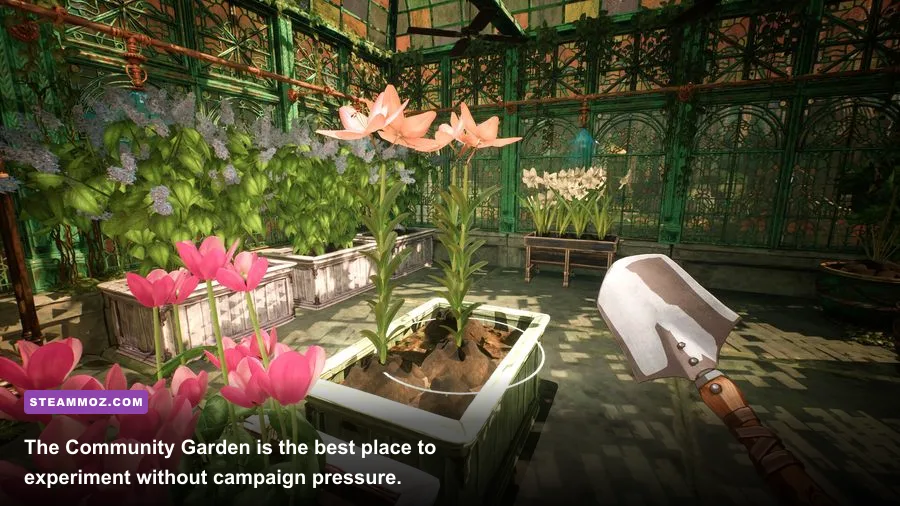
When you want a no-pressure design laboratory, switch to the Community Garden or Sandbox-style spaces available through the game’s progression rather than wrecking the campaign plot. The Steam page for Garden Life outlines the game’s core modes and current features, while the Stillalive Studios website is the best place to check developer announcements.
Beginner Traps That Ruin a Good Opening
The first trap is filling every patch of soil. Empty space feels inefficient, but it is actually your emergency buffer for new objectives and plants that need room. The second is decorating before learning the care route. Moveable décor is not harmful, yet it can hide the clean path you need while learning.
The third trap is chasing visual perfection too early. Garden Life is designed around gradual growth, so an uneven first garden is normal. Let some plants mature while you learn their silhouettes and care cues. You can always redesign once the campaign gives you more options.
Finally, do not confuse the Supporter Edition with a requirement to use every included bonus immediately. Extra content is most enjoyable when it complements a garden you already understand. Keep your first build modest, make each upgrade solve a real problem, and let the garden become elaborate only when your routine can support it.
Your Final First-Week Blueprint
For the opening stretch, build one compact productive bed, one small flower group, and one flexible patch. Keep a central route open, inspect before watering or pruning, and spend rewards on access and variety before decoration. Complete the campaign requests that teach new interactions, then expand by one clearly themed section at a time.
That is the strongest beginner build because it scales with your understanding. It does not depend on a hidden stat, a rare item, or a premium-edition shortcut. It turns Garden Life’s calm pace into an advantage: observe the plant, choose the correct care action, improve the route, and only then make the garden bigger. Once those habits are automatic, the Supporter Edition’s extra content becomes what it should be—a creative playground, not another checklist.
For more practical game-start advice, Steamoz’s starter-build coverage and early progression guides follow the same rule: solve the first bottleneck before chasing the flashy option. In Garden Life, that bottleneck is simple—keep every plant reachable, readable, and cared for.