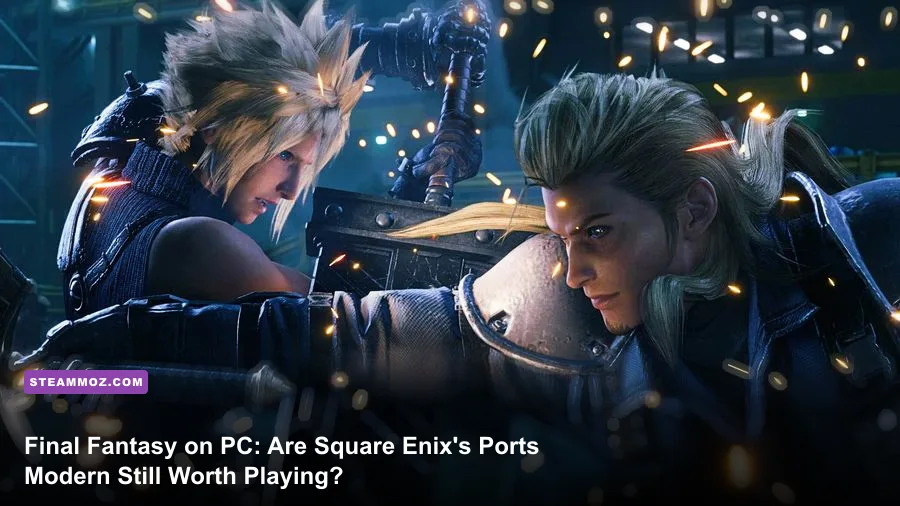
Playing the mainline Final Fantasy catalog on PC is unequivocally worth your time, but only if you know which releases shine out of the box and which ones demand immediate community patches. The platform delivers the definitive editions of genre titans like Final Fantasy VII Remake Intergrade, Final Fantasy XVI, and Final Fantasy XIV, offering uncapped frame rates, razor-sharp native 4K presentation, and transformative quality-of-life mods that consoles simply cannot match. However, Square Enix’s track record with Windows conversions remains wildly inconsistent. Without tweaking hidden configuration files or bypassing aggressive dynamic resolution scaling, you risk wrestling with micro-stutters and uneven frame-pacing that can sour an otherwise peerless role-playing experience.
The Modern State of Final Fantasy Ports on PC
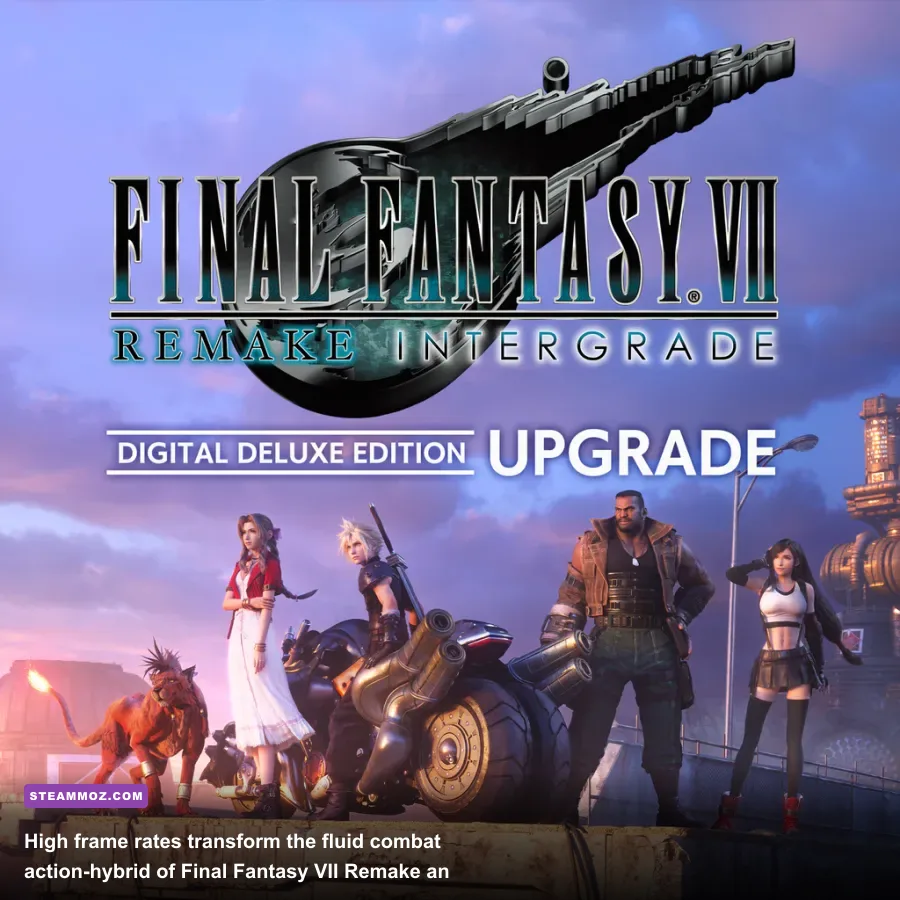
For decades, PC gamers were treated as an afterthought by Square Enix. Ports arrived years late, locked to 30 frames per second, stripped of basic graphics toggles, and plagued by hardcoded resolution bugs. Today, the landscape has radically shifted. The Japanese publisher now treats the PC as a tier-one destination, launching high-profile conversions on Steam's Final Fantasy Catalog and the Epic Games Store with extensive visual menus, variable refresh rate support, and cutting-edge upscaling suites like Nvidia DLSS, AMD FSR, and Intel XeSS.
Yet, the reality under the hood is nuanced. When diving into modern releases like Final Fantasy VII Remake Intergrade on Unreal Engine 4 or Final Fantasy XVI on Square Enix's bespoke proprietary engine, your rig faces severe architectural hurdles. Shader compilation stutter remains the primary antagonist on modern Windows setups. Much like troubleshooting demanding action titles where you have to implement fixes to stop crashes and rescue unstable FPS, modern Final Fantasy ports demand robust hardware management to maintain consistent frame delivery.
If you're running modern mid-range hardware—such as an AMD Ryzen 5 7600 paired with an Nvidia GeForce RTX 4070—the experience is stellar. You can push beyond 90 to 120 frames per second with HDR enabled, delivering visual fidelity that eclipses the PlayStation 5's aggressive upscaling and dynamic resolution drops. But if you try to tackle these games on older 8GB VRAM graphics cards without adjusting memory-heavy assets, you'll immediately trigger severe texture pop-in and frame drops across busy hubs like Wall Market or the capital city of Sanbreque.
Performance Breakdown: Final Fantasy VII Remake and FFXVI
To understand the variance in Square Enix’s modern PC software, you have to examine their flagship releases head-to-head. Final Fantasy VII Remake Intergrade launched in a state that infuriated hardware enthusiasts: the developers locked Dynamic Resolution Scaling (DRS) on by default with zero in-game toggle to disable it. Whenever the rendering engine detected a microsecond dip below your chosen frame rate target (whether 60 or 120 FPS), the internal render resolution violently degraded, triggering noticeable visual shimmering and distracting frame-time spikes.
The community quickly stepped in to rectify what the developers overlooked. By deploying simple Unreal Engine `.ini` edits, players unlocked raw control over temporal anti-aliasing and DRS parameters. When properly tuned, the game's hybrid real-time ATB combat system transforms. Pulling off Cloud's Infinity's End or chaining Tifa's True Strike into an unyielding stagger phase at an unwavering 120 FPS provides responsiveness that completely redefines the combat rhythm.
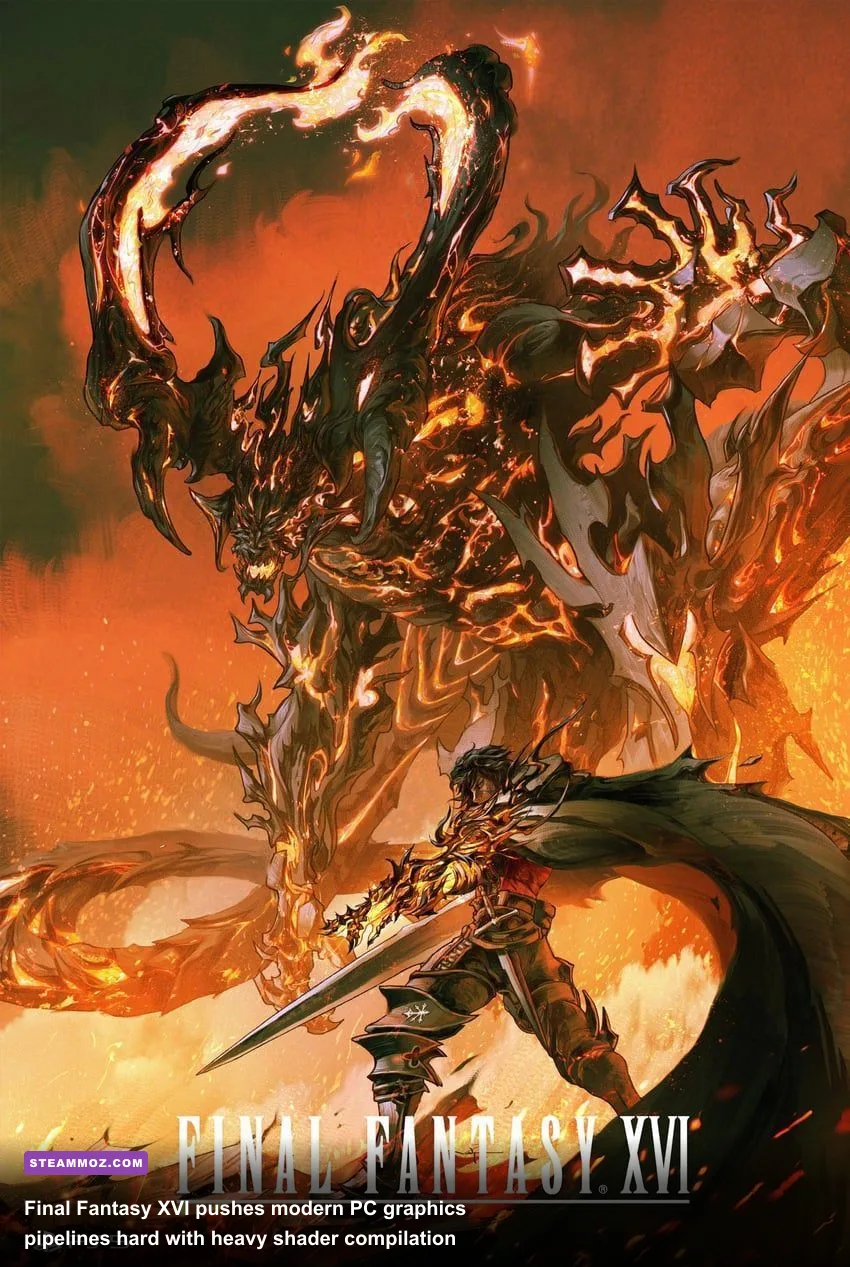
Meanwhile, the PC release of Final Fantasy XVI represents a colossal technical challenge. Featuring jaw-dropping, screen-filling Eikon battles between Clive's Ifrit, Bahamut, and Titan, the game is punishingly heavy on both CPU draw calls and GPU compute pipelines. Frame Generation (DLSS 3 or FSR 3) shifts from a novelty to an absolute necessity if you intend to maintain smooth 4K gameplay during particle-dense limit breaks. Understanding these hardware demands is just as vital as reviewing rigorous PC specs and hardware explanations before dropping money on high-end titles.
| Game Title | Game Engine | Vanilla Port Quality | Primary Performance Hurdle | Modded / Tuned State |
|---|---|---|---|---|
| Final Fantasy VII Remake Intergrade | Unreal Engine 4 | B- (Forced Dynamic Resolution) | Traversal stutter in Sector 7 slums | Flawless 120 FPS lock via engine `.ini` tweaks |
| Final Fantasy XVI | Proprietary Internal Engine | B (Heavy CPU & VRAM draw) | Severe particle-heavy frame-rate drops | Rock-solid 80–100+ FPS with DLSS/FSR Frame Gen |
| Final Fantasy XV Windows Edition | Luminous Engine | B+ (Scalable, but unoptimized memory) | GeForce GameWorks memory leaks | Stunning 4K benchmark via Special K injection |
| Final Fantasy Pixel Remasters (I–VI) | Unity | A- (Minor frame pacing / font issues) | Inconsistent 2D scrolling jitter at 144Hz | Definitive retro glory with custom font/CRT filters |
Essential PC Mods and Community Fixes You Cannot Skip
PC gaming is about agency, and nowhere is that truer than across the Square Enix ecosystem. If you play vanilla, you are settling for an inferior product. The dedicated modding community hosted on the Nexus Mods repository and tracked meticulously on PCGamingWiki community databases has turned troubled code into masterworks.
For Final Fantasy VII Remake, the single most critical modification is FFVIIHook. This lightweight utility injects custom Unreal Engine console variables into the game upon startup. With it, you can force the engine to run without its intrusive dynamic scaling by setting r.DynamicRes.OperationMode=0. Furthermore, if you encounter persistent DirectX 12 micro-stutters during area transitions, forcing the game to launch in DirectX 11 mode via the Steam launch options (-dx11) smooths out your 1% low frame rates dramatically.
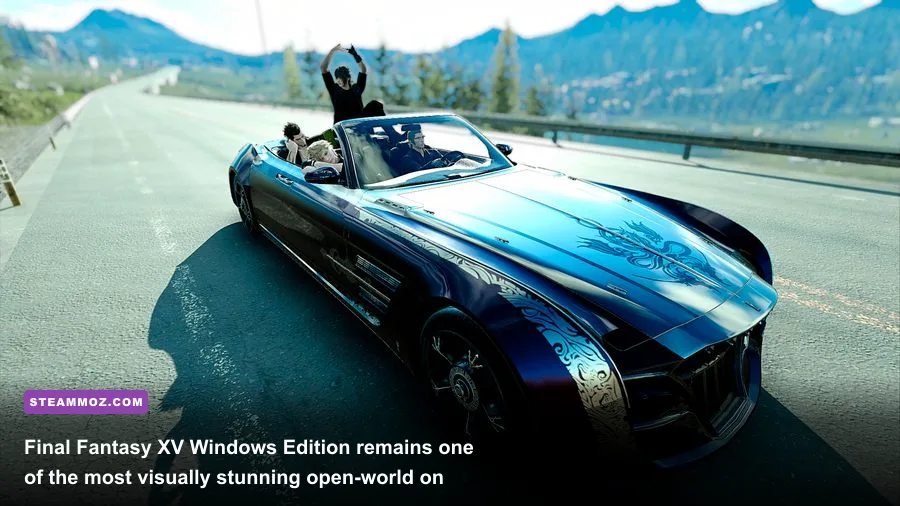
If you're jumping into Final Fantasy XV Windows Edition, you will encounter the infamous Luminous Engine memory leak. Over extended play sessions—such as grinding out side hunts around Hammerhead or completing deep dungeon crawls—the game fails to properly flush VRAM caches, resulting in sudden, catastrophic stuttering. Kaldaien's industry-standard Special K mod fixes thread scheduling conflicts and suppresses aggressive Steam API polling, ensuring your road trip through Eos remains buttery smooth.
Meanwhile, vintage titles like Final Fantasy IX and Final Fantasy VIII Remastered are utterly transformed by fan efforts. The legendary Moguri Mod for FFIX uses machine learning and manual paint-overs to rebuild the game's low-resolution 240p PlayStation pre-rendered backgrounds into breathtaking 4K assets, alongside full 60 FPS menu navigation and widescreen viewport restoration. It isn't just an enhancement; it makes the game look precisely the way your childhood nostalgia remembers it.
Much like dialing in custom graphics profiles to achieve higher FPS without sacrificing visual fidelity, taking twenty minutes to configure your local Final Fantasy files yields massive performance returns that console players can only dream about.
| Target Game | Tweak / Modification | How to Apply | Primary Benefit |
|---|---|---|---|
| FFVII Remake Intergrade | FFVIIHook + Engine.ini edit | Drop into `~mods` folder | Completely disables Dynamic Resolution Scaling |
| FFVII Remake Intergrade | Force DirectX 11 Launch | Set `-dx11` in Steam Launch Properties | Eliminates DX12 pipeline shader stuttering |
| Final Fantasy XV | Special K (Kaldaien) | Inject DLL into game root directory | Eliminates frame pacing spikes and Steam API polling |
| Final Fantasy IX | Moguri Mod 9.0+ | One-click community installer executable | Native 4K AI-enhanced backdrops, orchestrations, 60fps UI |
| Final Fantasy XIII | FF13Fix | Extract `d3d9.dll` and `.ini` to game directory | Unlocks true 60fps, fixes camera stutter, restores shadows |
The Classic Era and MMOs: From Pixel Remaster to Final Fantasy XIV
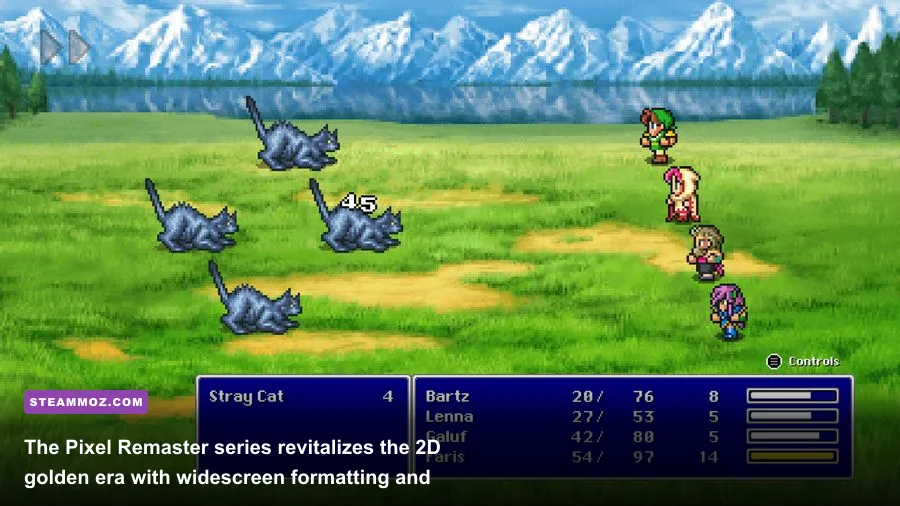
You cannot evaluate the franchise on PC without examining the monumental achievements at both ends of the development spectrum: the 2D Pixel Remasters and the juggernaut MMORPG, Final Fantasy XIV.
The Final Fantasy Pixel Remaster collection (encompassing FFI through FFVI) is a masterclass in preservation. While earlier mobile-to-PC ports from the early 2010s horrified fans with smeared bilinear filtering, awful UI fonts, and mismatched sprite work, the Pixel Remasters get almost everything right. The sprites have been lovingly recreated under the supervision of original artist Kazuko Shibuya, while Nobuo Uematsu's immortal scores have been fully arranged with live orchestral instrumentation.
Crucially, the PC versions allow you to toggle gameplay boosters directly from the pause menu. If you love the narrative arcs of Cecil Harvey in FFIV or Terra Branford in FFVI, but simply don't have the patience to grind random encounters for three hours in the Cave of Bahamut, you can crank experience and Gil gains up to 4x, or turn random encounters off entirely. Just as players look to streamline their progression in other heavy RPGs through rapid leveling and progression farming methods, these built-in boosters respect your adult schedule without diminishing the tactical challenge of major boss fights.
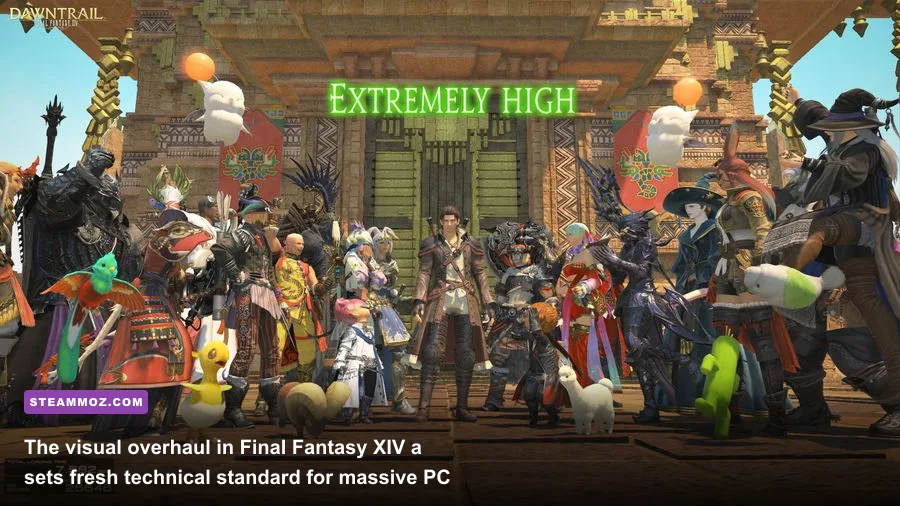
At the opposite end sits Final Fantasy XIV, maintained with rigorous precision on PC by Square Enix. Following the major visual engine overhaul that arrived with the Dawntrail expansion, FFXIV features modern screen-space ambient occlusion, improved soft shadows, upgraded material shaders for metal and leather, and high-density foliage rendering. On PC, you enjoy the absolute pinnacle MMO experience: razor-sharp ultrawide (21:9 and 32:9) monitor support that expands your peripheral vision during high-end Savage and Ultimate raids, comprehensive keyboard macro binding, and unthrottled refresh rates that keep chaotic 24-man alliance raids running like clockwork.
Definitive Ranking: Which Final Fantasy Games Deserve Your Hard Drive Space?
Storage space on modern NVMe drives is prime real estate. With installations regularly exceeding 100 gigabytes, you shouldn't blindly download every title on sale. Here is our field-tested breakdown of the PC catalog, ranked by port stability, gameplay loop longevity, and overall value.
S-Tier: The Gold Standard (Download Immediately)
- Final Fantasy VII Remake Intergrade: Once you drop in the FFVIIHook mod to lock native resolution, this is one of the greatest hybrid action-RPGs ever constructed. The Yuffie-focused Episode INTERmission DLC alone boasts some of the most satisfying combat juggling mechanics in the modern era.
- Final Fantasy XIV Online: The definitive PC MMO. It boasts arguably the finest narrative writing in franchise history (specifically through the Shadowbringers and Endwalker arcs) and runs beautifully on a massive variety of hardware specs.
- Final Fantasy X/X-2 HD Remaster: An exceptional value package. The turn-based Conditional Turn-Based (CTB) combat system of FFX holds up impeccably, and the PC version includes built-in turbo modes, auto-battle, and max-item toggles for frictionless Sphere Grid management.
A-Tier: Exceptional Adventures with Minor Caveats
- Final Fantasy XVI: An astonishing narrative spectacle powered by furious Devil May Cry-style character action. It demands heavy hardware horsepower and relies heavily on upscaling tech to stay above 60 FPS in dense environments, but the sheer scale of the Eikonic battles is unmatched on PC.
- Final Fantasy Pixel Remaster Series (FFI–FFVI): The ultimate way to experience the foundational eras of JRPGs. Gorgeous music, restored pixel art, and clean ultrawide UI framing make them essential, even if hardline purists still prefer swapping out the default dialogue font.
- Final Fantasy XV Windows Edition: It requires Kaldaien's Special K mod to tame its lingering memory issues, but wandering the world of Eos alongside Noctis, Ignis, Gladiolus, and Prompto remains a gorgeous road-trip experience loaded with hundreds of hours of hunts, fishing, and dungeons.
B-Tier: Playable, but Heavy Modding Required
- Final Fantasy XIII Trilogy: Featuring a wildly underrated combat paradigm in the Paradigm Shift system, FFXIII and its sequels are sadly held back by atrocious vanilla PC coding. Frame rates stutter violently due to a hardcoded controller-polling bug. Do not launch these without the fan-made FF13Fix patch installed, or you will be met with erratic 15 FPS dips regardless of whether you're rocking an RTX 4090. If you ever run into inexplicable engine lockups here or in other finicky releases, you can rely on proven PC fixes that stop crashes and rescue unstable frame rates to get things running smoothly.
The Steam Deck Factor: Final Fantasy on the Go
You cannot evaluate the modern PC ecosystem without acknowledging handheld PCs, spearheaded by Valve's Steam Deck, the ASUS ROG Ally, and the Lenovo Legion Go. Final Fantasy has found an astonishing second life on these portable machines, turning mammoth, 80-hour epics into cozy, handheld comfort food.
The Pixel Remasters feel practically native to the Steam Deck. At an 800p native resolution, you can lock the OLED display to 60 or 90 Hz while pulling a meager 6 to 8 watts of total system power, delivering an incredible 6 to 7 hours of continuous battery life. Similarly, Final Fantasy X/X-2 HD and Final Fantasy IX (running the Moguri Mod through Proton) run like an absolute dream without requiring any aggressive power compromises.
Surprisingly, even heavy modern releases perform admirably on portable PC hardware if your expectations are calibrated correctly. Final Fantasy VII Remake Intergrade can hold a stable 40 FPS / 40 Hz refresh rate lock on the Steam Deck by leveraging medium graphics settings, disabling shadows that drain the GPU, and letting dynamic scaling float gracefully on the 7-inch display. While Final Fantasy XVI remains too heavy for comfortable, native play on handheld APUs without heavy upscaling artifacts, streaming it from your main desktop rig to a handheld via Moonlight or Steam Remote Play provides an elite, lag-free couch session.
If you enjoy exploring deep role-playing environments, classic narratives, and intense action systems, Final Fantasy on PC is in the strongest position it has ever been. By applying minimal community fixes, respecting hardware constraints, and tailoring your settings, you unlock the absolute definitive versions of some of the most influential video games ever created.