Hexworks delivered one of the most audacious soulslikes of the modern era with The Lords of the Fallen, but raw ambition often invites technical turbulence. Between Unreal Engine 5's stuttering traversal hiccups, an overzealous post-processing pipeline that smears Axiom in Vaseline, and combat camera tracking that happily throws your Dark Crusader off the jagged cliffs of Pilgrim's Perch, vanilla Mournstead tests your patience for all the wrong reasons. The passionate modding community on Nexus Mods stepped in with essential surgical strikes to fix frame pacing, strip away nauseating visual filters, streamline the punishing Vestige Seed economy, and restore tactical precision to dual-realm combat.

The Performance Vanguard: Custom Engine Tweaks and Frame Pacing Fixes
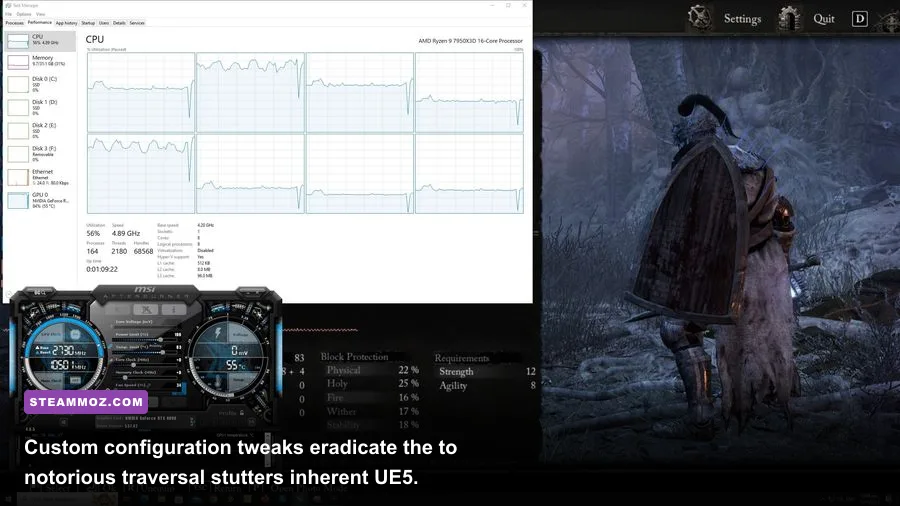
Unreal Engine 5 is a technical marvel when rendering static vistas, but its implementation in The Lords of the Fallen arrived with severe Pipeline State Object (PSO) caching headaches and aggressive Lumen lighting calculations. If you've ever swung your sword into a mob of Remnants only to experience a 30-frame drop, you know the pain. The most crucial mod any PC player can install isn't a weapon reskin; it's a meticulously tuned Custom Engine.ini Performance Overhaul.
Found under community mod titles such as Stutter Fix and FPS Stabilizer, these modifications don't compromise artistic direction. Instead, they rewrite how the game addresses VRAM pools, Nanite streaming thresholds, and asynchronous shader pre-caching. By default, the game attempts to stream assets instantaneously during realm transitions, spiking frametimes into 50ms spikes. When you deploy optimized configuration commands directly into your %LOCALAPPDATA%\LOTF2\Saved\Config\Windows directory, you force asynchronous loading buffers that smooth out micro-stutters across Axiom and Umbral seamlessly.
Pairing engine configuration tweaks with updated DLSS and FSR runtime DLLs pushes frame stability even further. Swapping out the launch DLSS files with Nvidia's newer 3.7+ libraries eliminates the ghosting artifacts seen on glowing Umbral moths and fine chainmail textures. If you've tackled performance bottlenecks in other demanding titles, such as applying systematic settings tweaks for higher FPS, you know that targeting engine-level shader delivery gives you the breathing room needed for split-second parry windows against bosses like the Congregator of Flesh.
| Engine Setting / Mod Tweak | Vanilla Behavior | Modded Profile | Frametime & Visual Impact |
|---|---|---|---|
r.Streaming.PoolSize |
Dynamic allocation (Frequent memory dumps) | Locked to 70% of total dedicated VRAM | Eliminates asset pop-in stutters during realm shifts |
r.Lumen.Reflections.SmoothBias |
Default UE5 calculation (Heavy Ray Tracing burden) | Tuned reflection bias factor (0.0125) | Recovers 8–14% average FPS around water and Umbral fluid |
r.CreateShadersOnLoad |
Deferred dynamic compile on entity spawn | Forced pre-compilation (Value: 1) | Completely eradicates first-encounter combat hitches |
r.Shadow.Virtual.Enable |
Aggressive virtual shadow maps across all tiers | Optimized shadow cascades with balanced bounds | Smoothes 1% lows significantly in dense zones like Lower Calrath |

🎮 FORM
Looking to experience this game? Grab your digital key directly on our store for $14.99.
View on Steammoz Store →Visual Clarity: Banishing Chromatic Aberration and Umbral Desaturation
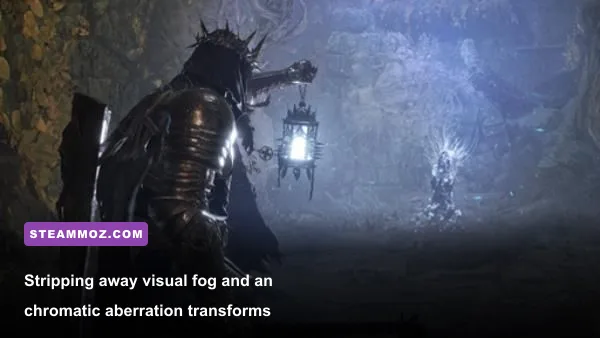
Hexworks wanted the Umbral realm to feel terrifying, alien, and suffocating. Mission accomplished—except they achieved it partly by dousing your monitor in hyperactive chromatic aberration, heavy vignette edges, and a thick monochrome haze that induces severe eye strain after thirty minutes of exploration. If you can't read an incoming attack telegraph from a Mendacious Visage because your screen edges are bleeding red and cyan chromatic blur, your deaths aren't fair; they're artificial.
The No Chromatic Aberration, Vignette, and Film Grain Mod is an absolute game-changer. Rather than forcing players to rely entirely on post-launch toggle menus that still leave residual screen warping, this mod completely deletes the radial distortion flags from the game's post-processing master shaders. The immediate result is startling: textures on ancient stone walls snap into crisp focus, lighting sources look natural rather than smeared, and the distance readability across massive zones like Sunless Skein skyrockets.
To complement this cleanliness, installing a curated shader profile like Pure Mournstead ReShade brings vibrant tonal balance back to the world. It strips out the washed-out blue-grey cast of Umbral without ruining its spectral identity. Colors in Axiom gain rich, grounded contrast, making lava zones like Lower Calrath pop with terrifying warmth while keeping shadow details legible. When diving through treacherous gothic corridors, crisp image quality is just as important as running the proper hardware configurations, something familiar to anyone reviewing PC hardware specs and visual fidelity in modern releases.
Quality of Life Overhauls: Seeds, Inventory, and Economy

At launch, The Lords of the Fallen punished exploration with an economy that felt needlessly stingy. Planting an Umbral Vestige Seed creates your own checkpoint in designated flowerbeds, but early-game pricing—2,500 Vigor per seed at Molhu—often forced new players into repetitive farming loops just to maintain a safety net before tough encounters. While developer patches adjusted some of these levers, mods like Affordable or Sustainable Vestige Seeds provide the granular control modern soulslike enthusiasts crave.
This mod allows you to modify the purchase cost or craft seeds directly through basic world resources, removing the tedious chore of grinding raw Vigor. It transforms the Vestige Seed from an anxiety-inducing luxury into a tactical checkpoint tool. You still have to choose where to place your flowerbed, preserving Hexworks' brilliant push-and-pull tension, but you are no longer penalized for daring to explore a divergent path in the Forsaken Fen.
Another essential quality-of-life savior is the Expanded Auto-Loot and Item Magnet Mod. In vanilla combat, slaughtering a swarm of Umbral Remnants drops dozens of tiny Vigor skulls and basic consumables scattered across uneven terrain. Manually running over every glowing mote—or hitting the interact button while dodging a Proselyte's explosive ranged bolts—breaks combat momentum. An expanded loot radius pulls dropped Vigor straight to your inventory automatically upon kill confirmation. In a game centered around aggressive dual-realm combat, you want your focus locked onto enemy spacing and parry timings, not scouring cobblestones like a vacuum cleaner. It's the same satisfying progression acceleration you look for when checking out efficient leveling and resource guides in loot-heavy games.
Combat and Movement: Reining in Lunges and Liberating the Camera
Combat in Mournstead has an undeniable kinetic swagger, but it suffers from a distinct mechanical quirk: extreme forward momentum. When you swing a colossal greatsword like the Sword of Skin and Tooth or even modest dual short swords, your character lunges forward several yards per swing. In open arenas, this lets you close gaps quickly; on the rickety planks of Pilgrim's Perch, it catapults you straight into the abyss.
Enter the Tightened Attack Momentum & Trajectory Mod. This mod recalibrates the root motion offsets on primary weapon classes. Instead of throwing your character forward with every light attack swing, your character plants their feet firmly, chaining combos without sliding uncontrollably across the floor. Weapons like Pieta's Sword or the Fitzroy's Sword suddenly handle with the surgical weight expected of top-tier soulslikes, allowing you to fight near drop-offs without fearing your own attack animations.
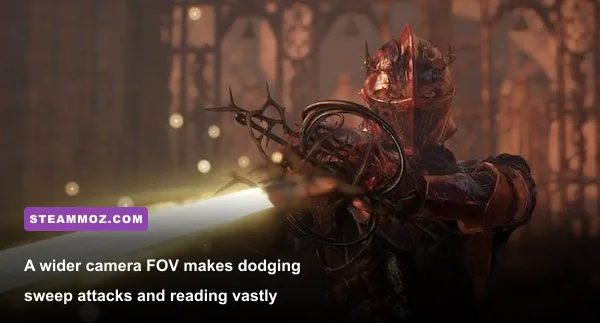
Simultaneously, the Cinematic Camera & FOV Modifier rescues the game's boss encounters. Vanilla camera tracking sits uncomfortably close to your character's shoulders, with an aggressive auto-centering behavior that fights you whenever a flying boss like Pieta, She of Blessed Renewal ascends into the sky. By unlocking field-of-view limits from 75 up to a comfortable 95 or 100 degrees and pulling the camera back three meters during targeted lock-on, you gain total tactical vision. You can spot incoming flanking hounds, dodge off-screen magic projectiles, and appreciate the scale of Hexworks' magnificent creature designs without battling motion sickness or wall collision glitches.
Fixing erratic camera behavior and character momentum eliminates the kind of artificial friction that plagues unpolished PC action games, echoing the relief found when applying crucial stability fixes to clunky action RPGs.
The Definitive Lords of the Fallen Mod Tier List
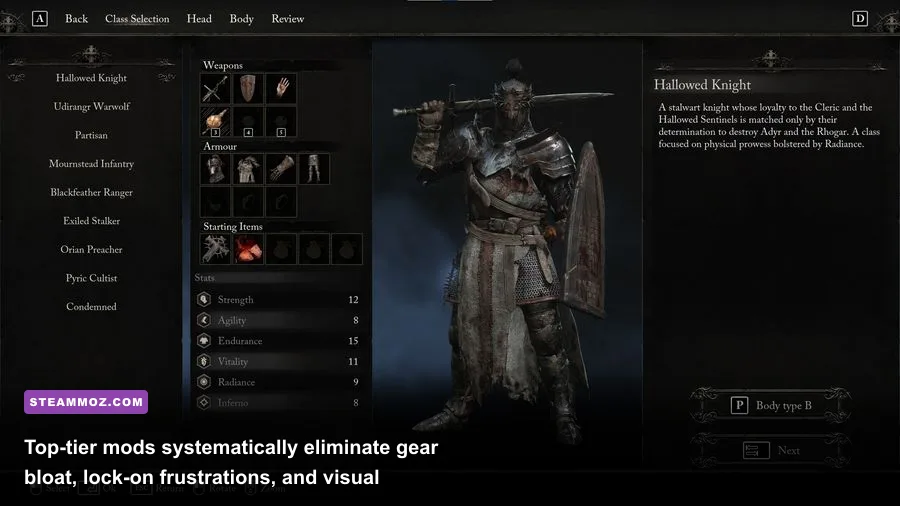
Not every mod uploaded to the community boards deserves a spot in your game directory. Some introduce save-game bloat, while others completely dismantle the mechanical challenge that makes Mournstead rewarding to conquer. Here is our curated tier list ranking the absolute best mods available for The Lords of the Fallen, balancing game stability, immersion, and mechanical refinement.
S-Tier: Mandatory Masterpieces
- Custom Engine.ini Stutter & Pipeline Optimizer: The single most impactful modification you can make. Stabilizes 1% low frame rates, fixes PSO shader hitches, and guarantees smooth realm transitions.
- No Chromatic Aberration, Vignette, and Film Grain: Instantly eliminates visual muddiness, eye strain, and edge-blur, revealing the true fidelity of Unreal Engine 5's asset work.
- Dynamic Camera Distance & Expanded FOV: Completely overhauls multi-target combat readability and transforms chaotic aerial boss encounters into fair, readable duels.
A-Tier: Exceptional Quality-of-Life Polish
- Auto-Loot Radius Expansion: Automatically retrieves Vigor motes and basic loot drops, maintaining relentless combat flow without tedious manual scavenger hunts.
- Balanced Vestige Seed Economy: Adjusts seed prices or craftability to eliminate boring early-game grinding loops while preserving checkpoint strategy.
- Pure Mournstead Color Grade & Clarity ReShade: Neutralizes the oppressive blue-grey Umbral haze and balances Axiom's lighting contrast without crushing dark shadow details.
B-Tier: Niche and Playstyle Enhancements
- Tightened Attack Root Motion: Dampens forward lunges on heavy weapon combo chains; fantastic for cautious players, though it slightly alters intentional gap-closing mechanics.
- Increased Inventory Stack Caps: Bypasses restrictive item stack ceilings for upgrade stones (like Deralium Chunks), ideal for completionists who test dozens of weapon combinations in NG+.
- HUD Simplifier & Immersive Explorer: Hides status meters, damage numbers, and prompt icons until combat engagement begins, maximizing visual immersion for veteran playthroughs.
| Mod Title | Tier Rating | Category | Primary Benefit | Stability & Save Safety |
|---|---|---|---|---|
| Engine.ini Stutter Fix | S-Tier | Performance | Smooth frametimes, eliminates traversal hitches | 100% Safe (Config file edit only) |
| No Post-Process Aberration | S-Tier | Visuals | Crisp edges, zero peripheral blur or eye strain | 100% Safe (Replaces loose shader files) |
| Expanded FOV / Camera Tweak | S-Tier | Gameplay / Camera | Total situational awareness in boss fights | High (Requires script hook or memory toggle) |
| Auto-Loot Radius Magnet | A-Tier | Quality of Life | Fluid combat tempo without stopping to scavenge | High (Pak file drop-in) |
| Balanced Vestige Seeds | A-Tier | Economy | Eliminates repetitive Vigor grinding for checkpoints | High (Data table override) |
| Pure Mournstead ReShade | A-Tier | Aesthetics | Rich contrast, removes desaturated Umbral haze | 100% Safe (External injector overlay) |
| Tightened Root Motion | B-Tier | Combat Mechanics | Prevents falling off ledges during swing combos | Moderate (Can affect weapon lunge reach) |
Installation Best Practices and Managing Easy Anti-Cheat
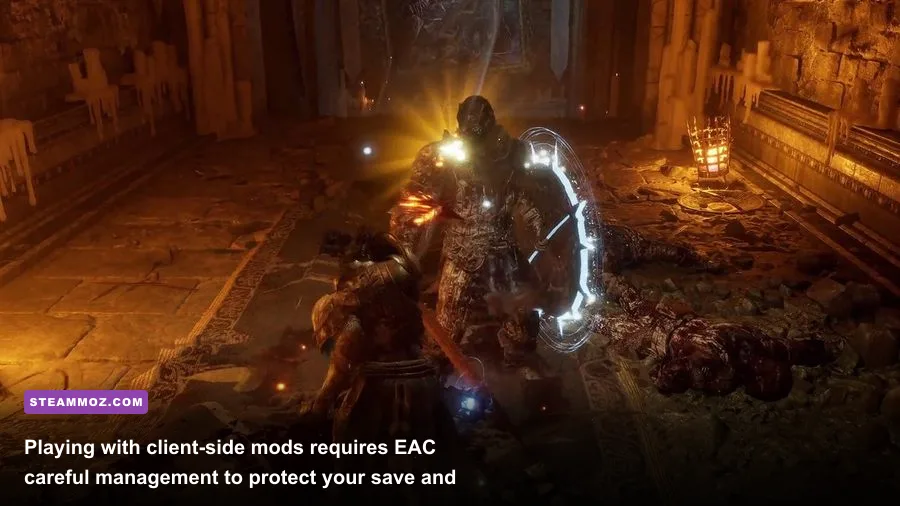
Before you start downloading archives, you need to understand how The Lords of the Fallen handles modded files and online safety. The game employs Easy Anti-Cheat (EAC) to safeguard its seamless drop-in co-op and PvP invasion matchmaking. Hexworks actively monitors gameplay files through this security layer, which means injecting third-party modifications carelessly can result in temporary multiplayer bans or corrupt matchmaking flags.
For file replacements—such as custom .pak archives placed inside Lords of the Fallen\LOTF2\Content\Paks\~mods—most cosmetic, visual clarity, and camera tweaks fly completely under the radar because they modify loose asset tables rather than executable binaries. However, anything that modifies memory addresses, weapon damage coefficients, or Vigor values should strictly be reserved for Offline Play.
To safely enjoy heavy gameplay and economy overhauls, launch the game in offline mode by adding the -noeac launch command argument within your Steam game properties. Keep an eye on your official game version through the Steam store page, as major balance patches from Hexworks can occasionally overwrite modded files or require authors to update their scripts. For comprehensive quest tracking and item drop verification alongside your modded runs, consult the community-curated official Lords of the Fallen Wiki to ensure scripted NPC triggers aren't skipped.
Lastly, always create an automated backup of your local save profile. Your character files reside in %LOCALAPPDATA%\LOTF2\Saved\SaveGames. Copying this folder to your desktop before installing a new mod package ensures that even if an outdated mod breaks an item ID, your dozens of hours spent upgrading Rhogar catalysts, Holy Radiant purifiers, and elite armor sets remain completely untouched. With your performance secured, visuals de-fogged, and combat controls locked down tight, Mournstead finally transforms from an unpolished diamond into one of the most rewarding dark fantasy epics on your PC.