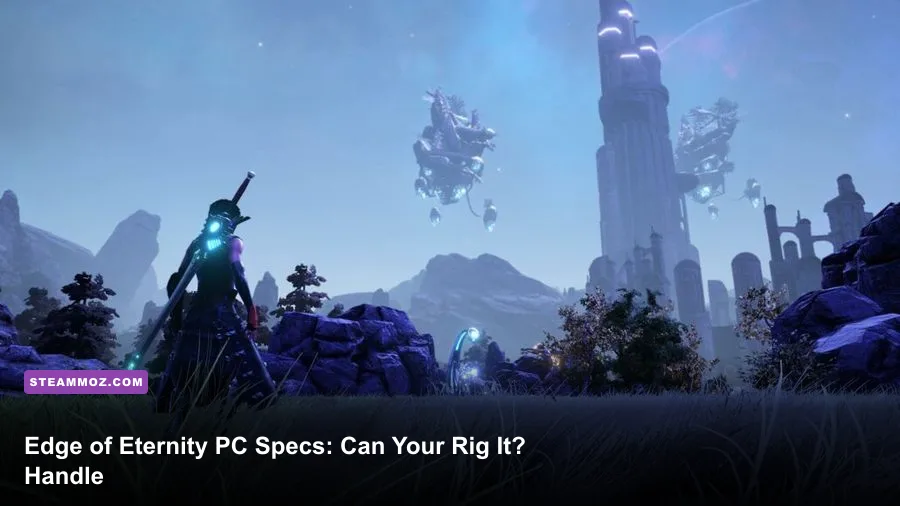
Edge of Eternity is surprisingly manageable on older gaming PCs, but its recommended hardware is a much better target if you want stable 60fps at 1080p. The Steam-listed minimum is an Intel Core i5-2400 or AMD FX-6300, 8GB of RAM, and a GTX 670 or Radeon R9 280; the recommended tier jumps to an Intel Core i7-4770 or Ryzen 5 1600, 16GB of memory, and a GTX 1070 or Radeon RX Vega 56. You should also reserve roughly 60GB of storage.
That split matters because Midgar Studio's RPG isn't a tiny corridor crawler. It streams broad areas of Heryon, mixes dense scenery with turn-based combat arenas, and can punish systems that technically meet the minimum on paper. Here's how those specifications translate into real-world play, what each component is doing, and which settings give you the best balance between image quality and smoothness.
Edge of Eternity minimum and recommended requirements

The official figures tell a clear story: minimum hardware is aimed at getting the game running, while the recommended tier is designed for a more comfortable 1080p experience. The older GTX 670 and R9 280 are still capable of launching the game, but their 2GB-to-3GB VRAM limits can cause texture streaming hiccups and sudden dips in large outdoor scenes.
| Component | Minimum PC specs | Recommended PC specs |
|---|---|---|
| Operating system | Windows 7 64-bit | Windows 10 64-bit |
| Processor | Intel Core i5-2400 or AMD FX-6300 | Intel Core i7-4770 or AMD Ryzen 5 1600 |
| Memory | 8GB RAM | 16GB RAM |
| Graphics card | Nvidia GeForce GTX 670 or AMD Radeon R9 280 | Nvidia GeForce GTX 1070 or AMD Radeon RX Vega 56 |
| Storage | About 60GB available | About 60GB available |
These are the published Steam requirements, so check the current Edge of Eternity Steam page before installing. Operating-system support and patch requirements can shift over a game's life, especially with older Windows versions.

🎮 Edge Of Eternity
Looking to experience this game? Grab your digital key directly on our store for $2.99.
View on Steammoz Store →What the minimum specs really mean
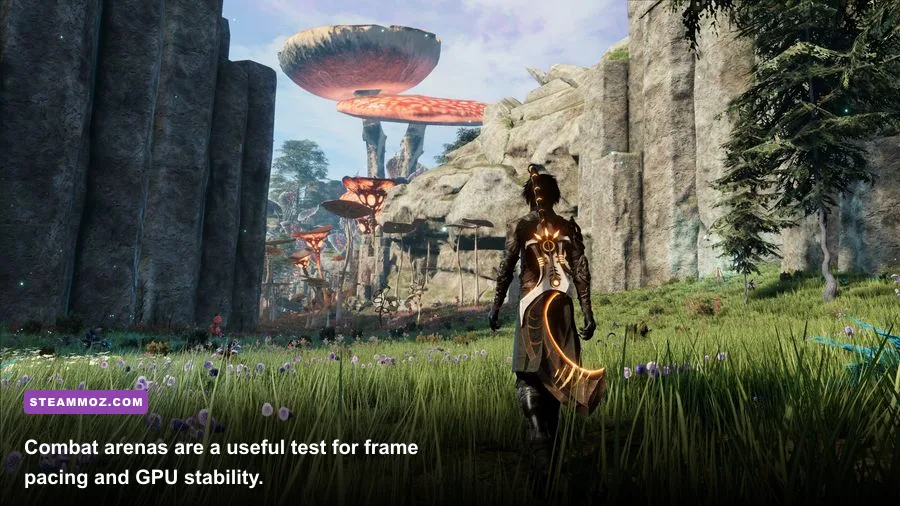
A PC near the minimum specification should be treated as a 720p or low-settings machine, not a guaranteed 1080p/60fps system. The Core i5-2400 has four older cores, while the FX-6300 offers more threads but much weaker per-core performance. Either processor can handle the game's turn-based battles, yet streaming Heryon's open environments is where frame pacing may become uneven.
The GTX 670 and Radeon R9 280 are also several generations old. Their raw performance is enough for low-to-medium settings, but available VRAM is the bigger concern. High texture quality can produce stutter when the game loads new areas, particularly while riding across large landscapes or moving between settlements and combat zones. Dropping textures one step is often more effective than reducing every option blindly.
With 8GB of system memory, close Chrome, launchers, recording tools, and overlays before playing. Edge of Eternity shares RAM with Windows and background services, and an 8GB system has little headroom. If you see pauses that don't correspond to a GPU-heavy scene, memory pressure is a stronger suspect than pure graphics horsepower.
Don't confuse turn-based combat with low system demand, either. The camera can pull back across a sizeable arena, showing terrain, characters, effects, and multiple enemies at once. The battles don't need esports-level latency, but a consistent 30fps feels much better than a fluctuating 45fps that repeatedly drops during ability effects.
The recommended specs are the safer 1080p target

The Core i7-4770 and Ryzen 5 1600 are far more comfortable choices for this game because they provide stronger multitasking and better minimum frame times. The upgrade from 8GB to 16GB is just as important. It gives the game room to stream environments while Windows handles audio, overlays, and background tasks without constantly pushing data into the page file.
On the graphics side, the GTX 1070 and RX Vega 56 are aimed at 1080p with substantially higher settings than the minimum cards. They also offer more VRAM, which helps preserve texture quality in Heryon's outdoor areas. A newer card such as an RTX 2060, GTX 1660 Super, RX 5600 XT, or anything faster should also be a sensible modern equivalent, although exact performance depends on resolution and driver support.
Expect the recommended tier to deliver the best experience around high settings at 1080p, but don't read that as a promise of 60fps in every scene. Large vistas, weather effects, and busy combat encounters can still create dips. A locked 50 or 60fps profile is preferable to maxing every slider and accepting inconsistent frame pacing.
| Hardware level | Practical resolution | Starting preset | Expected experience |
|---|---|---|---|
| Minimum CPU/GPU | 1280x720 to 1600x900 | Low | Playable, with possible streaming stutter and 30fps dips |
| Minimum CPU with stronger modern GPU | 1920x1080 | Low to medium | GPU headroom exists, but CPU-heavy scenes may still hitch |
| Recommended CPU/GPU | 1920x1080 | High | Best balance for a generally smooth 60fps target |
| Modern mid-range PC | 2560x1440 | Medium to high | Good image quality, with shadows and effects needing tuning |
If you're comparing this performance profile with other demanding PC RPGs, Steamoz's review of In Stars and Time is a useful reminder that a stylized RPG and a large 3D world can have very different hardware demands.
Best Edge of Eternity graphics settings for low-end PCs
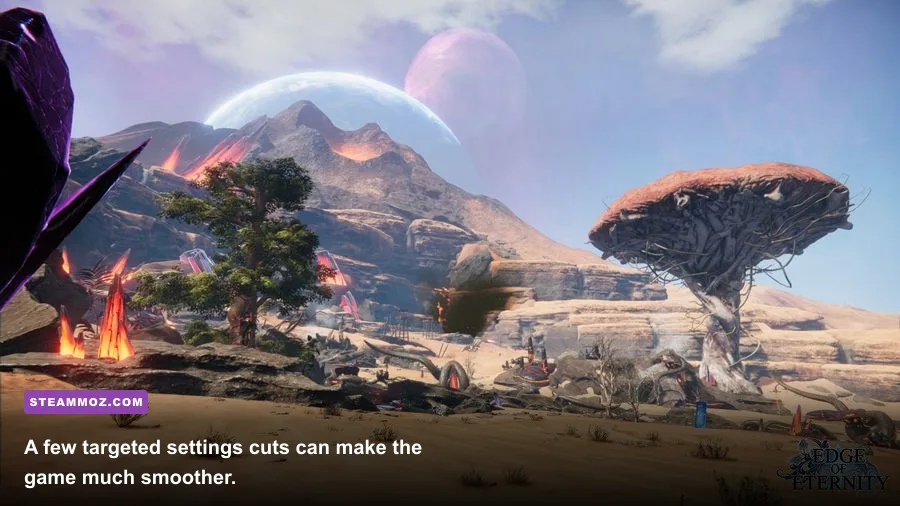
Start with the game's Low preset, then raise individual options rather than jumping straight to High. Resolution has the largest immediate impact, while shadows and post-processing often cost more frames than players expect. Texture quality is comparatively cheap when your graphics card has enough VRAM, so keep it higher than shadows if the image looks too muddy.
| Setting | Recommended value | FPS impact | Visual trade-off |
|---|---|---|---|
| Resolution | 1920x1080, or 1600x900 on minimum hardware | Very high | Lower resolution is the fastest performance rescue |
| Texture quality | Medium; High with 4GB+ VRAM | Low to medium | Higher textures improve surfaces but use more VRAM |
| Shadow quality | Low or medium | High | Reduces soft shadows and contact detail |
| Effects quality | Medium | Medium to high | Controls spell, weather, and combat-effect density |
| Post-processing | Low to medium | Medium | Less bloom and image filtering, but a cleaner frame rate |
| View distance | Medium | Medium | Reduces distant detail and streaming pressure |
| Anti-aliasing | Medium or the game's lower available option | Low to medium | Some jagged edges remain at a lower cost |
For an older GPU, the most effective order is resolution first, shadows second, then effects and view distance. If you have an older CPU but a relatively modern graphics card, don't slash resolution immediately. Lower view distance and effects instead, because a processor-limited machine won't gain much from rendering fewer pixels.
Use an in-game frame cap if one is available, or cap the game through your GPU driver. A stable 30fps is a perfectly reasonable target for a minimum-spec laptop, while a recommended PC should aim for a locked 60fps. The goal is consistent frame delivery during exploration and combat, not a high number in an empty interior.
SSD space, RAM, and stutter fixes

The approximately 60GB storage requirement is only the starting point. Leave additional free space for patches, shader caches, save backups, and Windows maintenance. Installing Edge of Eternity on an SSD won't magically raise average fps, but it can reduce loading times and make asset streaming feel less abrupt. On a hard drive, pauses while entering new areas are more likely to feel severe.
Sixteen gigabytes of RAM is the sensible modern baseline. If your PC has 8GB, close everything unnecessary and disable browser hardware acceleration if a browser must remain open. Avoid running multiple overlays at once; Steam, Discord, Xbox Game Bar, and GPU recording tools can collectively consume meaningful memory on a low-end system.
Update your graphics driver, verify the game files through Steam, and let shader compilation finish if the title performs that process on launch. Don't judge performance from the first few seconds after loading a save. Walk through a representative outdoor route, enter a settlement, and fight a multi-enemy encounter before changing settings. That gives you a realistic view of streaming, CPU load, and effects performance.
For broader PC troubleshooting habits, Steamoz's guides on stopping crashes and rescuing fps and tuning settings for higher fps cover the same practical checks that help here.
Can laptops and integrated graphics run it?
A laptop with a dedicated GTX 1650, GTX 1060, RTX 2050, RX 5500M, or better should be a realistic 1080p candidate with sensible settings. Keep the machine plugged in, use its high-performance power profile, and make sure the game is using the dedicated GPU rather than integrated graphics. Laptop cooling matters: sustained RPG sessions can trigger thermal throttling after the first 20 or 30 minutes.
Integrated graphics are a much tougher case. Recent Radeon 680M or 780M systems may produce a playable low-setting experience at 720p or 900p, but older Intel UHD chips generally fall below a comfortable target. The published GTX 670/R9 280 minimum is a useful warning: this is not a game designed around basic office graphics.
Also check whether your laptop has single-channel memory. Integrated GPUs borrow system RAM, so an 8GB single-stick configuration can perform noticeably worse than 16GB dual-channel memory. That upgrade won't fix every CPU limitation, but it can improve both average frame rate and the hitching that comes from memory bandwidth.
Before buying, compare your exact processor and GPU against the Midgar Studio official website and the current Edge of Eternity Steam community hub for patch-specific reports. Hardware names alone don't tell the full story, especially with mobile chips.
The final verdict on Edge of Eternity PC requirements
Edge of Eternity's minimum requirements are attainable, but they describe a compromise-heavy experience: low settings, reduced resolution, careful background-app management, and occasional dips. The recommended specification is the better buying target, particularly because 16GB of RAM and a GTX 1070-class GPU give the game enough headroom for Heryon's larger environments.
If your PC sits between the two tiers, prioritize memory and graphics VRAM before chasing small CPU upgrades. Use medium textures, low-to-medium shadows, a 1080p resolution target, and a 30fps or 60fps cap based on your hardware. With that profile, even a modest modern gaming PC can make Edge of Eternity's long journey through Heryon feel smooth instead of technically exhausting.
And if the game still behaves badly after sensible tuning, don't assume the minimum numbers guarantee perfect performance. Check thermals, confirm the correct GPU, install it on an SSD when possible, and test several areas rather than relying on one quiet scene. That practical approach will tell you far more than a single benchmark number.