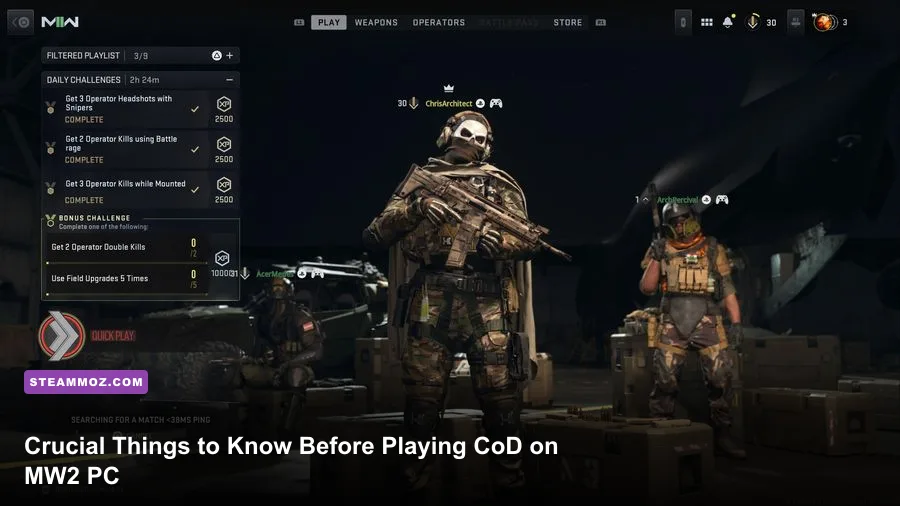
Before you start playing Call of Duty: Modern Warfare II on PC, lock down three things first: install the high-resolution texture content only if your hardware can handle it, build a stable 90–120 FPS graphics profile, and learn how MW2's movement and Gunsmith systems actually trade speed for control. The 2022 reboot isn't just a faster version of older Call of Duty games. Its sprint-to-fire timing, weapon tuning, audio, perk packages, and large install size can punish players who launch straight into Quick Play without preparing.
This guide focuses on the PC version of Modern Warfare II, including the campaign, traditional multiplayer, Special Ops, and the systems that connect to the broader Call of Duty ecosystem. For the current platform information, check the official Steam listing and Activision's MWII support page before buying or reinstalling.
Check Your PC Before Installing MW2
MW2 is a heavy PC shooter, and the storage requirement is only part of the story. The game uses streamed assets, high-resolution textures, shader compilation, and a large collection of multiplayer maps. An SSD is strongly recommended because a hard drive can turn map loading and texture streaming into a stuttery mess. Leave additional free space beyond the launcher estimate for updates; Call of Duty patches can be unusually large.
Activision's published minimum target is built around an Intel Core i3-6100 or AMD Ryzen 3 1200, 8GB of RAM, and a GTX 960 or Radeon RX 470 with 2GB of video memory. That specification is a launch floor, not a comfortable competitive setup. For 1080p play, 16GB of RAM and a GPU with at least 6–8GB of VRAM give you much more breathing room. Close browser tabs and overlays if your system has only 16GB, especially while streaming textures.
| Profile | CPU / GPU Target | Memory and Storage | Realistic Goal |
|---|---|---|---|
| Minimum | Core i3-6100 or Ryzen 3 1200 / GTX 960 or RX 470 | 8GB RAM, roughly 125GB available | Low settings, around 30 FPS |
| Recommended | Core i5-6600 or Ryzen 5 1400 / GTX 1060 or RX 580 | 16GB RAM, SSD preferred | 1080p medium to high, about 60 FPS |
| Competitive | Modern six-core CPU / RTX 3060, RX 6700 XT, or better | 16–32GB RAM, fast SSD | 1080p low or balanced, 120 FPS+ |
Update your graphics driver before the first launch, then let the game finish shader preloading. Interrupting shader compilation is one of the easiest ways to create traversal stutter. If MW2 crashes after a driver update, verify files through Steam or Battle.net before deleting configuration folders. Our PC crash-fix checklist also covers the usual overlay, driver, and background-process problems.
Use a Stable Graphics Profile, Not Maximum Settings
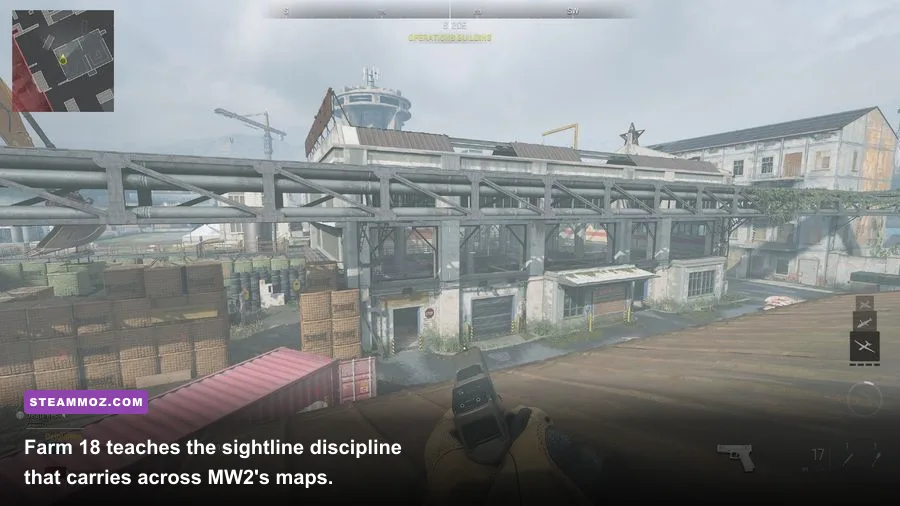
For a competitive PC setup, start at 1080p with Fullscreen Exclusive if the option is available, a 100% render resolution, and an uncapped menu only if your GPU temperature stays sensible. Set the in-game frame-rate limit a few frames below your monitor's refresh rate: 237 FPS for a 240Hz display or ગ?? no. 141 FPS for 144Hz. This gives the frame queue room to breathe and makes mouse input feel more consistent than wildly fluctuating between 110 and 180 FPS.
Use NVIDIA DLSS on Quality for RTX cards, AMD FSR 2 on Quality for Radeon hardware, or FidelityFX CAS at roughly 70–80 strength when you want a sharper native-looking image. Avoid setting every texture option to Ultra just because the GPU can technically display it. On-Demand Texture Streaming can consume bandwidth and cause hitching; disable it while troubleshooting, particularly on a capped or unstable connection. World Motion Blur and Weapon Motion Blur should be off for competitive play. Film Grain belongs at zero.
| Setting | Recommended Value | FPS Impact | Visual Trade-Off |
|---|---|---|---|
| Upscaling | DLSS Quality, FSR 2 Quality, or CAS | High positive impact | Quality modes preserve clarity; Performance modes soften distant targets |
| Texture Resolution | Normal or High | Medium VRAM impact | High improves surfaces but does not improve enemy visibility much |
| Volumetric Quality | Low | Medium positive impact | Less fog and lighting depth, cleaner competitive image |
| Shadow Quality | Low or Normal | Medium positive impact | Fewer detailed shadows and less distracting shadow noise |
| Particle Quality | Low | Small to medium impact | Less smoke and debris detail during explosions |
| Motion Blur / Film Grain | 0.00 / 0.00 | Minimal FPS change | Sharper target tracking and less visual haze |
Don't judge performance from the firing range alone. Test a full match on a busy map such as Santa Seña Border or Shipment, where smoke, vehicles, particles, and multiple players stress the engine. If your average FPS looks fine but the game feels uneven, watch the 1% lows. A stable 90 FPS usually feels better than a 140 FPS average with repeated drops to 45.
For more general tuning ideas, see Steamoz's guide to maximizing FPS through sensible graphics settings. The menus differ, but the rule is the same: reduce expensive volumetrics and shadows before destroying texture clarity.
Understand MW2's Gunplay and Gunsmith Trade-Offs
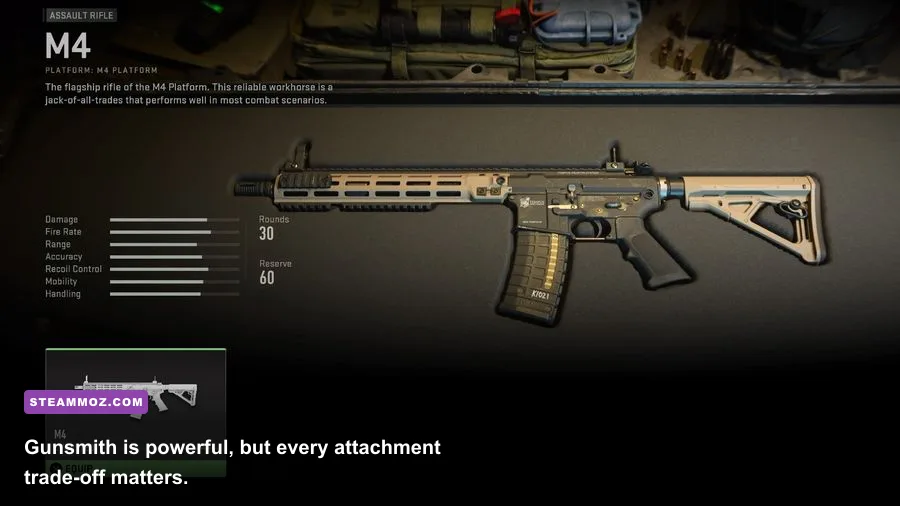
The M4 is the best first weapon for learning MW2 because it has predictable recoil, a forgiving rate of fire, and an early progression path that unlocks useful optics, grips, and magazines. Don't immediately copy a five-attachment “meta” build from a video. Every attachment changes aiming-down-sights speed, sprint-to-fire speed, recoil, movement speed, or idle sway. A weapon that looks perfect in the Gunsmith can feel sluggish when you need to clear a room.
For assault rifles, prioritize a clean optic only if the iron sights bother you, then add recoil control without stacking heavy barrels and oversized magazines. The M4, Kastov 762, and TAQ-56 each reward different habits: the M4 is flexible, the Kastov 762 hits harder but kicks more, and the TAQ-56 favors controlled bursts at medium range. The Lachmann Sub is a strong close-range partner once unlocked, while the Vaznev-9K becomes a more specialized aggressive SMG choice later.
| Weapon | Role | Best Early Focus | Main Weakness |
|---|---|---|---|
| M4 | All-purpose assault rifle | Optic, rear grip, moderate recoil control | Doesn't dominate extreme close range |
| Kastov 762 | Hard-hitting rifle | Recoil stabilization and magazine discipline | Slower handling and heavier kick |
| TAQ-56 | Medium-range rifle | Accuracy and sustained-fire control | Needs better positioning than an SMG |
| Lachmann Sub | Close-range SMG | Sprint-to-fire and hip-fire mobility | Damage falls off at longer ranges |
| SP-R 208 | Fast marksman rifle | ADS speed and quick follow-up shots | Missed shots are heavily punished |
Use the firing range and private matches to test recoil at 10, 20, and 30 meters. Fire a full magazine without correcting your mouse, then repeat while pulling down. That quick test tells you whether a barrel or underbarrel attachment is genuinely helping. Weapon tuning, where available, is not magic; it offers small adjustments, and pushing one slider too far can erase the handling you wanted to preserve.
MW2's time-to-kill is quick enough that first-shot accuracy matters more than flashy movement. Pre-aim likely doorways, avoid reloading after every engagement, and use cover that protects your legs and torso rather than head-glitching in the open. If you're returning from older Call of Duty games, remember that MW2's movement is less forgiving than the slide-cancel era. Tactical sprint is useful for rotations, but don't enter a likely fight while still recovering from it.
Fix Your Controls, Audio, and Visibility Before Quick Play
On keyboard and mouse, begin with a sensitivity that lets you turn 180 degrees without dragging across your entire desk. A common starting point is 800 DPI with an in-game sensitivity around 4–7, but there is no magic number. Keep ADS sensitivity consistent rather than changing every zoom multiplier until your muscle memory becomes fragmented. Bind armor plates, tactical equipment, melee, and ping where your fingers can reach them without abandoning movement.
Controller players should test Dynamic aim response, then adjust the left-stick and right-stick dead zones until drift disappears without making the aim feel sluggish. A dead zone that is too high creates a noticeable delay around the center of the stick. Whatever your input method, turn down camera movement and set a field of view that matches your monitor. Around 100–110 FOV is a sensible 16:9 starting range; higher values show more peripheral action but make distant targets appear smaller.
Audio deserves more attention than another attachment. Use headphones, disable unnecessary Windows spatial effects while testing, and keep effects loud enough to hear footsteps without making gunshots painful. MW2's directional audio can vary by surface and situation, so don't treat a single footstep cue as perfect information. Combine sound with the minimap, teammate positions, opened doors, and the kill feed.
In Interface settings, increase the minimap size if you struggle to read it, choose a color profile with clear enemy and friendly separation, and keep the center-dot reticle visible. Color customization won't fix poor positioning, but it can make nameplates and objective markers easier to parse during smoke-heavy fights. Also check whether texture streaming, voice chat, and telemetry are using bandwidth or CPU resources before blaming your internet connection.
Learn the Progression Before Chasing the Meta
MW2's progression is built around weapon platforms. Leveling one receiver can unlock another weapon, so “trying everything” is often more efficient than using a single rifle forever. The M4 platform leads into several useful attachments, while the Lachmann platform unlocks weapons suited to different ranges. Check the weapon platform tree before assuming an attachment is unavailable; it may simply belong to a different receiver.
Perk Packages also shape your match rhythm. The default Assault package provides Double Time, Battle Hardened, Fast Hands, and Overclock, which is a comfortable learning setup. Double Time extends Tactical Sprint duration and improves crouch movement, while Fast Hands speeds up reloads and equipment use. If UAV spam is ruining your matches, packages containing Ghost become more valuable later, but don't select stealth perks at the expense of learning the map.
| Stage | What to Prioritize | Why It Matters | Common Mistake |
|---|---|---|---|
| First 3 Levels | Finish the tutorial, set controls, unlock M4 basics | Builds reliable muscle memory | Changing sensitivity after every bad match |
| Levels 4–15 | Complete weapon platform challenges | Expands attachment and receiver options | Grinding one gun without learning range changes |
| First Loadouts | Use Assault or default perk packages | Provides useful movement and equipment utility | Copying a specialist package you can't yet exploit |
| After Level 20 | Refine two primary weapons and one close-range option | Gives flexibility across maps and modes | Building five nearly identical assault rifles |
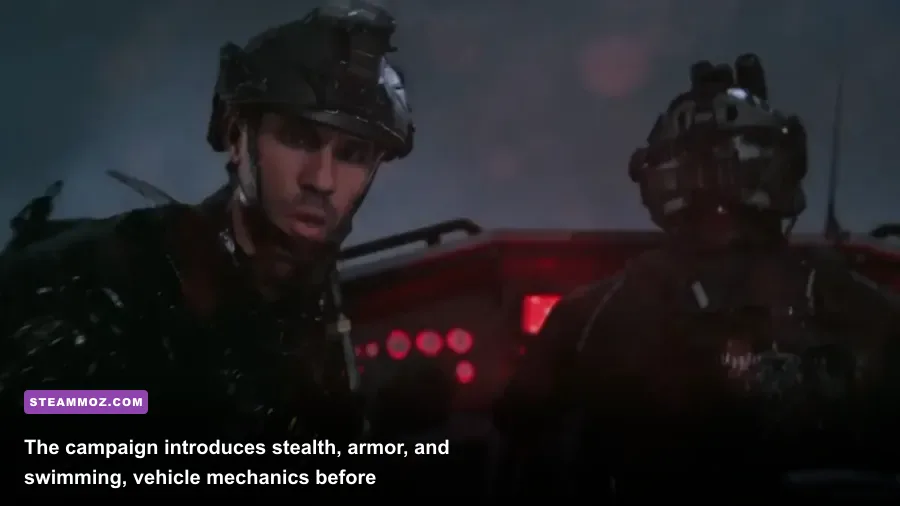
Play the campaign before dismissing its slower moments. Missions such as Recon by Fire teach stealth, range estimation, and weapon discipline, while Dark Water introduces close-quarters movement around a ship. Alone emphasizes scavenging and crafting under pressure, and those lessons carry into Special Ops more than you might expect. The campaign also lets you learn the names and personalities of Task Force 141 members including Captain Price, Ghost, Soap, and Gaz without the chaos of a live match.
Finally, don't confuse a bad first evening with a bad PC setup. Matchmaking can place a new player against veterans, and early deaths often come from route knowledge rather than aim. Record a few matches, watch where your first engagement happened, and ask whether you sprinted into a power position, reloaded in the open, or challenged a rifle with an SMG. MW2 becomes far more enjoyable once your frame pacing, controls, and loadouts stop fighting you. If another PC game is also stuttering, Steamoz's low-FPS troubleshooting guide has additional Windows-level checks, while the PC specs breakdown for Fatal Fury is useful for understanding the difference between minimum and comfortable hardware targets.
For patch notes, playlists, and account guidance, keep the official Call of Duty blog bookmarked. MW2's balance can shift, but the fundamentals don't: stable frames, clear audio, disciplined positioning, and a weapon build that fits your range will outperform a fashionable loadout you can't control.