Getting Started: First 10 Minutes
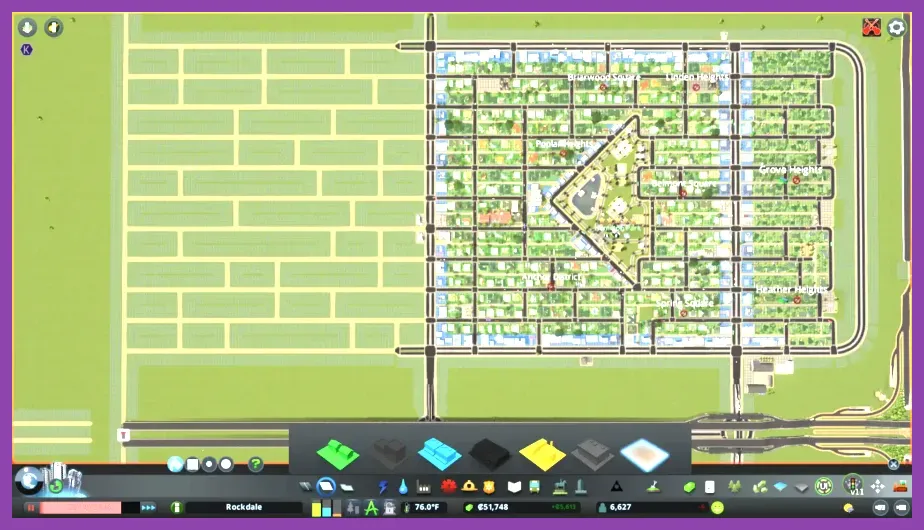
When you launch Cities: Skylines 2 for the first time, the game gives you a modest $100,000 starting budget and the option to take a loan of up to $50,000 at a fixed 5% annual interest. The immediate priority is to lay down a basic road grid, zone a small residential area, and provide essential water and power before your first citizens arrive. Skip the temptation to build a sprawling downtown; instead, focus on a 2×2 km starter tile with a simple grid of 2‑lane roads spaced 200 m apart. This layout keeps early traffic light and leaves room for future expansion.
Place a Water Pumping Station ($12,000) near a water source and a Coal Power Plant ($30,000) upwind of your residential zone. Connect both to the grid with power lines and water pipes. Then zone a 4 × 4 block of Low Density Residential ($3 per cell) adjacent to the roads. Set the tax rate to 10 % for residential and watch your first citizens move in.
For a quick start, follow the built‑in tutorial (press F1) which walks you through these exact steps. If you prefer to skip it, remember to pause the game (Space) while you lay down infrastructure to avoid early expenses.
Budget and Finance Basics
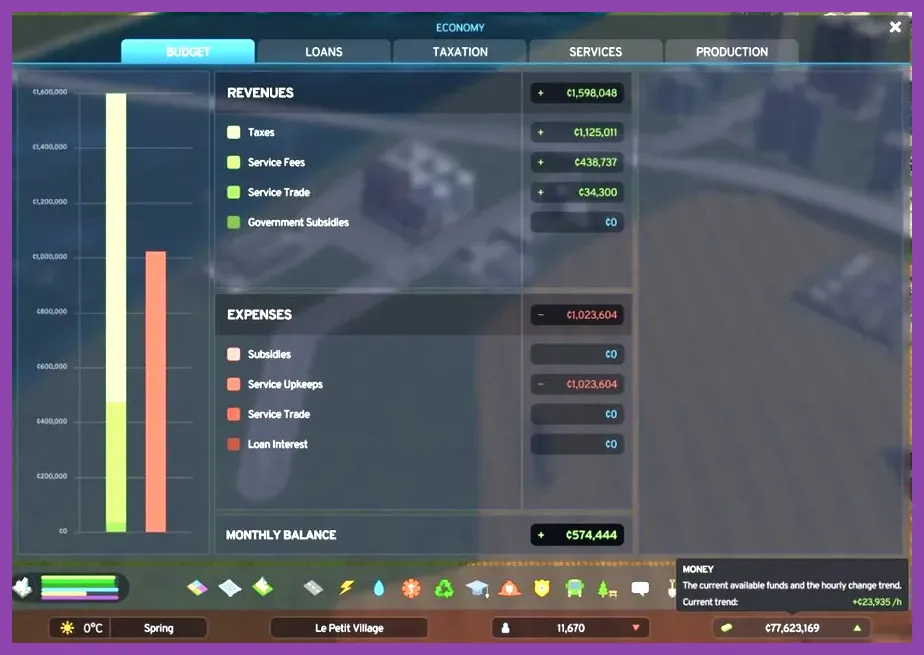
Understanding the finance panel is crucial. Your monthly income comes from taxes, while expenses include maintenance, loan interest, and service costs. Aim for a positive cash flow of at least $500 per month before expanding. The loan interest of 5 % means a $50,000 loan costs about $208 per month; pay it off as soon as your surplus allows.
Enable Automatic Savings in the finance tab to transfer a portion of surplus to a reserve fund each month. This helps absorb unexpected expenses like a sudden rise in garbage collection costs.
Use the Cities: Skylines 2 Steam page to check the latest patch notes, as balance changes can affect tax revenue and building costs.
Zoning and Land Use
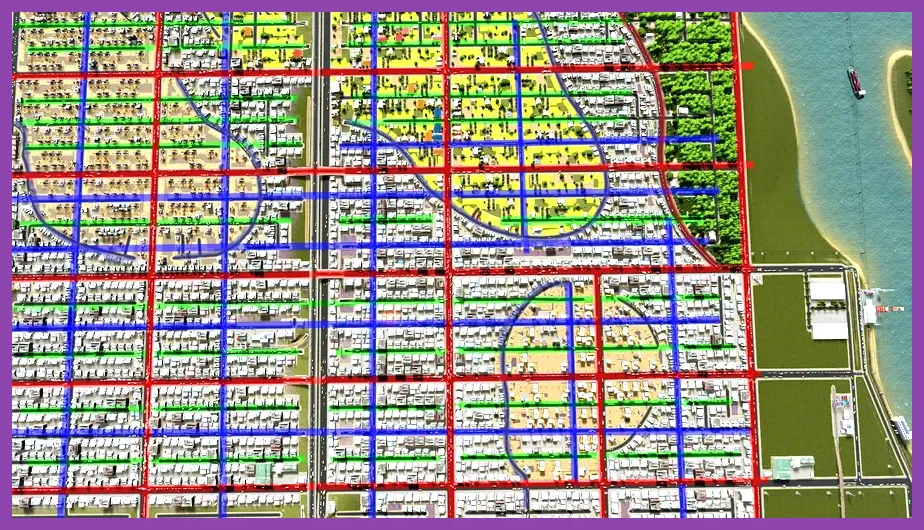
Start with low‑density residential to keep early demand low. Each low‑density house costs $3 to zone and yields about 8‑10 citizens. Once you have stable income, upgrade to Medium Density Residential ($6 per cell) which supports 20‑25 citizens per cell and unlocks the Medium Density Commercial zone ($5 per cell).
Industrial zones should be placed downwind of residential areas to minimize pollution. The Generic Industry zone costs $4 per cell and provides jobs for low‑skill workers. Keep a buffer of at least one road or green space between industry and homes.
Commercial zones thrive near residential and transit. Place Local Commercial ($5 per cell) on main roads and Office Commercial ($7 per cell) near high‑density residential to boost tax revenue.
For a detailed breakdown of zone types and their yields, consult the official Cities: Skylines 2 Wiki.
Traffic Flow and Road Hierarchy
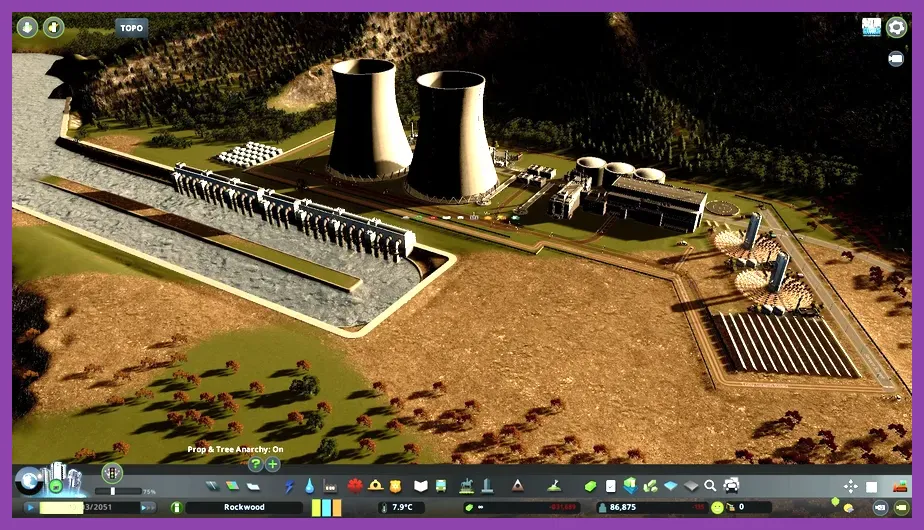
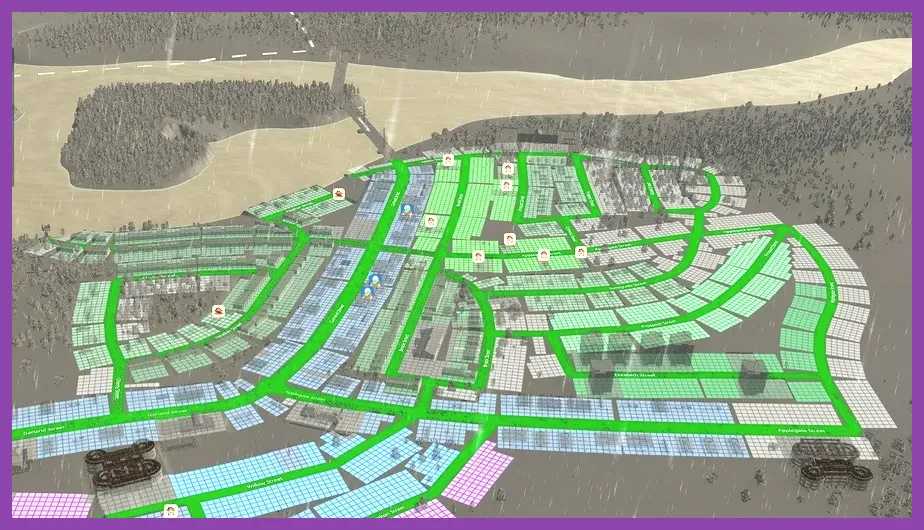
Traffic is the most common bottleneck for new players. Adopt a hierarchy: Arterial Roads (4‑lane, 60 km/h) form the backbone, Collector Roads (2‑lane, 40 km/h) feed into them, and Local Streets (2‑lane, 30 km/h) serve individual zones.
Use the Roundabout tool (press R) at intersections where arterial meets collector to reduce stop‑and‑go. Avoid placing traffic lights on arterials; instead, rely on roundabouts or prioritize lanes with the Priority Sign (available after unlocking the Road Services milestone).
Enable Speed Limits on local streets to 30 km/h to improve safety and reduce accidents. Monitor the traffic map (press T) and look for red congestion lines; if you see them, add an extra lane or create a bypass.
For a visual guide on road hierarchy, see the Steamoz guide on fixing lag and low FPS in Avowed (the principles of performance tuning apply to traffic simulation as well).
Utilities, Services, and Policies
Water and power are the foundations. A single Water Pumping Station supplies 8,000 m³/day, enough for roughly 2,000 low‑density residents. Upgrade to a Water Tower ($20,000) for storage and pressure boost. Power: a Coal Power Plant outputs 160 MW; replace it with a Solar Farm ($45,000, 80 MW) once you have enough surplus to go green.
Essential services to unlock early:
- Garbage Collection ($15,000 for a garage, $2 per truck)
- Healthcare ($25,000 for a clinic, $3 per ambulance)
- Fire Department ($20,000 for a station, $2 per fire truck)
- Police ($22,000 for a precinct, $2 per patrol car)
Place each service building within a 2‑km radius of the areas they cover. Check the service coverage overlay (press G, H, F, P respectively) to ensure no gaps.
Policies can dramatically improve city health. Enable Recycling in the Garbage policy tab to cut landfill use by 40 %. Activate Free Public Transport after unlocking the Public Transportation milestone to boost citizen happiness and reduce car usage.
For a deep dive on policy effects, refer to the Steamoz article on fast mounts in Satisfactory (the article explains optimization strategies that parallel policy tuning in city builders).
Milestones, Unlocks, and Recommended Mods
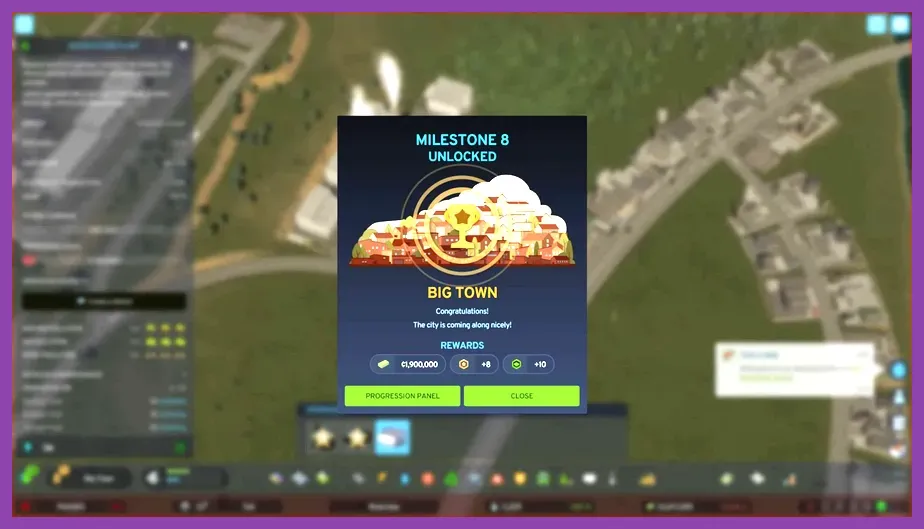
Milestones are earned by reaching population and budget goals. Each milestone unlocks new buildings, services, and policies. Prioritize these early milestones:
- Small Town (1,000 population) – unlocks Medium Density Residential and Generic Industry.
- Busy Town (5,000 population) – unlocks High Density Residential, Office Commercial, and Public Transportation.
- City (20,000 population) – unlocks University, Hospital, and Recycling policy.
Reach each milestone by focusing on balanced growth: keep residential, commercial, and industrial zones in roughly a 4:2:1 ratio, and maintain a positive cash flow.
Mods can enhance the beginner experience. Install these from the Steam Workshop:
- Area Replacer – quickly replace zones without demolishing.
- Move It! – fine‑tune object placement for perfect grids.
- Network Extensions 2 – adds extra road types for better hierarchy.
- Loading Screen Mod – reduces startup times.
Always enable the Mod Compatibility Checker to avoid conflicts. For a step‑by‑step on installing mods, see the Steamoz guide on fast leveling in Dragon’s Dogma 2 (the guide explains mod management principles applicable to any Steam game).
By following these specific, numbers‑driven tips—starting with a simple grid, managing your $100k budget, zoning wisely, building a road hierarchy, placing utilities efficiently, unlocking milestones, and using essential mods—you’ll have a thriving, solvent city ready for expansion within the first hour of play.